Local video models: what release 0.43 changes
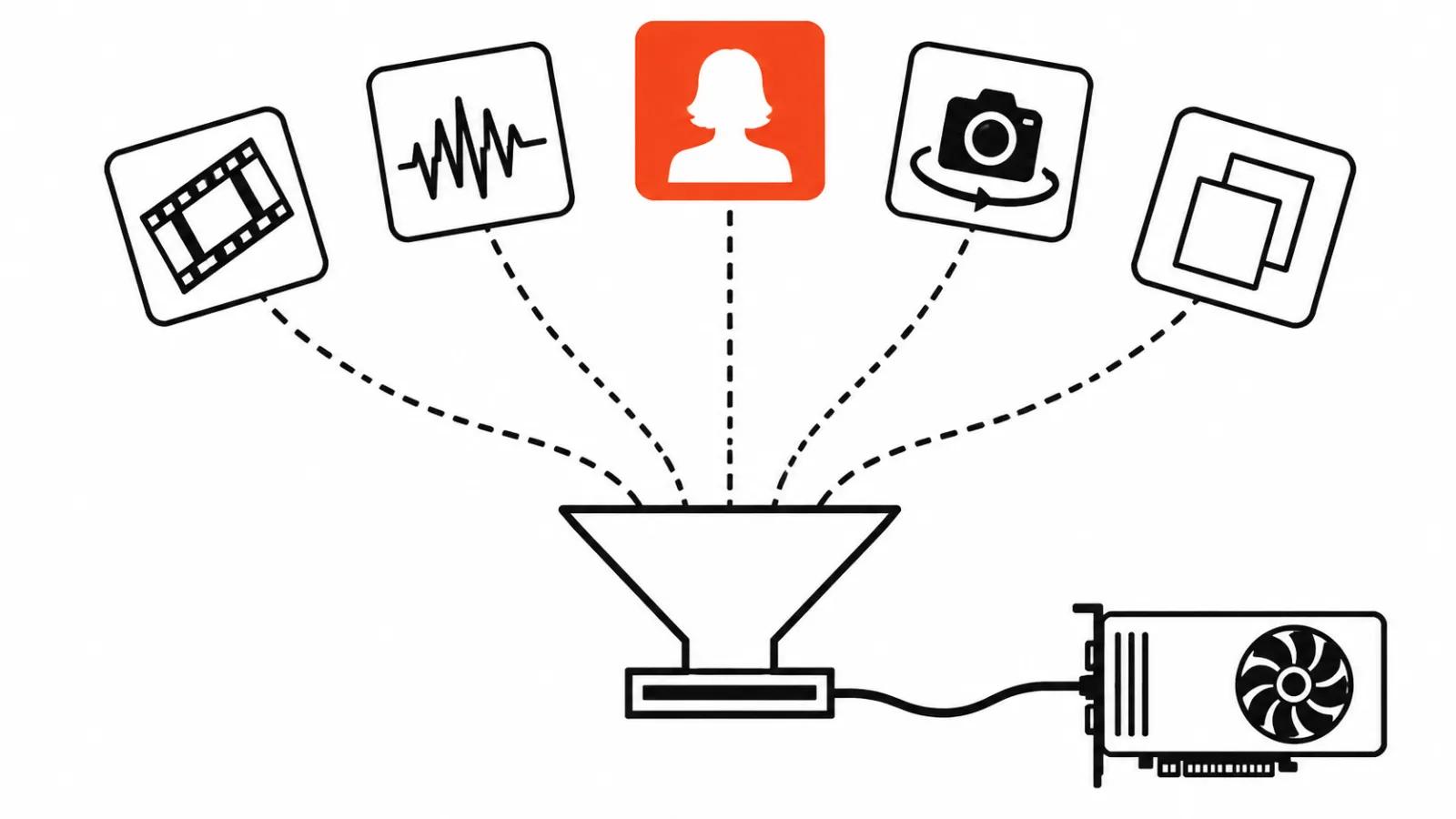
Diffusers is a Hugging Face library that runs generation models from code. Instead of a separate wrapper for every model, you write one pipeline shape and swap the block inside it. Version 0.43.0 landed on 12 November 2026 with five modular integrations: four for stills and motion, one for full scenes.
The value sits in the order of things. Before this, each model came with its own repo, its own dependency set and its own breakage on upgrade. Now several models install side by side and run through similar code, which turns a comparison of two approaches into an evening of work instead of a week.
One boundary up front. The library covers half the job. The other half stays with the GPU, the torch version and the weights licence, and that is where most first runs stall.
The five integrations
MiniMax-H3-Image produces a still and edits it from references in 6 steps. Pika H3 Flex renders video with synchronised stereo audio in 6 steps on top of MiniMax-H3, and it takes text, a first frame, a last frame, both frames, or multimodal references. P-H3-Image from Pruna AI works on images, edits them from an instruction, accepts up to 8 input pictures and runs in 8 steps.
Kandinsky S2V 1.0 animates a person from a photo plus a speech recording. PAN 2 arrived as a scene simulator: a description of actions and camera motion, text-to-video and image-to-video, 29 billion parameters. Five models in one place look like a menu, and that is exactly the useful part. Choosing gets easier when the launch conditions are the same for all of them.
Pika H3 Flex: audio and shared weights
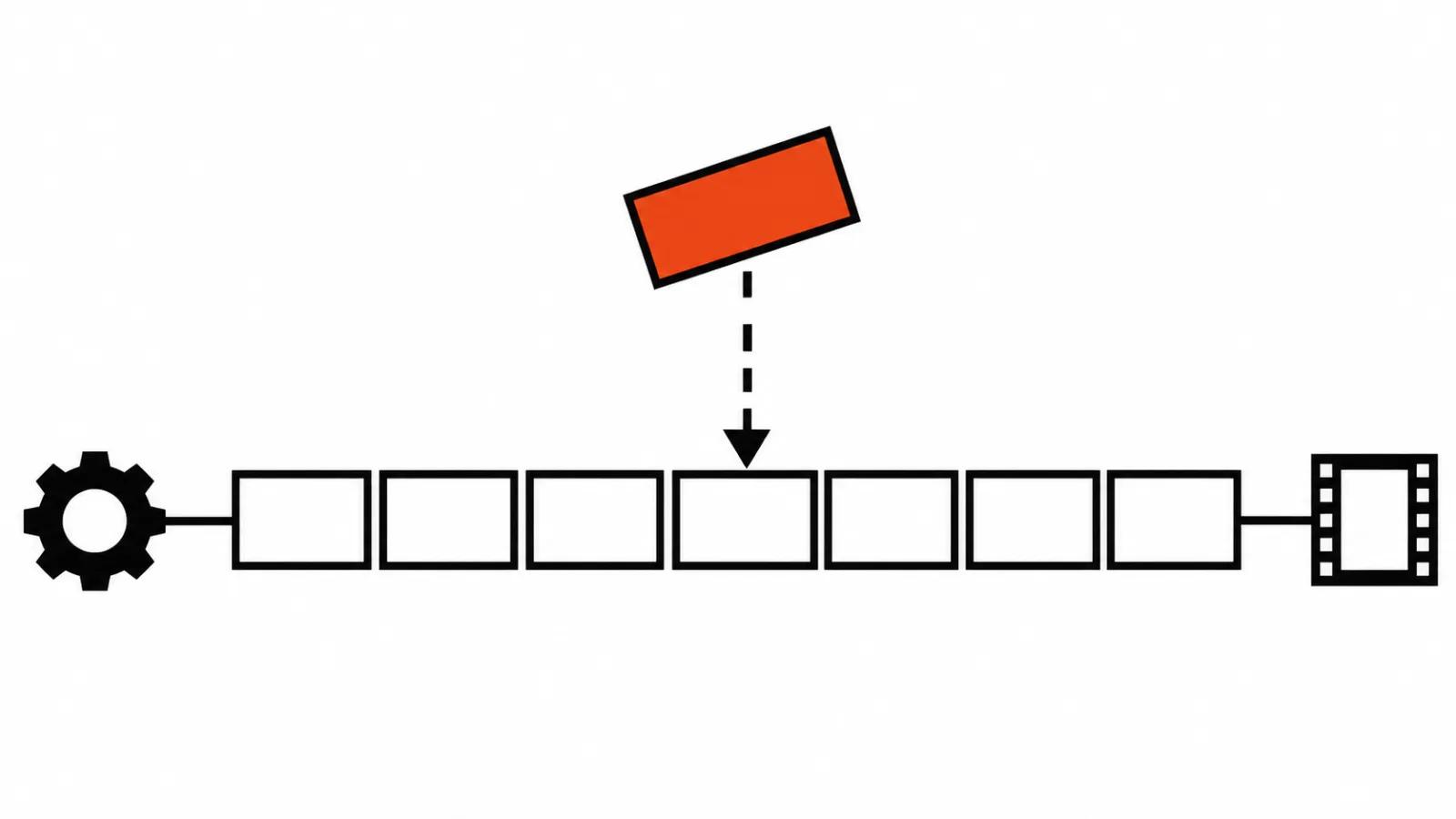
This is the most practical entry on the list. Pika H3 Flex loads LoRA adapters, and it can reuse components of MiniMax-H3 that are already in memory. That saves memory and loading time: the second model sits on a base that is already loaded.
It helps to keep the neighbouring numbers in mind. According to BestHub on 12 November, the third-party compressed build HyperFlow H3 Flash pulls around 90 GB on first launch and renders a 5.2 second clip in roughly 92 seconds on an RTX 5090. HyperFlow is not an official MiniMax product, and the MiniMax H3 Community licence excludes the EU, the UK, Korea and the US. We covered that build in our HyperFlow H3 Flash breakdown.
Kandinsky S2V: a talking subject in 5 second blocks
The release describes the model as animating a person from a picture and a speech recording, with full body motion following the voice. It generates in 5 second chunks and keeps continuity between them through FramePack memory. Audio comes from the recording you supply, the model does not invent a voice. Lite and Pro versions are distilled and run 16 steps by default.
The reason for chunking is simple. A long monologue is built from several passes, and the quality of the seam matters more than the quality of any single chunk. We went through Kandinsky S2V when it first appeared, with more detail on the seams.
PAN 2: a scene simulator with guardrails on by default
PAN 2 is a different class of job. It builds a scene from a description of actions and camera movement, so you are not editing a single frame or a talking head. 29 billion parameters, text-to-video and image-to-video in one pipeline.
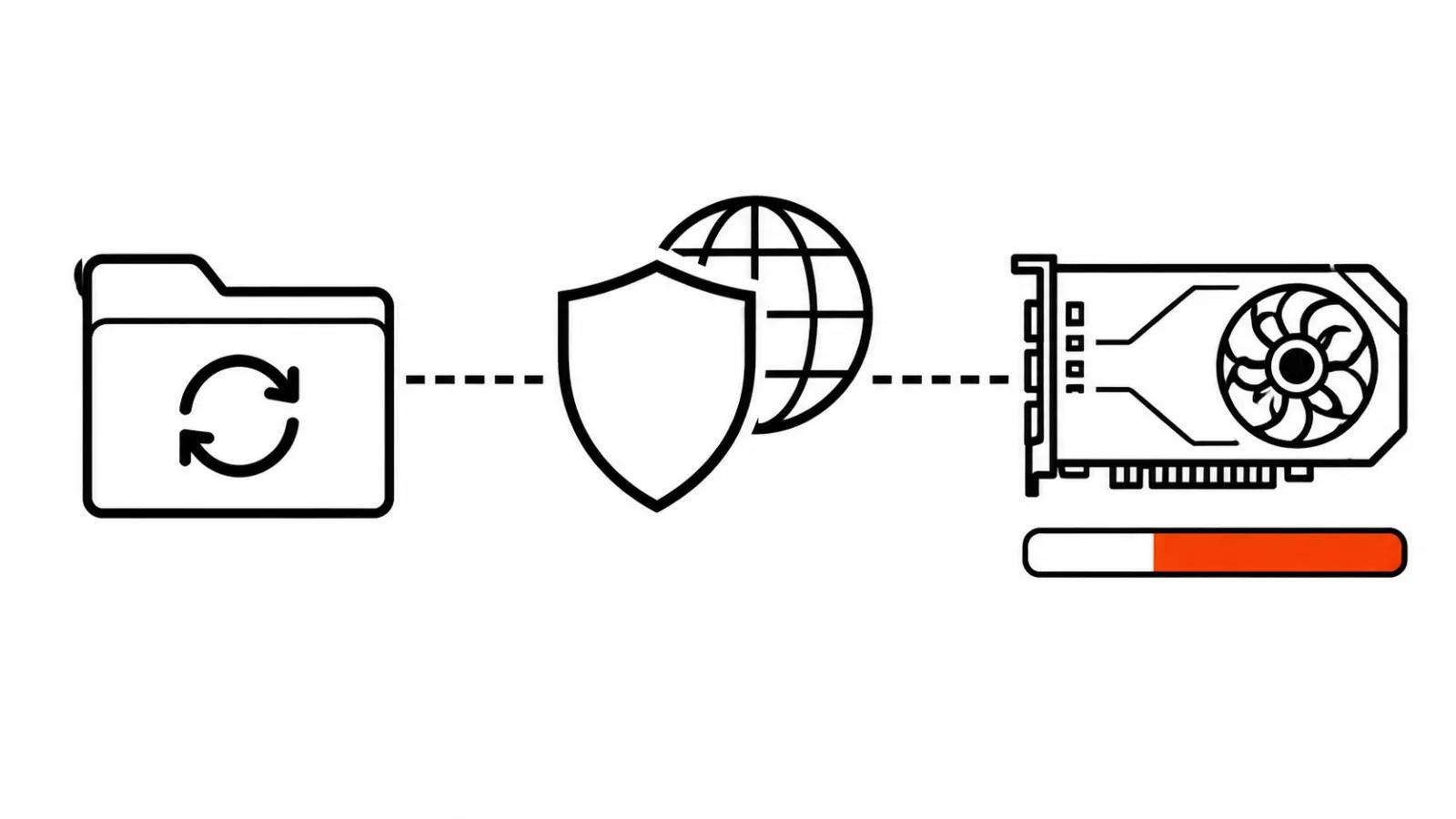
One detail matters before the first run. Safety checks are on by default and require a separate package, pan2-guardrail. A single pip install will not get you there: without the package the pipeline does not start. For a studio that trade is fair, since predictable filtering beats a surprise on delivery day. For an evening experiment it is one extra step.
Hardware, versions and licences outrank the model list
Some of the release notes never make a headline. MiniMax-H3 gained tensor parallelism, which splits the transformer across several GPUs so a large model fits on two cards instead of one. There is a new attention backend for AMD RDNA4, and the team fixed checkpoint saving and LoRA handling.
Then there are the version floors. Minimum dependency versions are now checked strictly, and the release names torch>=2.6 and transformers>=4.41.2 as examples. In practice an older virtual environment may refuse to start after the upgrade, which makes rebuilding it part of the task itself.
Local AI for video generation: what I check before a run
My order of checks before any of these models goes into real work.
First, the environment. Build a fresh virtual environment with torch 2.6 or newer and transformers 4.41.2 or newer, because dragging an old one forward takes longer than a clean install.
Second, the licence. MiniMax-H3 weights carry regional limits, and that gets settled before the download. Ninety gigabytes wasted on a licence you cannot use is a bad evening.
Third, GPU memory. The release quotes no gigabyte figures, so I take the number from the model documentation and confirm it with a five second test render.
Fourth, side packages such as pan2-guardrail if PAN 2 is on the list.
Fifth, the test shot. One short run, watched at full scale, then a decision about the series.
Where local rendering pays off
A local pipeline earns its keep when footage cannot leave the building, or when the volume of passes is high and repetitive. A company video with numbers you cannot publish, draft ad versions, camera motion tests before the final render.
For a one-off job with a handful of shots, sending the work out is cheaper. AI video production at our studio is built around a specific format, and an AI YouTube channel covers the whole release cycle. In that setup the local pipeline is a tool for testing ideas and for material that stays private.
My conclusion
Simple position: 0.43 is a release about order. There is no breakthrough inside it, and five models in one library mean comparing two approaches costs hours instead of days. Image quality still comes from the model. The library only makes launching it more predictable.
The dull part does not disappear either. Versions, memory, licences and packages like pan2-guardrail still decide whether you see a first frame tonight. Someone installing local generation for the first time will spend an evening on the environment before anything renders.
My shortlist for this week: Pika H3 Flex as the main model for video with audio, Kandinsky S2V for a talking subject, PAN 2 separately for a camera motion test. I start with a single five second run and check the audio on headphones, since stereo does not survive laptop speakers.