What ElevenLabs shipped on 12 November
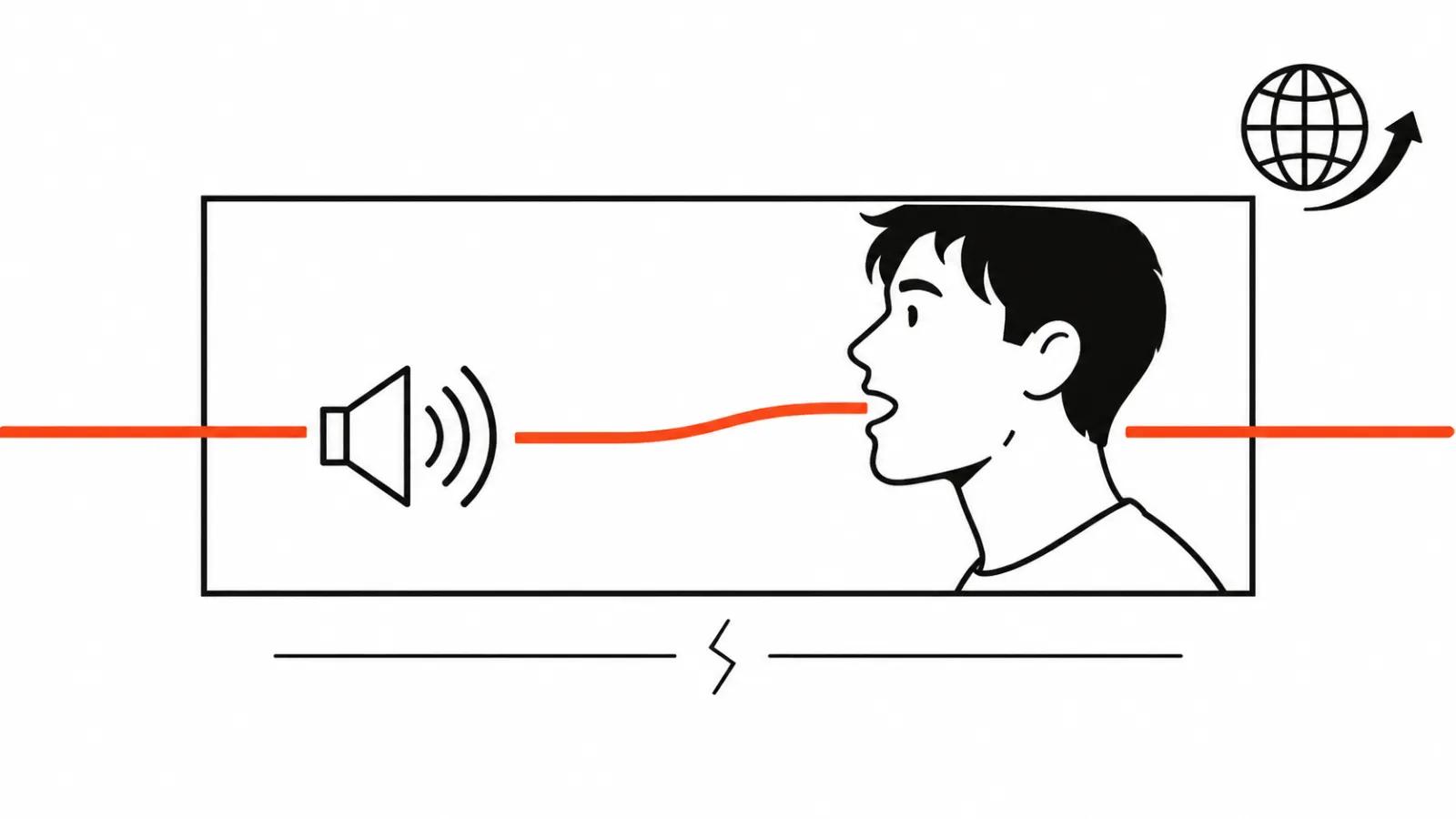
Dub & Sync landed on 12 November 2026 inside ElevenCreative, the company's creative app. It is an official release, and thereelstack.com covered it the same day, 12.11.2026. The flow is short: upload a video, choose target languages, receive a dub with the speaker's mouth fitted to the new audio. One pass, and there is no prompt to write.
The announcement gives no price and no language count. Check the app itself, where the subscription tiers and the languages enabled on your account are listed.
AI dubbing, one step shorter
Until 12 November the chain had two links. ElevenLabs Dubbing produced a translated voice track, and lip sync was a separate job: the Sync 3 model from the same company, or a third party tool.
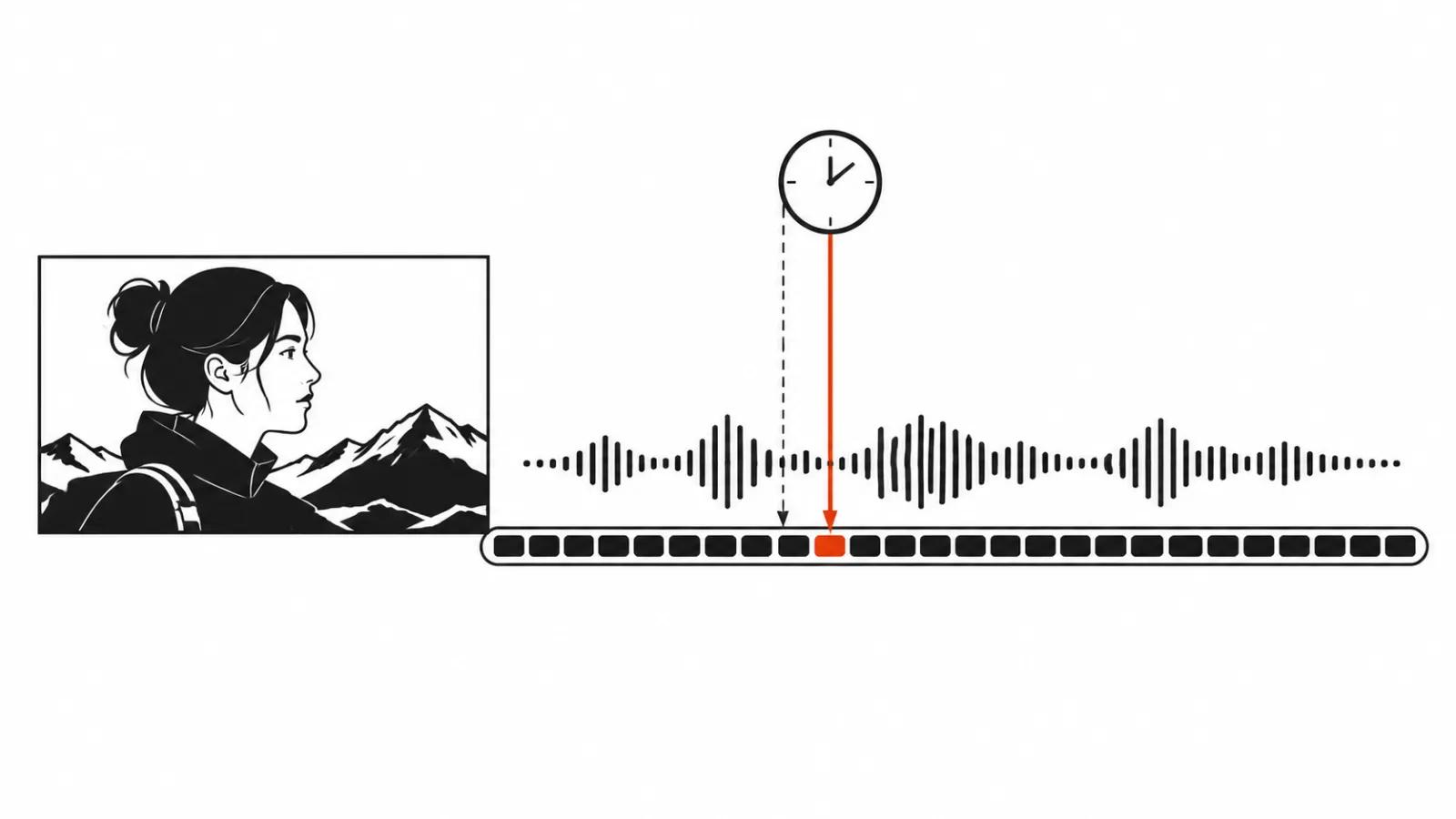
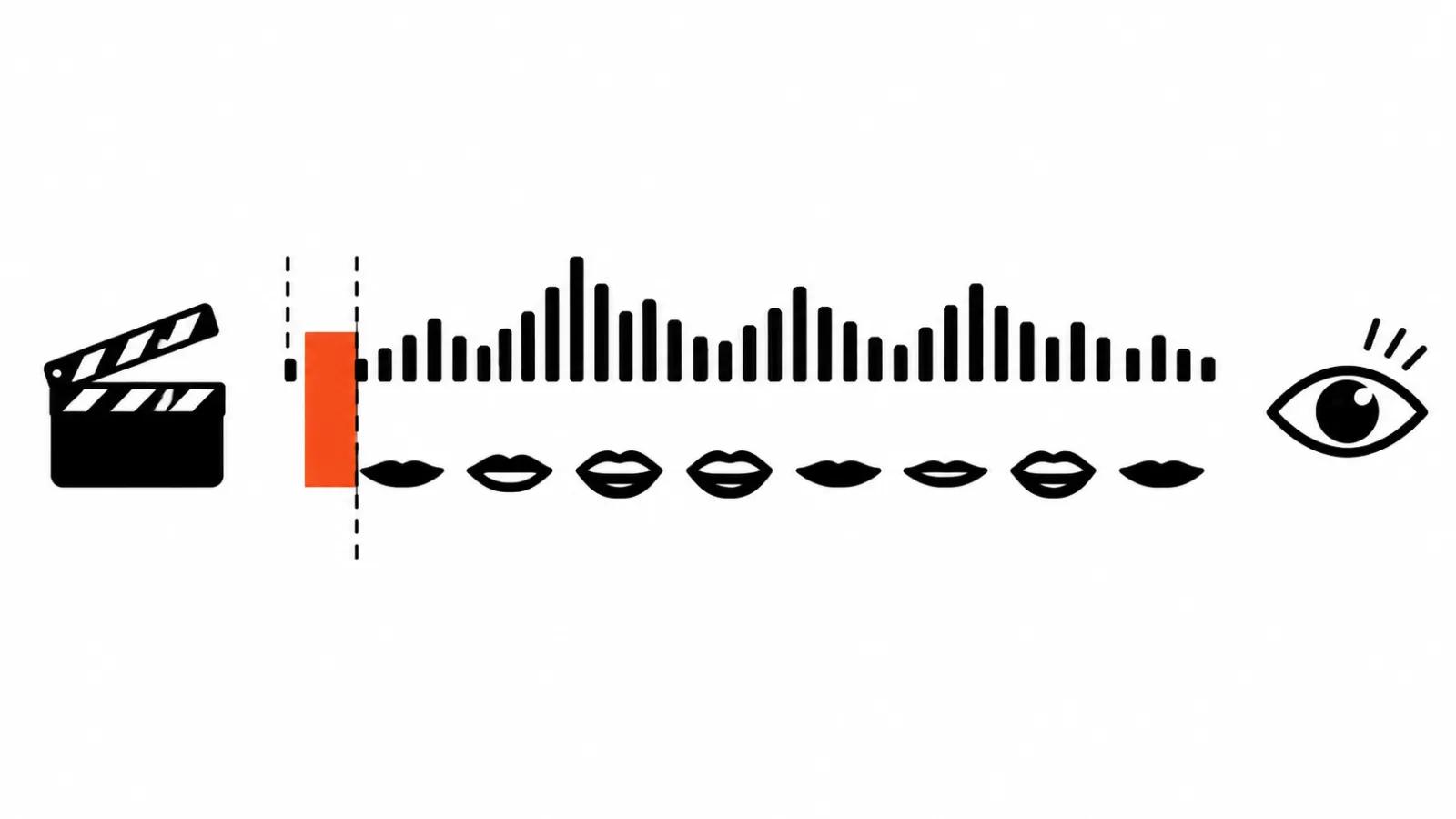
Two links mean two files, two queues, and a joint that is easy to lose. The voice came back translated, the lip sync was applied, and in the edit the mouth turned out to run half a second ahead of the audio. Chasing that frame by frame costs more than doing the whole thing at once. Dub & Sync shortens the distance between the voice and the picture, and the joint was always the weak spot.
AI video dubbing: the check before delivery
My list is short, and every item comes off one viewing with a notebook open.
Close-ups. Small drift is invisible on a wide shot and obvious on a face. Look at the shots where someone talks to camera: eyes and mouth are read together there, and any offset shows up at once.
Speech rate. A ten word sentence and its translation rarely take the same time. When the translation runs longer, delivery speeds up or pauses get trimmed, and the speaker starts to gabble. The giveaway is the spots where the original had a pause.
Names and terms. Company names, people's names, narrow jargon stay the fragile part of any dub. They get checked against the transcript and against a list prepared before the run, because an error in a foreign language does not read as an error by ear.
Phrase length in the target language. A line that fits English often overruns elsewhere, and in a tight cut it hits the edge of the frame: the line ends while the mouth keeps moving. Rewriting the line to length fixes it. Speeding up the track just sounds rushed.
Where lip sync breaks most often
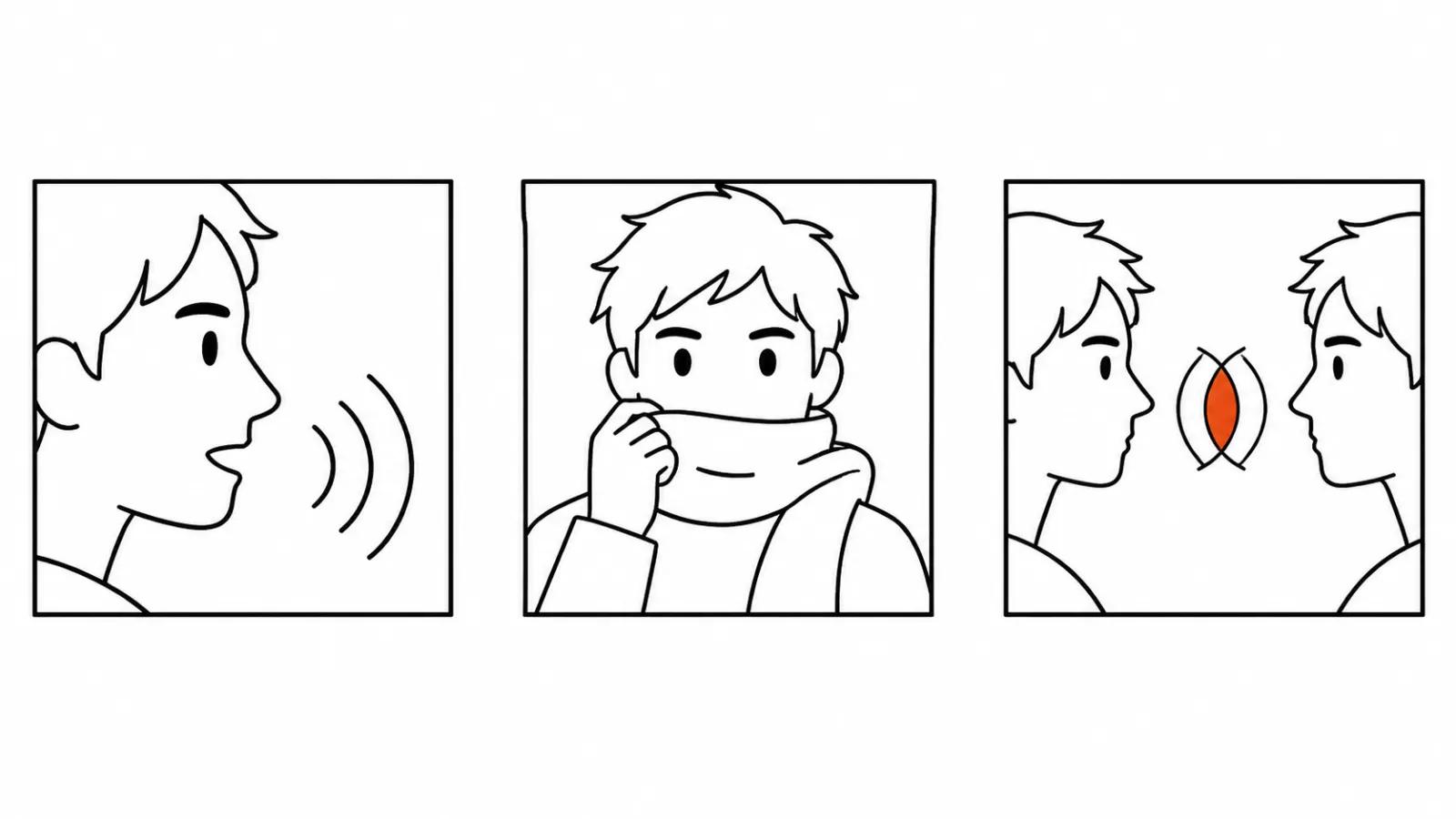
Three setups are predictable. The first is a profile or a turned head: the model sees half a mouth and guesses the movement, and the lips start to drift on the turn. The second is fast speech with interruptions, where pauses are shorter than the translated track needs. The third is occlusion: a hand near the face, a microphone, a beard, a scarf. Anything covering the mouth lowers the accuracy, and that holds for every lip sync tool.
Dialogues deserve their own look. In a two-hander each speaker gets a separate track, and interruptions can shift by a fraction of a second. Watch the turns, and watch the moment when one person is still talking while the other already opens their mouth. I wrote about dubbing timing separately, with the phrase length maths and the placement of pauses.
When a human editor is needed
A dub can be accepted automatically when the clip is short, the speaker is alone and the delivery is even. An editor is needed in three cases: long form with jargon, material with legal weight, and anything that runs as paid media.
In long form the drift accumulates. Each line looks decent on its own, and ten minutes in a row sound like two different people. That fix is manual and takes longer than the run itself.
In ads there is also responsibility for meaning. If the translated line promises more than the original, the problem has moved past lip sync. Ad translations go through a person for that reason, and the full picture sits in our piece on AI video translation and dubbing.
What else shipped that day
On 12 November Baidu presented Wizshot-ME as voicing a whole script in one pass instead of slicing it into chunks of about 30 seconds, according to Sina Finance. The logic matches the ElevenLabs release: vendors are removing the seam where pacing wobbles and joins are audible.
Two days earlier, on 10 November 2026, ElevenLabs shipped Scribe v3, speech recognition across 102 languages with a claimed 27 percent fewer word errors than Scribe v2. Those numbers come from the company, and there are no independent measurements as of 13 November. For dubbing it is a supporting step: the transcript feeds subtitles and the name check, and it saves an editor time there.
Rights and consent
Dub & Sync works from existing footage, which sets two conditions. The person uploading the clip needs the rights to it. Consent to localisation has to be collected beforehand, so the speaker knows their face and voice will appear in another language.
Settle that before the quote, because consent cannot be collected after the fact. For ad work there is a third question about the platform: check up front whether it requires an AI content label.
My take
For short clips in several languages Dub & Sync removes the chores: one run, one file, sync included. In AI video production localisation long stayed a separate bottleneck; now it can be closed in one run, as long as the close-up test passes.
The biggest gain is in vertical video ads, since country versions ship in batches and each one used to need its own lip sync pass. Handcrafted videos, from $190, stay the answer when the frame needs a real person and a real reaction on set, and no dub replaces that.
My routine on a new project: a ten second run on the worst shot, then a decision about the whole clip. If the lips drift on a close-up, the next step is rewriting lines to length and checking by hand.
One last thing. The feature landed on 12 November with no price and no language count in the announcement, so a quote is premature. App first, two test clips second, promises to the client after that.