What exactly opened on November 19
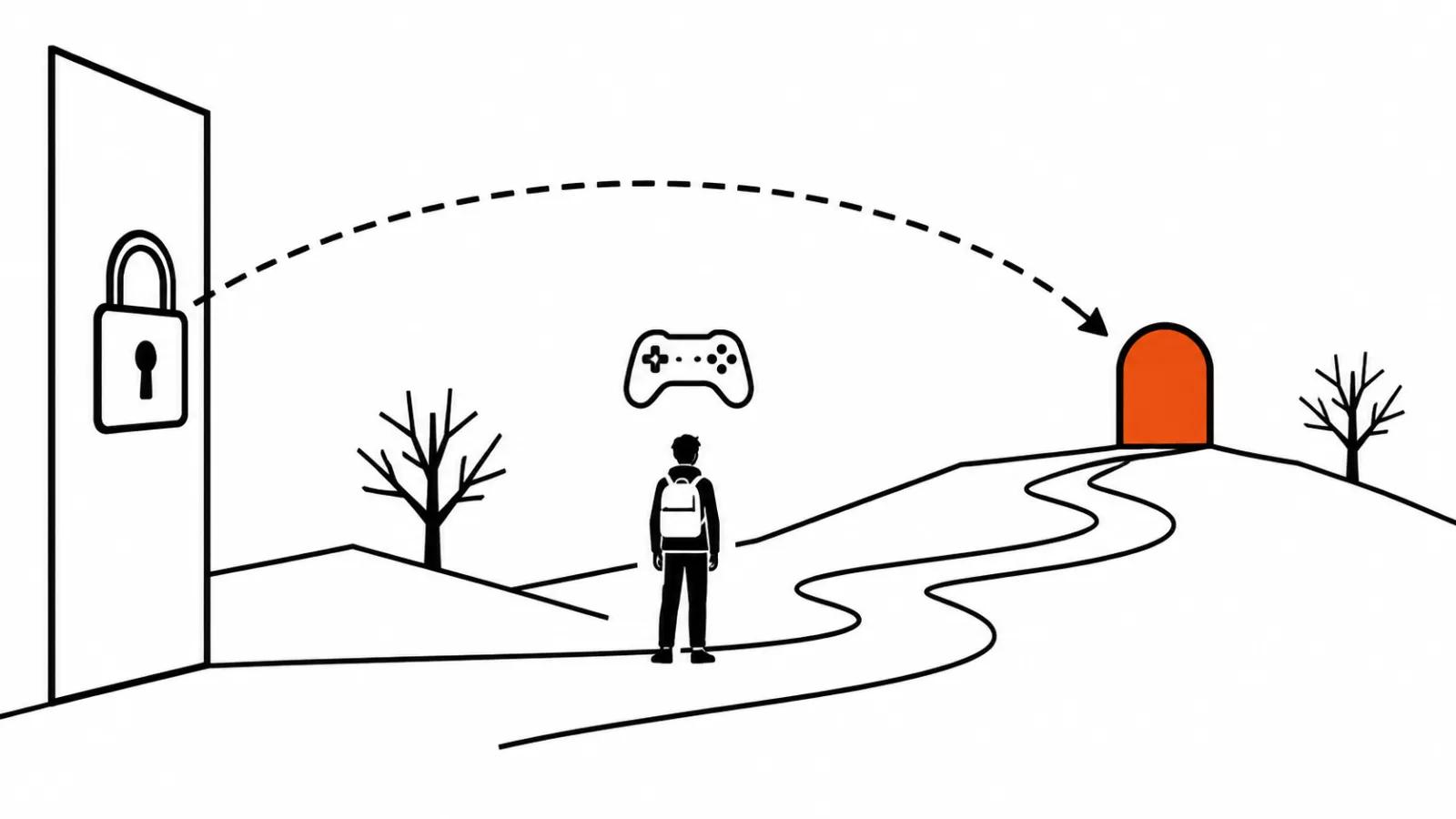
Google is rolling out Genie 4 in layers. On November 18 the model went to AI Ultra subscribers, and I covered yesterday's access for AI Ultra subscribers separately. A day later, on November 19, Genie 4 reached developers: through the Gemini API, or to be precise its Interactions API, and inside Google AI Studio. Within 24 hours a demo for the chosen few turned into ordinary programmatic access, and that alone is news: a one-day gap between the subscription tier and the API is something Google has never done before.
Starting from a prompt and a reference image
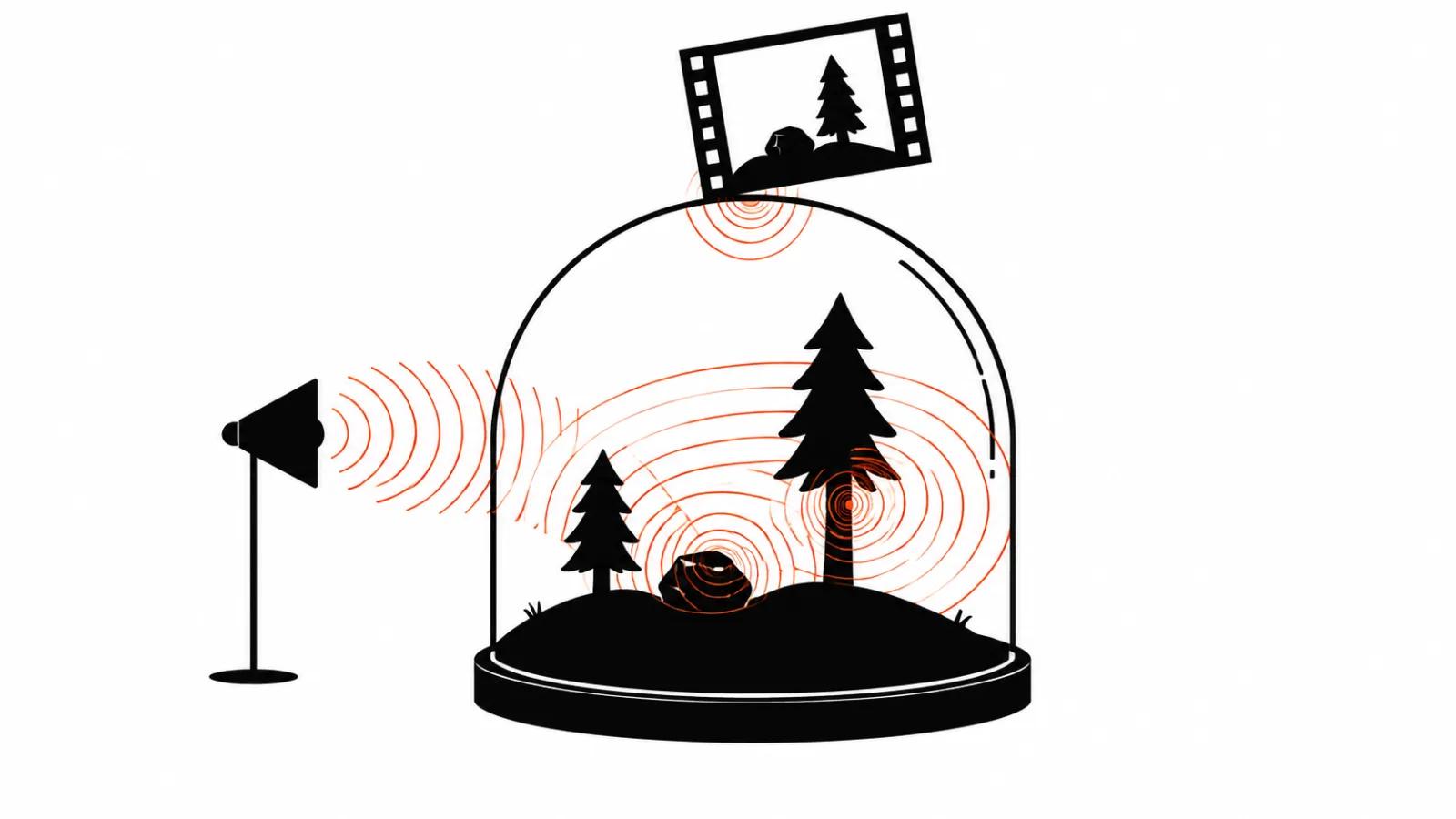
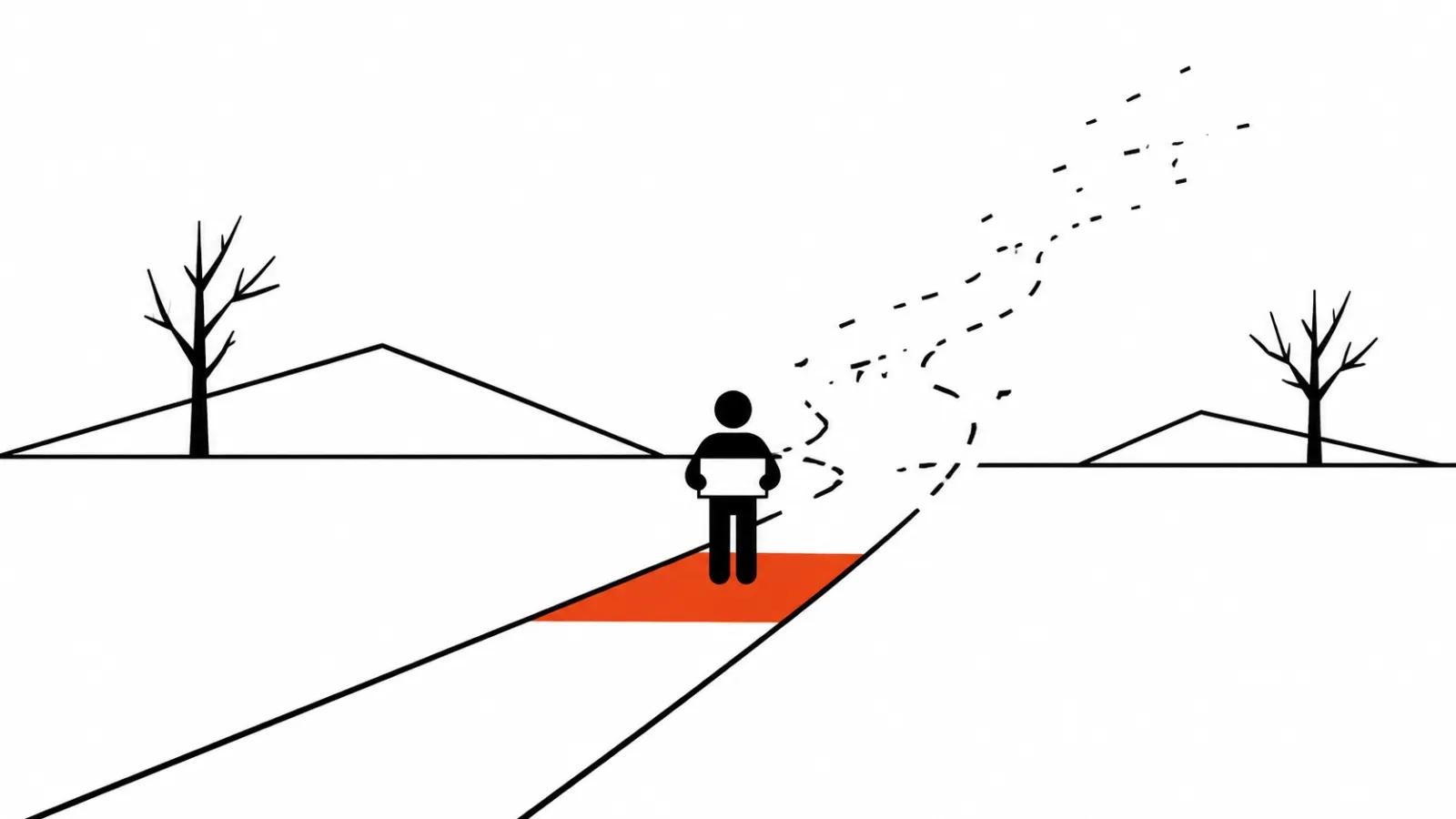
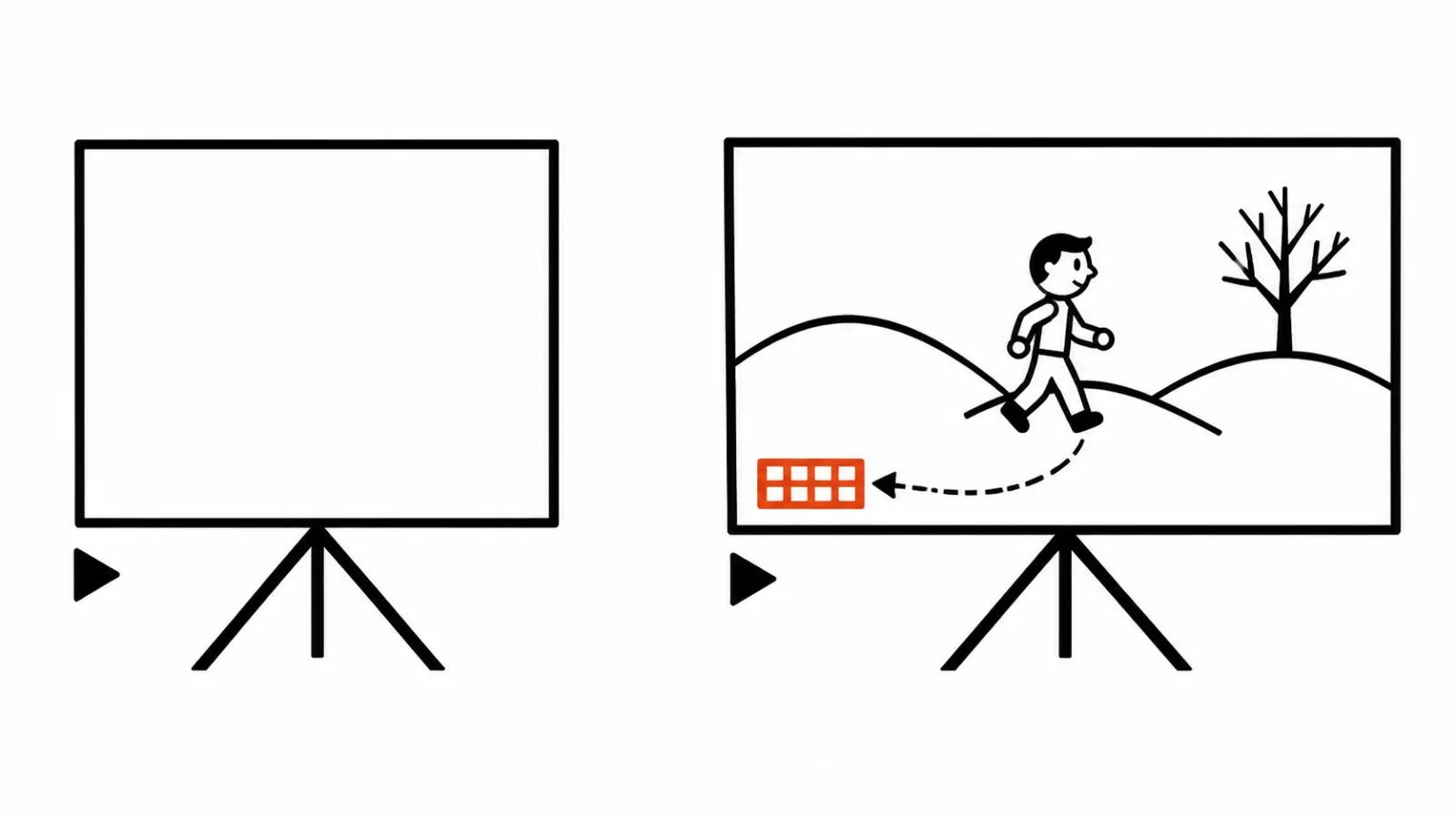
The workflow looks like this. You start with a text prompt, a reference image, or both. The model then generates a continuous world at 720p and 24 frames per second, and the audio is native and synchronised: background sounds and effects up to character lines. Control happens with a keyboard in real time plus live text prompts: you can walk through the world and change weather, light, objects and events on the fly. Gemini's reasoning keeps the state of the world consistent, so the scene does not fall apart between steps. Every output carries an invisible SynthID watermark.
A word on audio. In the Genie 4 announcement with sound we already looked at how a native track changes the economics of sound in AI video. Back then it lived in the interface, now it is available through the API as well, which means it can be built into your own scenarios and applications.
The Google video AI as a production tool
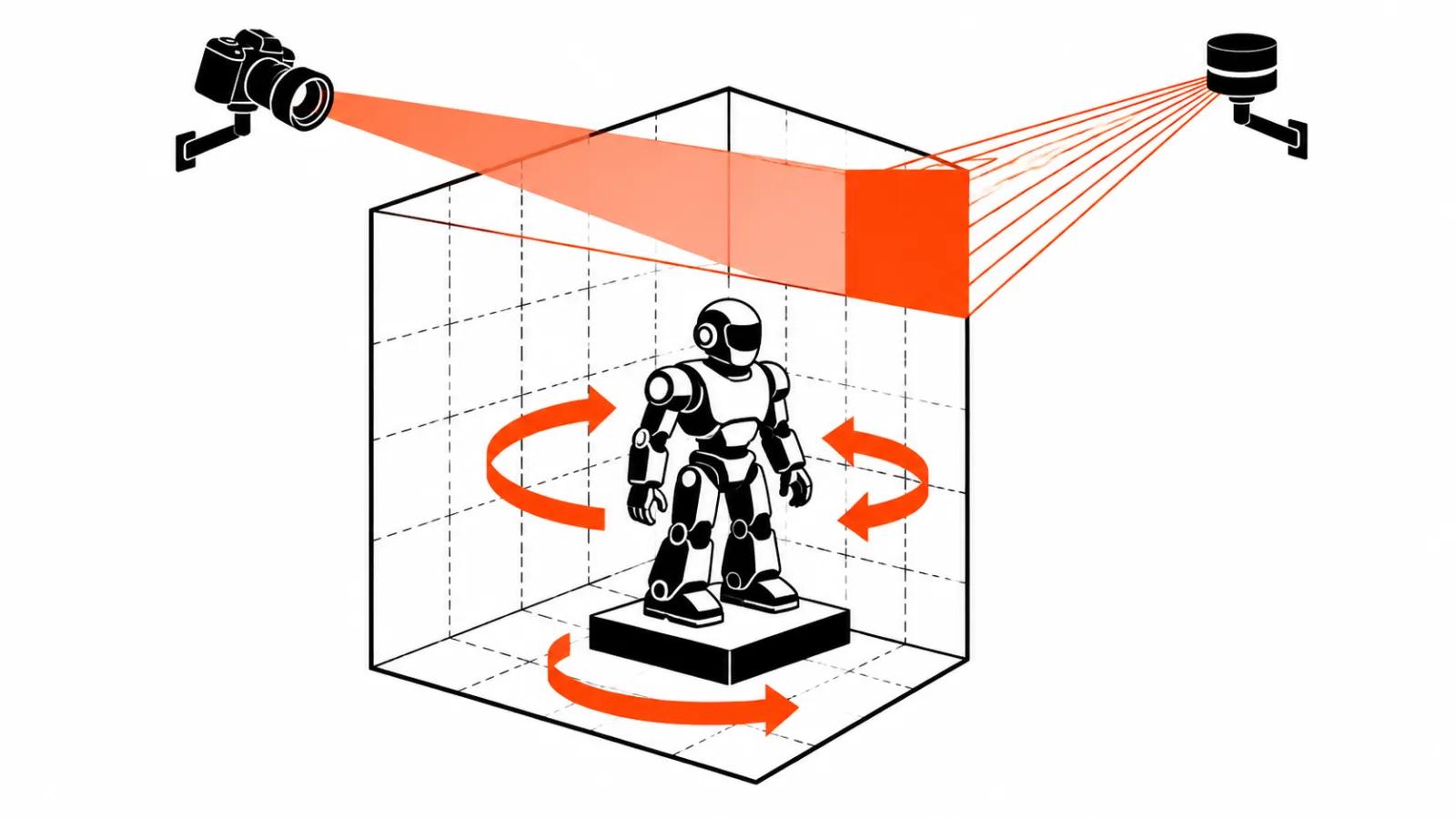
Google names its own scenarios: prototypes of interactive experiences, visualising spatial ideas, training robots and AI agents. My interest sits closer to a shoot, and three practical uses are already visible in the announcement.
First, location previs. Walk the world before generating final frames: pick the angles, the light, the entry point, lock the plan. Second, an interactive pitch for the client. The customer walks the future location and says what to change, instead of staring at a static storyboard. Third, a background generator for a shoot: weather and light change on the fly, so the shot does not have to be rebuilt for every version.
AI Studio ships an interactive canvas and starter apps for this, which means part of the scenarios can be tested without a single line of code.
Where it does not hold up yet
Google listed the limits honestly in the November 18 launch: camera latency, complex physical interactions, real-time audio accuracy, long-term scene persistence. I will add the one that matters for advertising: 720p at 24 frames per second is not a final image yet. Previs, storyboards and a rough pitch are fine, a screen in a commercial video is a different story. That is where regular assembling of the video with AI models or an actual shoot takes over.
How to try it and where the pricing lives
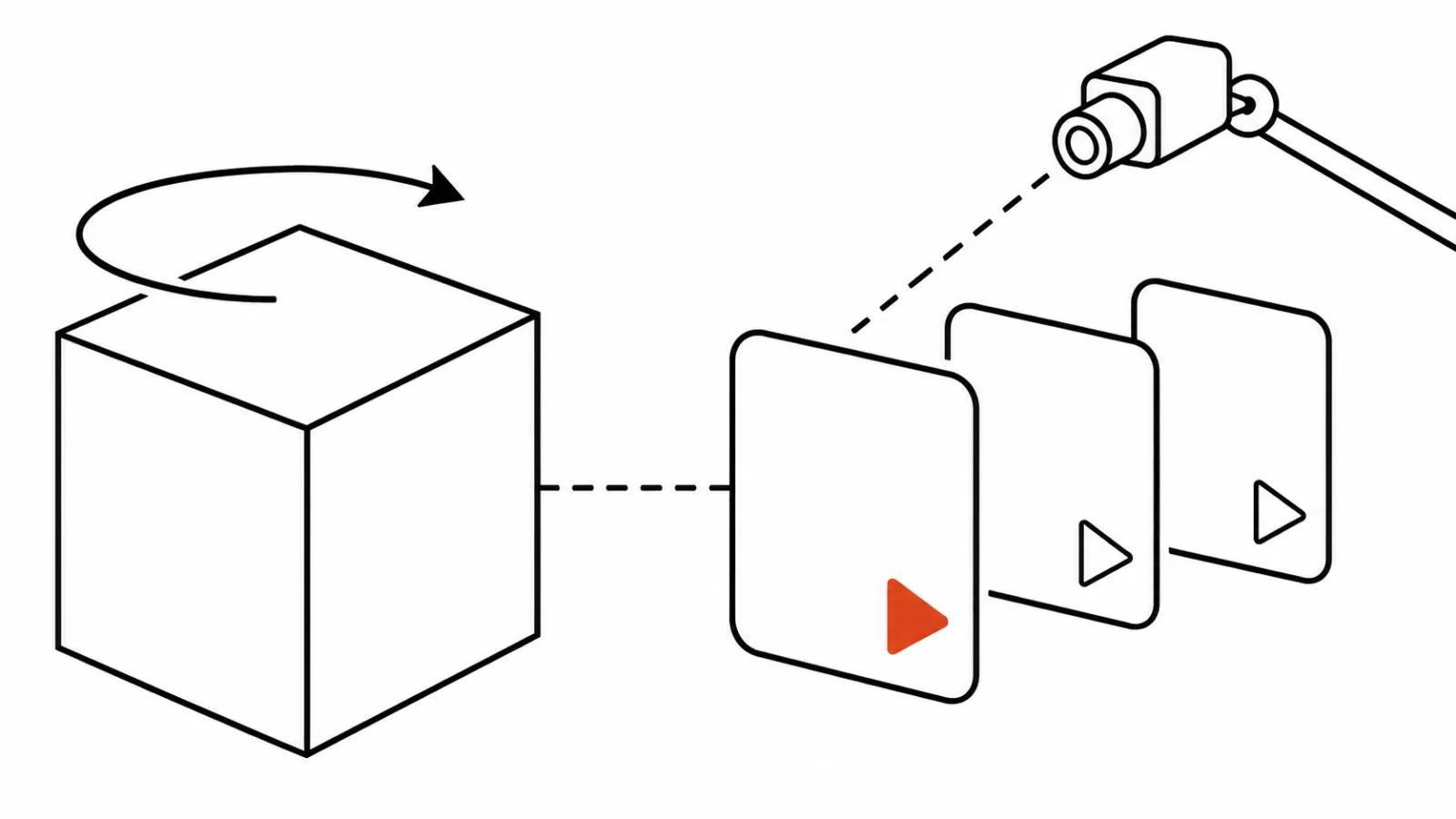
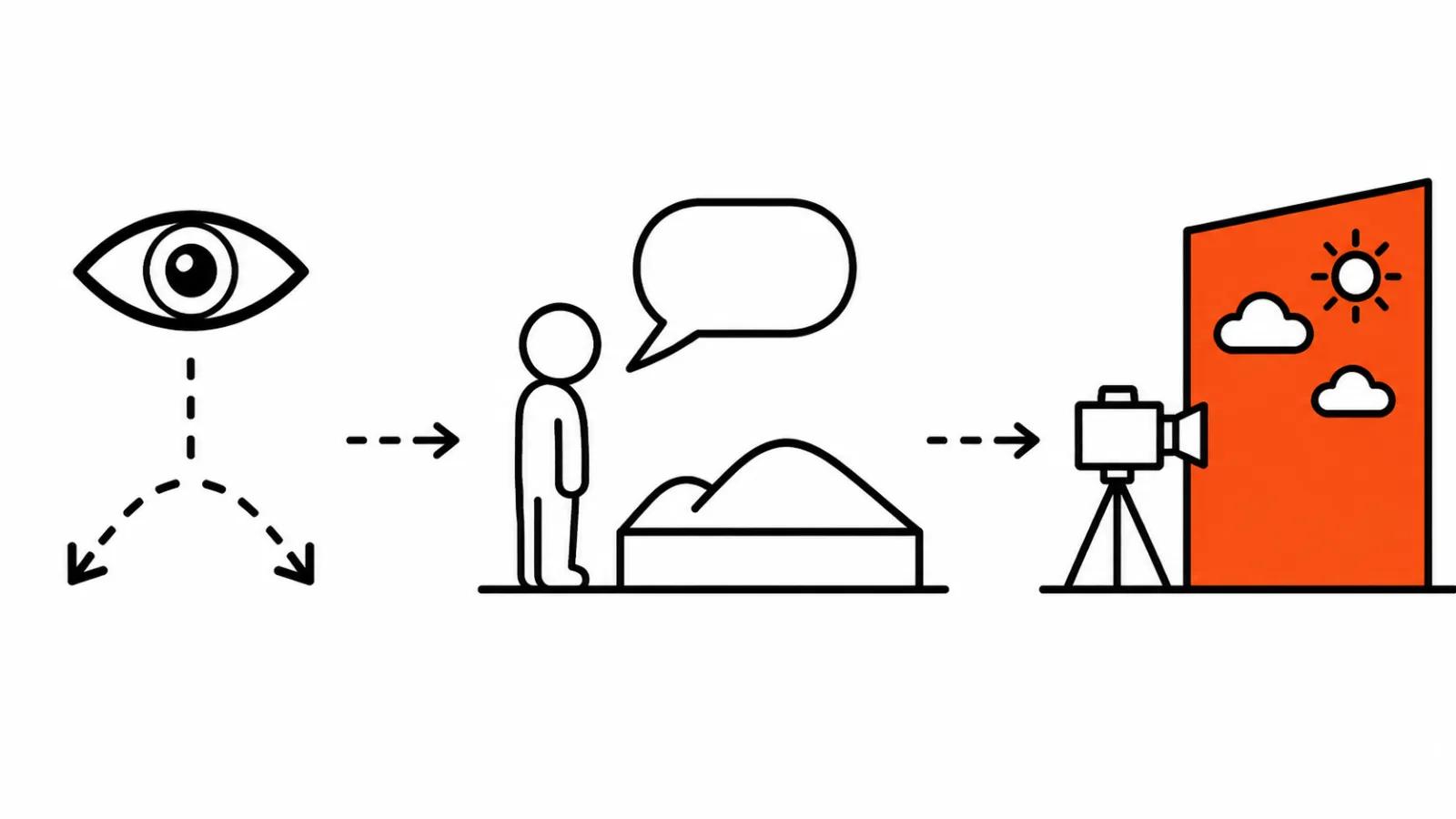
The entry point is Google AI Studio: interactive canvas and starter apps, work begins with a prompt or an image. The programmatic path runs through the Interactions API inside the Gemini API. Google published the prices on the Gemini API pricing page, and quoting them here makes little sense: generative pricing moves every month, and the only number that stays current is the one on the pricing page.
My conclusion
The API turns a world model from a demo into a working tool. The most valuable part is the iteration speed: location, light and weather change mid-conversation, and a pitch comes together in an evening. Final advertising is not where Genie 4 lands today, and that is fine, it plays a different role in the pipeline. A test day in AI Studio will tell you more about fit for your project than any review, and it costs nothing but time.