What opened on 18 November
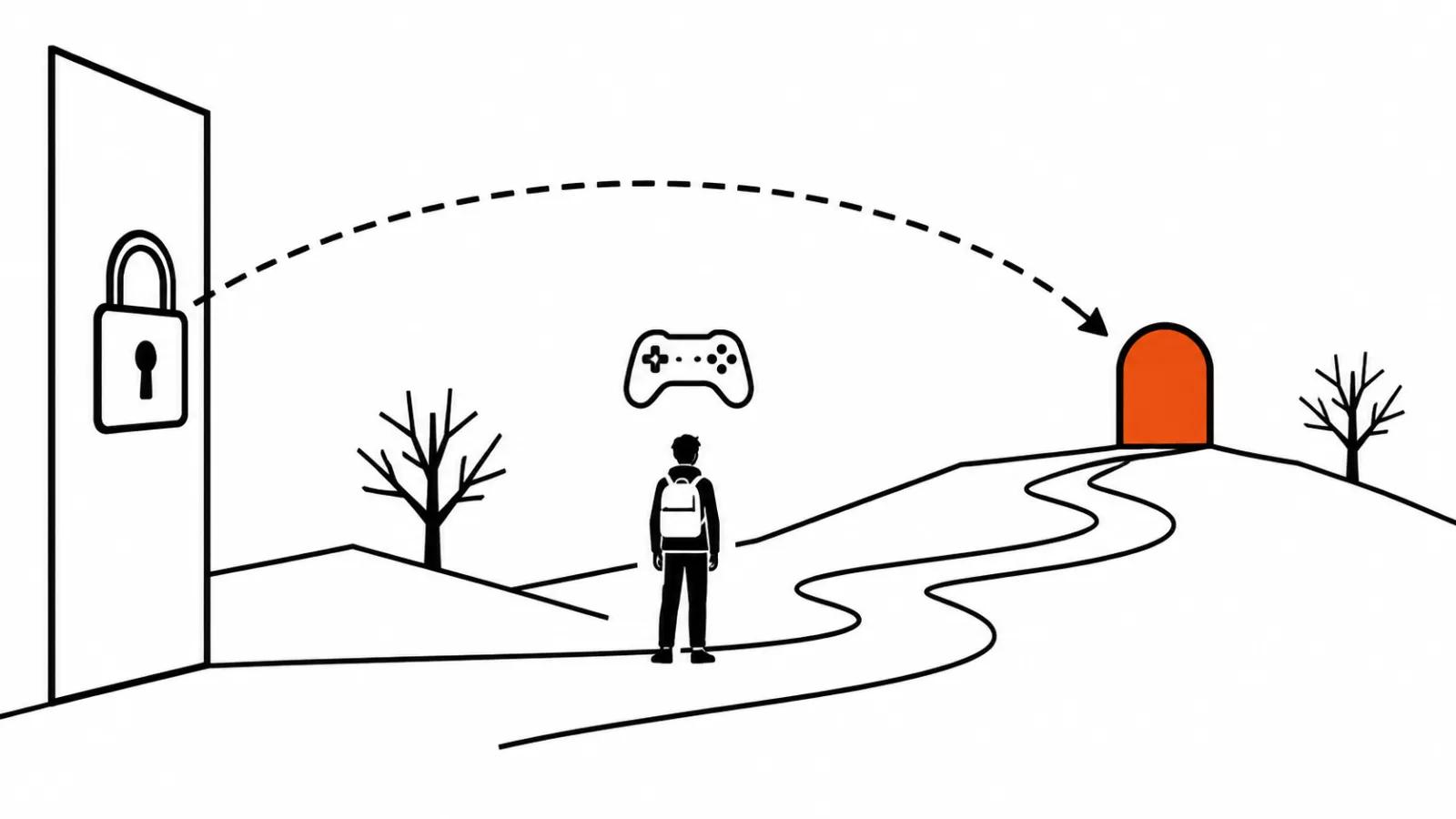
The post on Google's blog is titled Genie 4 is now available, and it carries two names: Diego Rivas and Pavan Kumar. The new Project Genie is rolling out to eligible Google AI Ultra subscribers, while Google AI Pro subscribers can join a waitlist. The word eligible leaves the company room to move, and the post does not spell out exact conditions.
One word matters most here: first. Before 18 November Genie 4 was an announcement with stills. Now it is a tool that opens for part of the subscriber base. We covered the Genie 4 announcement with sound separately, and that piece was about capabilities. The interesting question today is different: what you can actually use on launch day and how it fits into work on a video. Nothing to install either, Project Genie runs in a browser.
How interactive video differs from a pre-rendered clip
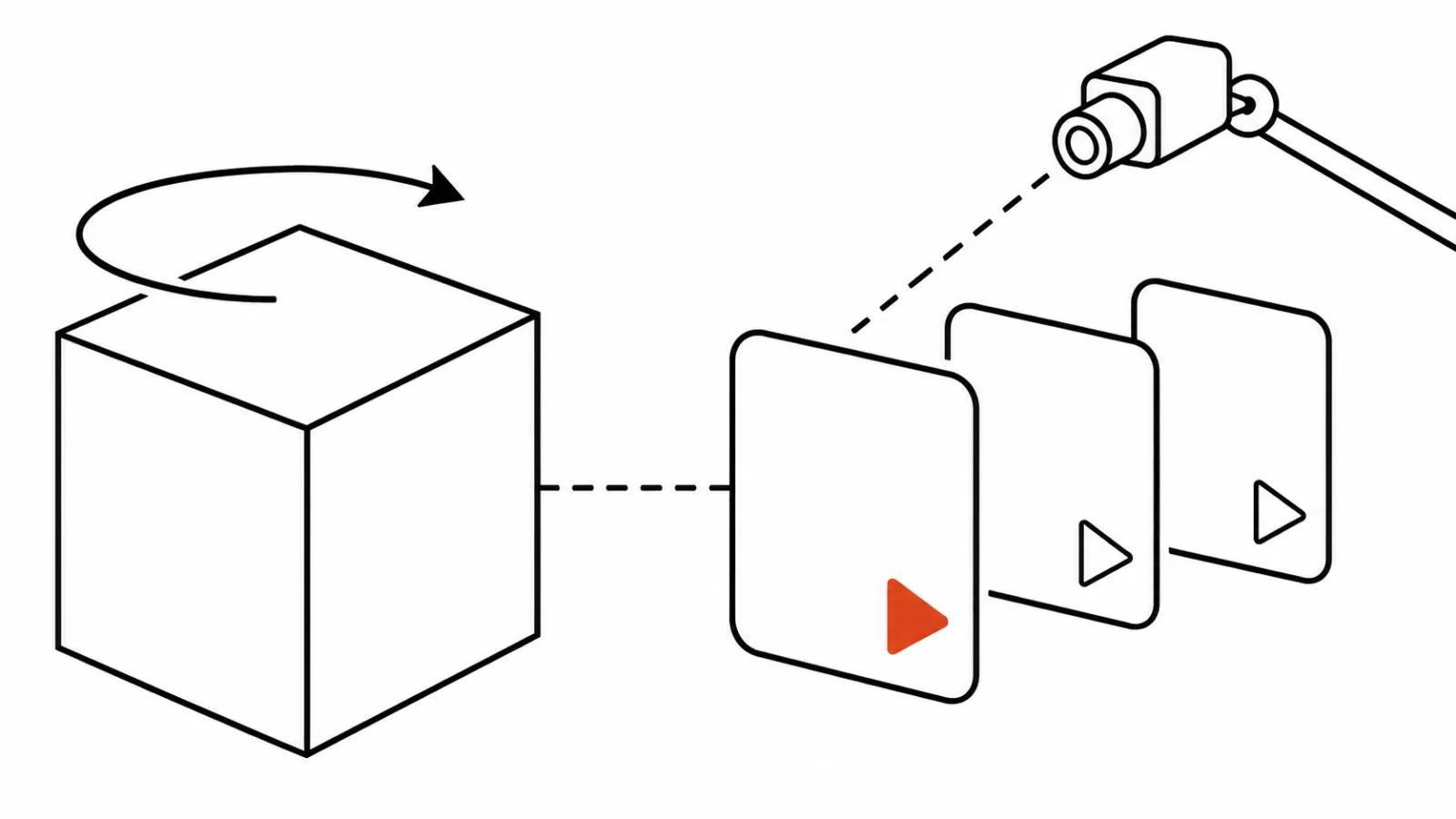
Ordinary video generation is pre-rendering. The model computes a clip from the first frame to the last, you get a file, and it plays the same way every time. Interactive video works differently. The world is computed while you stand in it: you turn the camera, and the model paints what just came into view.
Put simply, this is a room you can walk around in. Runtime stops being a property of the file and becomes a property of your walk. The output also stops being repeatable: a second pass along the same route need not give you the same picture.
That matters to a client for one reason. Interactive video cannot go into a folder called final and ship to a platform. You can show it, argue about it and use it as a draft of a decision.
Google's video model: what actually changed
Three things are worth your attention when you watch a Genie 4 demo.
First, you can write a new prompt mid-session. During the walk you change the weather, add a character, turn the action, and the world responds to text without restarting the scene.
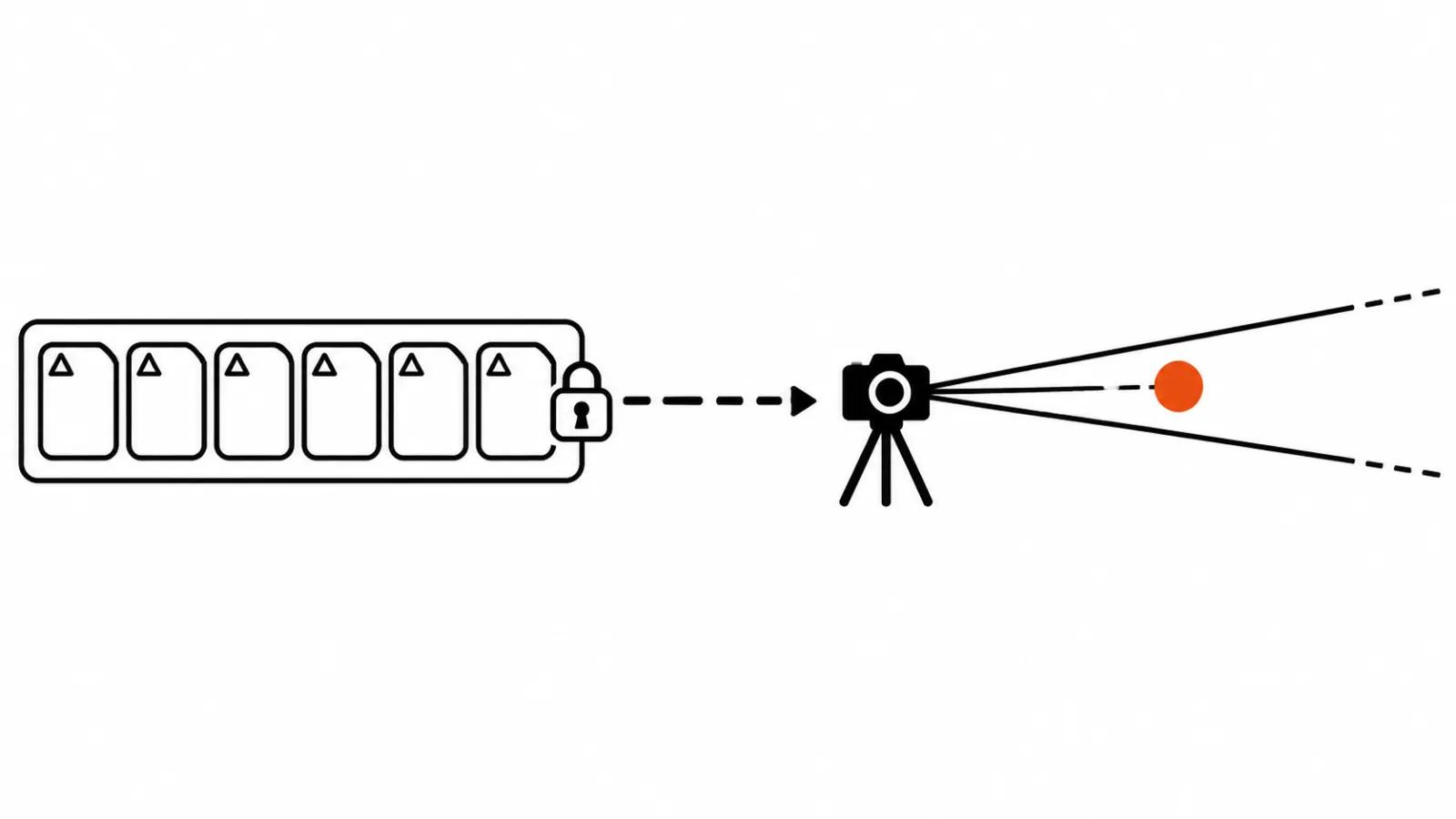
Second, sound. For the first time the picture arrives with audio generated in real time, from background ambience to character lines. That changes how a demo feels, because silence used to give away the technical nature of the thing.
Third, Genie 3 stays in the model picker, and it is not a legacy option. It has a different profile: up to 3 minutes per generation instead of 60 seconds, worlds you can chain together, a start from a 360 panorama, events triggered by text. For long walks through one world this model still does the job.
An agent, a gallery and two examples
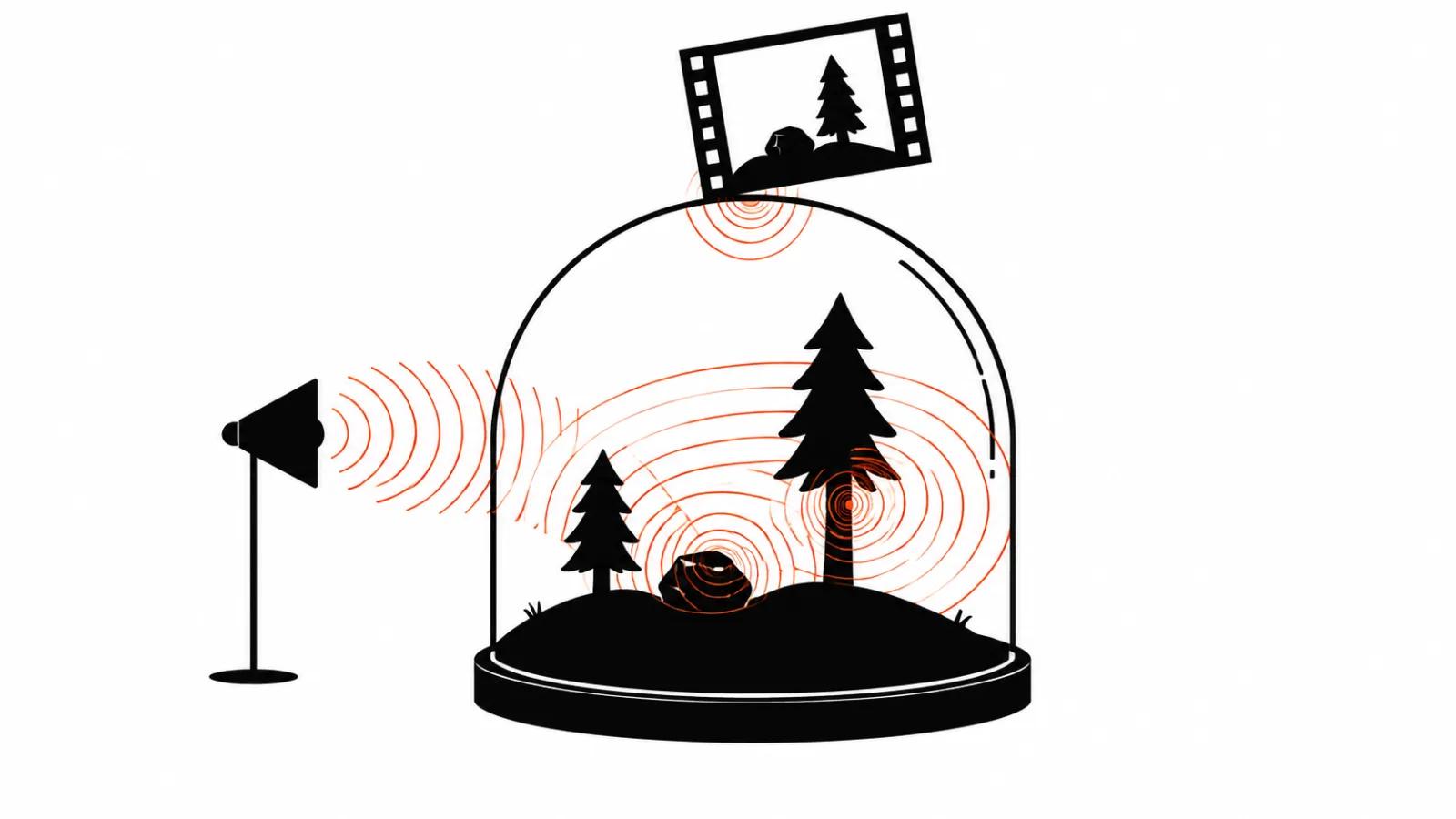
The world here is built from conversation. The Project Genie agent picks starting visuals and background music that matches the mood, and Gemini can watch the screen and suggest where to go next. That lowers the entry bar: someone with no 3D experience has nothing to configure by hand.
The public side is a gallery of worlds. It holds curated picks and user work, any world can be remixed, and you can publish your own. Two examples come from the post: Villa Giallo, built with Will aka BLVCKL!GHT, and The Life of Ants with director Anand Gandhi. The second one is telling, since the author comes from film, where script and storyboard exist before anything is shot.
Where a client gets value today
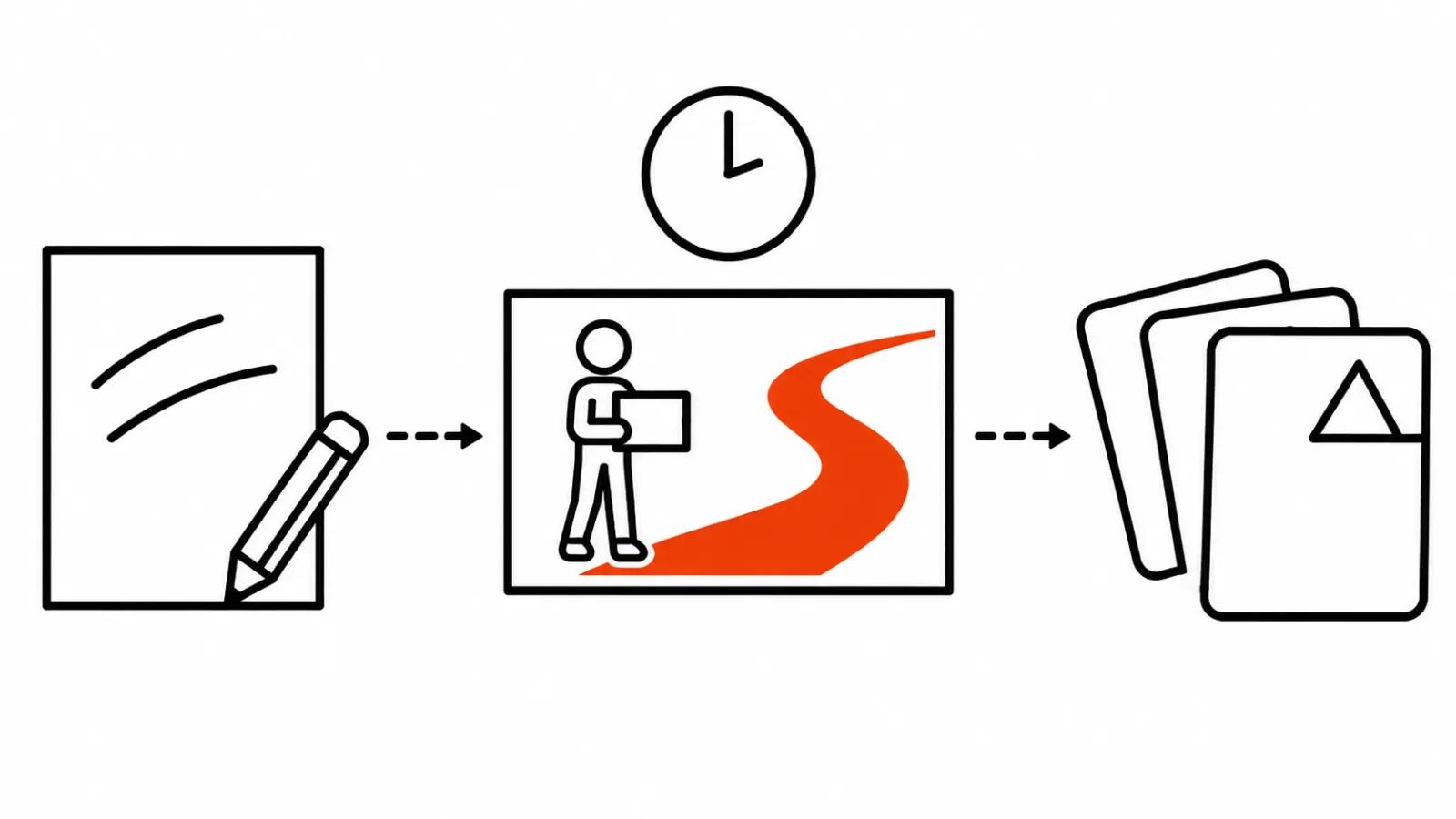
I see three jobs where a walkable world solves a problem that usually gets handled with stills and adjectives.
Location previz. The balcony-or-terrace argument can run for days in a chat. Once the client has walked both options, it closes in a single walk.
Camera search. The world lets you look at a scene from any point, which is cheaper than building two versions of a set in 3D for a single shot.
A mock walk for a pitch. A live demonstration instead of a slide: you say what sits around the corner and turn the camera.
Assembling the video with AI models goes faster after that kind of previz, because the look and the light were settled before generation started. When a project needs a hand on every frame, look at our handcrafted AI videos: there the previz is discussed with a director, and the agent has a different job.
The limits Google names itself
The post includes a list of limitations, and it is more honest than most demos. Google names camera latency, complex physical interactions, real-time audio accuracy and long-term scene persistence.
Two of those will hit anyone who commissions video. Camera latency means control is not instant: there is a pause between your movement and the picture, and it shows during a live demo. Long-term scene persistence means the world does not hold forever, and a longer walk has a better chance of details drifting.
Physics and audio are the places where the eye is easiest to fool, and Google does not hide them. A pitch forgives those flaws. A final frame does not.
One more point on provenance. All video and audio from Project Genie carries a SynthID watermark, and inputs and outputs pass safety checks. For a studio that means something simple: material from the gallery and from your own session is marked at generation, and that mark is worth keeping through the edit. We have a separate breakdown of open world models running on a single GPU, and it shows how close local options get to this.
Why this is not a replacement for final shots
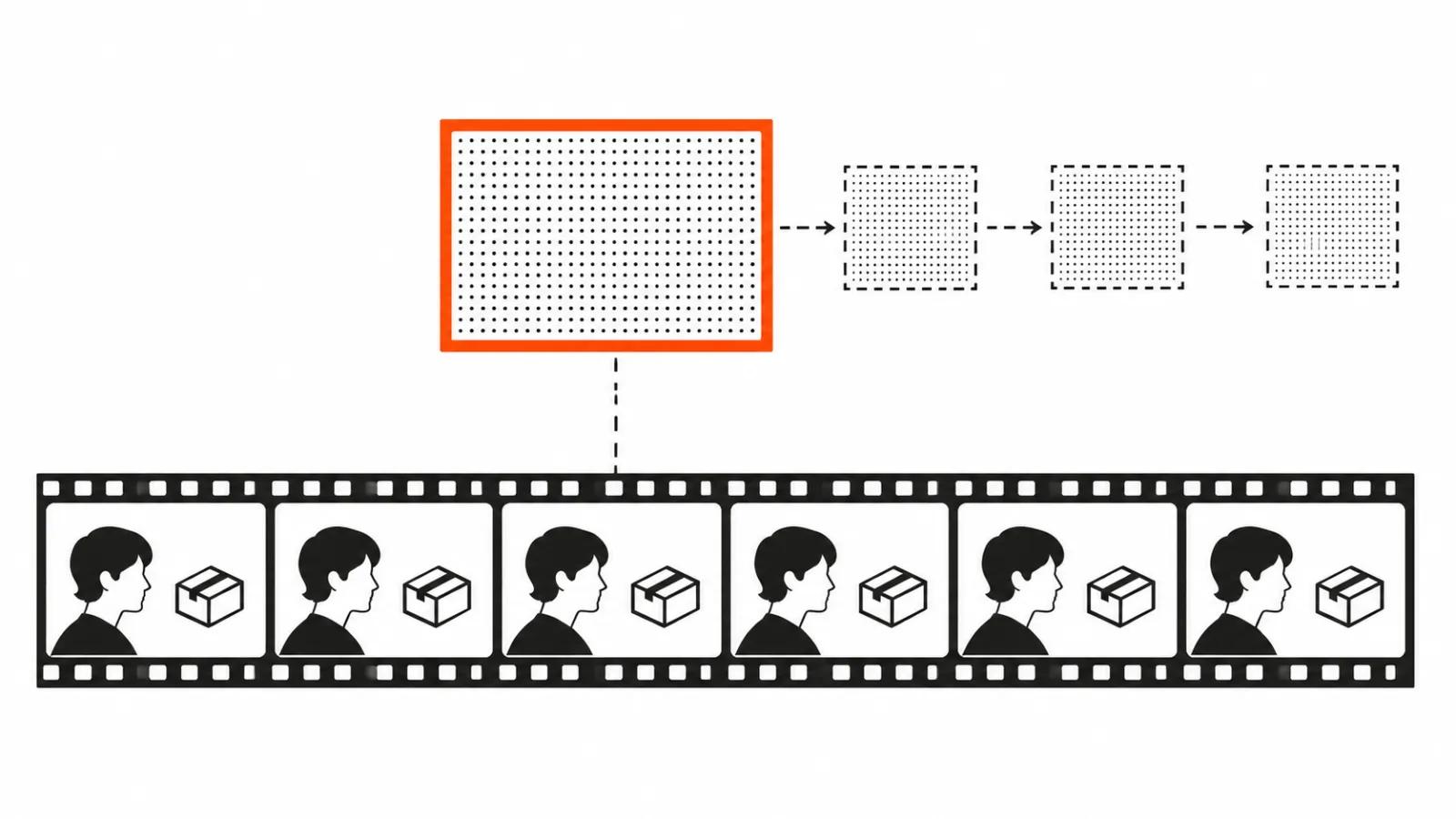
A finished clip needs predictability. Edit, titles, grade, three versions for three platforms, and every version has to use the same frame. An interactive world cannot give you that by design, since it computes anew each time.
There is a technical reason too. Camera latency is a minor annoyance for a player and a real obstacle for a precise camera move. While those limits stay on the list, an interactive world remains a preproduction tool.
The third reason is money, and people rarely say it out loud. A walk through a world leaves no asset you can recut in a month. A clip does.
My take
My interest in this news is about how fast a decision gets made, and live sound is a welcome bonus. The expensive part of video work is not generation. It is the long thread of messages about how a location should look, and an interactive world turns that thread into one conversation.
The rule I would set for a project: a short walk in Genie 4 for previz and camera search, then a decision about production. If the client wants to see movement inside the scene, regular shot generation takes over.
One last thing. Access is open to part of the AI Ultra base, and the AI Pro waitlist shows the rollout is gradual. Building a production process around a tool that is not available to everyone and keeps changing is early. Using it as a fast draft is not.