What Google calls its AI studio
The post went up on the Google blog on November 12, 2026: "5 new Google Flow Tools designed by visual artists", written by Arathi Sethumadhavan. Flow is described as Google's AI studio, a shell over a model where you assemble shots, scenes and fixes. All five tools came from artists and directors, and that is worth keeping in mind while reading.
The set is narrow. Each feature answers a pain of someone who ships on a schedule: a series of posts, a batch of ad versions, a documentary. A hobbyist after one lucky frame will find little here.
Flow currently runs on Gemini Omni 1.2 Flash, which we covered in our breakdown of Flow on Gemini Omni. The new post carries no prices, plans or limits. The models inside the tools are not named either, so comparing them to Veo by label is pointless for now.
Character Poster: posters from a simple story idea
The tool comes from artist and director James Gerde. The job is ordinary: take a simple story idea and turn it into finished posters, holding one visual style across social. For a series it removes the routine a designer usually carries, a cover for every episode, a banner for the announcement, a card in the feed.
The useful part is that style lives in the series. One good poster proves nothing, ten in the same finish already read as a brand. For a channel with a daily episode that detail saves a designer hours every week.
Character Arc: one character, several ages
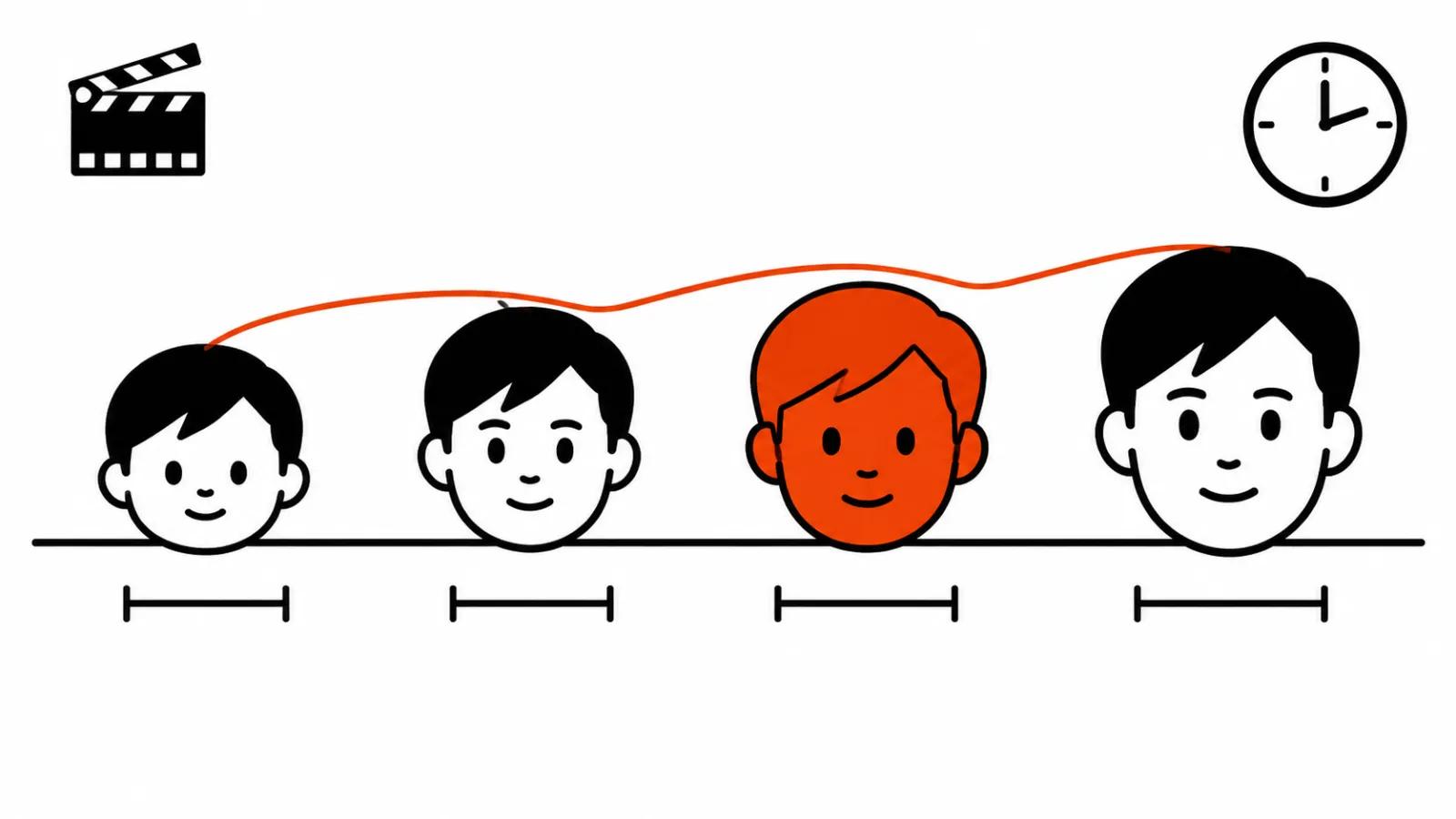
The second tool comes from director Anurag Tiwari. Character Arc keeps one character recognisable across different ages and stages of life. Tiwari uses it in the documentary "Children of the Sun", built on present day interviews about the events of 1974, where the hero runs from childhood to adult life.
It is hard work under the hood. A face changes with age, recognition hangs on small features, and over a long stretch models tend to drift, so the child and the adult read as two different people. The promise here is that the features hold. I will test it on my own material: one family, three ages, one light.
Pixel Machine: bitmap, ASCII and glitch for titles
Also Tiwari's. Pixel Machine turns images into bitmap, ASCII, CRT, pixel art and glitch. The use is direct: titles, transitions, inserts in a music video.
The value is speed. This kind of graphic used to be built by hand in After Effects, now it arrives as a batch of frames from a single source. The limit is simple. The look is loud, it works for ten seconds, and over three minutes it starts arguing with the main image.
Lucid Glass: light through glass and prisms
Created by artist and creative director Ezra Paulekas. The tool imitates light passing through glass, prisms, halos, refraction and optical glow. The post calls it an impossible lens.
Shots like this sell product packaging and inserts where an object has to look more expensive than it is. The risk is predictable: halos and refraction can easily eat a face in frame, so around people they need restraint and a check on a small screen.
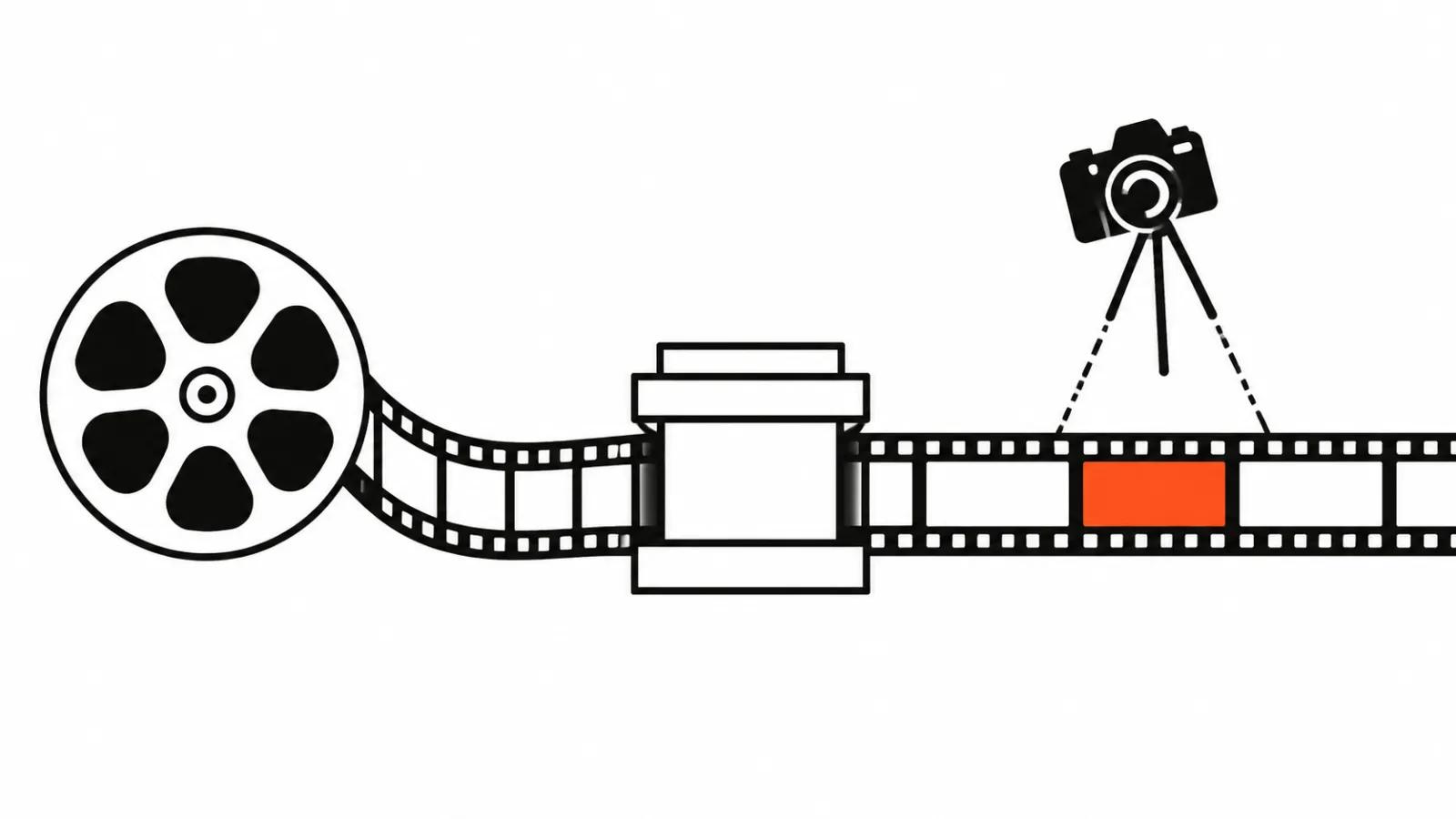
Pocket Studio: camera angles from one phone take
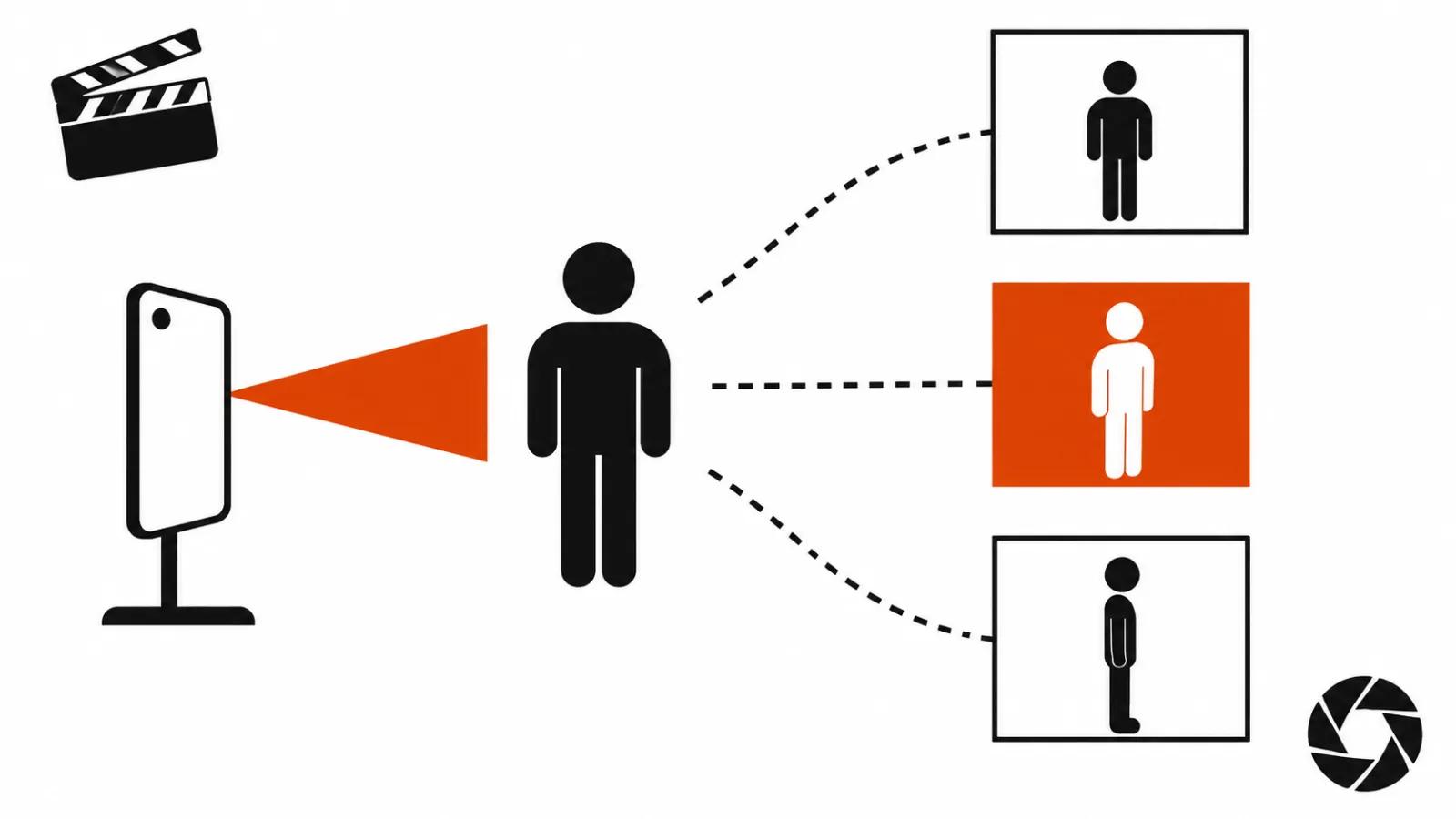
Ryan McCoy, more than 20 years in previsualisation and VFX for major films. His tool takes a single take shot on a phone and generates several camera angles from it, lifting image quality while keeping the actor's performance.
That is where the money argument starts. A second camera means a second operator, a second tripod and a second take on the schedule. If the angles really come out of one take, vertical ads change their budget: the client gets three versions of one gesture without a reshoot.
The doubt is plain. "Keeping the actor's performance" is a testable claim, and it has to be tested in fast motion. On a static frame any tool can hold a face, on a run and a turn you see where the model starts painting.
What Flow AI video studio changes for a client
Two of the five sit closest to the job of ordering a video: Character Arc and Pocket Studio. The first carries a character across a series, the second covers extra angles without a second camera. The other three are packaging and graphics: posters, titles, glass.
The split by job type:
For AI video production this shortens reshoots, since an angle pulled from an existing take moves the schedule less. When every frame needs full control, handcrafted videos from $190 remain the option.
- a batch of vertical versions with one hero: Pocket Studio, with Pixel Machine on transitions;
- a company film where one person tells a story in three scenes: Character Arc;
- a series announcement on a channel: Character Poster, with Lucid Glass on the cover.
Where I stand on these Flow tools
My position. Google shipped five directing aids, and that is an honest move: image quality already comes from Gemini Omni 1.2 Flash and Veo, while series, a character's age and camera angles stayed manual work.
The main tool for me is Pocket Studio. It hits the most expensive part of a shoot, where a second camera costs money and days. Character Arc is second in importance but slow to verify: to know whether it holds recognition you have to run a whole scene with a hero at three ages.
What the post leaves out will decide the fate of all five: price, limits and availability. Until those are announced, planning a thirty video run on these features is early.
My routine for a new project: take one difficult take, run it through Pocket Studio, compare against the original at 100% and on a phone, then test Character Arc on three frames of the same face. If the test holds, the tool goes into the job.