What changed in Flow
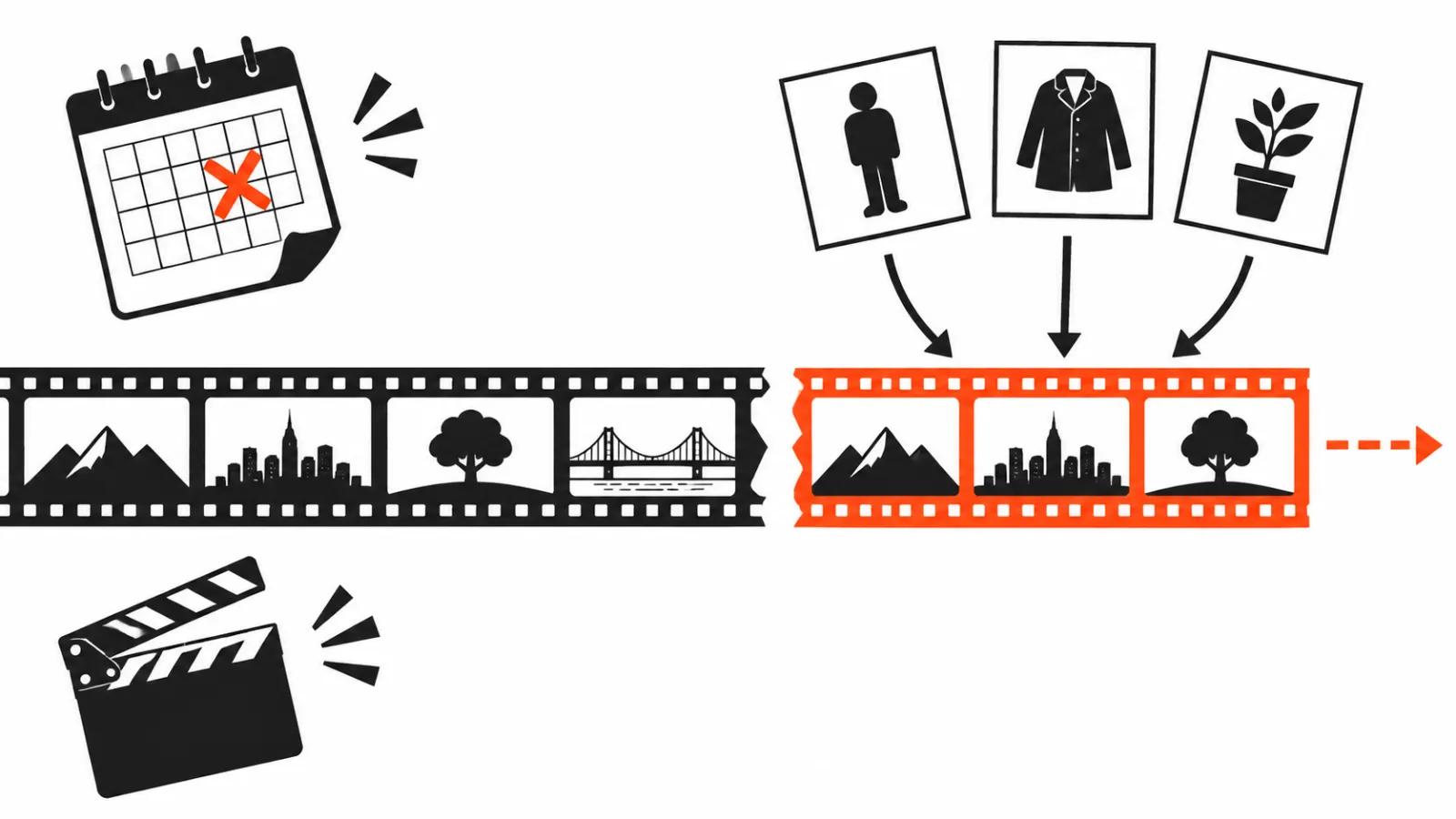
The Flow team published an updated model guide, VP Land went through it on November 10, and the short version has two parts. Clip extension in Flow now runs on Omni Extend, and the old Veo Extend button is gone. Veo 3.1 Fast, Veo 3.1 Quality and Omni 1.1 Flash stay available until December 5, 2026.
Gemini Omni 1.2 Flash itself landed on November 5 according to the blog.google announcement, so Flow picked up a model that was a week old. A new shot length came with it.
My read is blunt: the date is the story, the extra seconds are a perk. You can postpone a shoot. You cannot postpone a model shutdown.
10 seconds for everyone, 15 on a subscription
Shot length on Omni 1.2 Flash depends on the plan. Up to 10 seconds per shot is open to everyone, free users included. Anything from 11 to 15 seconds requires Google AI Plus, Pro or Ultra.
Fifteen seconds changes vertical work noticeably. A scene holds in one take, the subject finishes the move, and cuts stop interrupting the rhythm. The editor has fewer seams to hide and the client watches the ad in one piece.
Then the arithmetic starts, and it is worth understanding before the first click.
What a second of video costs
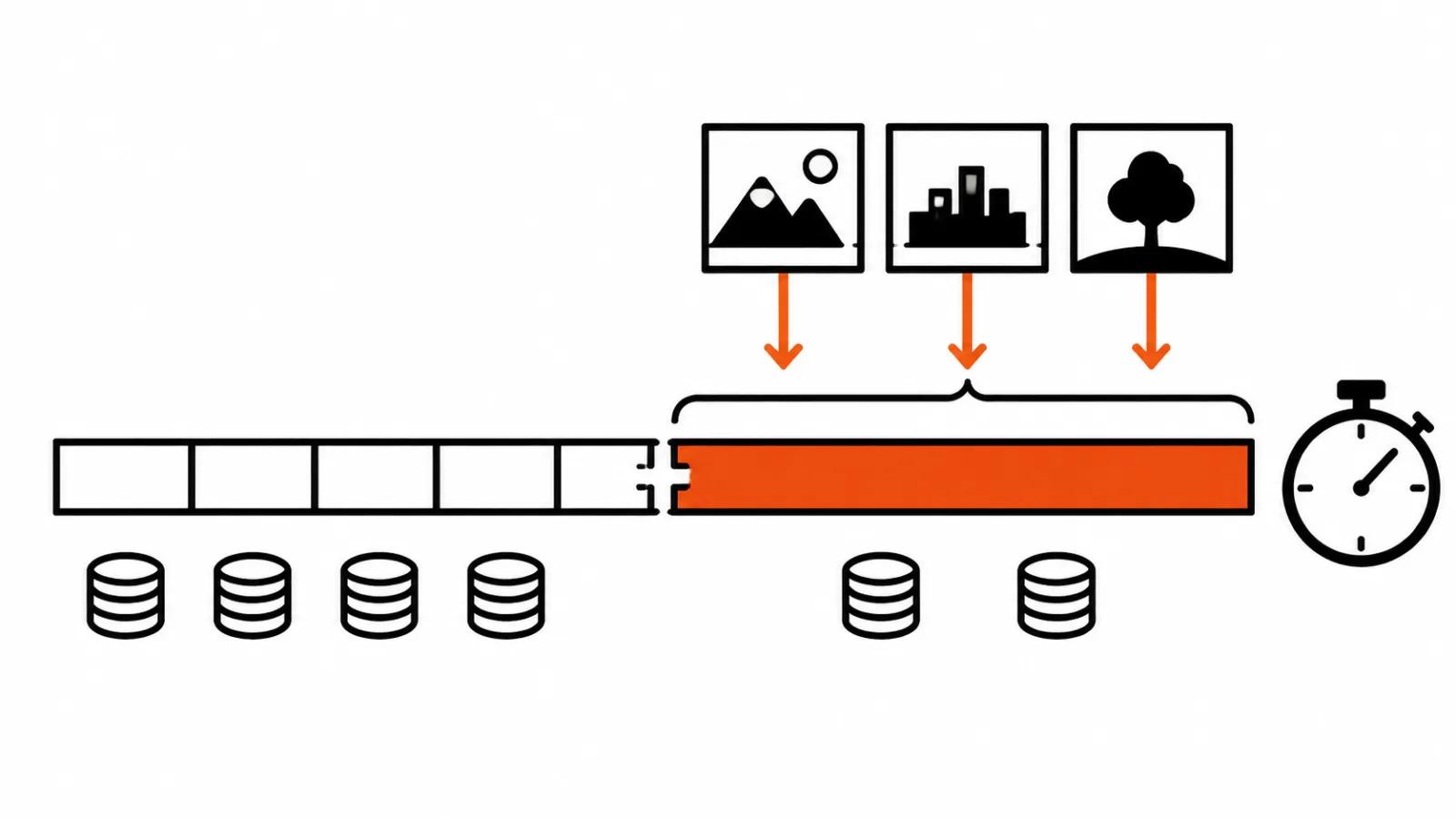
Flow bills by the second. 720p runs 3 credits per second up to the tenth, then 6 credits for each second from 11 to 15. A 10 second shot is 10 credits in 360p or 30 credits in 720p. A 15 second shot in 720p costs 60 credits.
The math is easy. Predicting a week of work is not, because every rerun charges the full amount again. Five attempts at one good 720p shot turn 30 credits into 150. That is three quarters of the monthly 200 credit Plus top-up spent on one shot.
The 360p trick is where the real saving sits. A 360p draft costs a third of 720p, and the clip is then upscaled to 1080p, or to 4K on Ultra. Composition first, resolution second. For a batch of versions I would keep 360p as the working mode and push 720p only on the finals that reach the client.
Omni Extend: longer clips and three reference images
Omni Extend adds 3 to 10 seconds to a finished clip and accepts up to three reference images for the continuation. It works in the web version of Flow only, and only on Plus, Pro or Ultra. Extension costs the same as a base second of generation: 1 credit per second in 360p and 3 credits in 720p.
The three references are the useful part: you can show the model how the subject, the wardrobe or the background should look in the next piece. How well that holds colour and clothing across a take built from two or three chunks is worth testing on your own scene.
If you want the general logic of making a clip longer, we have a separate guide on how to extend a video with AI, including when a reshoot beats an extension.
December 5: what gets switched off
Veo 3.1 Fast, Veo 3.1 Quality and Omni 1.1 Flash run until December 5, 2026, and then they are switched off. Google points users to Omni 1.2 Flash or Veo 3.1 Lite.
Veo 3.1 Lite stays, with a smaller feature set: 720p, lengths of 4, 6 or 8 seconds, no video-to-video and no extension. For short cuts under captions Lite works. For a long scene it does not.
This is where the real work begins. If your Flow account holds templates, prompts and saved projects built on Veo 3.1 Fast or Quality, December 5 is not a matter of picking another model from a dropdown. A different model reads the same prompt differently: motion, light, shot length and price per second all shift. Migration needs slack for rework.
Credits per day and peak hours
Everyone gets 50 credits a day, and they do not roll over. Subscriptions sit on top: Plus adds 200 credits, Pro adds 1,000 a month. Ultra at $100 gives 10,000 credits a month, the $200 Ultra tier gives 25,000.
Free users at peak hours, roughly 14:00 to 17:00 UTC, may get no video generation at all. In a working day that is exactly the window when a draft is due by evening. I would not schedule a batch inside it.
The API is a separate story. A second of 720p on Omni 1.2 Flash costs about $0.07, which Google calls 30% cheaper than Omni 1.1. Every output carries the invisible SynthID watermark.
Budgeting a series, with one caveat
A simple example. Ten shots of 8 seconds in 720p is 80 seconds, or 240 credits, close to a quarter of the monthly Pro allowance. The same series in 360p costs 80 credits.
I took the credit numbers from the write-up of the Flow post, and I would check them inside Flow before quoting a project. Test one clip on a fresh subscription and confirm shot length and extension price there.
Then the process question. When a video has to ship on a date, it is easier to order AI video production, where a person picks the model and a shutdown does not catch the job mid-flight. Volume work runs as AI video ads, billed up to $2.40 per 1000 views, and a cheap 360p draft saves most of the budget. For a channel, automating an AI-run YouTube channel removes the manual shot assembly, and 15 second takes cut the number of joins in the final edit.
My conclusion
I read this update as a change of regime. Flow moved extension onto one model, kept it behind a paid plan, and closes the older Veo 3.1 pair on December 5. Anyone who shot on those models steadily will get a different look and a different invoice in December.
The plan for this month: list every project and template built on Veo 3.1 Fast or Quality, run one shot per project on Omni 1.2 Flash, compare motion and light, recalculate credits for the series. Then decide whether the project stays on Flow or moves to a model that does not need extension at all.
The deadline works as a reminder. Five weeks is comfortable. Three days is a fire.