A GPU question again, with numbers this time
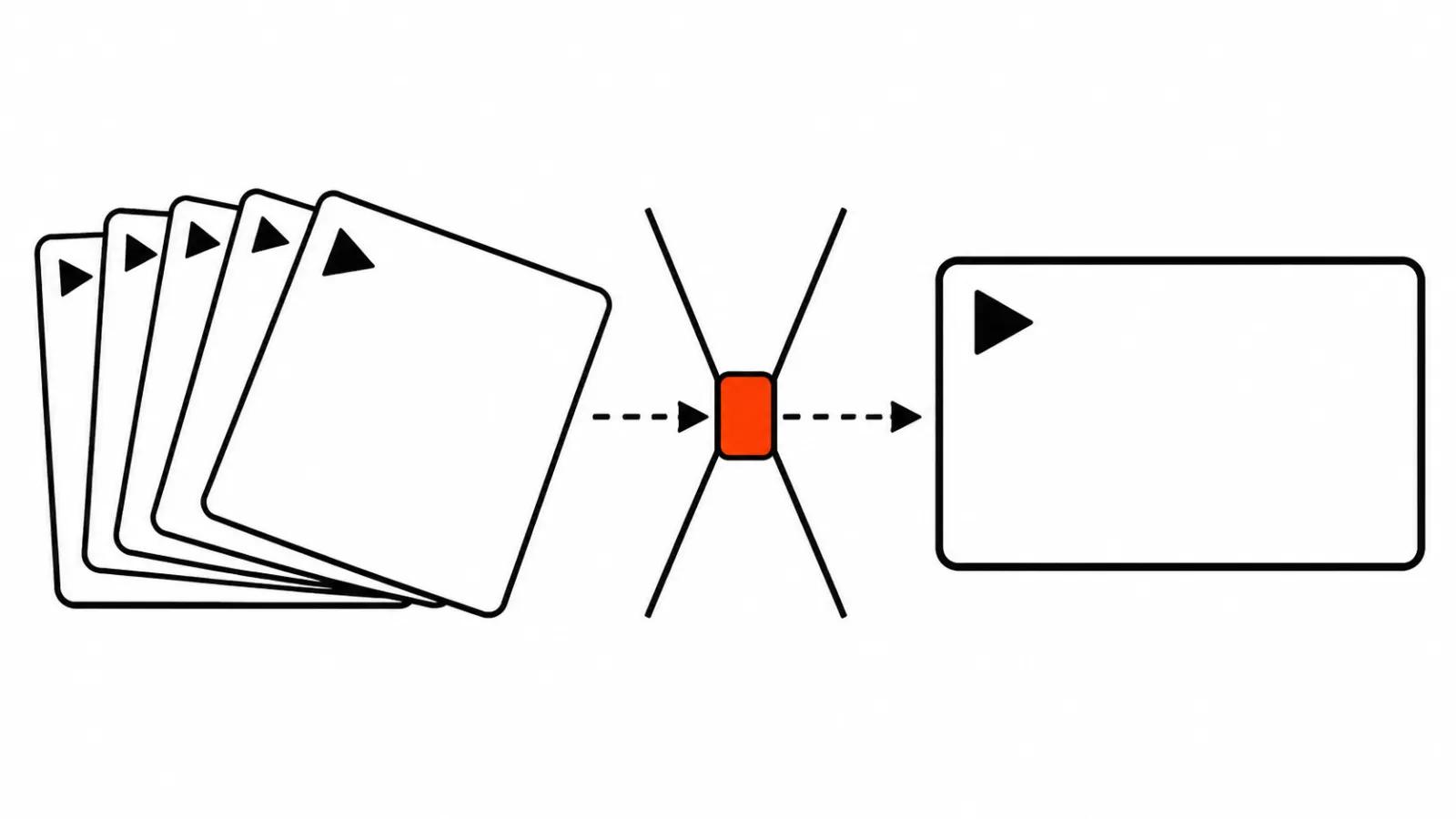
On 4 November Video Rebirth published the weights of HyperFlow H3 Flash, and on 6 November the code and the ComfyUI nodes followed. According to the model card as reviewed by Fervor Creative AI on 9 November, this is a trimmed MiniMax H3: 13.7 billion parameters against roughly 31 billion in the original, 4, 6 or 8 steps, clips from 5.2 to 15 seconds, 24 fps, 1344×768 and 32 kHz stereo sound.
While the weights sit there without timing data, the hardware argument runs on taste. Once the seconds appeared, the conversation became arithmetic. My position: picking a card makes sense after the benchmarks, and after the benchmarks one question is left, how many clips you ship per month.
HyperFlow H3 Flash timings: 157 seconds on a 4090
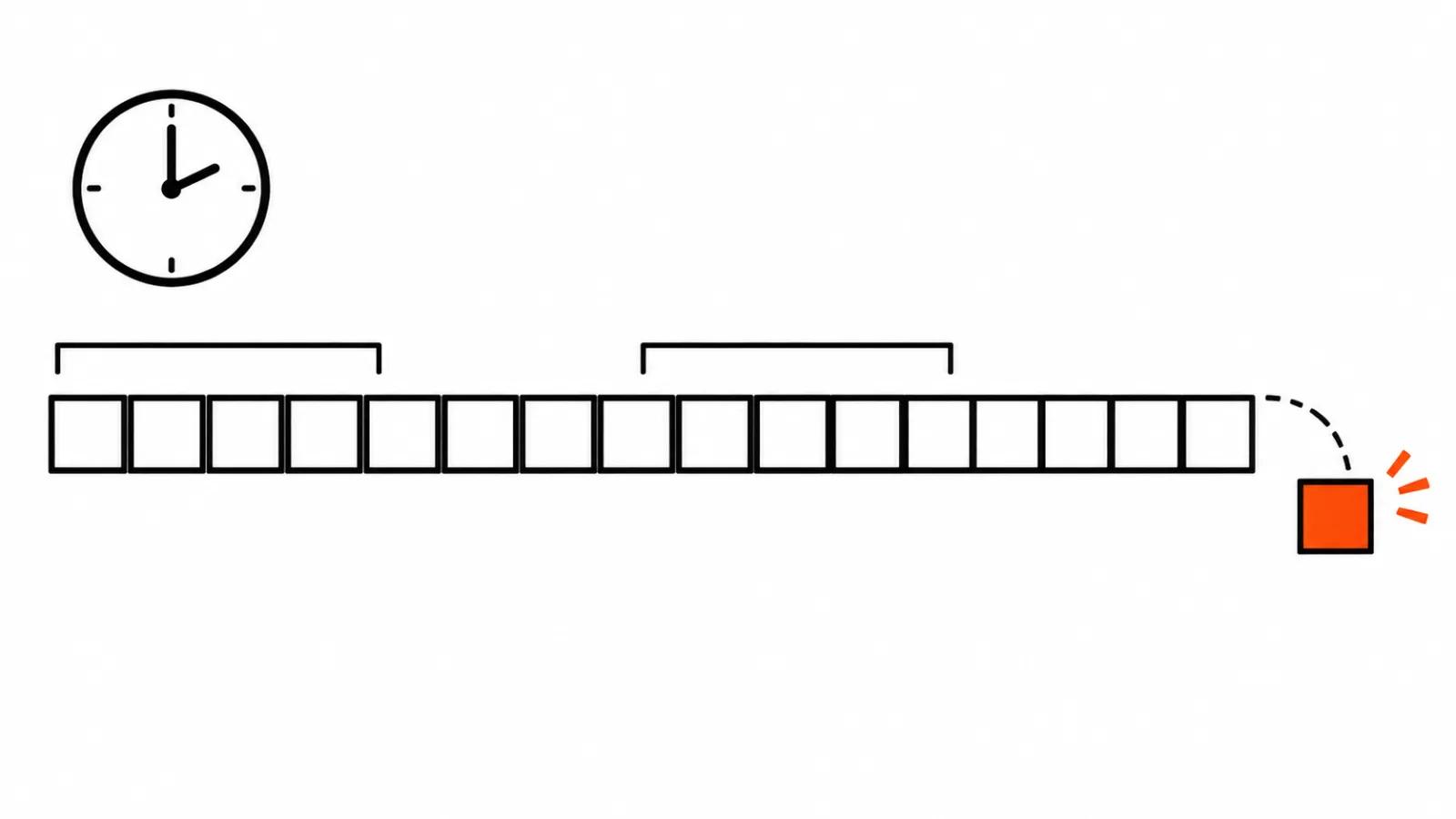
The team published its own runs. A 5.2 second clip with sound renders in 157 seconds on an RTX 4090 and in 315 seconds on an RTX 3090. A 15 second clip takes about 14 minutes on the 4090. The compressed file in ComfyUI weighs 9.1 GB, and the --fast-disk flag lets the pipeline work on a PC with 16 GB of system memory.
One line in that table matters more than the rest: cards with 16 GB of VRAM have not been benchmarked yet. The numbers exist for the 4090 and the 3090, both 24 GB. The benchmarks are vendor benchmarks, so I treat them as an upper bound on speed and wait for independent runs.
The 24 GB floor
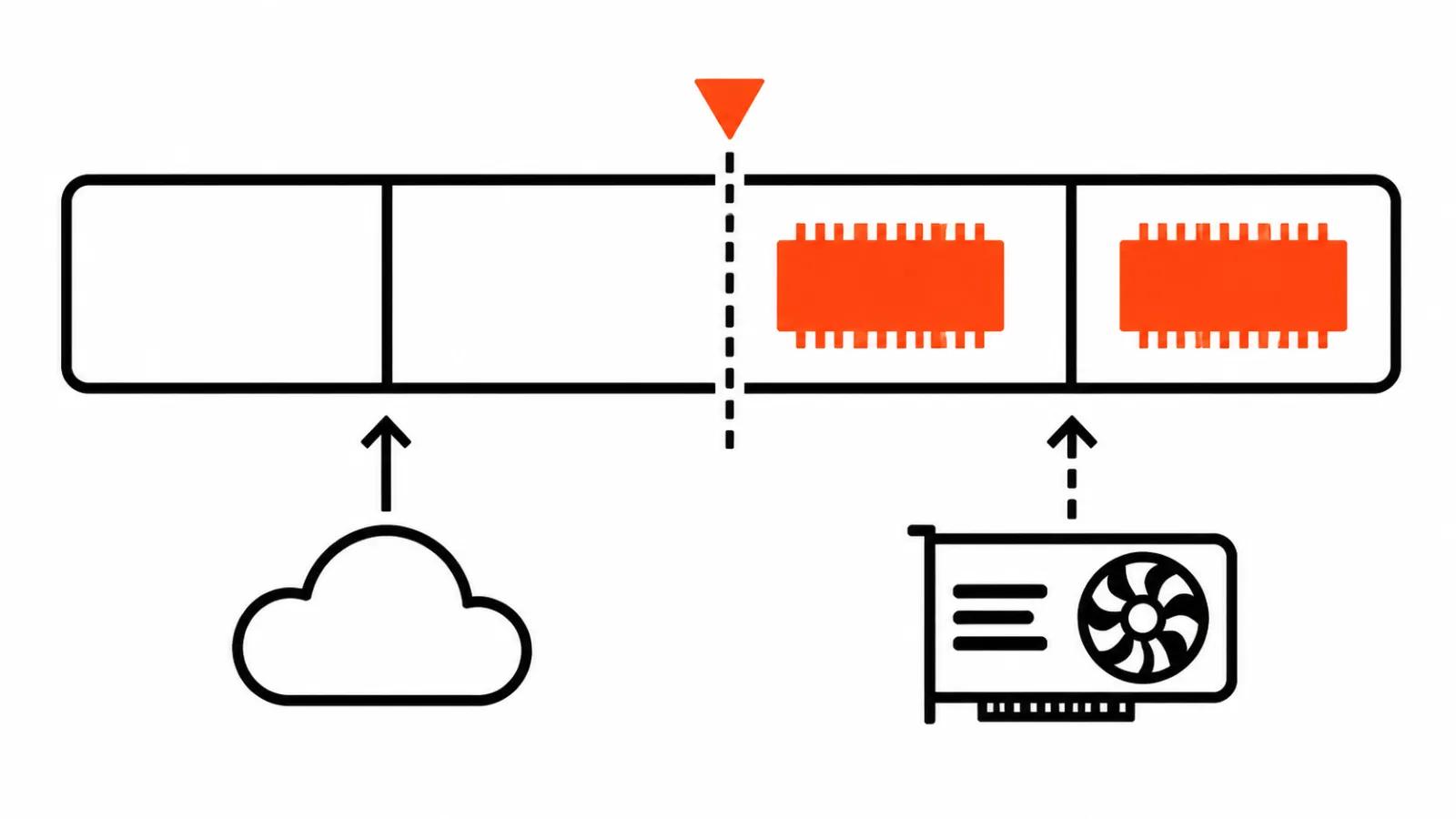
For open video models with sound, 24 GB is the working floor right now. Both benchmarked cards clear it, and both return a clip in minutes. Everything below that line the team left unanswered, which is more honest than a nice promise.
The reason is simple: with sound in the model, the picture is not the only thing living in memory. That is why people pick a card by VRAM size first, check whether published runs exist at that size, and only then look at core counts.
One practical detail. 1344×768 is not 1080p, the draft comes out smaller than the final frame, and the resolution lift is a separate pass. The card gets used twice, for generation and for upscaling.
The licence weighs more than the memory
The HyperFlow H3 Flash weights ship under the MiniMax H3 Community License, and the EU, the UK, Korea and the US are excluded: in those markets a commercial run needs permission from MiniMax. For a business there, the local pipeline hits a legal question before it hits a hardware one.
The second route this month is LTX-2.5 from Lightricks: full 22 billion parameter weights are available for local fine tuning and for running on your own GPUs (TLDR, November 2026). A home card starts to make sense here if you are ready to work on fine tuning.
Upscaling and research scale
Open-H3-Regenerate-2K-IC from NVIDIA, out on 9 November on Hugging Face, lifts an H3 768p draft to 1080p, 2K and 4K. The model shards across 1, 2, 4, 7 or 8 GPUs, and the launch example in the card uses eight. That 2K to 4K upscaler turns a single clip into a conversation about a rack.
Video-Coder from arXiv, also 9 November, was trained on 8 H100s plus 16 H100s under MiniMax H3, for about three days. Nobody repeats that at home, and the boundary is useful: generation fits one card, upscaling and training move to eight GPUs and beyond.
The cloud: a hundred clips for about $35
Gemini Omni 1.2 Flash costs around $0.07 per second at 720p, around $0.104 at 1080p and around $0.209 at 4K (blog.google, 5 November; pricing via RCTV, 9 November).
Now the batch. One hundred clips of 5 seconds is 500 seconds, which lands near $35 at 720p, near $52 at 1080p and near $105 at 4K. The gap between 720p and 4K is about threefold, and on a series it shows up in the quote.
When owning the card pays off
Your own card wins on throughput: clips leave in dozens every week, ComfyUI is already configured, and there is a person who fixes nodes after updates. In that setup a local run can come out cheaper than the cloud as long as the card is not idle, and the licence decides whether you can run it in your country at all.
One off videos, tests and client fixes are easier in the cloud. A card sitting idle between jobs does not show up as a cost line, which is exactly why people forget it.
When a series is due, it is faster to hand the work to our AI video production, and the hardware stops being your problem. Our handcrafted videos, from $190, cover the shots that need a human eye. An AI driven YouTube channel starts at $200 per month, and the card there belongs to someone else.
My conclusion
24 GB is the working floor in November 2026, and 157 seconds for a 5.2 second clip is good speed for one card. A hundred clips in the cloud cost around $35, and arguing with that number only makes sense at real volume.
My routine for a new project: ten clips in the cloud, look at the result, count the monthly volume. If the volume grows and the quality holds, a card, ComfyUI and a person to run them start to pay for themselves.
We already published detailed benchmarks of a local model with sound, and that piece has more numbers on time and hardware.