What the Efficient-Large-Model team shipped
The weights landed on Hugging Face on October 30, 2026. The authors are the Efficient-Large-Model team, a group of NVIDIA and MIT researchers. The code is open in the NVlabs/Sana repository, together with the plumbing needed to run it.
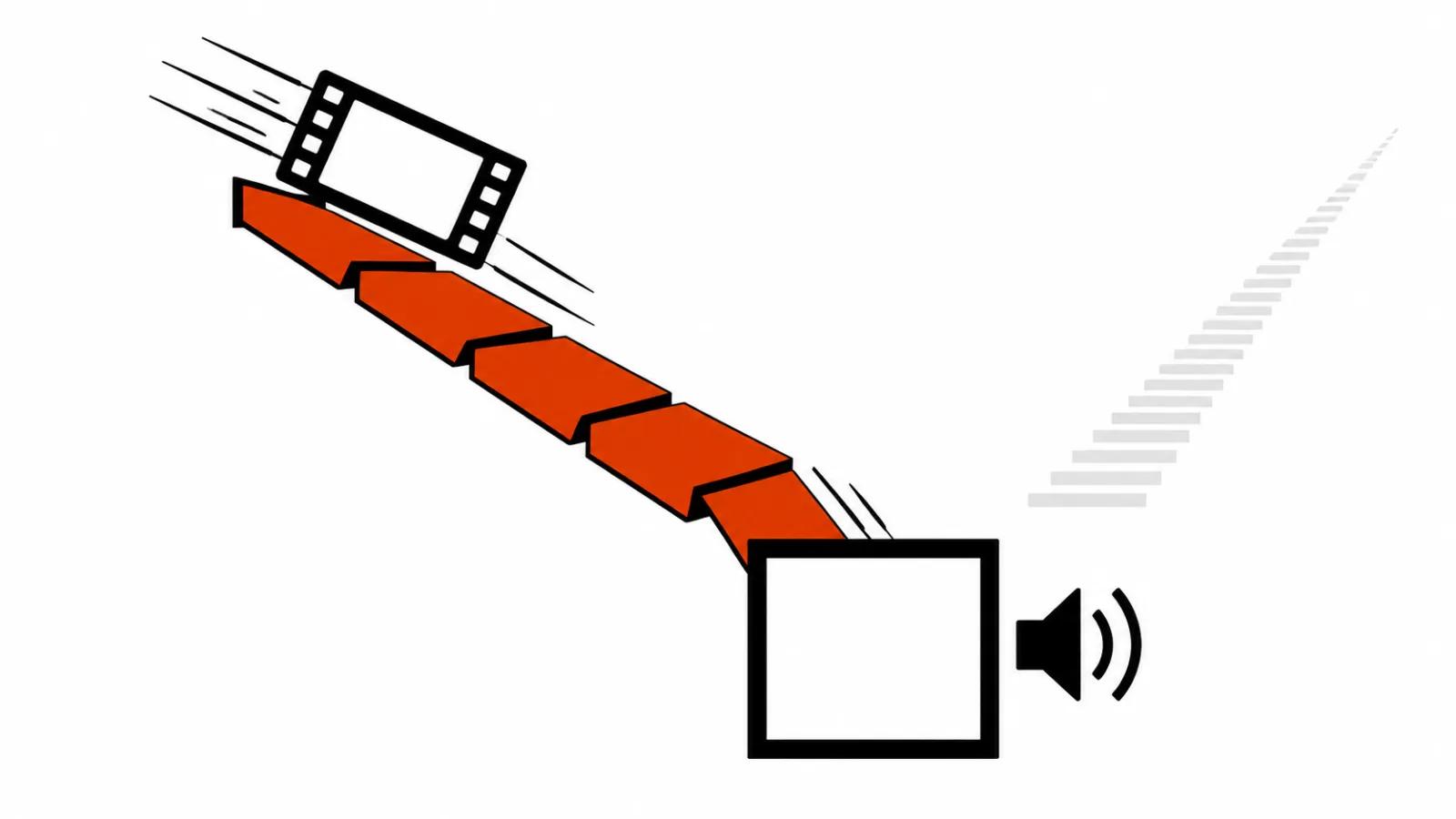
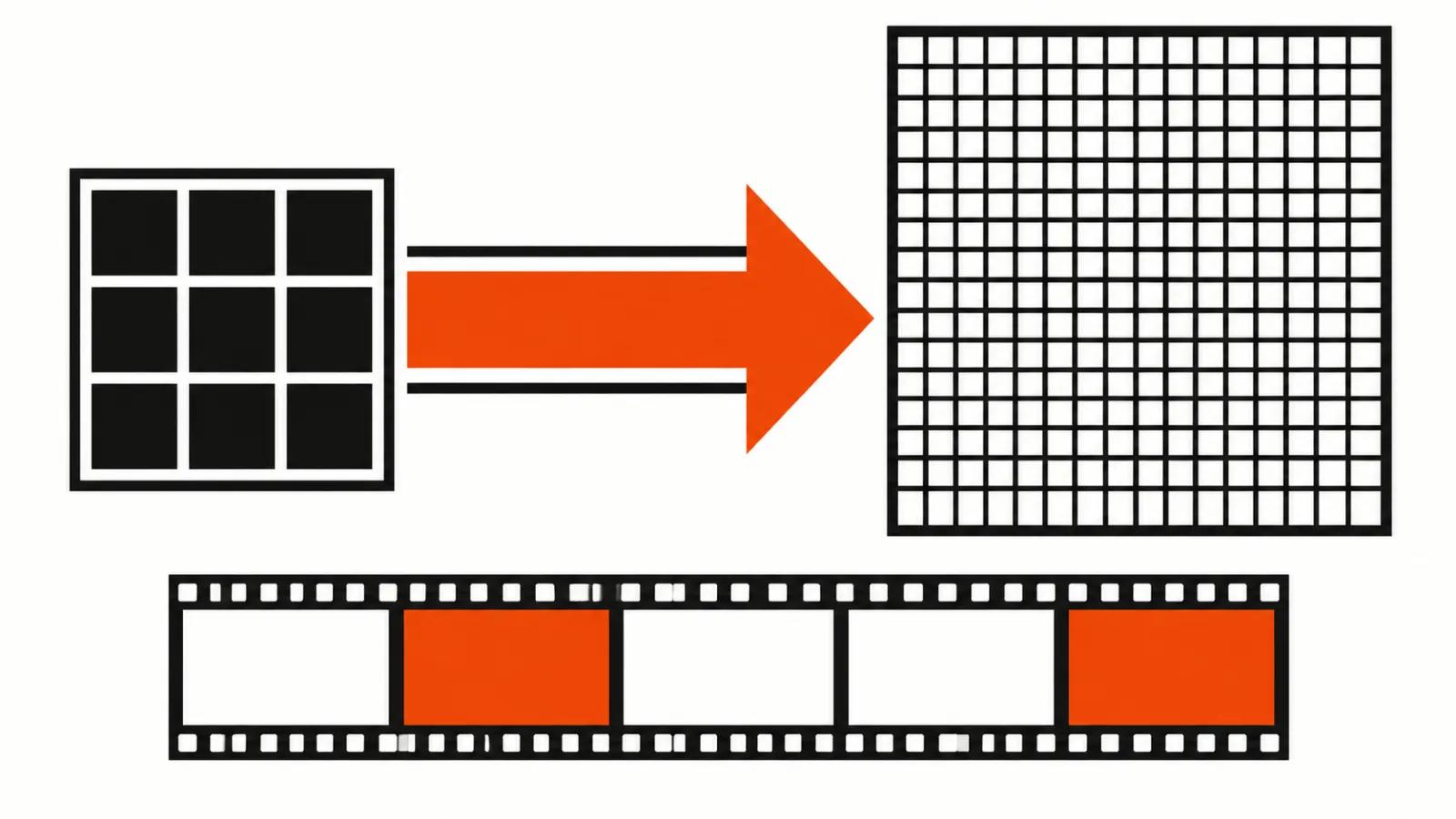
The name describes the job well. Regenerate means the model starts from an existing MiniMax H3 draft at low resolution and outputs the same footage at a larger size. It does not paint the scene from scratch. It rebuilds detail inside motion that already exists, so composition and timing stay exactly as the cheap pass set them.
Two output sizes are listed: 2560×1440 and a native 3840×2160. The second number is the 4K in the title.
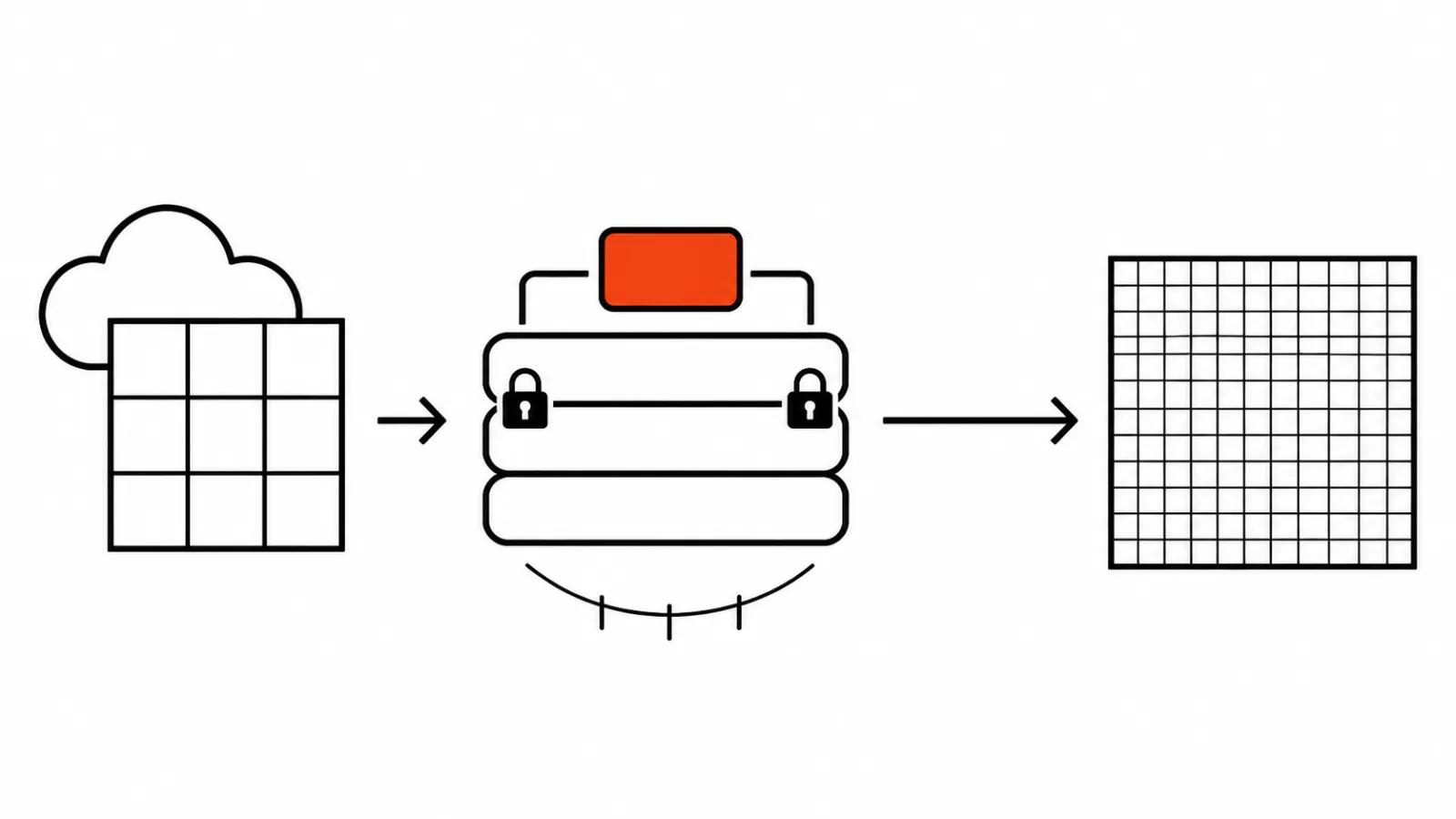
How an AI video upscaler works in three denoising steps
Training touches the refinement LoRA only. With the backbone and the VAE frozen, the adapter stays small and the base weights remain intact. That saves nothing at inference time, since the full model still loads into memory, yet it keeps training inside a sane budget.
The speed comes from LightX2V FL2VA Turbo and the LMS Sharp sampler. Denoising runs for three steps. A conventional upscale loop takes dozens of steps; here most of the work sits in the trained adapter, which is why the loop is short.
In practice the refiner needs no retraining for a new scene. The frozen backbone and VAE describe the same image as the generator, and the adapter answers for detail alone.
Speed on one B200: 22.45 seconds against 87.26
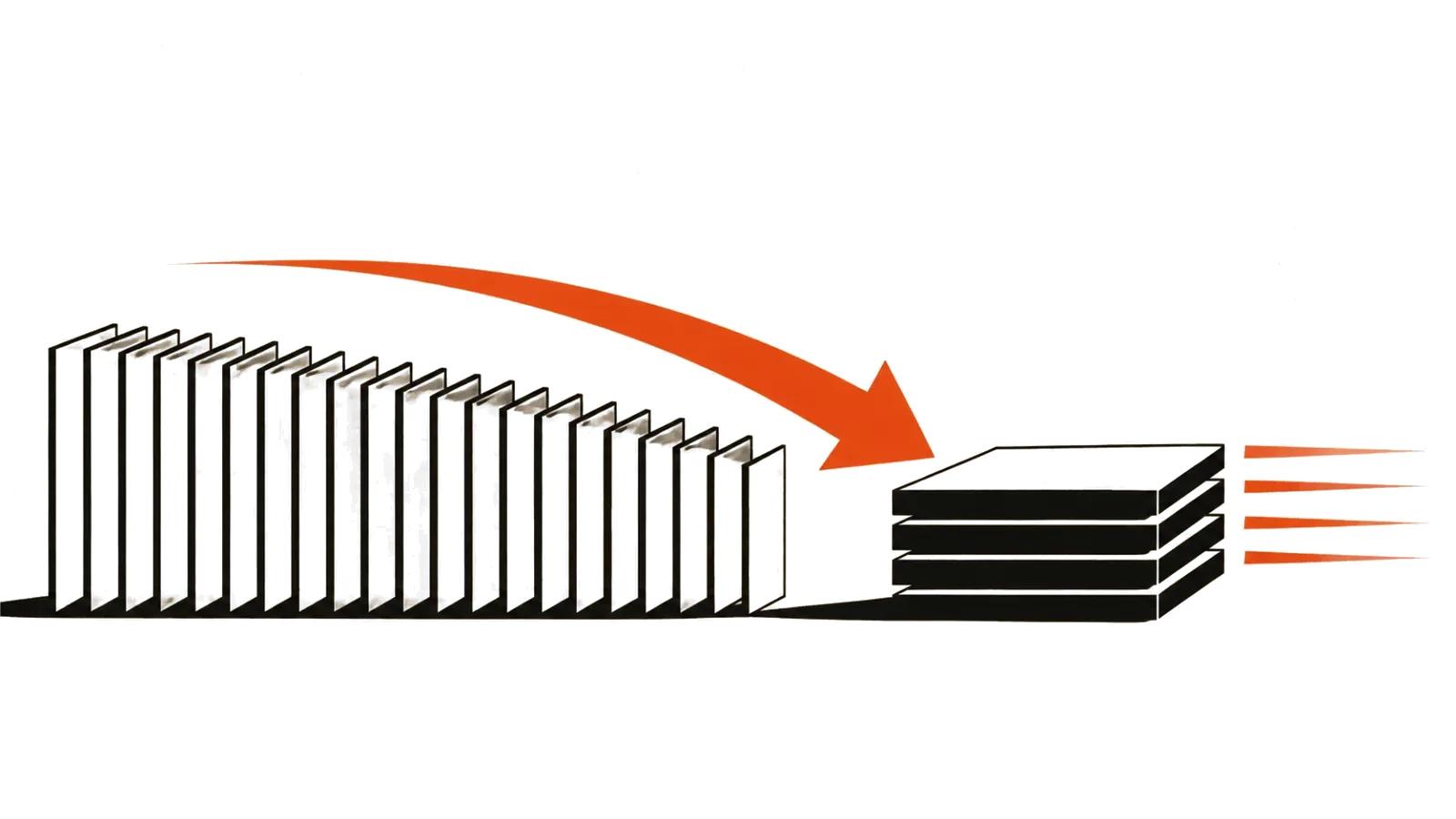
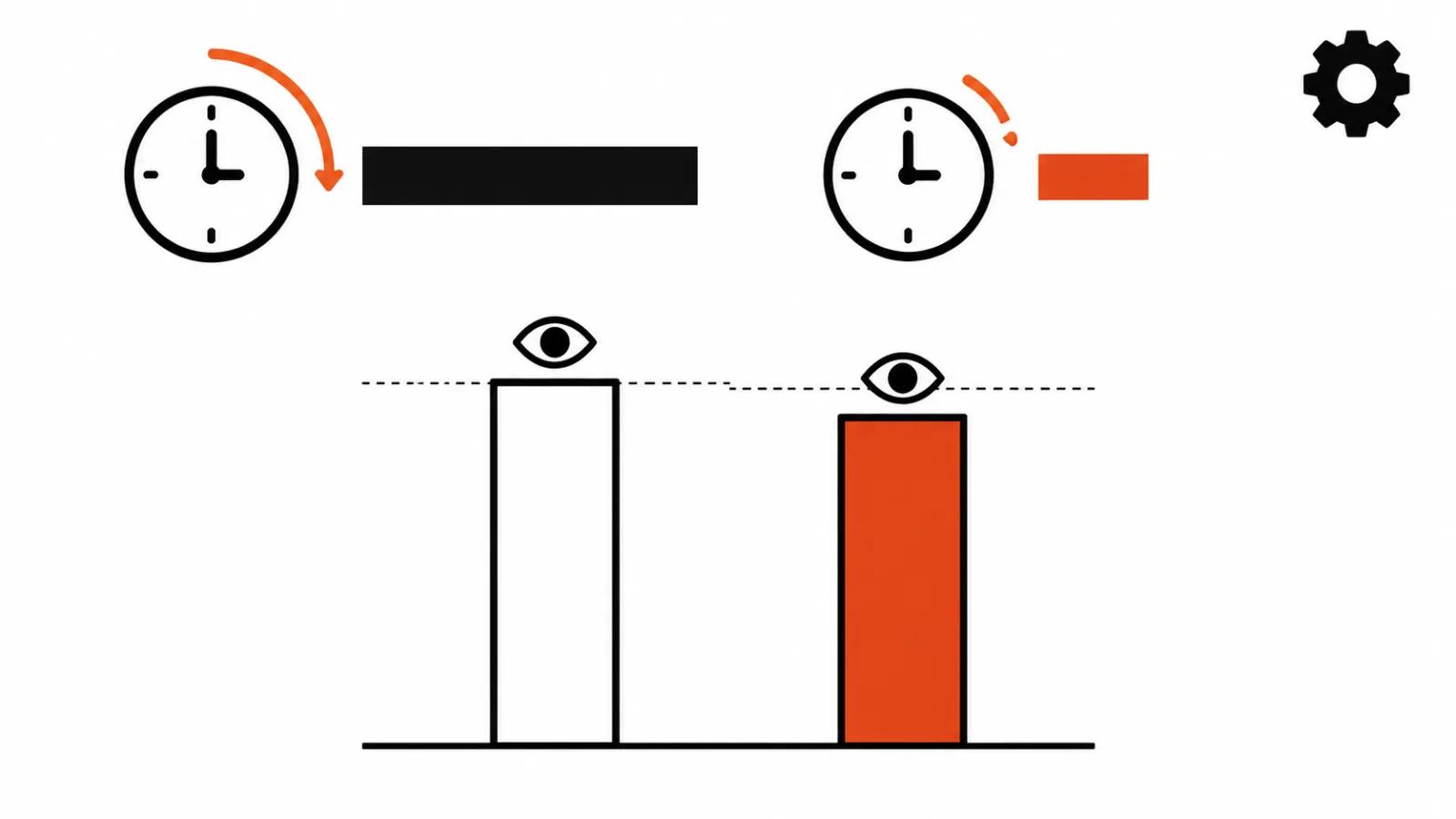
The measurement comes from a single B200. A clip of about five seconds takes 22.45 seconds, while the same footage took 87.26 seconds without the optimizations, a 3.9x speedup.
The decoder gets its own line: fast decoding cuts that stage from roughly 15 seconds to 1.6. Across a ten-shot video that is about four minutes spent on the refine pass alone, which is a number a production day can be planned around.
One caveat. The run used one B200 and a clip of about five seconds, so another card or another draft will move the timing. I would treat 22.45 as a floor for a cloud instance and expect nothing like it on a desktop build.
Against the official API on RefinerBench-150
The UniPercept metric on RefinerBench-150 gives 60.0 to the open model against 53.4 for the official H3-Regenerate-2K API.
I read that as denser detail and texture. The authors are candid that the official API is still slightly better on motion smoothness and dynamics. The open build wins on a static frame, while on fast action the paid service keeps motion steadier. For ads with running people and camera pans that difference matters; for a talking head in a room it barely shows.
UniPercept aggregates several scores, and a single total hides where the gain actually came from. Until shot-level breakdowns exist, I treat a 6.6 point gap as a signal.
Where the open video upscaling stack used to stop
The context matters. MiniMax H3 kept its high-resolution module closed: the draft was available, the final pass was not. On Pika H3 Flex the 4K final lived in the paid API only, as we wrote when those weights came out. Practically the whole open pipeline hit a wall on the last step, and studios had to buy that step from a vendor.
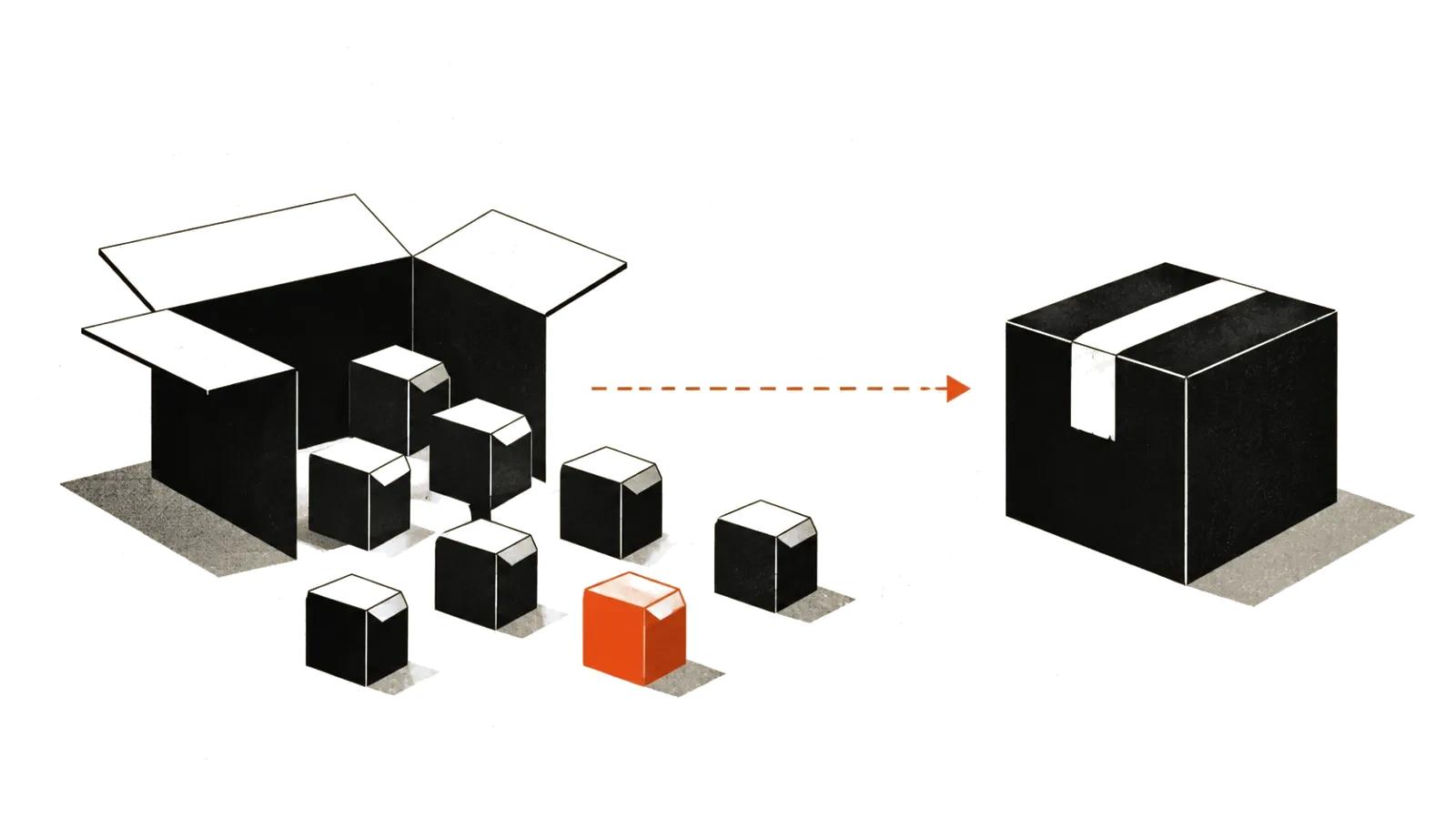
An open final pass now exists. The pairing of a cheap 768p draft with an open upscale closes a gap that stood for about half a year. AI video upscaling stops being a vendor feature and becomes an operation you can price in GPU hours. Our MiniMax H3 field notes cover the base model in more detail, and we have a separate breakdown of upscaling methods and their limits.
Who needs this in practice
The first limit is the card. A B200 is expensive hardware, almost always rented by the hour in the cloud, and a desktop 4090 will not hold that mode in memory.
The second limit is the economics. Open weights give you control and no per-call fee, while GPU hours still cost money. For a hundred videos a month, renting a B200 for a few hours can come out pricier than paying per frame. Run the numbers on your own volume; I would start with one rented hour and twenty shots.
The third limit is the target resolution. A vertical video that lands at 1080p gains nothing from a native 4K master beyond file weight. On those projects I would keep the 768p draft and spend the budget on people: handcrafted AI videos from $190 handle shots where a real person has to be on camera with exact lines.
My take
I would not move a pipeline onto this on day one, and I would not sit on it either. The steps are simple.
First, rent a cloud hour on a B200 and push twenty of your own shots through the open refiner and through the official API.
Second, look at fast action. That is where the API still leads, and where the verdict on broadcast use gets decided.
Third, compare the price of an hour against the price of a thousand frames at the vendor, and keep both paths working.
The larger point sits elsewhere. The open video stack has reached the last step: draft, upscale and edit can now run entirely on your own weights. That changes the negotiating position against closed APIs, even if a given studio keeps paying per call.