What Pika shipped on October 29
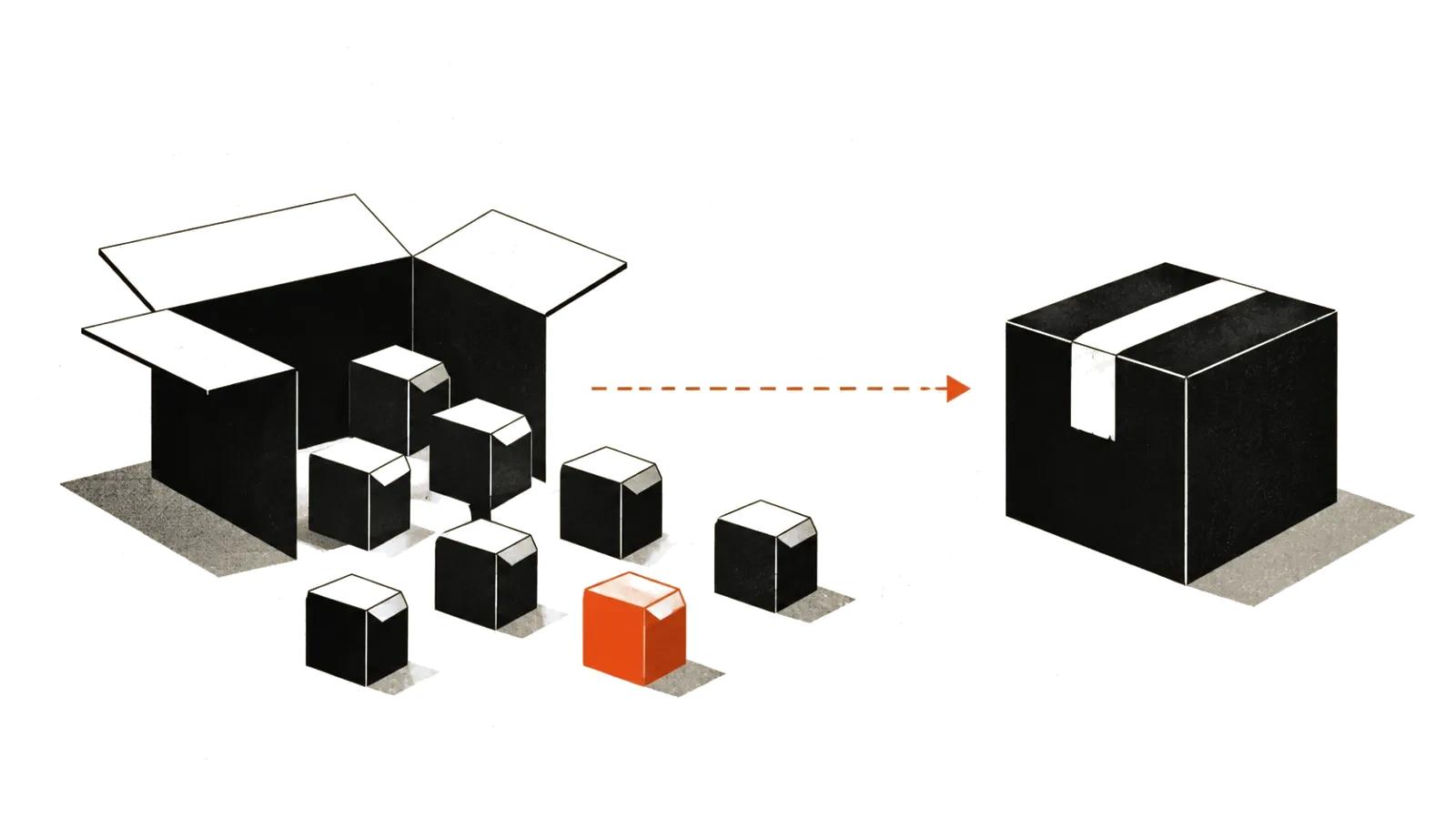
Pika H3 Flex landed on October 29, 2026. It is not a new architecture: Pika post-trained MiniMax H3 for its own purposes and published the result. The announcement went out on the Pika blog, with a press release through BusinessWire the same day.
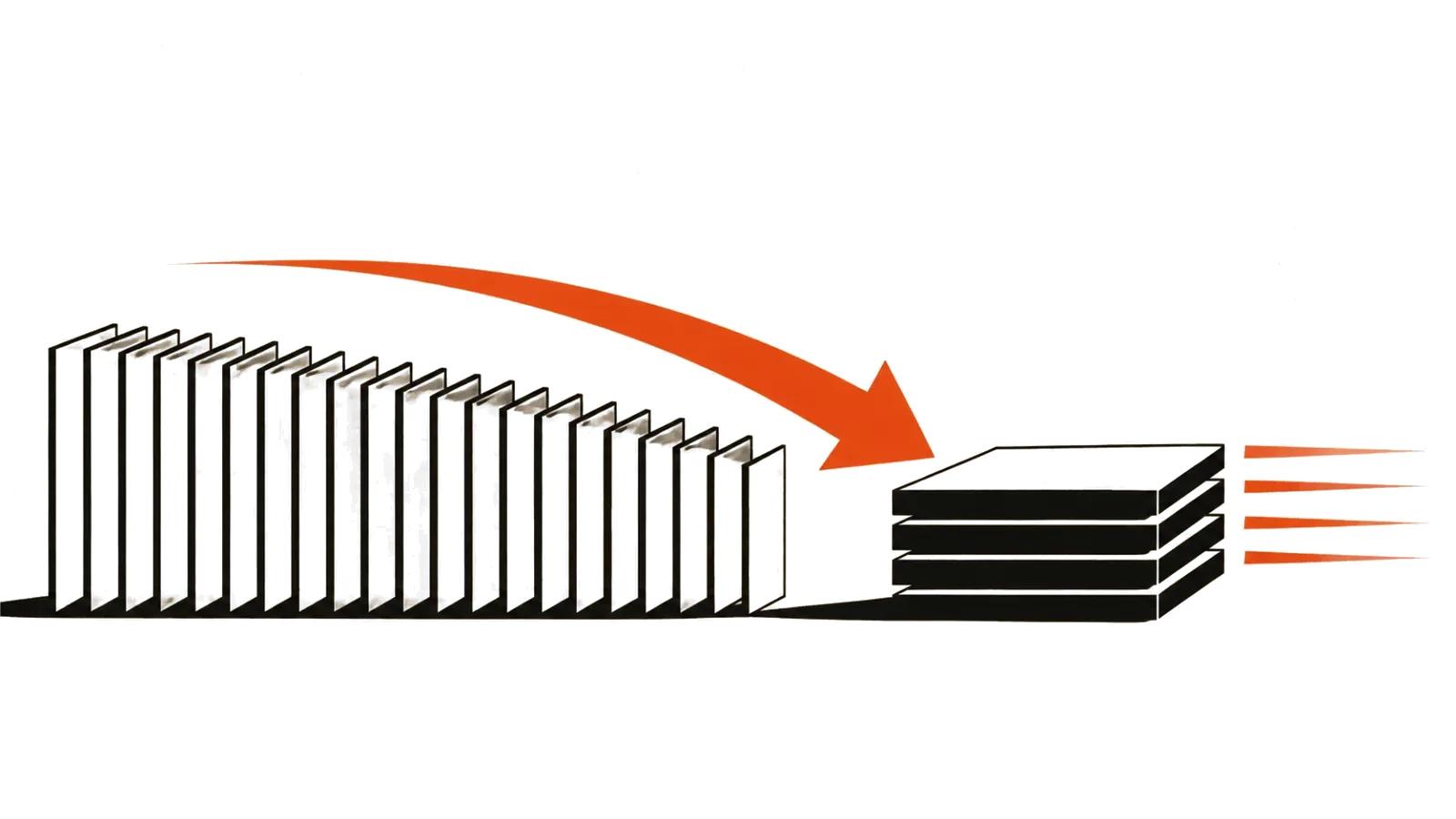
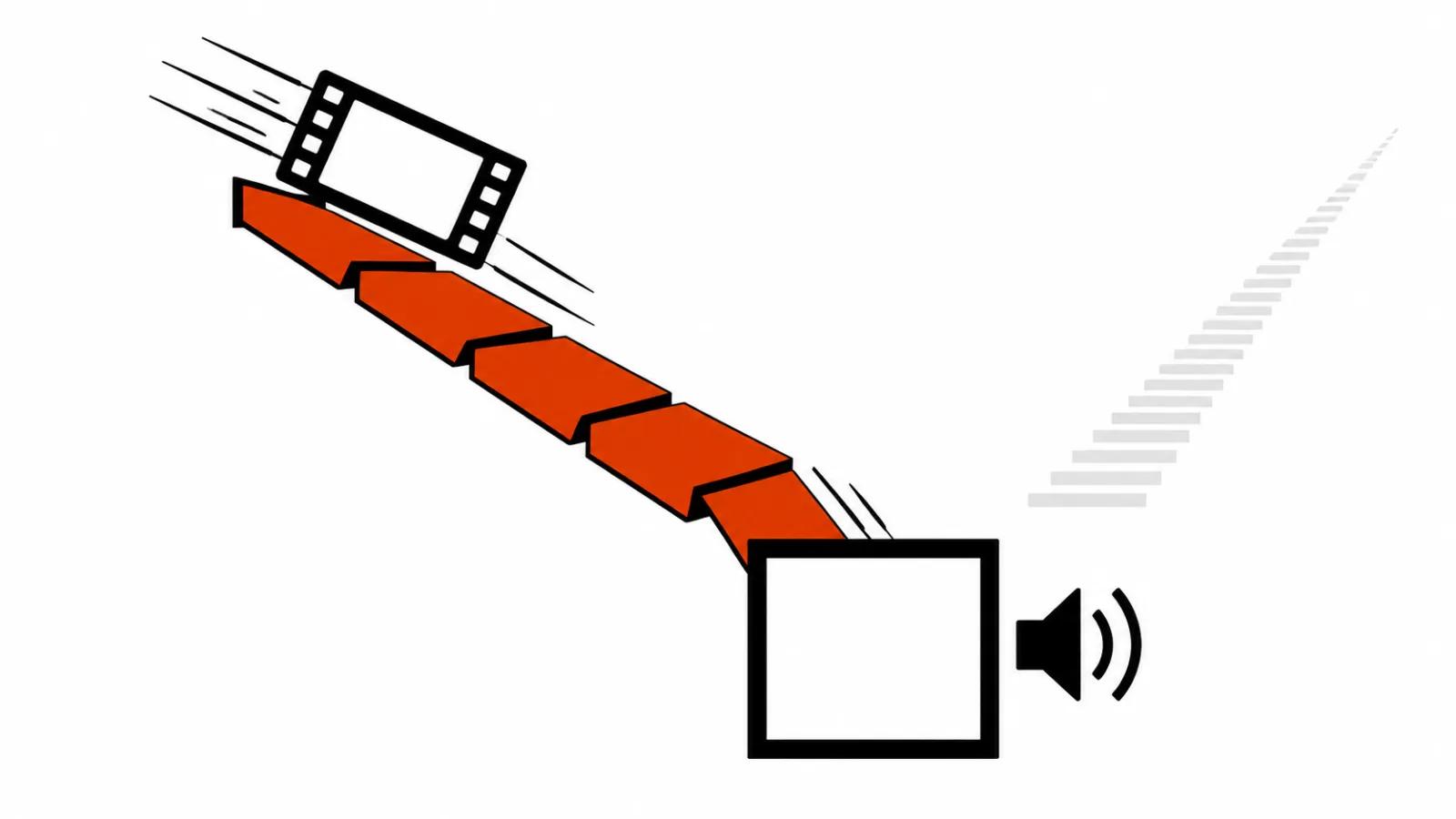
The headline number is six sampling steps instead of fifty in the base model. A 15-second clip with sound at 768p comes out in roughly seven seconds of transformer work. Pika attaches an asterisk here, and the asterisk matters: seven seconds is denoising time. Queueing, weight loading and post-processing sit outside that number, so real waits run longer.
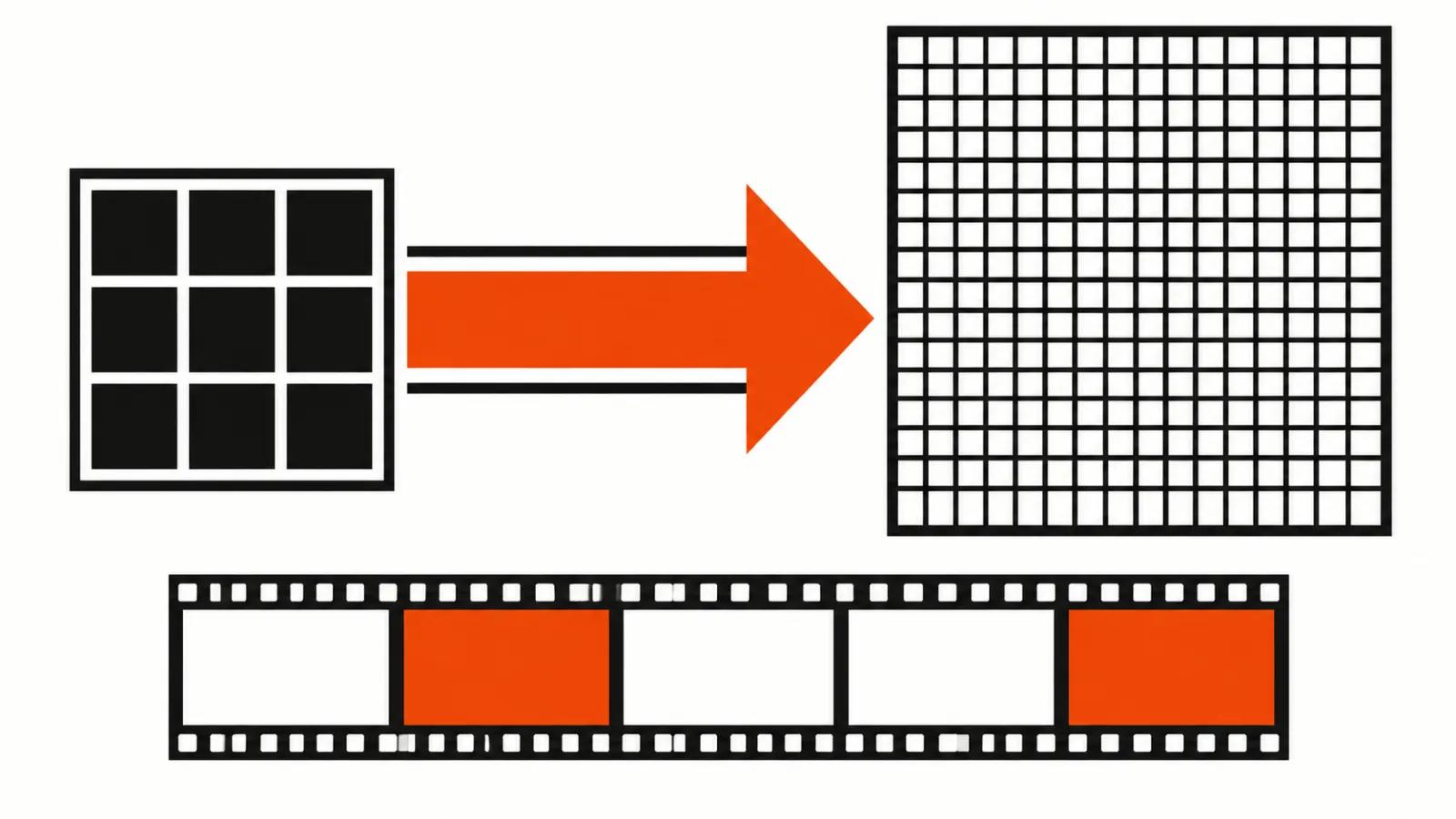
The second number is twelve references on the input side. A sketch, a voice sample, a still, a sound, a video, a moodboard, all of it can go into a single request. Drafts come out at 768p, finished frames at 1080p, 2K and 4K.
Six sampling steps instead of fifty
Sampling steps are the loop where a diffusion model turns noise into a picture. Fifty steps buy quality and cost compute. Six steps buy speed and save compute, and they only work if the model was trained for that regime in the first place. That is where the word Flex comes from: Pika sells a trade between quality and the price of a draft.
The company pitches the result this way: first place among open models and seventh overall on the DesignArena text-to-video leaderboard, ahead of base H3, H3 Max and Seedance 2.5. The same post claims H3 Flex is 1.8 times faster than fal H3 Max and up to 80% cheaper.
I treat those lines with care. DesignArena ranks models on human votes over pairs of clips, where an open model can beat a closed one on taste alone. No independent speed test existed at publication time, only Pika's own demos. Once the weights run on someone else's hardware, the 1.8 figure will check itself.
Two LoRA adapters and a ComfyUI workflow
The open part is two LoRA adapters on top of MiniMax H3. FL2VA handles text with a first or last frame. Ref2VA takes references: up to 9 images, 3 videos and 3 audio clips, twelve inputs in total. Example code and a ComfyUI workflow ship with them, and the repository sits on Hugging Face as Pika-Labs/Pika-H3-Flex.
The licenses differ. The adapters fall under the MiniMax H3 Community License, the example code under Apache 2.0. For a studio that is the first thing to read: community licenses usually allow local runs and forbid reselling the model as a service. How this one treats client work I have not verified, and counsel should read the text before a paid job.
Five separate audio stems
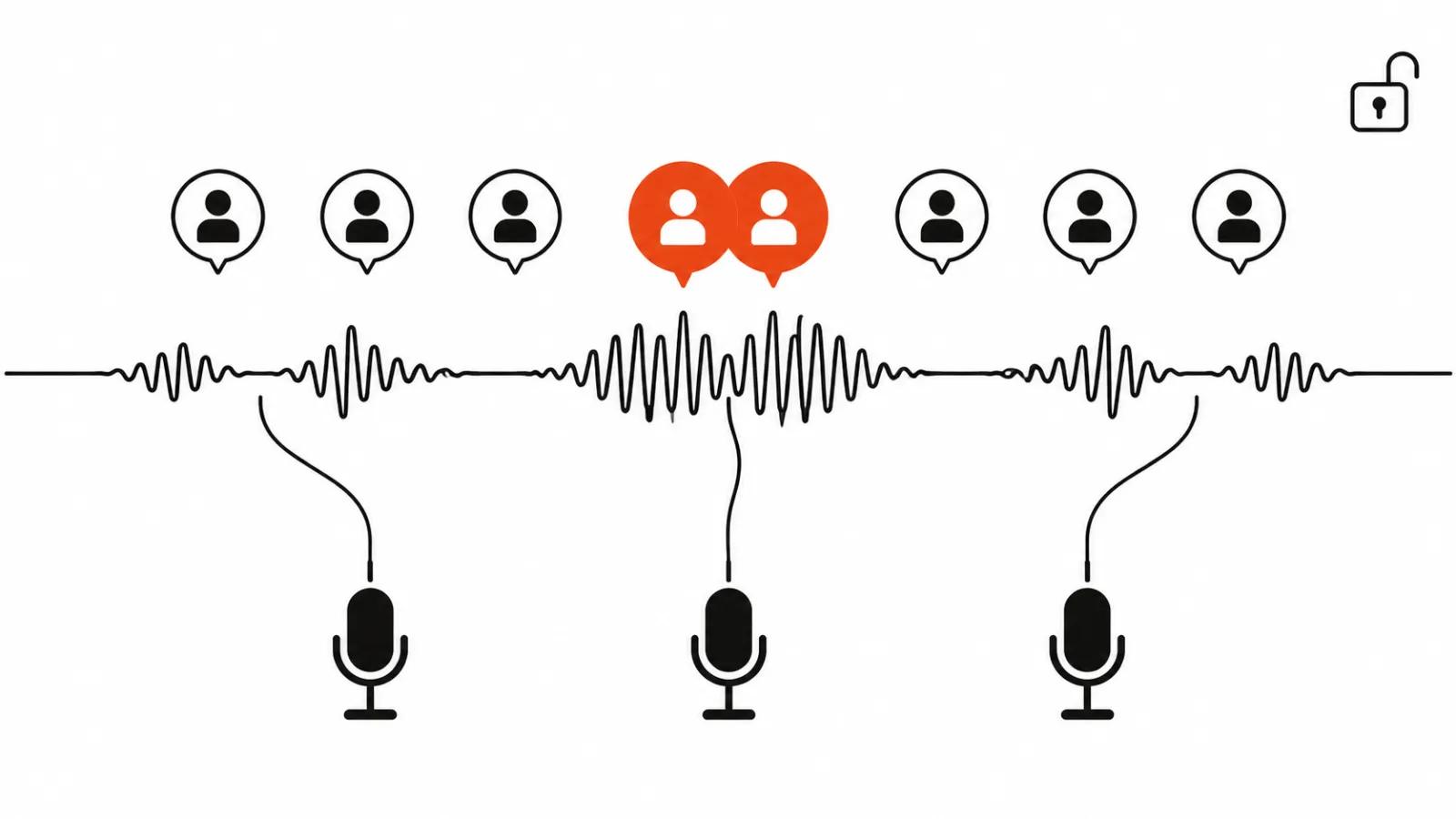
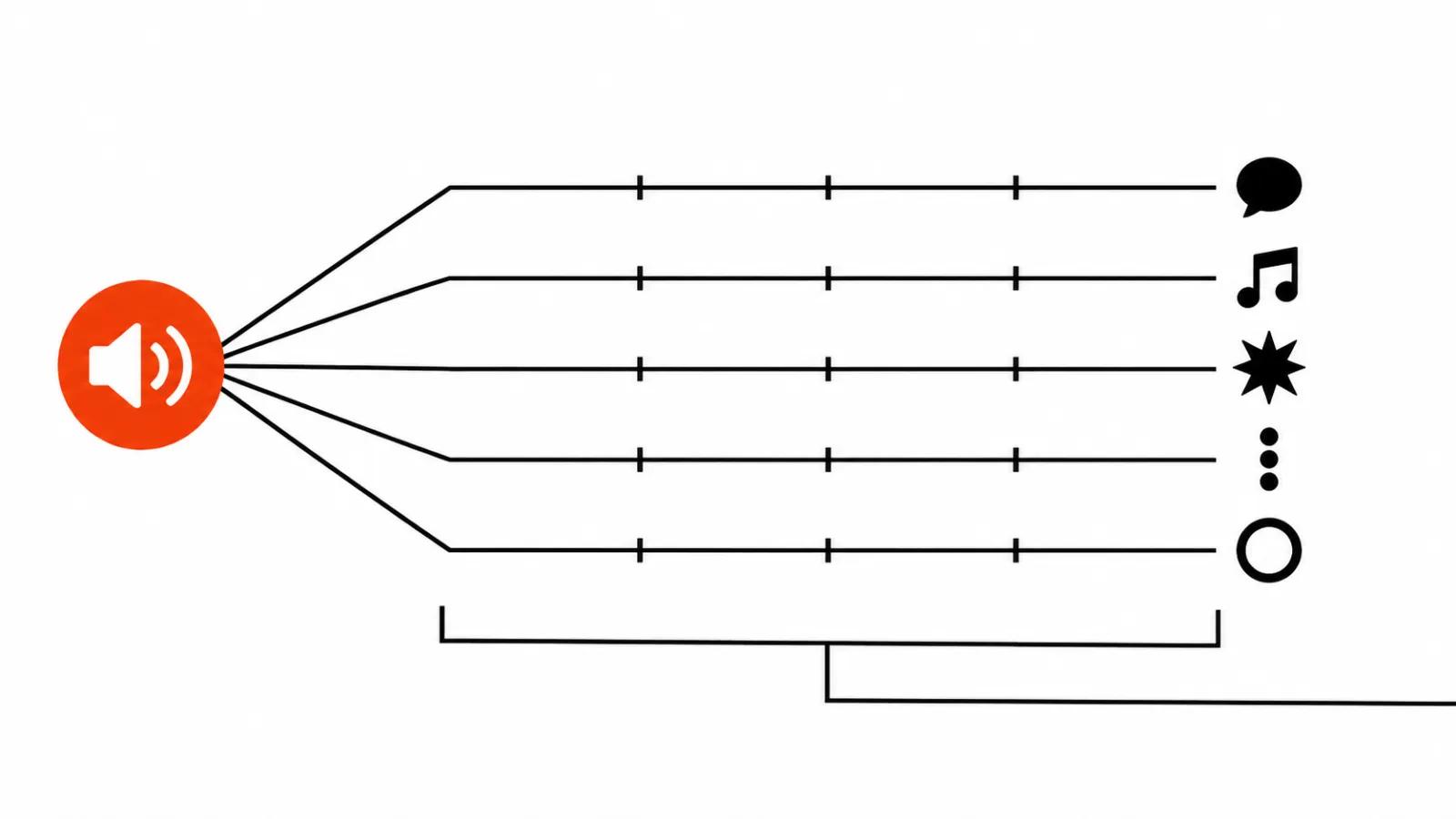
Through the API the model returns up to five separate audio tracks: dialogue, music, sound effects, Foley, ambience. This is the most useful part of the release, and it has nothing to do with speed.
Most video generators hand back one mixed track with music already stacked on the voice. Then the manual work starts: pull the dialogue out, duck the music, add room tone. Five stems remove half of that. An editor keeps the dialogue, drops in their own score, tweaks the ambience on its own lane, and the scene assembles like any normal timeline.
Same caveat as before: stems exist only in Pika's API. Run it locally and you get a single 32 kHz stereo track.
What open weights mean here
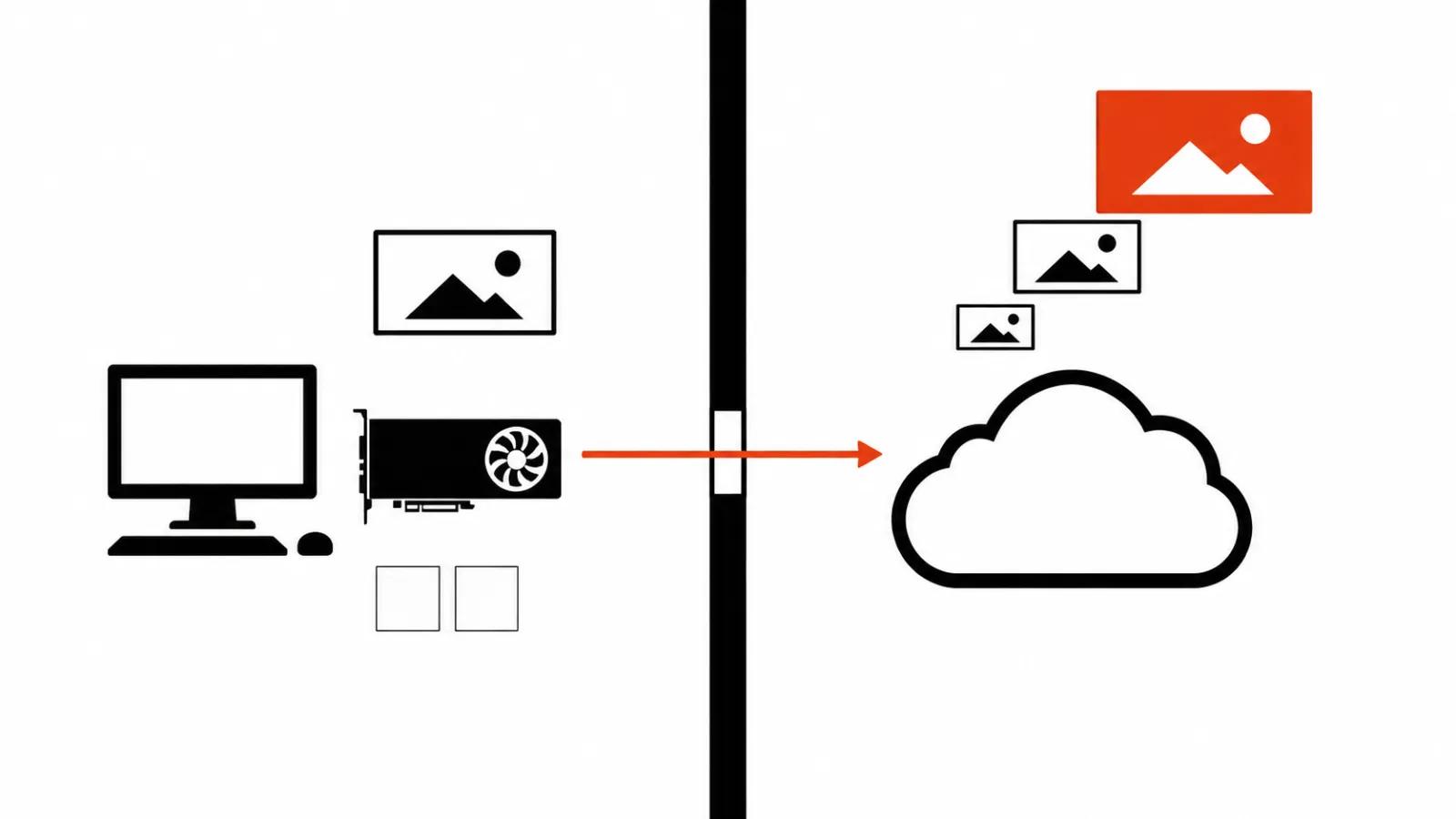
My read is simple: the draft is open. Locally you get 480p and 768p, 24 frames per second, clips from 5 to 15 seconds. Everything that makes a shot final, meaning 1080p, 2K and 4K, stem separation and prompt enhancement, stays behind the paid API.
That is a sensible deal for the company and an annoying one for anyone who read "open weights" and expected a free finish. Studios can live with it: drafts and animatics render locally without quotas, and the final pass gets bought from the API. The savings land on iterations, and there are always more iterations than you planned.
The hardware bill: 210 GB and an H100
The base components weigh about 210 GB. The tokenstrom teardown tested on an H100 with 80 GB of memory and notes that heavier requests need CPU offload. That write-up follows the Hugging Face repository, so the numbers come from the release itself.
The honest conclusion for a home setup follows from that. A single 24 GB card will handle 480p with offload and will crawl. A rented H100 costs real money, and at six steps the API may still win on price. Run the math on your own volume, since no general answer exists.
Price and availability
The model is live in Pika API Club today. It reaches the pika.art product on November 2. For the first two weeks subscribers get 15 free generations a day and a 50% discount.
That is enough for a test. Fifteen generations a day is roughly two short episodes with retries, and two weeks show whether the model holds a look across shots.
My take: faster drafts, the same finish
First, drafts get faster. Shot lists, animatics, camera tests used to eat hours. Six steps and seven seconds now produce a first pass almost immediately, and a client sees motion before real money goes into the project.
Second, the finish stays manual. Where a real person has to be on camera with exact lines, handcrafted AI videos from $190 still cost less than reshoots. A generator earns its keep on transitions, backgrounds and inserts; faces and voices deserve a human in the loop.
Third, five stems change the edit. When audio arrives separated, the mix assembles like any other project, and that saves hours per scene.
If you are still choosing a tool, our Pika AI video guide covers the lineup, and the MiniMax H3 field notes show how the base model behaves in practice. Teams doing AI video production at volume care more about a template and a predictable cost per clip.