What happened on 24 October
The post went out from the invideo account on X on 24 October at 14:30 UTC. The wording: GPT connected to the invideo MCP can now build its own effects directly inside the editor. Then the list: mixed media, grid effects and plenty more, all built through conversation, all on a real editing timeline.
The timeline point matters. This is not a generator that returns a file and forgets it. The effect appears on a track next to the rest of the material, where it can be moved, shortened and watched in the context of the scene.
How an effect lands on the timeline
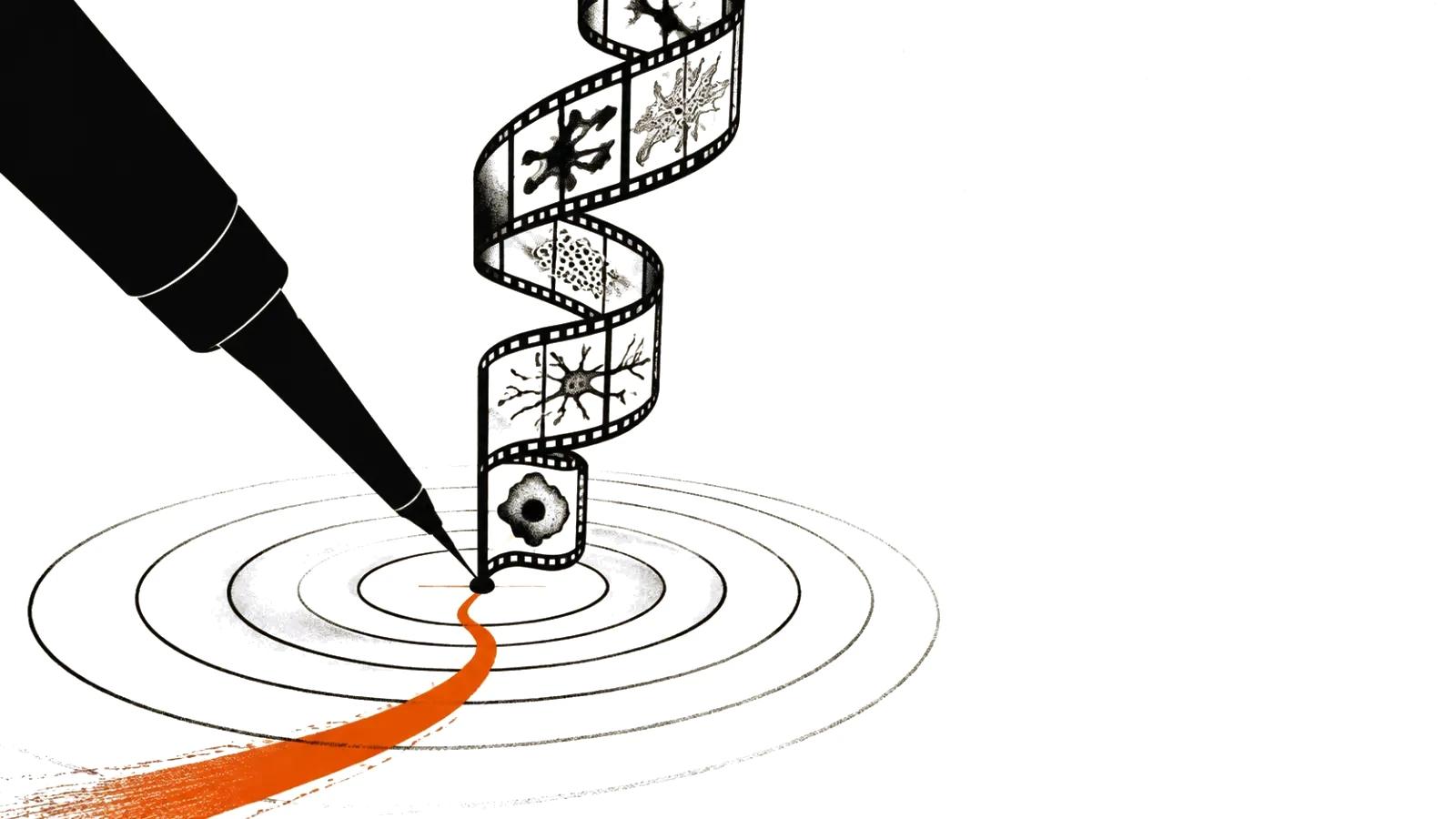
The mechanics are set out in invideo's documentation. An editor describes the result in words or shares a reference, and the agent builds the treatment and attaches it to the footage. Some effects work as a shader, a small program that changes how a frame is drawn.
The shader arrives with controls. For a light-trail effect those are trail length, direction, a threshold for which highlights produce trails, and the mix with the original picture. Then a person either asks for a change or turns the parameters by hand.
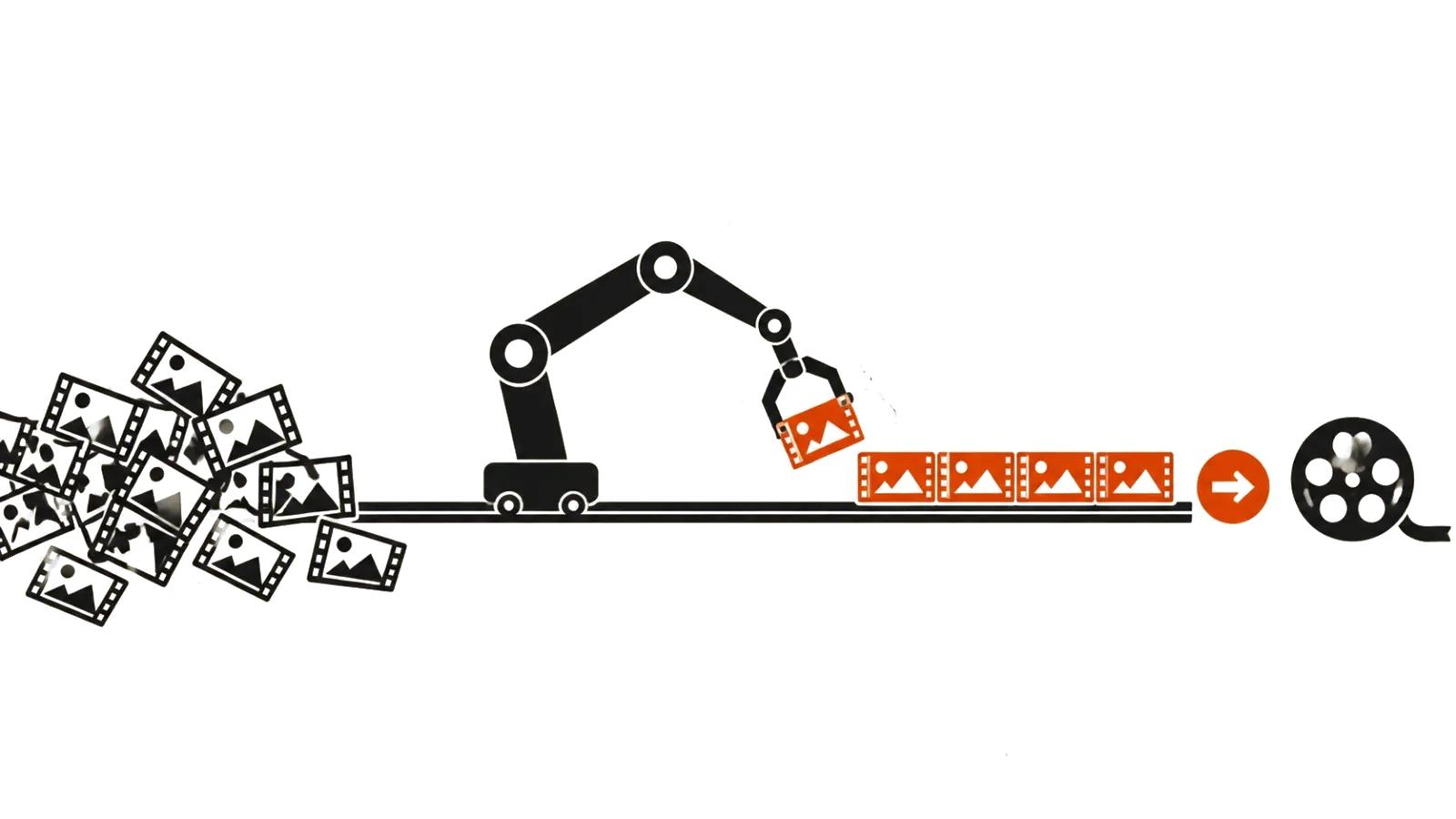
What matters here: the effect does not replace the shot. It is applied to footage that already exists and needs no new generation. For a film with a real product that is a fundamental difference, since the picture stays real and the treatment comes to it.
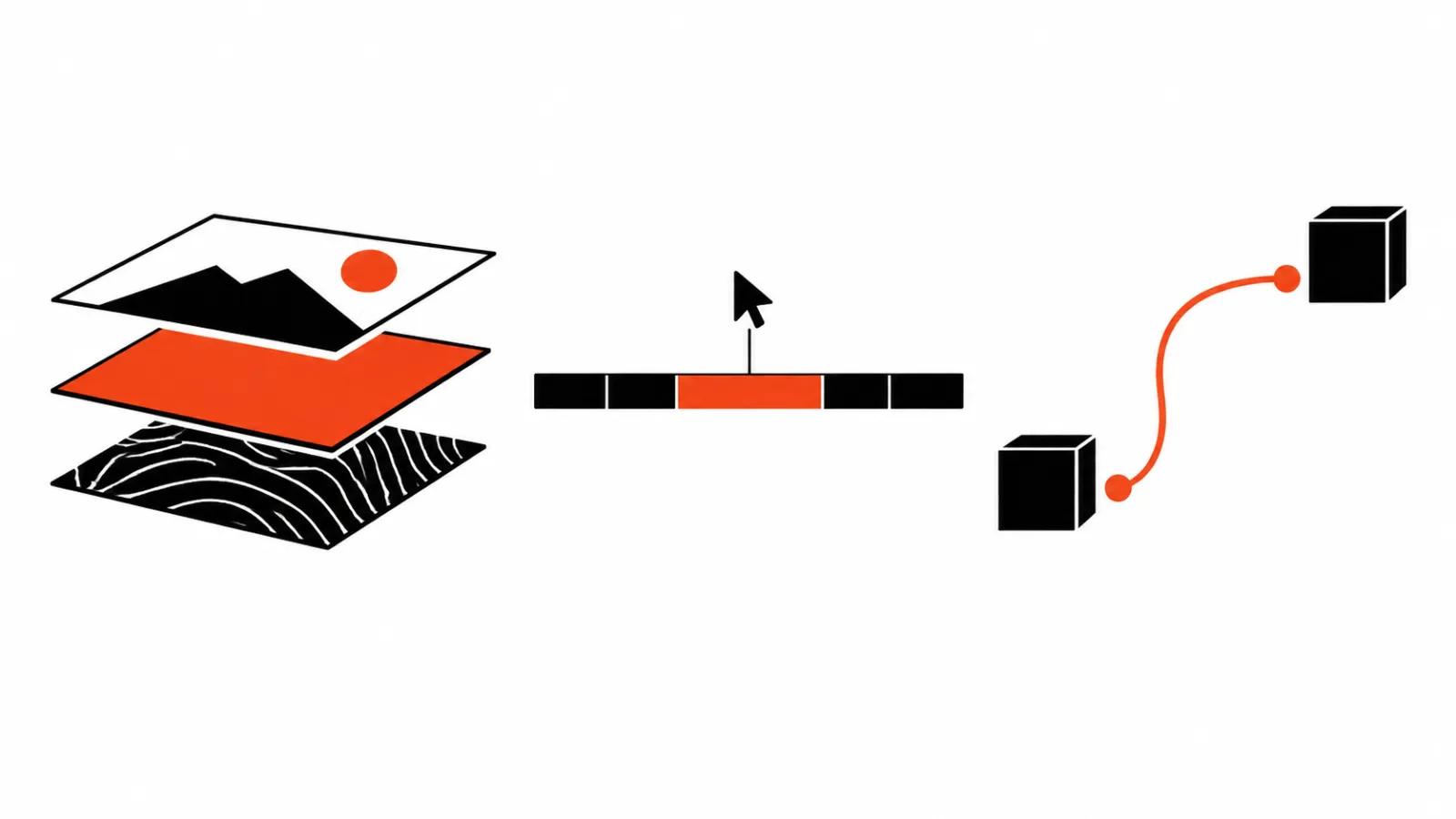
Two effects that show the point
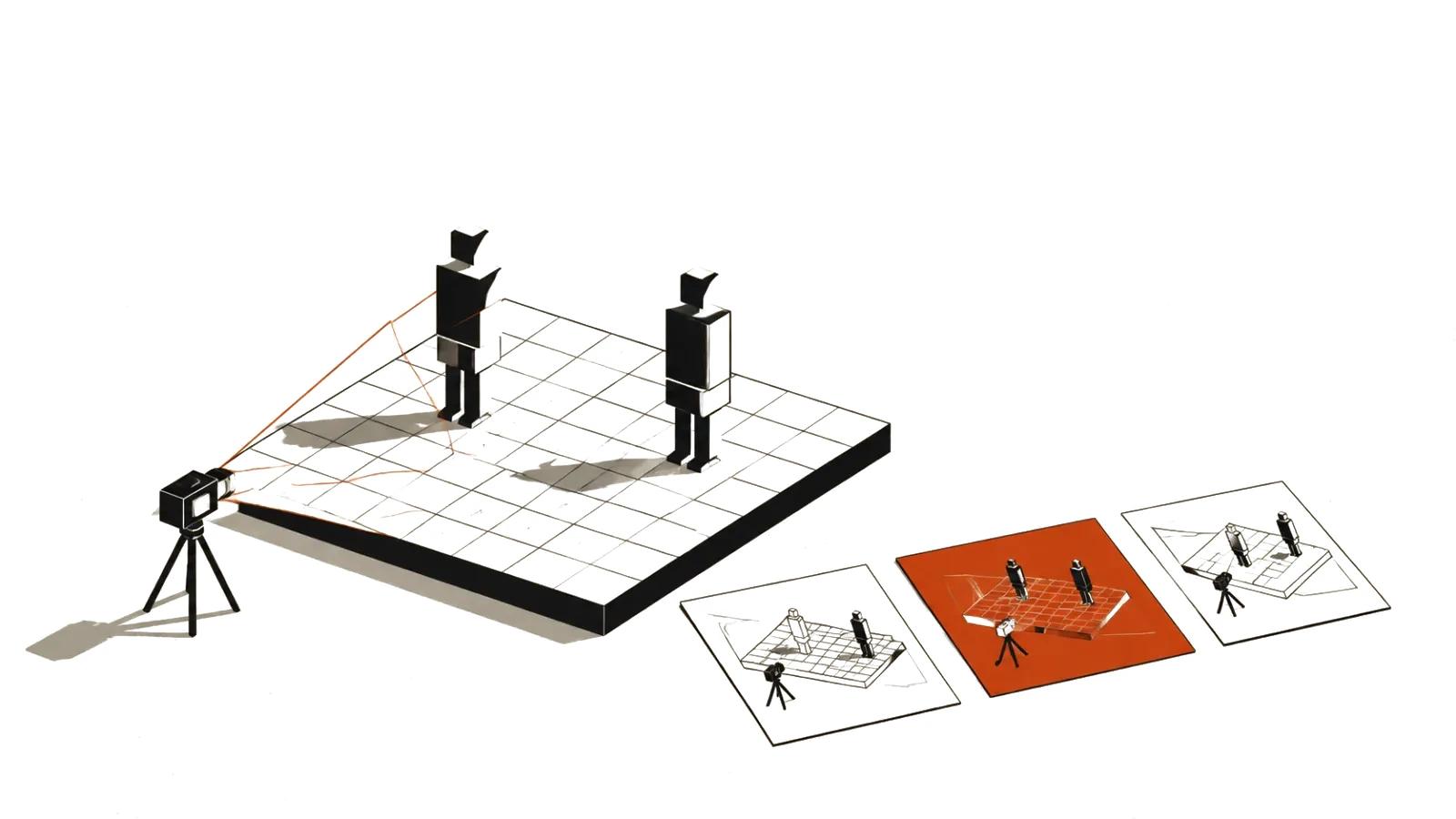
Mixed media builds a frame from different materials: live footage, illustrations, cutouts, textures. The agent arranges them in layers and produces a collage where each layer remains a separate object that can be moved.
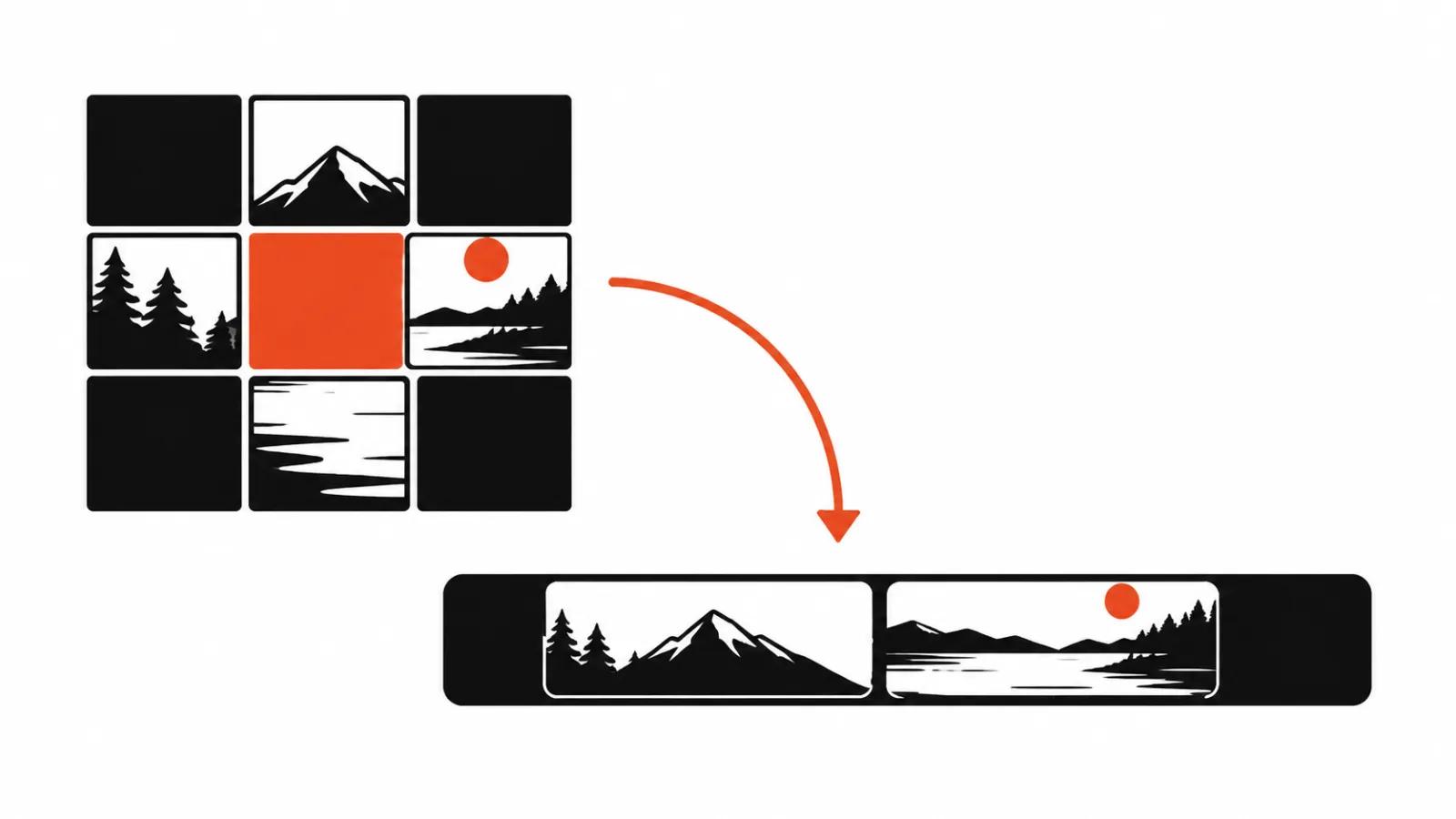
A grid effect works with time. The next shot appears tile by tile across a grid, and the direction of the reveal can be tied to the beat. The documentation gives a director's brief: reveal the next clip through a three by three grid, one tile at a time, on the beat.
Neither is a new generation model. This is editing work that used to happen in an effects panel and is now assembled from a description.
The context: MCP and agentic effects
Both halves shipped on 30 September, and they belong together. invideo MCP is a server that opens the editor timeline to outside agents: cutting, colour correction, audio mixing, image and video generation. Agentic Effects is the other half, effects built by the agent from a description.
Two announcements on one day describing two halves of one construction: an agent with access to the timeline, and effects that the agent builds on that timeline. An agent's changes appear live under a cursor carrying its name, and a person works alongside it in the same project.
How this differs from generating a shot
The usual generation path runs like this: a prompt, a new scene, a check for artefacts, sometimes another attempt. Beautiful and expensive, because every take costs money and time.
The effect path is different. The source stays, the way it is shown changes. A failed treatment is removed and the shot is not reshot. For production this means part of the work returns to the edit, the place generative models pushed it out of.
Where the approach stops
The first limit is technical. Not every effect travels to another program. invideo states plainly that compatibility depends on the destination editor and that a project export does not guarantee every effect arrives unchanged.
The second limit is about meaning. An effect amplifies an idea someone already had. Without a thought in the film, grids and trails create no thought, they add motion.
The third limit is taste. The temptation to include everything a model can describe is enormous. A film assembled from effects wears out in three seconds and reads as a capability demo.
What it changes for production
For studios the motion designer's role shifts. The technical part, meaning the shader and its parameters, goes to the agent. Briefing, choosing a reference and judging the result stay human, and those are the skills that take years.
For a client the budget shifts. When an effect is applied to a shoot, there is no reason to generate the scene again, so versions for different placements get cheaper. AI video production in such projects covers variations and adaptations.
The second scenario sits closer to a stream of content. Short clips built on templates repeat one effect hundreds of times, and there an agent saves the most. Meanwhile handcrafted videos with precise graphics are still assembled by hand, because a person answers for the frame, and AI video editing does not take that responsibility away.
Worth keeping in mind is the Runway in the Claude marketplace story: editors are moving into chats and agents, and that is a general shift which does not reduce to one company's move.
What to watch at launch
First, the list of effects the agent builds reliably. A demo always shows the good case, and a catalogue with parameters is what a studio needs.
Second, how a project behaves after export to Premiere Pro, DaVinci Resolve or Final Cut Pro. If effects drop out, the promise of finishing the work in your own program holds only halfway.
Third, price. The manual editor is free, and generation through the agent spends credits. What one effect costs inside a real project is still unclear, and that is the main question for any budget.