What Krea shipped
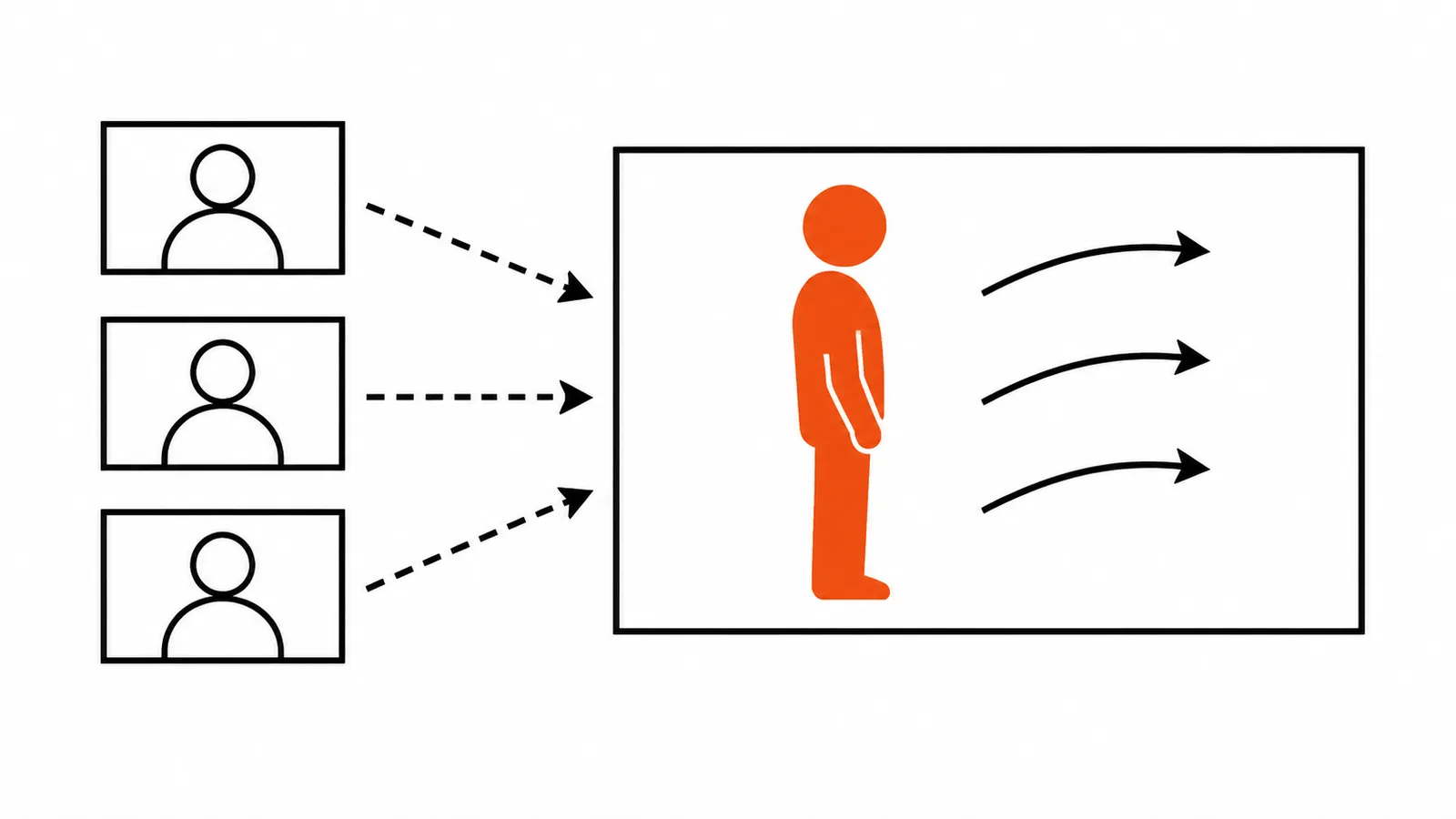
The Krea changelog entry for 20 November 2026 carries a Video Swap section. The wording is short: the service substitutes whoever is in frame, along with their clothing or a separate object, and it does so on footage that already exists. The date matters because the mode is new and the announcement leaves several parameters open.
It requires a paid plan. There is also a Video Swap API, so the swap can be called from code and wired into an existing pipeline instead of assembled by hand in the browser.
How it differs from generating a new shot
With ordinary generation the model invents the whole frame: who stands in it, how they move, where the camera travels. Motion comes out as a result, described in words and then checked against those words.
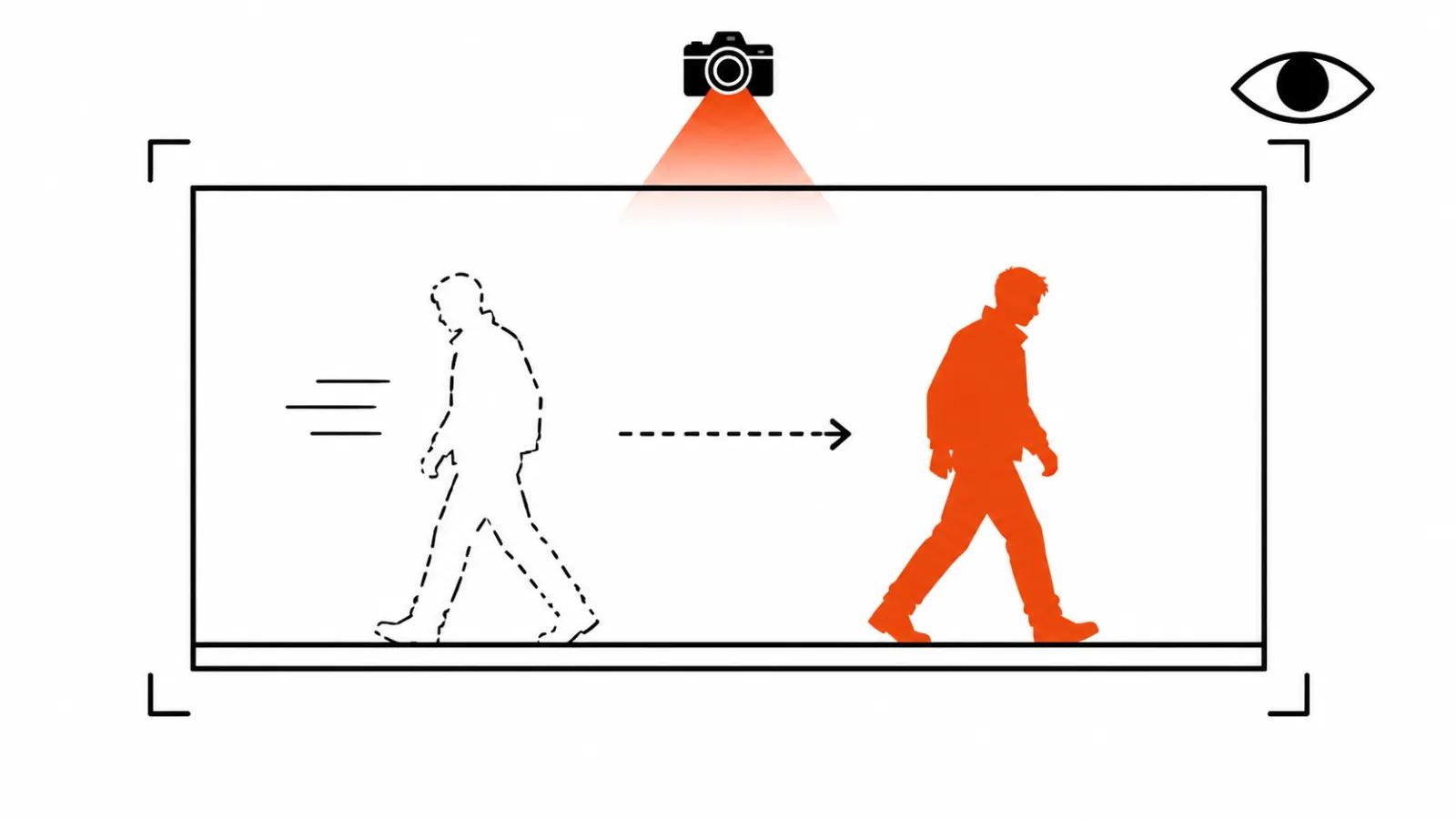
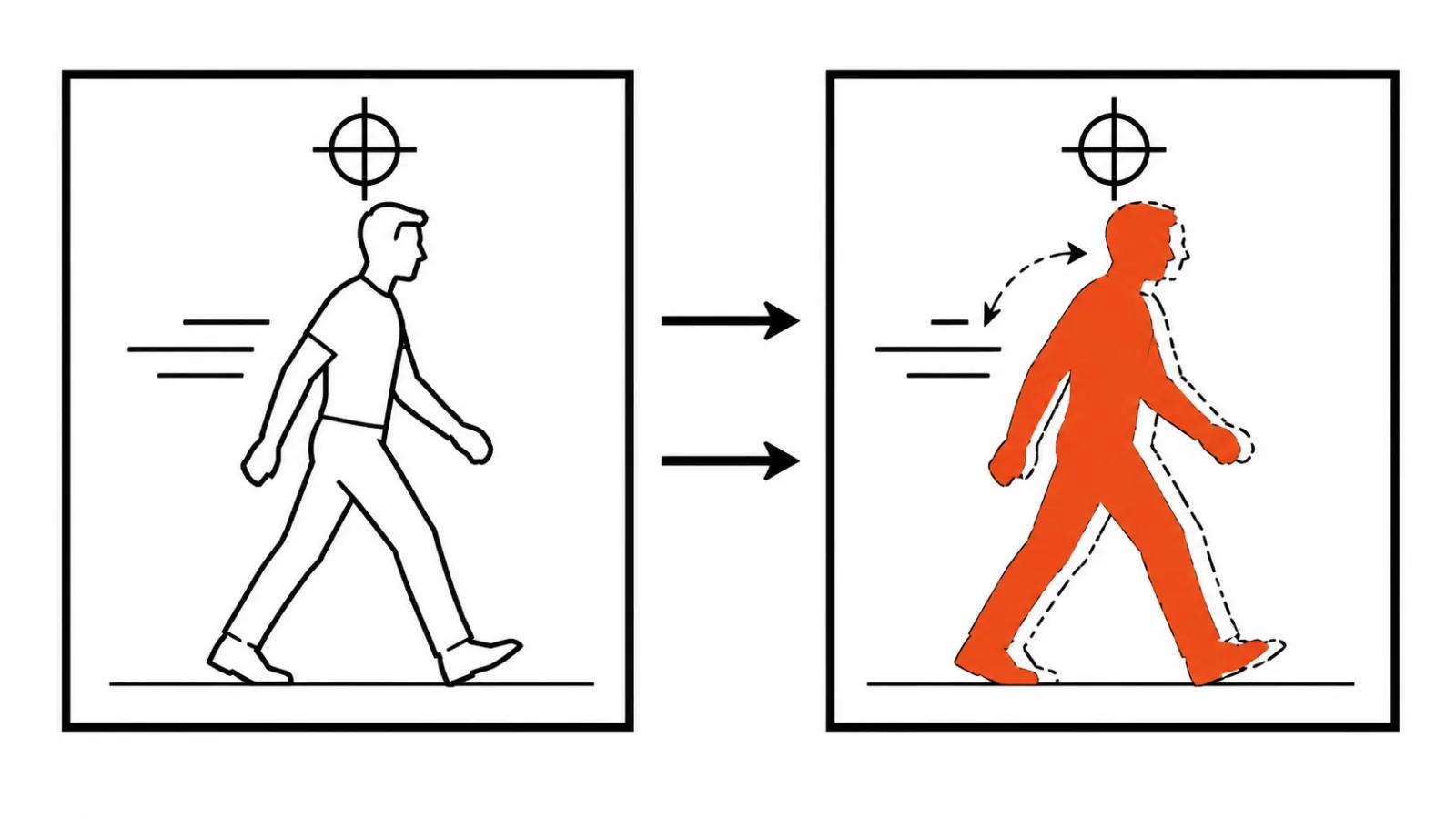
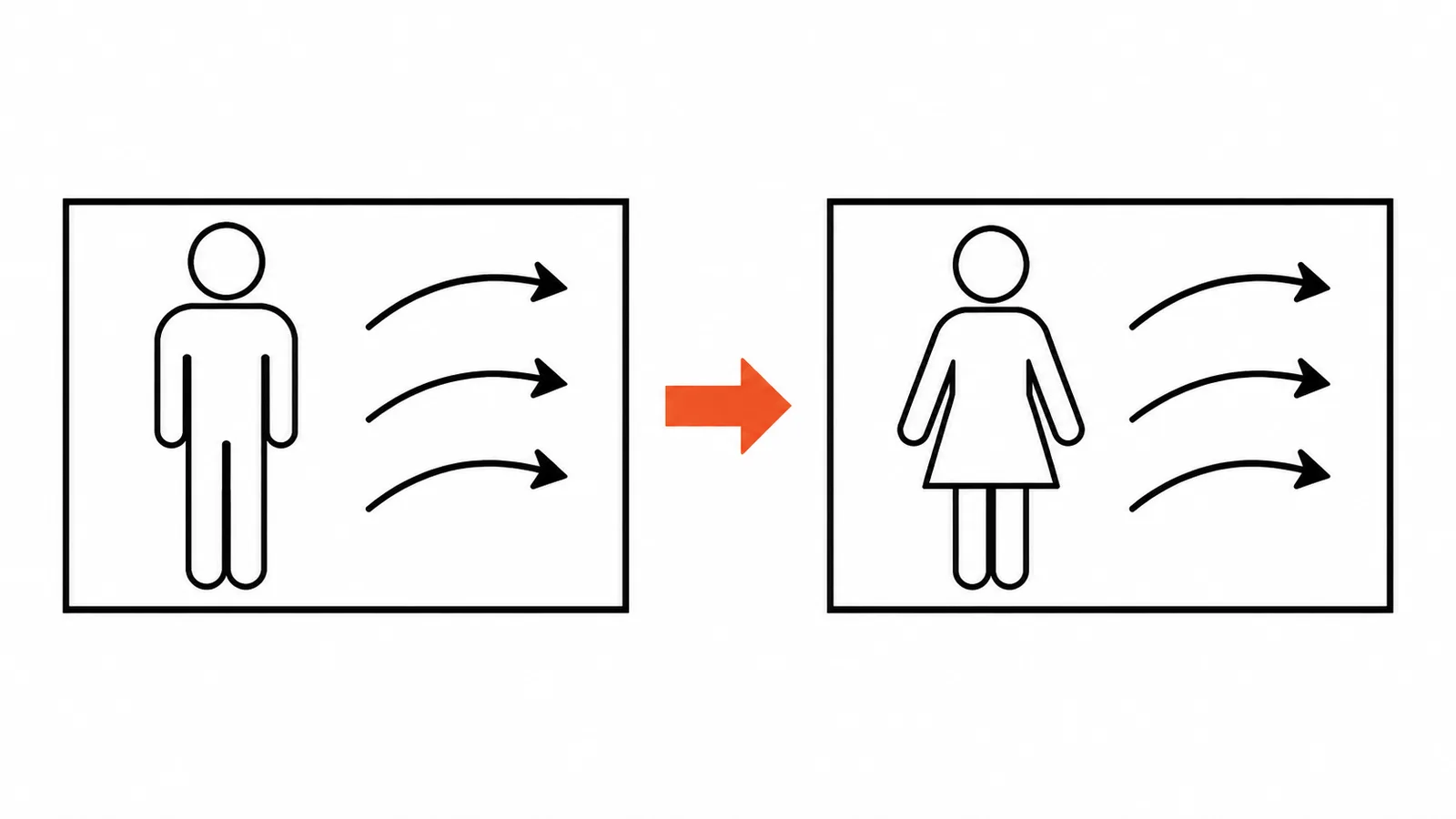
Video Swap reverses the order. The source clip arrives carrying its own motion: the walk, the turn of the head, the lean of the body, the travel of the camera, the rhythm of the cuts. Only what sits inside the frame changes. That puts the mode closer to reshooting one performer on an already edited scene than to a new generation. Adjacent problems are handled by removing or inserting a person in Luma and by Runway's character swap, each with its own intake rules and limits.
The practical consequence is straightforward. If the approved cut has the wrong performer in a shot, regenerating that shot drags the whole edit along with it: timing, music, titles, the sync of a spoken line. Swapping inside the finished file leaves the scaffold standing.
What goes in
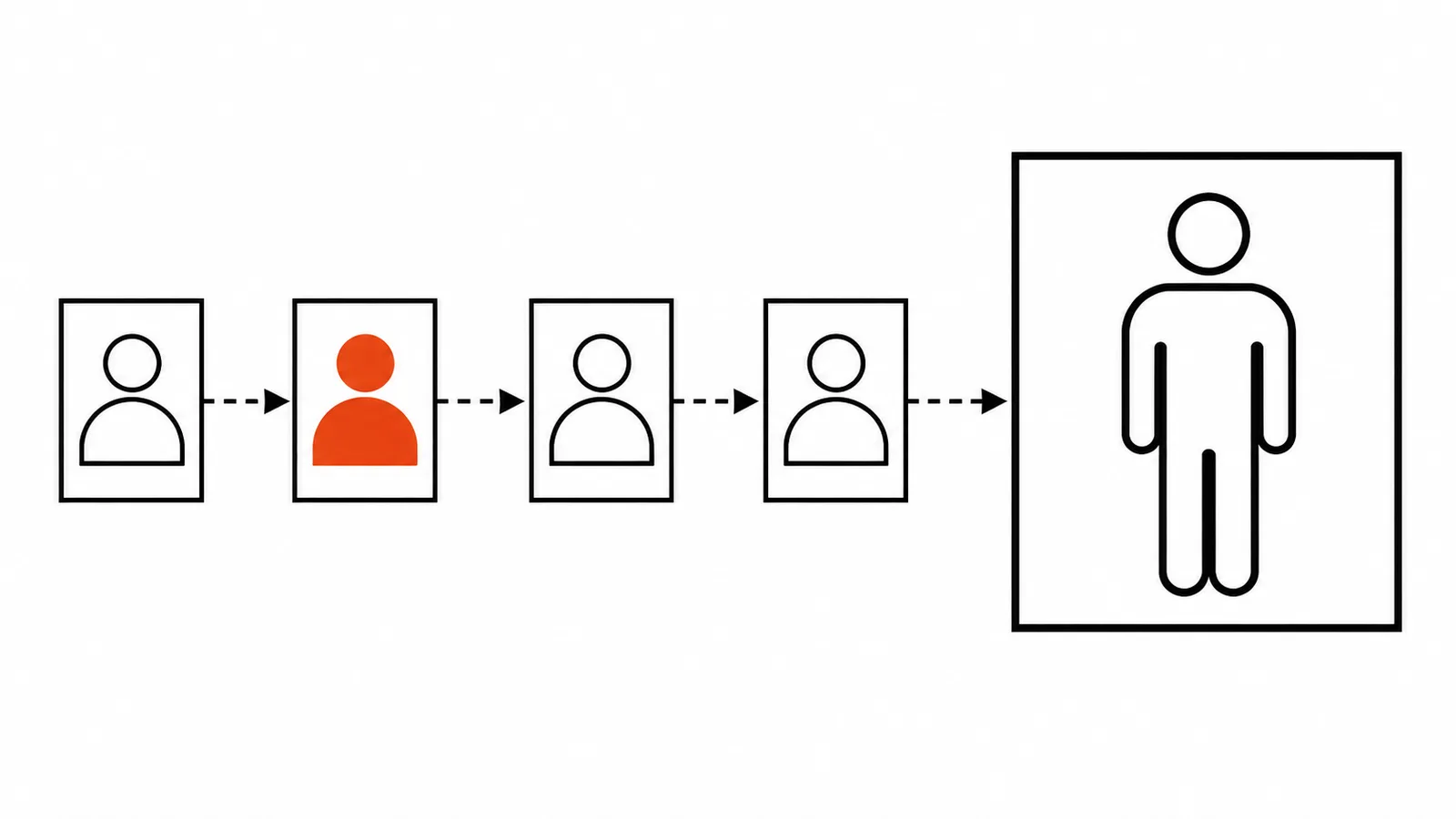
The intake is described briefly: a video plus between one and four reference images. The video supplies the motion, the images define who replaces what.
First working rule: a reference here is a set of angles on the person who should end up on screen. One straight-on portrait is thin material. If the performer turns during the source clip, a profile and a three-quarter view cover what the model would otherwise invent.
Second rule concerns choosing the source. The swap builds on what is visible in the original recording, so a readable face matters more than the resolution of the export. A face in backlight, out of focus, or half covered by a hand gives the model little to work with, and it fills the gap from a general idea of what a person looks like.
What stays untouched
Motion, camera moves, cuts and audio. That is more than half the work on any spot, and none of it needs repeating: the edit rhythm, the pause under the music, the lip sync of a line all live in the source and carry over unchanged.
Three things follow.
First, the swap can happen at final assembly, once picture and sound are approved, with no return trip to draft generation.
Second, the existing audio track sets the requirements for the new performer. The line is recorded, the mouth on screen moves to it, and a replacement face has to land on that rhythm. That is the first thing to watch on delivery, before light and colour.
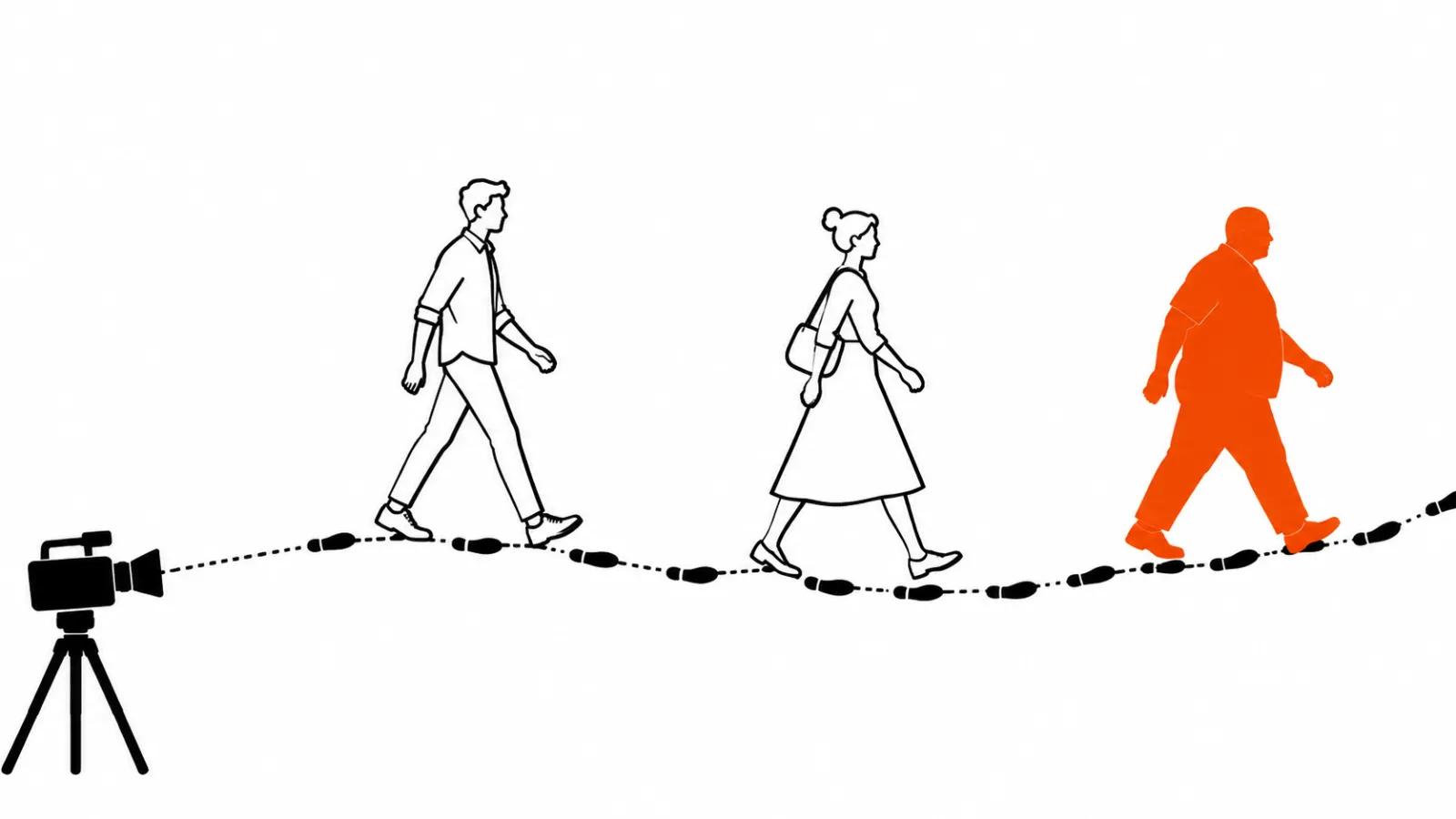
Third, faults carry over as well. An unnatural walk, trembling fingers, an object that behaves oddly in the hand all stay exactly where they were, because the motion was taken from the source as is. Video Swap inherits the take, it does not improve it.
Where the person swap breaks
References come first. The fewer angles supplied, the more the model invents: the back of the head, the jawline, the way the head sits on the shoulders. An invented face is what usually gets called a bad result, when the real cause was thin input.
The source clip is the second place. If the performer walked awkwardly, the swap gives that awkward walk to someone else and the viewer sees the same fault with a different face. Hands and props behave the same way, since the physical behaviour belongs to the original take.
Third is the shooting condition. Soft light, a clean background and a person facing the camera give a predictable result. Shooting into a light source or through glass leaves room for guesswork, and the guesswork shows in the eyes and along the edge of the face.
Fourth is the check at the seams. The edit is never reassembled, so the join is where the swap gets inspected: at the cut in and the cut out, the face has to match on light direction and on where the eyes point. A mismatch at a cut is far more visible than anything inside a shot, because the viewer is comparing two frames back to back.
What Krea left out
The Video Swap section carries no duration limit, no maximum resolution and no credit price. That means a budget for a long piece cannot be built in advance: there is no way to know what a minute of swapping costs or whether 4K footage is accepted.
The way around it is small. Test on a short fragment, three or four seconds, with the same motion and the same number of references. One run then reveals cost and quality together, and the rest follows from it. Check the price on Krea's page at the moment of ordering, since the mode is new and numbers may appear later.
When to use it, and when to shoot again
Three cases favour Video Swap. A performer has to change in a cut that is already approved and rebuilding the edit is out of budget. The person on screen cannot come back for a pickup while the scene is shot and signed off. Clothing or a product has to change in a finished scene where the light and the camera move matter.
The case for shooting again rests on three situations. The first is a problem in motion and physics, because a swap will not make a broken walk believable and will not add performance that was never there. The second is a changed scene: a different angle, a different light, a different length. The third is a look that no reference covers, which forces the model to invent it from words.
Consent and rights
Swapping in the likeness of a real person requires that person's consent, and no tool changes that. Before the work starts, the agreement has to be specific: which piece, for how long, on which platforms. The legal side and the questions to put to a platform are covered in consent for the face on screen.
When a recognisable person appears without consent, the saving on a reshoot evaporates at the first takedown request.
What it changes in a real production
The neighbouring Krea updates from the same period belong to the same circle of tasks: Drama Studio opened to everyone on 21 November with twelve new looks and actor voices carrying different accents, and background removal arrived in the public API and the MCP server the same day. The number of tools orbiting a single spot keeps growing, and the line between a reshoot and a file edit keeps thinning.
For a client, that softens the estimate. Work that used to mean a new shooting day now sometimes closes inside an existing file. AI video production already treats a finished scene as the unit of work, and an edit inside that scene fits the same shape. On an AI commercial with a locked edit, swapping a performer usually lands cheaper than rebuilding the shot.
The boundary this approach cannot cross is motion. Anything the viewer reads as body physics stays with the original recording, so a shot with bad physicality does not get rescued by a swap. The second boundary is likeness rights, and that one costs more than any fix.