What Runway shipped on October 29
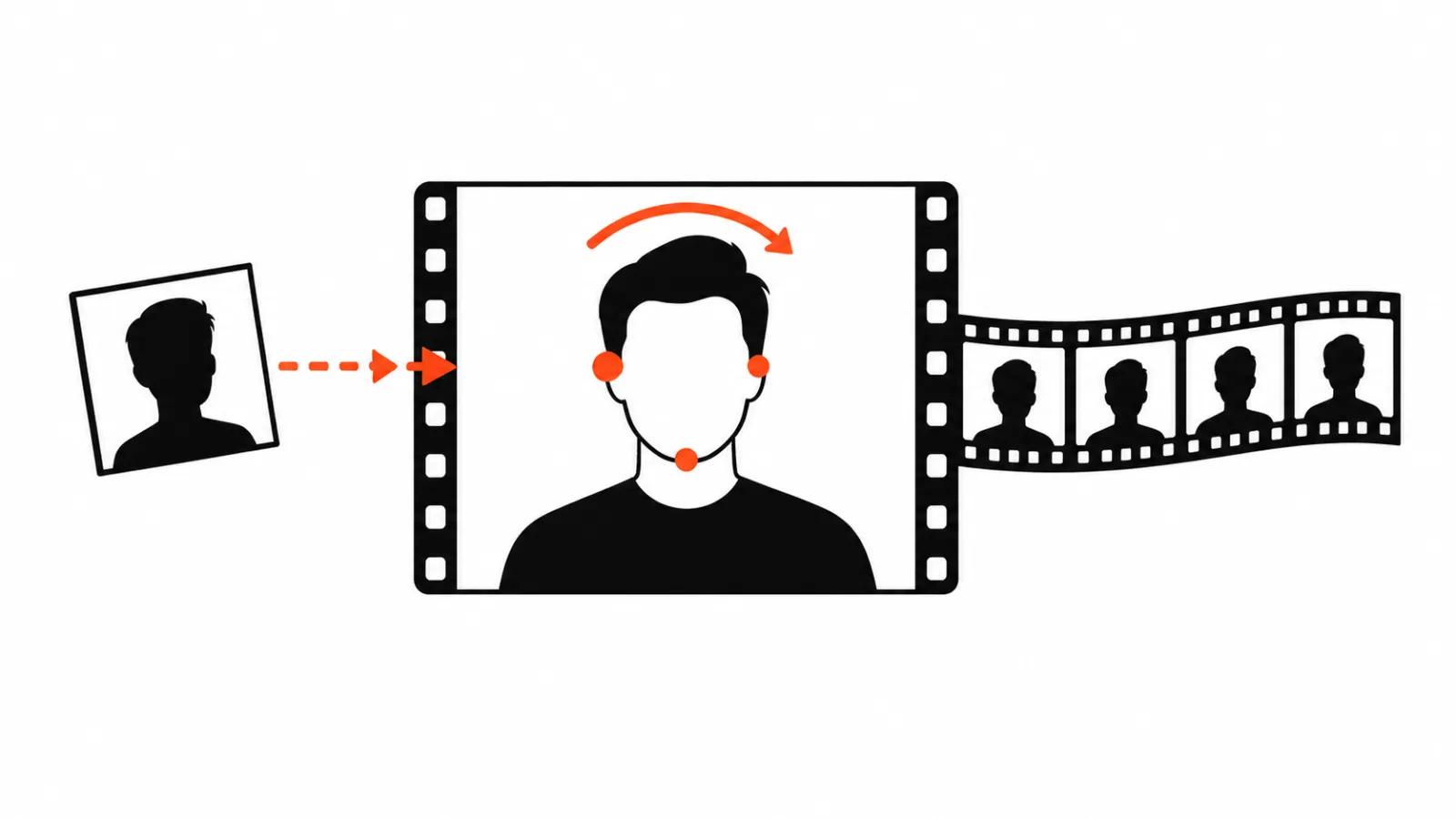
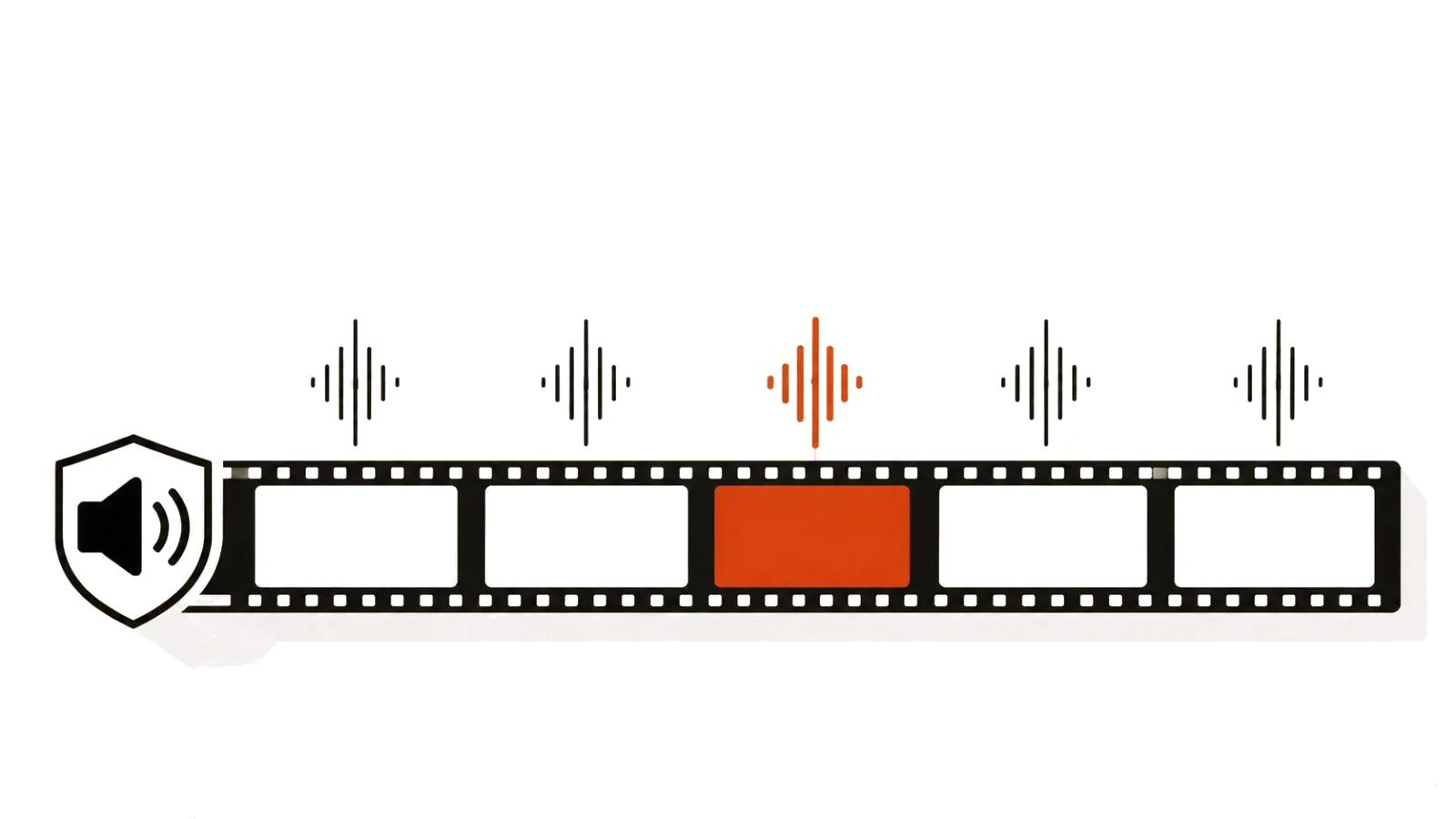
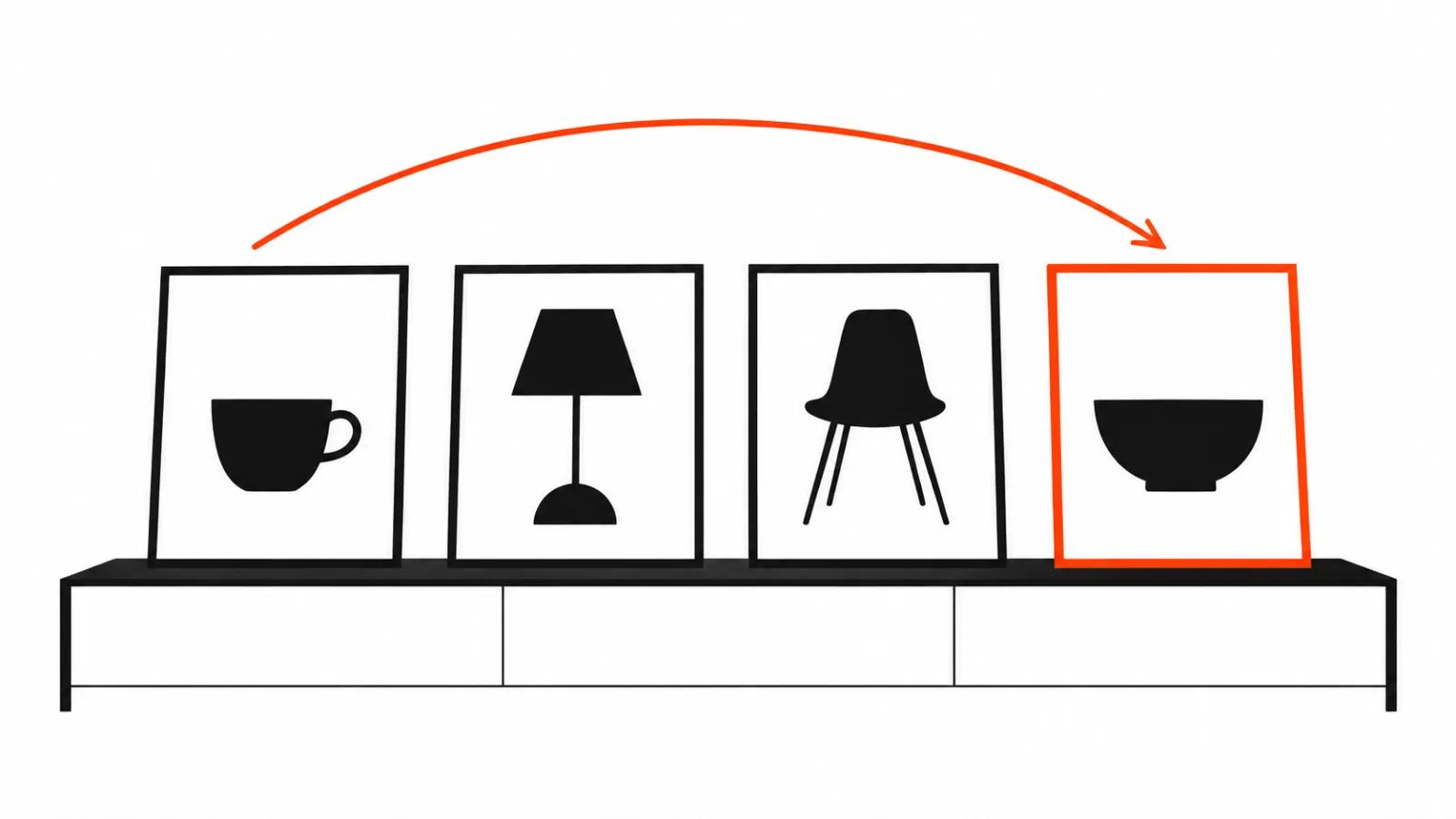
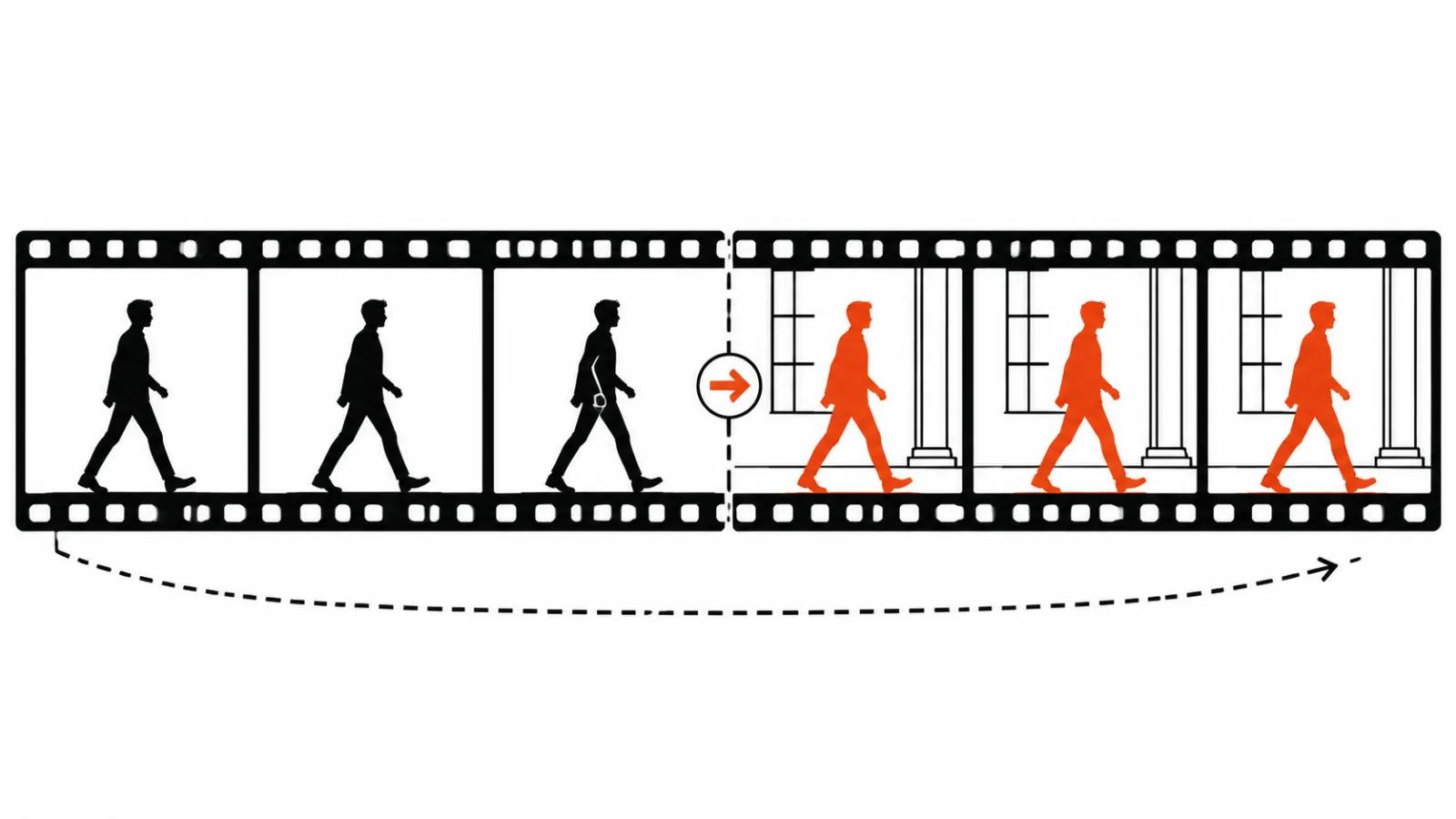
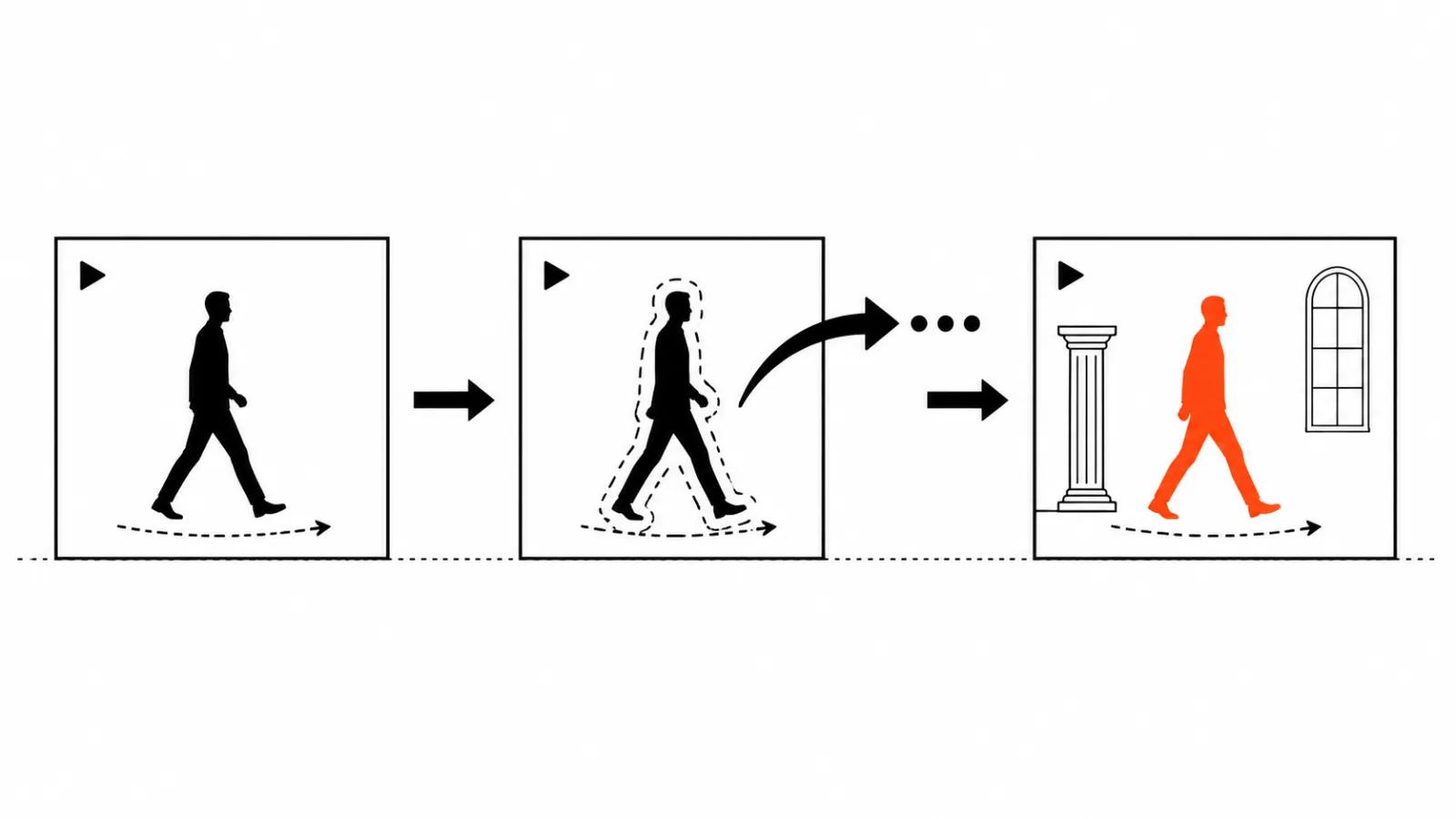
Character Swap landed in App Studio on October 29. It takes a finished clip and swaps the characters or the location, holding the original motion: a step, a turn, a gesture all stay from the take. Audio can move to the new scene, and it can be replaced when the scene changes under it.
The post on X came on October 30, a day after the app appeared. The source gives no numbers, no price, no clip length limit, no attempt count per plan. I will not invent them. For a budget, ask Runway directly, since App Studio pricing can differ from a regular generation subscription.
App Studio: an app from one sentence
The context matters more than the launch itself. Runway opened App Studio on October 26, three days before Character Swap. The idea: you describe a creative app in words, Runway builds it without code, the app runs on Runway models and Brand Kits, and you can share it with your team.
Character Swap is one of those apps. A character swap arrives as a described build instead of a button buried in an editor, which means it can be tuned to a specific job. I went through the builder itself in the App Studio piece, step by step.
Three releases in one week
Runway had a busy week, and the direction is visible. Runway Ads went live on every paid plan on October 27. The Runway Dev plugin for Codex arrived on October 28, dropping the Runway API into your own app with one install. Character Swap came on October 29. The X post followed on October 30.
The pattern is plain. Runway keeps building the scaffolding around its models: ads for media buyers, code for developers, an app builder for production teams. A character swap sits in that row as a working feature inside a shared builder, with no product page and no separate subscription.
Video to video: why reshoot the same take
For a client, Character Swap means one thing: the reshoot. The clip is done, the actor played it, the light is set, and a week later the brief asks for another face or another room. That used to mean a second shoot day: location, lighting, a person, a repeat of the movement. Now the same take plays again with a different character in a different place, and the motion comes straight from the original.
For ads the saving is direct: one shoot, five characters for five audiences. For localization it is the same story, one presenter and scenes cut per market. That is the interesting part of video to video for me, because the location stops being the bottleneck.
Under the hood it works the way I described in the video to video piece: the model gets the source clip and references, then repaints the scene as a whole. Character Swap does the same job, with the character and the location swap packed into an app.
A character swap with AI: where it breaks
Hands and fast motion stay the weak spot. Fingers in a close-up, a hand sweeping through the frame, running, dancing, handling an object: the model draws the hand its own way, and in motion it reads as fused fingers or an extra one.
The second spot is the edges. When a character walks behind a pillar or someone crosses in front of them, the mask tears and the result shows a seam.
The third is shadow and reflection. A new location brings its own light, while the shadow under the character still belongs to the old set. On a lit floor that is obvious in the first second.
There is one way to test any of this, and it is your own footage. Pull five or six of your scenes: a close-up with a gesture, a medium shot with a walk, a fast action beat, a crossing, a window scene and a wide shot with deep perspective. One evening with that set tells you where the model breaks on your material, and how much of a thirty-clip run you will have to throw away.
The people in the frame
A character swap runs into the same wall as AI face swap in video: the person on camera has to agree. When one character replaces another, paperwork is needed on both sides, from the person leaving the frame and from the one entering it. Without consent the person can demand the material be taken down, and I went through the rules and the practice in the face swap article.
A location looks simpler than a person, and sometimes it is not. Private property, someone else's interior or a recognizable facade all bring an access question into the shoot. Backgrounds follow much the same logic, and there is a separate piece on that.
My take: test on your own footage
Character Swap is a tool for the second and third version of one take. It will not rescue a bad clip, and it removes the need for another shoot day when the actor or the place changes.
What I would do in a production shop: run my five scenes, count the failure rate, then put the tool into the pipeline. Character Swap lives inside App Studio, and that builder moves fast: today an app comes from a sentence, and the terms may look different in a month.
The money side has not changed. Ten versions of vertical video ads need a template and a predictable cost per unit. Where a real person has to be on camera and their face carries the trust, handcrafted AI videos from 200 dollars are the calmer line, since the price is known before the first attempt.
A practical start is short. Shoot one scene with moving hands, run it through Character Swap with a new location, then look at the fingers and the shadows. That test says more than any announcement.