What Melius announced on 11 November
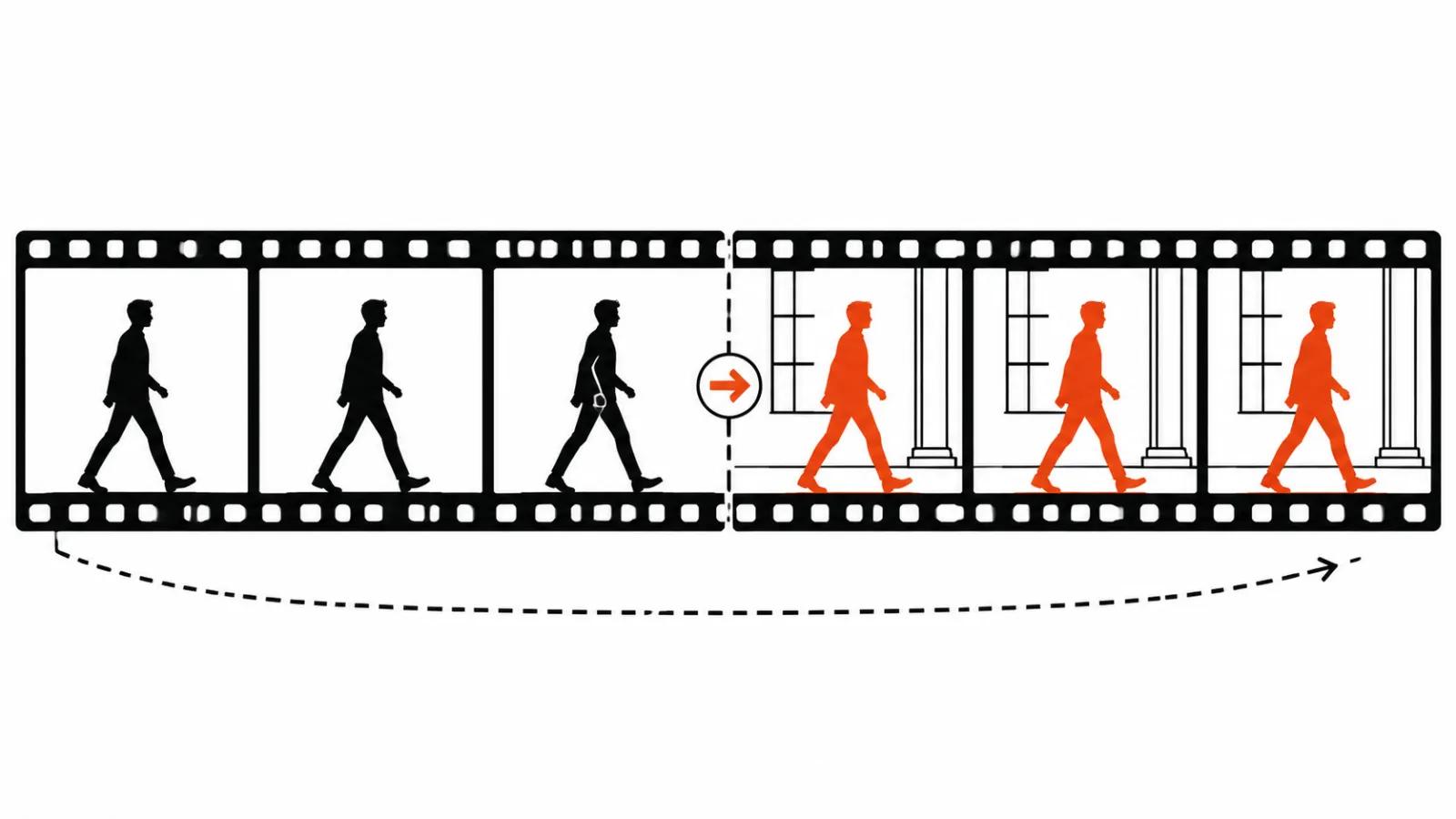
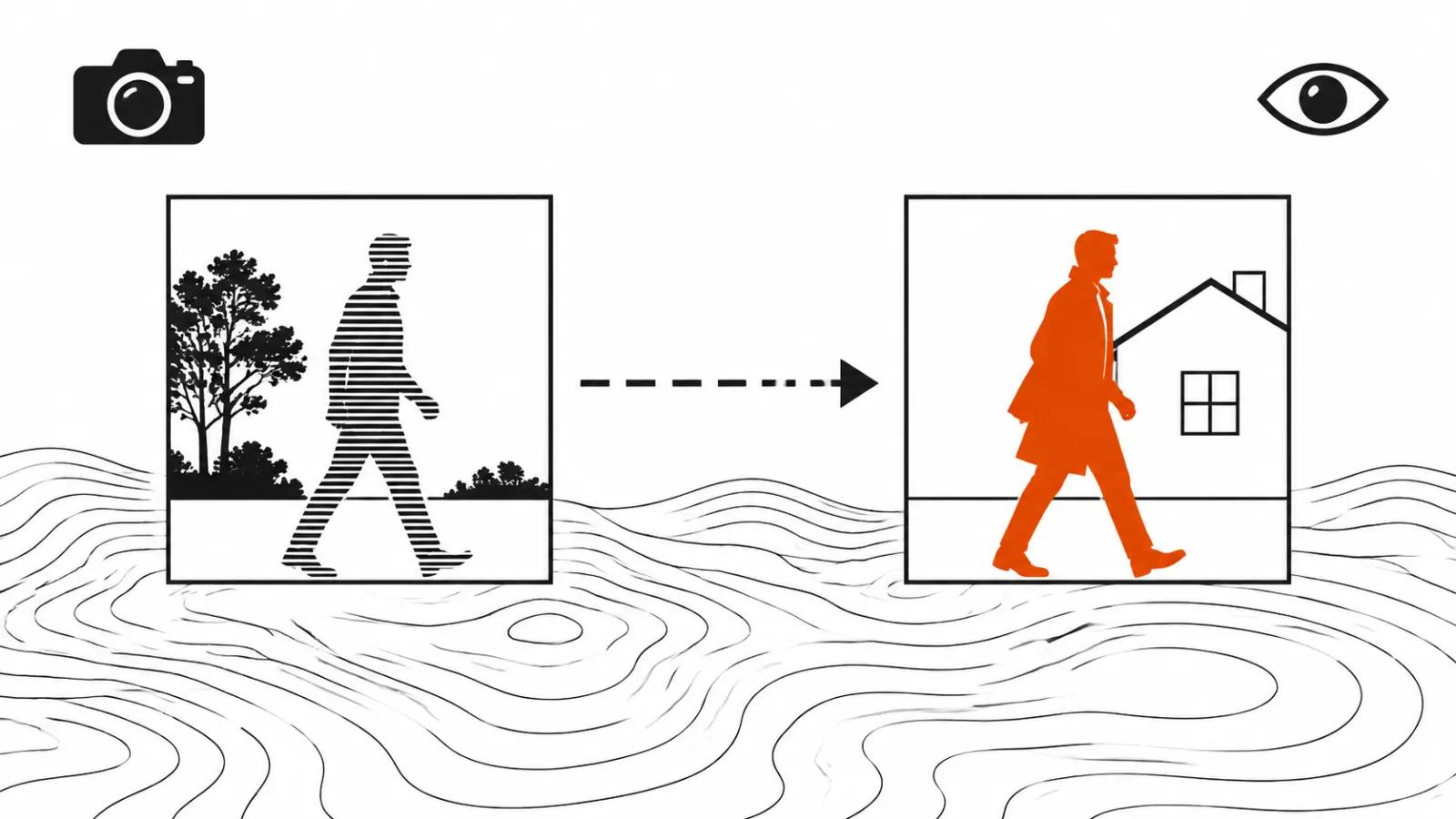
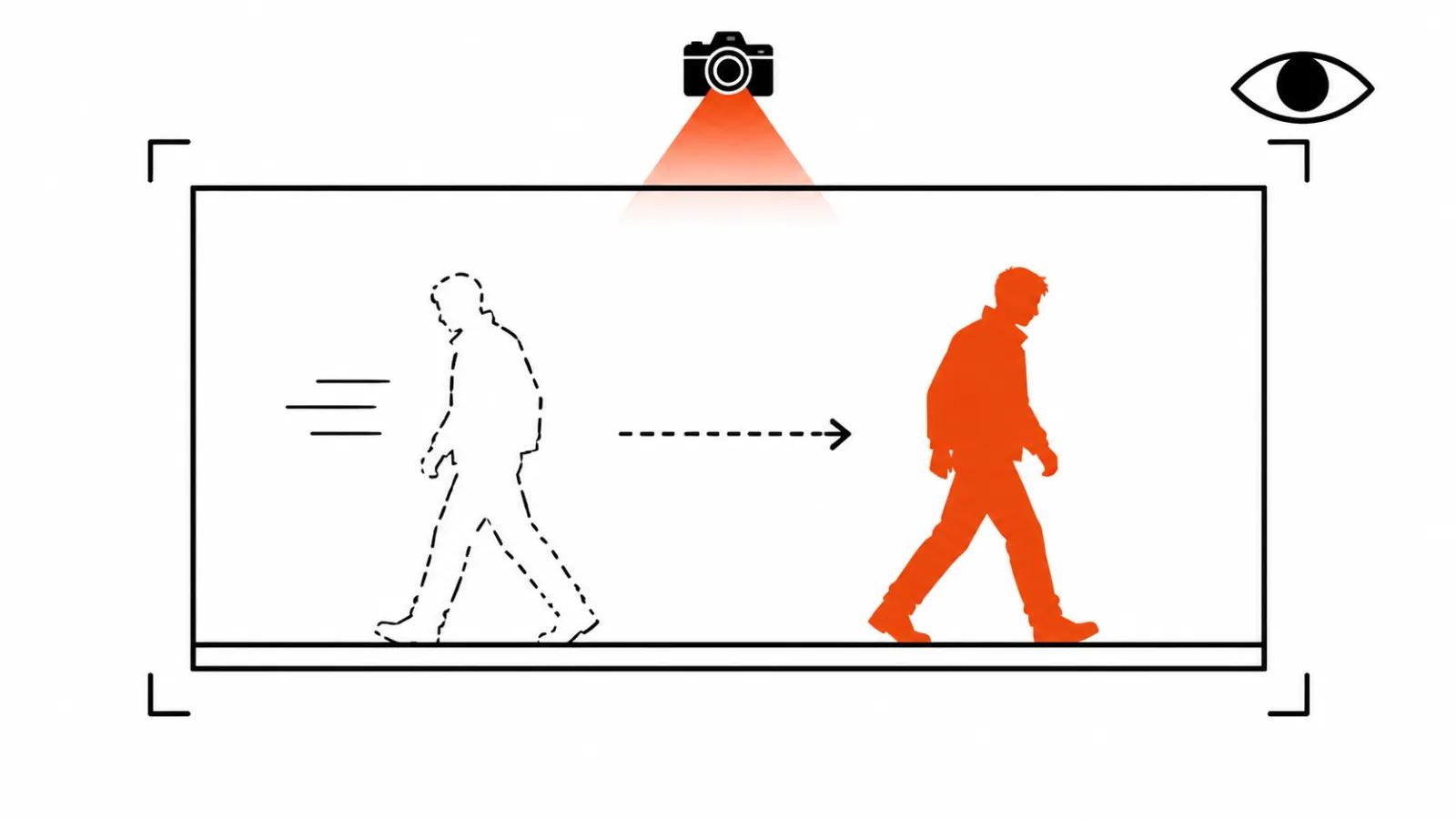
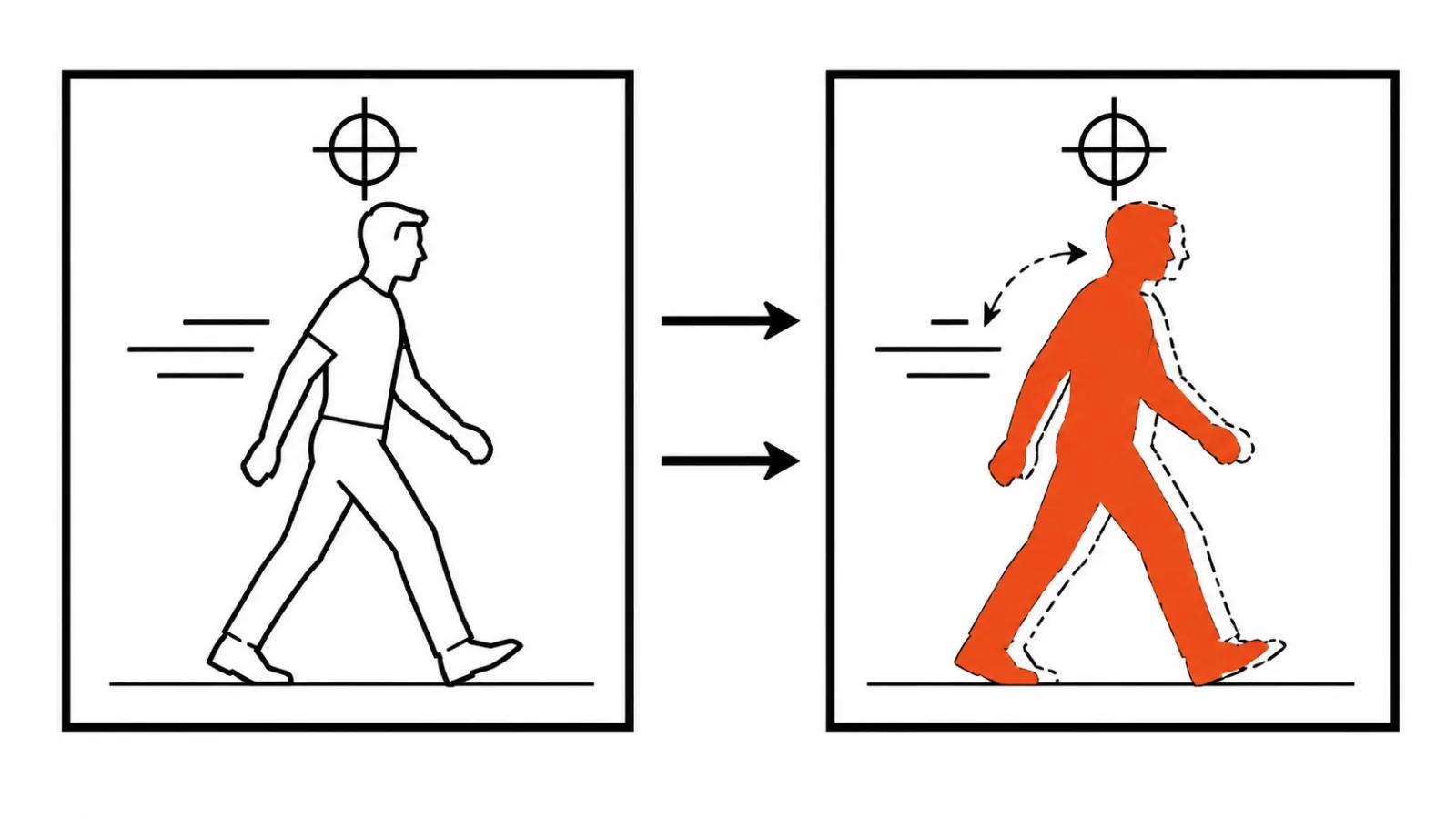
Kim announced Ditto in a post on 11 November. The write-up landed on llms.blog on 12 November, pointing at that post plus the product page, the API docs, pricing and the safety pages. The name is loud, The Swap Anything Tool, and the promise is plain: take a finished clip, replace a person, an object or the background, keep the motion, the camera moves and the timing of the source.
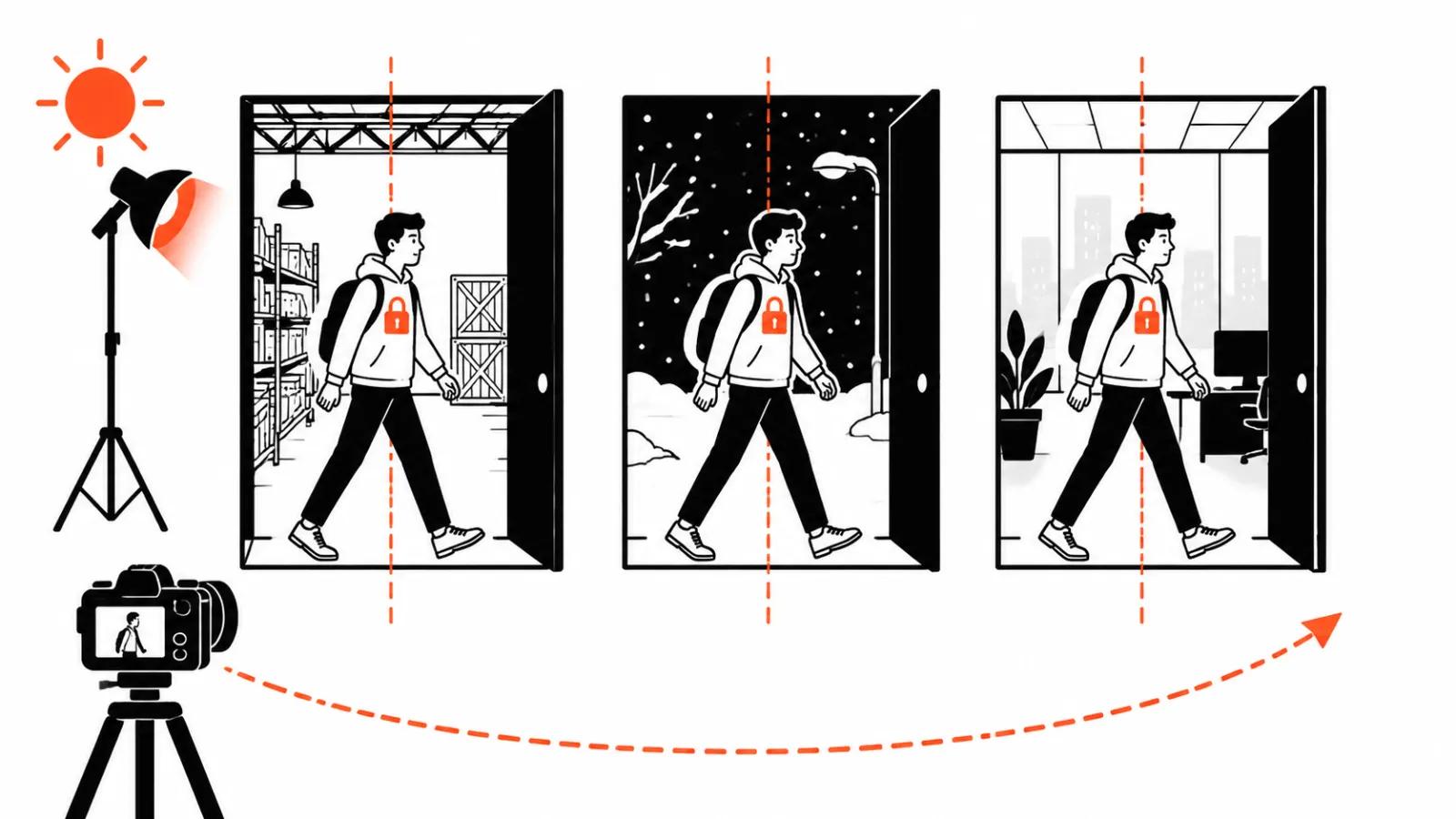
For a studio the interesting part is not better generation. It is fixing a video that already shipped. The client changes the product in the range, changes the lead, changes the location, and until now that meant a reshoot or a fresh generation from scratch. Ditto offers a third route: take the master that works and repaint the part that went stale.
That promise is still the company's word. Melius published no benchmarks and no technical description of the pipeline, only the announcement and the API reference. So the rest of this piece is about mechanics and about what you can test before a client sees anything.
Swapping a person in an existing video
The input is a clip: your own MP4 or MOV, or a trending video from the Melius template library with a trim option. Then you pick who or what gets swapped, hand over a reference photo or an avatar, and run the generation. One output clip, with the swaps baked into the original motion.
The practical value is that a good master outlives a single video. The same shot can carry another avatar for another audience, another product in hand, another background. For vertical video ads that is a cheap way to build a series without reshooting, and that is exactly where the objection starts: every version has to match on light, shadow and contact with the prop.
Up to 30 swaps in one request
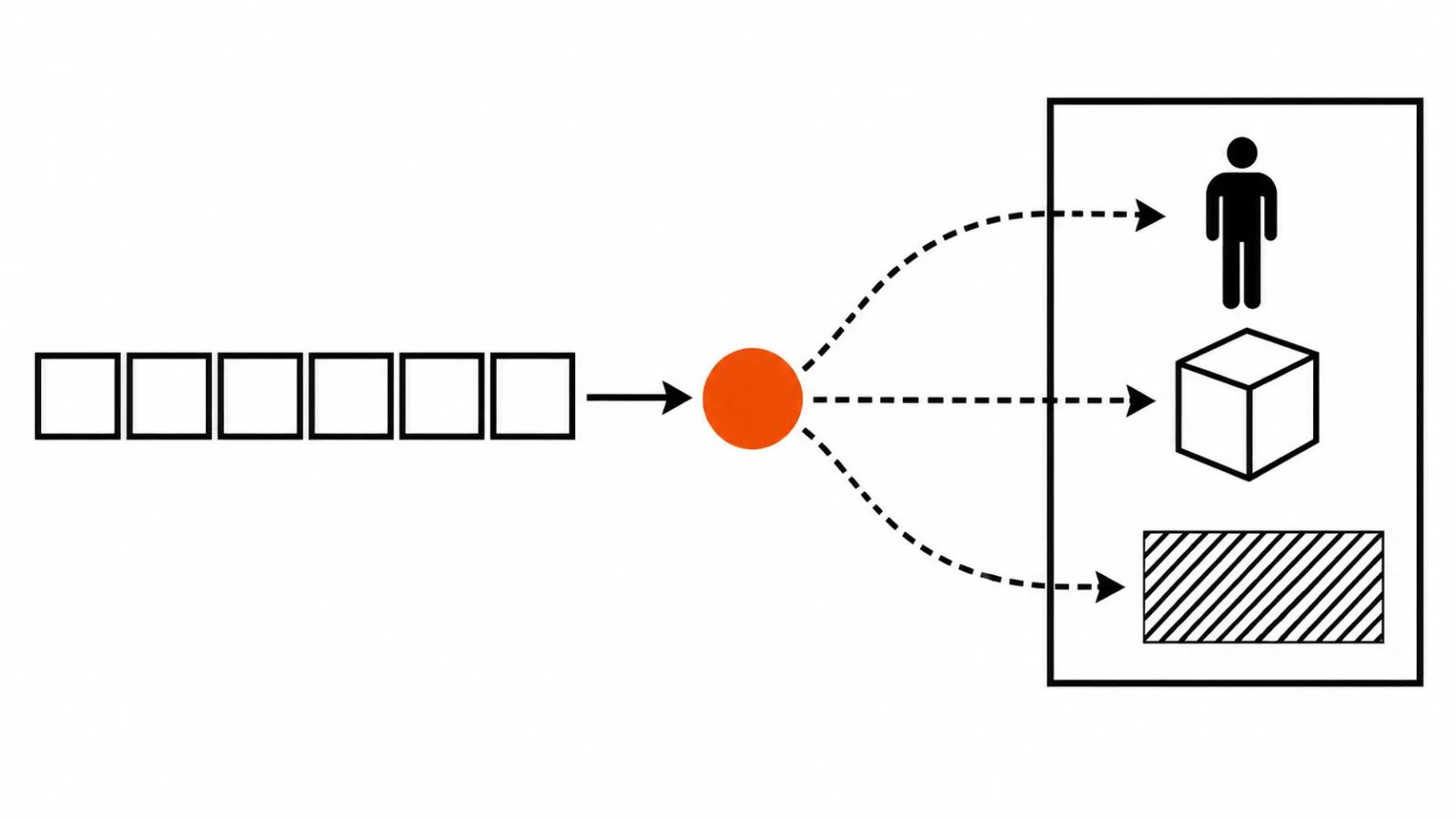
Melius promises up to 30 swaps per request, applied in one generation, at one price, delivered as one video. That is not 30 separate runs you glue together afterwards. On a quote the difference is large: 30 fixes cost like one call.
On quality the difference runs the other way. Thirty swaps mean thirty places where an edge can smear, a shadow can drift or a hand can wobble. The more targets in the frame, the higher the chance that one of them ruins the take, and the whole clip has to be redone. My order for a series: one test video with one swap, then the batch.
App, API and MCP
Access is promised in three places: the Melius app, the API and MCP, which means agents like Claude or ChatGPT can call Ditto straight from a chat. The feature is in beta and rolls out gradually, so outside the beta the endpoints return an error until you join the waitlist. Plan client deadlines around that sentence.
In the API each swap carries its own reference and a target type: character, object or background. A text description becomes mandatory once you swap two or more objects or backgrounds. The original audio stays on by default and can be turned off. There is also a spending guard: the maxCredits field, and if the price comes out higher, the request is rejected and nothing is charged. Output runs from 480p to 1080p depending on the model in use.
Melius says it built its own video processing pipeline out of generative models and classic software. Which models, which software, the company does not say. That makes third-party benchmark comparisons meaningless. Test on your own footage.
What Ditto costs
The price of a single Ditto video is not published. What is known: Kim's post carried a 25% discount until the end of the year, and the Creator plan runs about $17-20 a month, less on an annual payment. That buys 20,000 credits, which by Melius's own words is roughly 15 videos.
Divide 20,000 by 15 and you get about 1,300 credits per video. Melius never says what Ditto itself costs in credits, so treat that as a budgeting estimate. For a studio the more useful line is that repainting a master may fit inside a subscription, while full AI video production is quoted separately, and our handcrafted videos start at $190 for work with a person owning the frame.
Where the swap breaks
The failure points are the same across this class of tool. The edge around hair and head, hands, people crossing in frame, reflections in glass, motion blur on fast movement. Wherever the tool paints in skin and background, on busy texture the seam reads instantly even when the viewer cannot name the cause.
The second risk sits in the source. Motion and camera come from the clip, so every flaw of the shoot carries into the result: shake, hunting focus, a blown highlight on the face. In that company video background removal is the safest case, because a background forgives more than a face.
Faces carry their own weight. An AI face swap in video already raises a consent question, and swapping a performer for a likeness you found online turns an edit into a legal problem for whoever pressed the button.
The third gap is the promise of keeping the shot. Similar tools already moved in this direction: Luma's Character Swap promised the same shot, Beeble SwitchX 3.0 worked on background and light, and Viggle Remake, Magic Hour and Higgsfield Character Swap solve parts of the same task. None of them guarantees a hard scene, and I have not seen a public Ditto example on fast motion yet.
Other people's faces and the Melius rules
The Melius rules forbid pretending to be someone else and using another person's likeness to deceive. Intimate imagery of real people without consent is banned separately, generated by AI or otherwise. In practice it means one thing: the reference photo of a performer has to be yours or cleared.
For a studio the bottleneck is paperwork. Get written permission for the likeness before generation, especially when the video goes into paid distribution. Swapping in a face without consent ends with a claim against the person who pressed the button.
My conclusion
Ditto reads as a tool for repainting a working video at volume, and that is its real use. A new product in the line, a new avatar for another segment, a new location for another placement. None of that has to trigger a reshoot.
Still, enter through a test. Ten seconds of the hardest shot, one swap, watch it on a phone. If the seam is invisible and the shadows sit right, take the batch and raise the count. If the seam shows, the next step is a manual pass in the edit. And keep in mind that 30 swaps is a line about the quote, while quality gets checked on your own footage.