What PixVerse announced
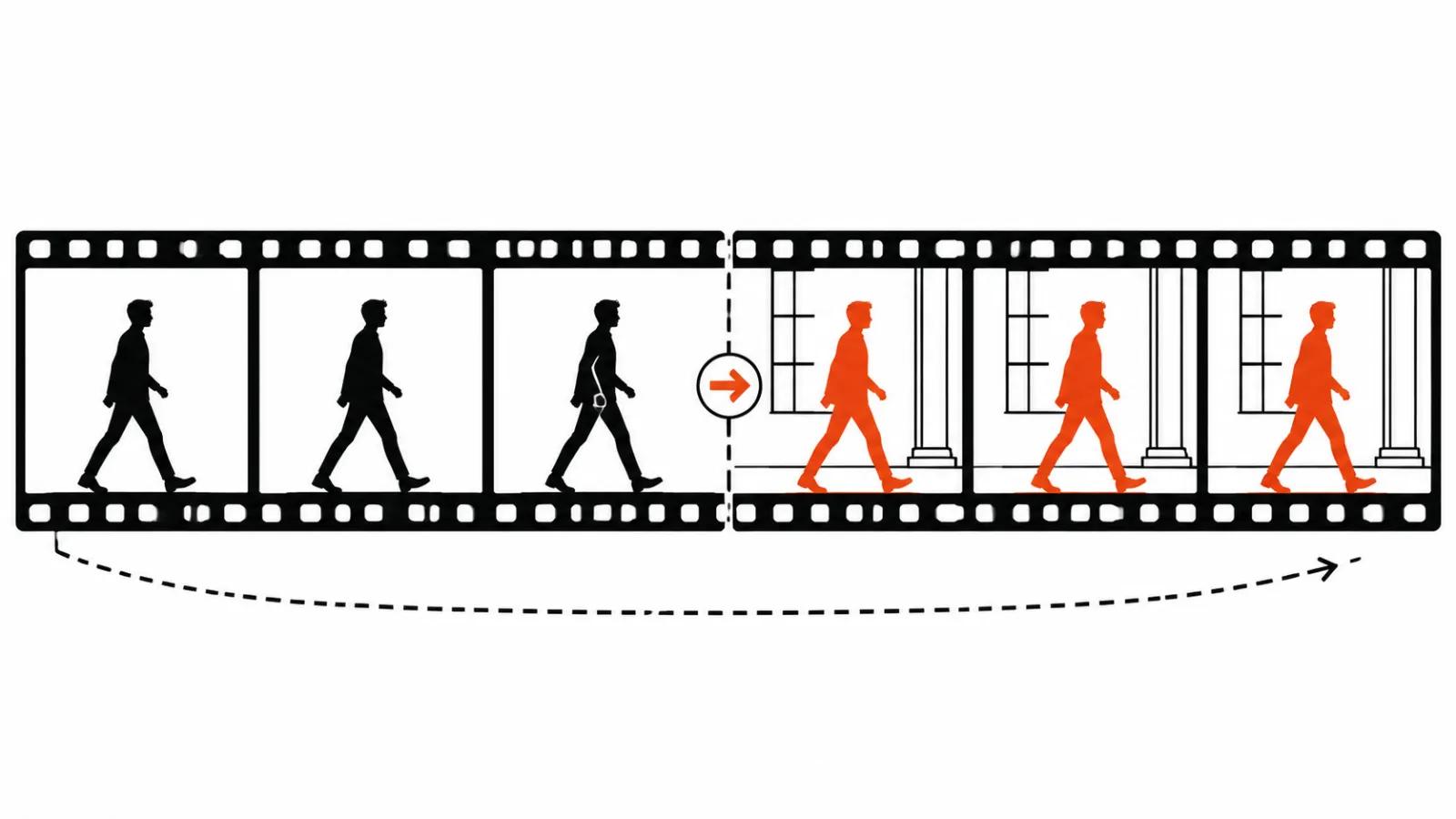
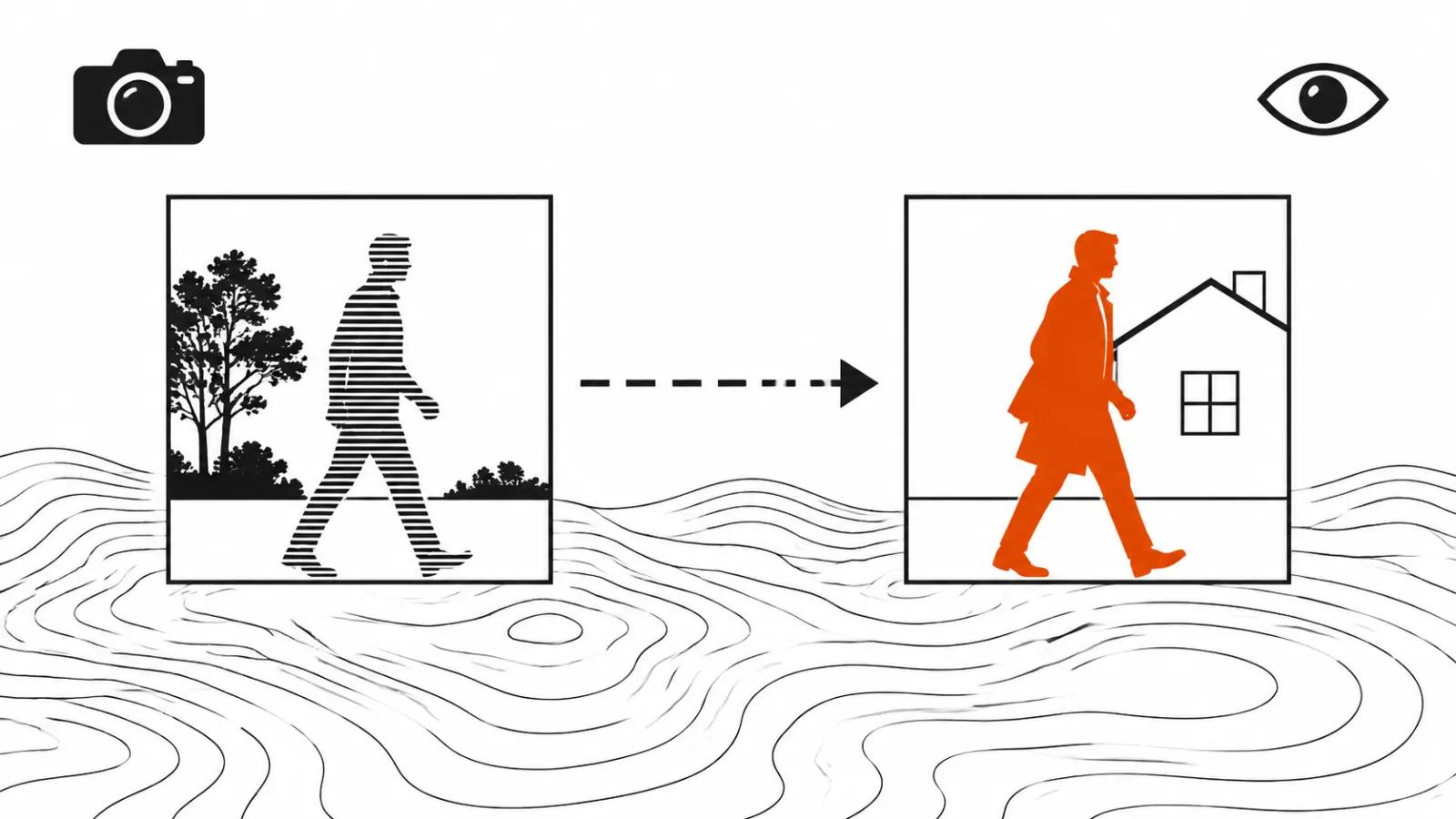
The post is short. A reference video goes in as depth control, generation follows the movement, and the people, objects or setting in the shot get swapped for something else.
The division of labour is the interesting part. The source handles motion and camera, the prompt handles who is on screen and what surrounds them. Until now both jobs landed in the same sentence, and the model guessed at the second one.
The announcement carries no price and no clip length, so there is nothing to put in a project estimate yet. What can be judged today is the technique.
Depth control and reenactment: the difference in mechanics
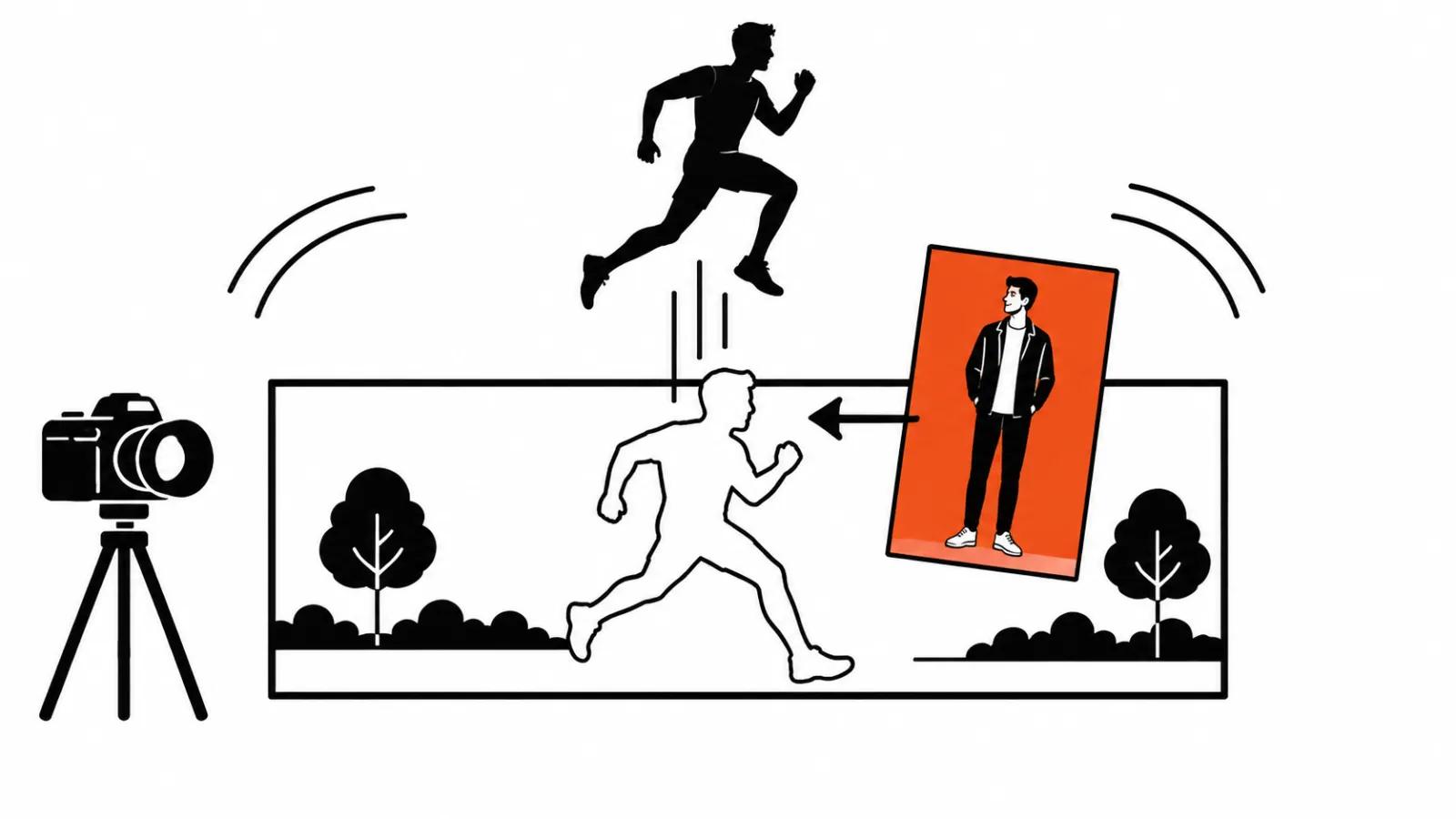
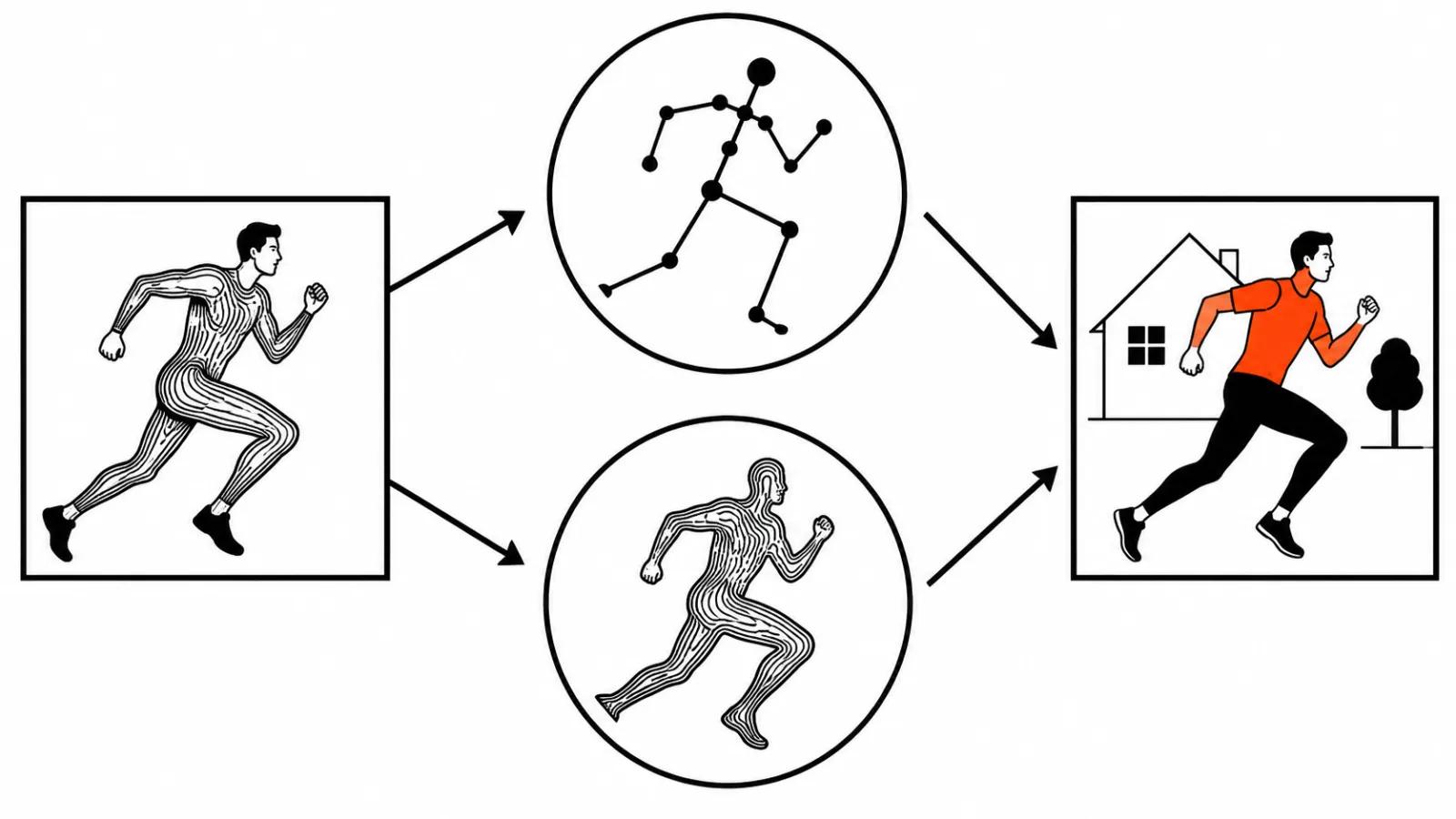
Tools in the reenactment class drive a character with a skeleton: poses are pulled from the source, and the new body is built around them. Kling Motion Control and Viggle work along those lines, and people expect anatomical accuracy from them.
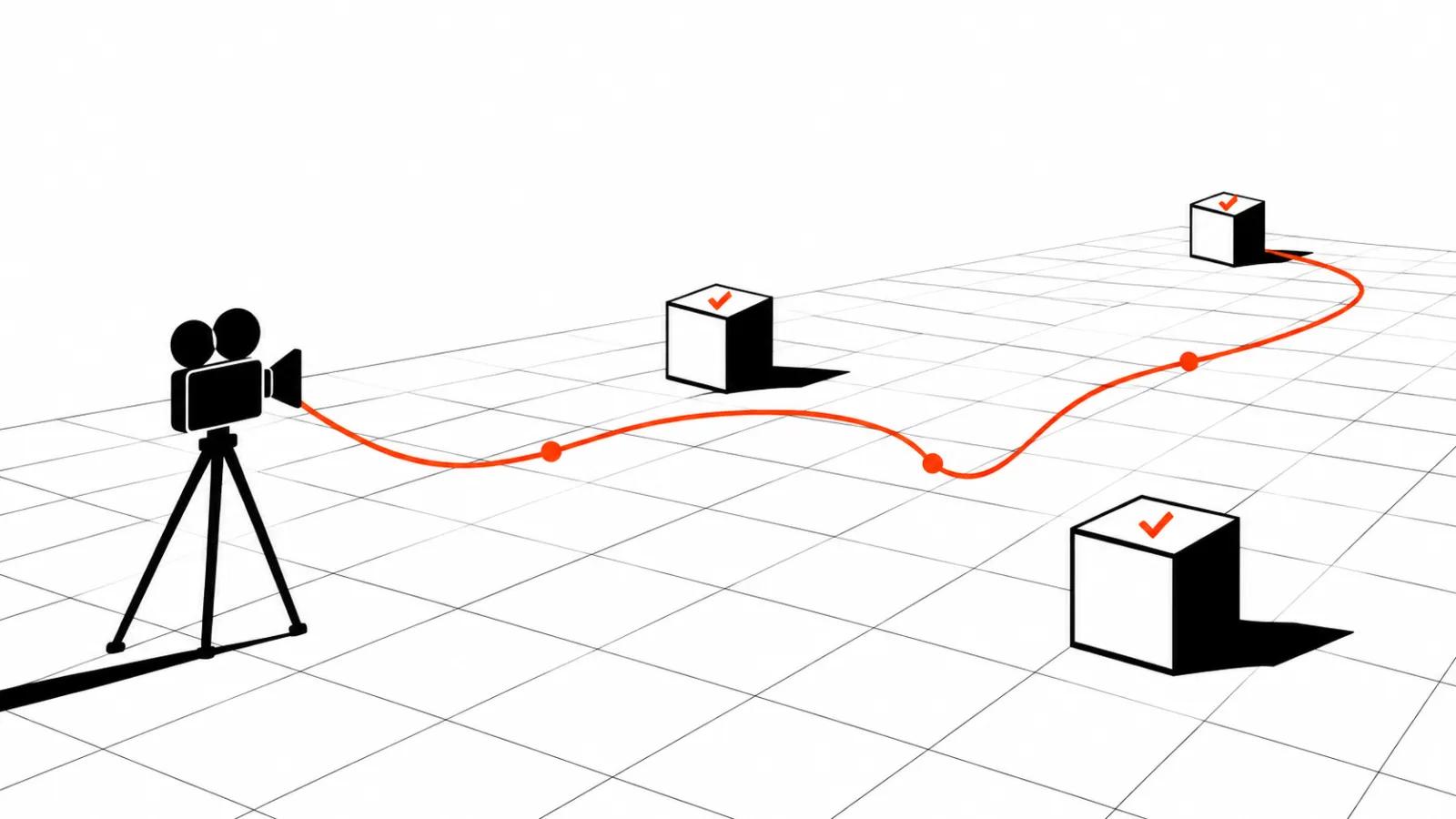
PixVerse describes a depth map. It records what sits close to the camera, what sits far away, and how that changes frame by frame. The geometry of the movement survives, while faces, clothing, light and texture come from the generator.
That has a practical consequence. Depth carries a change of character or location more calmly, since nothing is tied to one specific body. The price is precision in small gestures.
Replacing a character in a video: the working order
The sequence I would follow on a first test:
Step five matters most. When an error repeats run after run, the reference is the problem, and swapping it beats fixing it in the prompt.
- Pick a reference with readable motion: one person in frame, even light, few overlaps.
- Upload it as depth control and leave the movement untouched.
- Describe the new character, wardrobe and location in the prompt, with no notes about choreography.
- Compare the first two seconds against the source: pose on entry, tempo, the point where the subject leaves the frame.
- Run the same reference two or three times and watch what drifts every time.
Video-to-video AI: where the trick saves hours
Ads are the obvious case. One dance, gesture or walk gets shot once, then each audience segment gets its own character, wardrobe and background while the movement stays identical. For vertical video ads this runs cheaper than building every version from scratch, because the reference already sets the rhythm and the mark in frame.
The second case is video versioning: ten cuts of one spot for different placements, each with a new setting and a new lead, with the body language preserved. It holds up while the motion stays simple and repeatable.
The third case is a storyboard. Shoot the movement on a phone, move it onto a different character, and show the client the blocking before any budget goes into the set.
Motion control AI video against a written prompt
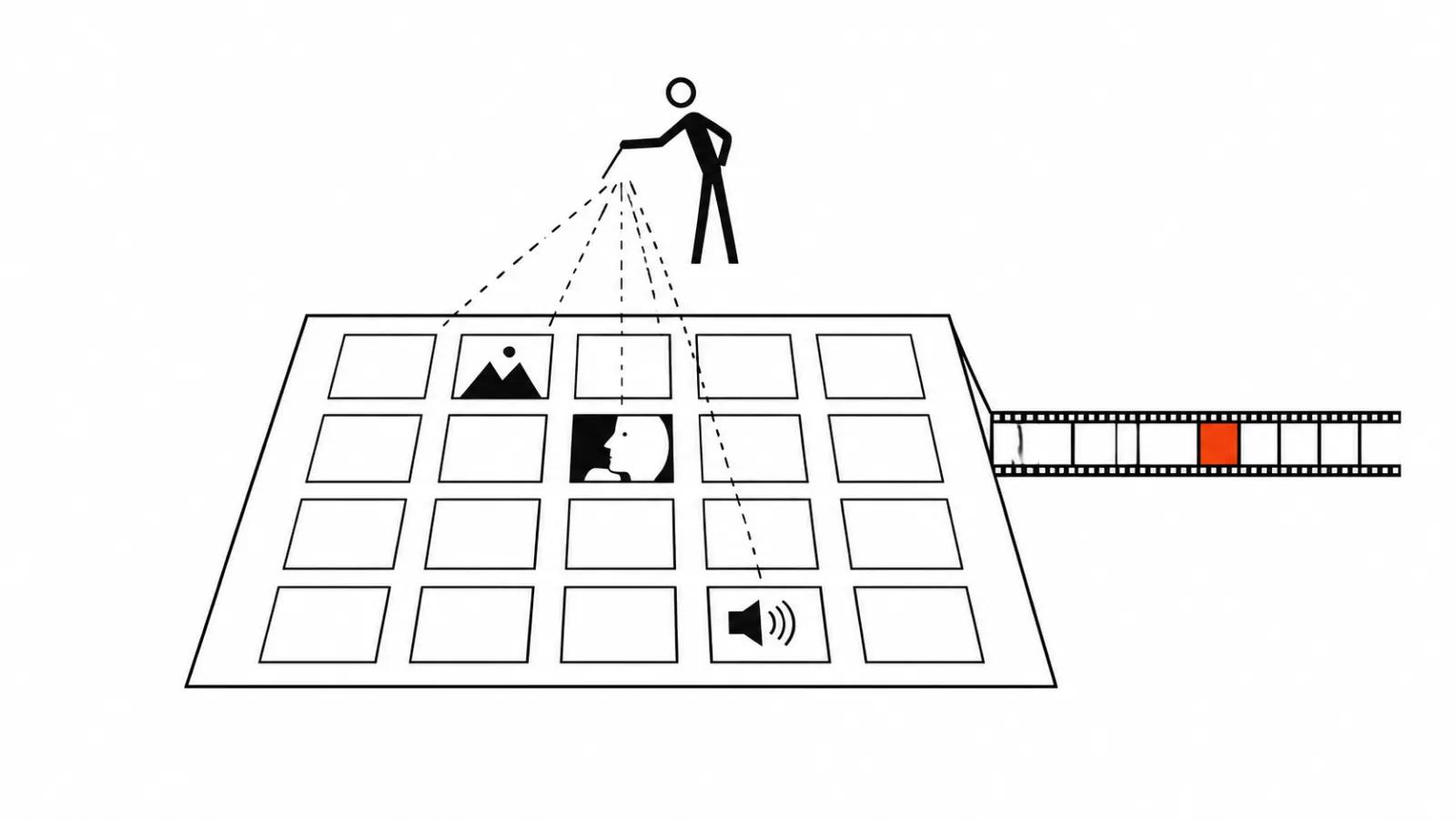
A text prompt works well on short beats: the camera orbits, the head turns, fabric moves in the wind. The longer the action, the higher the chance the model loses the pose somewhere in the middle of the clip.
A depth reference removes that part of the job. You have already seen the movement, there is nothing to guess, and it repeats more predictably from run to run. For a series built on one gesture, that saves the time that usually goes into rewriting the prompt between attempts.
The cost sits on the other side: a reference has to exist. Without one, somebody has to shoot it, with light and background work that the swap will partly erase anyway.
Where the approach breaks
The weak spots are predictable and show up on the first test.
Fine motor skills. Hands, fingers, small props. A depth map gets noisy at that scale, and the generator fills the gap from its imagination.
Overlaps. A hand across the face, a passer-by crossing the lens, glass or a mirror in frame. Depth loses the edge of the object and the replacement starts to slide.
Fast turns and motion blur. Blur in the reference turns into blur in the result.
Long takes. The longer the clip, the more visible the accumulated drift. I would cut the scene into short pieces and assemble them in the edit.
My take: when depth earns its place
The test is simple. A project with footage of a movement that must repeat on another character or in another location gets real savings from depth control. A project that invents the movement from nothing is faster on a text prompt.
Volume is the second test. One version of a spot does not justify the trouble with a reference. Ten versions of one dance do, and that is where depth sits next to templates and re-cutting. At that scale AI video production batches make sense, with one template and many versions, and handcrafted scenes stay in the mix wherever a real face has to carry the frame.
For a scene built around a close-up and dialogue I keep a manual route open. Mimicry decides that shot, and a depth map does not carry it. The broader mechanics of swapping the person itself sit in our character swap piece, which covers face identity and the ways such tools differ from a depth transfer.