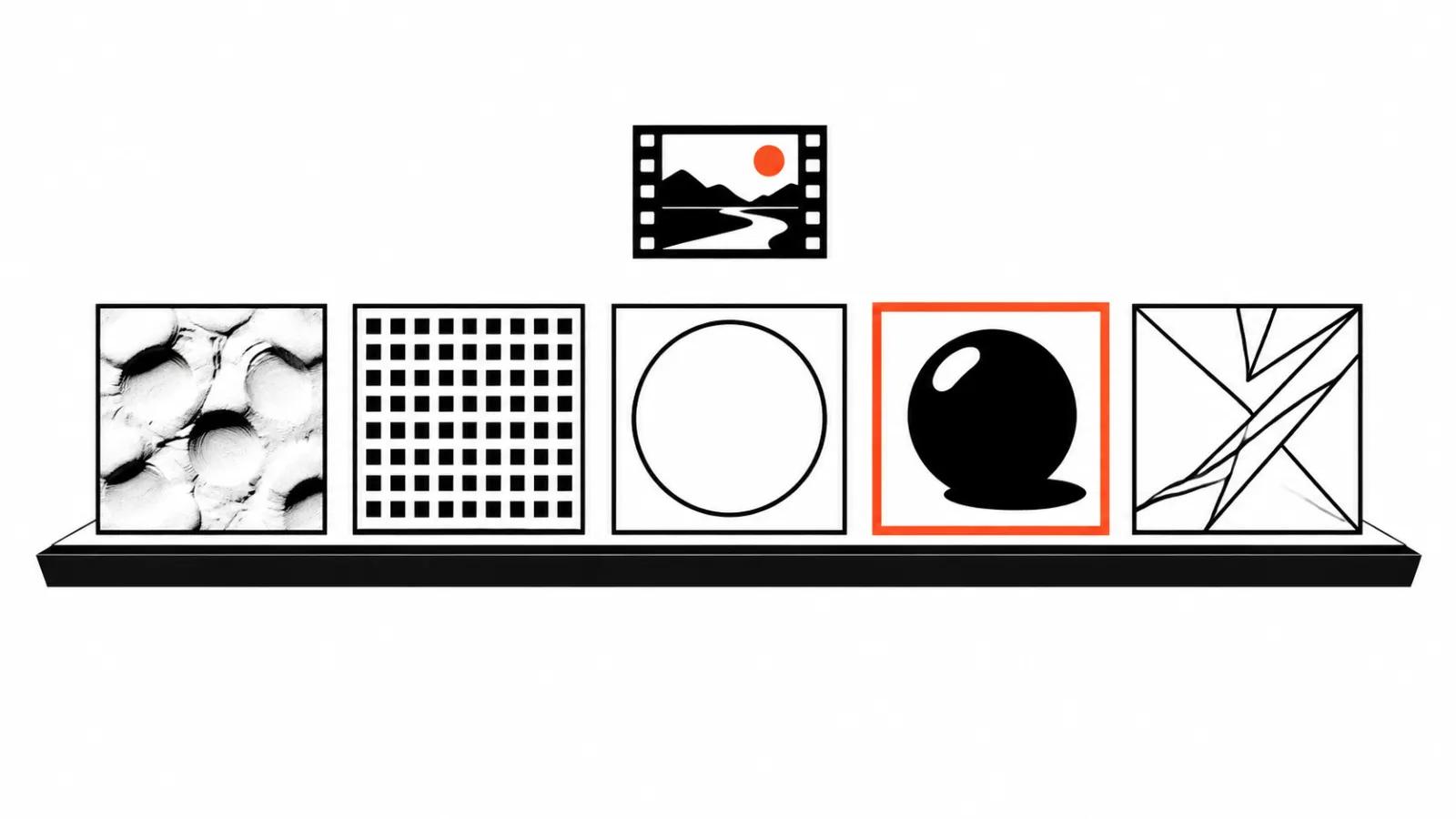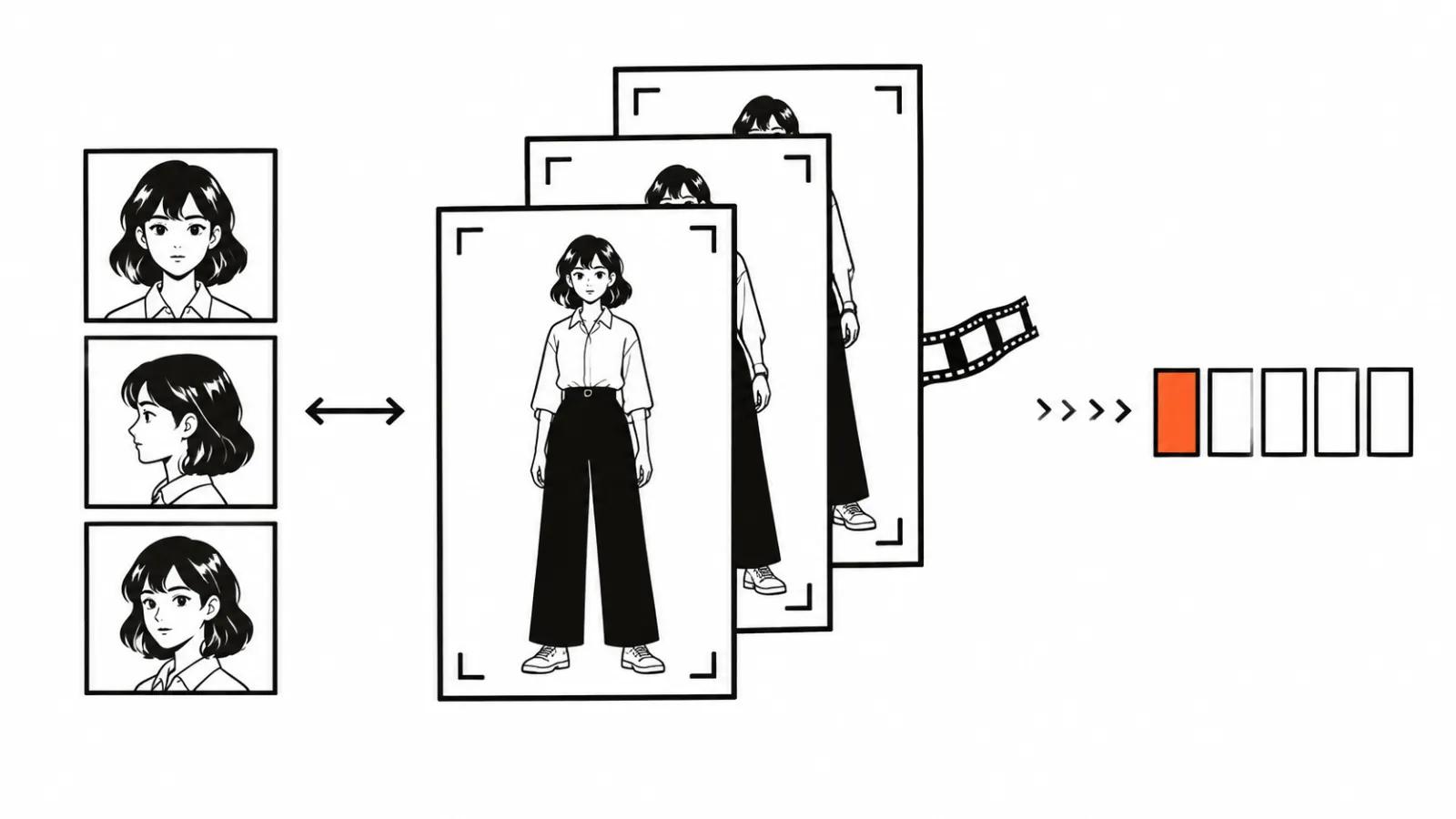
Where AI animation actually breaks
AI animation breaks at the cuts. In the next shot the hero has a different face, the palette drifts cold, the line gets heavier, the shadow falls from the other side. Any single frame can look great, which is what makes the failure easy to miss. My order of work is fixed: character and style references, keyframes, short generated blocks, edit, sound.
Start with a prompt and a day later you have a dozen beautiful shots that refuse to cut together. Regenerating thirty seconds of footage per shot costs more than one approved character sheet at the start. The saving shows up in the number of runs, and a subscription barely moves it.
Popular animated videos rest on a recognisable character and an even rhythm. Viewers follow the character, so the whole job is to keep that character from changing shot to shot.
Script and voiceover come before any generation
The text is written first because it sets shot length and the number of frames. A four-second line cannot fill ten seconds of animation, and a ten-second thought does not fit a four-second shot.
On July 1 the Higgsfield changelog added Explainer. It is a skill inside Supercomputer and MCP where a single voiceover runs over stylised animated blocks. The stated ceiling is ten minutes, and it works with animation only. The description gives the order away: voice first, then split into lines, then one block per line.
On August 20 Higgsfield shipped Faceless Studio: animated videos without a host in three steps. You feed it a theme, a style and a narrator voice, the topics are Education, History, Kids and Storytelling, length runs from one to five minutes, and there are eight style presets. It is a ready scheme for education pieces and stories where one narrator carries the whole video.
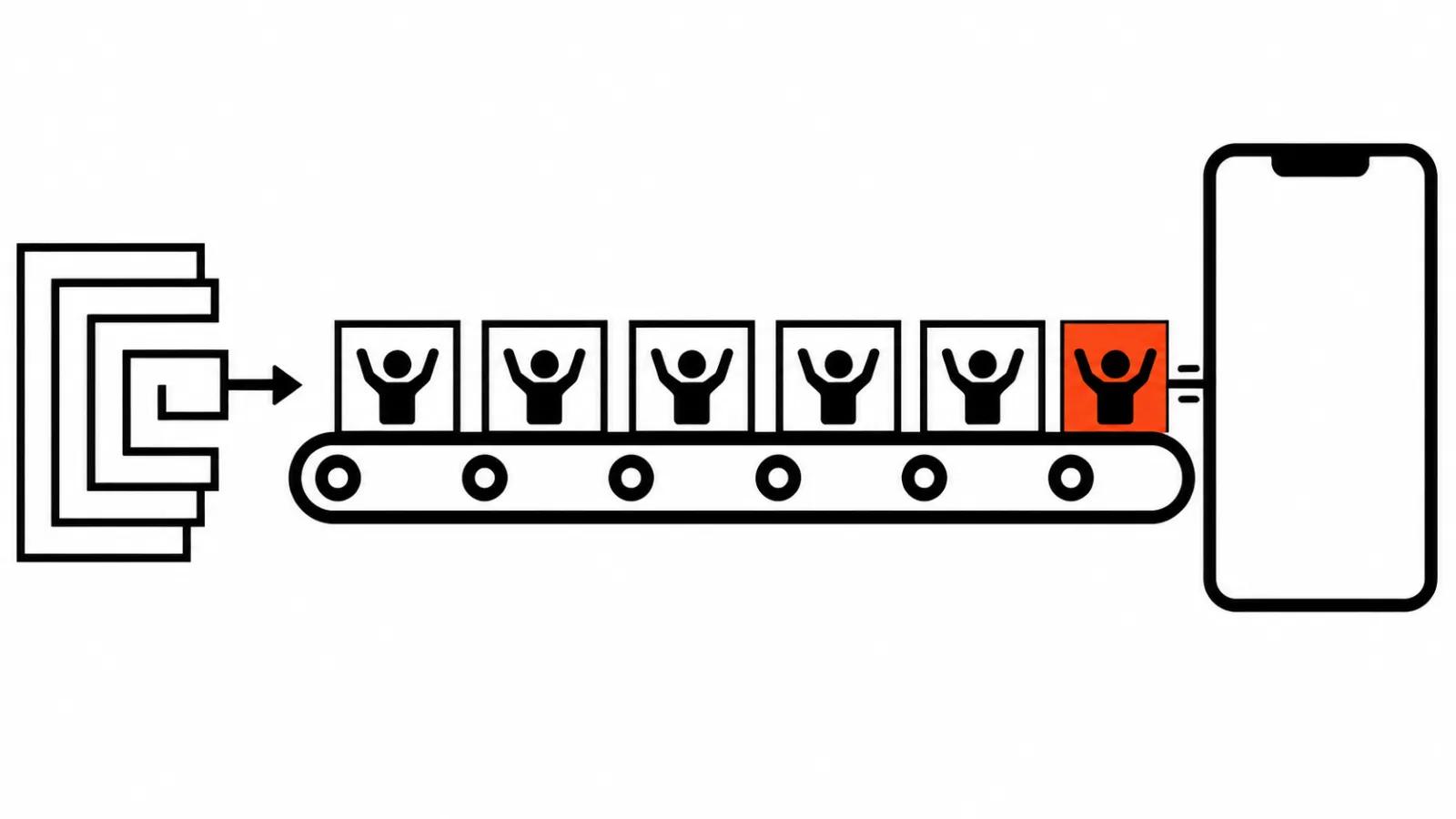
A longer piece works differently. The script splits into chapters of twenty to thirty seconds, each chapter gets one keyframe and one line of voiceover. The voice is recorded whole, cut by meaning, and only then does generation start.
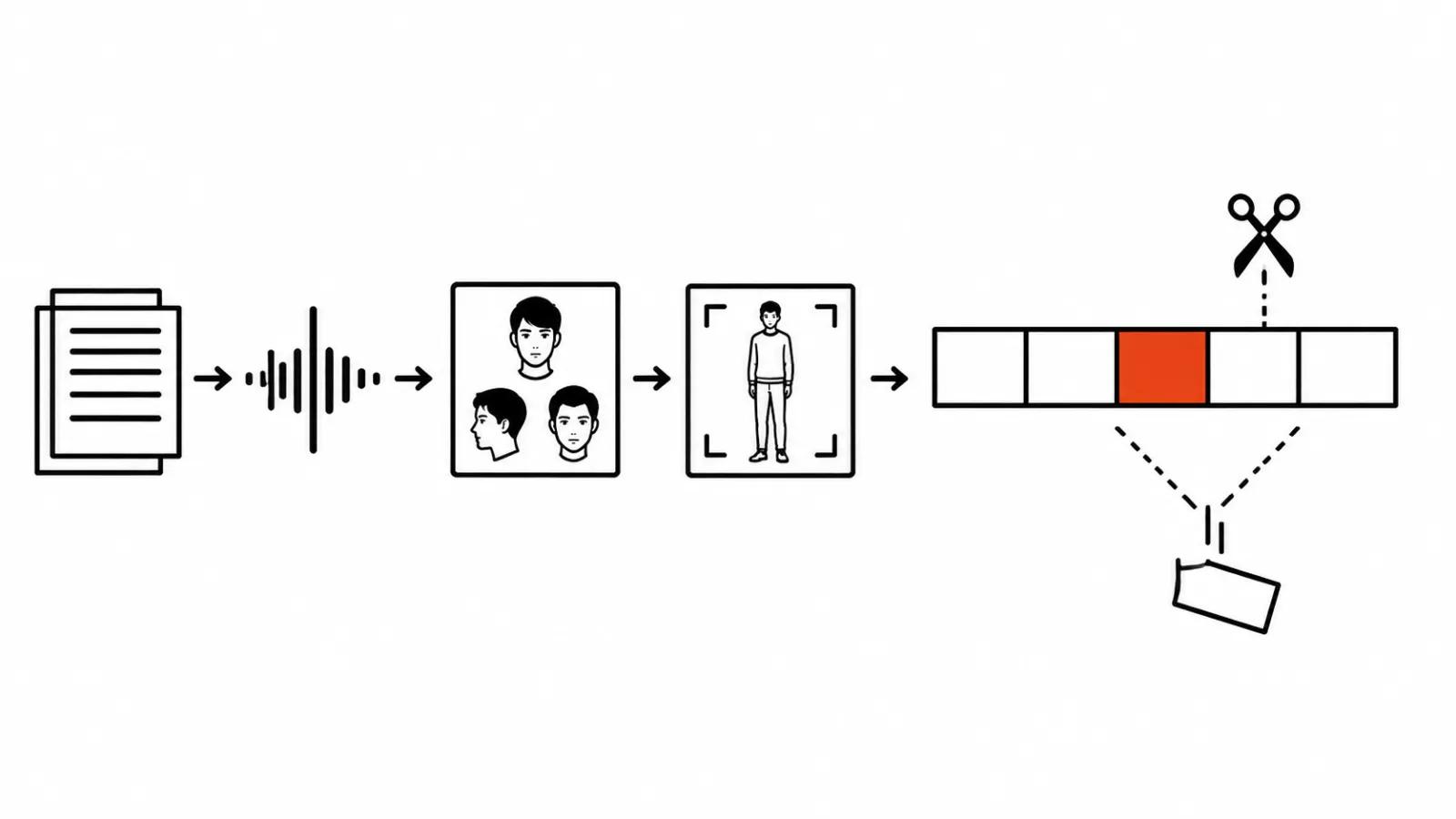
Character and style: references beat descriptions
Words do not hold a face. "A guy in a blue jacket" becomes a new guy in every shot, while a reference with three angles keeps the face, the hair and the clothes. So the character is built once, the good frame is picked, and that frame is fed back as the reference.
On October 21 Kling 4.0 landed on Higgsfield. It takes up to ten keyframes per video instead of the old first and last only, up to fifteen references, and runs from three to thirty seconds. Fifteen references is a real package: face, costume, location, props, palette.
The second source of discipline is a storyboard. Higgsfield Mangaka, out on November 2, builds characters and manga or comic pages straight from an idea. Before animation it is a handy place to lift the cast and the shot order, since the pages already set rhythm and framing in one style.
If the look is still undecided, start with our breakdown of animation styles for AI video.
Keyframes and block generation
A keyframe is the anchor of a shot: composition, pose, light, eyeline. Without that anchor the model reinvents the scene every time, and two takes will not cut together. Ten keyframes in Kling 4.0 exist for exactly this, since the shot stops being a lottery at the door.
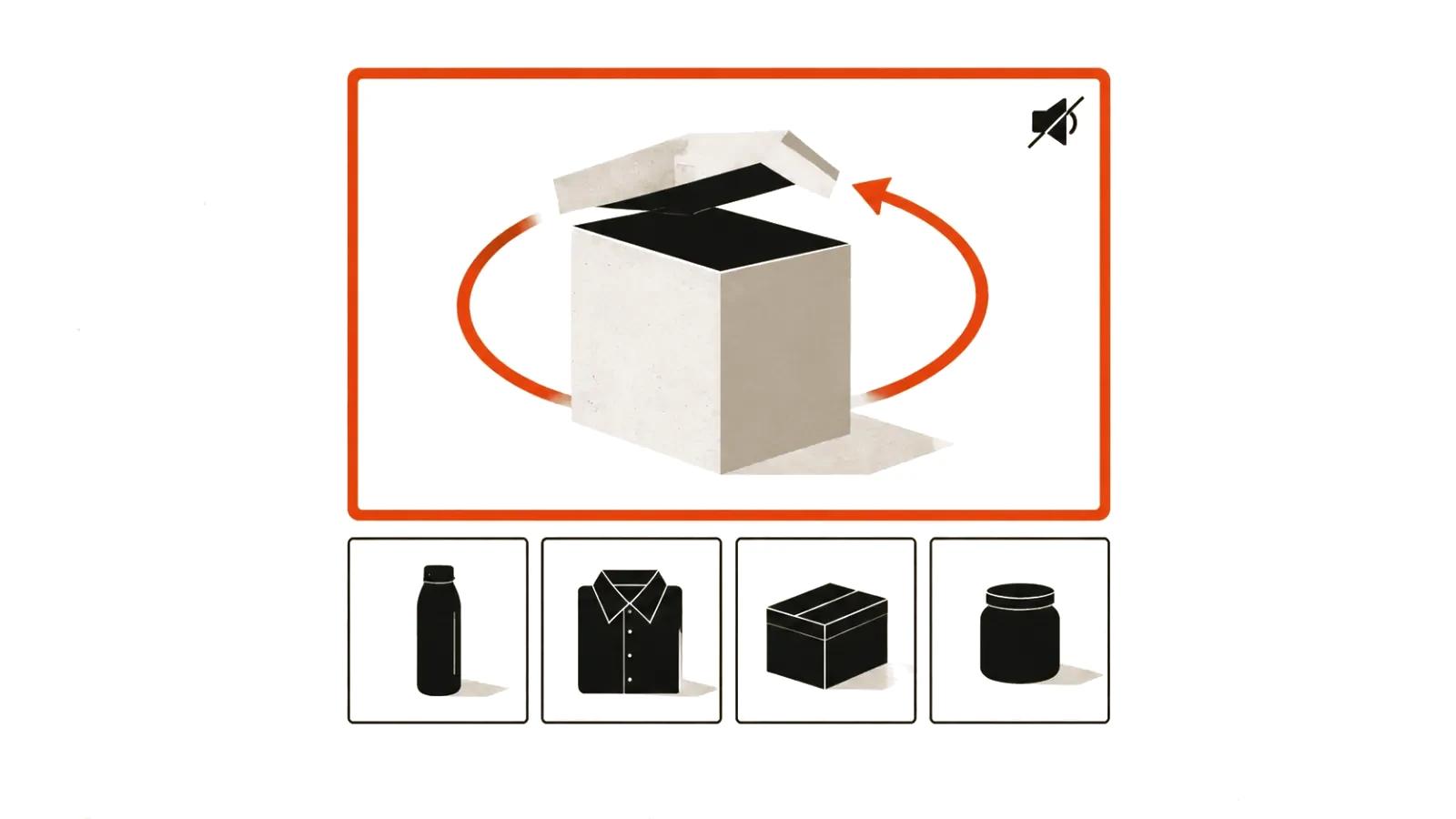
Then comes the short-block rule. Three to thirty seconds is the limit of one run, and motion holds up better inside a block than over a long stretch. A two-minute video is eight to ten blocks, each checked on its own, with the rejects binned immediately.
Explainer with its ten minutes follows the same logic, with more blocks. One voiceover over a set of blocks means the audio carries continuity while the picture changes.
Sound and the edit
Sound turns a pile of blocks into a film. The voice sets the pace, music holds the mood, effects tie motion to the real world: a step, a door, an impact. Without that layer, even smooth animation plays like a slideshow.
In Faceless Studio the narrator voice is chosen at input, next to the theme and the style. In Explainer the voiceover is recorded once and laid over every block. Both approaches skip lip sync, because nobody is speaking on camera.
The edit happens in a normal NLE, where blocks are placed against the voice. Tempo, pauses, titles and transitions are fixed there too. The order is simple: scratch audio track, picture underneath it, effects at the end.
Animation effects over live footage
There is a separate job where a real person or a real location is on camera and you need an animated layer on top. Two routes work.
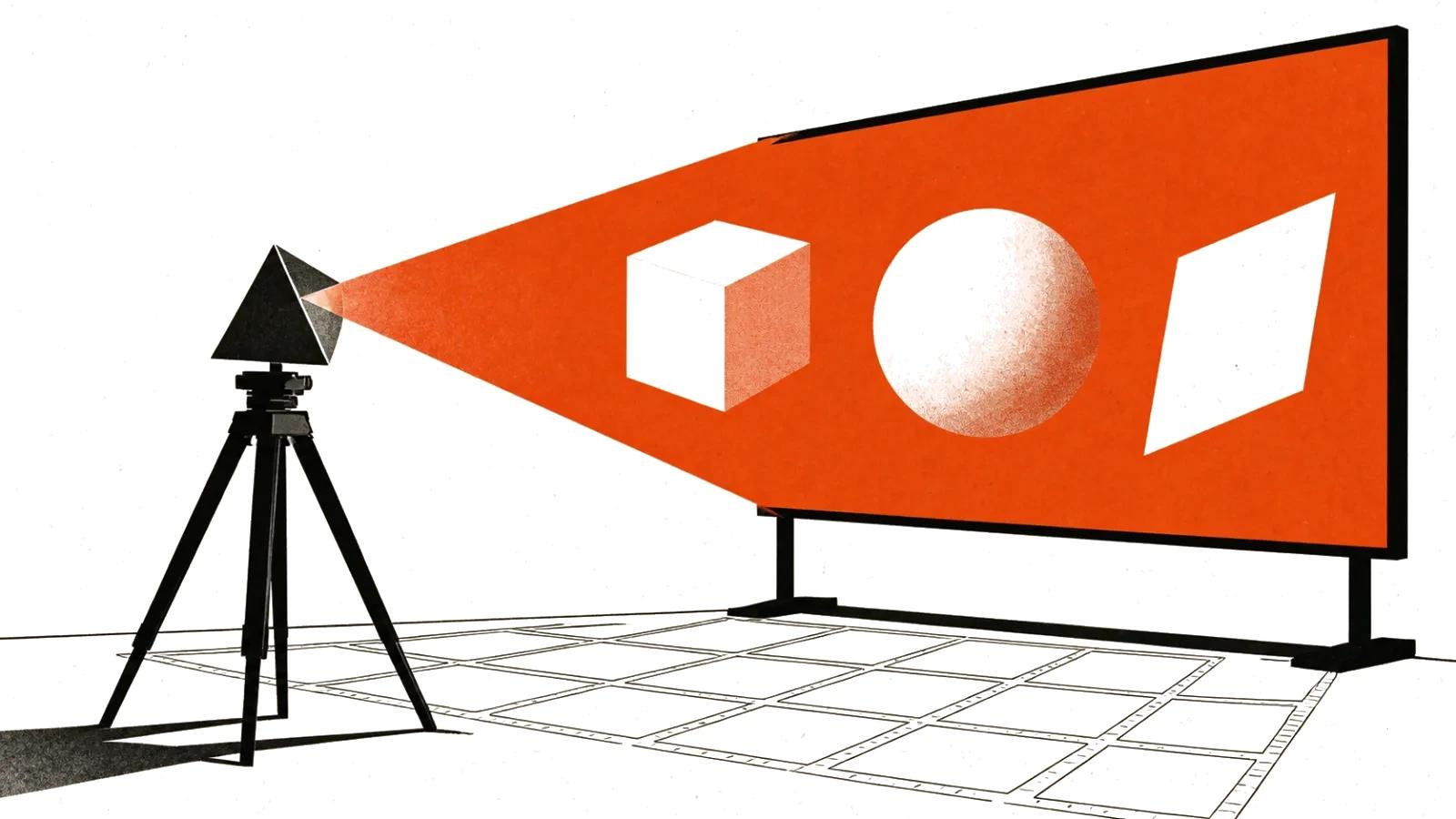
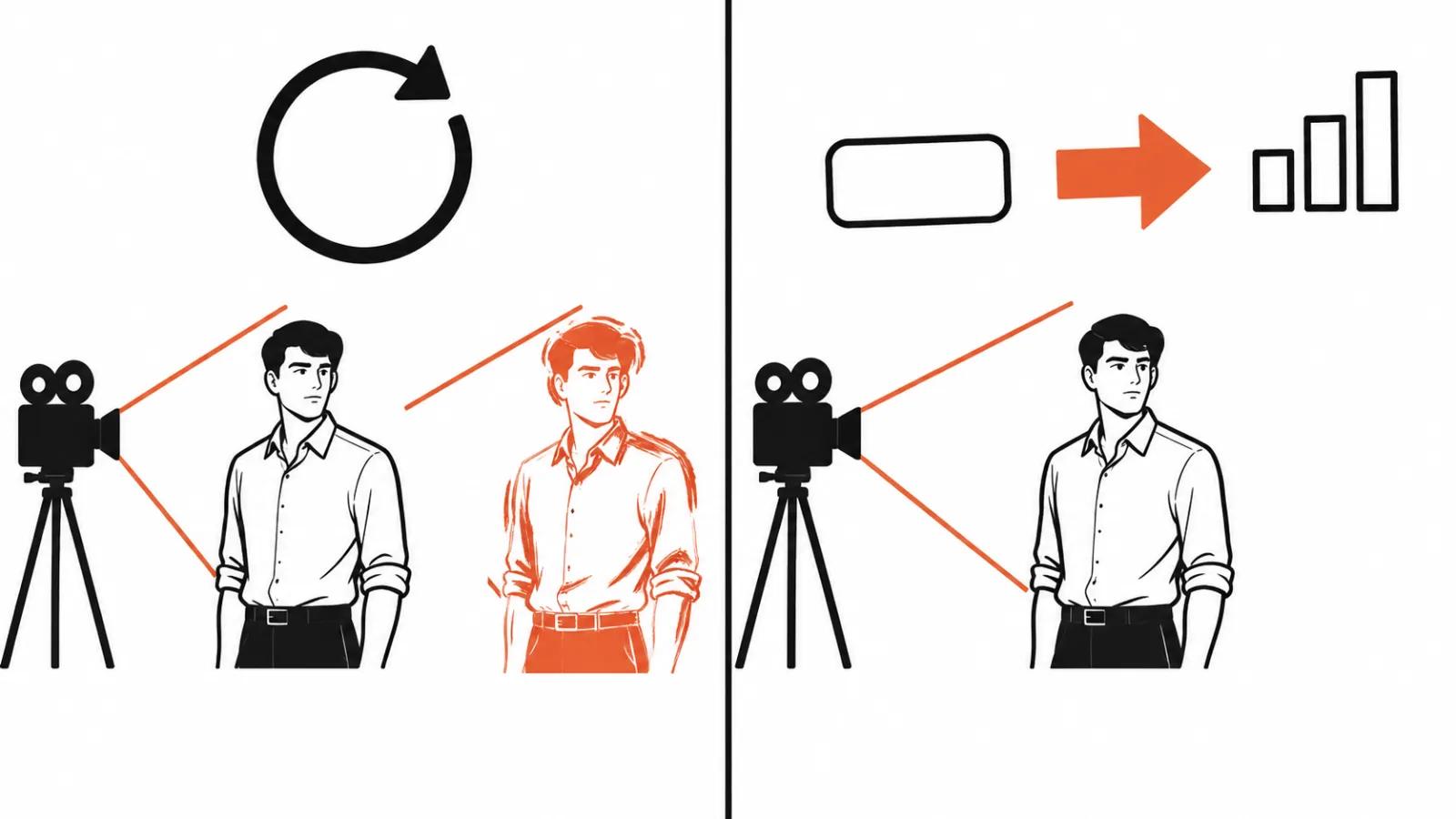
The first is a style repaint. Genjutsu Restyle shipped on September 30: it repaints a whole video in a new style while keeping motion, timing and camera. More than twenty animation styles are built in, a custom one comes from your own reference, and source clips run from four to thirty seconds in Motion transfer mode. A shot walking through an office comes back drawn, with the timing untouched.
The second is motion layers. AI Motion Designer arrived on September 11: the Higgsfield plugin for ChatGPT connects the service to After Effects, you describe the motion in words, and the agent builds it inside your composition. Titles, lower thirds, charts and callouts get made the way normal motion design is made, only faster.
The choice is simple. A repaint changes the whole shot, a motion layer sits on top of the footage. When animated advertising wins over a live shoot, that is a different conversation with a different budget.
Fixes: the pre-delivery checklist
The check is short.
Fixes are cheap at the keyframe, more expensive at the block and most expensive inside the finished cut. That is why the check sits right after every generation, before the edit.
- The hero's face across three shots in a row. If the eye shape or the nose changes, the block is redone in full.
- Hands and small props. Fingers and clasps are where the model slips most.
- On-screen text. Signs and labels swim, so they either leave the generation or get added in the edit.
- Rhythm. A shot one second longer than its line is noticeable even on mute.
- Light. The shadow direction in two neighbouring blocks has to match, or the cut shows.
My take
AI animation is a pipeline where the costly failure is lost consistency, and generation itself is the cheap part. References, keyframes and short blocks solve most of the problem, while the tools around them change every month.
The practical route looks like this. Script and voice, then a character sheet and three style references, then keyframes, then five to ten second blocks, then the edit and sound. Effects over live footage go in at the end, once the main cut exists.
Where decent editing, timing and sound matter, the work belongs in AI animation. Where a real person has to be on camera, handcrafted videos carry the shoot.