Why a QA pass beats a third generation
What I hand a client is not a generation, it is a file their customer will see. The gap opens on the very first clip: everything holds in the preview, then on a phone the hero has an extra knuckle between index and middle finger. Most viewers miss it. The person watching retention at second three does not, and neither does whoever reads the click through numbers.
My position is simple. Twelve minutes of watching costs less than any fix after the clip goes live. A third generation eats time, credits and another round of sign off. Worse, a systematic model error does not heal with a louder prompt: the same seed returns the same defect in a different pose.
At a cost that runs up to $2.40 per 1000 views, a six fingered hand kills response faster than imperfect lighting. Viewers forgive light. They do not forgive a hand in close up.
The 12 minute checklist
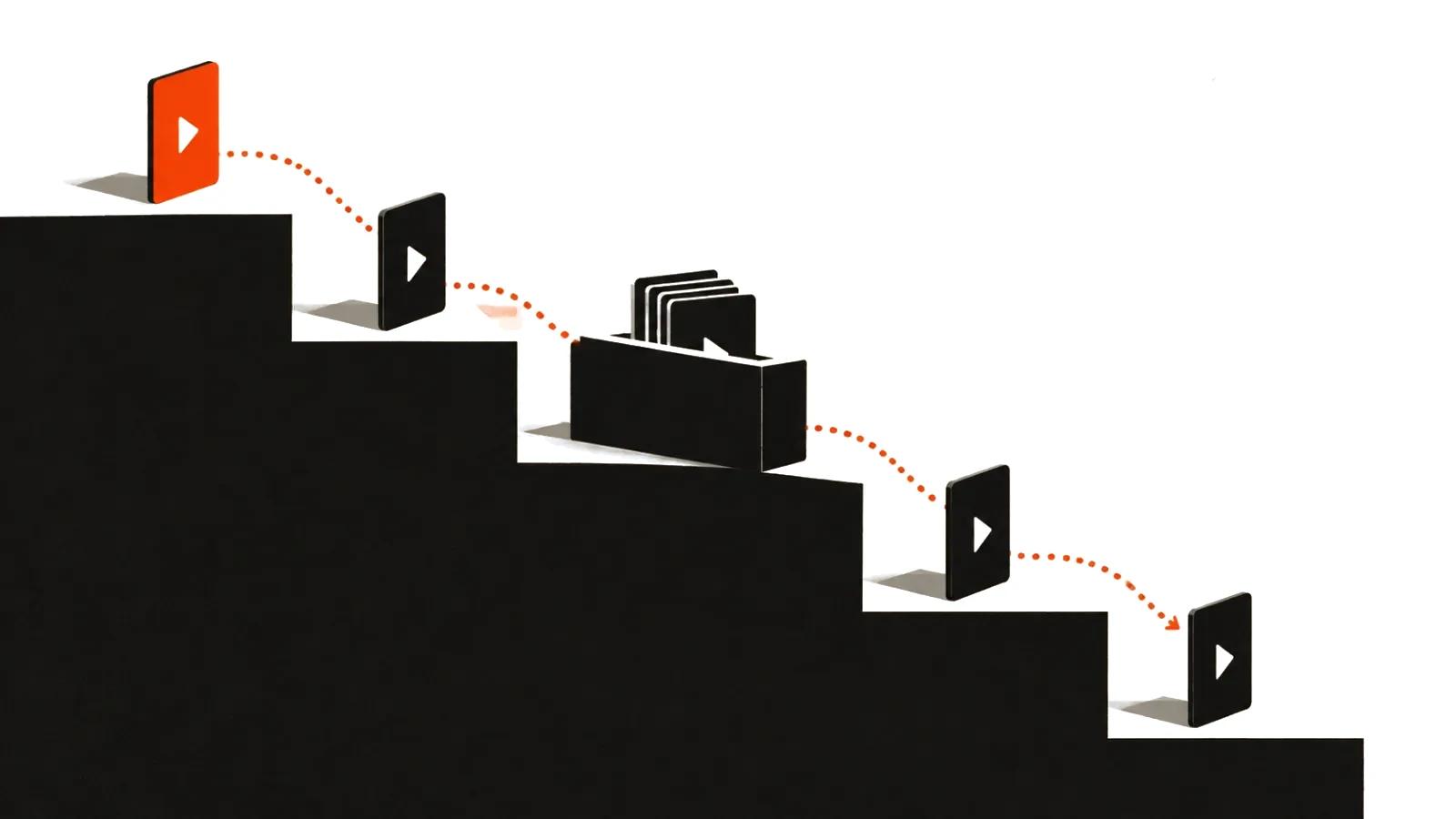
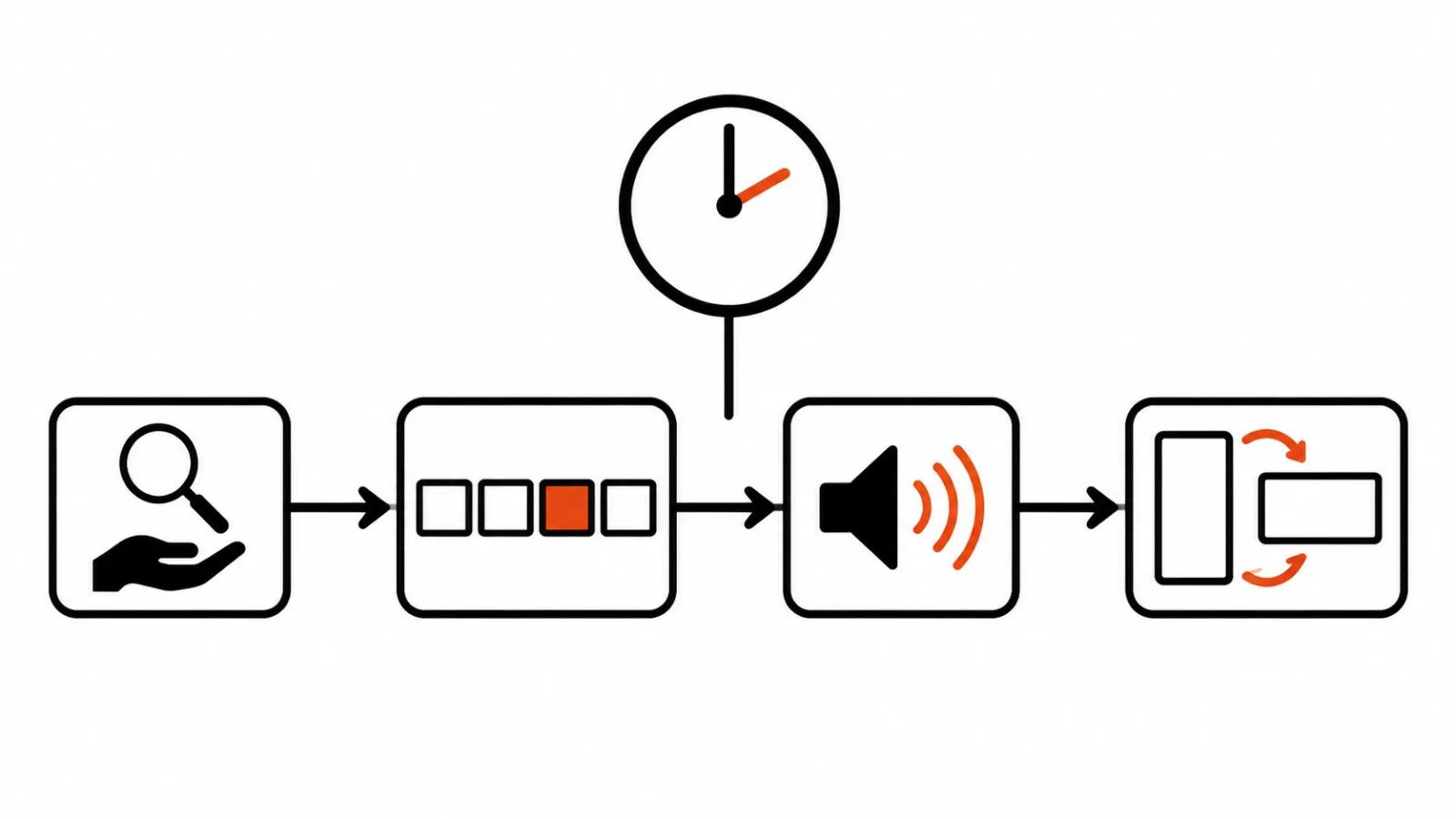
Six steps for a 10-15 second clip, each with a known length. The order matters: cheap catches first, expensive fixes later.
Twelve minutes is the ceiling for a short clip. A longer one stretches the clock with it, the order stays the same.
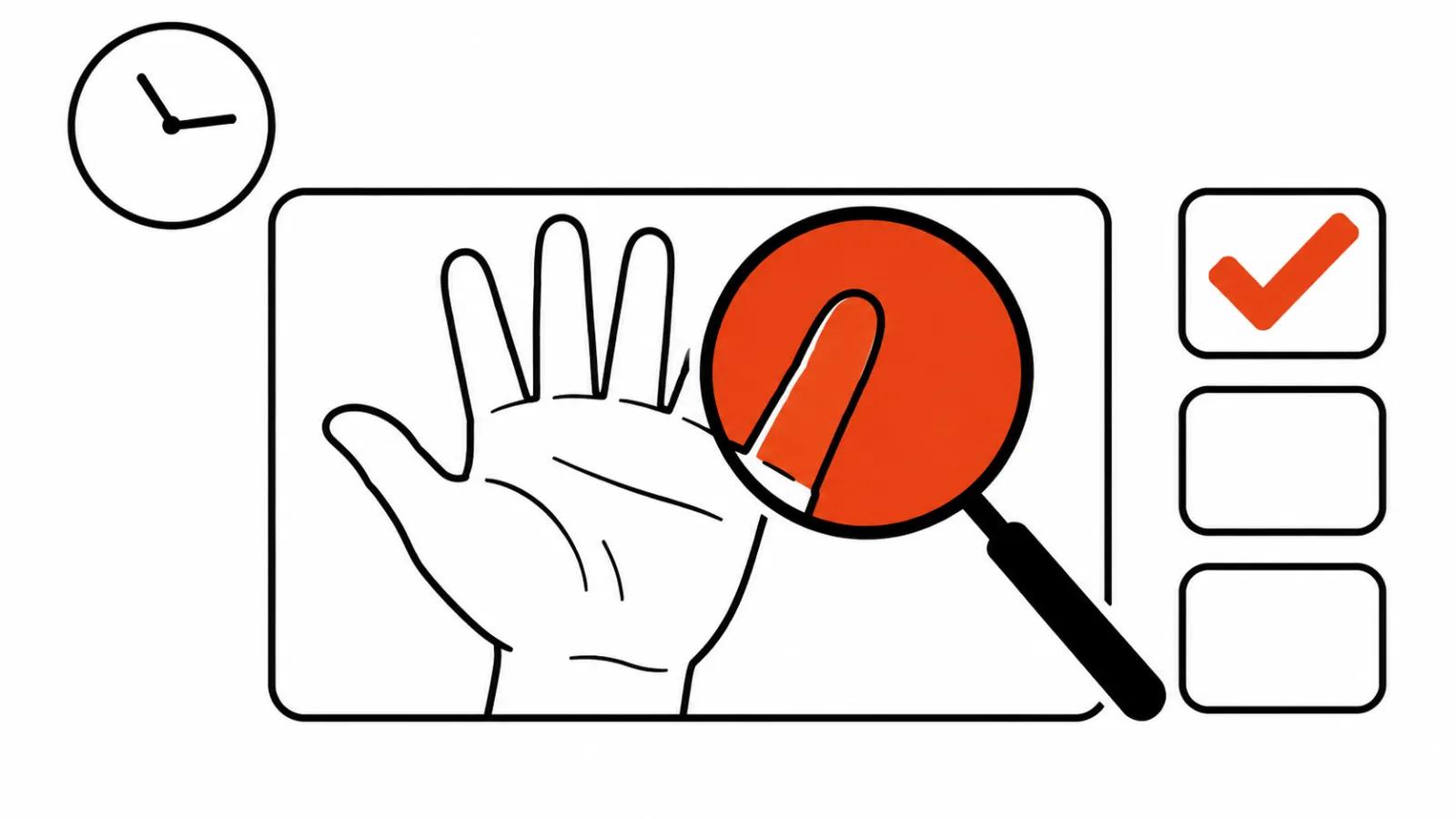
- 100% zoom on hands, mouth and logo, 60 seconds. Fingers, teeth, lips where syllables meet, the logo on a chest. Full scale, never in a fit to window preview.
- Frame by frame on 3-4 trouble spots. Not the whole clip, only the cuts, a head turn, an object entering the frame and leaving it.
- Sound on its own, 30 seconds. Eyes closed so the picture cannot distract: a drop on consonants, a click, a level that slipped.
- On screen text against the storyboard. Word for word, price, deadline and product name included.
- The last beat: the right packshot or CTA. The final frame is what stays in memory, and it is the one that drifts in the edit.
- Export in the target ratio, 9:16, then watch the 16:9 preview. Nothing should lose a chin or push text out of frame when the crop changes.
AI video errors that only show on a pause
The 2026 list is stable and shorter than forum threads suggest.
None of these needs a lab. All of them show on a pause at 100%, which keeps the pass in minutes. Spotting generated footage in someone else's file is a different job with detectors and metadata, and we cover it separately. This one is about the quality of your own clip.
- Extra fingers and fused knuckles. A hand on a desk, a hand holding a phone, a hand in a pocket.
- Background morphing across a cut. The wall behind the hero changes its seam pattern between shots.
- Lip sync drift after eight seconds. The mouth falls a quarter syllable behind, and the eye feels it before the ear does.
- Drifting text. A slogan on a shirt or a shop sign rewrites its letters as the camera moves.
- Brand colour shift. The packaging tone slides half a step, obvious across a set of versions.
- Flicker after object removal. The patch breathes at its border, especially on hair and glass.
Sound, text and the final frame
Three checks I keep apart, because they are the ones people skip.
Sound gets listened to without the picture. When the track is built from text to speech, the seam between phrases sounds like a change of narrator, and the ear catches it faster than any level meter.
On screen text gets compared against the storyboard document, small captions and disclaimers included. I also check whether a line slides as the camera moves: drifting type reads as a defect even when the words are correct.
The last beat gets a freeze frame. The right packshot, the right logo, the right button. In vertical ad sets a clip lives for seconds, and the final frame is often cropped at the bottom, so the button lands outside the safe zone.
Fix with a new generation or by hand
The rule follows the size of the mistake.
One object or one patch of background is a multi turn edit: same frame, local fix, no new scene. A systematic face drift needs a new seed and a character sheet with references, since another pass over a broken frame drags the error along. Sound always goes to its own track, image generation will not help there.
Hand work belongs where the model already did the job: a soft contour, colour, crop, pacing. If the edit takes longer than a fresh pass, I take the fresh pass.
One note on labelling
Before publishing, check the current platform rules on marking AI content, our guide to AI content labelling rules keeps the moving parts in one place. The quality pass stays the same either way; what changes is how the clip fares in a feed.
My conclusion
Checking a clip before publishing is how you avoid paying twice. Twelve minutes per clip earn back on the first batch, because they cut off the expensive path: publish, read the response, redo the series.
My routine for a new batch: the full checklist on the first clip, then steps 1, 2 and 5 only, if the generation runs on one prompt and one character. For work at short-form video at scale I still keep a full pass on every tenth clip, so model drift shows up before it spreads through the batch.
When the fixes come as a pack and someone needs to own the frame, that work sits inside our handcrafted videos from $190. A single clip for one campaign gets quoted by length and number of versions instead.