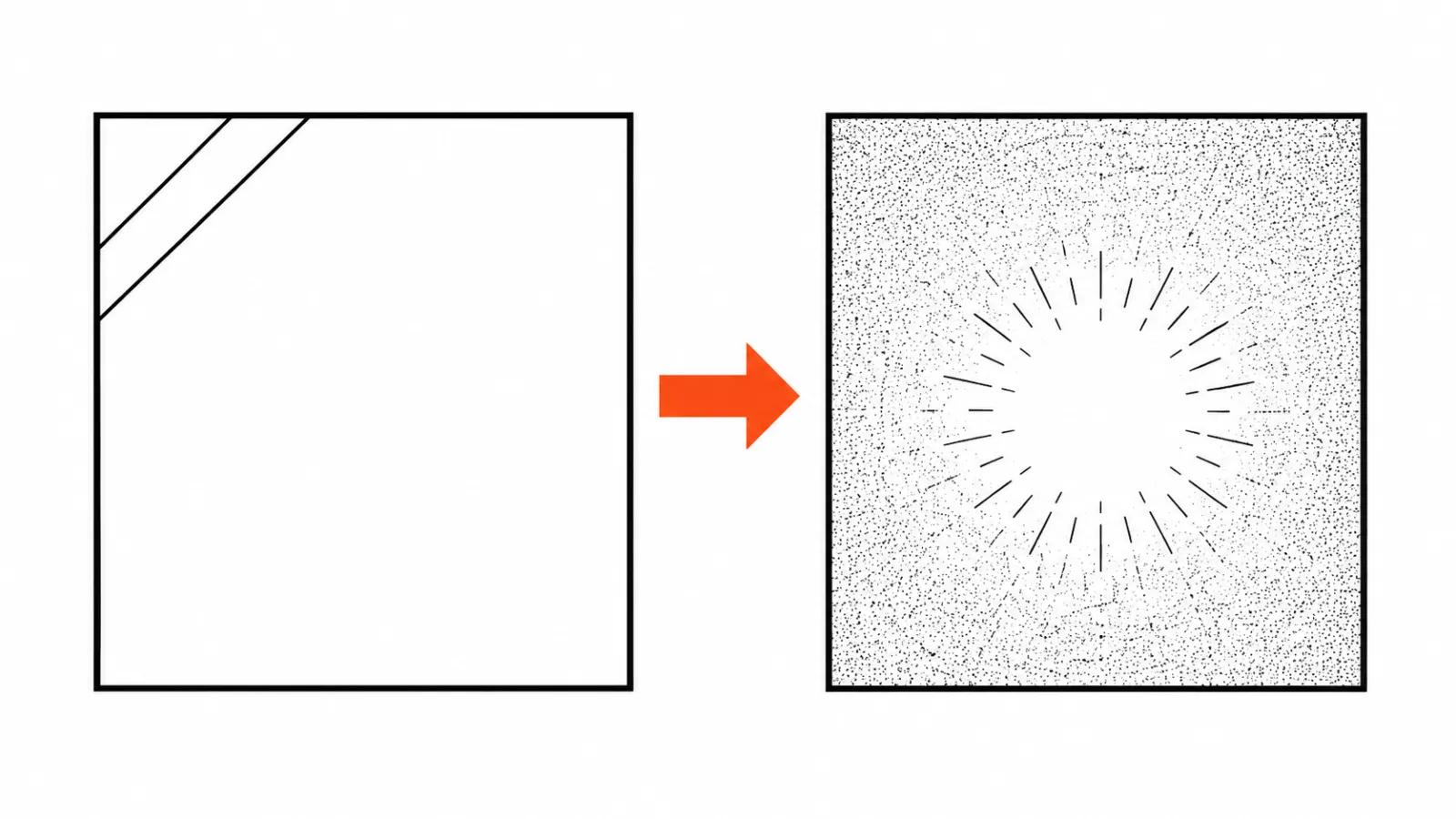
Why AI video looks plastic
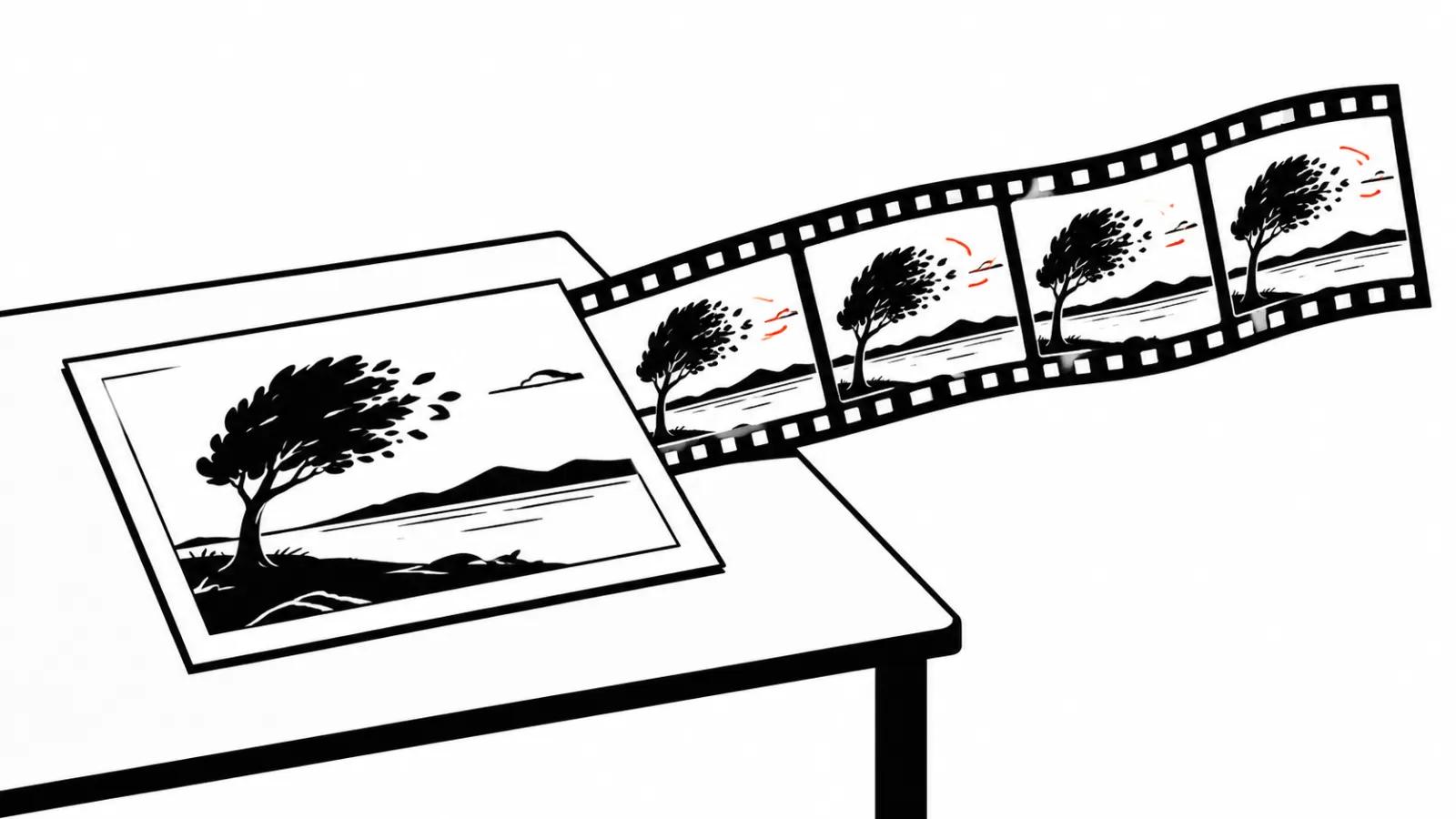
A Fervor Creative AI review went up on 18 November with the key line: the plastic feel of many AI renders comes from tone and colour. Detail plays a secondary part in that impression.
The signs are readable in a second. Perfectly clean shadows, skin without pores or small unevenness, one contrast level across every shot, no dust, no noise. A lens, a sensor and a compression pass always leave a trace, and the eye looks for that trace automatically. It finds nothing and files the image under fake.
That leads to a practical rule: finishing starts with tone, and sharpness and detail can wait.
The order: colour grading AI video from shot to series
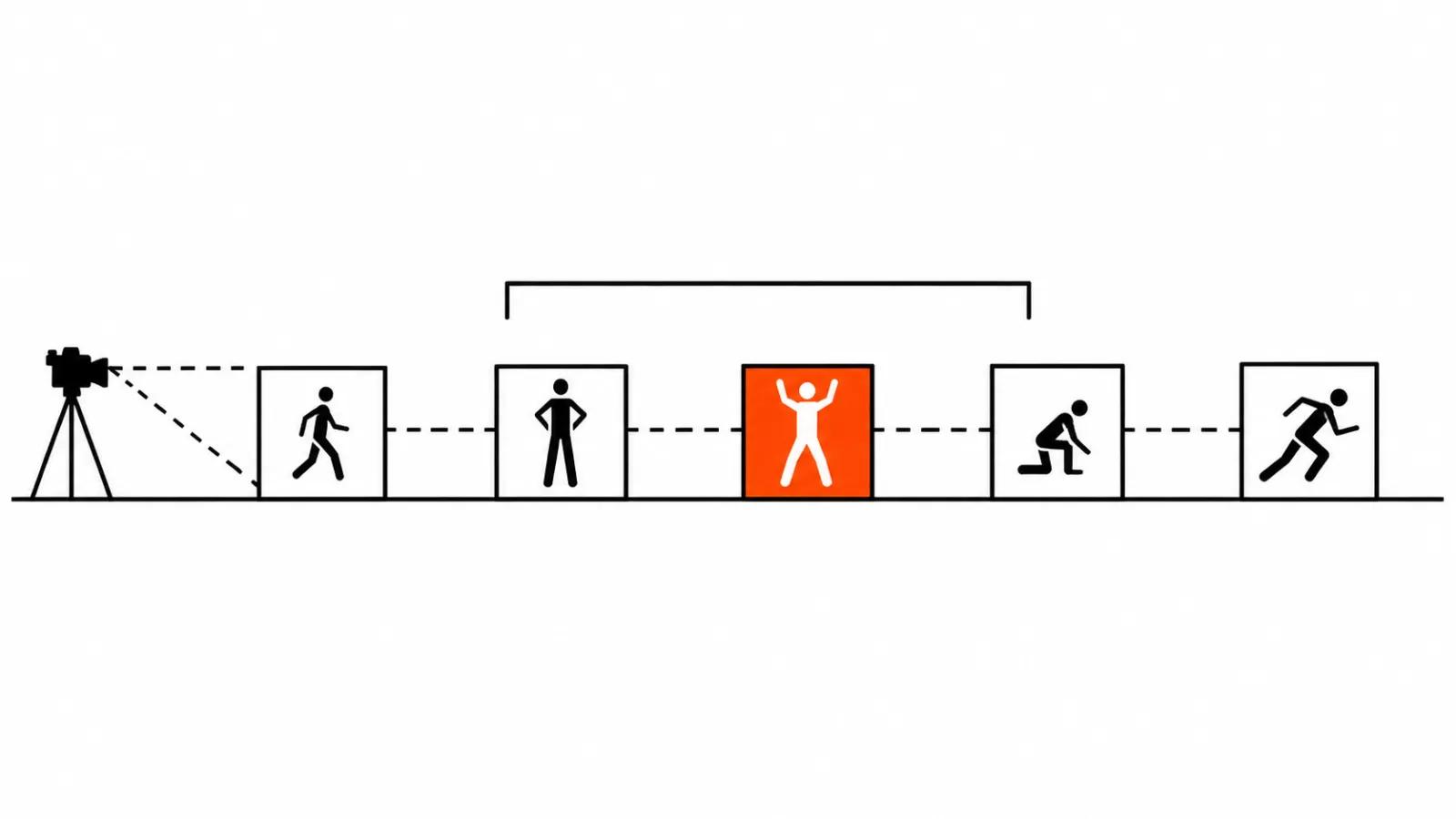
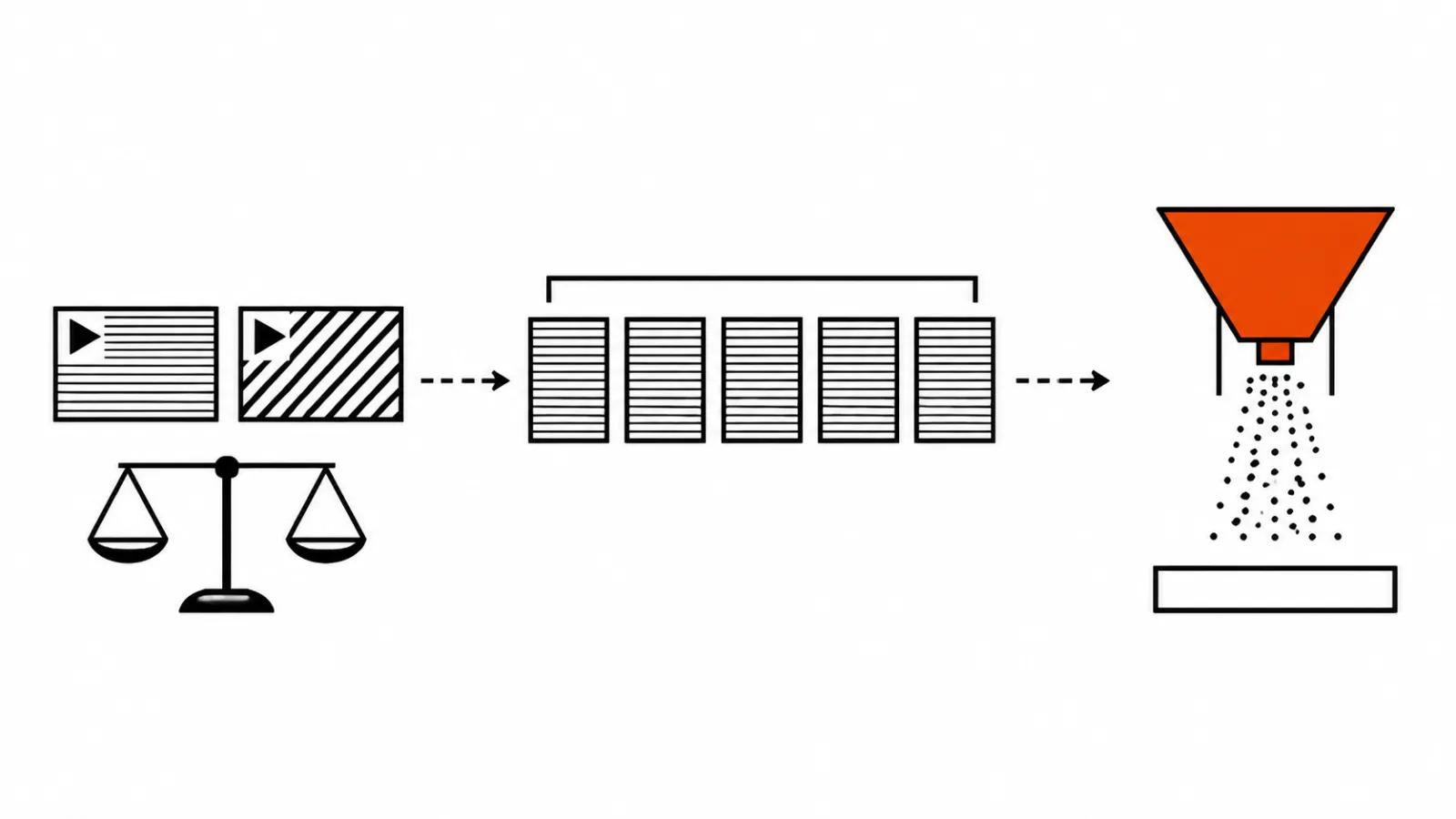
The working order is simple. First the shots get assembled in the edit, and white balance plus exposure get levelled between them. While one shot runs warmer than the next, any shared look falls apart. Then one look goes over the whole series. Grain comes last.
The reasoning is simple. White balance and exposure decide whether shots cut together at all. The shared look decides whether they read as one video. Grain ties everything into one film stock, and if it goes on early, later steps either eat it or double it.
One grade per series beats a beautiful frame
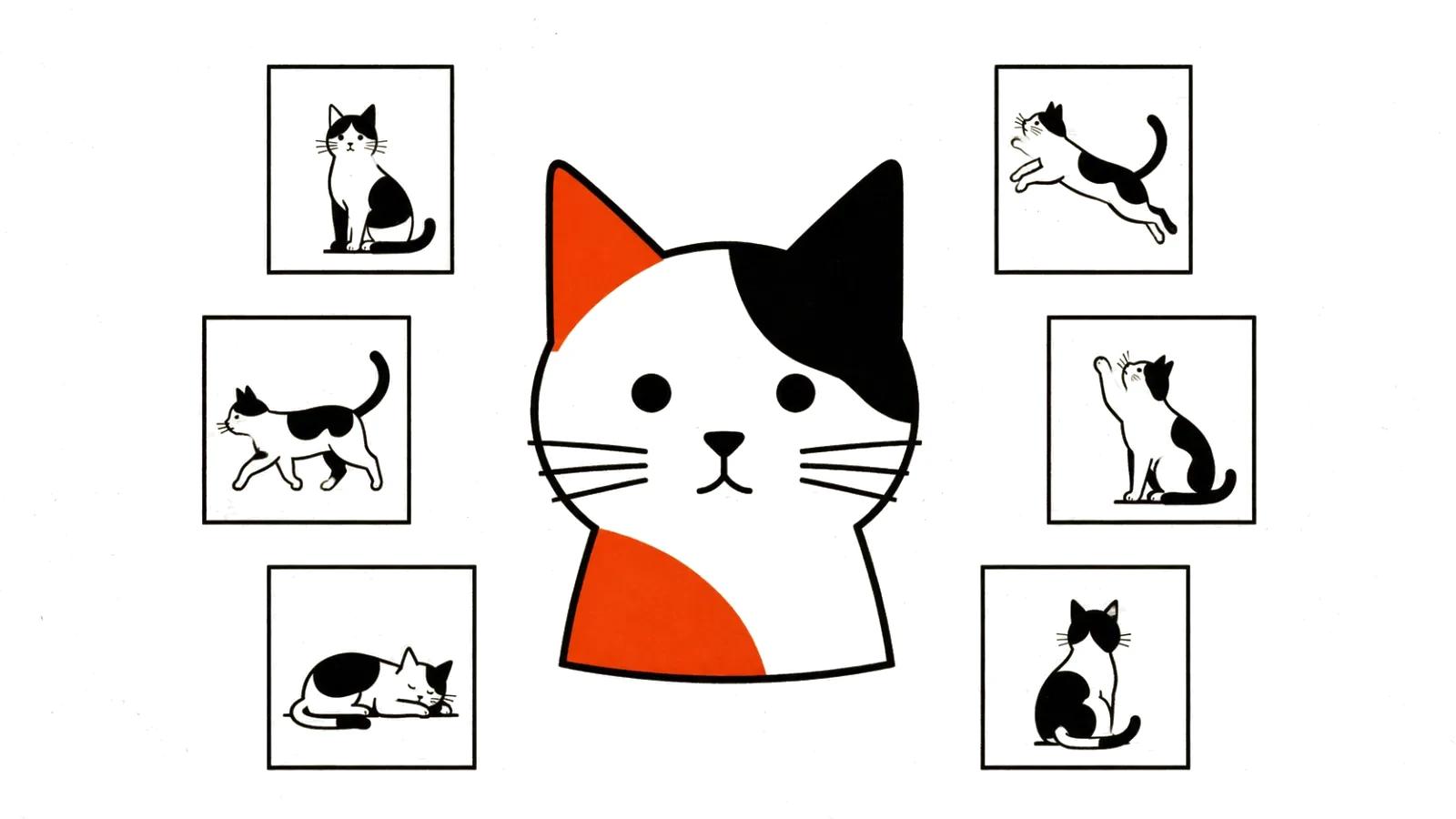
The temptation is obvious: push the most striking frame to wow, then drag the rest along as they are. On a series this shows instantly. Shots arrive from different generations, often from different models, and each brings its own colour logic. One drifts cold, one goes green, one blows out the skin. The viewer has no vocabulary for white balance. They see the jump and conclude the video was stitched from three different jobs.
So the grade goes on the series as a whole, and each shot is fitted to it. One curve, one contrast character, one temperature. One striking shot among mismatched ones looks worse than an even series with no striking shots.
Grain and halation: the last layer
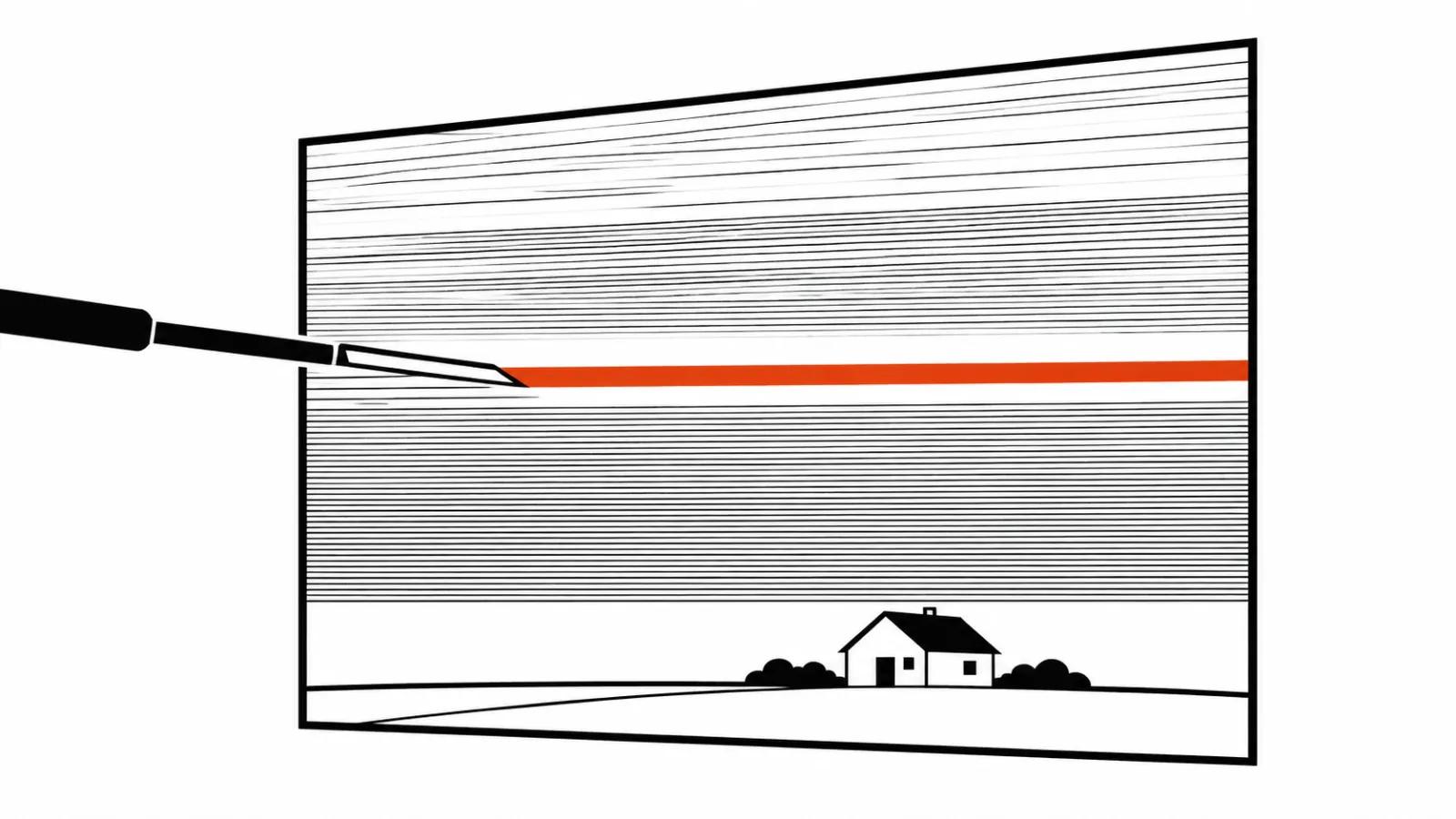
Grain does in AI video what it did on film: it gives the image the noise the eye expects. Small dose, barely visible. Check it at full size, because in a fit to window viewer the grain disappears, while on a phone in vertical it turns into visible clumps. For vertical ads that second screen is mandatory. People watch those at twenty centimetres.
Halation is the reddish halo that film produces around bright areas. Small dose again. Overdo it and the shot looks like it was filmed through a dirty window, which is the first thing a client notices.
What the Zuanfilm Retrolab node does
Zuanfilm Retrolab appeared on GitHub on 17 November 2026, Apache 2.0. One ComfyUI node that finishes a still or a frame sequence. Inside: white balance, an Anti-AI slider, exposure, glow, halation, highlight bloom, a menu of 50 film profiles, solarisation, soft focus, vignette, paper and dust textures, grain.
A detail an editor will appreciate: every stage is off by default, and with the sliders untouched the node hands the image back unchanged. Nothing gets altered behind your back.
The profiles are named after film stocks: Kodak VISION3 cinema negative, looks in the spirit of CineStill, Portra, Ektar, Velvia, Provia, Polaroid, instax. The author states plainly that these are his own colour transforms carrying film names. They are not calibrated copies of those stocks, and nobody should expect archival accuracy from them.
The Anti-AI slider does tonal correction, per the author. There is no AI detector inside, and the node cannot tell by looking whether a clip was generated. The name is marketing, the work happens in tone.
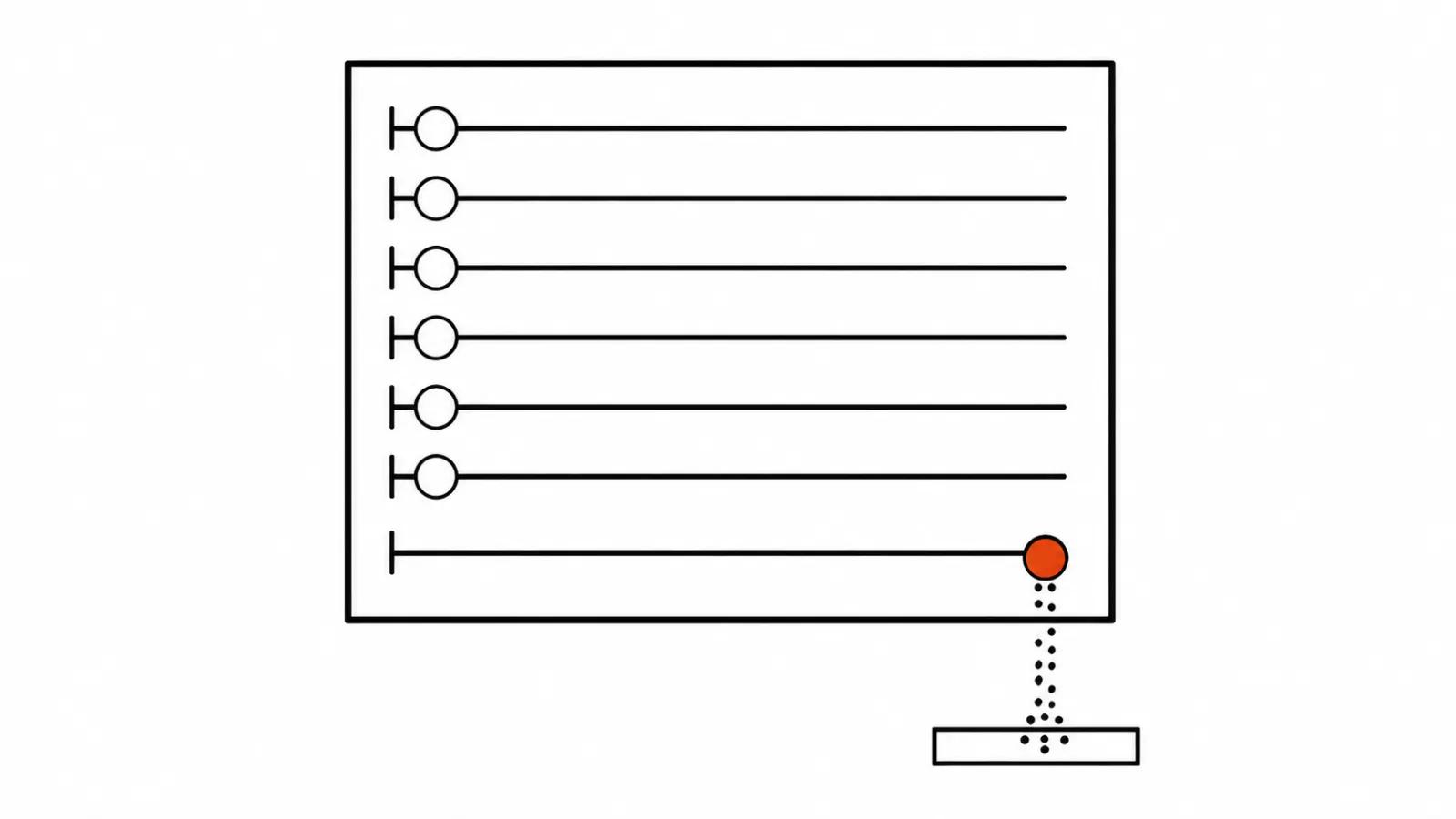
Grain sits in its own block with its own settings: strength, size, coloured grain. It is applied last. A seed makes grain repeatable, so across a series it keeps the same character while varying frame to frame, and the noise never freezes. Highlight shapes stay where they are.
It runs on CPU or NVIDIA, downloads no models and needs no extra packages. The project is days old, and the reviewer is honest about it: compare before and after at full size, since a preview lies here.
What finishing will not fix
Colour and grain work on texture. They do not work on anatomy. If drifting faces, hands and text are already in the shot, a grade underlines the error, because contrast drags the artefact forward. Those shots go back to generation. There is a separate breakdown on why faces, hands and text drift in AI video, and it deals with the mechanics of the model, which no slider repairs.
What to ask a supplier
Three questions cover most of the risk. First: is the grade done for the whole series, or is each shot graded on its own. Second: in which tool, since that decides whether you can fix one shot later. Third: will you show before and after at full size.
The same work happens in ordinary editing software: DaVinci Resolve, Premiere Pro, Final Cut Pro. A ComfyUI node is convenient because it lives next to generation and does not force frames through three applications.
For vertical ads the single look question matters more. A set of versions ships back to back, and any difference in colour between them reads as carelessness. When a series is commissioned, finishing belongs with handcrafted videos, where a person owns every frame. The logic matches the breakdown on draft and final cut: approving the look on ten seconds costs a lot less than regrading forty finished shots.
My conclusion
The plastic sits in tone and colour, and it comes out during the assembly. Regenerating rarely helps: the same prompt returns the same even light.
The routine on a new series: level the shots on white balance and exposure, put one look over the series, grain at the end, then watch it on a phone. If a shot still reads as foreign after that, the problem came from generation and the shot goes back.
One last point. A film preset hides a bad render without repairing it, and the reviewer says as much. A heavy profile on a weak shot leaves the impression of a filter thrown over the whole thing, and a client feels that on the first viewing.