What was cut out of MiniMax H3
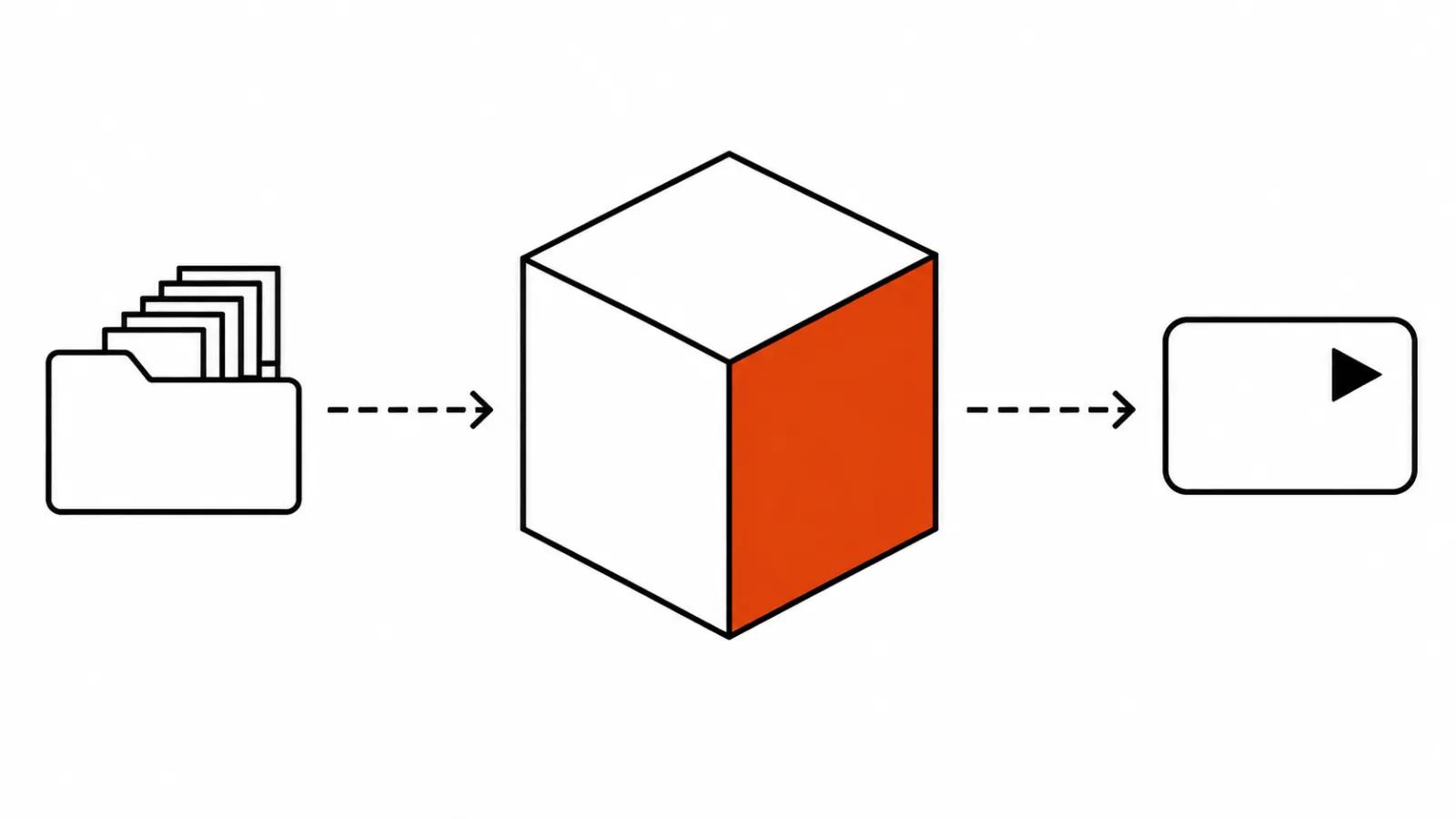
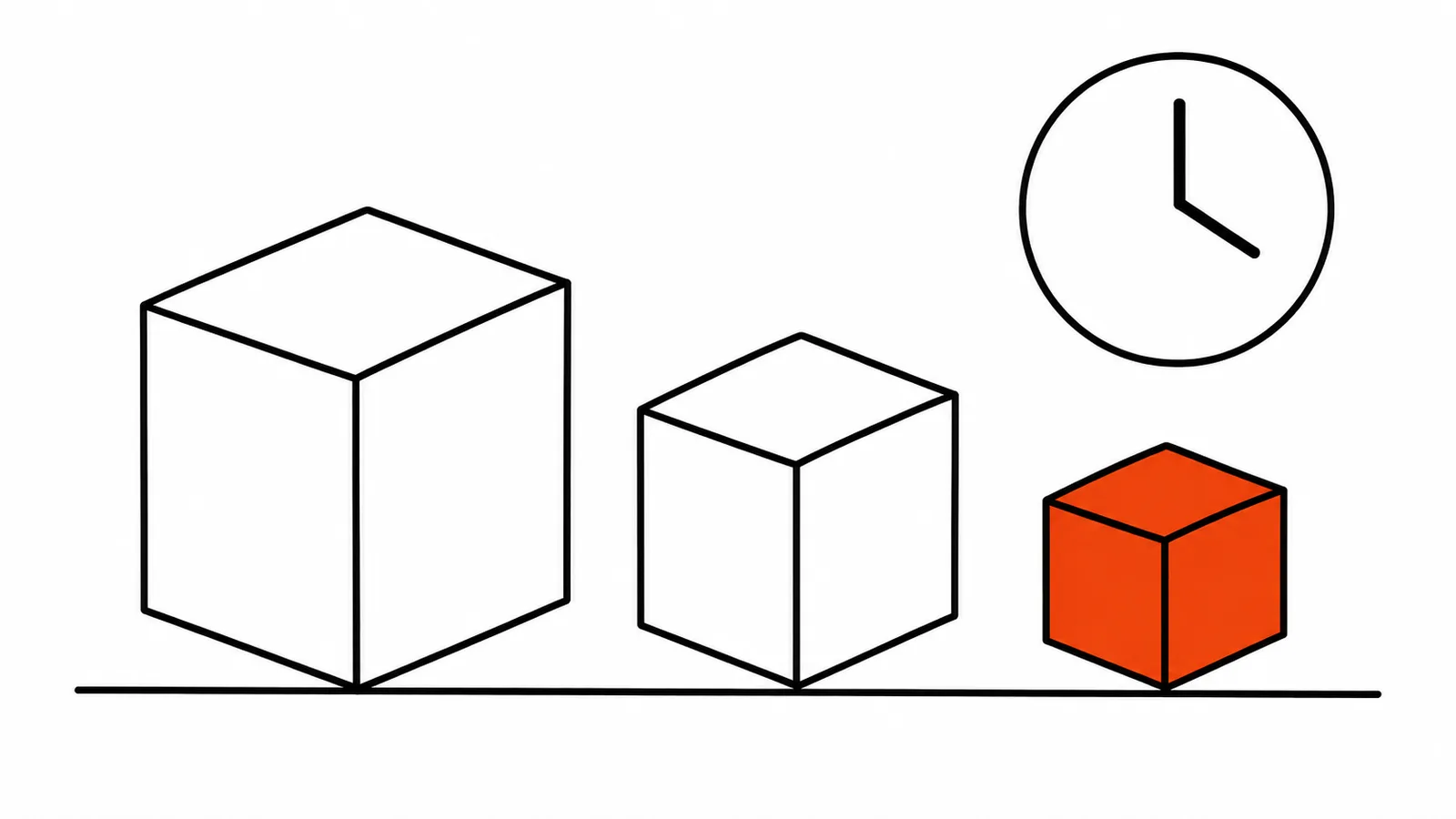
H3-Tiny is a structural prune of MiniMax H3 in its Ref2VA variant. Pruning runs without training: weights and connections are removed by a precomputed importance score, and the result is a model with fewer parameters that still runs the same blocks, just thinner. That is how the count drops from 33B to 17B, with no training step at all.
The second stage is distillation. A smaller model is trained on the outputs of the large one, so it learns to reproduce that behaviour with its own reduced set of weights. With distillation the count goes down to 14B. The card presents 17B and 14B as two separate results, and that detail matters: 17B is pure weight arithmetic, 14B took extra work.
The motive is easy to guess. 33B is a model for a server card; 14B is a conversation about a workstation. That is why this item is worth reading as news about the cost of entry into AI video generation on your own hardware. The release itself is secondary.
What ships in the mini version
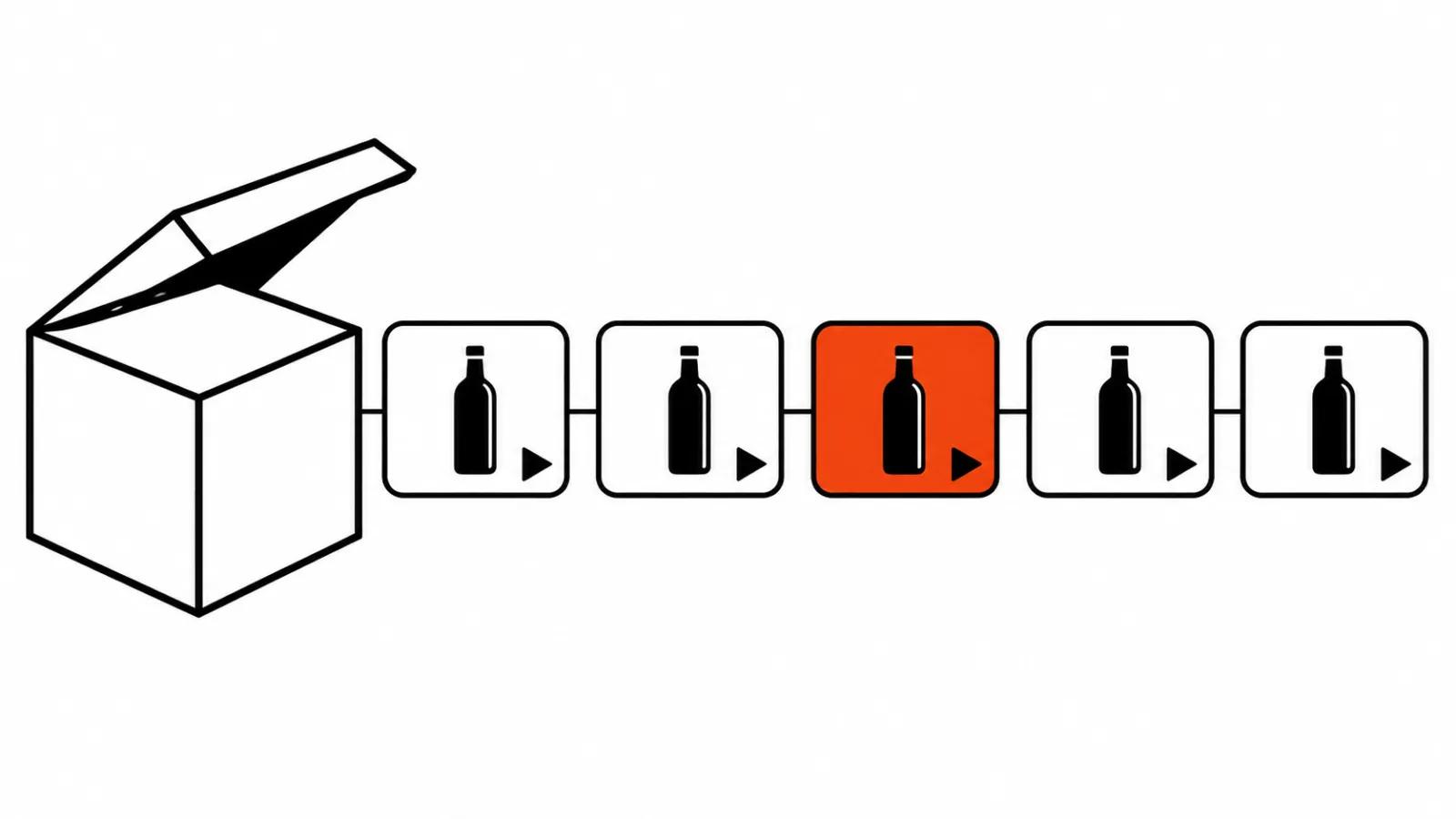
The bundle holds several variants for different scenarios. It includes reconstructed checkpoints and few-step versions. "Reconstructed" means the pruned network was brought back to a regular shape that loads through the standard loader, with no surgery on the spot.
The few-step versions are a separate saving. By default the model runs 6 steps, and the minimum in the bundle is 4. Steps are passes of the network over the latent, and every pass costs time. Four steps instead of six removes a third of the generation time, and across a long series of shots that adds up to hours.
One architecture detail worth remembering: Rank-8 AdaLN and 42 blocks. AdaLN is adaptive layer normalisation, the path through which generation conditions get mixed into each block, meaning the text prompt and the step index. Rank 8 means that mixing is computed with low-rank matrices, cheap in operation count. Forty-two blocks is the depth of the network, and it is preserved.
Why 14B changes the math
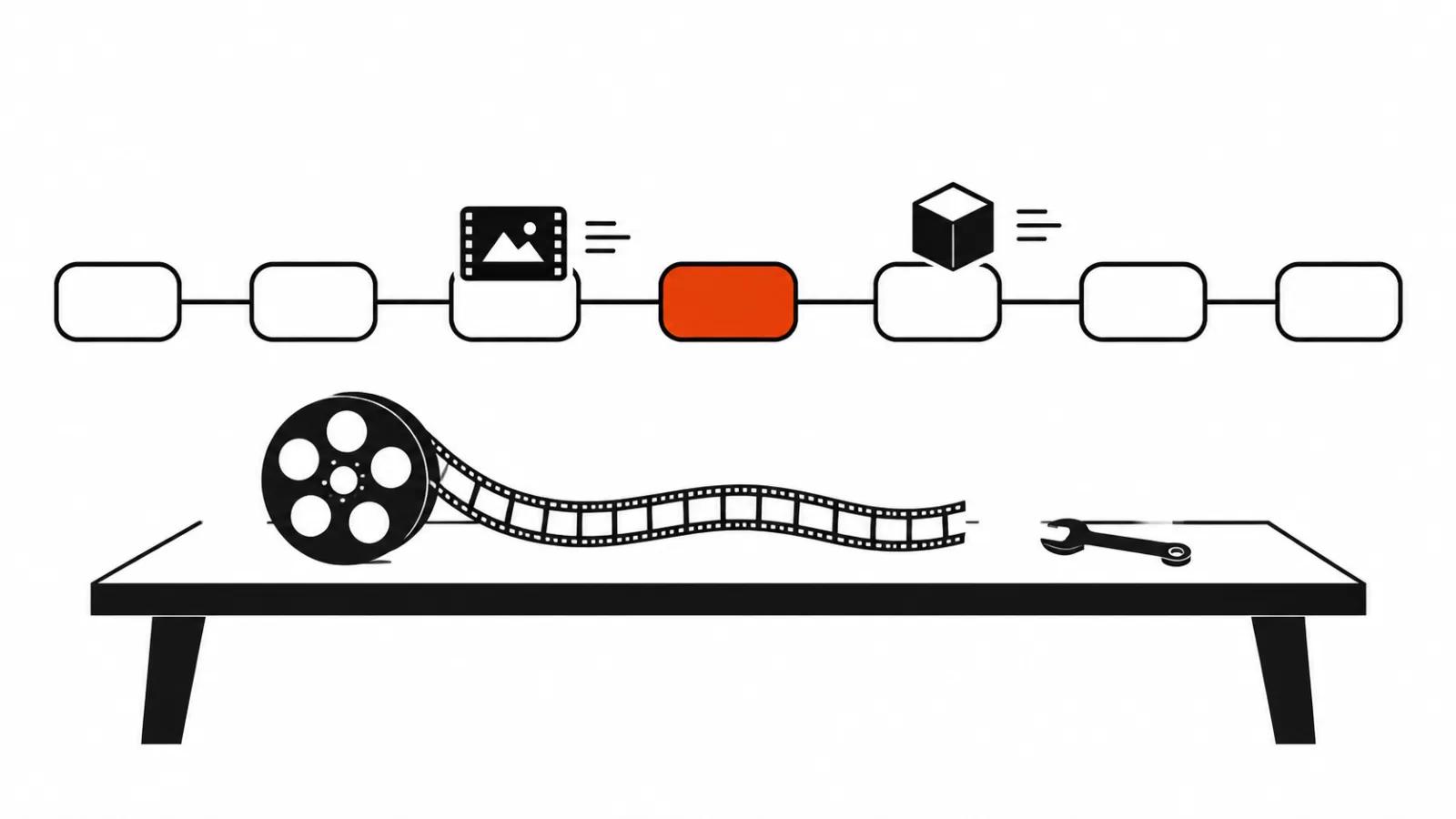
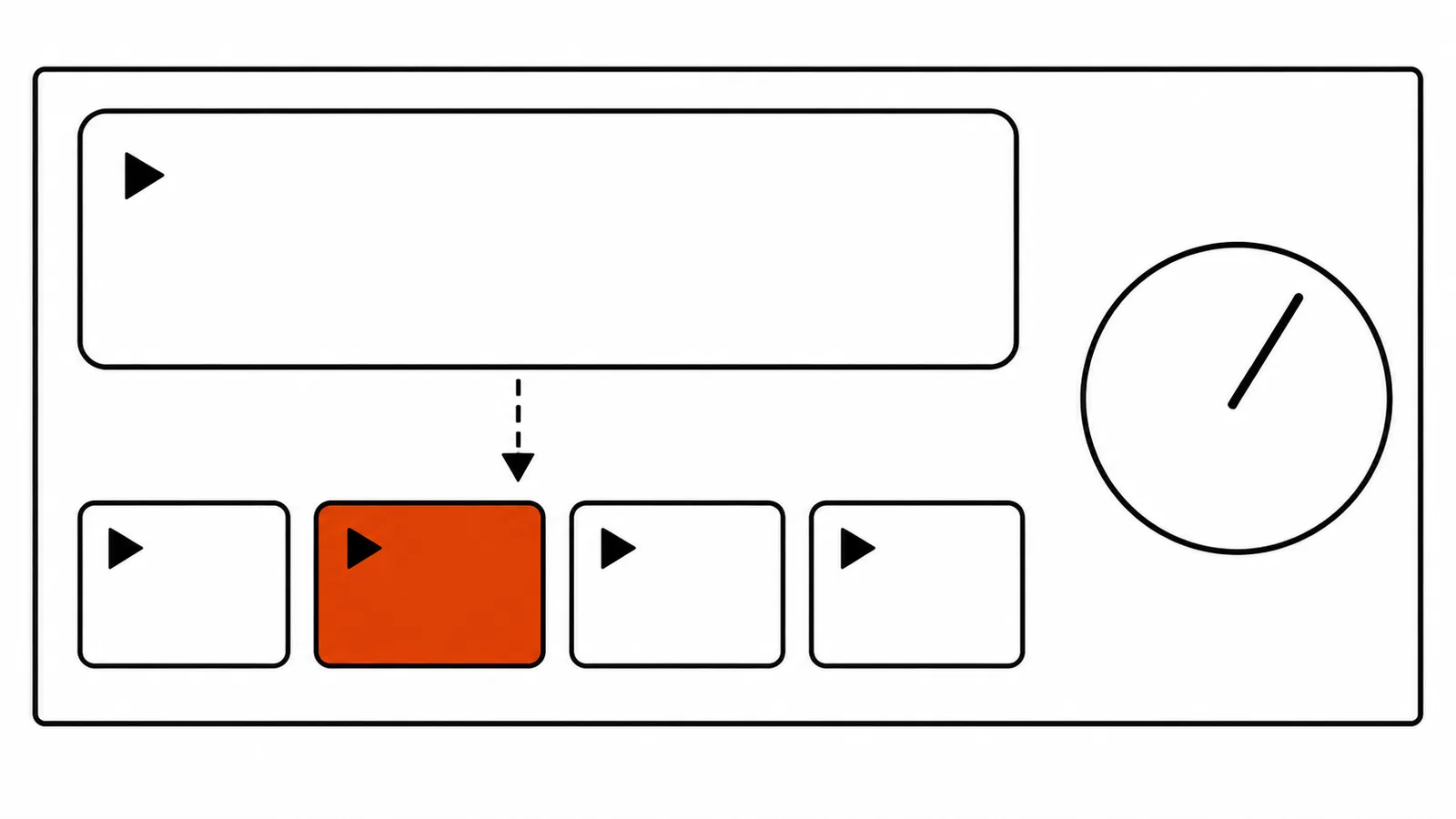
The practical part starts with how the weights are packaged. They ship as single-file checkpoints for ComfyUI's native MiniMax H3 support. No custom node is required: the H3 loader reads the file and works with it as usual. For anyone assembling a pipeline in ComfyUI, that detail saves an evening of dependency and node-version debugging.
Then comes the arithmetic. A 14B model sits at the level where plenty of people already run image and video generation at home. Where full-size H3 meant renting a server card or paying a provider per second, a third option appears: your own GPU, your own queue, no per-generation bill. For a studio that runs many drafts and few finals, that changes the budget more than it looks. A draft stops being a line item.
The saving is easy to count. One run on your own card costs electricity, one run in the cloud costs money by tariff, and with ten iterations per shot the gap opens fast. The flip side is just as clear: while the card is working it is occupied. For larger volumes it makes sense to commission AI video production, where the hardware is somebody else's problem.
Assembling a video with AI models does not become automatic because of this. The model produces frames; the script, the selection, the edit and the sound are still manual work. But the threshold where a local run makes sense has dropped noticeably.
What you pay for 14B
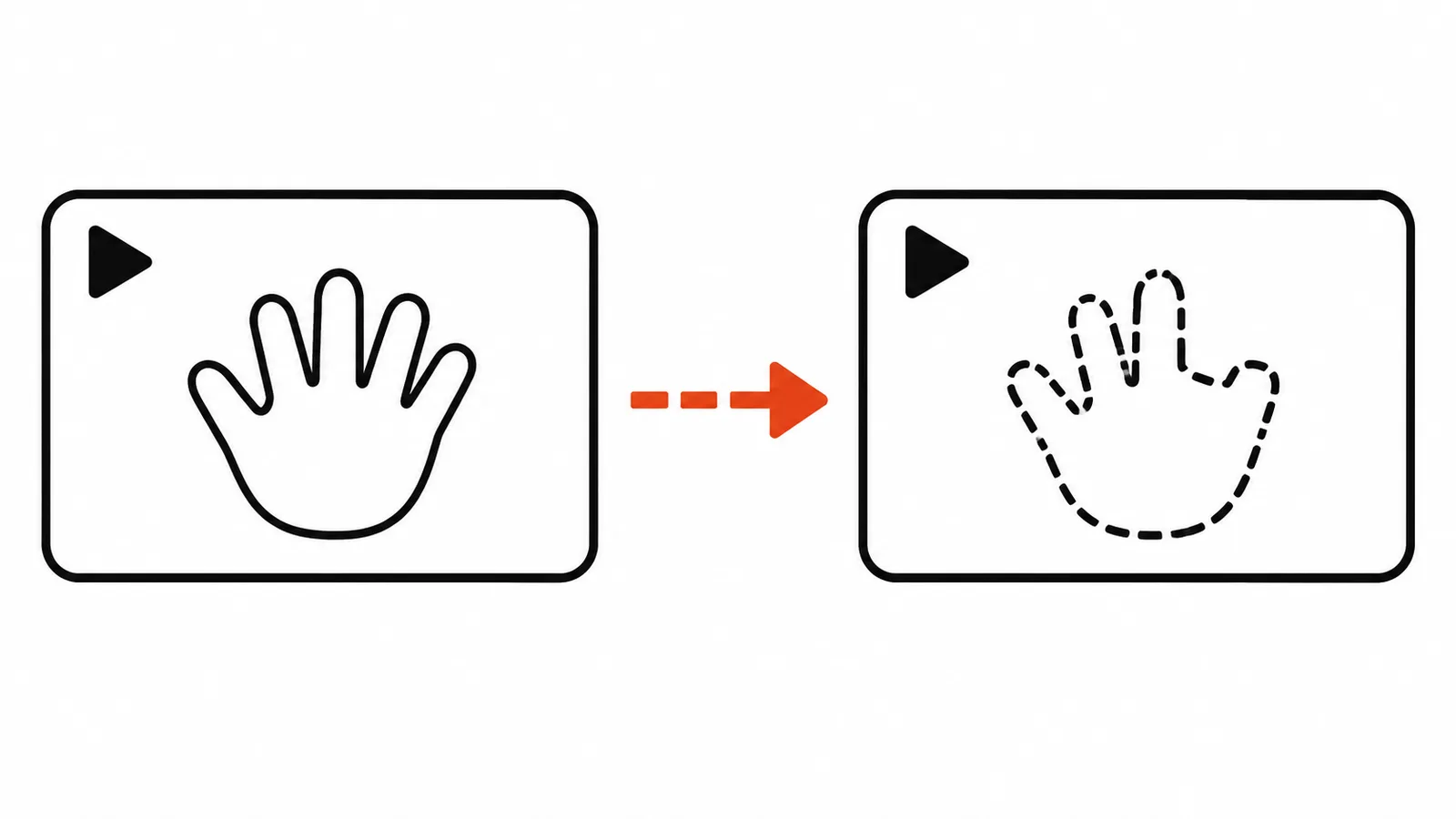
Pruning almost always hits fine detail. In video that means two risk zones: small motor control, meaning fingers, hands and work with small objects, and on-screen text, meaning signage, labels and logos on clothing. A full model holds those through spare capacity; in a pruned one that capacity is cut first.
An honest caveat: there are no published side-by-side measurements of H3-Tiny against full H3. The project card gives architecture, weight and step count, but no table of quality metrics. So claiming 14B matches 33B output is not possible. If anything, the reverse: expecting identical fine detail is unrealistic, and that is a fair price for a weight cut of more than half.
What to do about it in practice. Run a test shot with hands and a sign in frame and compare it against the full model on the same prompt. If the gap shows up only in those two zones, the trade is fine for drafts, backgrounds, cutaways and generation under voiceover, where a frame lives two seconds. For a close-up with text on packaging, keep the full model.
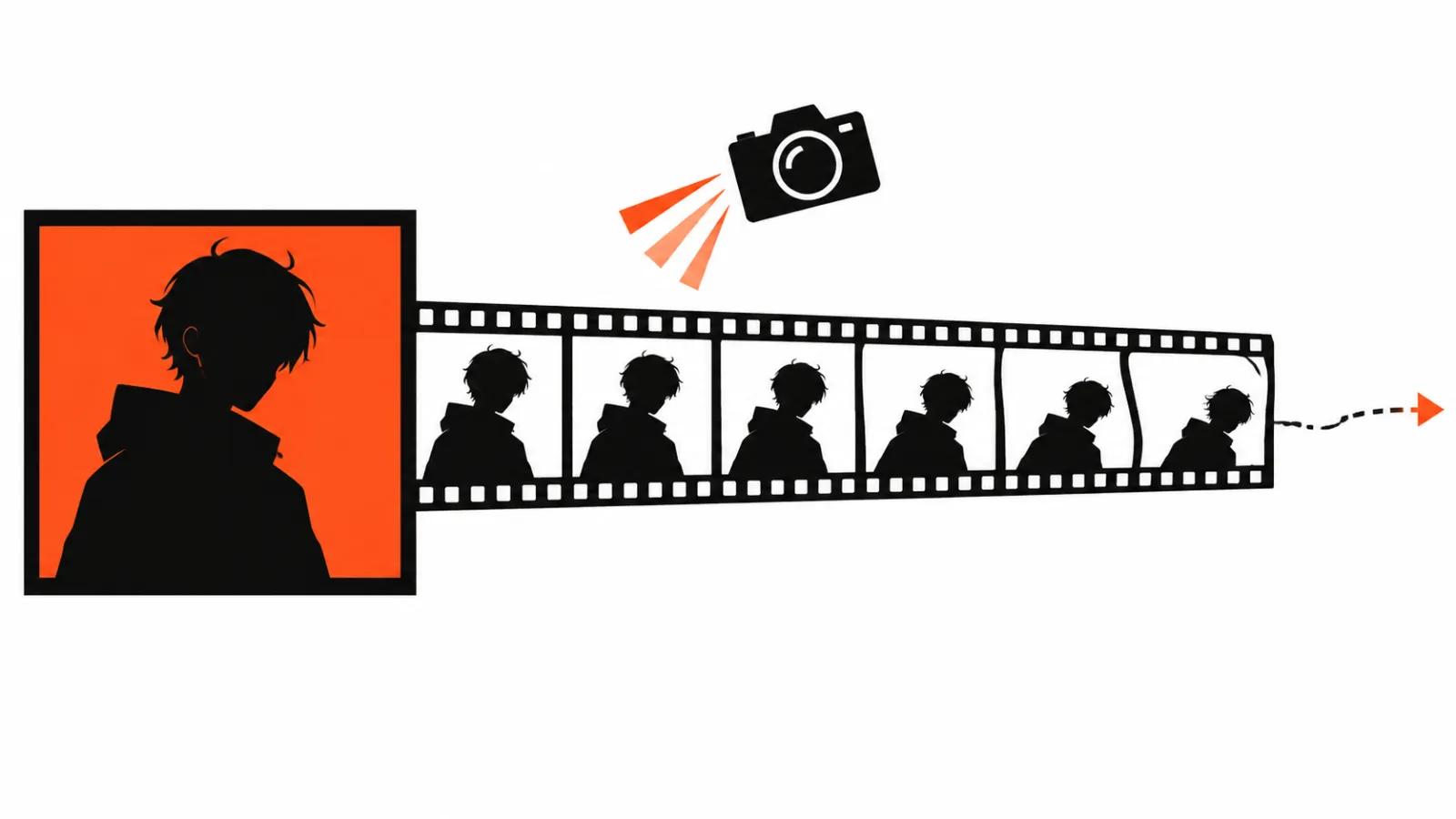
Character consistency is a separate story. A pruned network holds a face across shots less firmly, because fewer parameters go into fine features. If a video rests on one hero, test that before the whole episode is signed off. Where one hero and the on-screen packaging carry the piece, handcrafted AI videos from $190 beat twenty iterations on your own card.
Licence: community, not Apache
The weights ship under minimax-h3-community-license. There is no Apache 2.0 in the card, and that changes the rules for commercial use. Community licences on video models typically cap revenue, require disclosure of derivatives, or ask for separate permission to sell access to the model.
Before putting H3-Tiny into a paid pipeline, read the licence in full and match it to your case: handing finished videos to a client and selling generation as a service are two different situations, and the second almost always carries tighter limits. Open weights say nothing about commercial terms on their own.
What it means for local models
Several models you can hold on your own card have shipped in recent months, and H3-Tiny continues a pattern where a large vendor releases an easier version next to the full one. The logic is simple: the full model sells through API and subscription, the lighter one works as a funnel. Someone downloads 14B, builds a pipeline, gets used to the interface, then hits a quality ceiling and goes for the full version.
For a client this leaves one practical point: the budget conversation now depends on where the frame gets computed. A local run is cheaper on hardware, a cloud run is faster on iterations. Both work; the question is volume. A single shot lives comfortably on a home card, a series of dozens needs a queue and proper billing. On where the cost per second actually comes from, there is a separate breakdown in the piece on a local video model with audio.
One more layer is fine-tuning. A pruned model is easier to steer towards a house style: a LoRA on 14B trains faster and fits in memory where the full version no longer does. The order of that work is covered in the article on training a LoRA inside ComfyUI. For a commercial with a fixed visual brand code, that is the direct route to predictable output.