What landed on 17 November
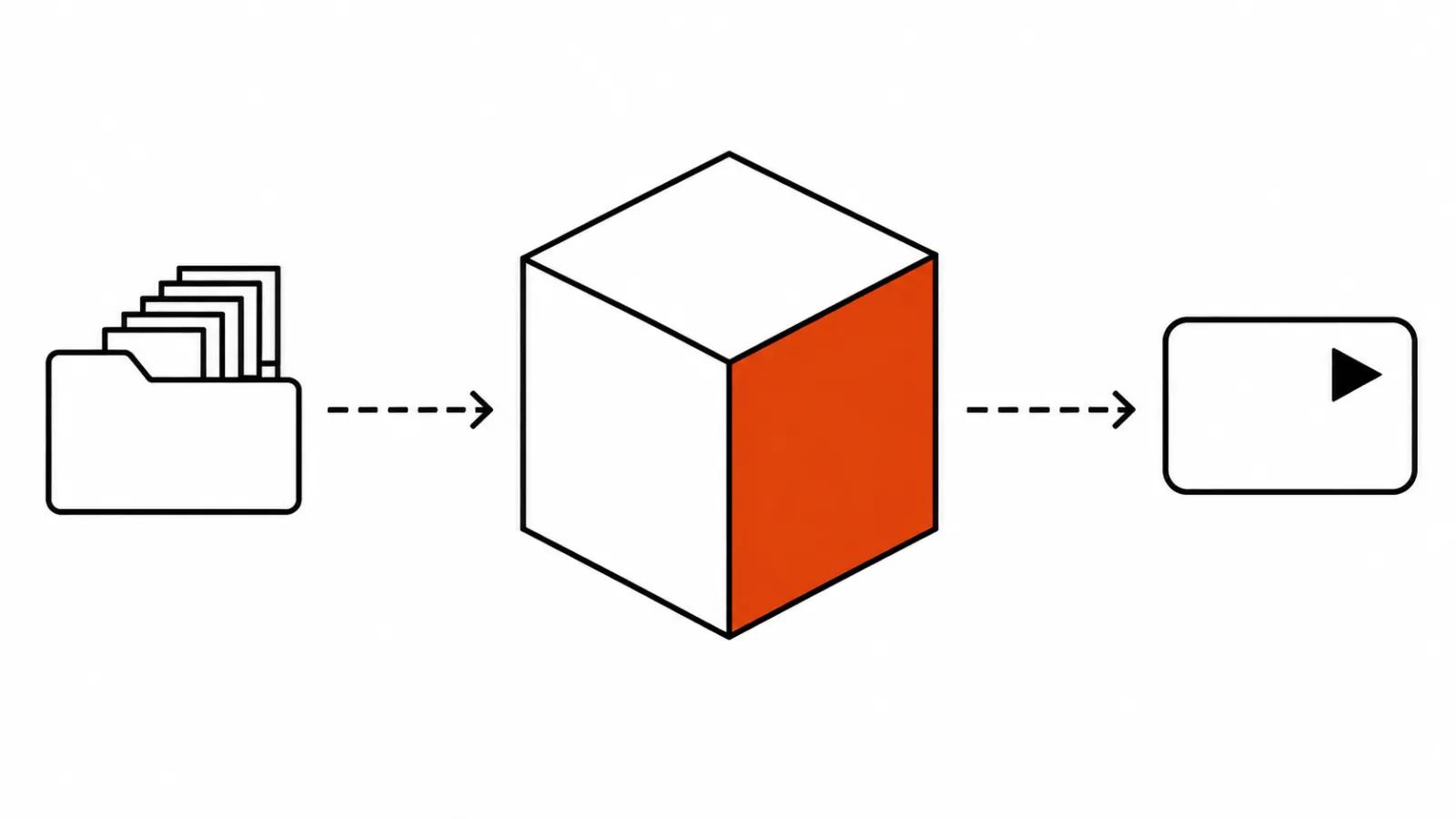
The cyberterm/ComfyUI-OmniLoRA repository on GitHub was created on 17 November under Apache 2.0. Inside is a set of nodes that trains a LoRA right inside the ComfyUI graph. A LoRA is a small add-on to a large model that teaches it one character, one product or one style: a few dozen or a few hundred megabytes that plug into the base model at generation time.
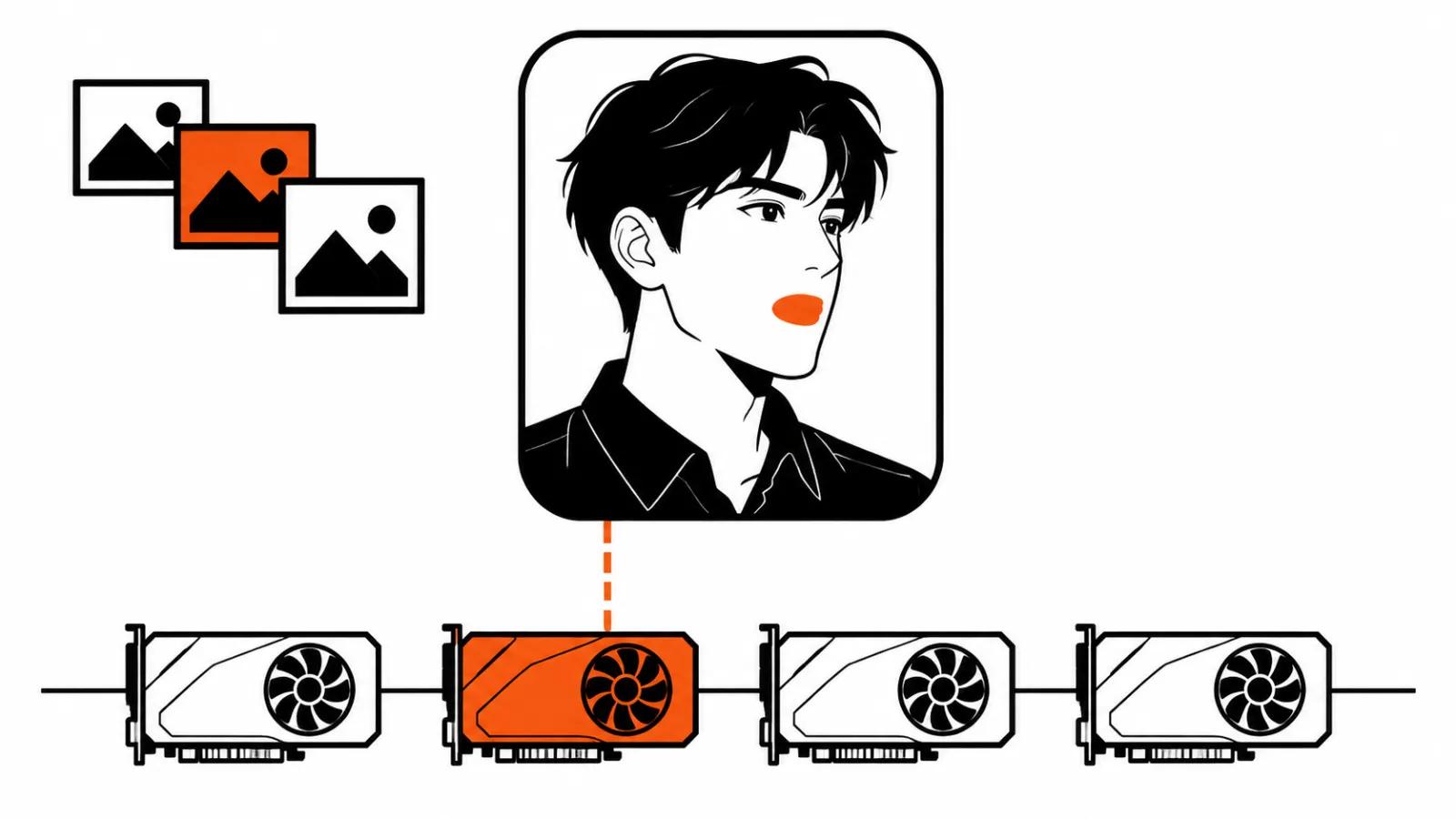
The detail that matters is this one. Training runs on the model, VAE and text encoder already sitting on your canvas. No second trainer, no second environment, no moving weights between apps. There are no outside pip dependencies either, since the nodes borrow torch, safetensors and Pillow from ComfyUI itself. For someone who builds clips, that means training and shooting live in the same window.
Why you want a character LoRA for video
A single clip lives once, a series lives for months. The moment a client asks for the same hero somewhere else, the fight over the face starts: reference images, fixed seeds, prompt surgery, and by the third frame the chin has changed anyway. I wrote about character consistency in AI video before, and the boring conclusion held up: identity lives in the weights, and luck is a bad production plan.
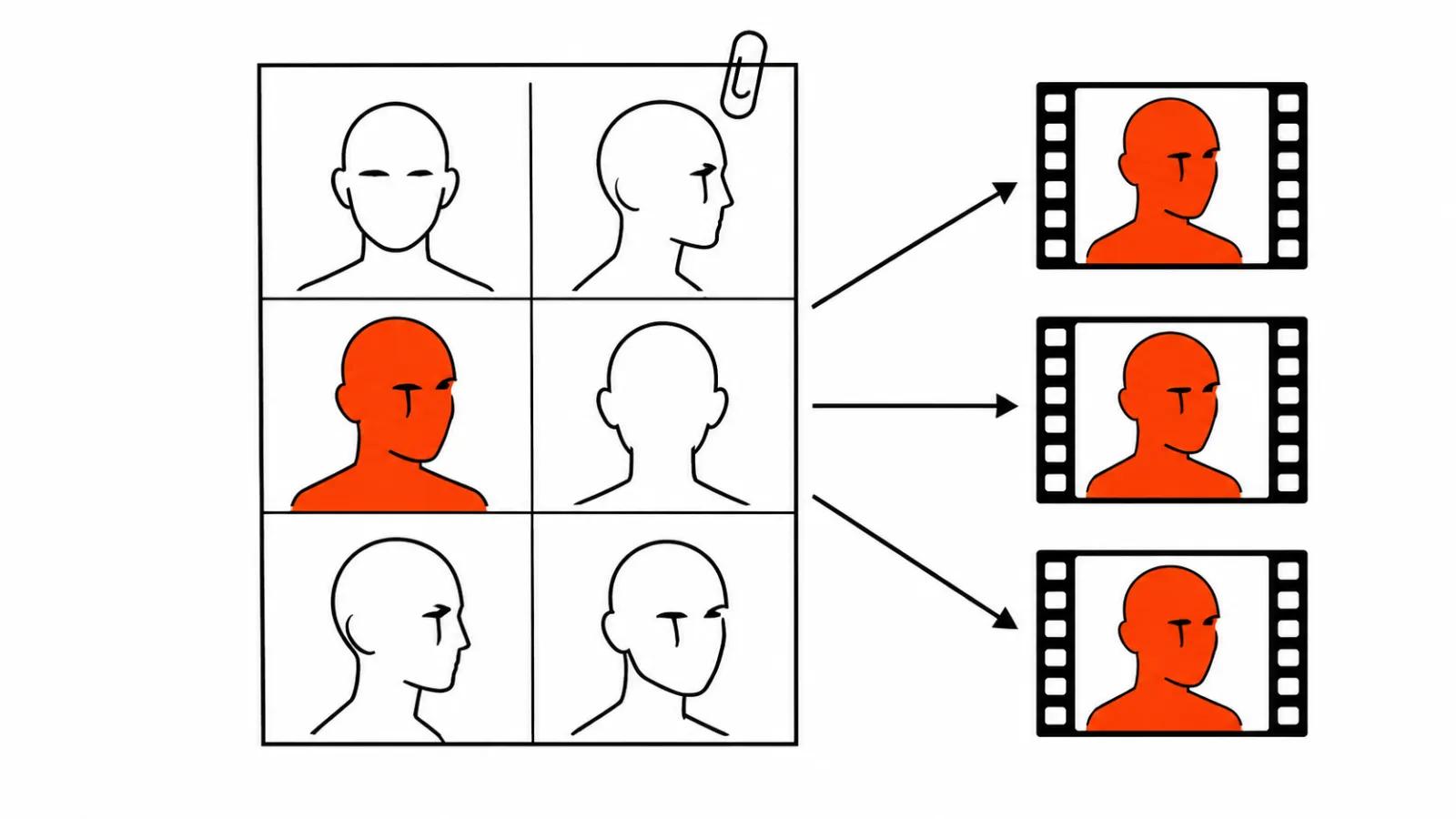
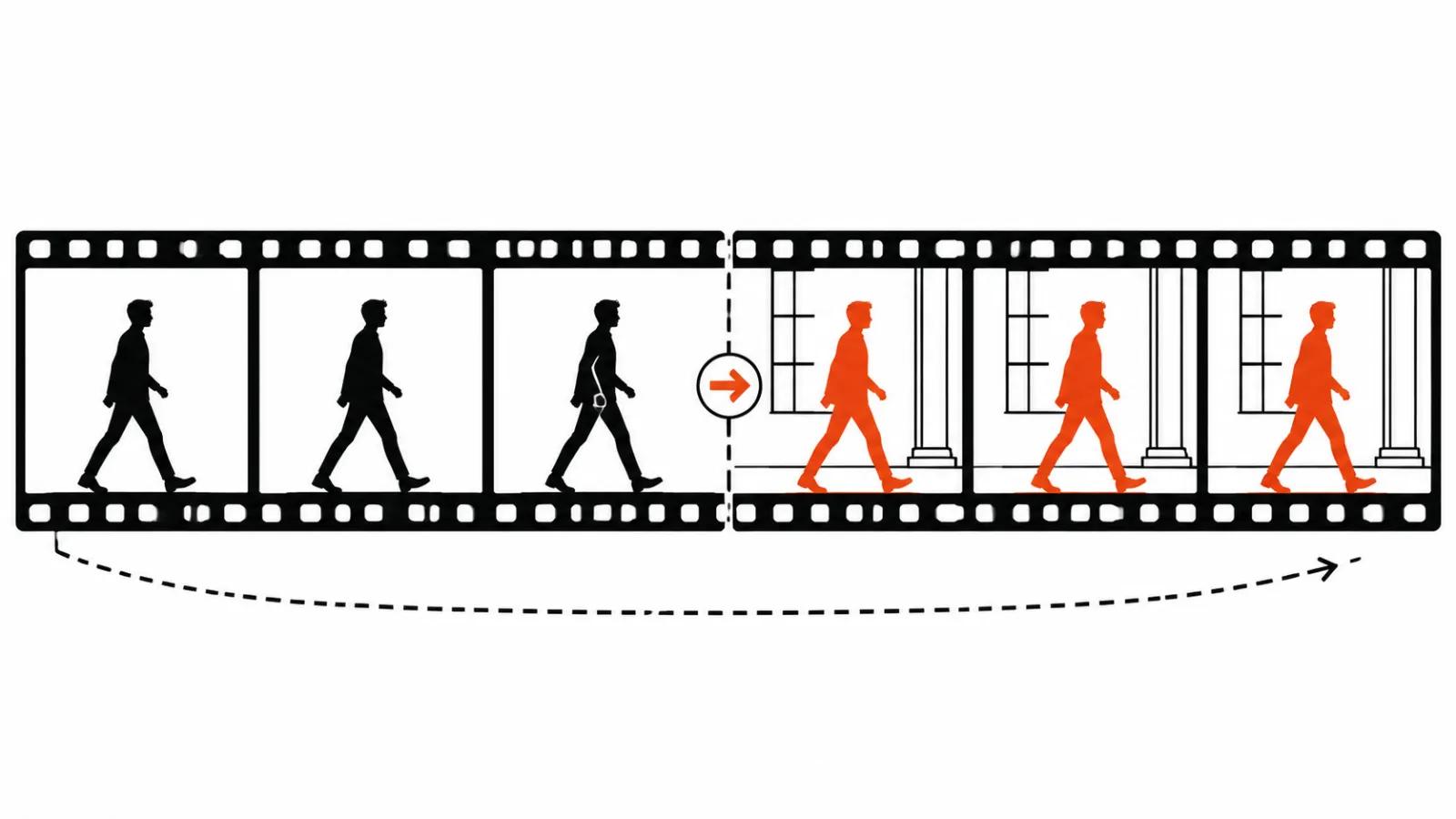
A LoRA flips the setup. You teach the model one face, one product or one look once, then attach the file to any prompt and get a recognisable hero in a new scene. For a series of vertical ads with one presenter, that is the difference between checking every frame by hand and running an actual production line. The same logic sits inside AI video production: the more stable the input, the less rework on the way out.
How to train a LoRA in ComfyUI: one Queue press
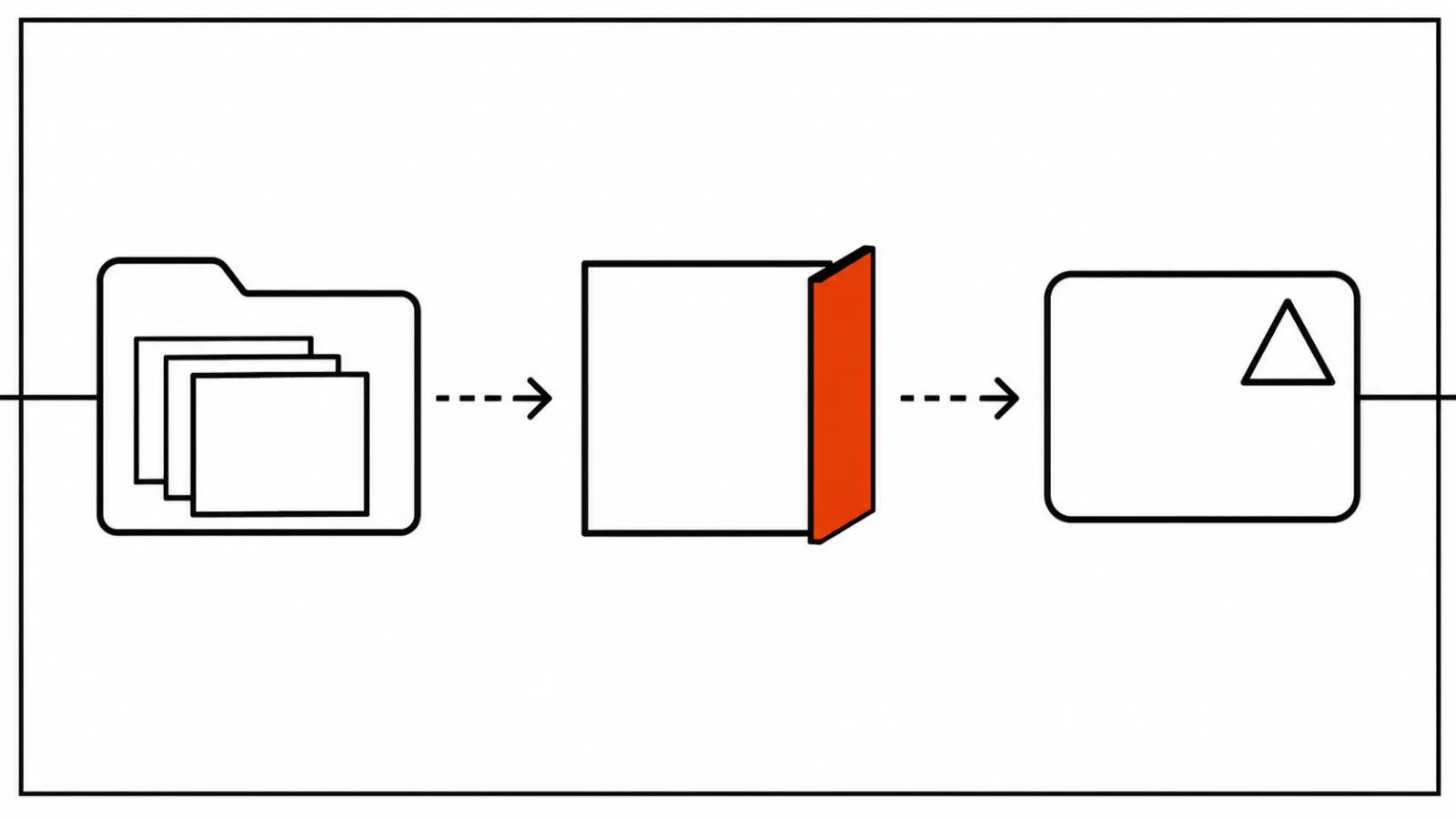
Install like any custom node: through ComfyUI Manager, searching for OmniLoRA, or a git clone into the custom_nodes folder. The repo ships example_workflows/omni_lora_basic_workflow.json. Pick the model, the text encoder and the VAE in the graph, point the nodes at a folder of images, type a trigger word, press Queue. The finished .safetensors lands in ComfyUI/models/loras/, and the patched model can go straight into a KSampler for a first look.
Captions are optional. The node set writes a default caption plus your trigger word, which saves time, at the cost of a coarser bond between word and subject than hand written captions would build. Feed it transparent PNGs or masks and training focuses on the subject, so the background never gets memorised. Handy for a product on white, less obvious for a hero who has to keep a specific interior.
Starter numbers from the README
Treat these as a starting point and tune from there.
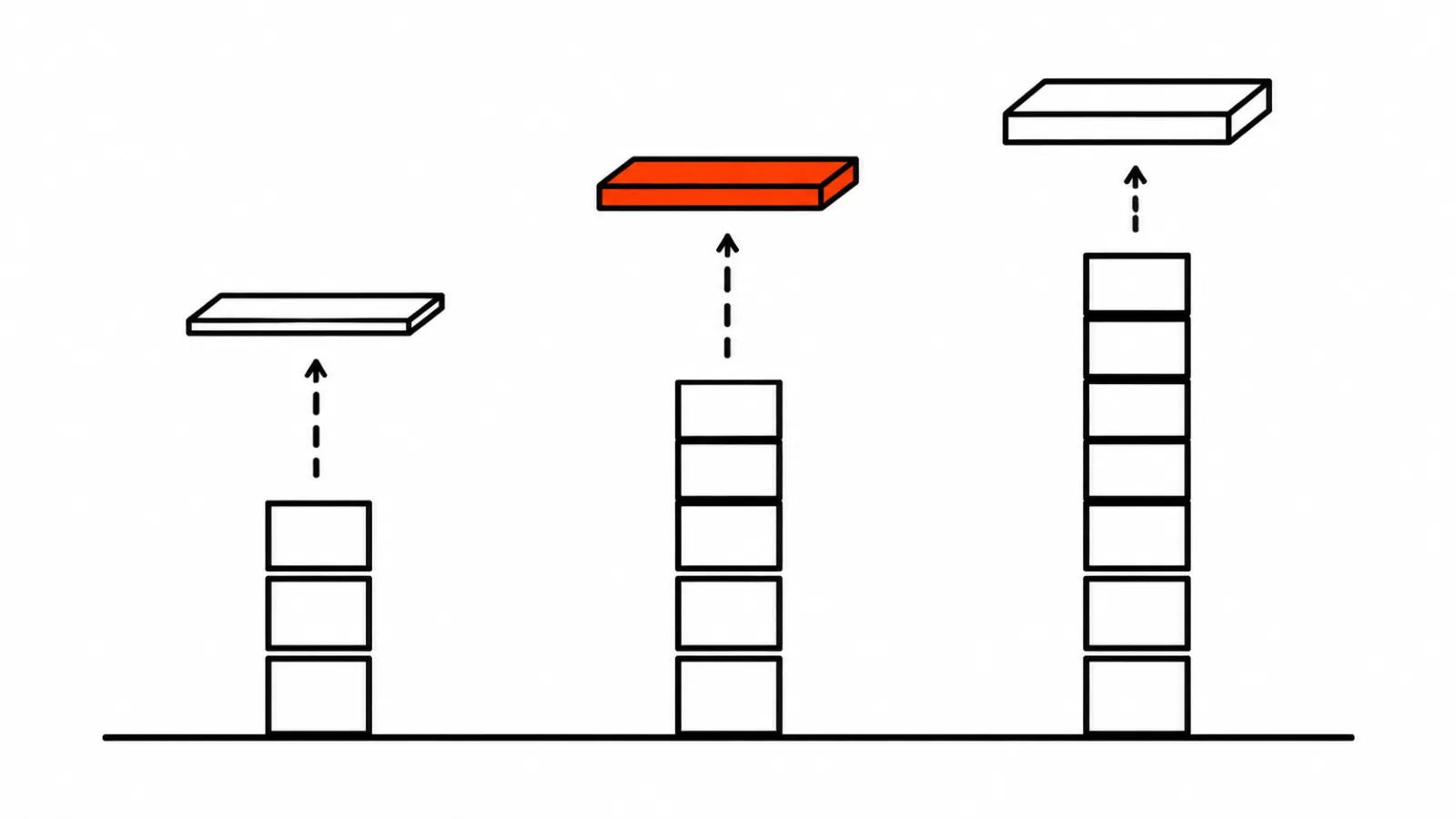
Character or product: 10 to 25 images, 800 to 1500 steps, rank 32.
Style: 25 to 100 images, 1500 to 3000 steps.
Quick test: 5 to 12 images and 300 to 500 steps, just to see whether the face lands before the real run.
An 8 to 12 GB card: the adafactor optimiser plus offloading layers to system memory.
My rule on steps is simple. Start with a test on ten images. A short probe costs less than a long run that learned the wrong person.
Models, cards and the caveats
The README lists Flux in versions 1, 2 and 3 Klein, Qwen-Image, Wan 2.1 and 2.2 for both video and stills, HunyuanVideo, LTX-Video, SDXL, SD 3.5 and more, quantised FP8, INT8 and GGUF included. Hardware coverage is broad as well: NVIDIA CUDA, Intel Arc, AMD ROCm, Apple MPS, DirectML, even CPU. The part that makes this interesting for video people is that the list includes the video models Wan and LTX-Video.
Now the caveat that outweighs the list. The project is two days old. That long list of models and cards is the author's claim, and there are no benchmarks per model in the repo. Fervor Creative AI made the same point on 18 November: broad list, thin testing, start small. I would add one habit of my own: run it on a test branch of ComfyUI and keep the working build separate until it holds up on your own footage. Our earlier ComfyUI 0.43 roundup shows how fast the core moves, and custom nodes break on updates more often than anyone likes.
Where the risk sits
The first risk is technical. A fresh node pack breaks on a ComfyUI update or on an unusual quantised model, and it breaks in the middle of a job.
The second risk is legal, and it is the bigger one. A LoRA on a face means training on that person's photos. Training on your own footage, on a shoot with a signed release, or on product shots the client sent is normal work. Pulling frames from someone else's video or a social feed is not, even when the result looks close. Sort out rights on the source images first, ahead of the run.
The third risk is content. Ten images shot in one light give you a LoRA that only knows that light. In a new scene the hero drifts, and it reads as a model failure.
My take
OmniLoRA fills a gap that held a lot of people back: a custom LoRA used to need its own pipeline and a patient evening, and now it comes down to a folder of images and one button. For a studio running series with one hero or one product, that is real hours saved. The same goes for handcrafted AI videos, where a fixed character stops being a lottery in every shot.
I would not build a production process on it in week one. Test on ten images, check the face in new scenes, then commit to the series. And check the rights on every image in the dataset, separately from all of that.