Why AI video does not hold the camera
A prompt says the camera pushes in slowly and the character turns toward the window. To the model that is text that has to become a scene and a movement. What sits in the frame, where the camera is and where it ends up two seconds later all get inferred from the description and from the model's own idea of similar frames. The step-by-step mechanics are covered in how an AI video model picks the next frame, and the compressed representation it works in is explained in what a latent is.
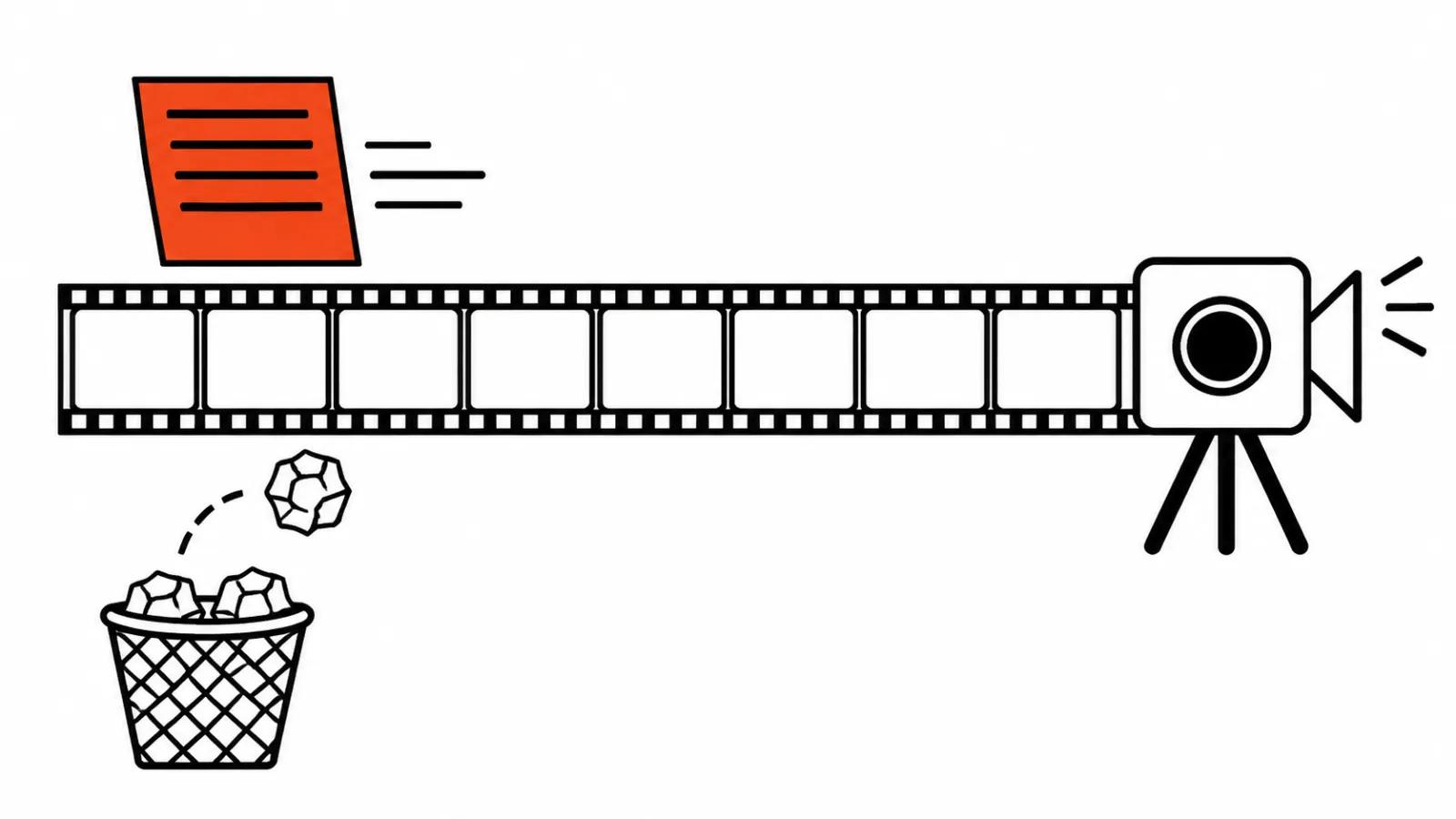
The result is a camera that goes roughly where you asked, with caveats. It tilts, it changes height, it passes through a wall that was never mentioned. The drift toward eye level has its own explanation in why AI video cameras drift, and that mechanism is not worth repeating here. What matters: until the path exists as numbers, the model solves the same problem again for every generation, differently each time.
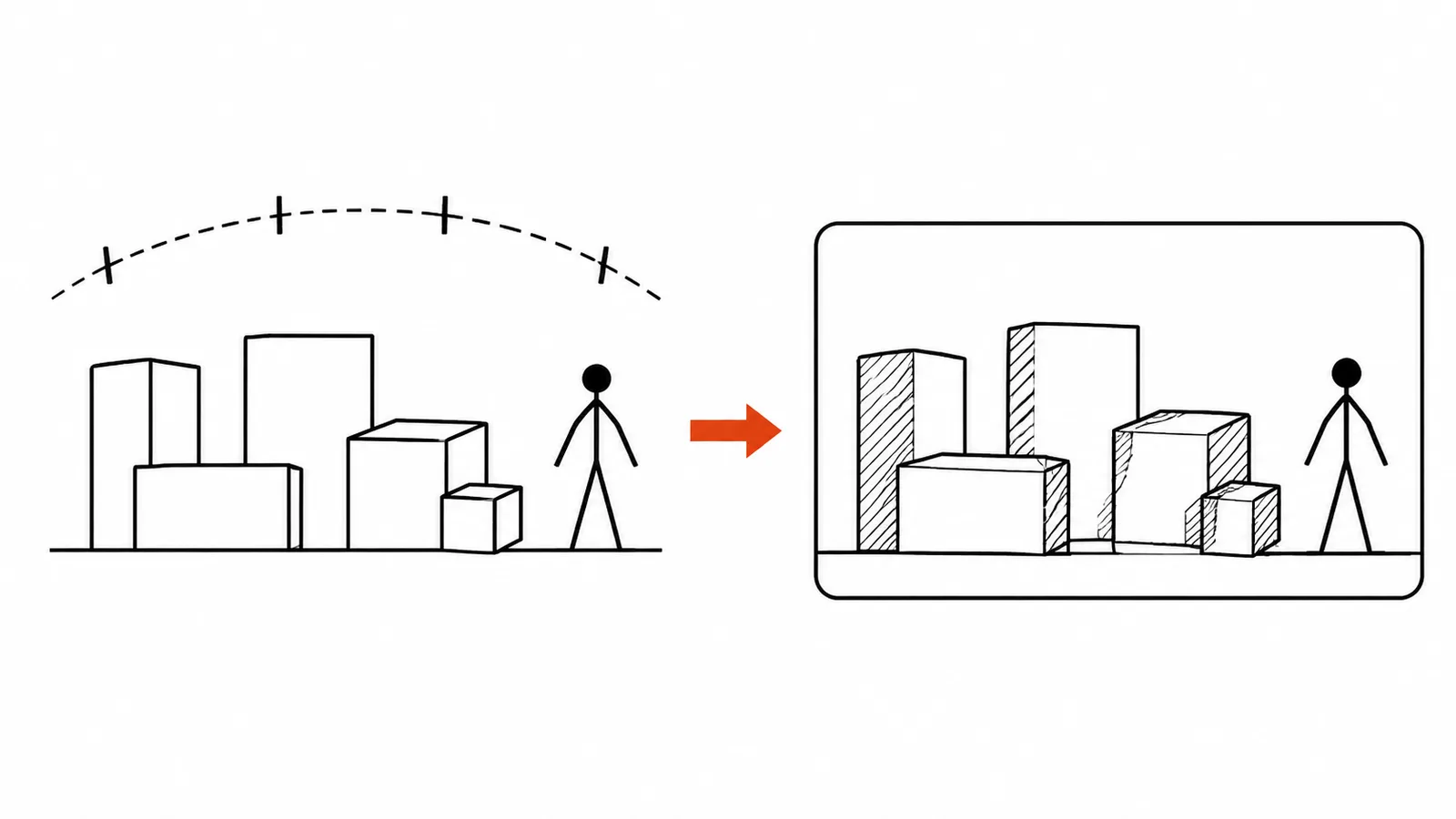
What a proxy is: a greybox scene
Think of a fitting dummy. It shows no fabric and no colour, but it holds the cut honestly. A proxy follows the same logic: boxes stand where the furniture will be, skeletons stand where the people will be, and masks take the place of surface detail. A 3D editor or a game engine is where that scene gets prepared, and the camera has its numbers spelled out there: position, path, what moves and how.
The model card on Hugging Face draws the line between the two halves. Whatever happens in the world belongs to an external engine; the camera path, the layout of the scene and the motion of objects belong to the visual proxies; appearance at the end belongs to the video model. The proxy carries the physics of the frame, because every number the model would otherwise have to invent arrives through it.
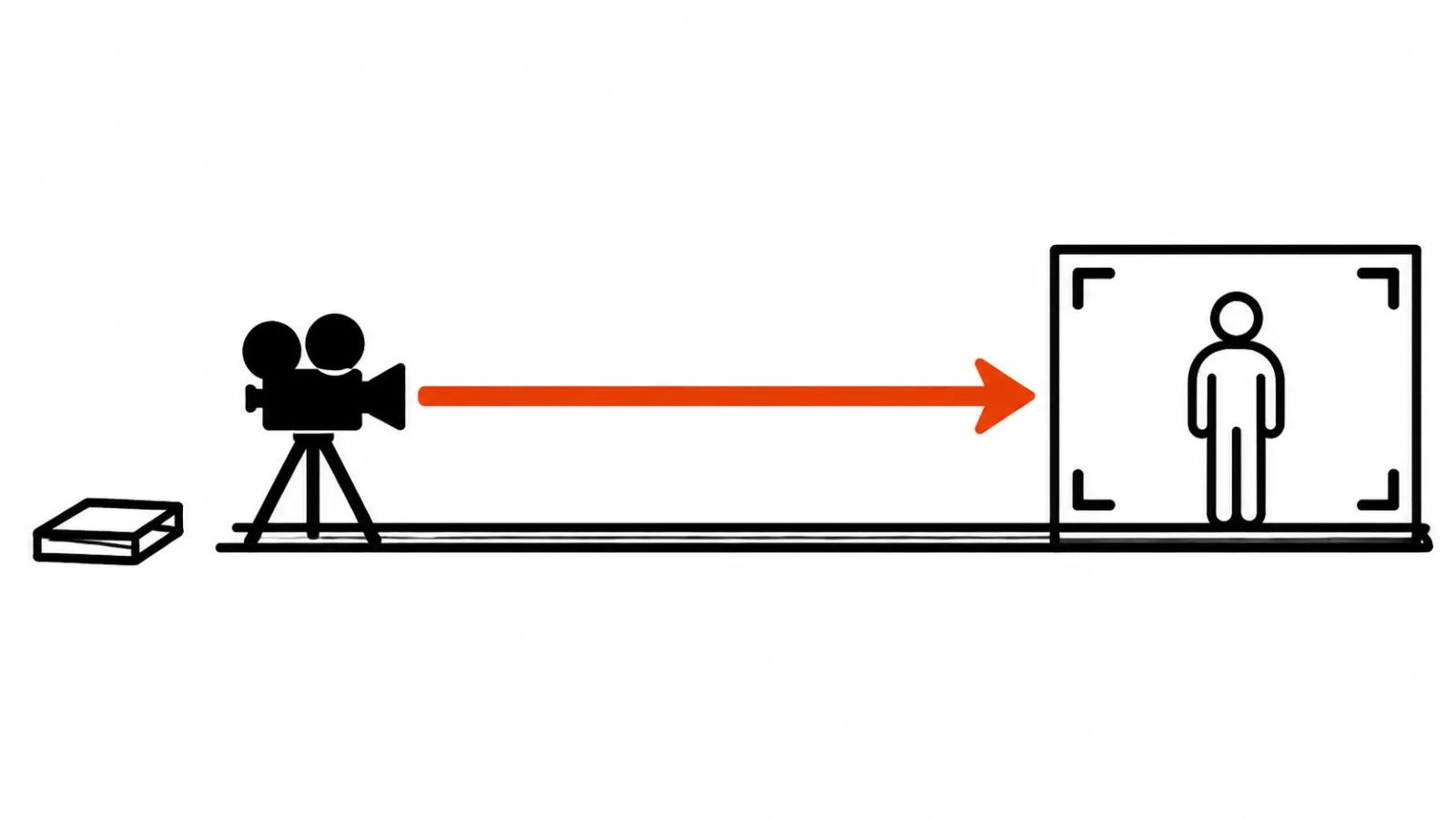
The difference from prompting shows up in ordinary terms. A prompt asks for a move around a table. A proxy gives the camera keys, the height, the radius and the speed. The model gets a finished route and spends its effort on material, light and texture.
Three inputs and what each one does
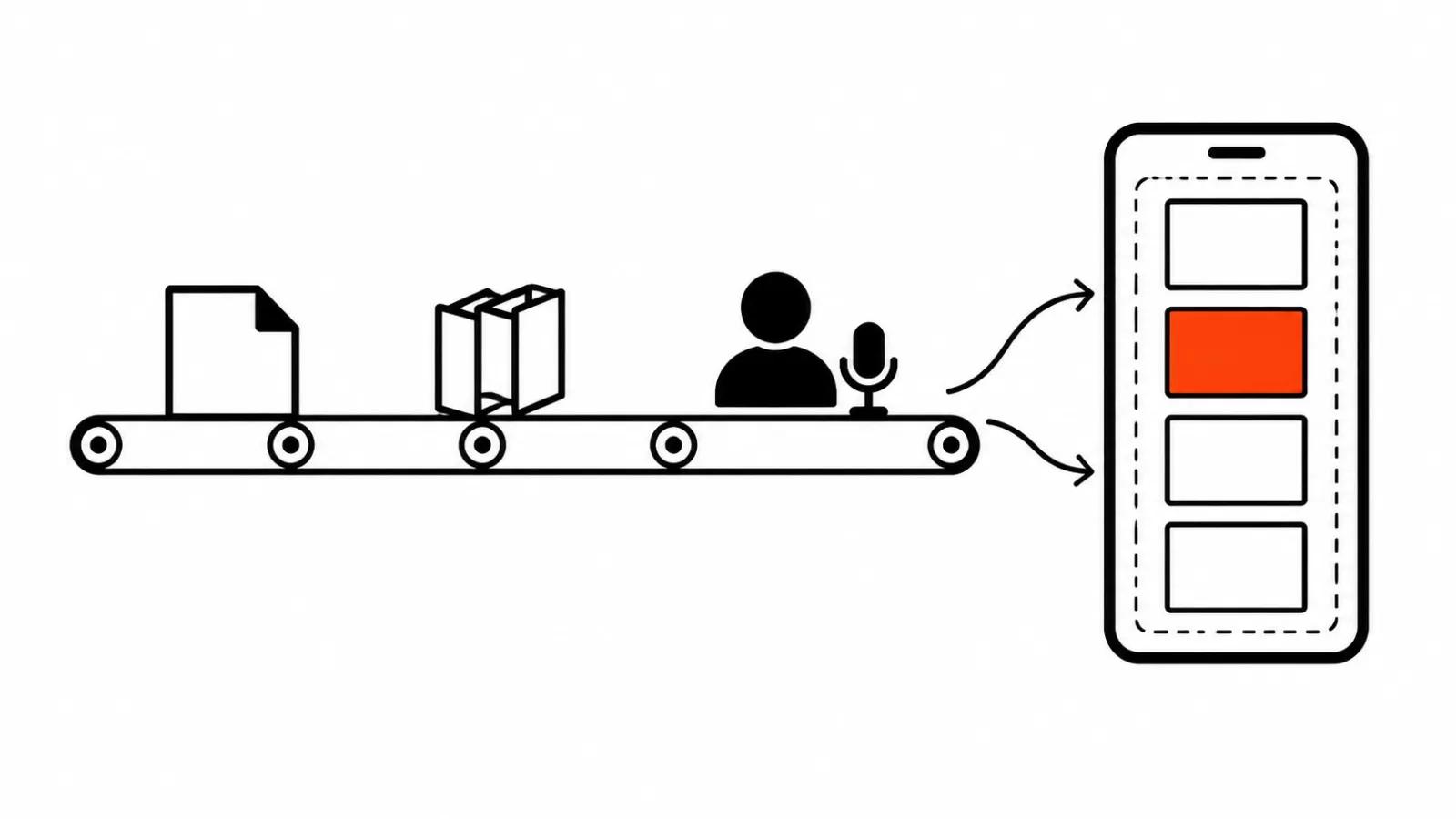
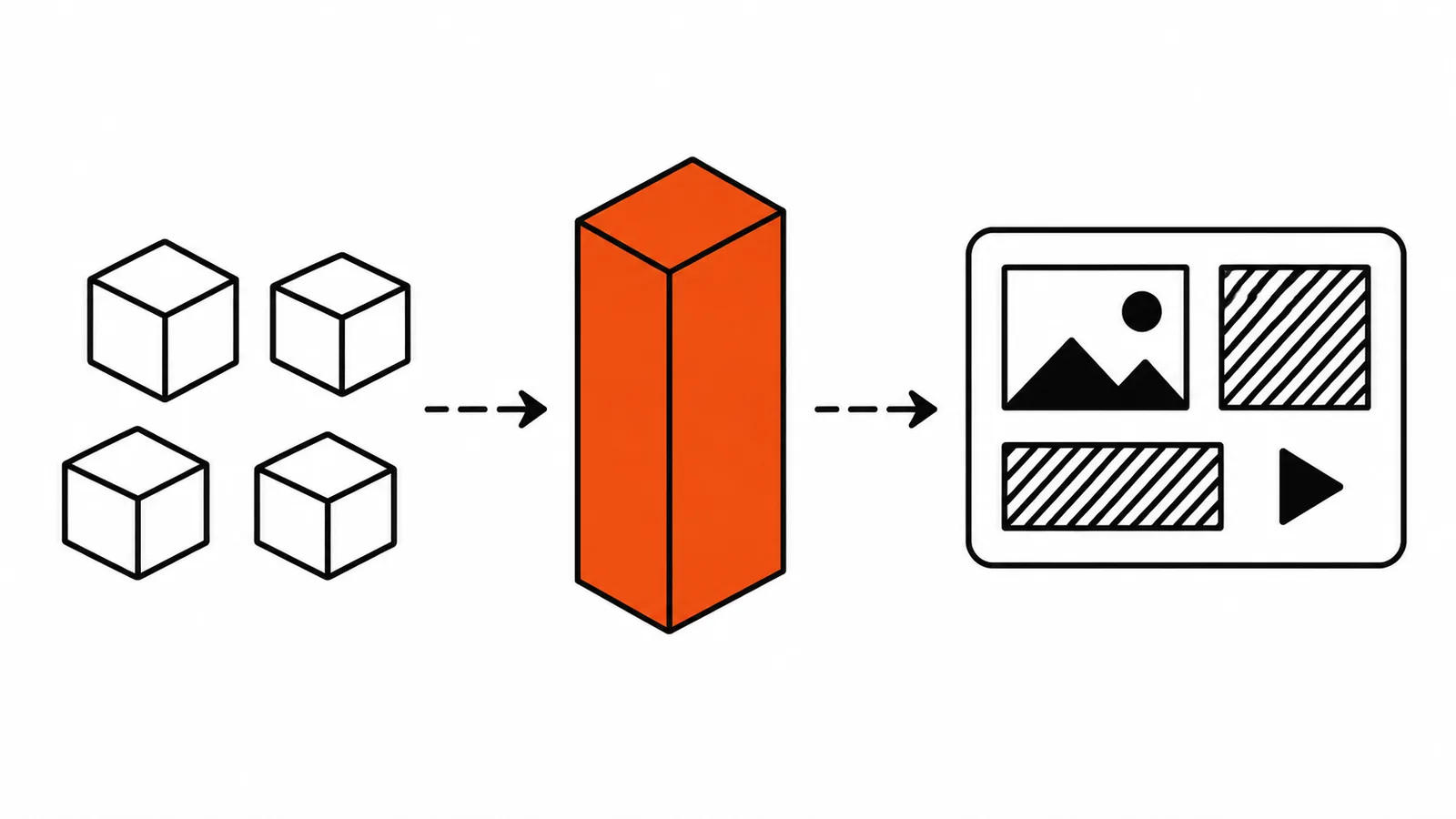
The three inputs are a structural proxy, one reference image that carries appearance, and text. Each one has a job. Geometry, timing and motion come through the proxy. The reference fixes how the character and the scene look. Text covers what a box cannot express: time of day, weather, mood, the character of a material.
The useful part is where a revision lands. If the camera goes the wrong way, move the keys in the greybox. If the character reads as a stranger, swap the reference. If the light is wrong, edit the text. None of those fixes forces a rebuild of the other two inputs.
From boxes to skeletons: a scale of detail
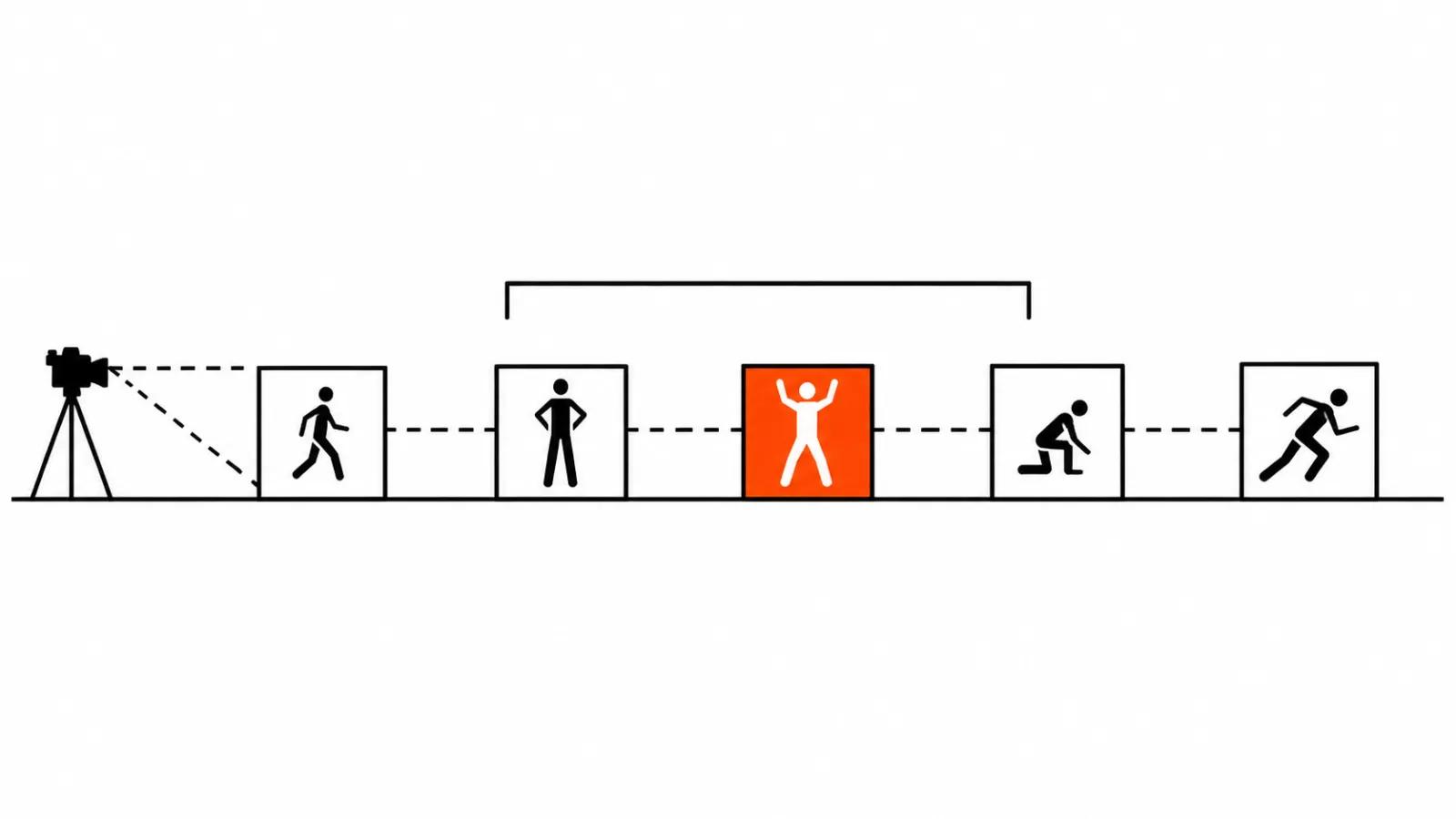
The paper's abstract says the input can be either a rough layout or fine articulated geometry, and the interaction in the shot decides which one the scene needs. The card then names what it accepts: sparse 3D boxes and semantic maps at the rough end, boxes with skeletons, shaded geometry and subject masks at the detailed end.
That reads best as a scale. At the rough end it is enough to say the wall is here, the person is here, the camera travels along the facade. At the detailed end you show fingers in a specific position and how they close around an object. The harder the interaction, the more detail the proxy needs.
The scale also sets how much preparation the shot needs. A rough layout is simpler and quicker, articulated geometry takes an animator. So the question of detail is decided per shot: an exterior orbit is fine with boxes, a scene where one character hands an object to another needs a skeleton.
Why long clips fall apart
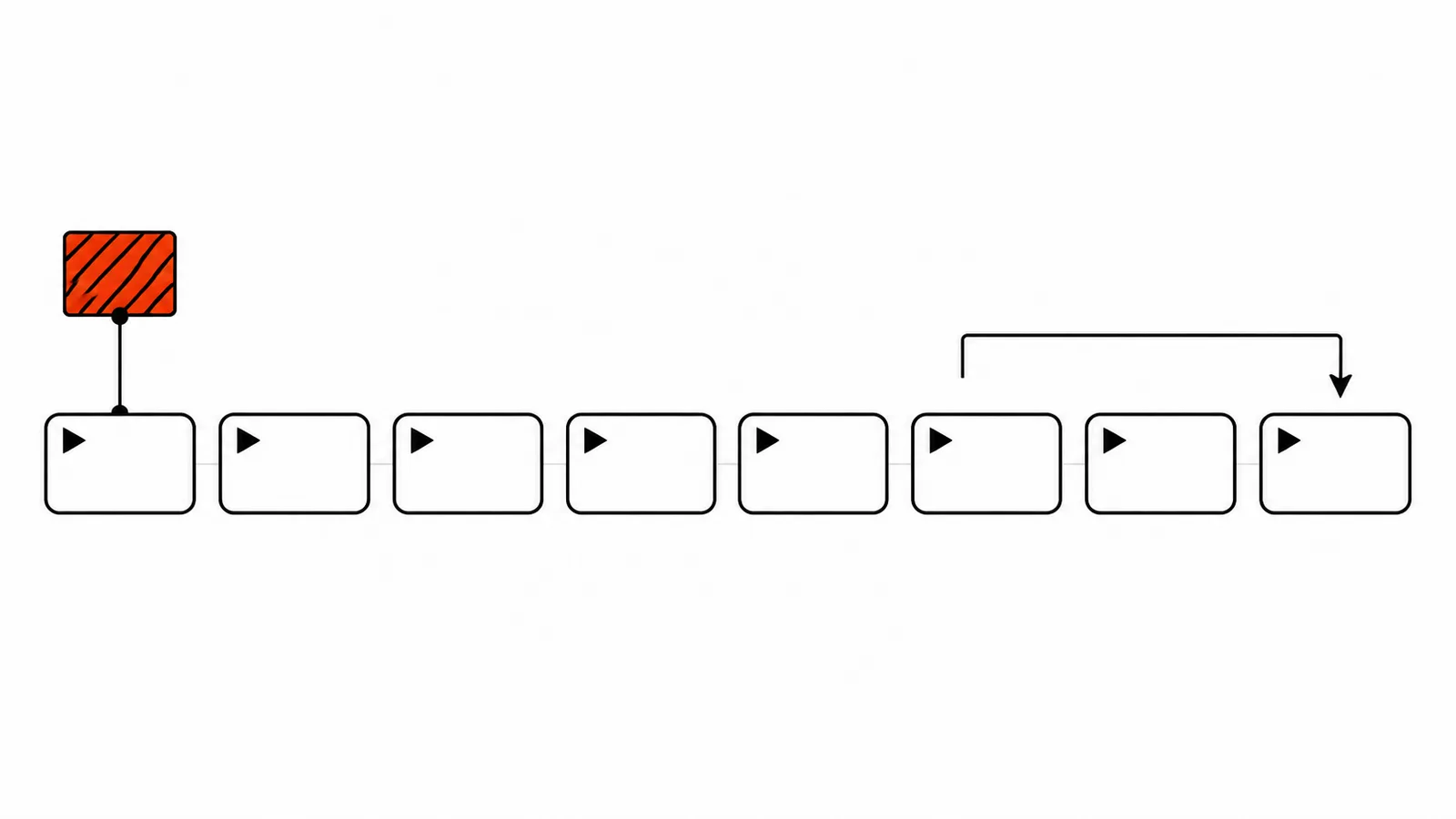
Streaming generation has an unpleasant property: an error that enters one frame drags the next ones with it. The model looks at its own history, sees the distortion, and continues it. Over distance the character at the end of the clip stops reading as the person who started it.
The abstract of paper 2611.22925 names two requirements for streaming inference. It has to fit within a few causal steps, and it must not accumulate drift on its own history. The first version appeared on November 17, 2026, the second on November 18.
Progressive Forcing is the name the authors give this method. Training a causal predictor comes first, and that predictor is then distilled into the renderer, which ends up taking four steps per frame. Histories taken from training video form the starting material, and continuous self-generated rollouts take over after that. The model learns from its own runs, and clean examples only set the starting point.
The appearance anchor and the limited history window
The second mechanism is simpler and easier to see in practice. The card states that a session can run for as long as proxy frames keep arriving, provided the appearance anchor stays fixed and the history window stays limited.
In plain terms: the anchor is the reference image, which fixes the face, the clothing and the material for the whole run. The history window is how many recent frames the model sees when it draws the next one. It never re-reads the entire clip. The split of duties falls out of that: the anchor holds appearance, the window holds motion coherence.
On a racing scene the experiments hold for thirty minutes of continuous run, and neither the scene nor the subject loses its look across that stretch. Half an hour is enough to show whether a face drifts.
What four steps instead of dozens buys you
The step count is invisible to a client, yet it shapes how fast a run goes and how many variants you get through before approval. Distilling the renderer to four steps answers why a fast pass can still hold quality.
The logic runs like this: teach the model to predict the next frame from history, then compress a long chain of steps into a short one. Fewer steps per frame means a faster run. The paper sets no seconds against any other model, so there is no speed figure to compare.
What this means if you are ordering the clip
The first takeaway: on a complicated scene, building the greybox first is cheaper than rewriting a prompt twenty times. A revision in the greybox moves camera keys, a revision in a prompt restarts the generation.
The second is about length. Where a clip runs for minutes and the character has to stay recognisable, the anchor-and-window arrangement matters more than the beauty of any single frame.
The third is repetition. One greybox with different surfaces gives a series of clips with identical geometry. That suits AI video production for a campaign that has to reuse the same camera move, and it suits AI commercials with tight cuts, where the greybox pins the camera position at the cutting point.
Wording about pushes and orbits from the guide to camera movement in prompts still helps set a mood, and it still does not pin a path.
The limit is honest. A proxy adds a stage of its own, because someone has to build the scene and drive the camera. Where the brief is one product in a short spot, that work sits before the first generation and does not fold into it.
Three numbers worth remembering
Two hundred hours: the length of the aligned training corpus, at mixed granularity.
Thirty minutes: the stable run on a racing scene reported in the experiments.
33.12B parameters: the size of the weight set, which comes to about 132.5 GB in FP32. The default production profile expects eight NVIDIA GPUs on one node. The VAE, the Qwen text encoder and the causal decoder are not part of the repository.
What ships openly and what that costs in practice is covered in the piece on the Invoker-Render model card. Everything else checks back to two sources: the Hugging Face card (https://huggingface.co/inclusionAI/invoker-render-1.0) and paper 2611.22925 (https://arxiv.org/abs/2611.22925).