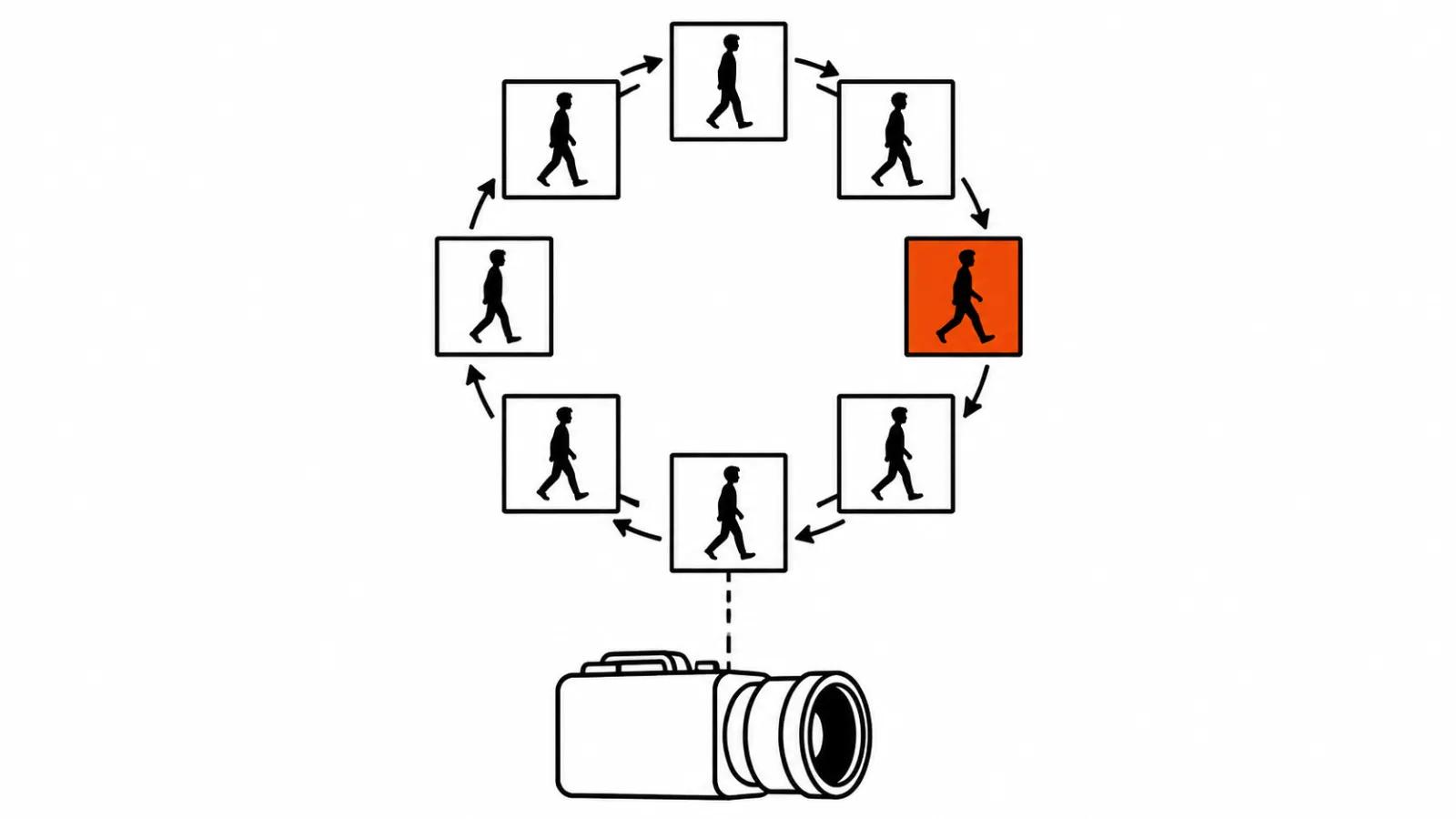
What OpenAI shipped on November 4
The Images 2.6 announcement landed on November 4, 2026, and the model went into ChatGPT, Codex and the API on the same day. The headline number is a housekeeping one: image generation got about 50 percent faster. The second change matters more in practice, because the model returns GIF, and that shifts how a video project starts.
Access is global, on every ChatGPT and Codex plan, in the desktop app, on mobile and on the web. The announcement lists no separate charge for the feature.
GIF in ChatGPT: from a prompt to a finished loop
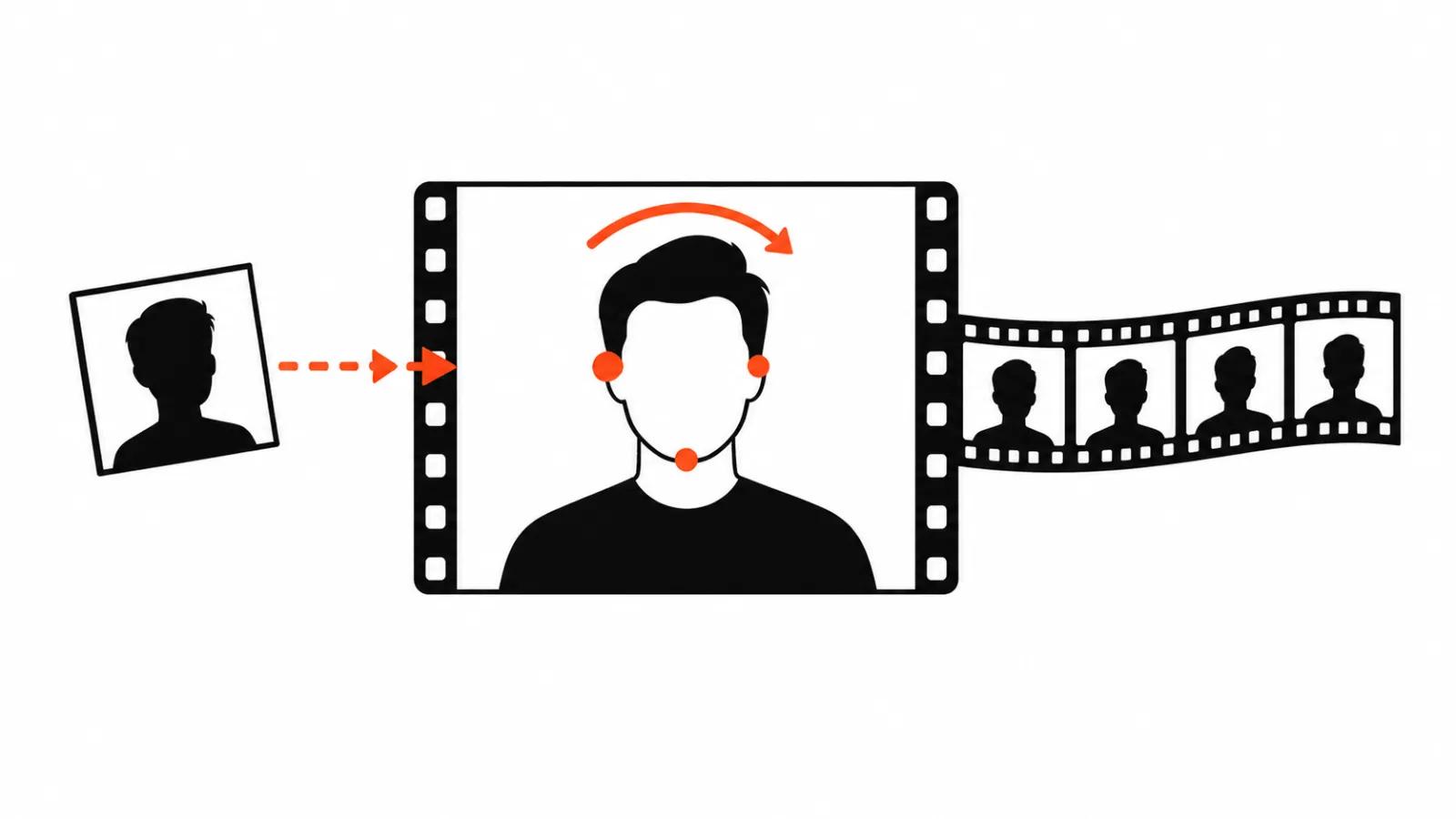
The flow is short. Describe the motion in a prompt, get a cycle back. The second entry point is an uploaded photo: one still of a character or a product becomes an animation, so the starting frame can be the image a client already signed off.
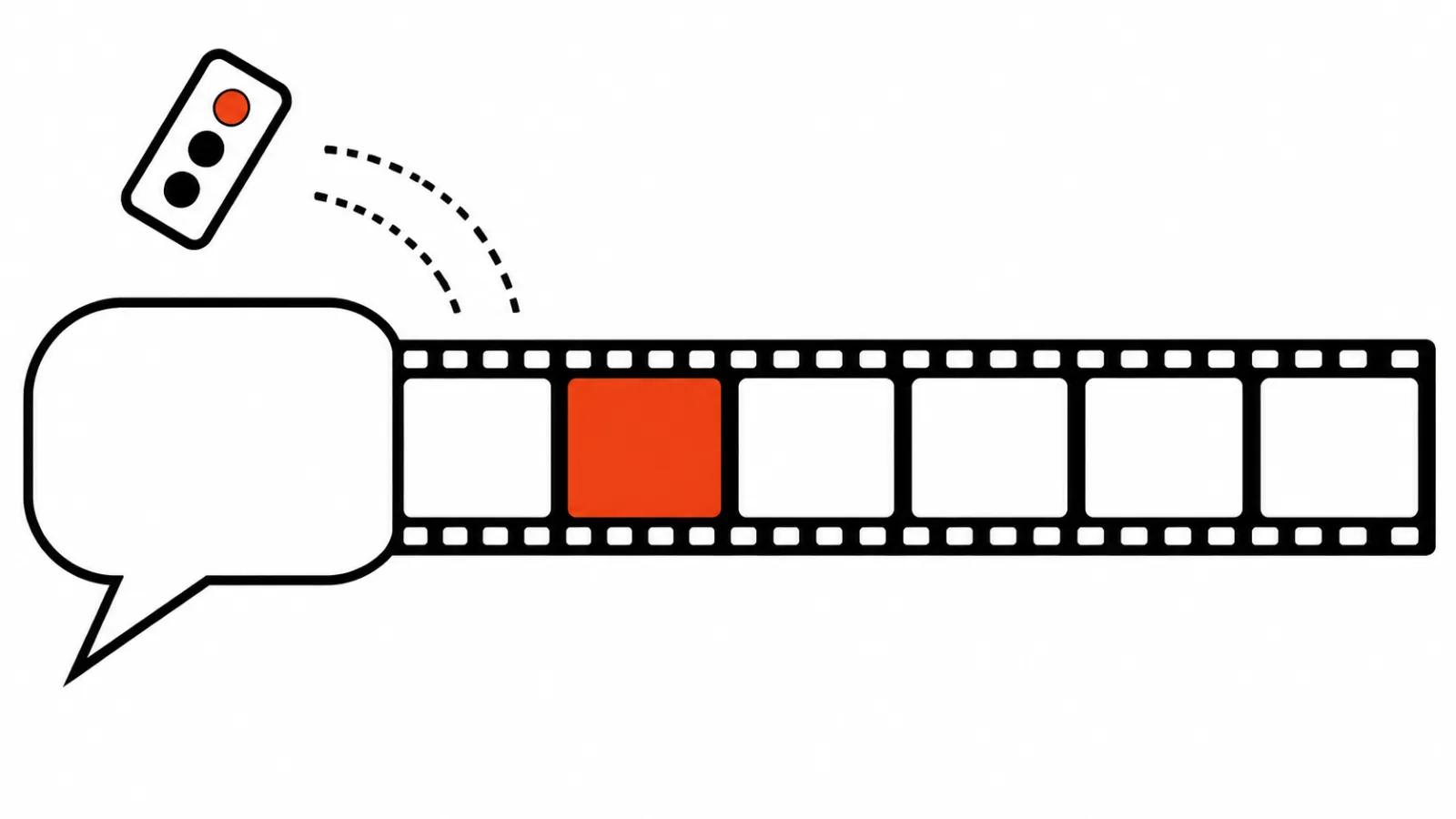
Inside ChatGPT the result stays editable. Playback speed runs from 0.5x to 2x, as The Verge reported, and single frames can be replaced without rebuilding the whole cycle. That detail is what makes the feature usable for a rough storyboard: fixing one phase of a movement costs less than a fresh render.
The announcement names three uses: a brand mascot, reactions and memes, and animated storyboards ahead of video production. The first two need no explanation. The third one is where the money is.
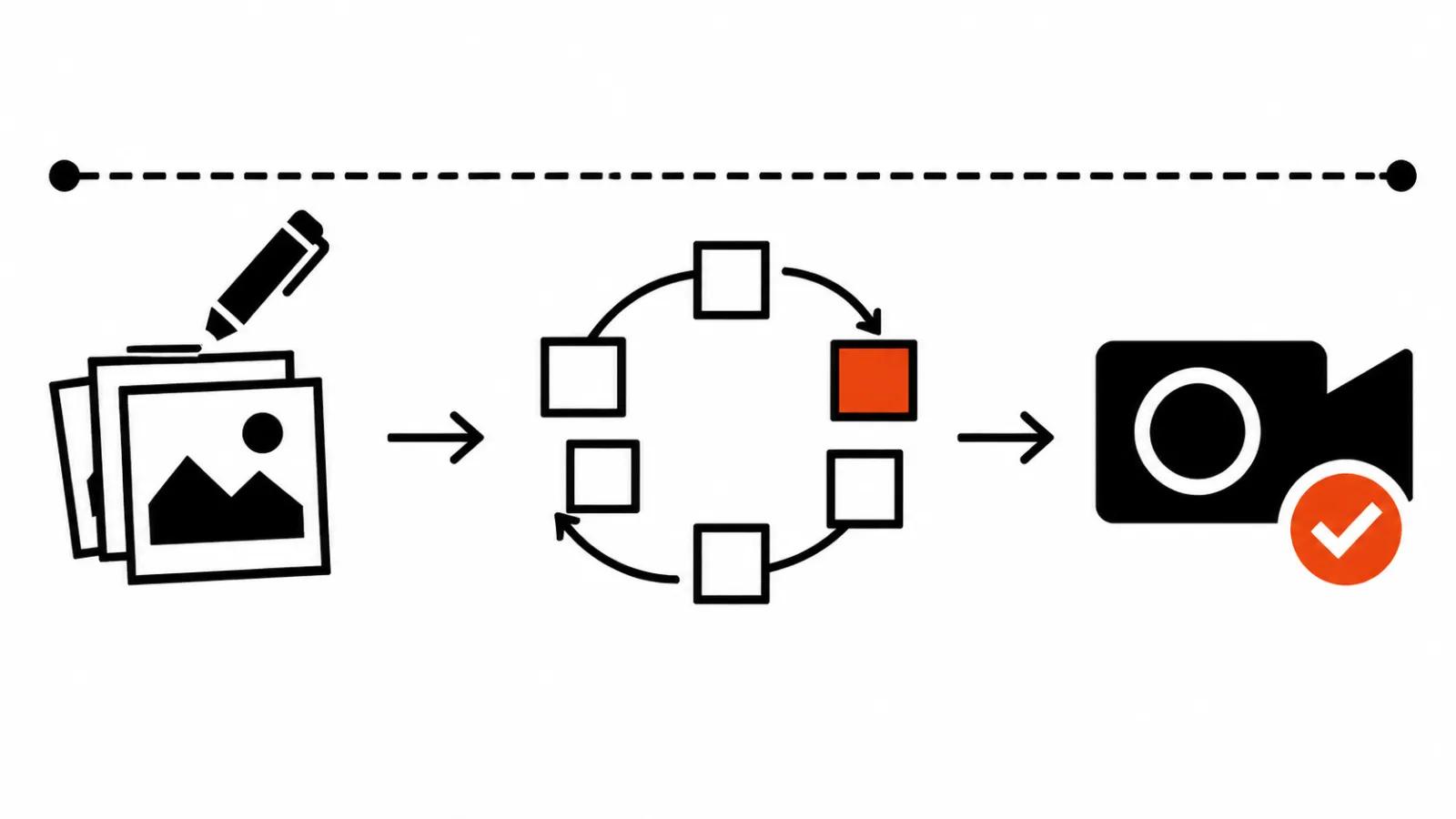
A storyboard that proves motion before the render
My position is simple. A GIF checks the character's movement before an expensive video model switches on. A second from Kling, Seedance or Veo costs far more than a frame, and paying for it while the walk cycle is still undecided is a waste of a render.
The order of work looks like this. A handful of loops with different phases of a step, a head turn or a gesture. Then one loop where the weight and the rhythm read correctly. Only after that does the video model get the final shot.
That is close to how storyboards in Meta Creator Assistant work, where static frames get approved before anything moves. The GIF adds the layer those frames never had: proof that the character moves like a body and not like a cut-out on hinges.
Inside the API: Flare, Sunburst and the GIF fields
The API exposes two models, GPT-Image-2.6 Flare and GPT-Image-2.6 Sunburst. GIF output is switched on with output_format set to "gif".
The defaults produce a 1.8 second loop: nine frames at 200 ms each. The parameters allow 128 seconds if you push 64 frames at 2000 ms, though a file that long has left GIF territory. The working range sits around one to three seconds.
OpenAI says Flare at low quality returns a generation in about six seconds. That is the vendor's number and no independent timing exists yet. Alongside GIF the API gained markup edits, SVG export and a complexity parameter that controls how busy a scene can get.
| Field | Value |
|---|---|
| output_format | "gif" |
| frame_count | 2 to 64 frames, 9 by default |
| frame_duration_ms | 20 to 2000 ms per frame, 200 by default |
| size | auto, or width and height in multiples of 16 |
Short looping clips for mascots and reactions
For a mascot, a GIF covers the job that used to need an animator: a short loop with a blink, a head tilt or a jump. The file goes into a chat, a sticker pack, a channel header, an email. No audio is required, the file stays small, and the loop runs without a seam.
For reactions and memes, speed decides. While a video model is still counting its five seconds, the chat has already handed back twenty loop variants, and half of them are usable as they are.
The limits are real. Sixty-four frames is the ceiling, there is no sound, and a long scene with camera movement cannot be checked this way. The palette and transparency come from the format, and the model has little say in either.
ChatGPT for video work: what the chain covers
The chain runs like this: ChatGPT writes the script and the per-shot prompts, Images 2.6 returns the storyboard and the motion loops, then Kling, Seedance or Veo render the final seconds. The gap between steps shrinks because the still frame and the motion check live in one window.
What the chain does not cover is worth naming. A GIF will not show lip sync, a long camera move, or a character handling an object for more than a couple of seconds. Anything with sound and sustained action still belongs to a video model.
Sora has nothing to do with this release, and the two products are easy to confuse. The Sora web app closed on April 26, 2026, and its API went dark on September 24, 2026. Images 2.6 sits in a different product line and works with stills and GIF; it renders no video.
How to put this into a workflow
First, keep a folder of approved motion loops for every character. In a month it becomes the reference for new scenes the way face references work today.
Second, review loops on a phone, since a monitor hides a lot. A small jitter barely shows on a large screen and reads instantly in a vertical cut.
Third, keep GIFs out of the final edit. The format earns its place in reviews and in chats, while the shot itself should be rebuilt in a video model, or the grain and the light will betray the join.
Fourth, price by volume. One video a month lives comfortably on a subscription, while vertical video ads at dozens of versions need a template and a predictable cost per unit, and that is where handcrafted videos stay the benchmark for scenes with a real person on camera.
My take
By December a GIF pass will be routine prep for anyone producing short vertical series. The reason is the cost of a mistake: motion gets checked in seconds for pennies, while a bad walk cycle in a finished cut means reshooting the scene.
A loop test does not make a commercial video cheaper on its own, though it cuts the number of redoes. For a series built around one character, that is the most tangible saving this release offers.