What Pika published on November 18
On November 18, 2026 Pika published a post called Research Preview: Pika Enact. It is an experimental live streaming environment running on the Pika H3 Flex model, which we covered separately when its open weights appeared. The interesting part here is the layer on top: it generates video and audio in chunks shorter than a second, carries the scene context into the next chunk and folds new instructions into the generation already in progress. The scene is never restarted after a correction, it keeps going.
In effect this is one more approach to building video out of short segments, and we have a separate piece on how a model picks the next frame, so here I stay on the director's side of the table: what a person can do by hand in the middle of a scene.
The pika video generator is mostly known for short clips made from a prompt. Enact changes the role of the person: instead of writing and waiting, you stand at the monitor and call the shots.
Three modes: staging, actors, camera
The modes are split by what exactly the director moves inside the frame.
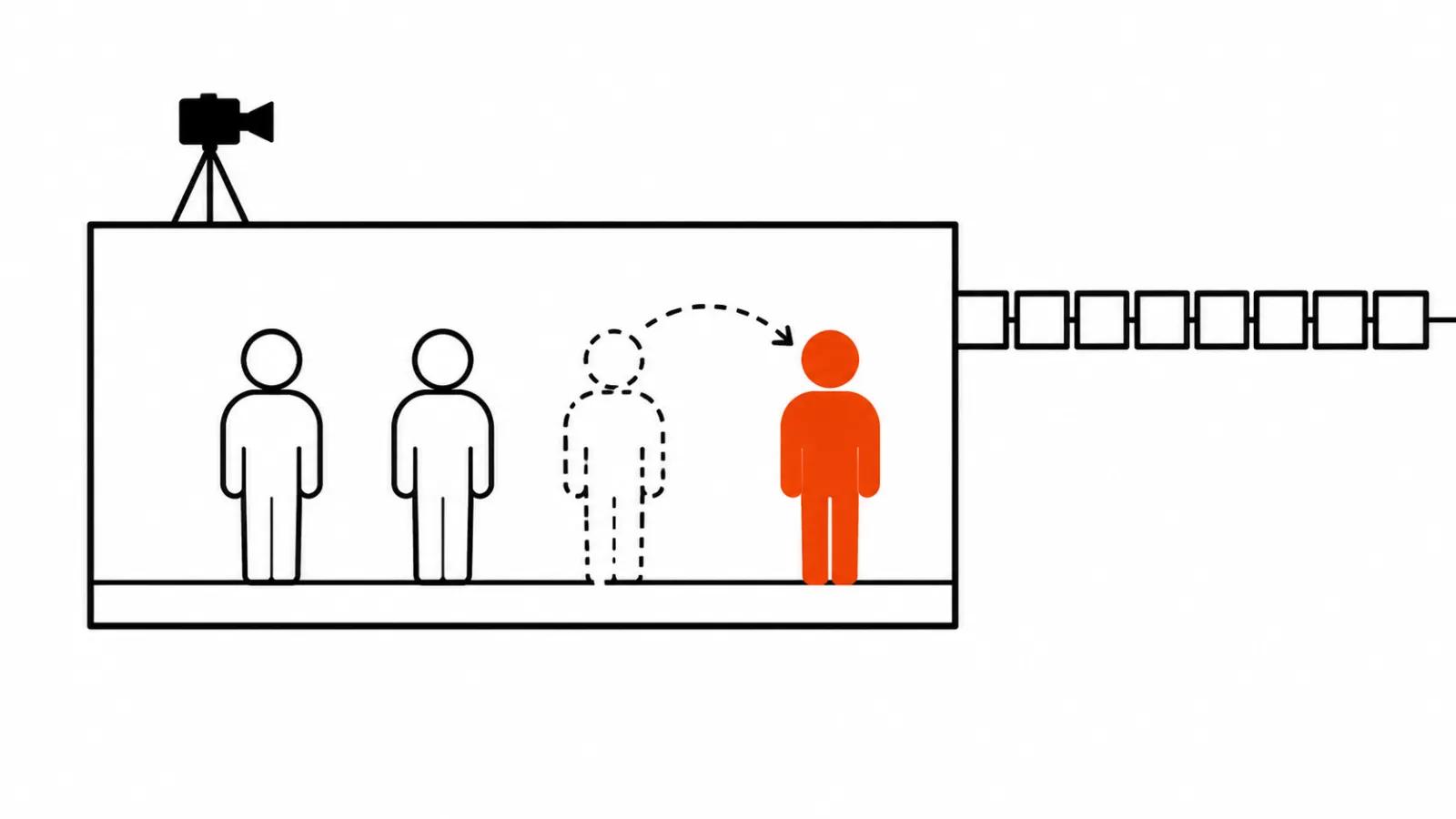
Live Staging handles placement. You put actors and objects where you want them with the mouse, in a video that is already running, and the scene continues without a cut. Objects move with matching pose, light and shadows, nothing gets a cut out edge and no hole is left behind. On a single server generation runs 1.8 times faster than playback, and in the low latency mode the picture responds in under 0.4 seconds on an H100. The model was trained on synthetic pairs of video plus cursor recordings, where a physics engine drags a 3D stand in around.
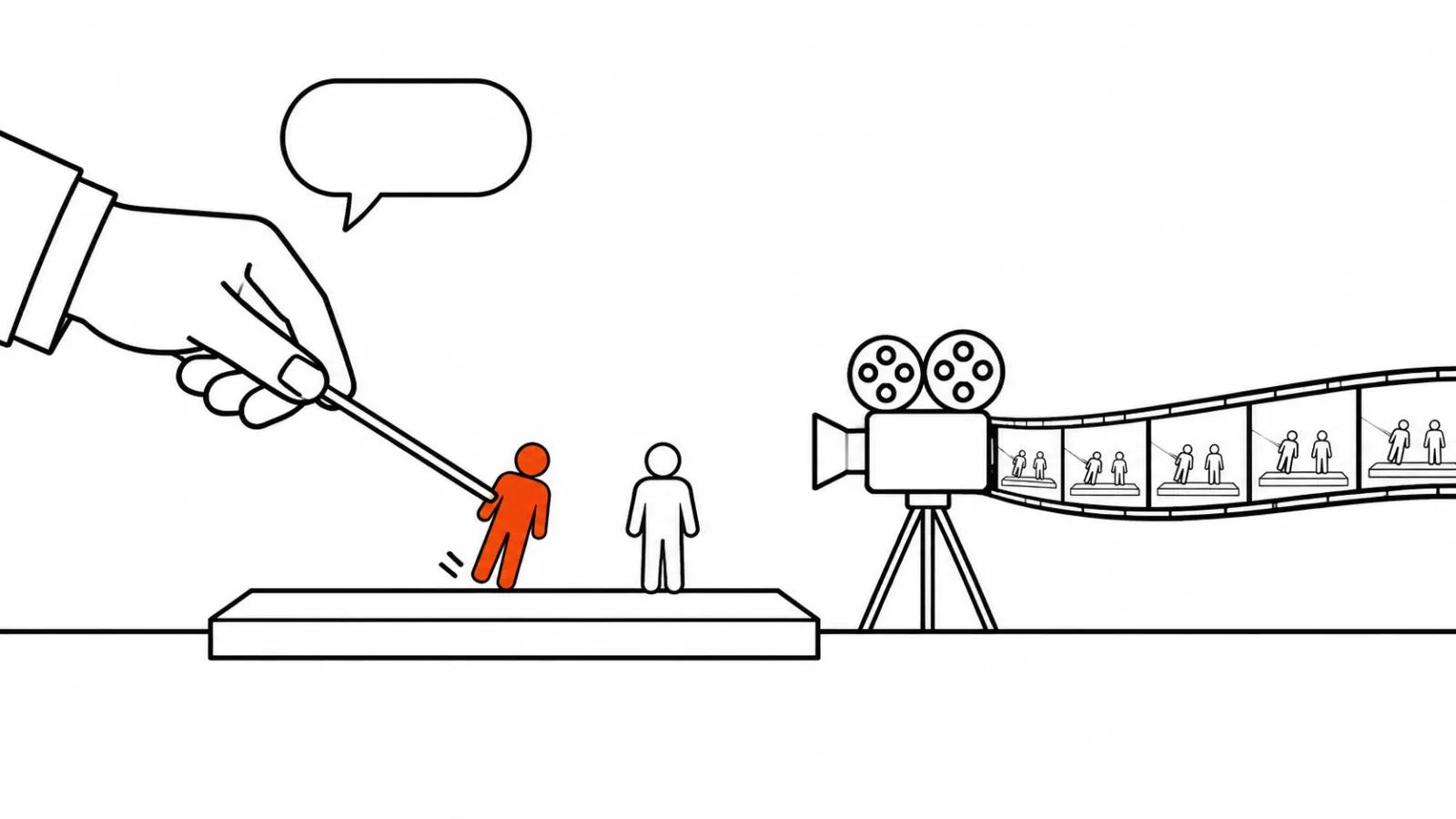
Live Actor Direction handles performance. The director speaks or types notes: come closer to her, say why you are upset, make the kitchen night time. Actors perform while the video runs and answer in character with their own voices. Video and audio run 1.75 times faster than playback. Each actor is an AI agent with a personality and a memory of the notes it received. A rehearsal comes first, then the command action, and the rehearsed scene is shot as one clean take from the first frame. Underneath, a script level language model turns a note into beats, meaning action, line, emotion, gaze and light, and the video model plays those beats.
Live Camera Control handles the camera. You drive it with the mouse around the scene as it plays: pan, push in, orbit. The look comes from an image, the camera path comes from a simple 3D stand in, for example an untextured Blender viewport. On a node with 8 NVIDIA B300 cards at 640x480 and 24 frames per second the first frames appear after 0.51 seconds, then it runs 1.5 times faster than real time.
Why this is hard to build
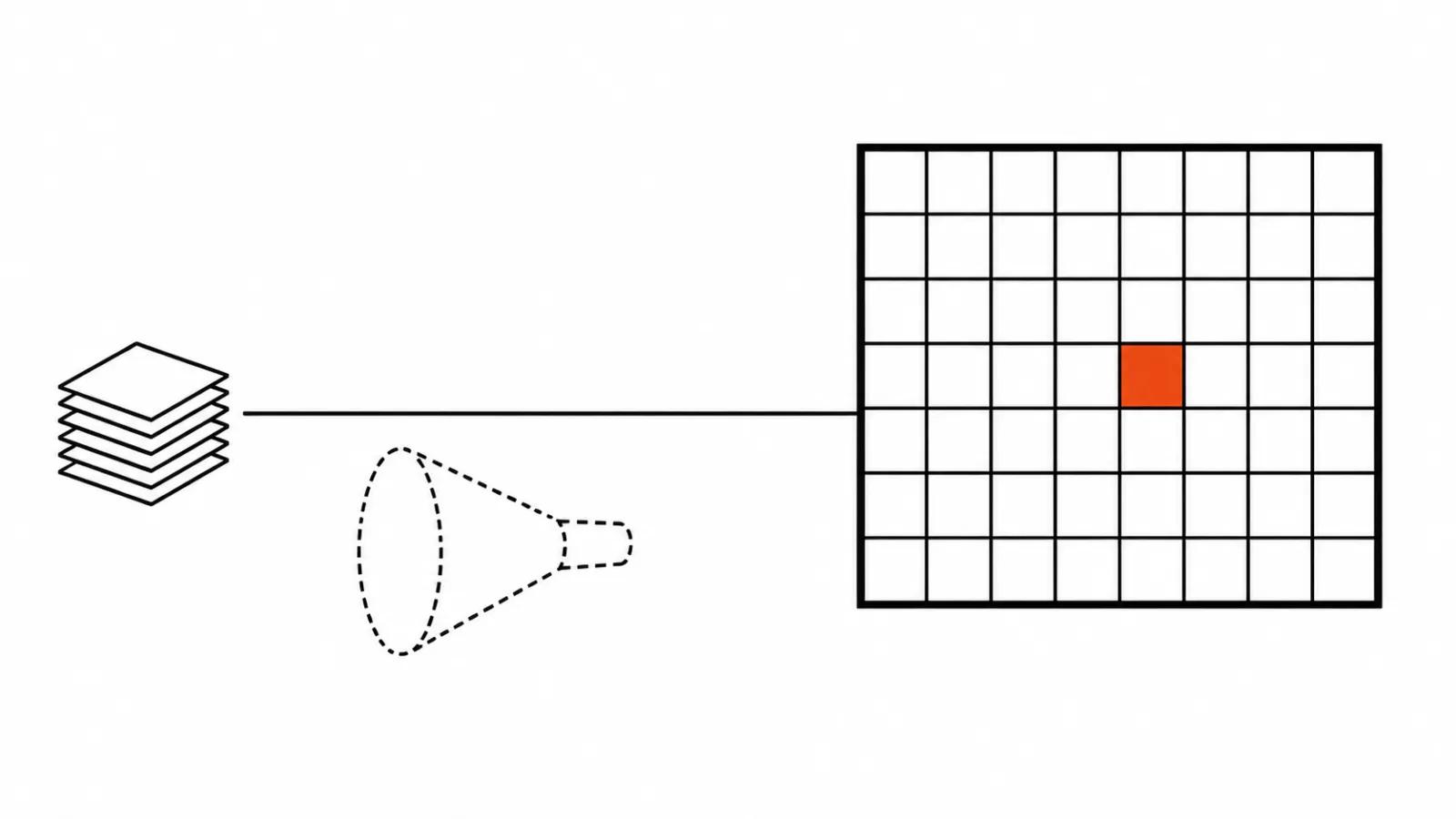
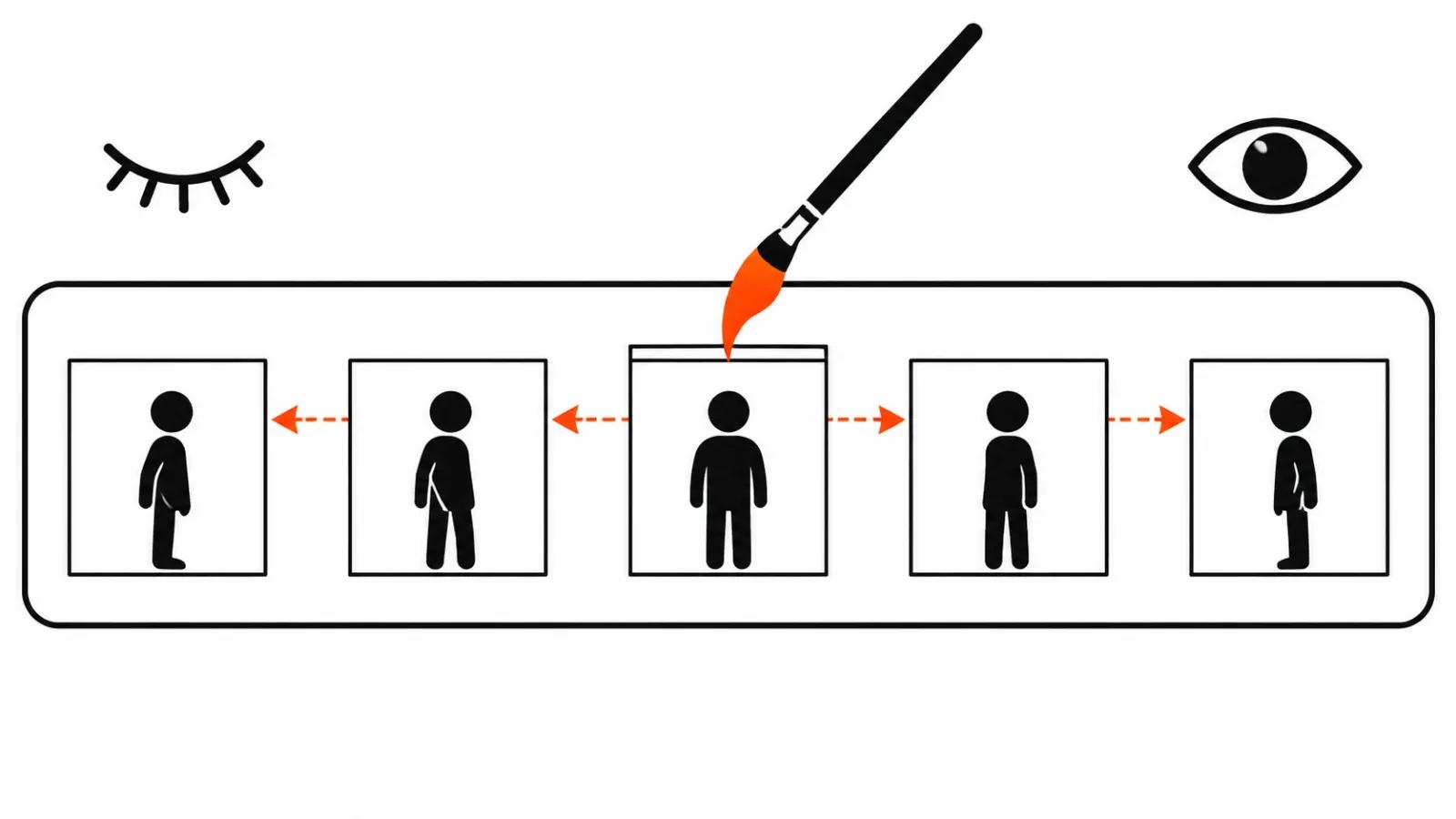
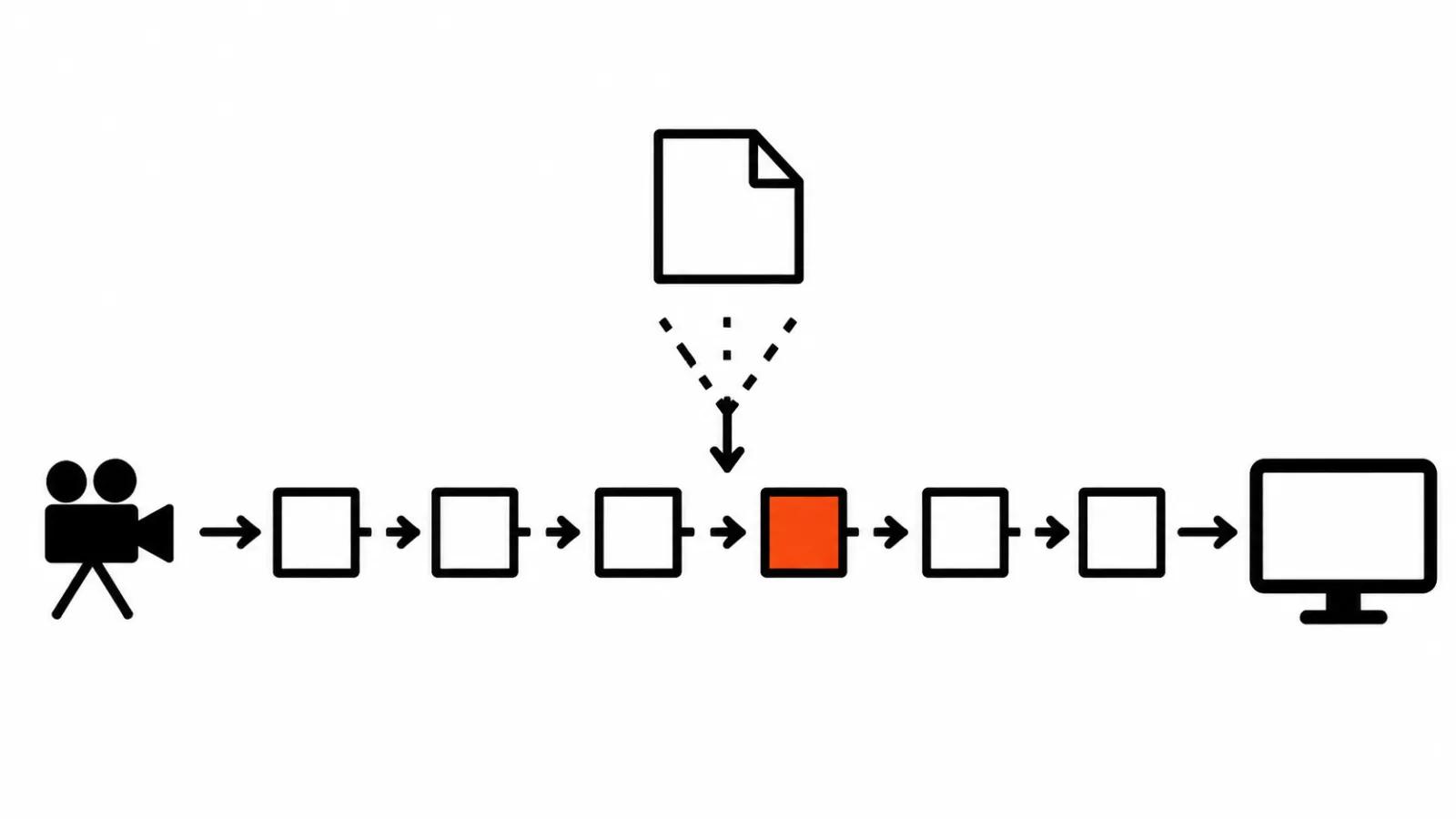
A second of video is normally generated as one solid block. If a correction arrives halfway through, the block starts over and you get a different scene. Enact cuts the stream into chunks of 0.7 seconds in the normal mode and 0.17 seconds in the low latency mode, keeps a sliding memory cache and leans on the previous chunk for every new one.
The second trick is how the compute got cheaper: distillation, where a chain of twenty steps was compressed into a few. That is where the speeds like 1.8 and 1.75 times real time come from. It is a neat engineering move with a price in image quality, and Pika does not hide it: the test footage is 640x480.
What changes for a director on set
The usual AI video loop goes prompt, wait, watch, try again. Directing in that loop means rewriting text. Enact moves the effort into the moment when the scene is already running: a note in response to a performance, an object moved, a camera orbit.
Rehearsal is the most interesting part of the announcement. A real shoot almost never gets its take on the first try, actors walk through the scene and then it gets recorded. The same logic sits here: notes are given during rehearsal, and the finished take is captured in one piece. For AI video this is a new kind of control. Corrections used to be about the text of a description, now they are about what a character does at a specific second.
One caveat up front: I have not seen the scenes from the announcement, so everything below rests on the blog text and the numbers in it. How well actors hold up over a long scene, and how Enact survives ten corrections in a row, cannot be judged from a written description.
Why you cannot work in it yet
Enact is a research preview and is not available to consumers. You can try it or discuss an integration only by writing to enterprise@pika.art, and the post says nothing about public access.
The second reason for caution is in the numbers. 640x480 at 24 frames per second will not pass for a client spot. The camera orbit runs on a node with 8 B300 cards, and a node like that costs roughly what a flat renovation costs. The pika video generator in this build lives in a research lab and has not reached a studio floor.
The third reason is in the notes themselves. Live generation means a mistake is visible at once and the correction lands immediately. A good director gets more out of that, while a production with a day schedule inherits a variable: the scene can wander off mid shoot.
Against Genie 4 and the rest
This same week we covered access to Google's Project Genie. That one is interactive world generation where the viewer walks around a scene, while here a director controls a shoot. The tasks differ, and Enact sits closer to production: actors with personality, light set by a note, the take after the rehearsal.
What they share is status. Both are research showcases, and picking a tool for a client job off a demo like this is premature. The direction is visible though. Real time control stops being a gimmick for a ten second clip and turns into a way of conducting a scene.
What to take from it now
While Enact stays closed, one habit from it is worth adopting: phrase a correction as a note to an actor instead of a description of a frame. Say why you are upset sets a clearer task than a list of facial details, and that kind of text works in ordinary models today.
Where a predictable result on a deadline matters, AI video production with a manual check of each transition is the safer route. When a scene needs reliable performance and light, handcrafted videos start at $190, which usually beats waiting for access to an experimental environment.
My conclusion
Enact hints at what directing AI video will look like: rehearsal, notes on the fly, a camera in your hand. Right now it is a Pika showcase aimed at large partners, and quoting it to a client is premature. I would watch for two things: public access and a resolution above 640x480. When both arrive, live directing becomes a practical conversation.