What PixVerse sells under the word studio
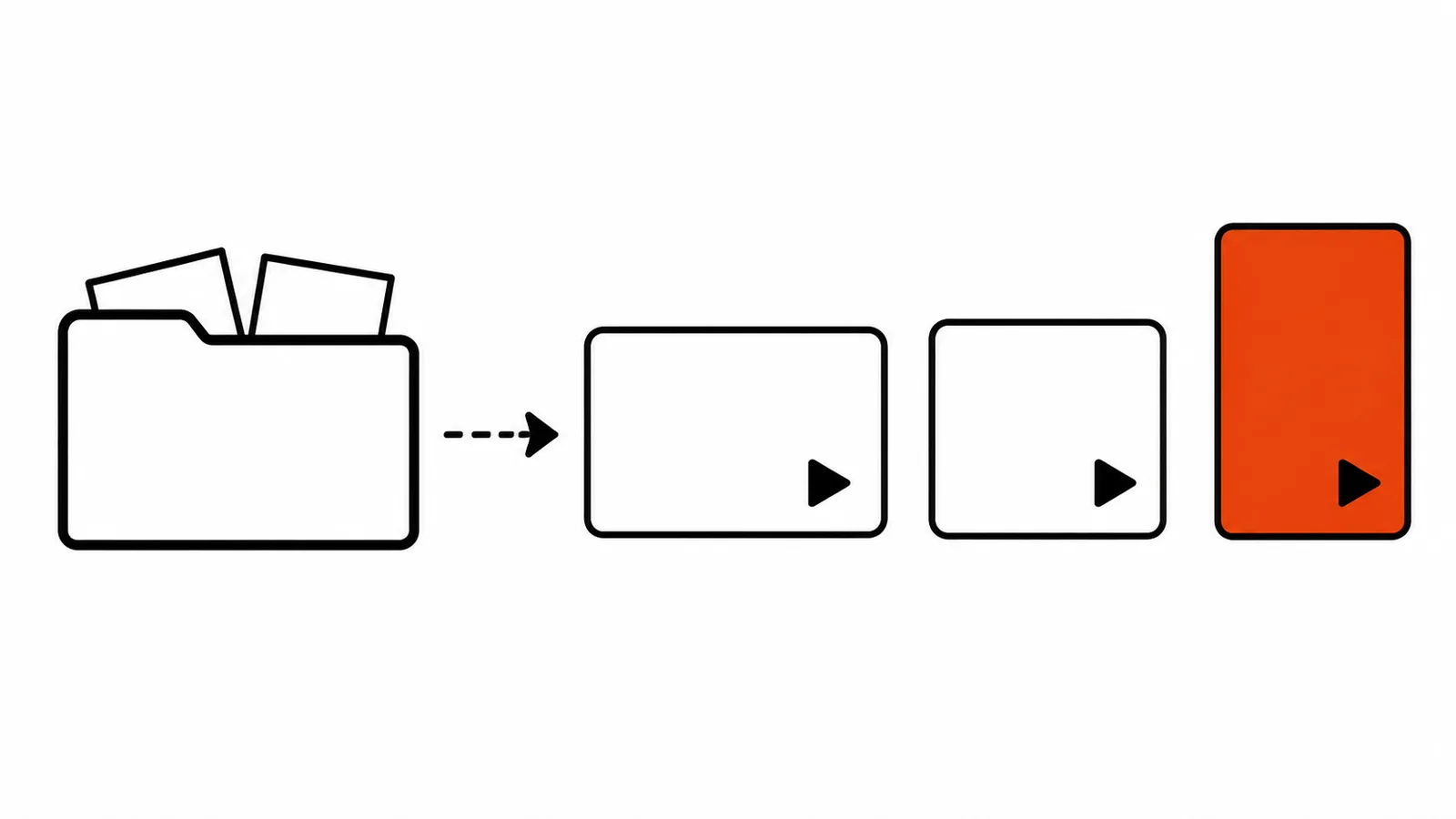
Growth Studio, on the pixverse.ai/growth-studio page checked on November 26, 2026, is described as a tool that turns product ideas into video ads and builds campaign variations through three modes: Templates, Ad Clone and Ad Multiplier. Product Image Sets sit next to them, still visuals for a listing. The page covers a campaign direction and a set of variants; the edit of a single clip is not part of it.
The timing of the announcement is packaging. A Daily Tribune story from November 26, 2026 links the product tools in Growth Studio with Black Friday and Cyber Monday offers. The available fragment carries no other numbers, so there are no prices or batch sizes below. The page itself runs a seasonal offer: templates from the seasonal collection come at a 30 percent discount. The examples list Toy Shop, Coffee Maker, Fashion Look, Black Friday Sale, Winter Coat and Diamond Jewelry.
Three modes and the case each one fits
Templates are a ready creative format with the product at the centre. A direction starts from a scene that already exists, and the work goes into placing the item and its details correctly. This fits products that read at a glance: a coffee maker, a coat, a ring.
Ad Clone builds a new product story from an existing viral video. The input is somebody else's working move: the scene, the device, the rhythm. In a crowded feed it is a way to test a structure the audience already recognises against your own product.
Ad Multiplier takes one direction and splits it across different people, scenes and market languages. It matters when a single idea has to travel to several countries, or to several audiences inside one country, and shooting each version separately takes too long.
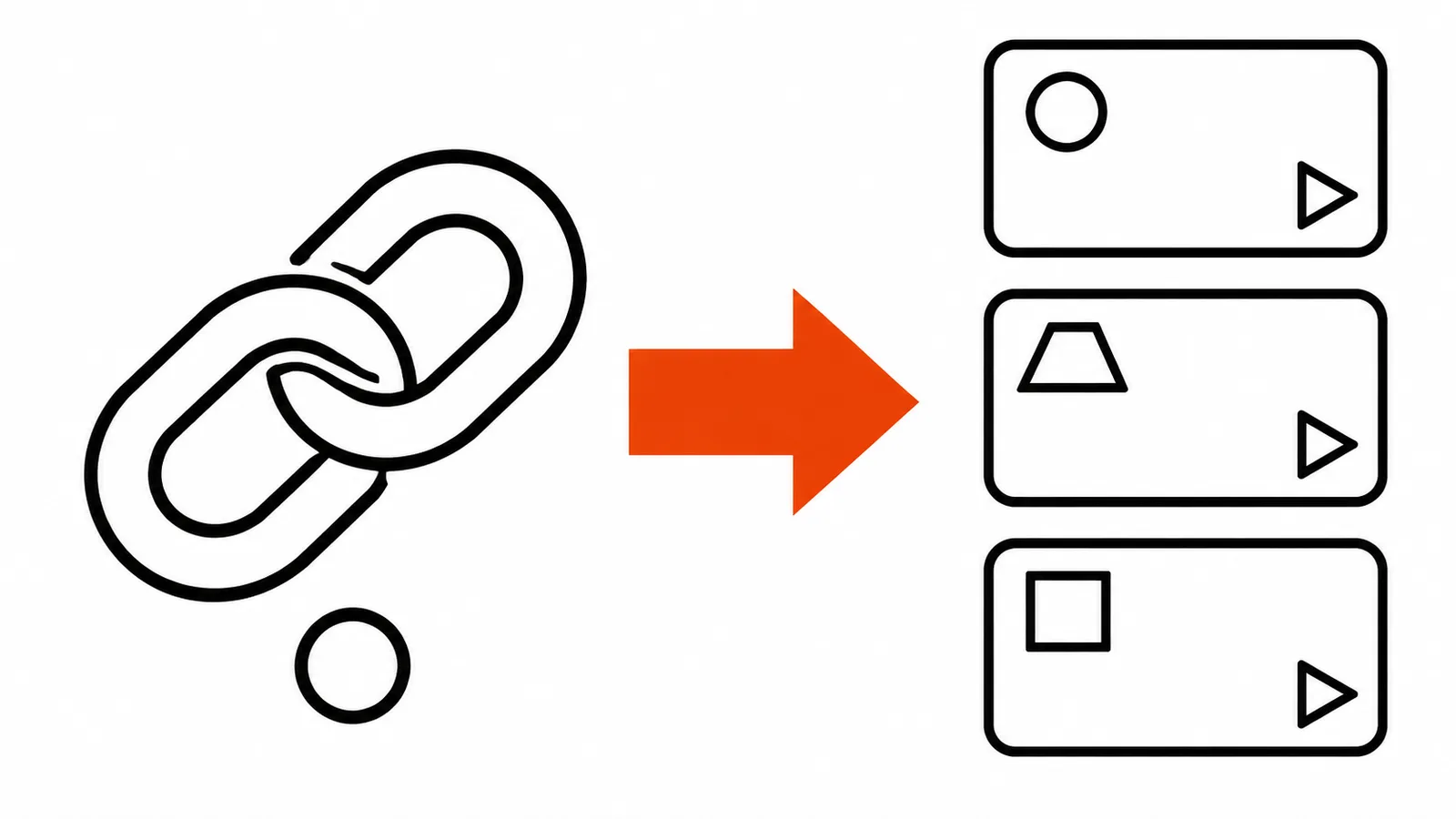
The page also names three starting points for a direction: a template as a defined format, a reference as a storyboard with creative accents, and a prompt as an idea described in words and images. Campaign variations change how the idea is presented: the people on screen, the scenes around the product, the market languages.
A batch from a Meta catalog in four steps
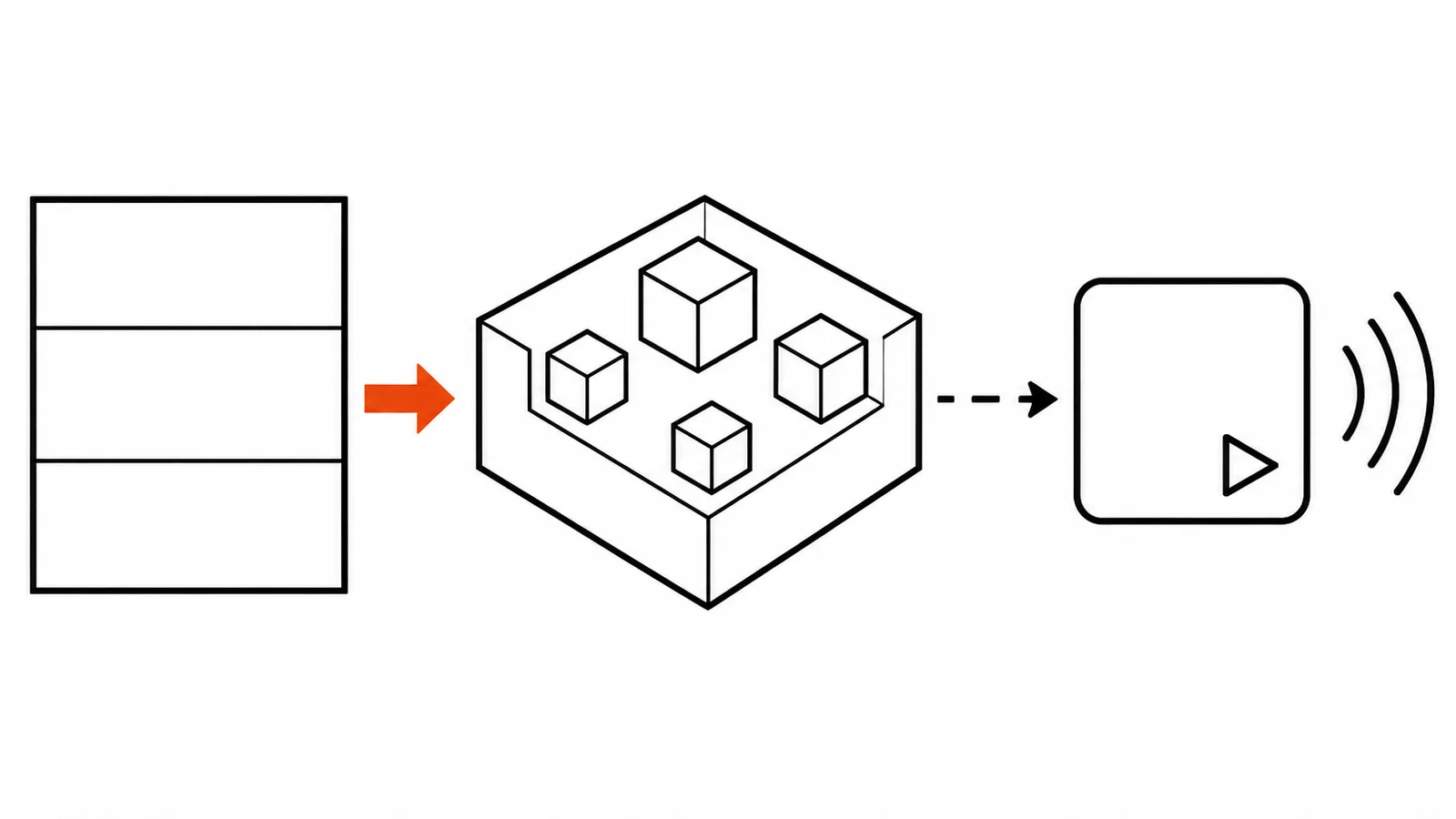
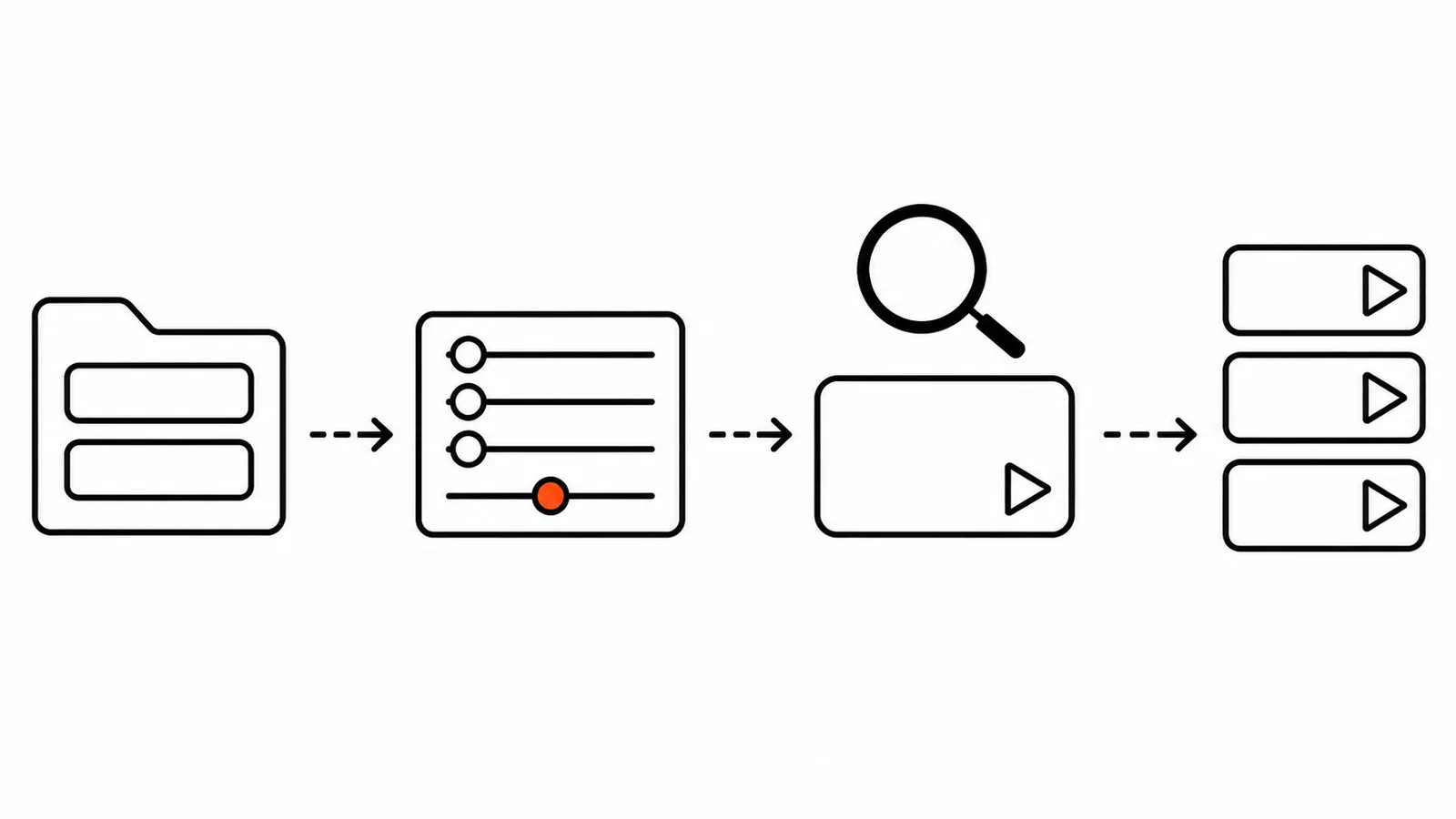
The catalog workflow is laid out on the page as a sequence.
Step two is the one people underestimate. Markets, languages and placements are fixed before generation, so one wrong setting is paid for by the whole batch. Languages are worth confirming before you pay, because the speech follows them and cannot be swapped inside a finished set.
Step three explains why a batch exists at all. The point is to get variants and choose the strong ones by how they perform on view. A single clip gives you nothing to choose from.
- Connect a Meta catalog or start from product links.
- Set markets, languages, placements, formats, durations and the creative mode.
- Generate the clips, review every result and pick the strongest ones.
- Export the approved clips to the Meta catalog and work with them inside a campaign.
Where a person stays in the loop
One line in the batch description is easy to skim past: review every result. The automation assembles variants, and the decision about which one enters the catalog stays with a human.
That is not a formality. AI video has familiar failures that the eye catches: the product changes shape between shots, a logo drifts, a hand holds the item wrong, the text on the packaging comes out garbled. The larger the batch, the more of those slip past a fast review. The review runs on one criterion: what is on screen has to match the product photo.
The second place a person is needed is the fit with the campaign. A strong variant for prospecting and a strong variant for retargeting are different clips, and the marketer who knows where the traffic goes is the one who can tell them apart. How many versions a single test budget can carry is covered in ad creative versions.
How a batch differs from one clip in a chat
One clip in a chat answers the question "show me what this looks like". The conversation is about the frame, the light and the camera, and the result lives as a single file. How to drive the camera inside the model itself is covered in PixVerse depth map motion control.
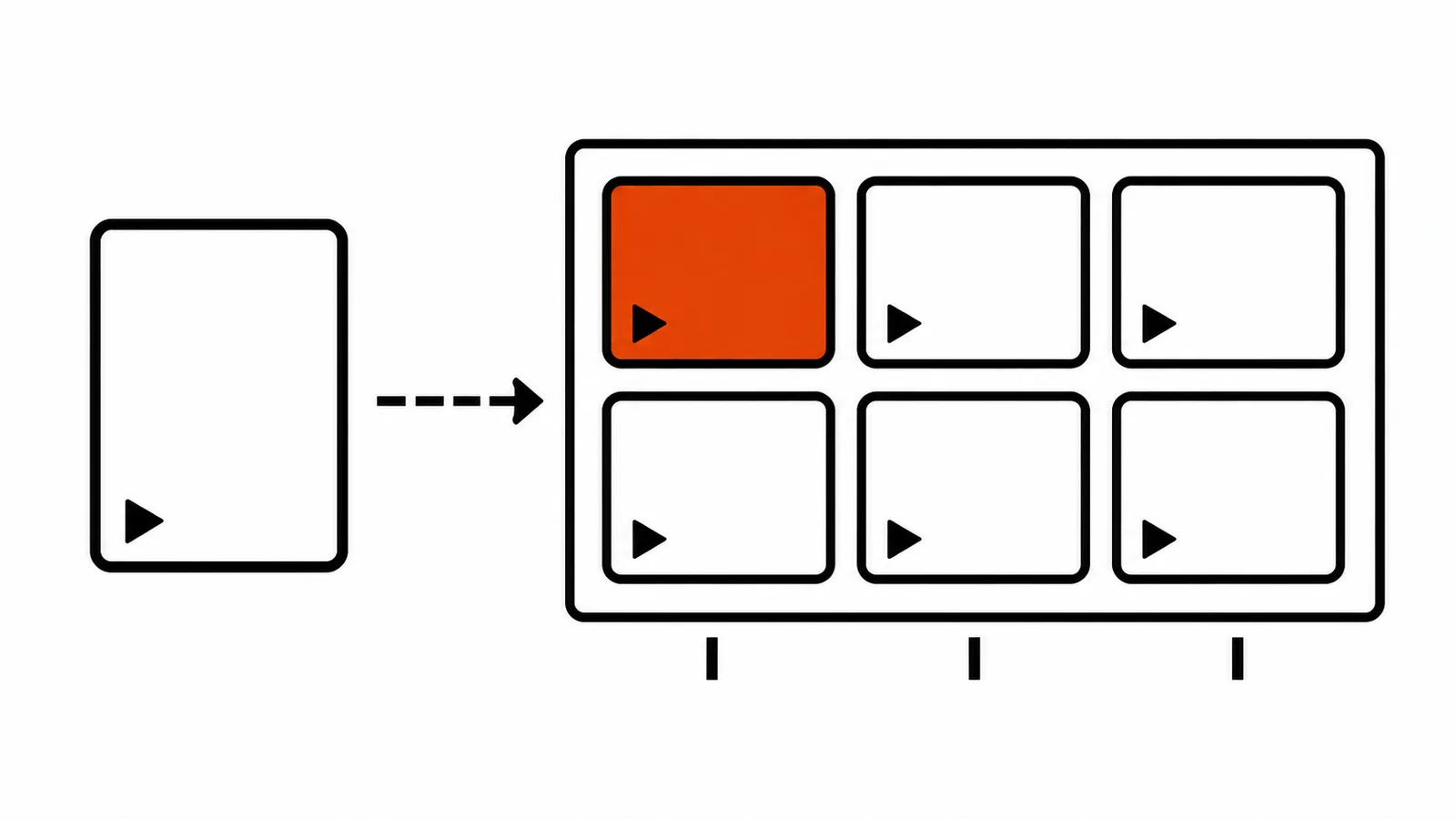
A batch answers a different question: "show this in ten versions and sort them by placement". A catalog goes in, a set of files for specific markets, formats and durations comes out, and a review step sits in between. The difference shows in daily work. A single clip gets redone by hand, a batch gets rebuilt by changing the settings of the direction.
Convenience has a price. In a chat one prompt can be polished until it is right. In a batch polish is not the goal, an even bar across the whole set is, otherwise the review takes longer than the generation.
A batch of ads and a product page video
These are different products. A product page video sits on a listing and sells to someone who already opened the page.
A batch of ads works earlier, in the feed, and pulls a person towards that page. Proportions and opening seconds are set differently for each format, and platform rules differ from catalog rules. The basics of product page clips sit in AI video for product pages, while this piece is about paid traffic.
What to count in the budget for product ad creative
There are no Growth Studio prices in the public fragment of the page, so the budget is built from the work around generation. Five lines are worth counting.
Generation. The batch is billed on the platform's plan, and the plan has to be requested before the start because the page does not list one.
Review. This is human hours spent watching every clip and rejecting the failures. The larger the batch, the more the review costs, and it deserves its own line.
Rework. Some clips will fail on the product or on the speech. A rejection rate cannot be set in advance without data from your own category, so a second pass on the most important markets gets its own line.
Media spend. The clips exist to buy traffic, and the impression budget is a separate number. Creative without spend produces nothing to compare.
The alternative. It helps to keep the price of handcrafted work in view: handcrafted AI videos start from $190, and that is a different product in terms of labour.
Five questions for a vendor promising ad creative from a product card
The fifth question covers the main risk. A batch looks convincing in a pitch and falls apart on the first placement, when part of the clips fail on the product and the whole set has to be rebuilt in one go.
When the feed needs real people on camera, AI UGC video joins the batch, because the handheld manner and the conversational tone are the point there. For reach campaigns the same set goes out as short-form video at scale with other frame proportions. And when one careful clip has to carry a launch, the work is priced separately as an AI video ad, because it follows a script and goes through an edit.
- Which mode did you pick for this product and why: template, clone or multiplier? The answer shows whether the category was considered at all.
- Who watches every clip before export? Follow up with the rule for rejecting a frame where the product drifts.
- Which markets and languages is the set built for? Who pays for a rebuild if the language is wrong? It is worth settling before the batch is generated.
- What exactly goes into the Meta catalog, and how many files does the client receive?
- How many clips from the batch go to a first test? A test on a small sample is cheaper than rebuilding the whole set.