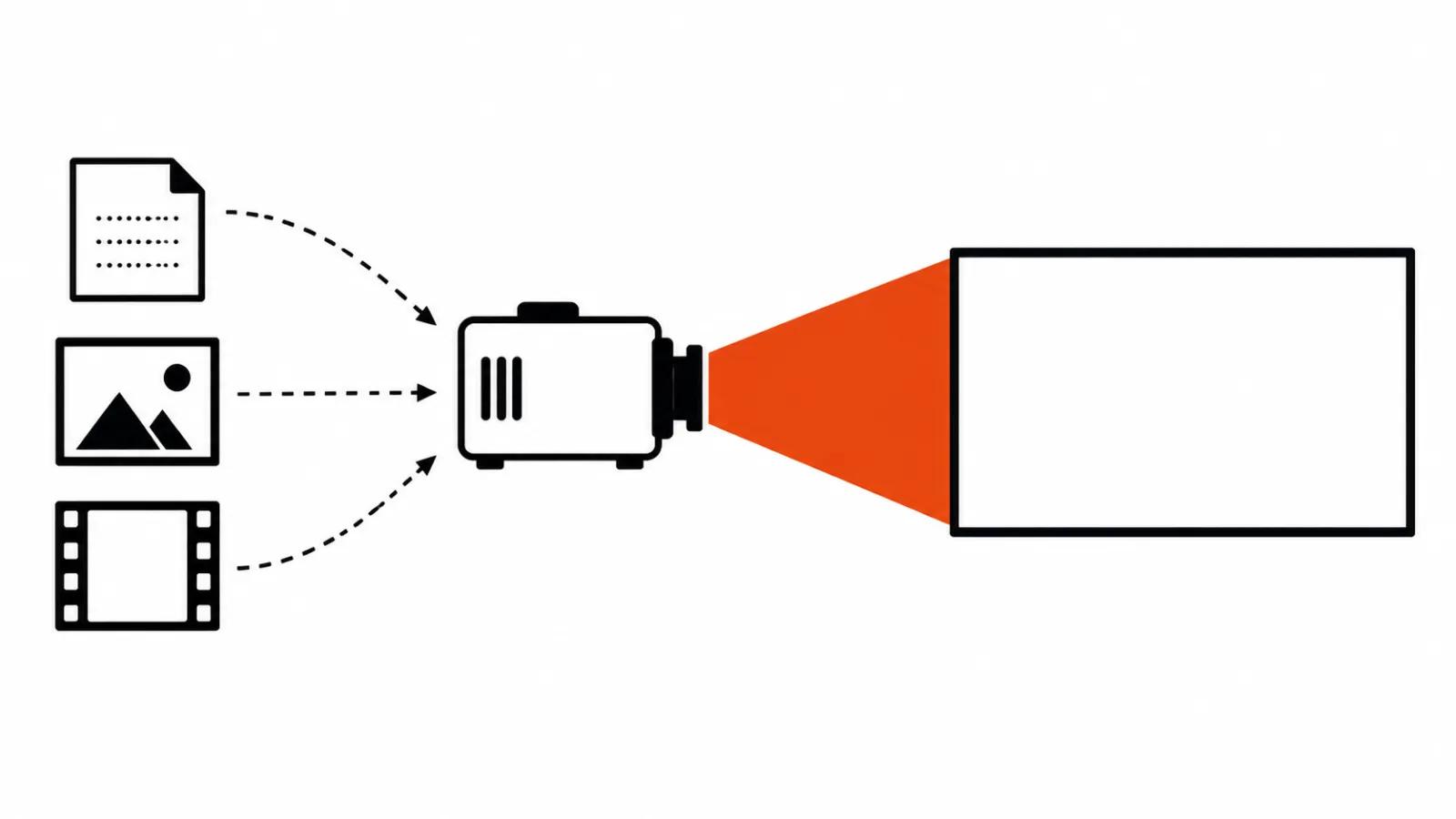
Three entries: text, image, footage
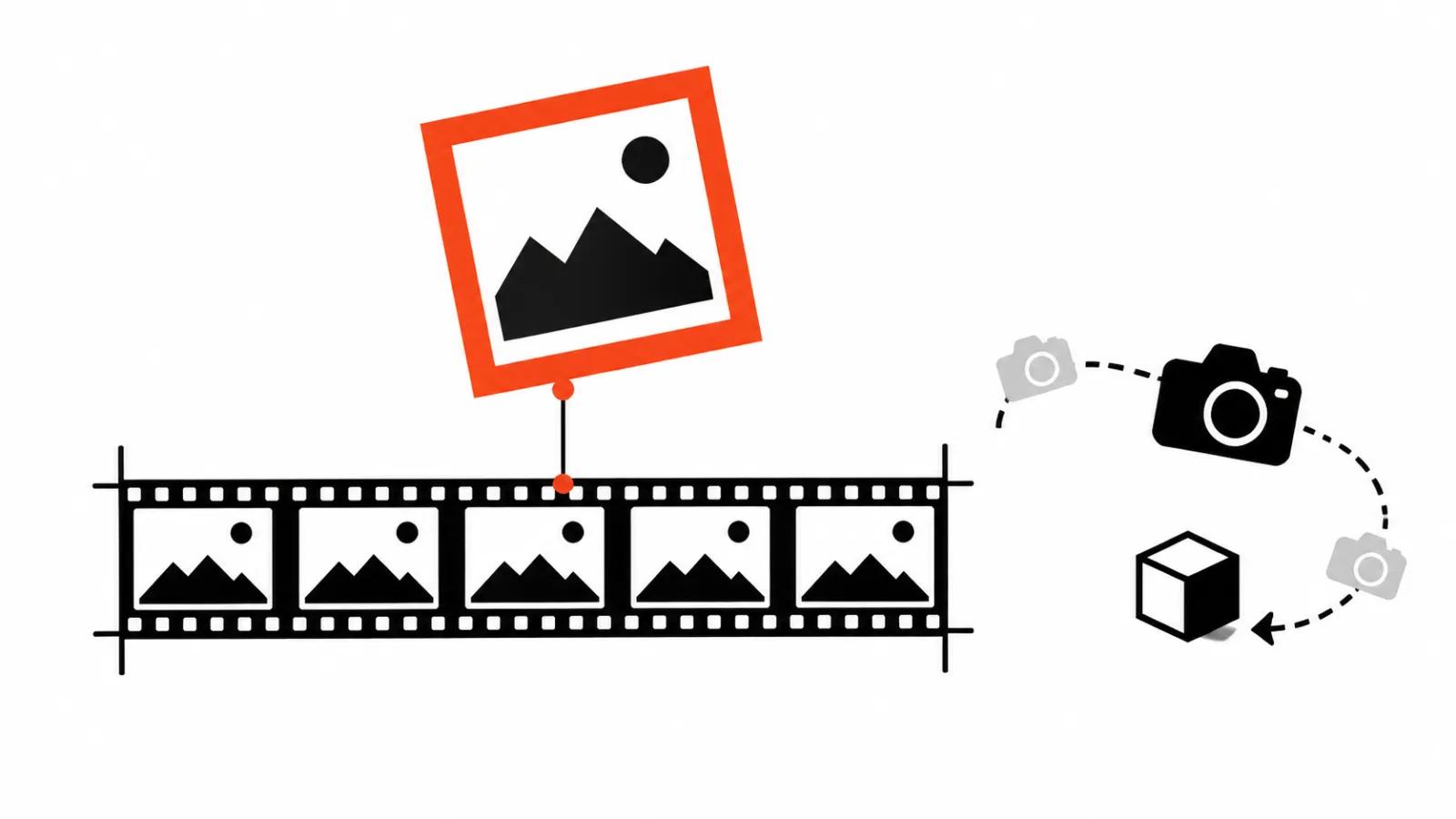
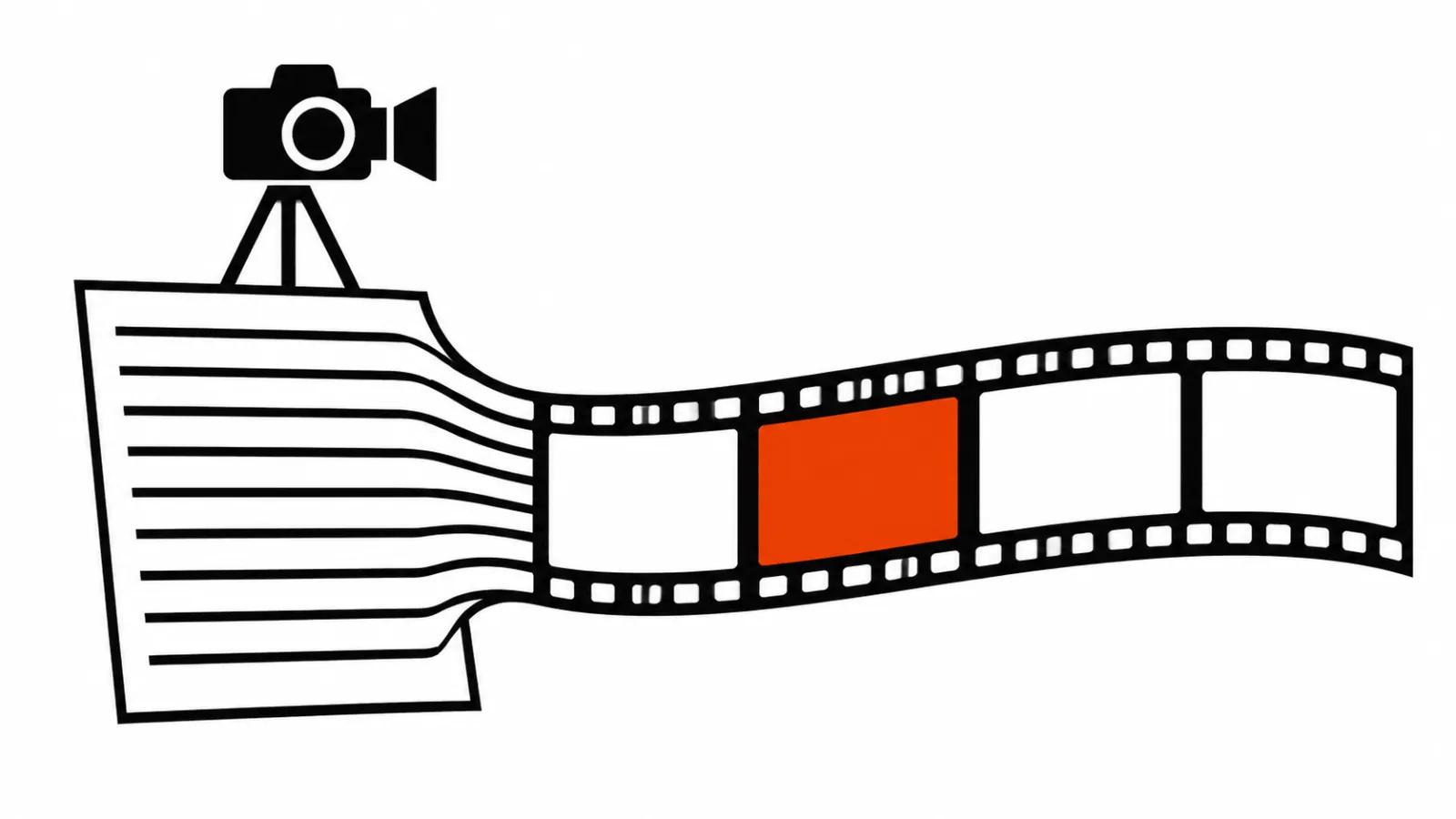
Video generation has three entrances, and the modes are named after them. t2v means text to video: you write a description and the model invents the shot from nothing. i2v means image to video: a finished still goes in and the model adds motion. v2v means video to video: a shot that already exists goes in and the model changes the background, the light, an object or the style.
In practice the choice is rarely a matter of taste. It follows what you have on the desk: a blank page, one frame, or footage. What follows goes mode by mode, on specific model versions and their official documentation, so the decision rests on the spec sheet.
What the image holds
Runway's official Gen-4 Video Prompting Guide describes i2v this way: clips of 5 or 10 seconds built from an input image and a text prompt. The image sets the visual starting point, the prompt describes motion. The same guide carries a warning that saves reruns: repeating details from the image inside the prompt can reduce movement.
The takeaway is short. In i2v the prompt talks about action, camera and pace, while the colour of the packaging and the shape of the logo stay in the picture. That is how generating video from a photo holds what has to stay identical: a specific product, a face, a brand frame, a sign on a wall, the exact shade of a material.
When text is enough
t2v earns its place when you are hunting for an idea and a mood: light, weather, the temperature of a scene, the kind of camera move. The open model LTX-2.5 from Lightricks (Hugging Face card Lightricks/LTX-2.5) produces video and sound from text, images and video, and the weights are published. With a suitable GPU that means plenty of cheap takes on your own machine.
Text has one permanent limit: it guarantees no specific object, no face, and no repeatability between shots. A prompt about a white mug on a table returns ten different mugs in ten runs. So t2v works best while you are still picking a direction, and the precise frame comes later.
When footage already exists
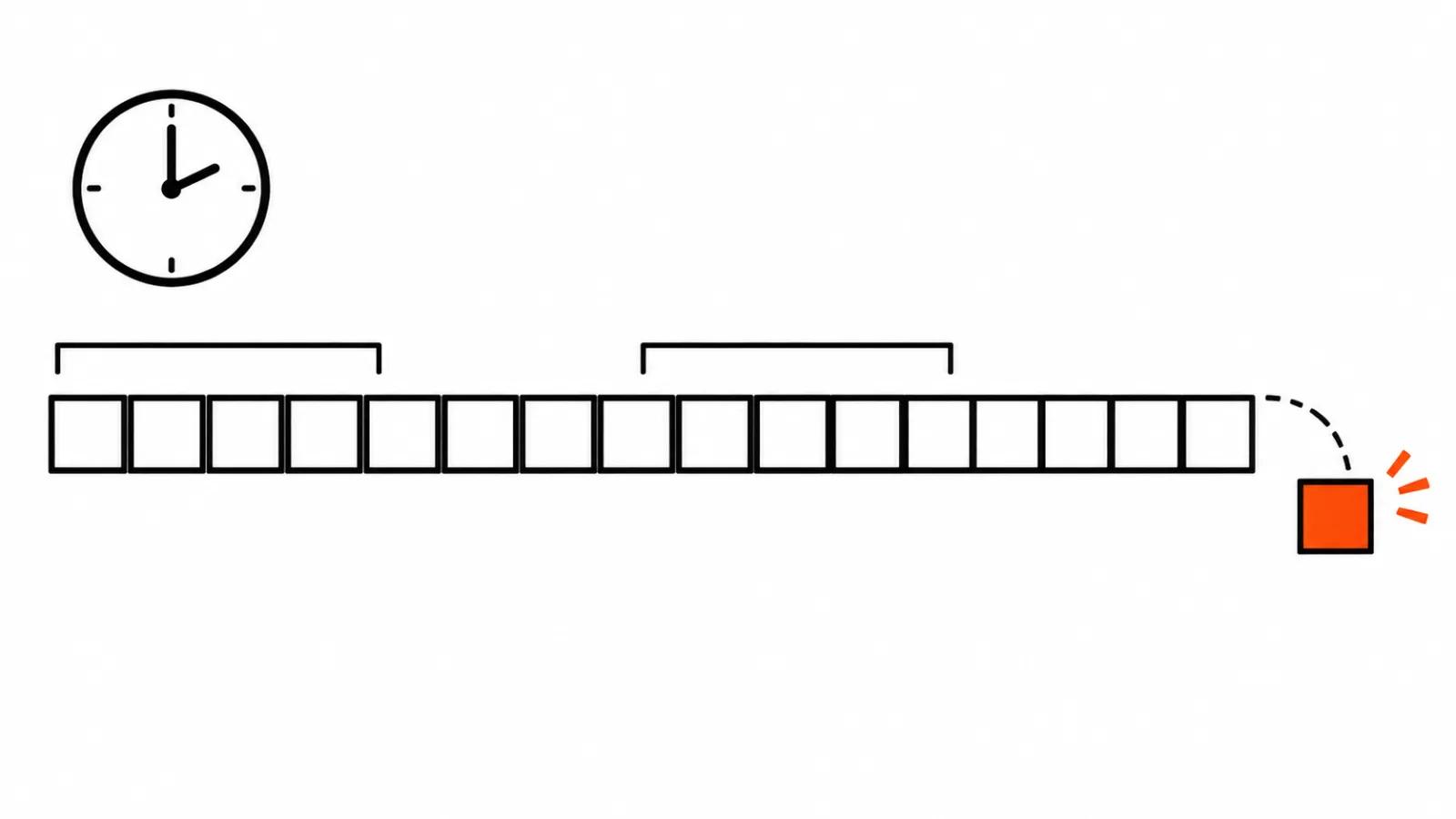
The reverse job: the material is shot and something inside it has to change. Background, light, an object, a passer-by to erase. That is the video-to-video path, and Runway has Aleph 2.0 for it, documented in the official guide to creating with Edit Studio. Edits run in stretches from 2 to 30 seconds, input from 480p to 1080p, 24 to 30 frames per second, with no more than 10 cuts or shot changes.
Those limits define the prep work. Anything longer than 30 seconds gets trimmed and anything above 30 frames per second gets thinned out, both before generation. A person cuts the clip and picks the ten shot changes, then the model receives a tidy piece.
The middle ground: references and key frames
Between an image and a prompt there is a third entrance that many people skip. A reference is a picture or a clip the model borrows the look of an object, a style or a movement from, with no tie to the opening frame. The difference from i2v is simple: a start frame defines how the clip begins, a reference defines what has to appear inside it.
Kling 4.0, per the official User Guide, takes up to 15 references per job: up to 10 images, 5 videos totalling 30 seconds, 7 elements and 3 video elements. The same guide lists first and last frame control, up to 10 key frames, 3 to 30 seconds per generation, 720p, 1080p and 4K, aspect ratios of 21:9, 16:9, 1:1 and 9:16, and prompts up to 8 000 tokens.
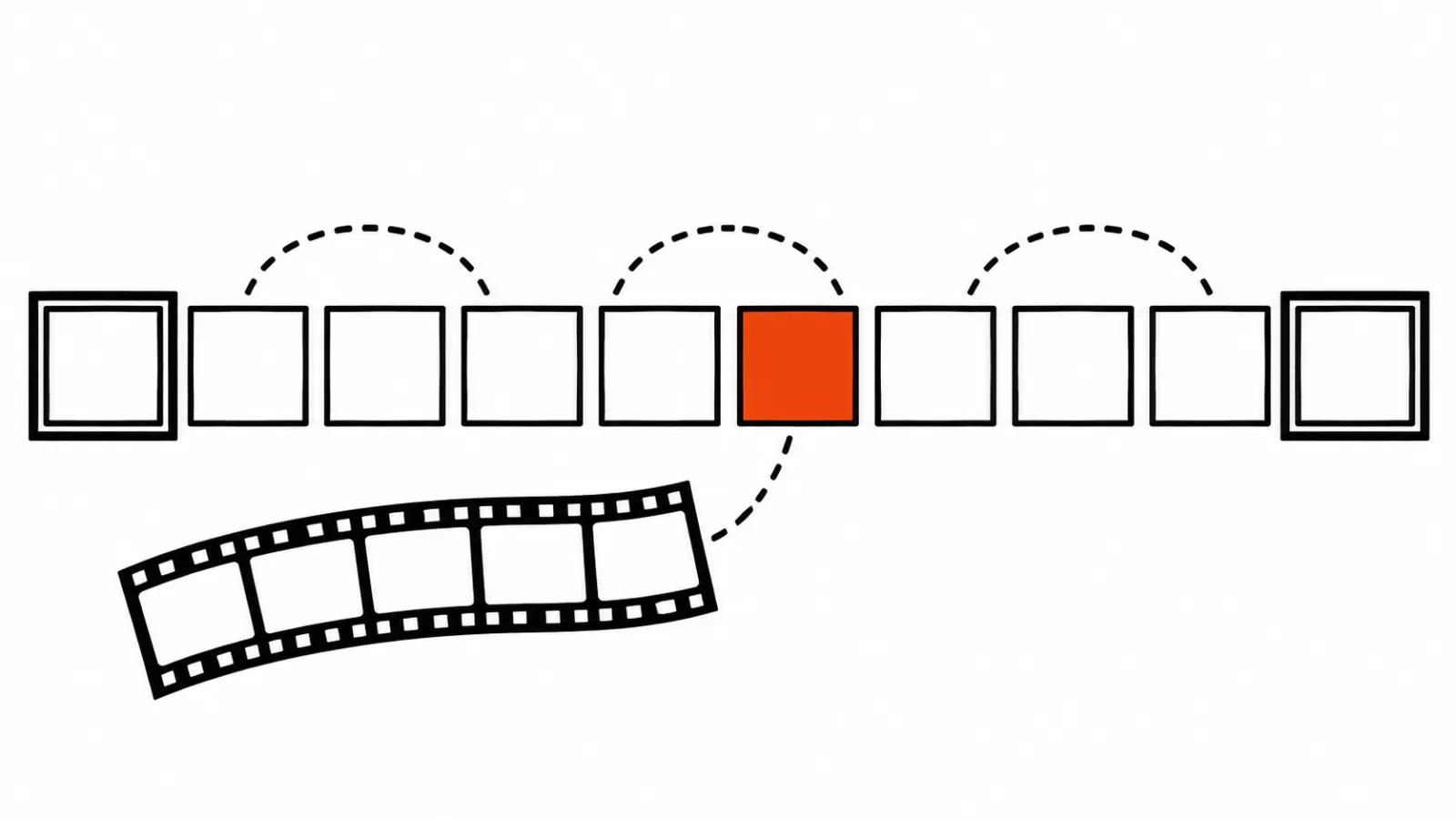
Key frames answer the most common client request: a long action with checkpoints. Someone opens a door, turns, sets a box down. Each checkpoint is a frame and the model fills the movement between them. A first and a last frame solve the same task for less, when there are only two checkpoints.
Gemini Omni 1.2 Flash from the Google Cloud docs, released 5 November 2026, covers the whole territory: video with sound up to 15 seconds, 360p, 720p, 1080p and 4K, text to video, image to video, reference guided generation, first and last frame, video editing from an input of up to 15 seconds, extension by 3 to 10 seconds onto up to 30 seconds of input, and upscaling, with up to 10 images and 3 videos per request, in 16:9 and 9:16. Once one tool covers every mode, the choice moves from the service to the input.
Draft on a fast model, finish on the full one
A separate saving sits in two passes. The Higgsfield changelog from 12 November 2026 lists Seedance 2.5 Flash: quick previews at 480p and 720p with sound, Omni reference and first and last frame support like the full model. The same prompt and the same references carry over into Seedance 2.5 for a 1080p or 4K finish.
The loop looks like this. Motion, composition, camera and light get checked on the preview, takes get compared, the doubtful one is dropped, and only the approved version renders at full resolution. Previews with sound matter on their own, because the rhythm of a clip does not read without a soundtrack.
The order: which model to use for AI video production
My order runs from the input to the tool.
A specific product, a face or a brand frame: start from an image or references. i2v in Runway Gen-4 or Omni Reference in Kling 4.0 hold the object while the prompt deals with motion.
Footage exists and the background, light or object has to change: v2v, Runway Aleph 2.0, with the clip cut to 30 seconds and ten shot changes.
You need an idea and a mood: text, t2v, plenty of takes on a fast model. LTX-2.5 is handy here thanks to the open weights.
A long action with checkpoints: key frames in Kling 4.0, or a first and last frame in Gemini Omni 1.2 Flash when you also need sound and 9:16.
Then comes format. Vertical video ads live in 9:16, and that filters out some models and settings before a single frame renders.
My take
The mode is the cheapest lever you have over the result. The same prompt through i2v and t2v returns two different clips, and the gap sits in what stays under control: the object, the idea, or the motion and light of the original footage.
I would not pick a model from demo reels in a feed. It pays better to take your worst frame, run it through two modes on preview settings, and watch where the face, the label text and the hands fall apart. That test usually settles the question.
If you order AI video production, ask for the same order: the mode first, then the model and the resolution. When the job is a stream of versions for social feeds, it is worth seeing how vertical video ads work as a series.