What Vidu announced on 11 November
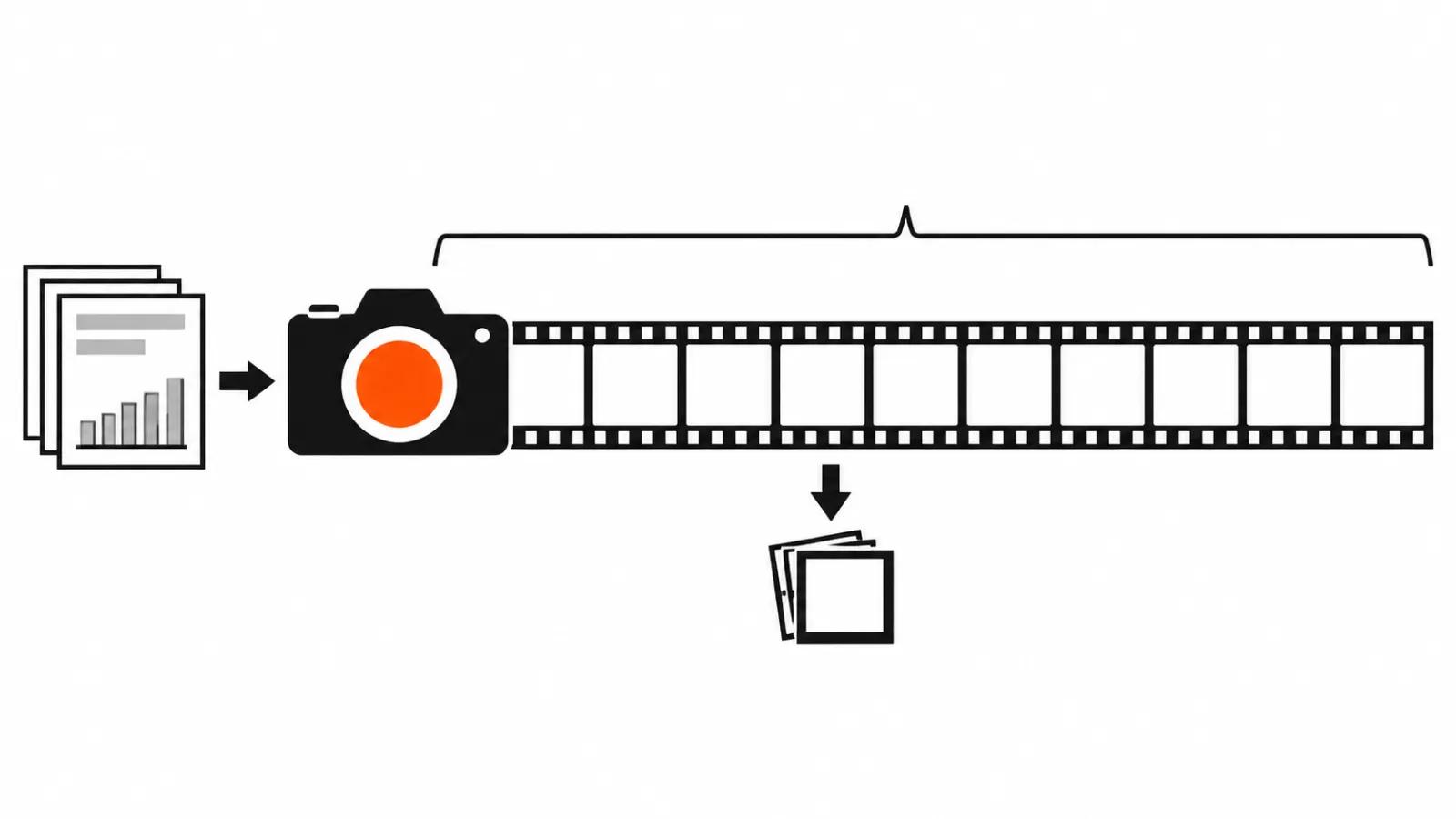
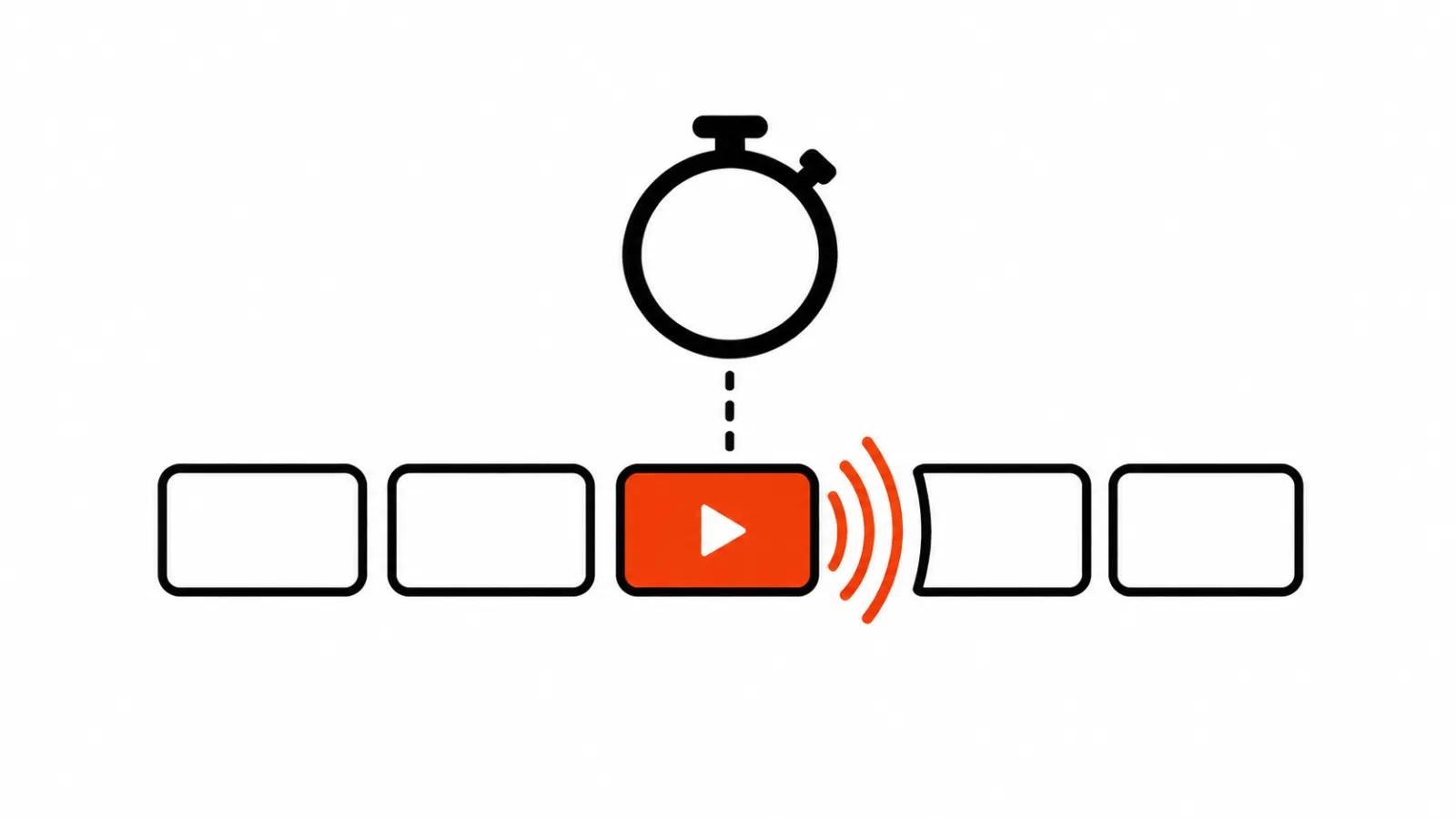
On 11 November 2026 Vidu showed the Q4 Preview model on X. The post makes three promises: faster generation, better prompt understanding, a tidier picture. There is no acceleration figure in it and no test method, which is the first thing I checked.
A day later, 12 November, the company posted separately about an updated recaptioning step for Q4 Preview. It is pitched as a way to cut the number of clips that ignore the prompt. You can try the model on the Vidu platform or through the Q4 API.
One thing worth holding on to: the announcement and the documentation live in different genres. The post is marketing, the docs are parameters.
What Vidu AI promises: three lines without numbers
The word Preview in the name says enough: this is a preliminary build. For anyone ordering clips, three things matter: how long you wait, how closely the model follows the brief, and what the picture looks like on delivery. Vidu AI promises gains on all three, and only the third one is testable today on your own footage.
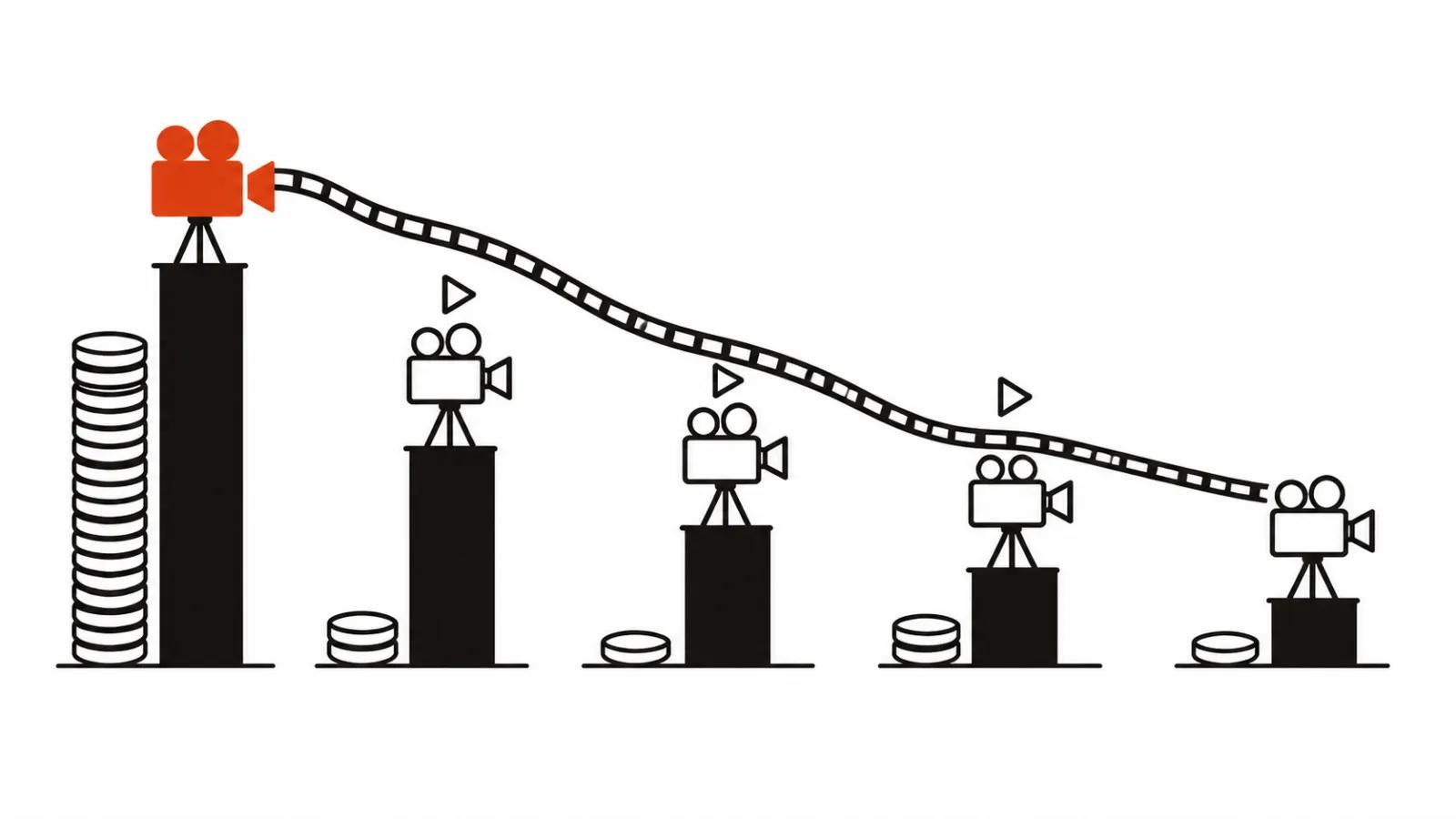
Why I am careful with the word faster. In generation, time to a finished file depends on server queue, clip length and resolution. A twenty percent gain inside the model disappears easily in a queue, and the user stares at the same minutes of waiting. A speed claim without a measurement is a pitch. The second issue is prompt understanding: it needs a test on ten scenes where the wording used to need rewriting.
Recaptioning in plain words
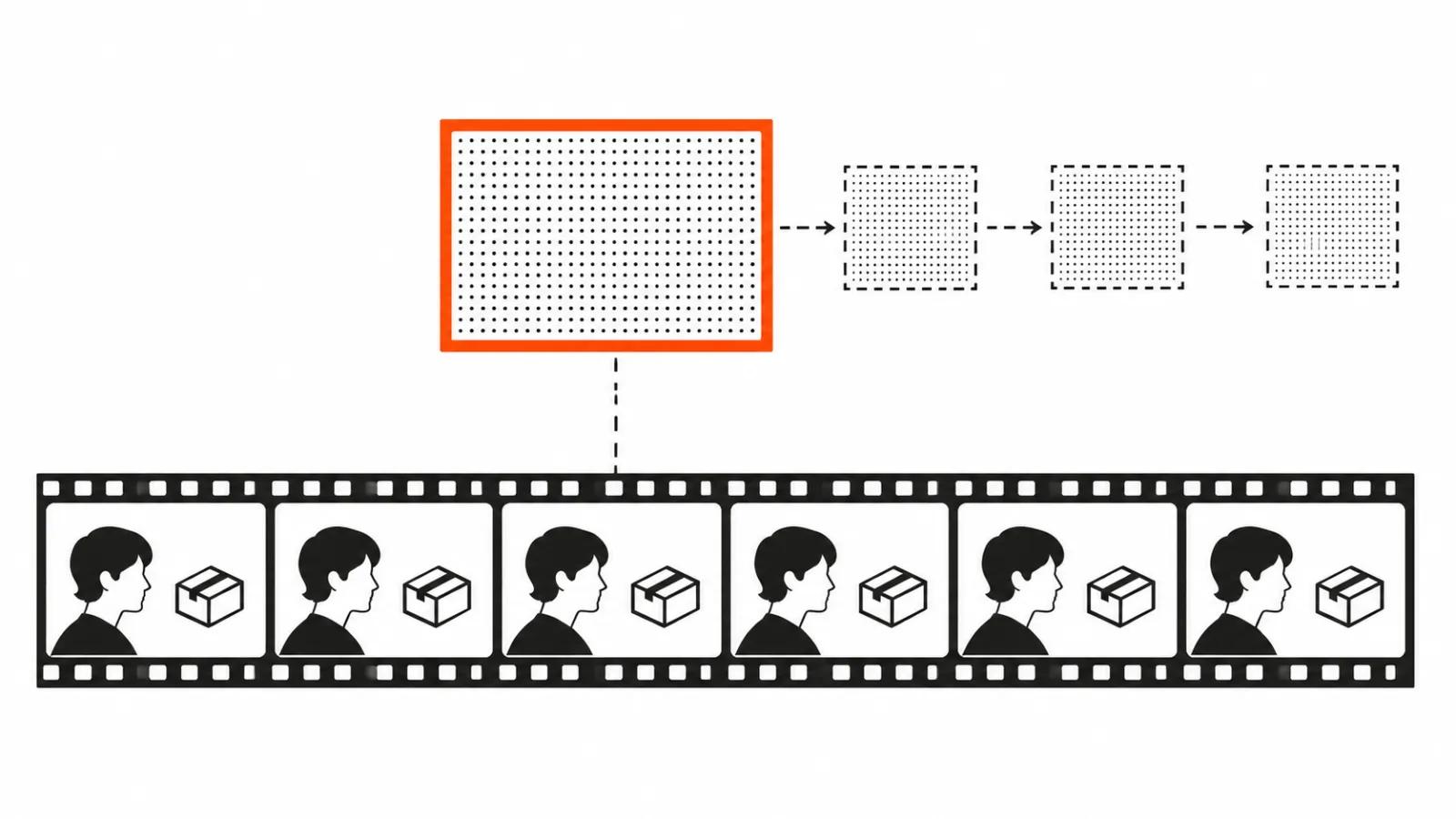
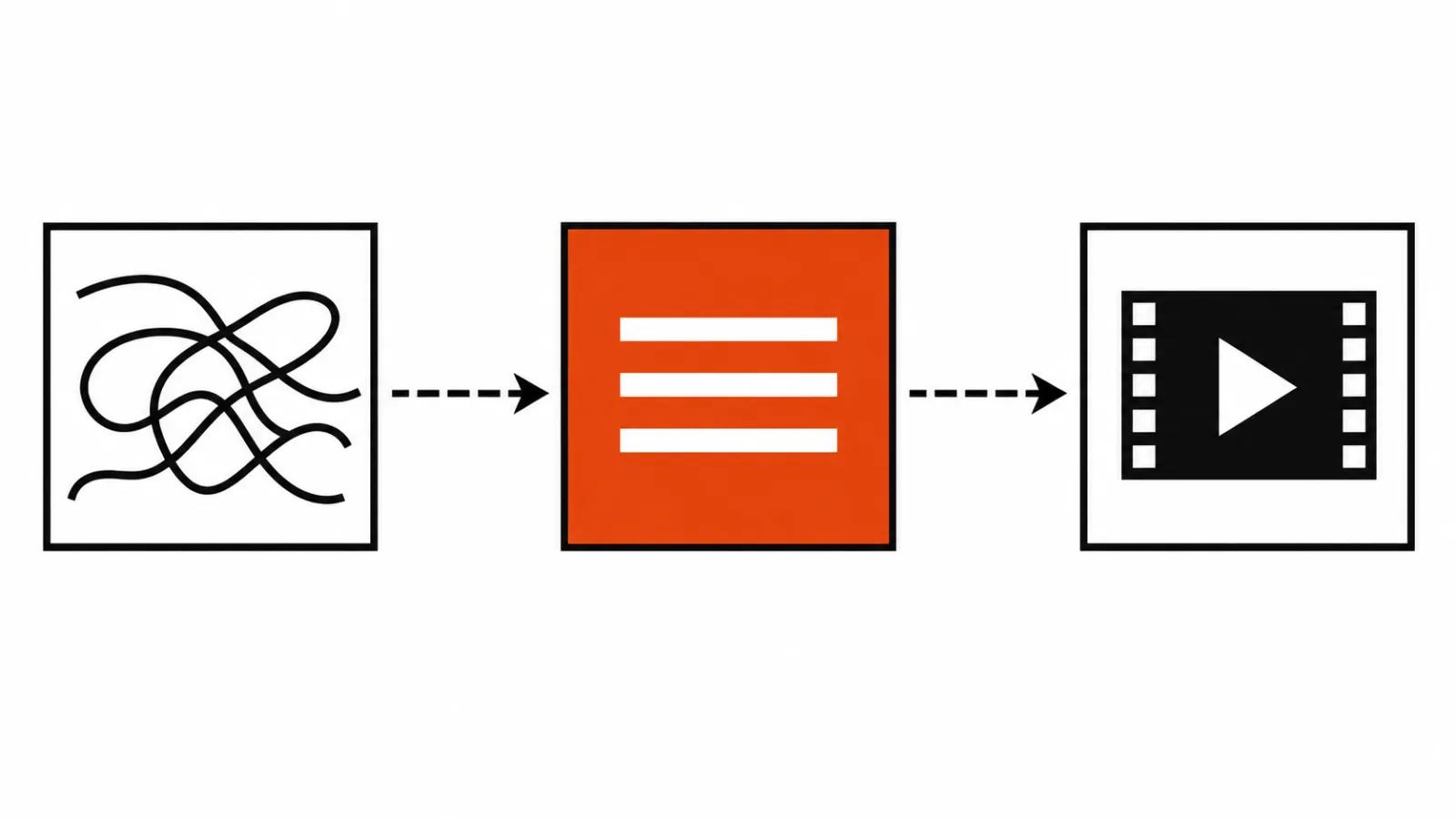
Recaptioning is a step before generation where the model rewrites or tightens the description of the request. In plain words: you write "a woman walks down the street at dusk", the network first turns that into a phrasing it reads better, and only then starts drawing.
Why bother. Broken AI video rarely starts with a bad idea. It starts with wording the model read its own way: an extra character, the wrong angle, a camera that drifted off. If the rewrite removes part of those misses, the saving lands on regenerations, which is the most expensive part of the job in hours.
The details Vidu does not give: how that description is built, what the user sees, whether it can be edited. The post stays quiet, and I will not invent the missing part.
The API docs: 3 to 16 seconds, 540p to 4K, sound
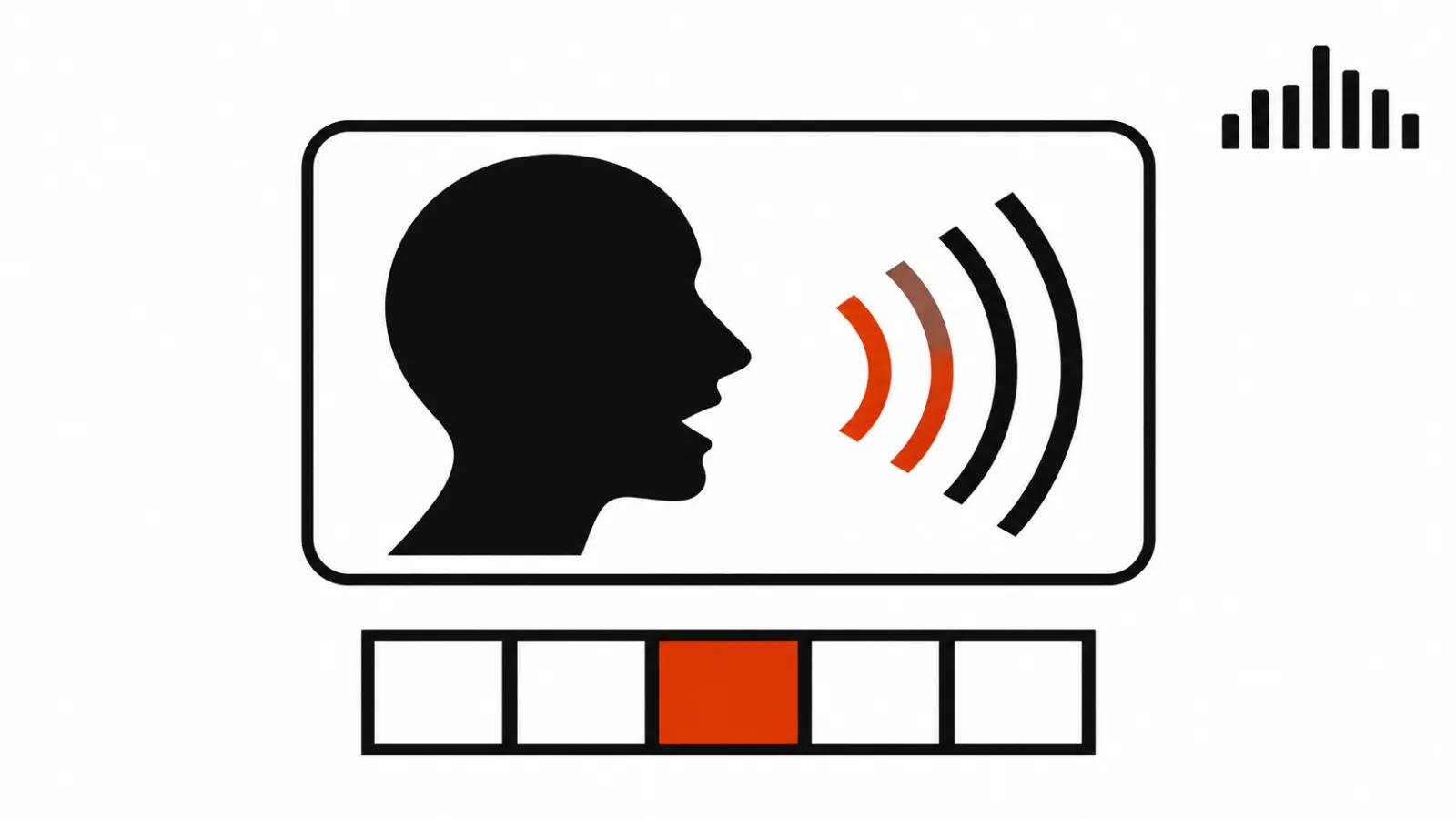
This is where the specifics start, and they are more useful than the announcement. The platform.vidu.com documentation for image-to-video in Q4 Preview lists a duration of 3 to 16 seconds, a resolution range of 540p to 4K, and an option to generate the clip with sound in the same pass. Per the docs, sound is on by default and can produce dialogue and sound effects.
What that means in practice. A 3 to 16 second range covers a vertical clip in one go: one call, one scene, no stitching from pieces. For a beat with action, 16 seconds is generous, most scenes run shorter.
The 540p to 4K range looks generous too, though the top end deserves a look on real footage. The docs describe call parameters, they do not describe the picture: fine detail, lettering in frame and faces behave differently at 4K than at 540p.
Sound on by default is its own story. It saves a dubbing step, since the clip arrives with dialogue or room noise. It also means someone has to listen and fix, and on serial work that audio check adds hours. Handy for drafts, and a final cut still needs a person with ears.
How to measure the speed yourself
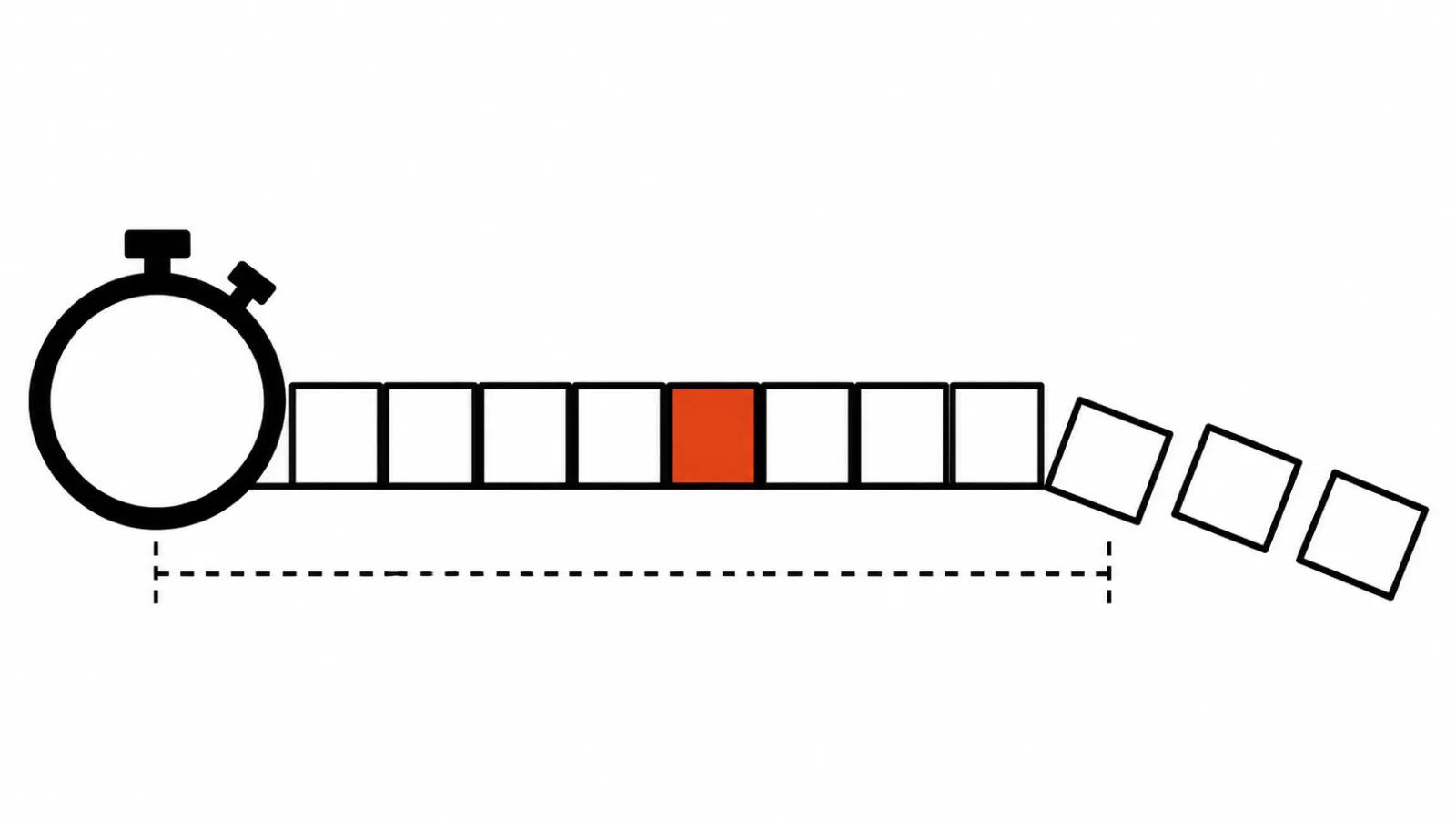
A speed claim is settled by practice, and this practice is cheap. My order looks like this.
One prompt, one input frame, three runs to smooth out queue spikes.
Stopwatch from sending the request to a finished file, with preview frames ignored. A finished file is what the schedule pays for.
Failure rate: out of ten clips, count the ones that missed the brief. That number beats seconds, because every regeneration puts you back in the queue.
One comparison on the same footage: the same prompt on the older Vidu model and on Q4 Preview. The gap in time and in failure rate is the answer to the speed question.
Run the test twice, midday and late evening. Load on the service moves, and one lucky hour proves nothing.
The 20 to 30 November promo: what a test costs
From 20 to 30 November 2026 Vidu offers up to 45% off credit packs. New users who have never paid can take one pack for $9.90 or $19.90, once.
Discounts do not stack, so the idea of 45% on top of a starter pack does not work. Second caveat: Vidu did not spell out country availability, and that is worth settling before payment, since the promo runs ten days.
How many clips a pack holds is not in the post. For a series quote that means the number comes from your own test, and promising a per-clip price to a client before that test is a gamble.
Where this fits paid video work
AI video ads gain the most from this mode: 16 seconds with sound is one call, one scene, dialogue or noise already inside the file. Inside AI video production it shortens the draft pass, because the sound track no longer needs a separate build.
The second case is short beats inside a series: product, reaction, one line. A 3 to 16 second window fits the usual cut pattern, and the open question is how many of those beats survive without a rerun.
Hand work does not disappear. Where the frame needs a real person and a real reaction on set, handcrafted videos from $190 remain the option.
One note on our earlier Vidu piece: we covered the live character video in S2 Avatar Reactor, where a hero talks from a single photo. Q4 Preview is about picture and sound in one call, so the two pieces do not compete.
My take
My position is simple. Vidu Q4 Preview is a fair working candidate with concrete docs and one unverified promise. 3 to 16 seconds, 540p to 4K, sound by default are things you can plan around. Faster is a thing you measure.
What I would do as a studio. Take the 20 to 30 November promo, buy the smallest pack, run ten clips on one prompt, and write down two numbers: time to a finished file and the number of failures. Then the money decision: a failure rate under a third puts the model into a regular pipeline, anything higher keeps it for drafts.
One last point. Preview in the name is an honest label: the model can change before release, and so can the docs. Anyone building a series on it keeps a second model on standby in case the parameters move.