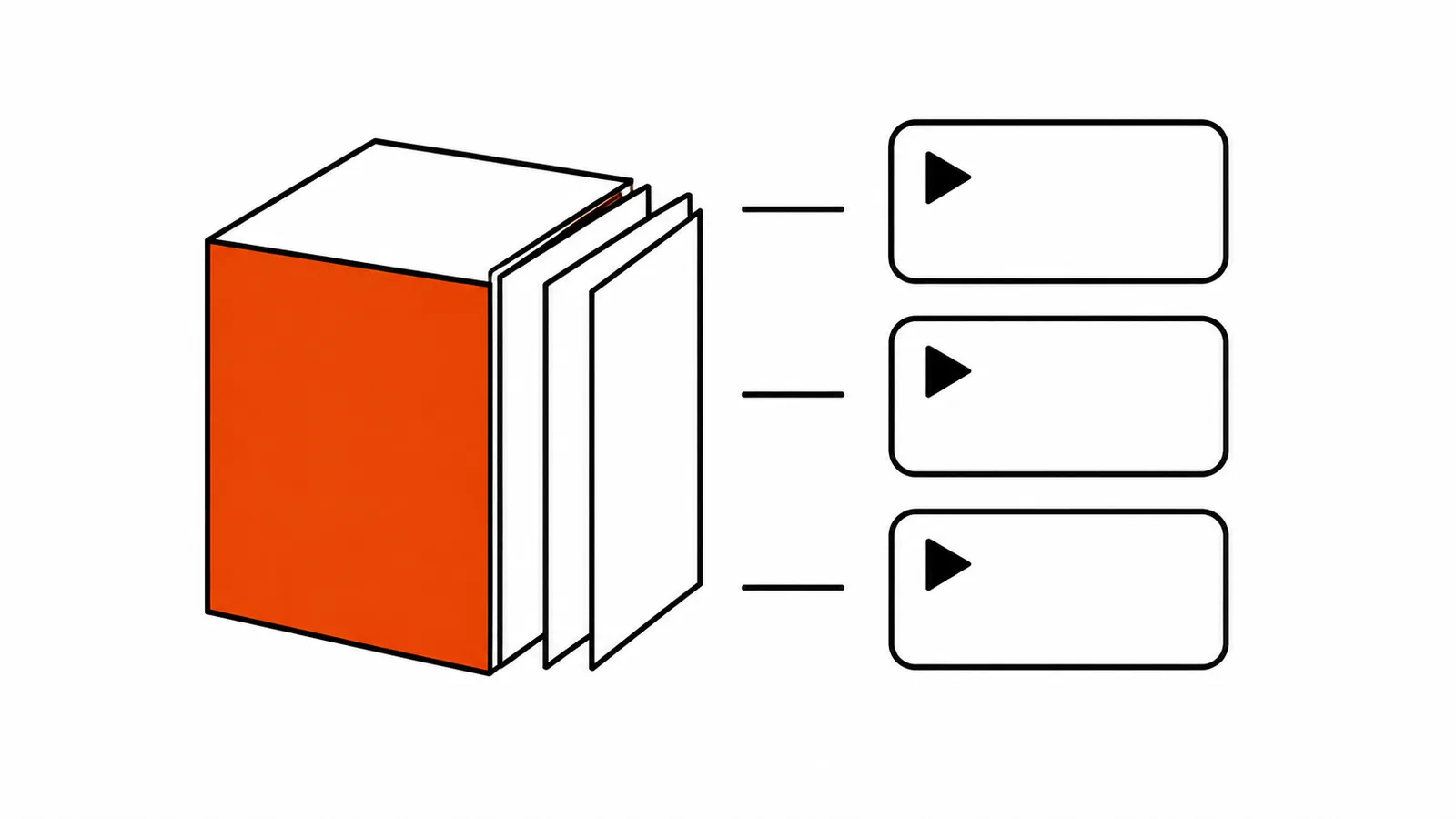
What Custom Builds packs up
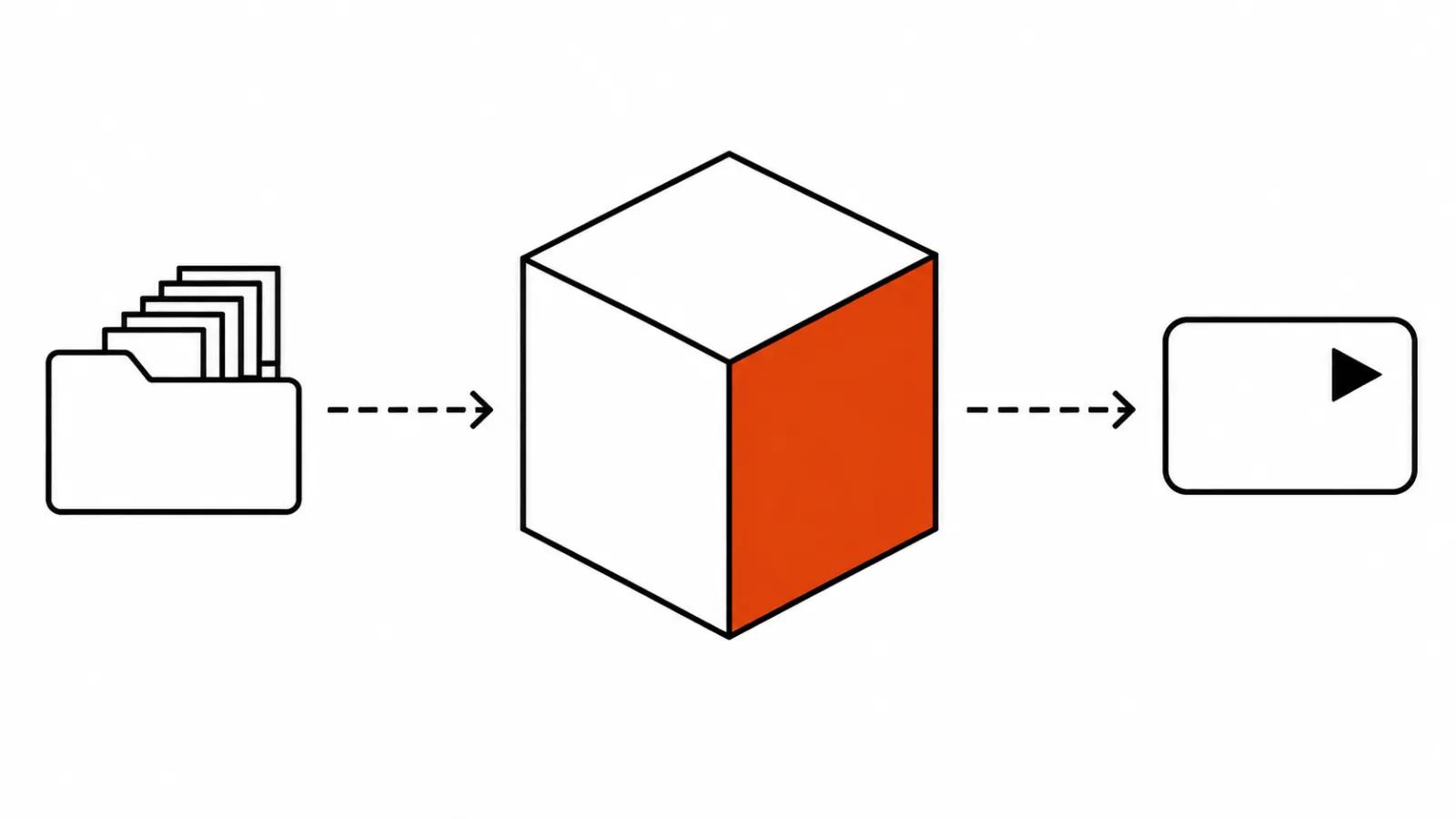
VP Land describes the change, citing Comfy's own post. Custom Builds puts a team's custom nodes, models, LoRA and private node packs into one build, and an artist opens it in a browser. Nothing has to be installed on that artist's machine.
The contents are listed plainly. Custom nodes come from Comfy Registry or GitHub, and on top of them sit private and internal packs, model weights, LoRA and Python dependencies. The order matches what you would do by hand, except the result is fixed once for everybody instead of once per laptop.
The real difference is where the environment lives. Normally it lives on one person's machine, and only that person knows what state it is in. Here it becomes a shared artifact: whatever was checked on the canvas is what everyone else gets. For a team of several artists what changes is the number of ways things can drift apart, while the speed of generation stays the same.
ComfyUI video generation: the friction before a shared build
The line you hear most often in such teams is "mine won't start". That is about starting, while ComfyUI video generation is usually already set up: the workflow is built, the nodes are there, and the person simply cannot open the canvas. The causes tend to be mundane, and both sides have usually been through them already. One artist runs a newer node version, another carries a dependency set left over from a previous update, and installations that look identical behave differently.
Updates add their own share. When every artist has their own node set, a release hits those environments in different ways, and afterwards one person is left with a dead canvas until they get a colleague on a call. The release itself has its own piece, and compatibility stays an open question there. The same pattern showed up in local video generation through Diffusers, where the library sets the dependency chain.
A shared build fixes that friction and moves the dependency somewhere else. Responsibility for "it starts" passes to the cloud provider and its plan. Nobody fixes a local Python install any more, and everyone watches the limits more closely.
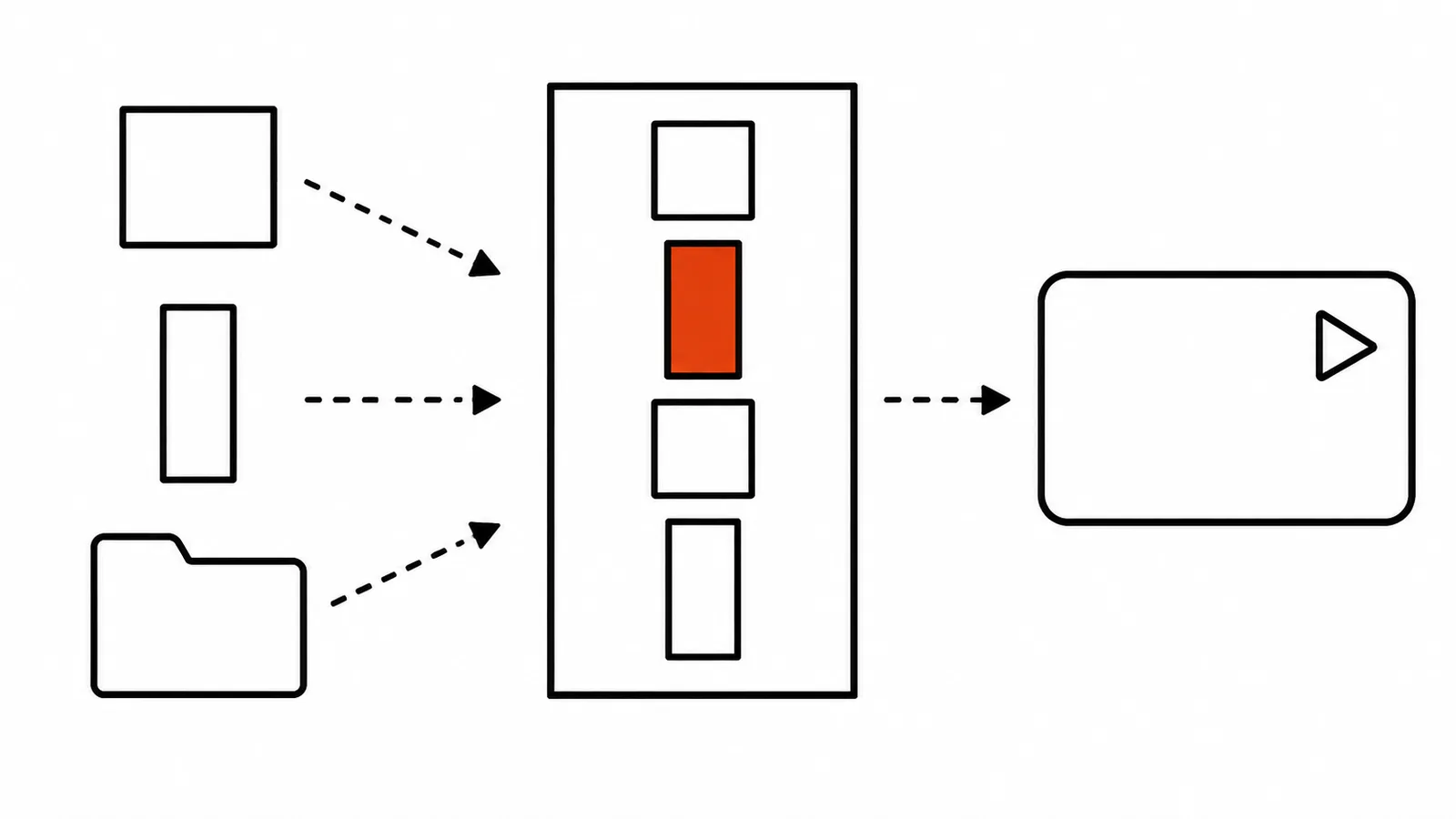
Updates land across the team at once
The practical effect is described in one line. Add a LoRA to the build, push the update, and the whole team is on the same environment. A new artist works on day one: give them access, and they open the build in a browser alongside everyone else.
The second effect is quieter. The build becomes the place where the agreement about versions lives. While each artist owns their environment, that agreement rests on words and a checklist someone forgets to update. With one environment, the argument about whose node version is correct ends immediately, because the set of versions sits in one place.
For a stream of similar jobs, that is a win on the calendar. Every call about "mine won't start" eats team time, and in a release schedule those hours show up more clearly than any saving on hardware.
Picking the GPU per deployment, and the concurrency cap
Hardware is chosen per deployment. The range starts at an RTX PRO 6000 with 48 or 96 GB of memory and goes up to H100, H200 and B200 at 180 GB. The practical point of that ladder is that a test can run on the smaller card and the final pass on the bigger one, with the same canvas and the same node set.
Concurrency is set by plan. Standard and Creator allow up to 2 simultaneous jobs, Pro allows 10, Team allows 20. After jobs finish, capacity scales back down. That detail matters for a team on a deadline: a busy week runs into the plan and the length of the queue, while raw GPU capacity is still free.
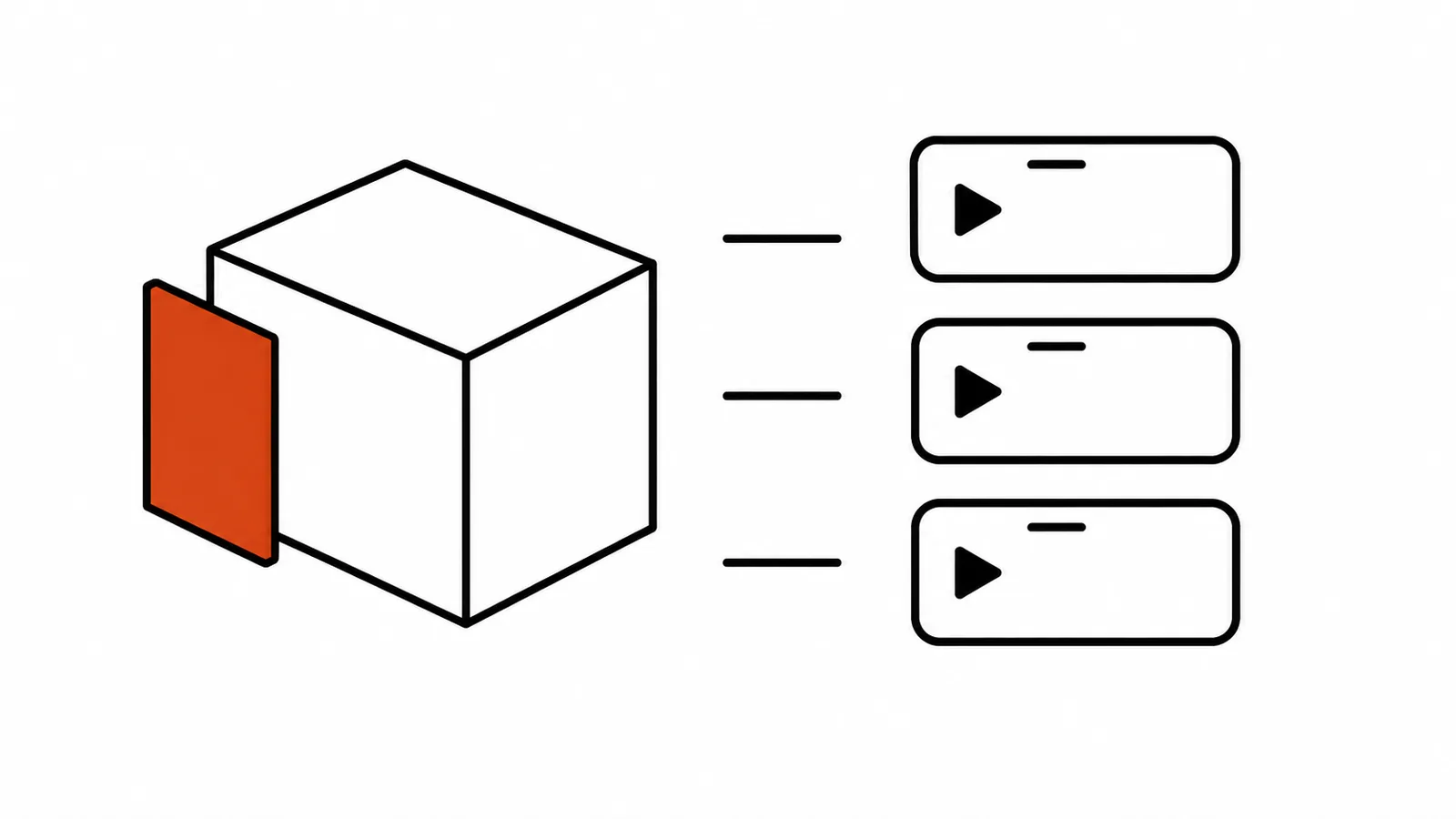
The build is callable over an API
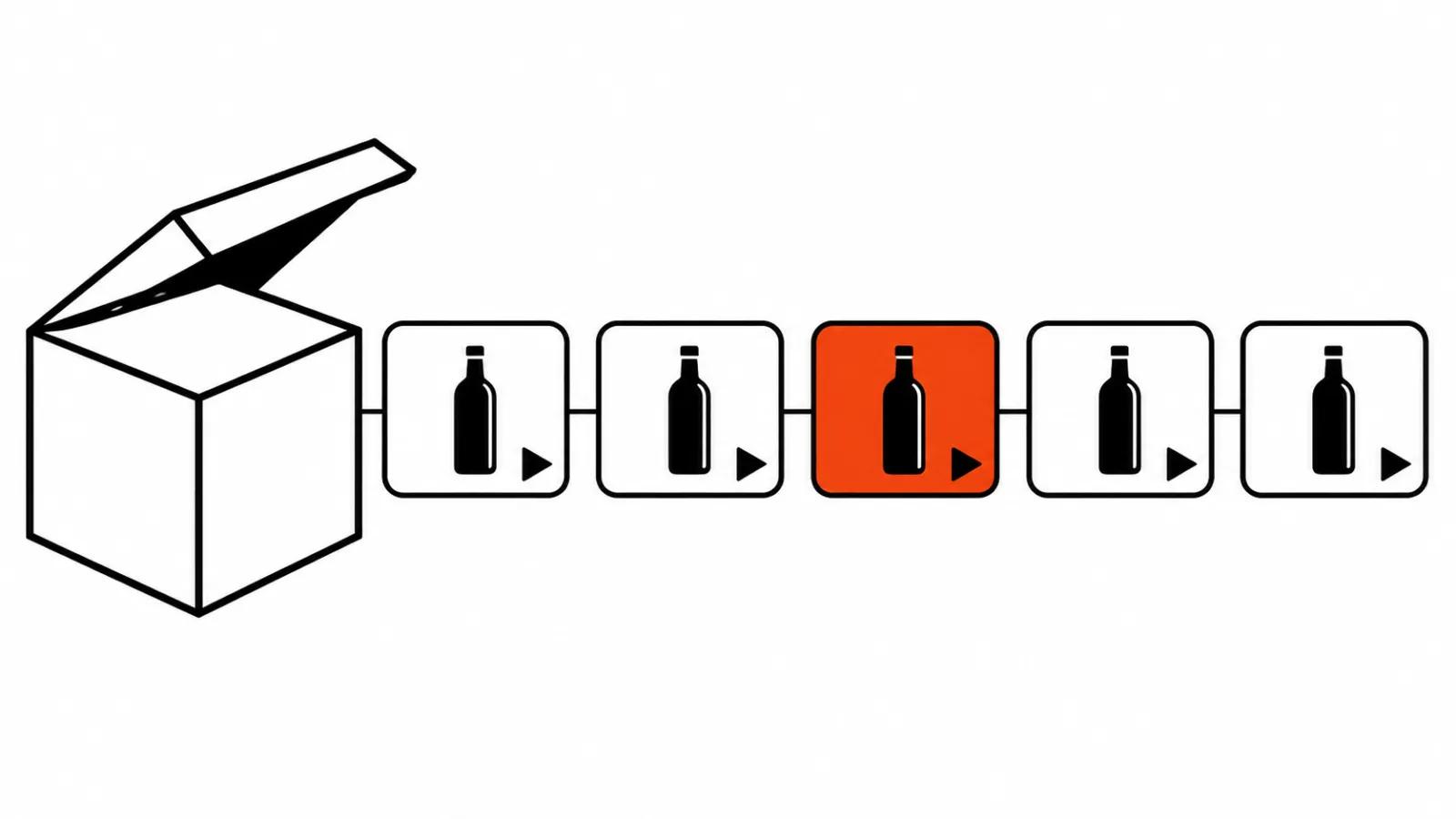
Developers call the same build through an API. A pipeline can run the same workflows the artists assemble on the canvas, and the node versions match the ones that were checked by hand.
That removes a common seam. Previously node versions on a build machine and on a server had to be reconciled, and the mismatch only surfaced in the output. Here both sides read the same set.
Where the cloud build loses
The other side is honest too. A cloud build puts the work at the mercy of someone else's plan, someone else's limit and someone else's uptime. Run out of concurrent jobs in the middle of a release, and part of the queue simply waits.
The second question is quieter and matters more for some projects: where the files sit. The build lives on the provider's side, together with models, LoRA and intermediate output. A project with strict rules about where footage may live has to settle that point before kickoff. Material that contractually cannot leave a client's perimeter is a separate conversation.
A third question is about versions. The build pins a node and weight set on the provider's side, which is good right up to the day you need to roll back to the previous set. At that point what matters is whether several builds can coexist, and that is worth checking before the process is running.
What it changes for a buyer
For high-volume vertical output, a shared cloud environment saves team hours, and that is the only place where the saving turns into money. That work is priced by views: AI video production runs up to $2.40 per 1000 views, where engineering hours spent wiring an environment barely move the total. AI video ads read differently: a campaign is built for one specific job, and predictable access to the final render matters more there than a long model list.
A channel on a release schedule is a separate case. Running a YouTube channel from $200 per month needs a steady rhythm, and a concurrency cap turns into a slipped date inside that rhythm. Where the calendar is fixed, a cloud environment helps exactly as long as the busy week fits the plan.
My read on setups like this is short. A local install stays the right call when footage cannot leave the building or when a specific weight set has to run on a specific card. Everywhere else, one build per team is cheaper in time: access is handed over right away, and a new artist works on day one. Anyone training a LoRA for their own style gets the same benefit, though the training run itself is a separate track, covered in the piece on training a LoRA inside ComfyUI.