What "12 GB is enough" means and how the offload works
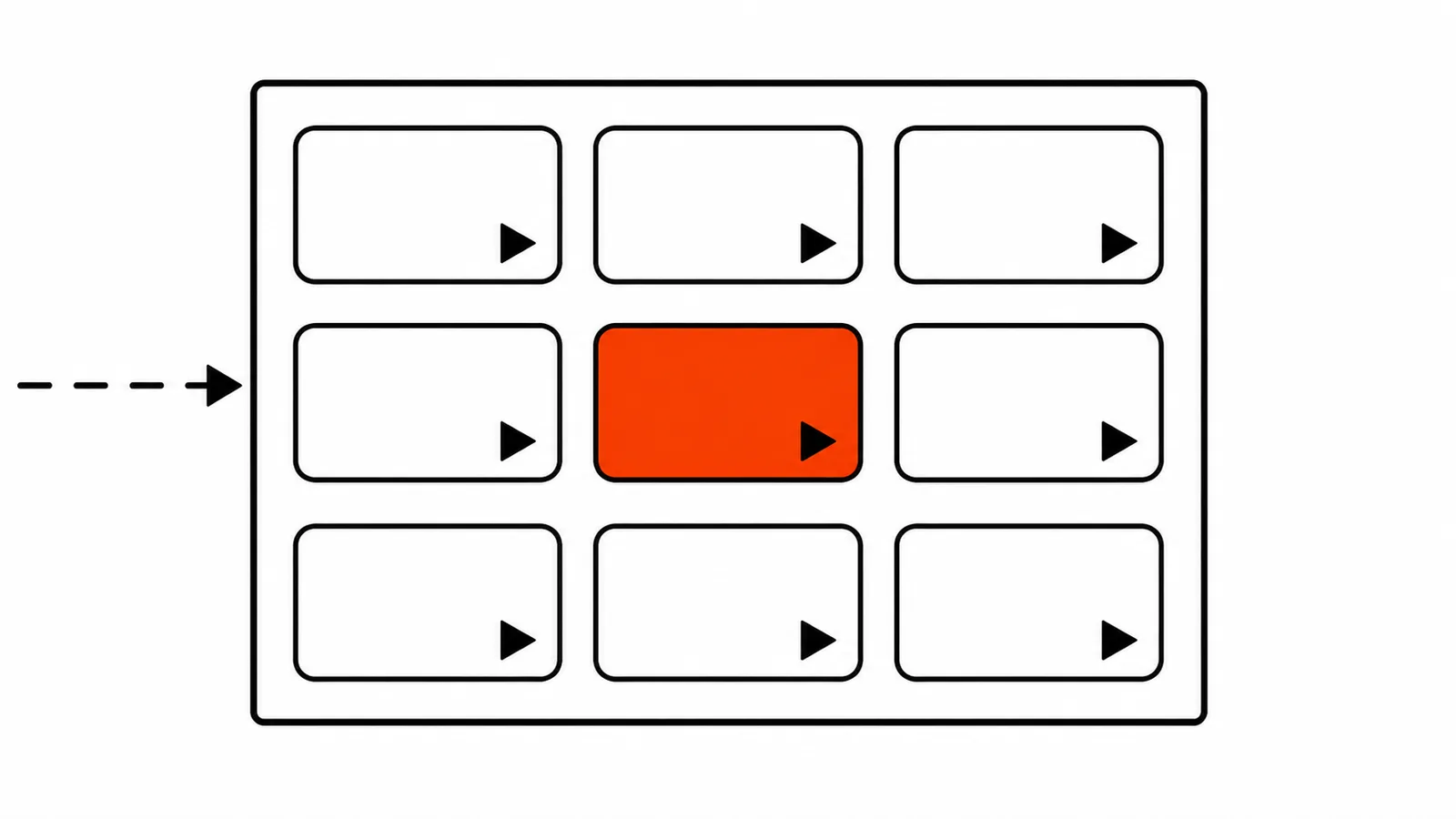
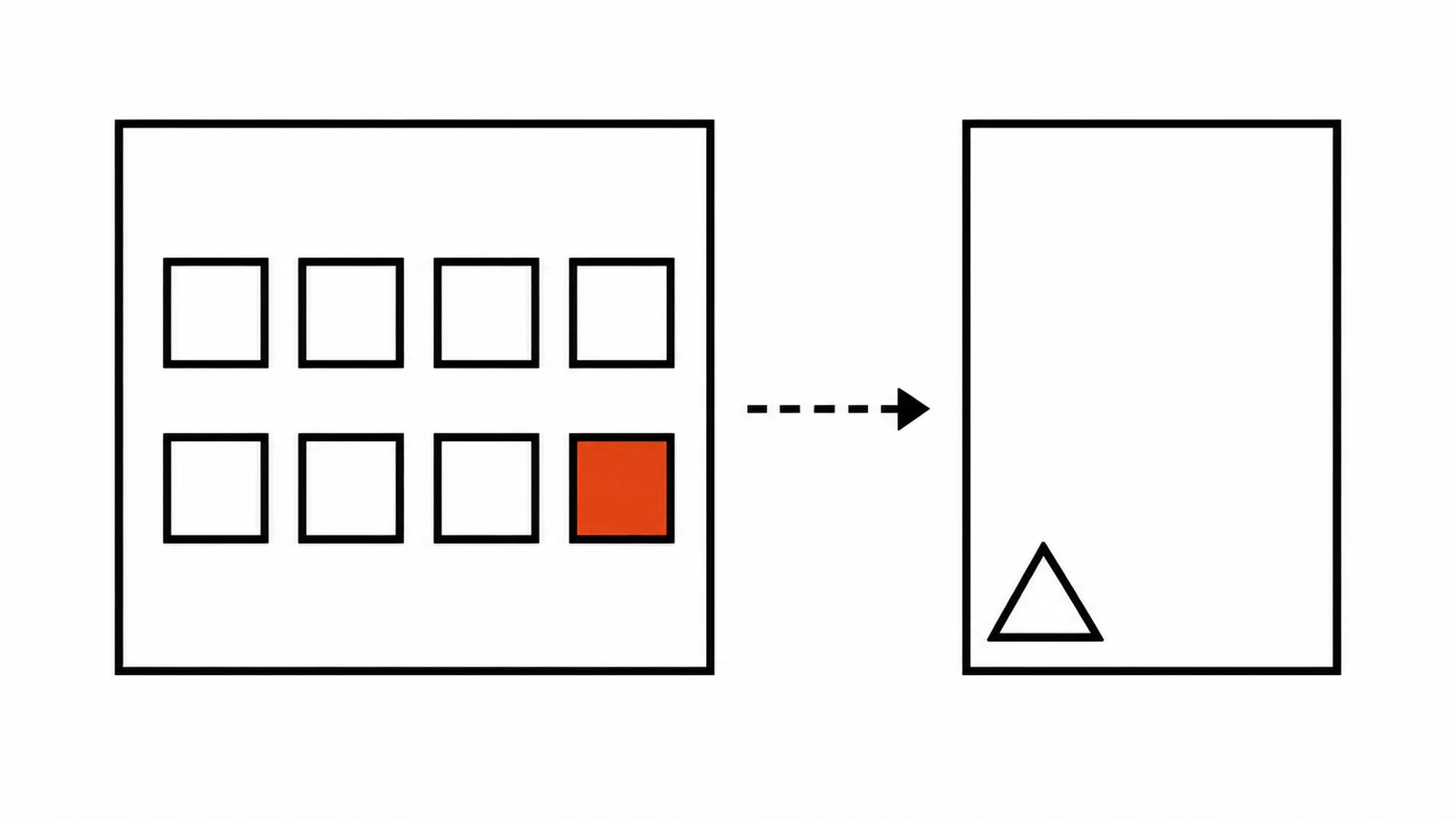
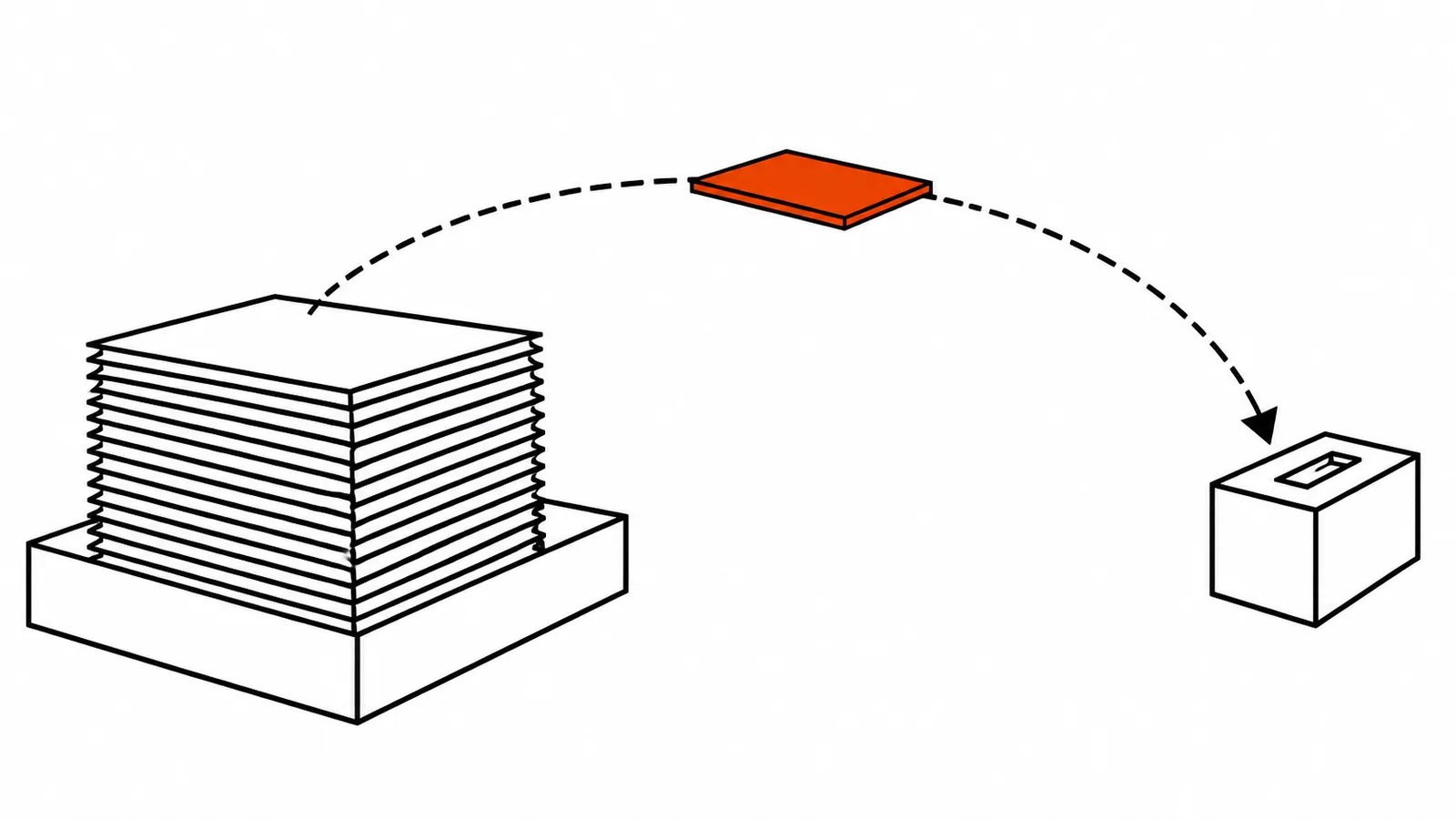
The post walks through the mechanism step by step. Weights that are not needed at the moment sit in RAM as BF16 or as FP8 from the checkpoint. When their turn comes, the next transformer block moves to the GPU, every matrix multiply and attention pass runs on CUDA, and a separate adapter handles memory for denoising, the VAE and the safety check.
That arrangement carries two costs, and neither one is VRAM. The first is system memory: whatever does not fit on the card lives in RAM. The second is PCIe traffic: blocks travel between memory and card constantly, and part of the runtime goes into that transfer.
Two promises are absent and worth naming up front. There is no interactive latency. There is no streaming of weights from disk during a run either, so everything needed has to be in memory before the start. Expect a batch render: start it, wait, then look.
The intended use matters too. Cosmos 3 Nano is described as a world foundation model that generates video from text, images and other inputs for physical AI development. That means checking motion and behaviour in a simulation. Ad work sits outside that scope.
How much VRAM AI video needs: reading the benchmark
The post measures four cards: GeForce RTX 5070, 5080, 4090 and 5090. The published number for the RTX 5070 is text-to-video at 720p taking 2,624.9 seconds, with a peak of 9.94 GiB in BF16.
Two figures in that line matter. A 9.94 GiB peak means the model fits inside 12 GB with roughly two gigabytes to spare. The 2,624.9 seconds comes to a little under 44 minutes for one clip, and that figure is what the test produced: another card, another resolution or another parameter set will move it.
The third figure hides in the test bench description, and it matters more than the first two. Those machines carried about 128 GB of system memory, and NVIDIA states plainly that this is not a measured minimum. So "12 GB is enough" describes VRAM, while the RAM question stays open: 128 GB is what the run used, and the post names no floor.
There is also an FP8 checkpoint at mixed precision. Its memory peak is lower, while attention stays in BF16.
Why 44 minutes per clip is a reasonable result
At first glance the number looks like a failure: over forty minutes for a clip that a cloud service returns far faster. The difference is who does the computing. In the cloud a rack full of cards and its queue do the work, and the bill runs on generation seconds. On a local machine one card works through block after block, and a serious share of the time goes into PCIe traffic.
The second explanation sits in the sample parameters. The post runs 189 frames at 720p (1280 by 720), 24 frames per second, 35 inference steps and guidance 6.0. Every inference step is another full pass through the same arrangement: block on the card, transfer to memory, next block. Thirty-five steps add up to that runtime.
For a draft that is acceptable. Several motion variants come out in one shift, and picking between them is realistic. For a hundred clips a day the arrangement does not work, and that is better known before buying a card.
Choosing a resolution for 12 GB
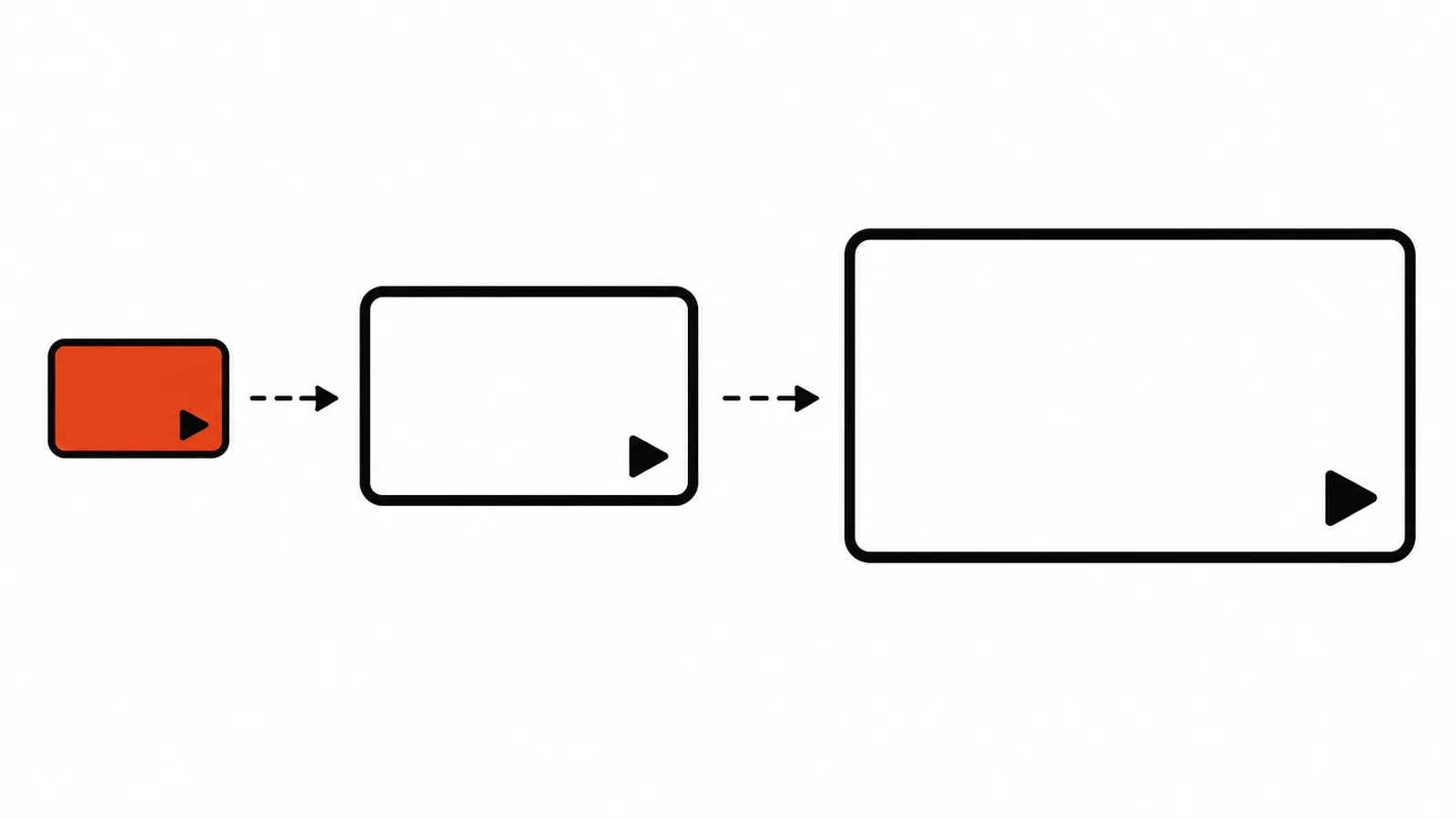
The advice in the post is short: for fast iteration on 12 GB the authors suggest dropping the frame to 848 by 480 or 432 by 240. The reasoning is that 720p stays for the final, while composition and motion direction get checked at a small size where transfer costs less.
The working order looks like this. A 432 by 240 pass shows composition and motion direction. 848 by 480 refines detail and light. 720p goes to the final render. Each step up in resolution costs time, so the number of steps is worth fixing in advance.
The card itself is a separate question. Cosmos 3 Nano states its memory requirement as a number, which takes one unknown out of the choice, and the 2026 guide to GPUs for AI video shows how far card classes differ on memory and bandwidth.
Local rendering against a cloud API
In the cloud you pay per second, get a finished clip and never think about hardware. Locally you pay for the card, the memory and the power, you spend your own time, and access does not depend on quotas or queues.
The entry cost is spelled out step by step. Start with the system: Linux, Python 3.12 and a PyTorch build compiled with CUDA for the exact card. Then Cosmos-Framework gets cloned, a separate diffusers-cpu-offloading package gets installed, and the model repository is passed as the string nvidia/Cosmos3-Nano. Without a revision argument the BF16 branch loads by default, and the safety check is on by default.
Offloading runs in the same direction as the Diffusers library: a piece on local video generation with Diffusers explains the general mechanism. Cosmos 3 Nano is interesting for its specific 12 GB threshold and an honest timing number. A similar open video model gets its own write-up, and so does Cosmos 3 H and simulators.
When keeping a model in house pays off
Three cases give a studio control over the material.
First, the footage cannot leave the building. An unreleased product, a client layout, an ad idea before its premiere are all sensitive, and a local run removes the question of where the file went.
Second, the volume is high and every cloud run is billed. An owned card cuts variable costs and adds fixed ones: hardware, power, a specialist's time.
Third, the same settings have to produce the same result. A local run repeats exactly as long as the code and the checkpoint stay put.
Past that, the profile of the task deserves an honest look. Cosmos 3 Nano is pitched as a model for physical AI development, so its typical user is a team that needs scenes to test robots and simulators. Marketing clips follow another route: AI video production is ordered per project, and owning a card is not part of that workflow. Where every frame gets hand-finished, handcrafted AI videos from $190 are priced by scope of work, and the hardware question disappears.
What to check before buying hardware
Five items to close before paying for a card.
First, system memory. The bench ran about 128 GB, and the post names no minimum. Budgeting only for VRAM means revisiting the question within a week.
Second, PCIe bandwidth. Blocks keep shuttling between memory and the card, and a narrow link stretches the run.
Third, the environment. The stack is Linux, Python 3.12 and a PyTorch build compiled with CUDA for the exact card, followed by a Cosmos-Framework clone, the diffusers-cpu-offloading package and the repository string nvidia/Cosmos3-Nano.
Fourth, VRAM headroom. A 9.94 GiB peak at 720p in BF16 leaves about two gigabytes of the 12, and the FP8 checkpoint pushes the peak lower.
Fifth, the starting resolution. 432 by 240 and 848 by 480 save time on drafts, and 720p stays for the final.
One more step: count the clips needed per month. A dozen is easier to order. Hundreds of sensitive clips make a local run sensible. Anything between those poles is arithmetic. Faith in what a card can do will not settle it.