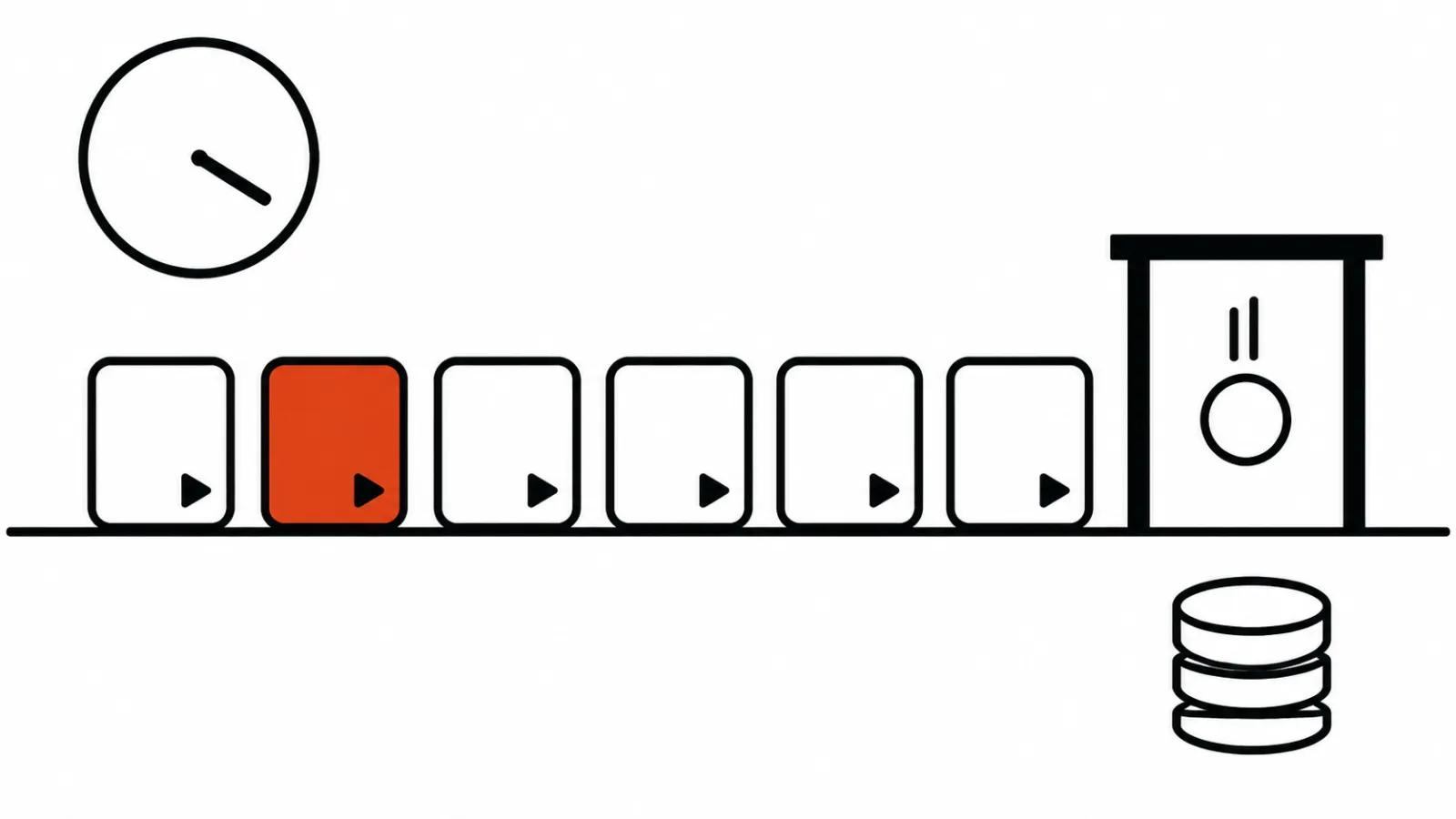
What Google put in the cloud
The announcement is short. The model left preview and opened to business and developers. It runs inside Gemini for business and inside Google Vids as a product feature, and developers reach it through the API.
The purpose is narrow, and that is its strength: short commercial clips. Product cards, virtual try-on, ads. Anyone cutting twenty minute reviews gains nothing here.
An AI video model with sound: what changed in the voice
The model promises more natural dialogue, cleaner lip sync and several speakers in one clip. A product clip rarely needs that. An ad with two people needs it often: the second voice used to be worked around in the edit.
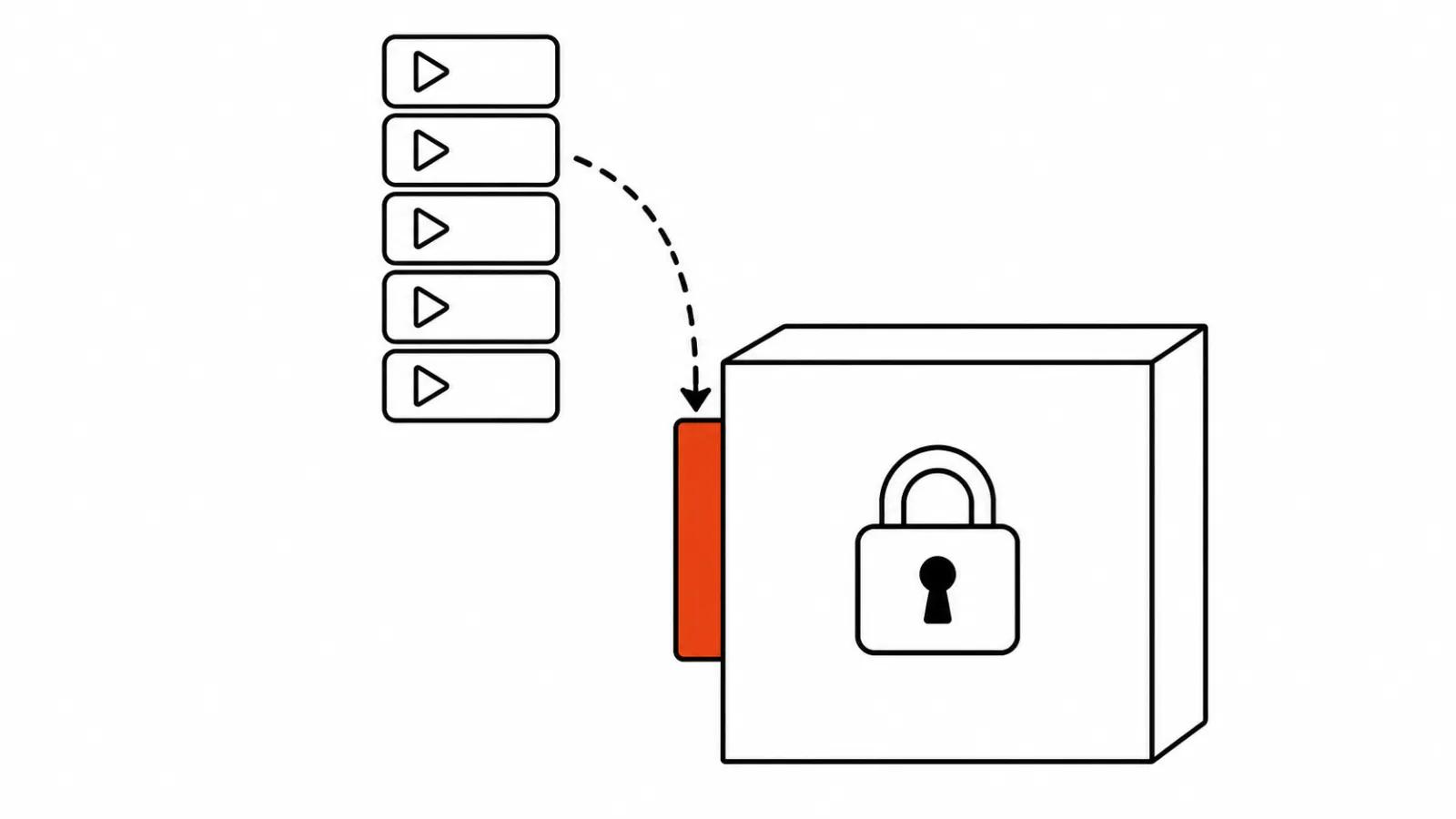
Audio references are accepted only through an allowlist. The point is simple: you cannot upload someone else's track and get it inside a generation, access is handed to a limited group. Output carries a SynthID watermark. Platforms get a plus, anyone planning to pass a clip off as footage gets a minus.
The price of a 15 second clip
A second in 720p starts at $0.07, which is 30% below Omni 1.1 Flash. The longest clip grew to 15 seconds, up from 10.
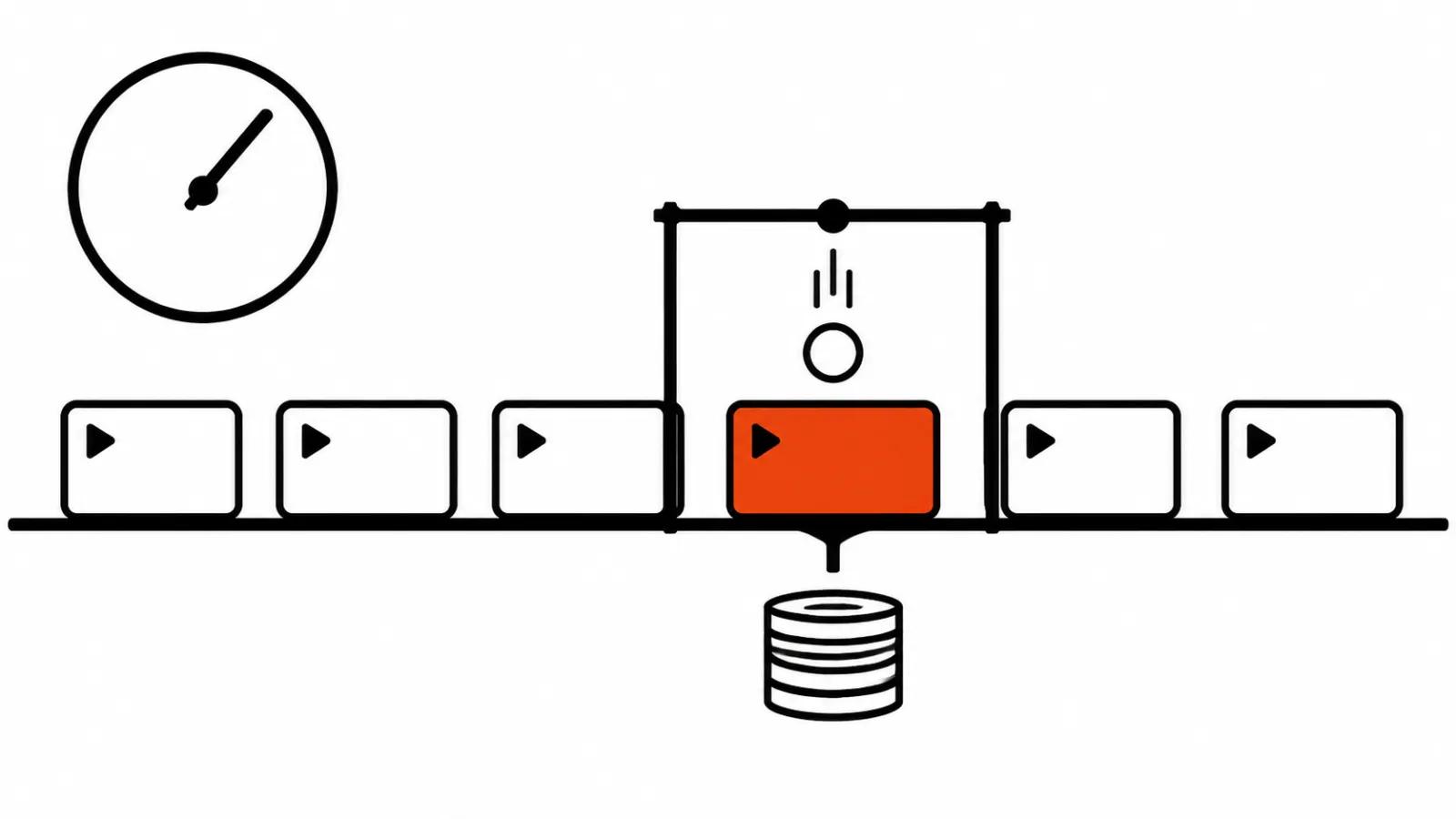
The arithmetic is easy. Fifteen seconds at $0.07 comes to about $1.05 per finished clip, a rough calculation. A hundred versions of one product land near $105, less than an hour of a person's time on a timeline. The announcement gives no price for 1080p or 4K, so I leave that multiplication alone: any figure there would be invented.
What the model does between shots
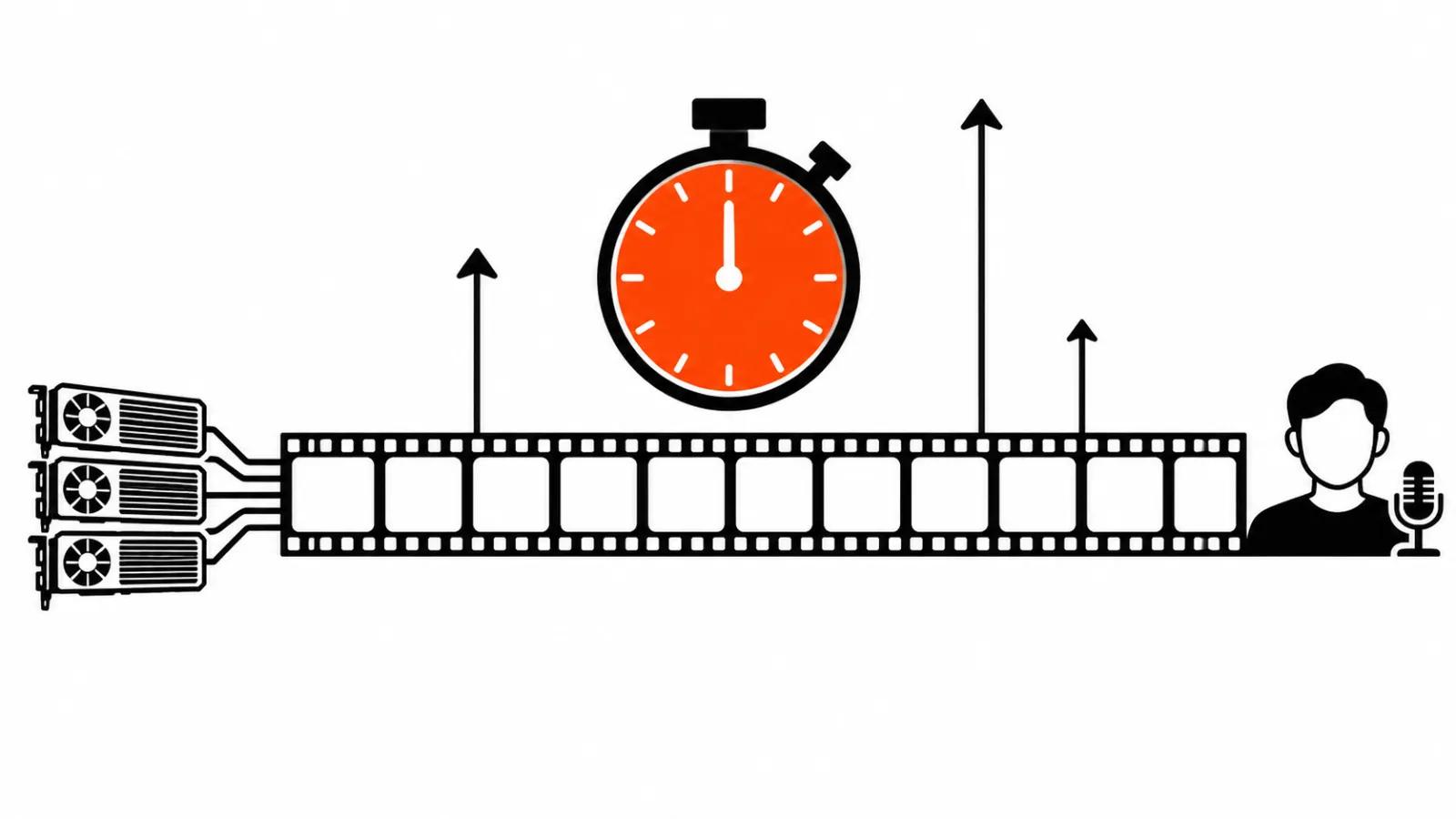
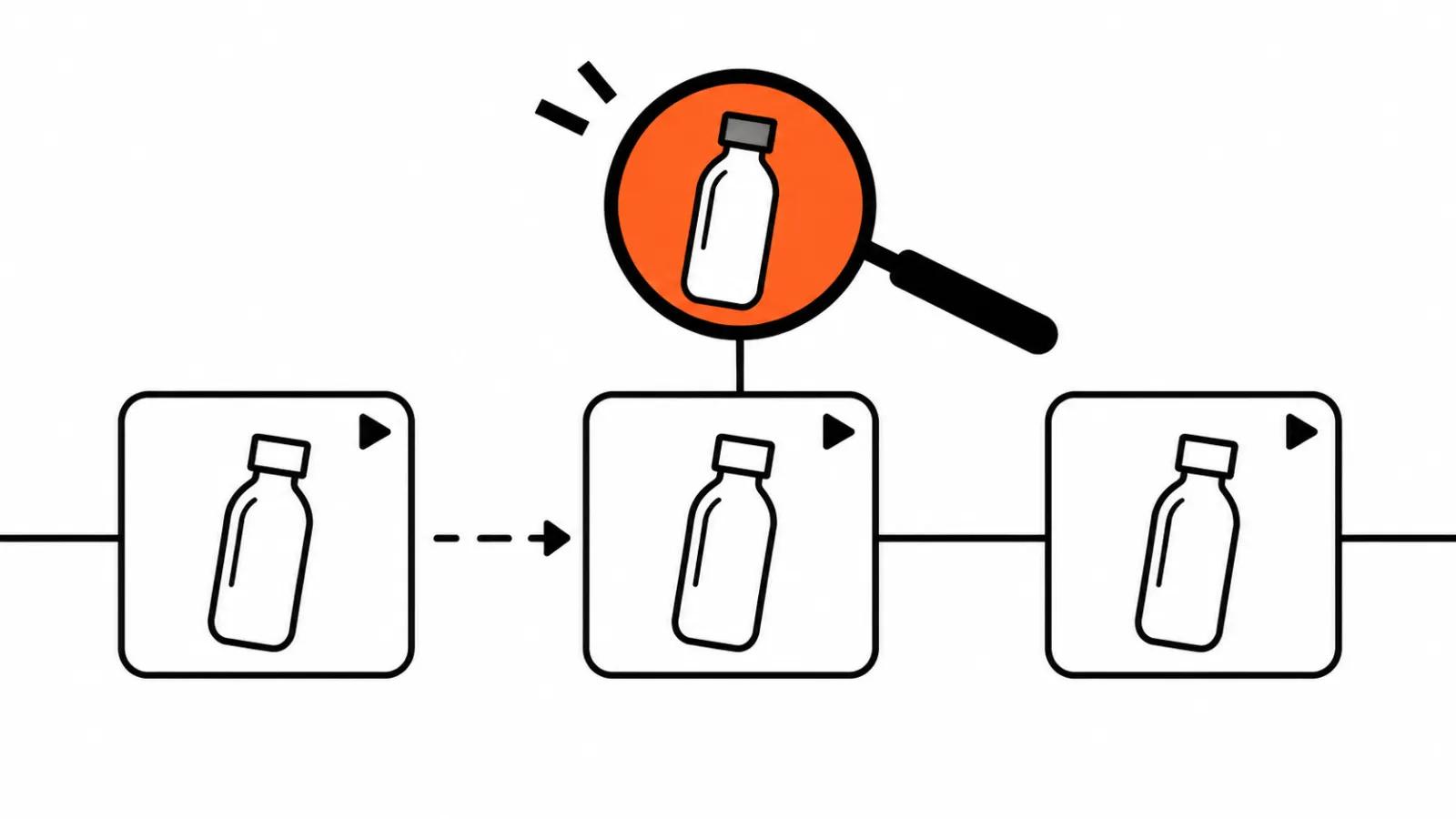
The real change is reference following. Input can be an image, a video and audio, and the model holds the product, the characters and the brand across shots. For a series of five clips with the same bottle on the same table, that matters more than the per second price, because one drifting label eats the whole saving.
Second, text edits on a finished clip. Product, light and camera angle change through a description, without rerunning the generation. In practice the brief gets matched in iterations, the way a chat works, and no pass starts from zero. The saving lands on attention: three small edits cost less than three unrelated attempts.
Draft at 360p and the upscale
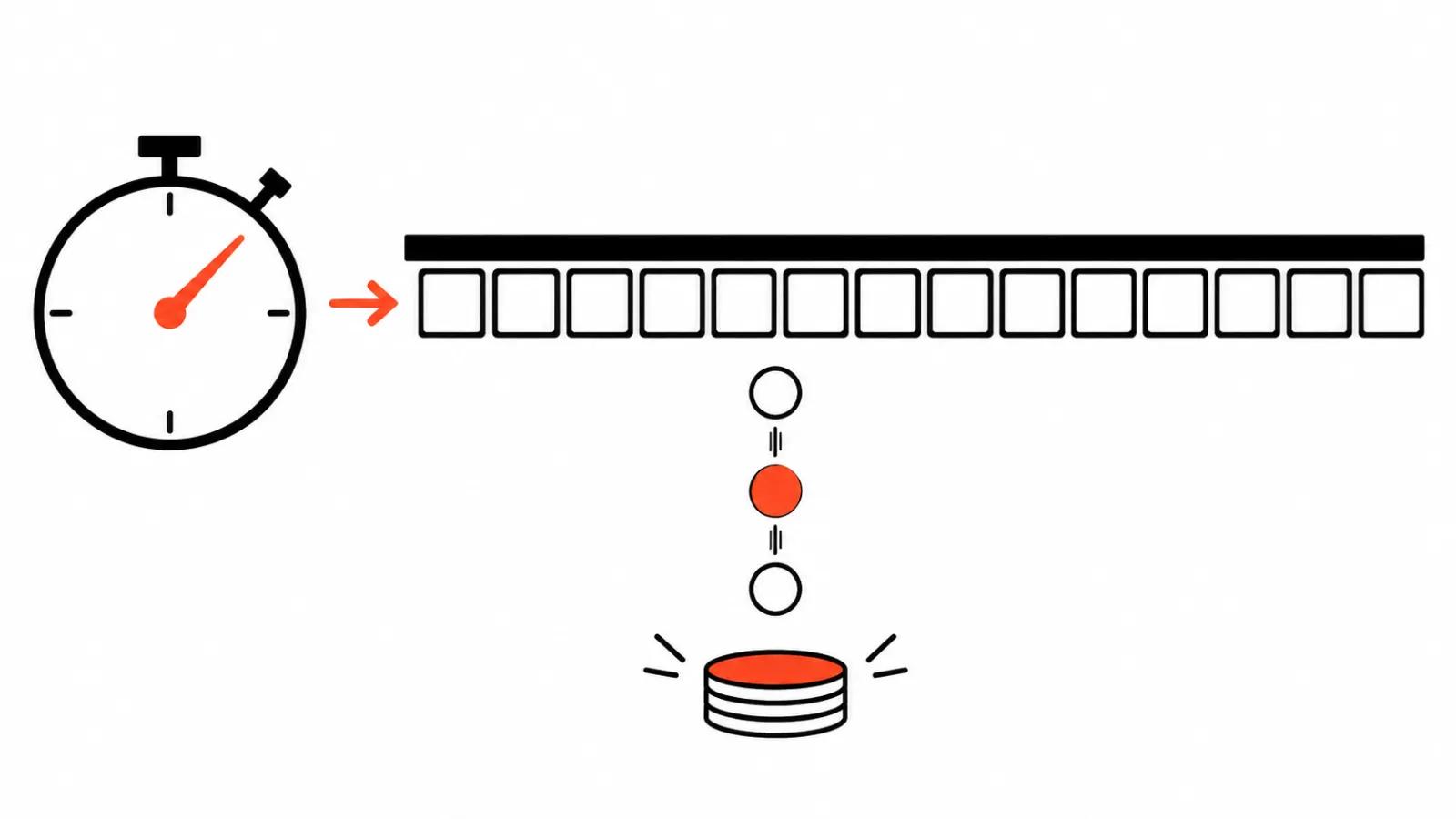
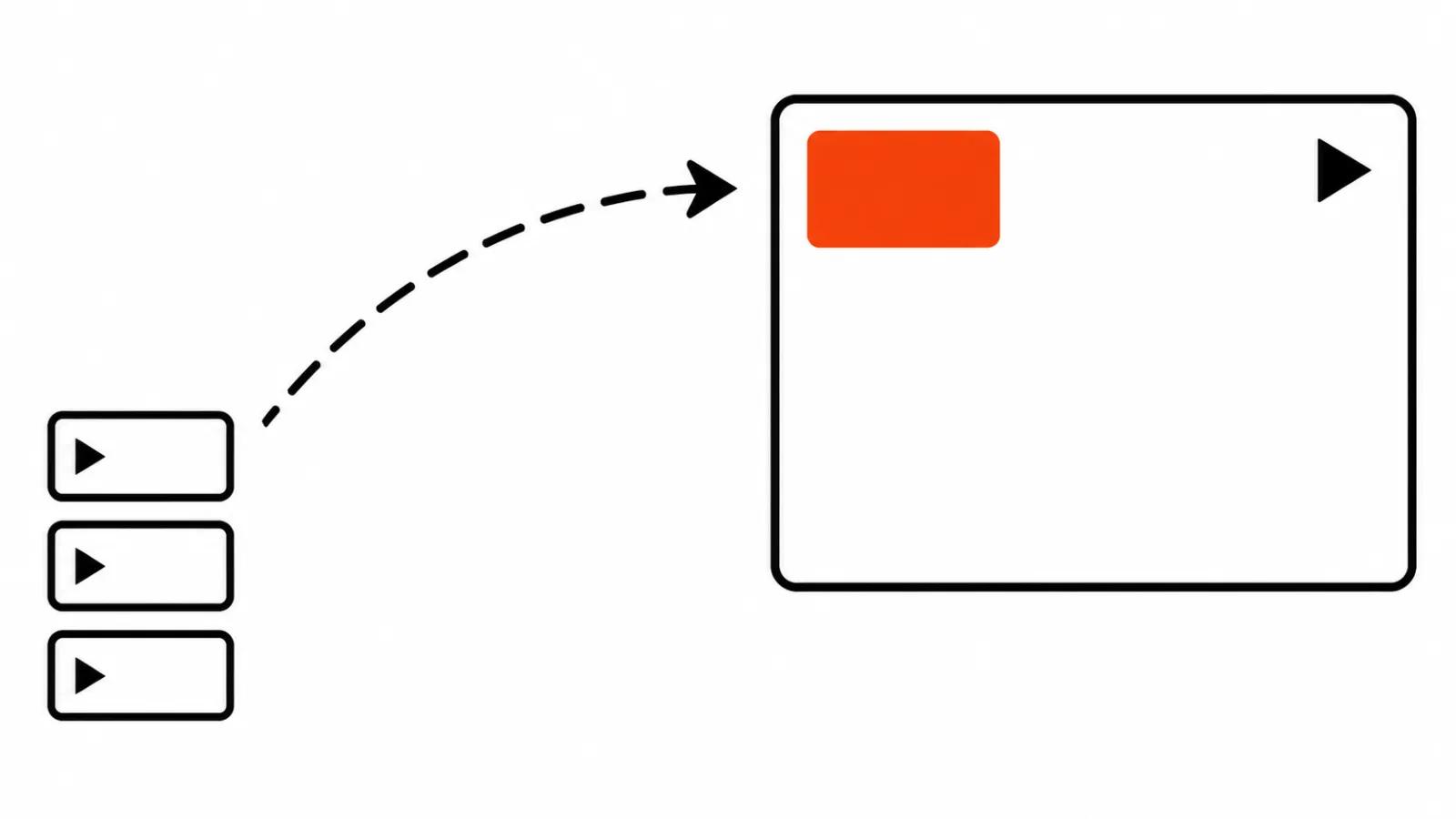
The model returns a draft at 360p or 720p, and the takes you keep are upscaled to 1080p or 4K later. The logic is fair: most versions go in the bin, and paying for them at full resolution makes no sense.
What that means for a client. Composition, product movement and a face read fine at 360p, so that is where the review happens. Upscaling raises resolution and does not rescue broken geometry, which makes the promise of a later 4K pass sound stronger than it turns out. Google Cloud did not name a price for the upscale, so it belongs in the quote as its own line.
Retail: product photos into short clips
Retailers are being sold a simple move: turn product stills into clips. Product rotation, lifestyle shots, ads. The integrator list already names Artlist, FLORA, invideo, Krea, Picsart, Photoroom and QuickFrame AI. The practical meaning is that a catalogue of a hundred SKUs stops being a quarter long project.
Where it gets worse. Difficult surfaces: glass, fur, a highlight on metal. Small print on packaging. A shoot with a strict light canon, where the shade cannot drift by a step. On those the model still needs a review pass, and finding that out on three products beats finding it out on a hundred. When the catalogue is large and clips are needed in batches, handing the work to AI video production makes more sense: a series comes out of one matrix, while AI video ads ship as a separate pack cut for each placement.
What to check before the launch
First, the SynthID watermark. It stays in the file, and the client should hear about it early.
Second, lip sync on the second speaker. Cleaner does not mean perfect, so watch the joins between phrases and the closing consonants.
Third, the product across shots: label, logo, shade. The same item in two clips gets checked by eye, on pause.
Fourth, the 15 second limit itself. Write the script to fit on paper, or the delivered version arrives trimmed.
Bottom line
At roughly $1.05 for 15 seconds in 720p, the main argument against AI in commerce goes away, and that argument was always rework. This deserves a series test: three products, a check for consistency, then the catalogue.
One doubt stays. A later 4K upscale sounds like a win in an email thread, and in the quote it is a separate step with an unknown price.
Related reading: AI video leaderboards.