What Higgsfield announced
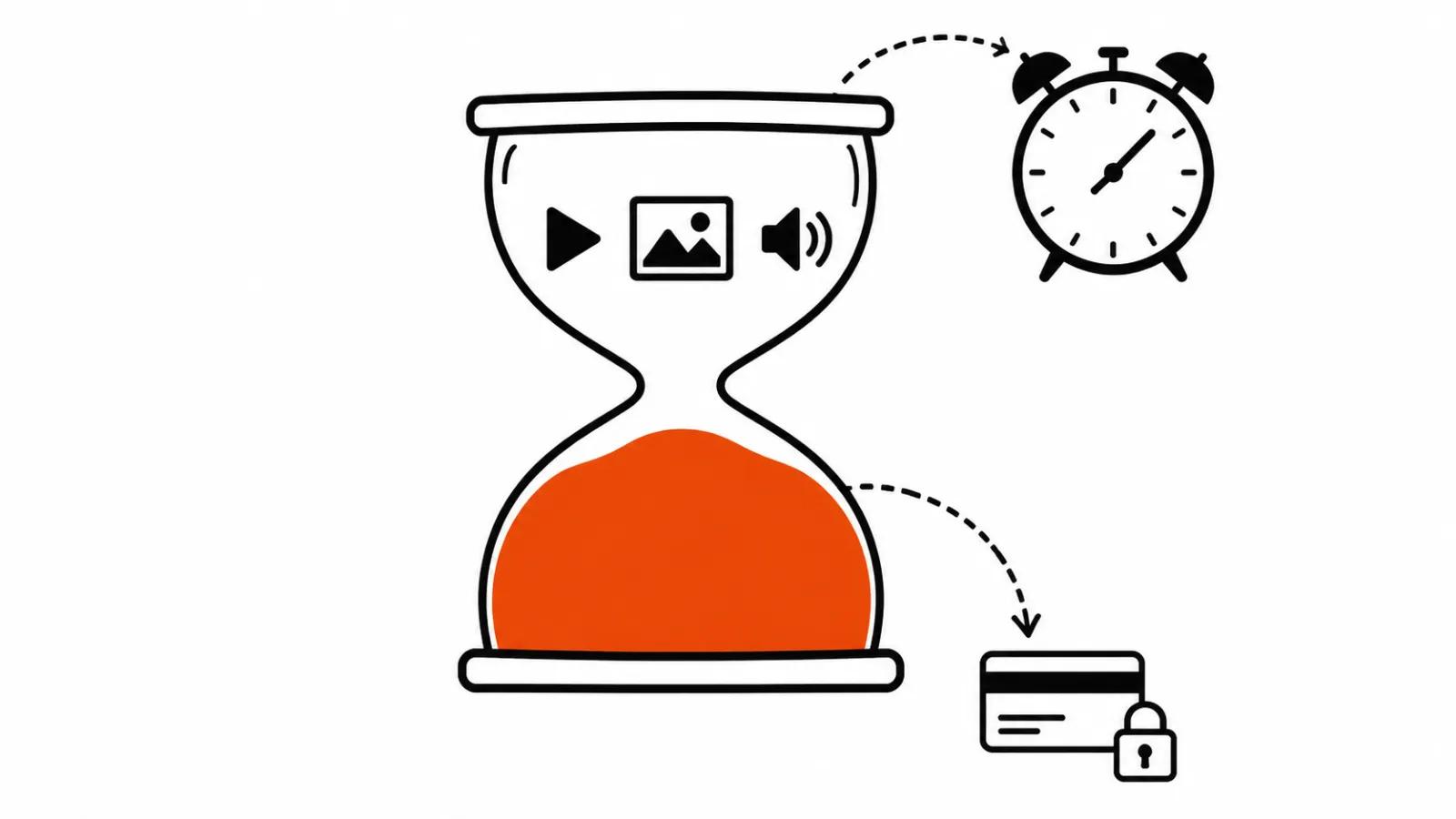
On 19 November Higgsfield posted GPU Harness on X, and The Reel Stack recapped it the same day. The short version: an on-demand cloud computer with an NVIDIA card, driven from a chat window. Claude and ChatGPT get a /gpu command and a Connect Claude MCP button. The machine list shows B300 and RTX 6000.
The launch runs with a Black Friday discount that Higgsfield describes as up to 64%. The Reel Stack saw no hourly rates at the time of writing, and I will not invent any. That gap matters for a quote: a percentage off means nothing until you know the base rate.
How the chat side works
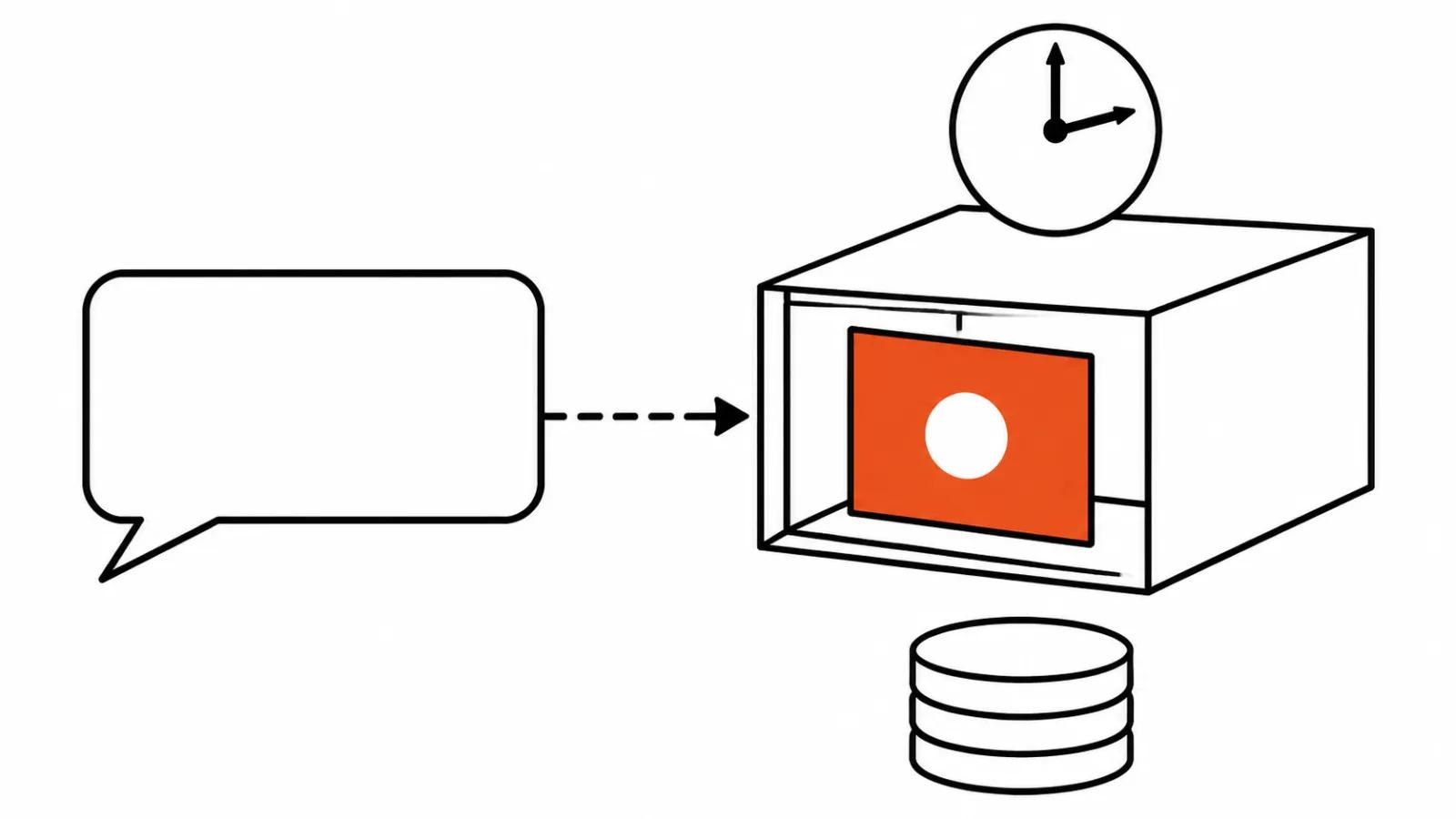
The flow is plain. You open Claude or ChatGPT with the Higgsfield MCP already connected, type /gpu, pick a machine, and work. Inside the rented system the agent opens applications and takes steps for you: builds a scene, places a camera, starts the render. You can then open the result and edit it yourself in Claude, in ChatGPT or in Higgsfield Supercomputer.
Higgsfield ran a Higgsfield MCP free trial earlier this month, covered separately here. That one was about generating video from a chat window. A full desktop with a real GPU is a different purchase, and the invoice will reflect it.
What runs on the rented machine
The application list is serious: Blender, Houdini, Nuke, DaVinci, Unreal Engine and Higgsfield's own apps, Craft included. Open models are promised too, along with video rendering, 3D and motion work. You can import your own LoRA from Hugging Face, which means a character or a style trained elsewhere moves onto the rented box.
Blender comes with presets: destruction, an exploded view of an assembly, a 3D scene build, cartoon materials. Think of them as ready-made starting points for common jobs, and a good way to watch how the agent behaves inside a real project file.
We have a separate guide on training a LoRA in ComfyUI, and it shows how much of that work is dataset preparation. Renting a GPU moves the heavy step to someone else's card. Cutting frames and writing captions stays with you.
A workstation card without buying one
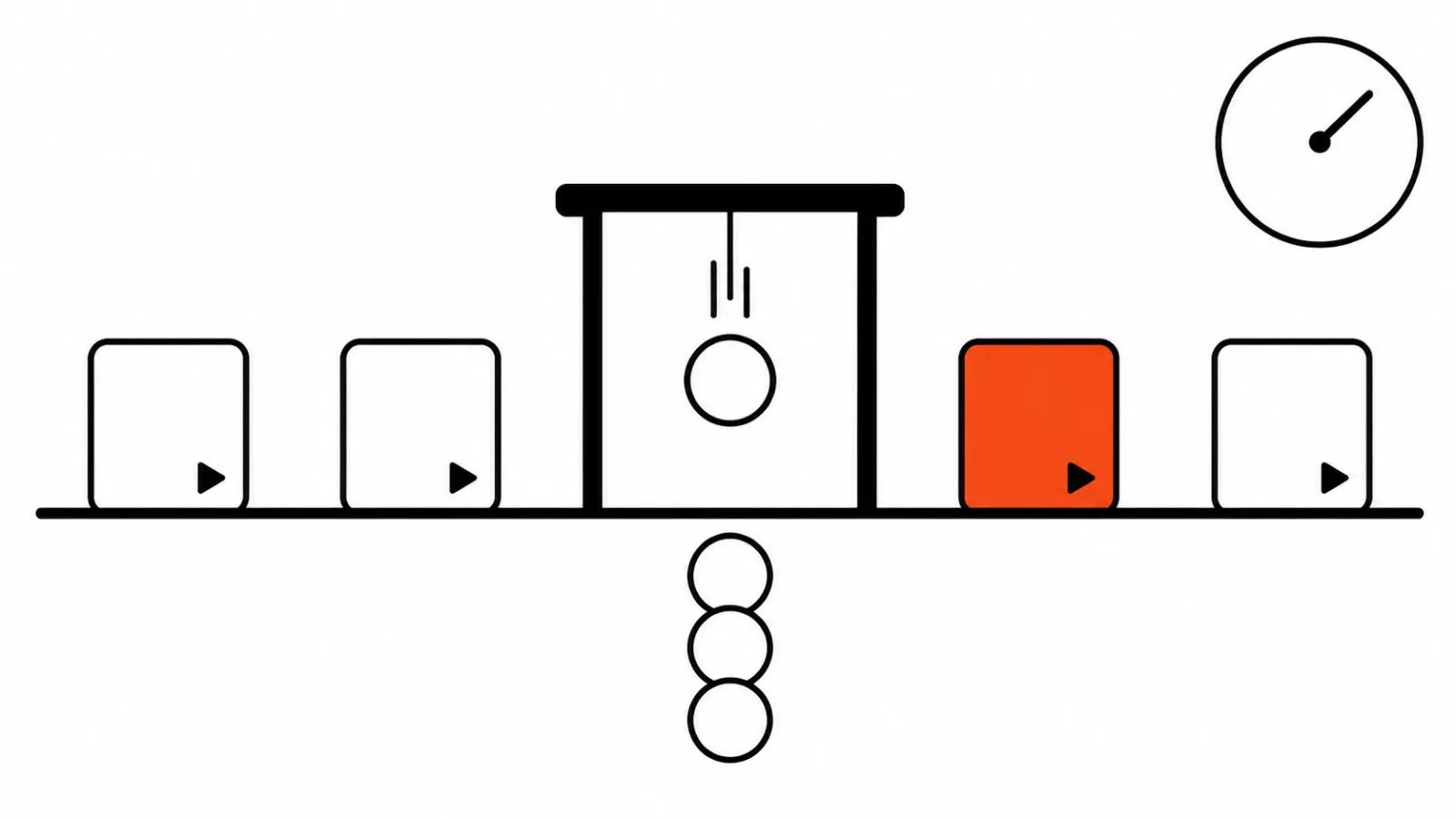
The old choice was ugly. Buy a machine that sits idle between projects, or skip the heavy shots. Hourly rental removes that choice: you pay for the days when a render is actually running.
A mid-range laptop handles editing and light graphics, while a scene with dense geometry, smoke and many objects puts it in a queue until morning. A workstation card answers the speed question only when it is already in the room. When it is not, renting it for a week is the cheaper experiment.
The second case is the crunch. Three projects with the same deadline make a rented machine worth every hour, and a quiet month costs nothing.
Questions to ask before a long render
Start with money. Ask for the hourly rate and the minimum billing block. Thirty minutes of work can bill as a full hour, and that changes the maths on a short test.
Then ask about files. Where the project lives, who can reach it, and what happens to the disk after the machine stops. "Deleted on stop" and "kept for a week" are very different risks for a client's footage.
Ask about the NDA. Footage covered by a confidentiality agreement should not land on a rented machine without permission written into the contract. The Reel Stack makes the same point, and it holds: renting someone else's computer means handing a copy of the project to a third party.
Finally, ask about speed. The up to 20 times faster line is Higgsfield's own claim, and the only way to test it is on your own project. A ten second render on your worst shot tells you more than any comparison chart.
Where the risk sits
GPU Harness is Higgsfield's third step toward agents in a month, after MCP 2.0 for Claude on 18 November. The company is assembling a stack around itself: chat, agent, someone else's hardware, professional software. The logic is clear and the signal for the market is good.
The risk is elsewhere. An agent working inside a professional application fails quietly. It can break a scene, lose a texture link or overwrite a file, and you find out at the screening. On a rented machine I would keep a copy of the project and check an intermediate frame before the final render.
There is a people side as well. For a studio doing AI video production, rental helps on heavy jobs and does almost nothing for routine work. When a client needs an animated video, the storyboard decides the result, and the rented card only makes the assembly faster. Hardware does not invent a shot.
My take
Renting a GPU from chat fits a narrow set of jobs: Blender renders, LoRA training, open video models, 3D experiments. Buying a card for that alone rarely pays off, especially when heavy weeks alternate with quiet ones.
My order for a new project: a ten second test on the worst shot, then a quote based on the hourly rate, then a decision. If the rate and the minimum block do not fit the budget, the rental stops at that step, which is the cheap place to stop.
One last thing. The announcement promises a lot and names no hourly price. Until it does, this is a nice shop window, and it is worth walking in with a calculator.