What Microsoft shipped on November 17
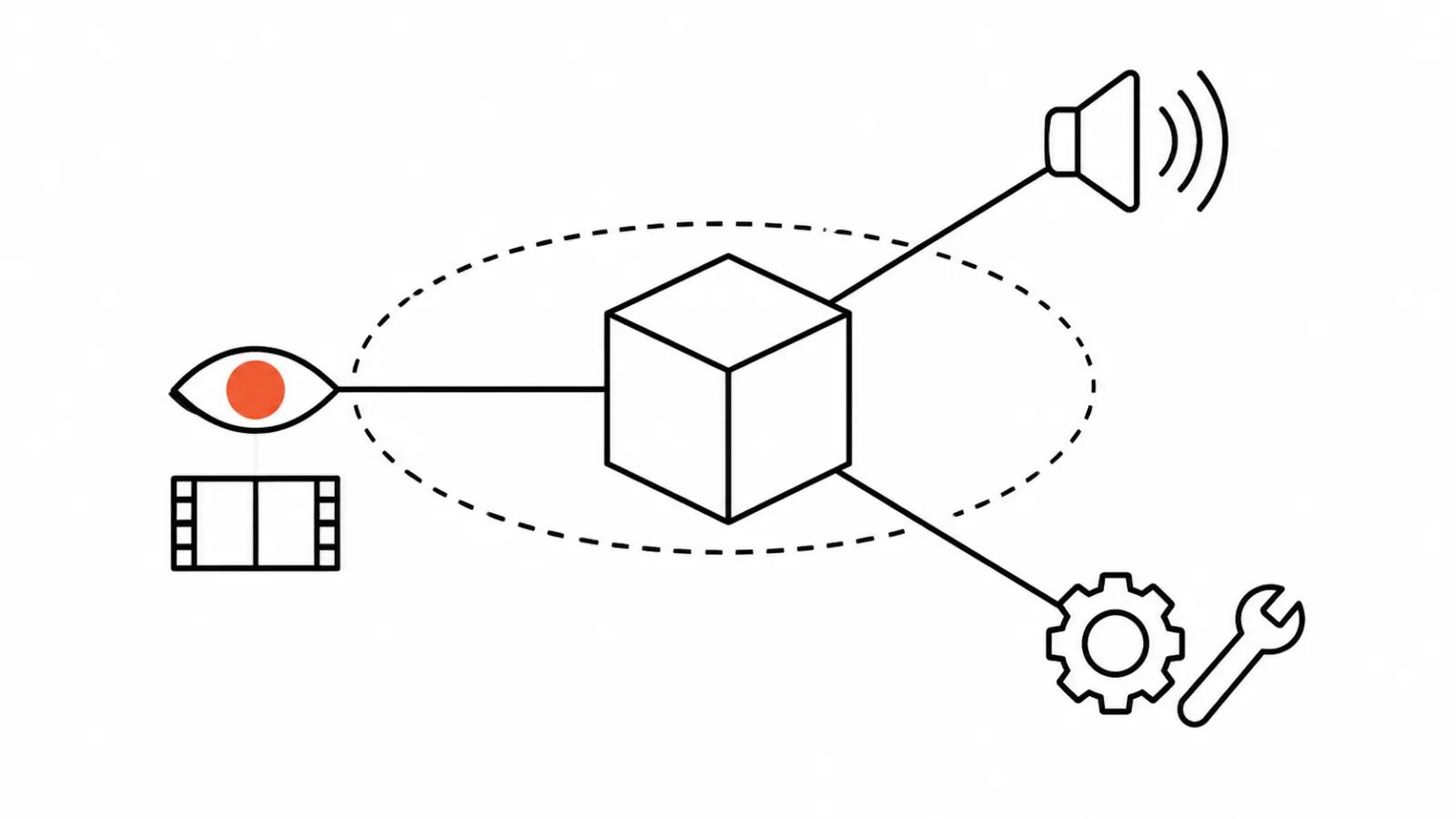
Microsoft AI published a post titled "MAI Image 2.7: Frontier quality at a fraction of the cost" and opened a public preview in Microsoft Foundry. There are two models, MAI Image 2.7 and MAI Image 2.7 Flash. Microsoft Learn documents Flash as version 2026-11-02 with two jobs: text to image and editing an existing image. Outside Foundry, both models are available through fal, Genspark, OpenRouter and Vercel.
There is context that is easy to miss. MAI Image has been the default model in Bing Image Creator since June, and Microsoft names Adobe (Firefly), Figma Weave, Minute (Sports Illustrated), Wirestock and Manus among the teams building on it. This is a model already bolted into other people's pipelines. It has left the demo stage behind.
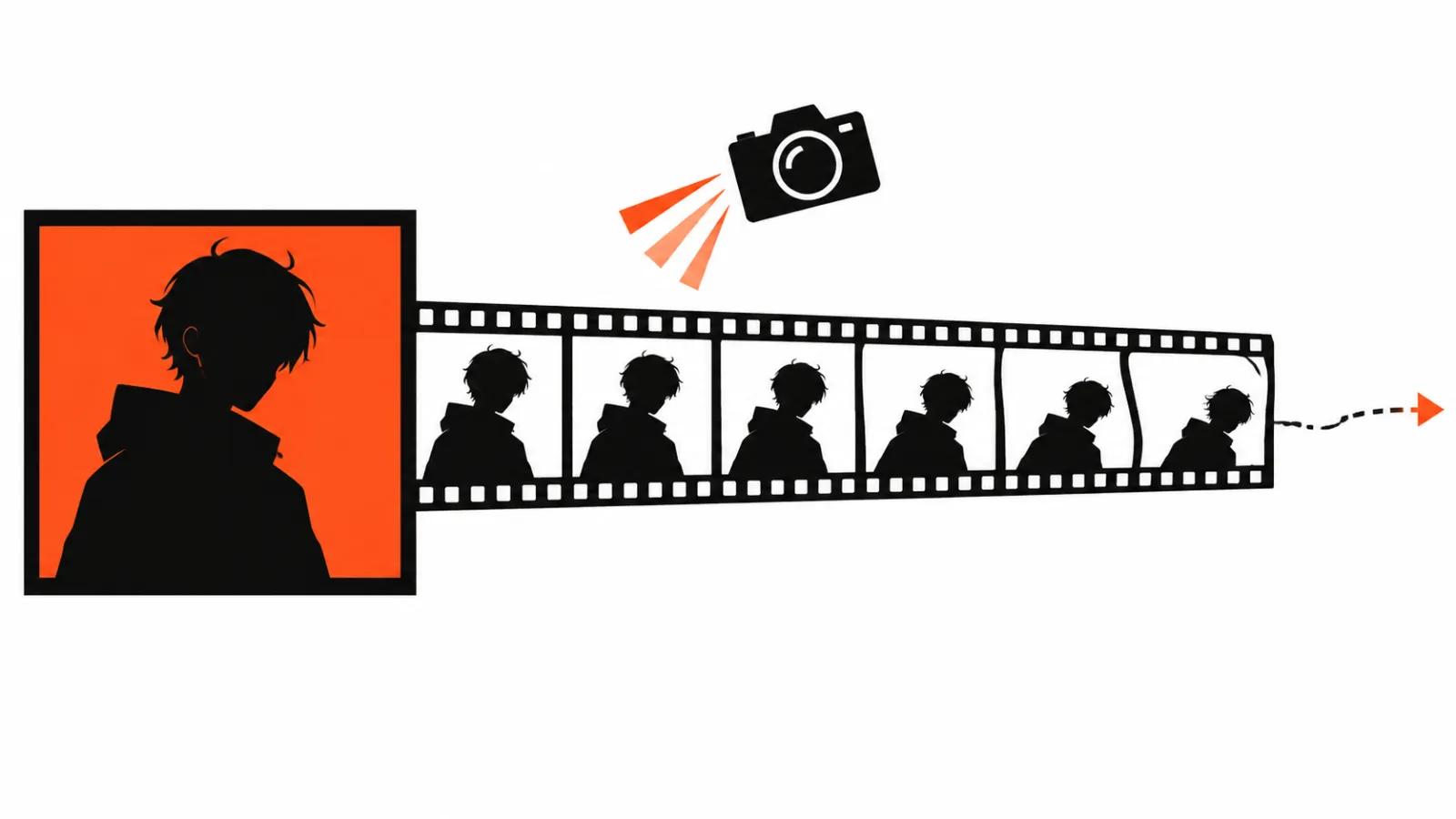
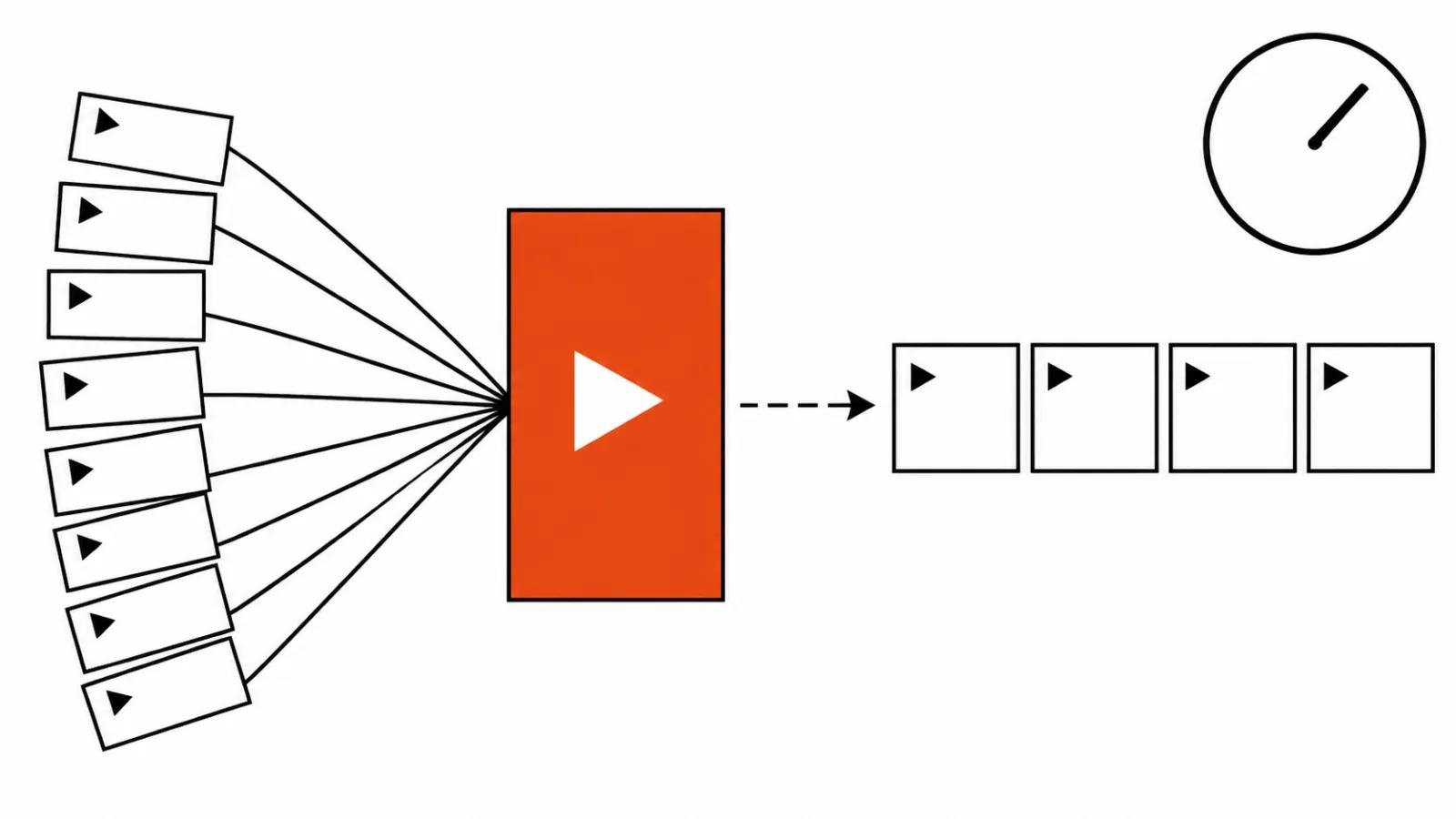
The part that matters for this blog: MAI Image does not make video. It returns a still. That still goes into a video model, and the whole conversation about the first frame starts there.
Cheap images for video: the price in dollars
Pricing is quoted per thousand images. MAI Image 2.7 runs about $35 per 1000 images, which is roughly $0.035 for a single frame. Flash runs about $10 per 1000, or $0.01 per image.
That is a 3.5x gap, and it matters more than it looks. The opening frame of a spot is almost always found by trying many versions: ten compositions, five lighting setups, two packaging options. On Flash that search costs pennies, on the bigger model it costs tens of cents. A rough storyboard of three hundred frames lands near $3 on Flash, a number nobody argues with in a budget meeting.
Then comes quality. Flash is the cheaper model, so expect it to miss more often on hard light and small type; if it does, some frames will need a rerun on 2.7. Keep both within reach, and do not save pennies on a frame that ships.
A keyframe costs less than a second of video
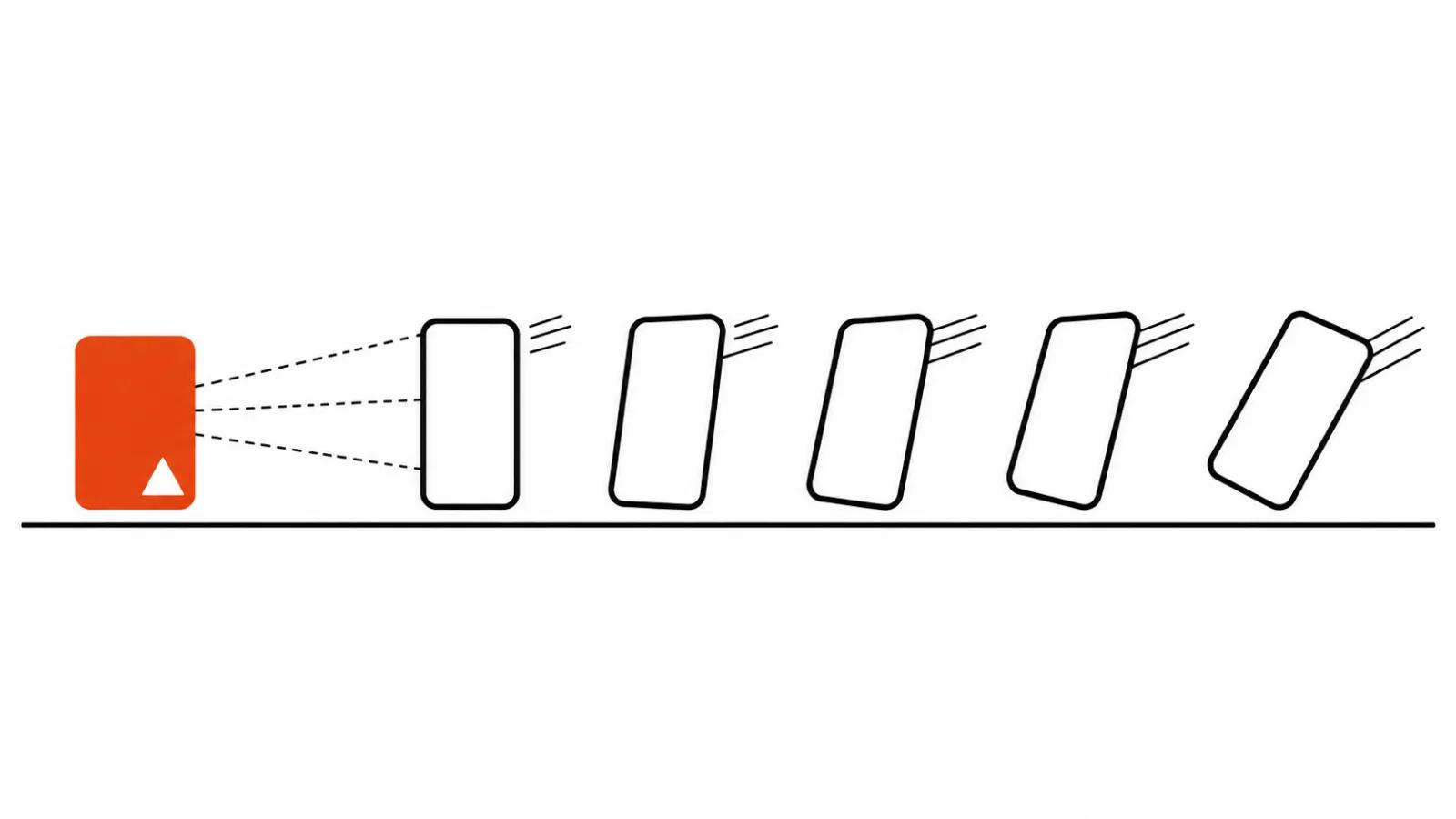
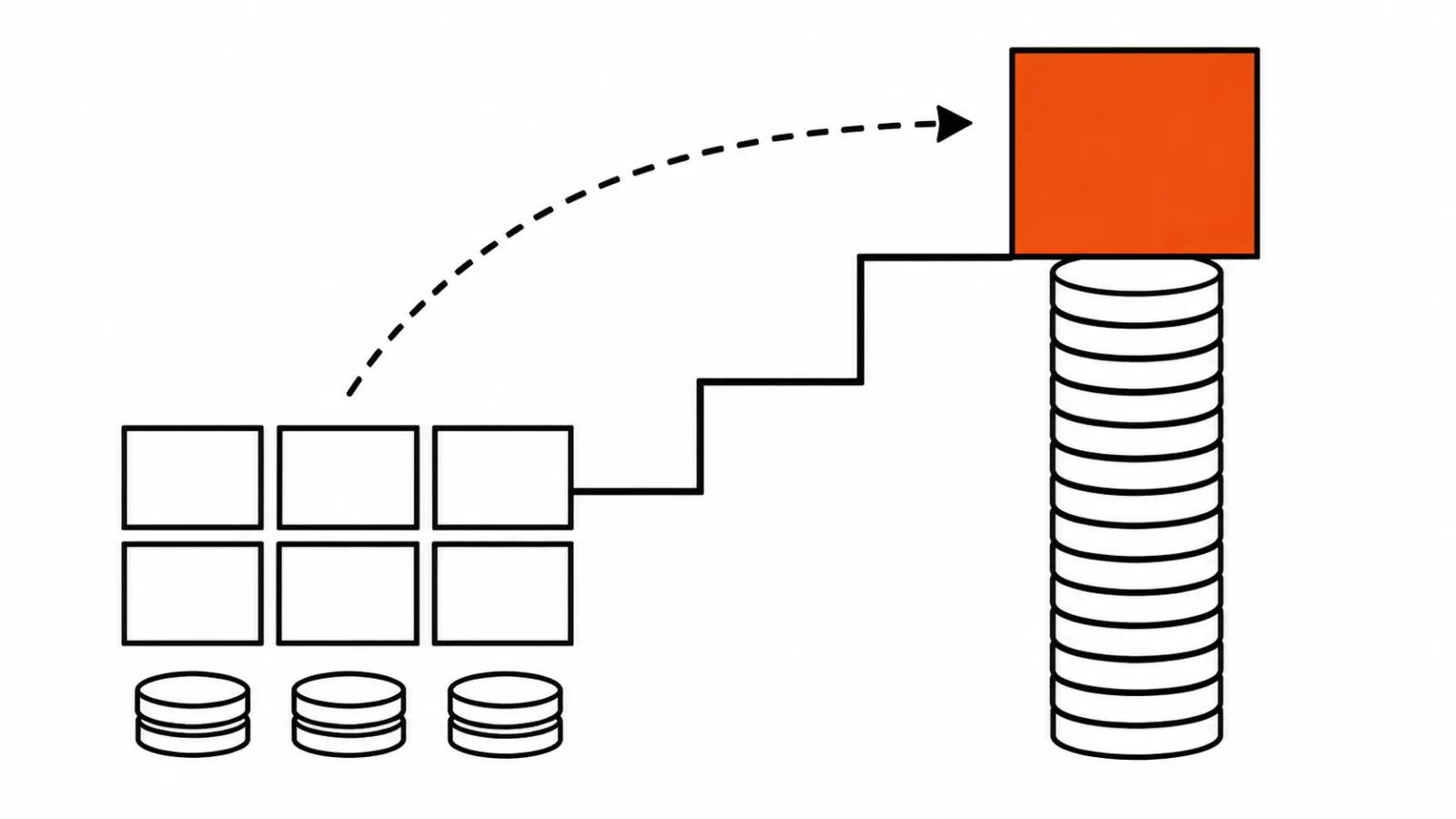
Video models bill by the second, and every regenerated shot eats budget. Images bill per picture and cost almost nothing, so the working order writes itself: settle the first frame as a still, then hand it to image-to-video.
There is a second reason. Fixing one element on a still takes one prompt, while changing the packaging colour halfway through a shot means rebuilding the shot. Whatever can be decided before the video render is cheaper to decide before the video render. It is the same logic behind control of keyframes in AI video: lock the static frame first, animate it second.
Editing part of a picture, and the Canvas editor
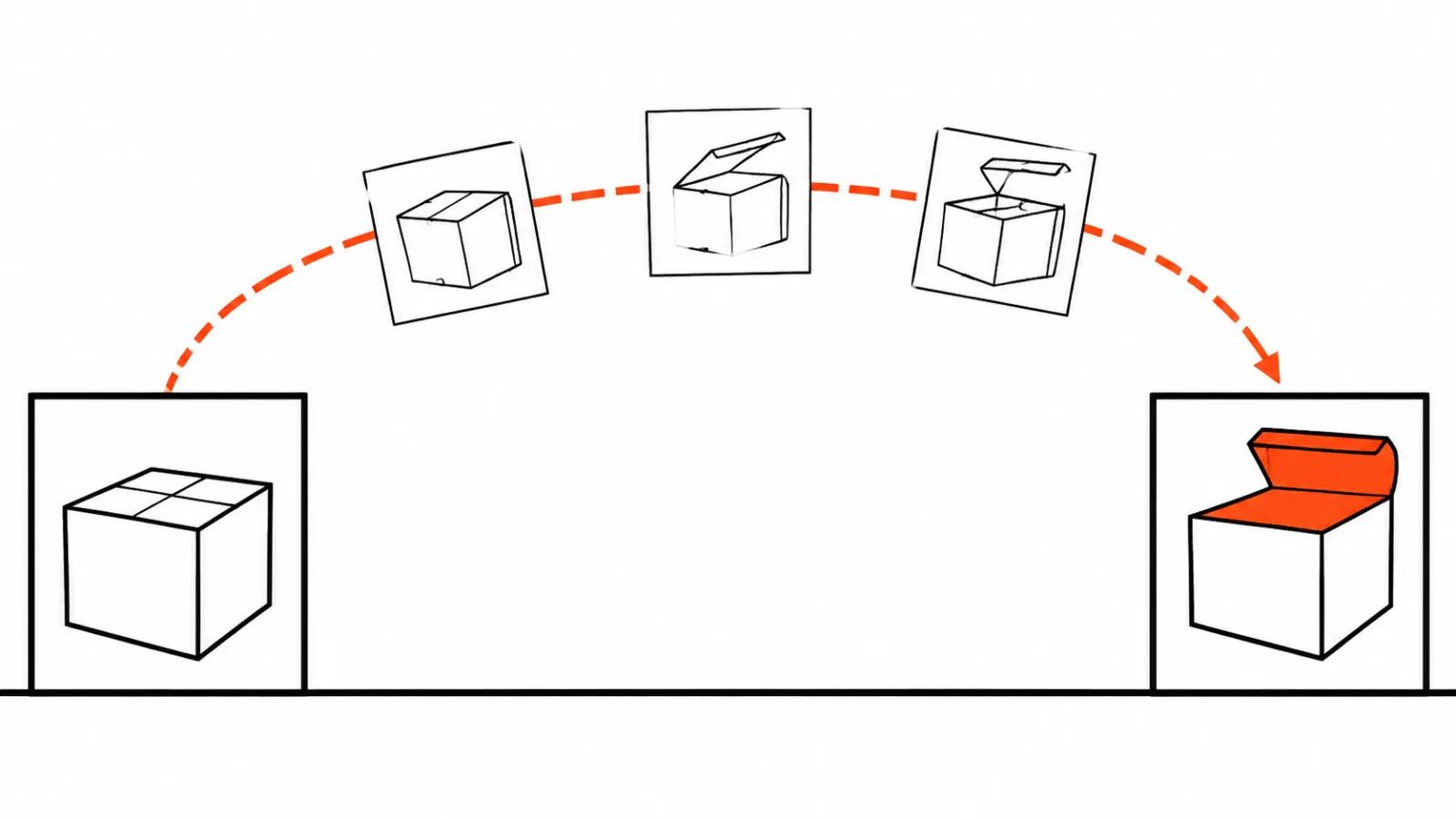
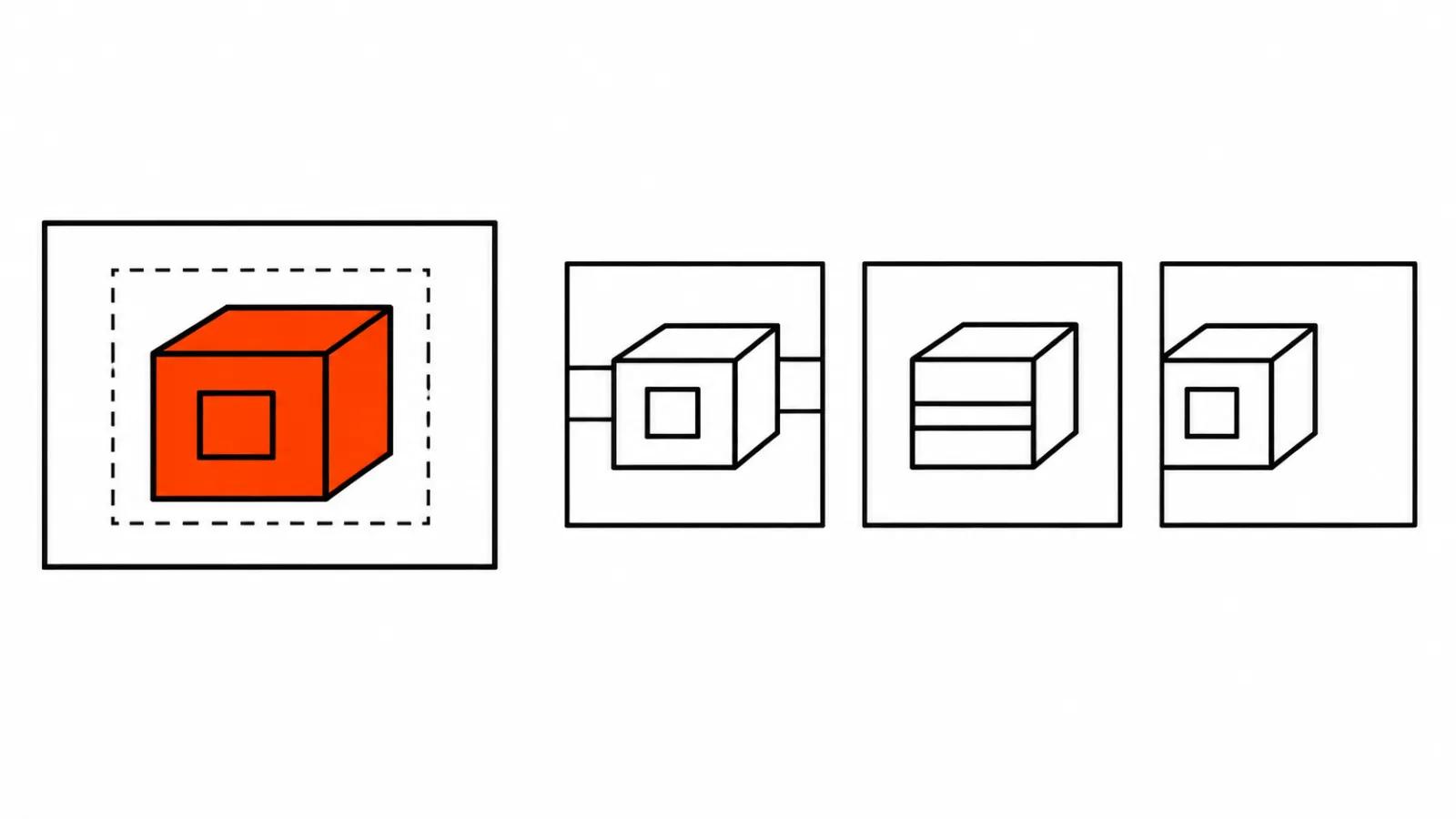
The editing claim is specific. The model changes the colour, the material or the position of an object and leaves the rest in place. Consistency holds across a series of edits, and both models support a transparent background.
Three working scenarios follow. One: the person in the spot stays the same face while the background behind them changes for each shot. Two: packaging colour per client, when one product ships to several markets. Three: nudge an object twenty centimetres across the frame to fix the composition without rebuilding the scene.
The transparent background is useful on its own if you build frames in layers. Cutting the product out by hand stops being a step, since the model returns it with alpha.
Microsoft also put a new editor called Canvas into MAI Labs, running on Flash. You start from a prompt or a sketch, select part of the picture, then replace, move or restyle that selection. The mechanics are familiar to anyone who has used a layered editor: selection, transform, swap a region. The difference is that a prompt replaces the brush, and the selection is how you tell the model which region to touch. For repeatable work this beats a chat window, because the same move can be applied to ten frames in a row.
Where it sits on the leaderboard, and what 4 Elo means
According to Microsoft's numbers from November 16, MAI Image 2.7 holds first place on the Artificial Analysis leaderboard for editing: 1215 Elo over 5478 votes, four Elo ahead of GPT Image 2.6 Sunburst (max), at one fifth of the price.
That figure comes from the vendor, so read it with that in mind. Four Elo across five thousand votes means the two models are effectively tied and voters are picking a preference. First place is worth something in a press release, and the useful part for a budget is the price ratio: the same bar for a fifth of the money. Editing ranks are also a poor predictor of how a frame behaves once it moves, which is the next section.
What to test on your own product
My list is short and none of it is about beauty.
First, face and product across edits. I take one frame, change the background colour, then the packaging material, then nudge the object. Then I check whether the face is still the same face and the label is still the same label. Consistency is promised in the post, so it needs testing on your own goods.
Second, how the frame behaves in image-to-video on your video model. A good still sometimes animates badly: small details start to jitter, type on the packaging breaks, the camera move eats the crop. A five second test costs less than a defect discovered across a hundred shots.
Third, the transparent background inside your own pipeline. Alpha out of a model does not always match the alpha your compositing expects, and edges need cleaning.
Fourth, repeatability. Two runs of the same prompt. If the composition drifts, building a series on that model is a gamble.
Fifth, small type. A price tag, a storefront sign, a logo on a shirt. This is where image models still mix up letters, and the neighbouring piece on 8K image sets shows how competitors approach the same problem.
Where this lands in a quote
One line in a quote changes. The first frame and the product fix used to be routine hours; now the search for variants costs dollars and the hours go to selecting and checking.
Format decides the rest. Vertical ads live on version count: one product, five wrappers, three scenes, which is why cheap frames save the most there, and that work sits inside our AI video ads service. On projects where a person owns every frame, the still stays a draft: AI video production and handcrafted videos, from $190, are priced on judgement and finishing instead.
One caveat about the savings. Cheap images tempt you to generate hundreds and look at none. Someone still has to look at all of them, and that is the one cost that did not fall.
My conclusion
At three and a half cents a frame, stop rationing variants. My sequence would be Flash for composition and light, 2.7 for the final frame and the product edits, then a five second test in image-to-video.
My complaint about the announcement is not about price or Elo. A first place in editing says nothing about how a frame behaves in motion, and motion decides whether the spot works. Test on your own product, whatever the leaderboard says.