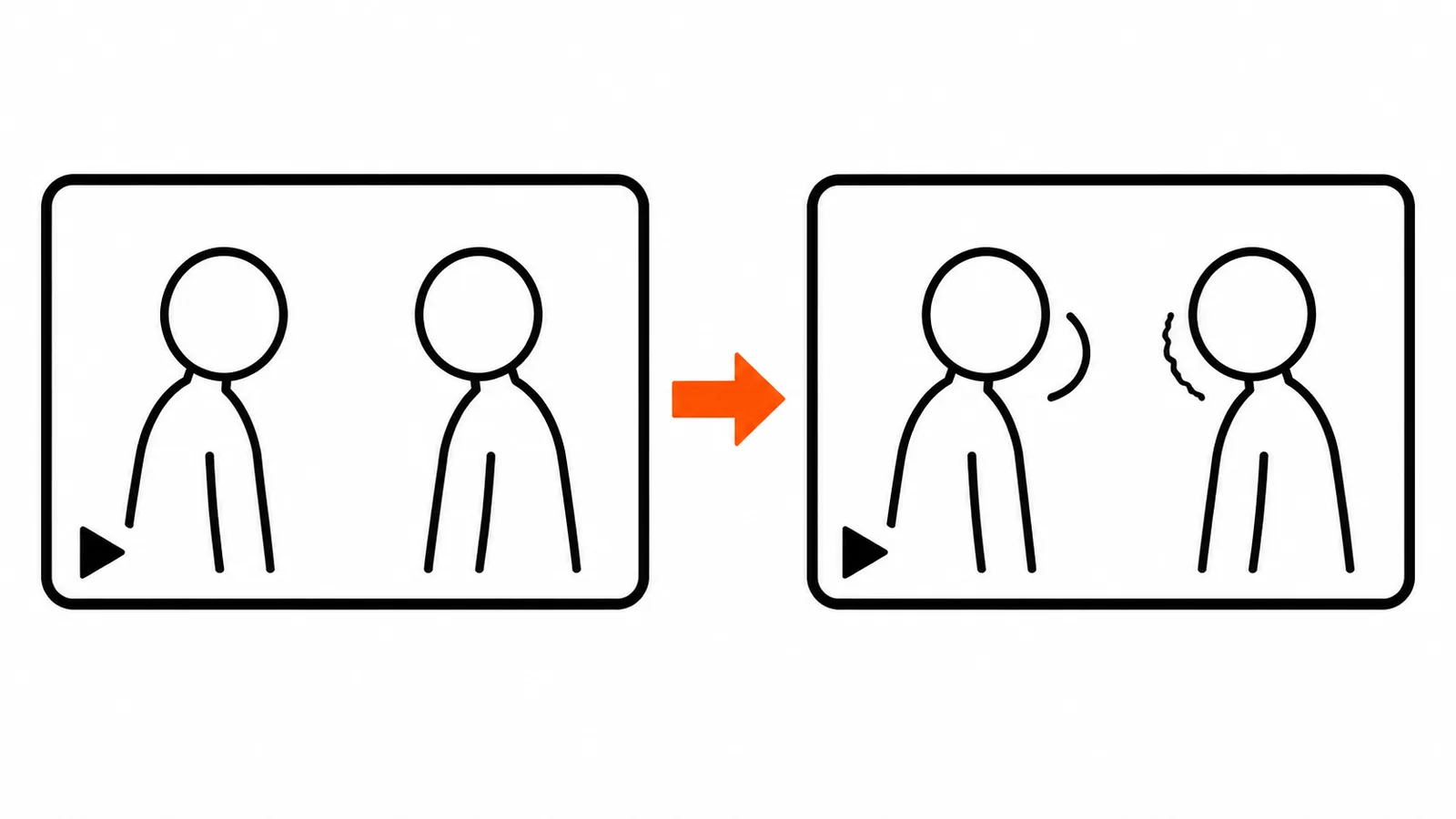
AI video translation with a voice per speaker, compared to one narrator
Traditional dubbing puts a single narrator over the whole video. That works fast and predictably while one person is on screen. The moment three people talk, one timbre starts lying: the viewer sees different faces and hears one person. In a customer testimonial this hurts more than anywhere else, because the real voice is the argument.
On paid plans Morphic re-voices each speaker in their own voice, and if a voice does not fit, you can cast one from a catalog. The voice stays attached to the person for the whole clip, so a character does not change timbre between lines. That is the difference that matters for testimonial and interview footage: the client recognises their own customer's delivery instead of hearing a stranger reading over the picture.
The details show up at review. A speaker has to stay himself in a short line, in a long monologue and under music. The general logic of translation and dubbing sits in a separate piece on AI video translation and dubbing. What follows covers the case with several people on screen.
What "music and sound effects stay" means in practice
The page puts it like this: the original music and sound effects stay under the new voices, and only the speech changes. In practice the audio track is not rebuilt from scratch. The music bed, the door, the cups, the room tone keep their places on the timeline while the English words become Uzbek ones.
Listen on headphones and listen to the first fifteen seconds. Three things usually go wrong. First, the new speech sits louder over the music than the old speech did. Second, the old room tone is still there while the new voice is recorded dry, so the person sounds like they stand in a booth and the room hums around them. Third, a sound effect stayed on its mark while the line before it got shorter, and the pause before the door slam disappears.
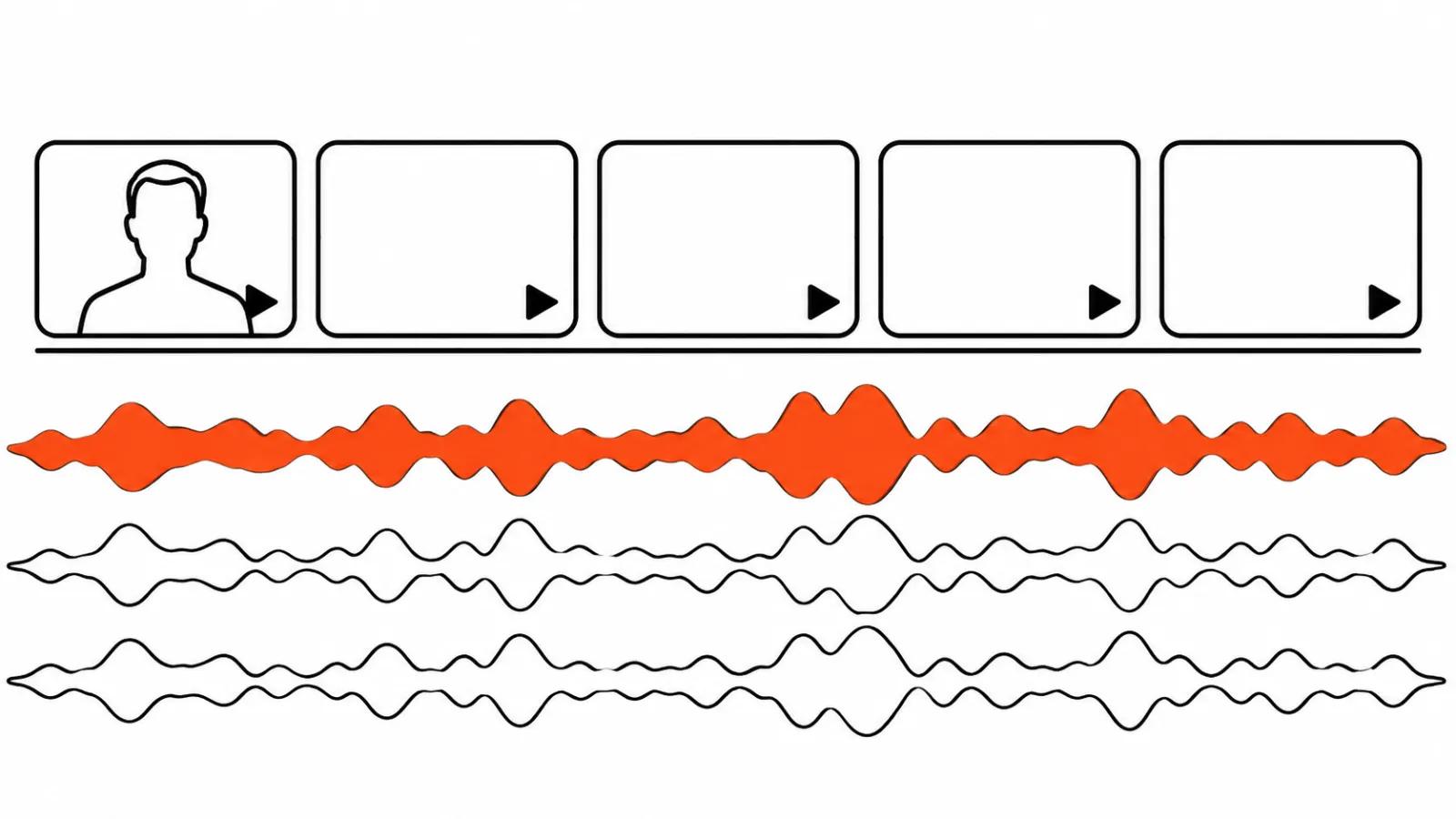
Check it in pieces. Take a stretch where the speaker is silent and music plays, then a stretch where speech runs over that music. If the music level jumps at the seam, the mix has drifted and the run is worth redoing.
Where lip sync breaks in another language
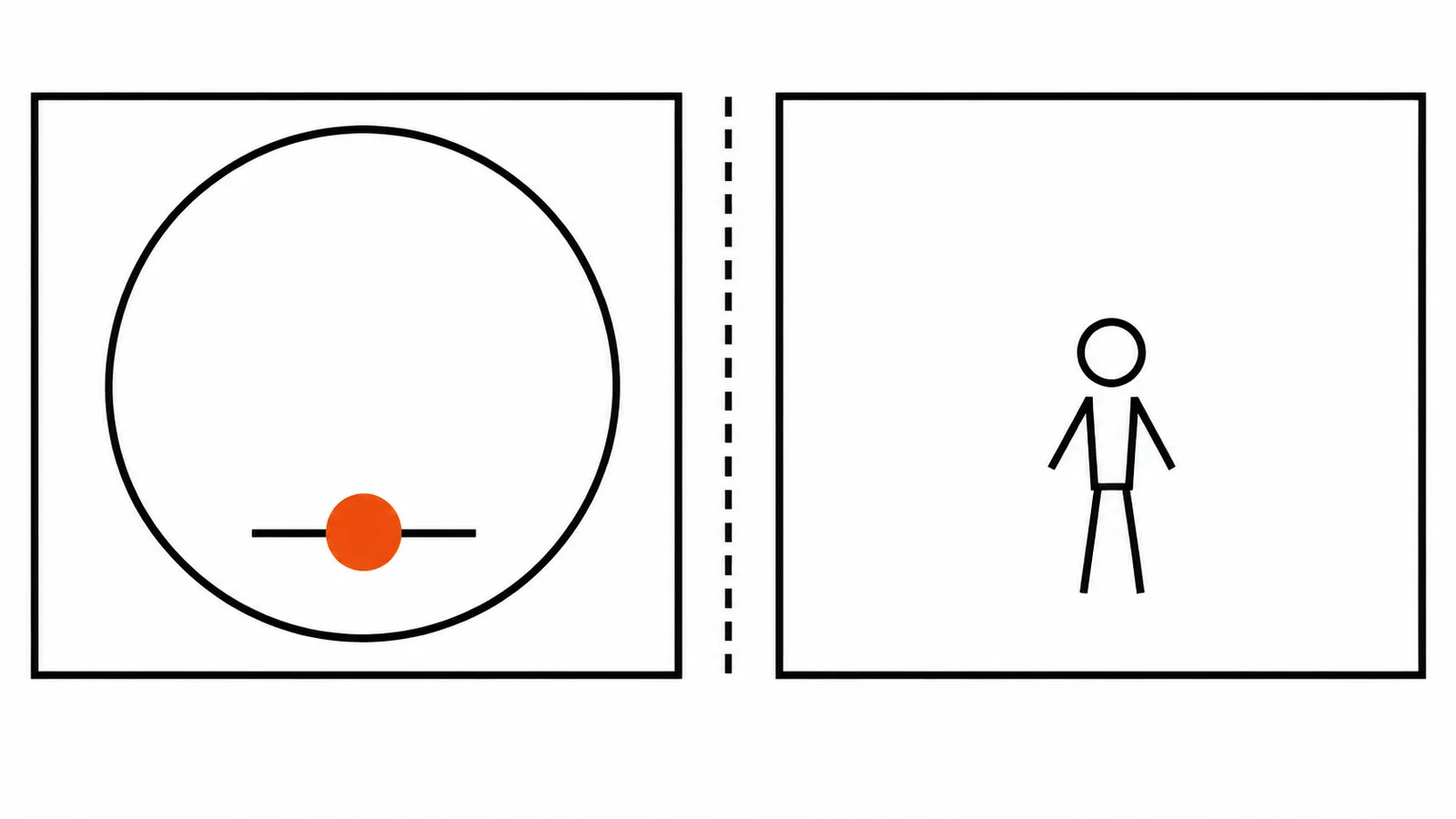
The page limits the sync zone honestly: on paid plans the lips match the new words in close-ups. Wide shots, profiles, backs and hands stay unsynced. That is a reasonable trade, since an audience looks at the face and does not spend time on the back of a head. In a video built on long wide shots the gap still shows if you go looking for it.
The second source of trouble is grammar. The same page notes that Uzbek usually puts the verb at the end of a sentence while English puts it after the subject. Word order changes, so line length changes, and the lips have to land on sounds that were never spoken. The page handles this through subtitles: each translated line keeps its own words on its own cue. For how other tools handle line timing, see AI dubbing and line timing.
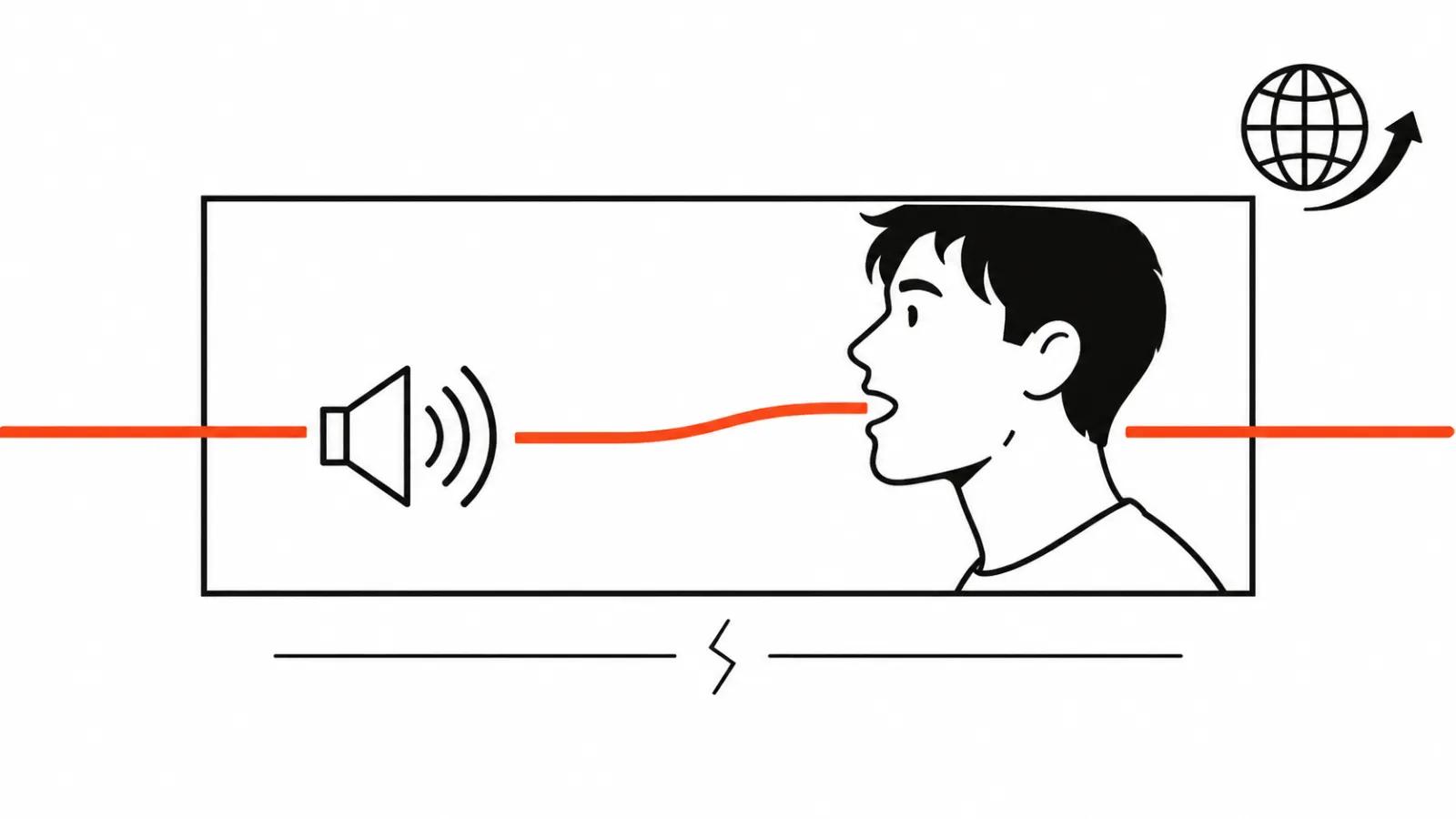
What that means at review. Pick three moments where the face is big and clear. Watch the consonants that need closed lips: b, p, m. If the mouth sits open on a p sound and closes on a vowel, sync fails at that spot. The mechanics behind this are broken down in how AI lip sync works.
The third point is volume. One run dubs up to ten minutes, and anything longer gets split into parts. A seam appears at the split: the last line of one part and the first line of the next can come back with different loudness or a different pause. Watch the join on its own, away from the rest of the video.
Names and terms that must not be translated
The list you set before the run holds names and key terms, and those stay spelled the way you wrote them. In an ad that means the product name, in an interview the surname, in a testimonial the client's company name.
Build the list before upload and check it afterwards. A mistake here costs more than a sync glitch, because a client reads it as carelessness about the brand: a surname translated by meaning, a Latin product name rewritten by ear. Numbers and abbreviations deserve their own line, since they read differently across languages. If the clip runs as an AI video ad with a price or a promotion in it, every claim gets checked against the original before the run.
Why hand over your own SRT, and what Ask mode buys
A finished translation arrives as a timed SRT. Morphic then dubs from your script and does not translate again. That matters in three cases: a legal phrase, a promise about the product, and a brand glossary. Machine translation renders those its own way, and the fixes get done by hand later.
Subtitles come out in two forms: a separate file or styled captions burned onto the video. Social feeds usually take the second, platforms with their own subtitle tracks the first.
Ask mode is useful before you pay: nothing is charged until you approve the result. The sequence is simple. Watch a draft dub of the whole clip, decide, then run the paid version with lip sync. The free plan dubs audio only, so the first pass shows how the voices sound and says nothing about how the lips look.
A ten-minute test with two people talking at once
Build the test on the hardest stretch of material. A convenient fragment flatters the tool, a hard one shows the edges. A ten-minute stretch where two people interrupt each other with music underneath works well, and ten minutes is exactly the ceiling for one run, so the test fits in a single pass.
A DigitalToday headline from November 25, 2026 lists overlapping dialogue among the tool's claimed capabilities. The headline carries no details, so there is no mechanism to describe, and overlap has to be tested on your own footage.
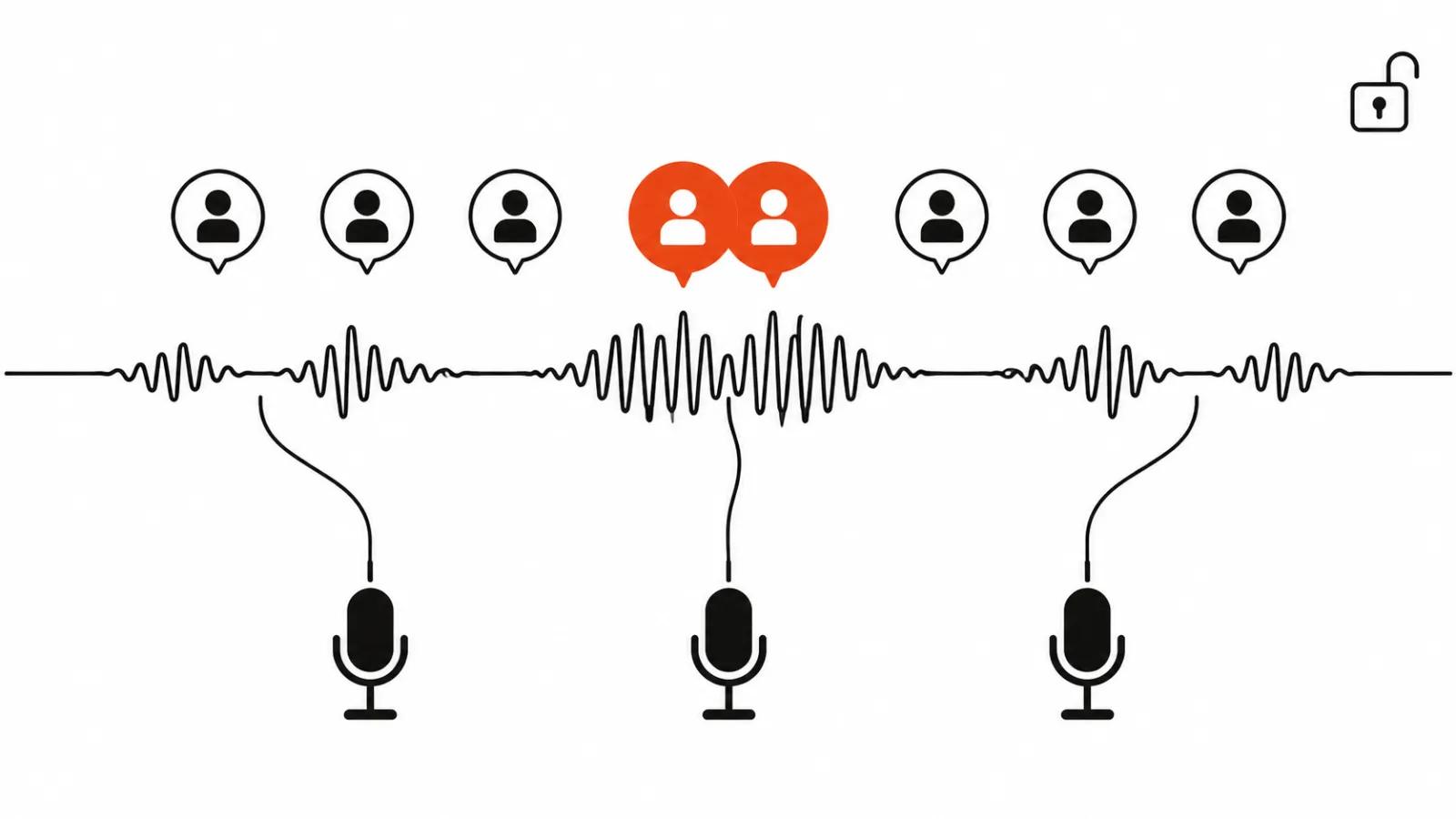
What to watch in that test. Who gets the voice when two people speak at the same moment. Whether the second speaker's line disappears. Whether the music drifts under dense dialogue. Whether the second speaker keeps the same timbre he has in his solo lines. And last, whether lip sync holds on the second speaker's close-up as he turns toward the first.
If overlap falls apart, there is a workaround. Cut the material by line, dub each piece separately and assemble the tracks at the edit. It costs more time and shows exactly where the tool breaks.
A six-point review checklist for a dub
The checklist takes less time than a second run and settles most arguments at review. One more item is worth keeping for yourself: save the SRT and the term list, so the next language version of the same clip follows the same rules.
- Voices. Every speaker keeps their own timbre, and it does not change from the first line to the last.
- Names. Company names, product names and surnames match the original letter for letter.
- Music. The bed does not jump in level where speech meets silence.
- Effects. Sound effects stay on their marks and the pauses before them survive.
- Lip sync. On three close-ups, consonants with closed lips land on the picture.
- Joins. The point where two parts were stitched together gets watched on its own, with level and pause even there.
What to do with a clip you already shot
Dubbing pays off because the original stays. Light, set, performance and edit are already paid for, and only the speech and the close-up lips change. For an archive of interviews, testimonials and corporate recordings, that is a way to reach a second language without a new shoot.
When there is no clip yet, the same questions move into the brief: who speaks on camera, how many of them, which words must not be translated, and which languages the video has to ship in. If the person on screen is digital, the voice gets generated from nothing and the requirements change. The basics of AI avatar production are worth reading before the start.