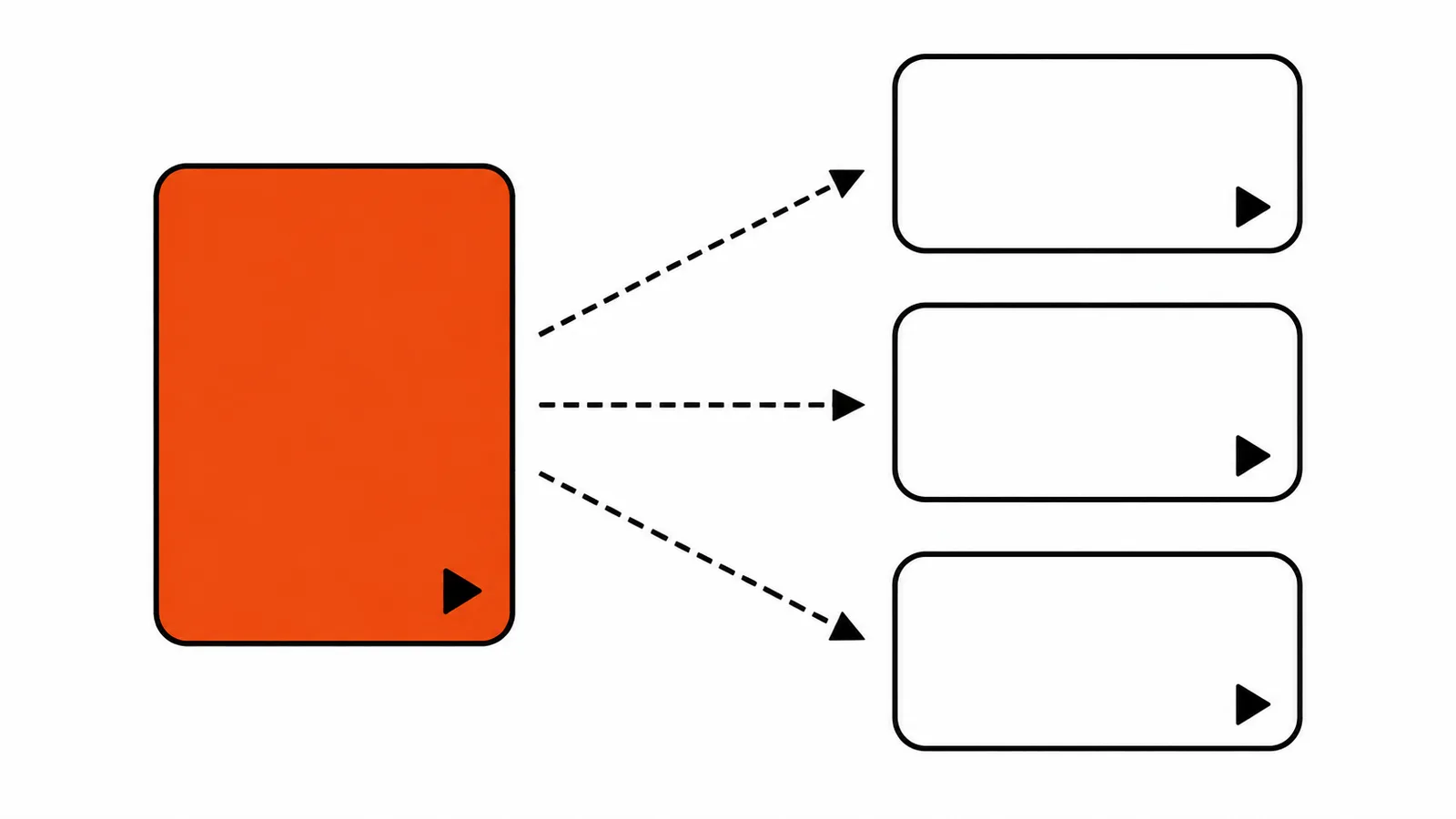
When one generation per shot is enough
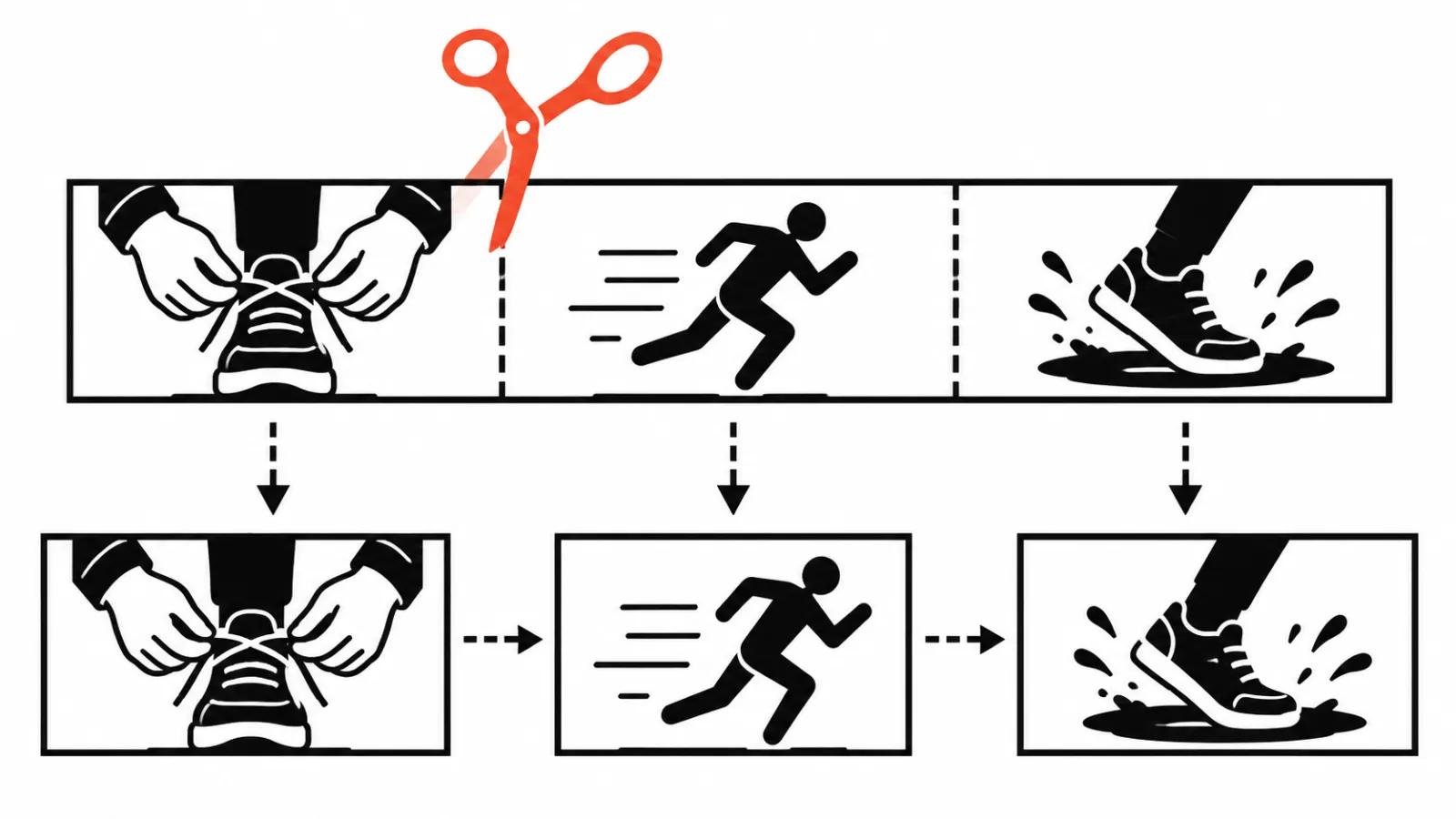
A short cut with a single action comes out of a single generation: one description or one still, one result. Trouble starts when a piece has several connected shots. A scene that walks from shot to shot with one character in one room pushes the matching problem back onto the editor: same light, same wardrobe, same angle. The general case of breaking a video into pieces has its own walkthrough on how a video gets split into shots, and that piece marks where the boundary between shots usually falls.
A single pass over the whole scene takes that matching work off the table. It pays off when the scene has two or three shots, one location and one character. When the scene changes place or swaps the lead, separate generations keep control simpler to hold.
What a multi-shot scene needs on the way in
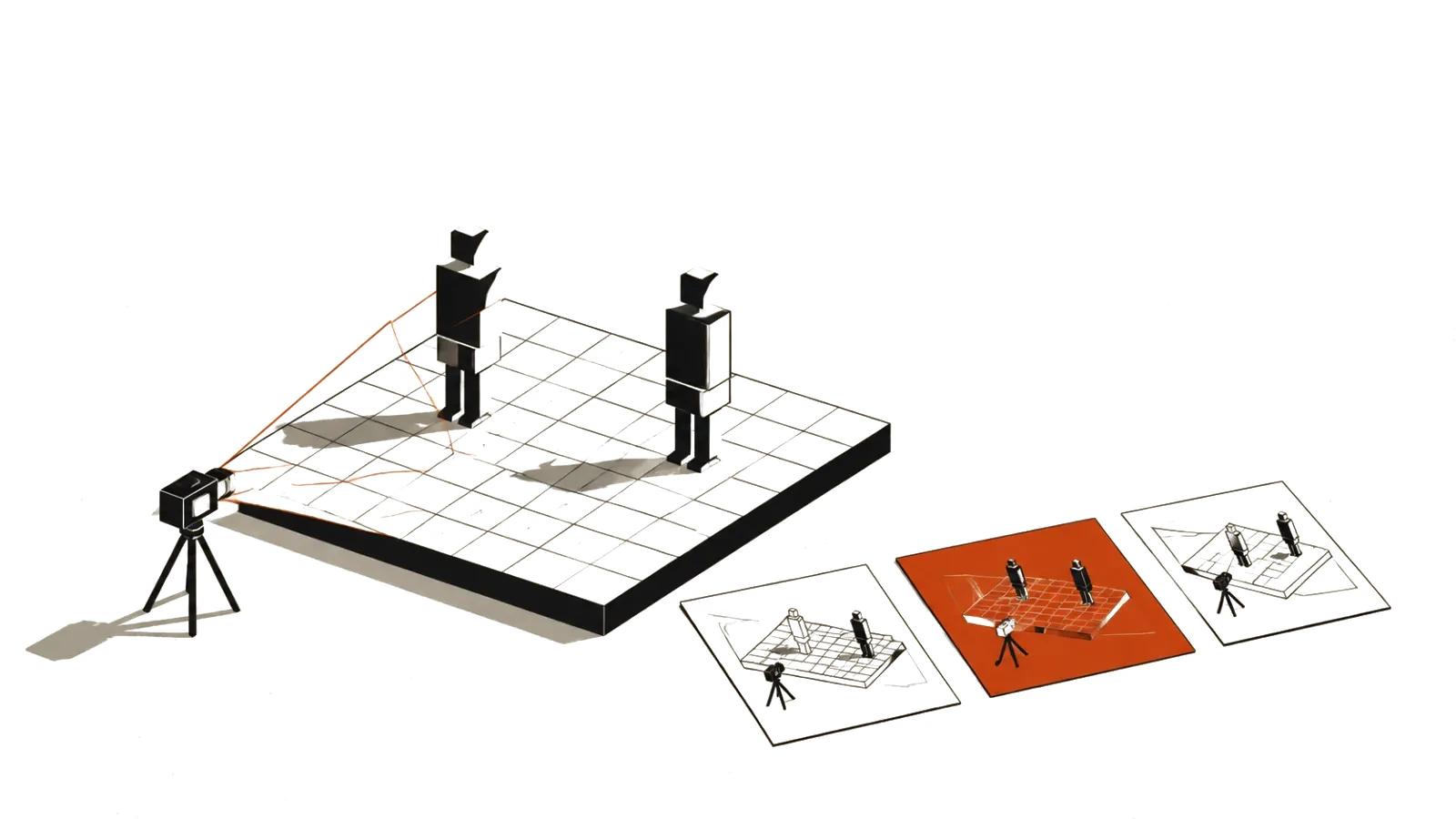
Multi-shot generation sits inside LTX-2.5 itself. One run returns connected shots, where earlier versions of the family produced a single continuous shot. Character identity, environment, light, voice and visual style hold across the cuts.
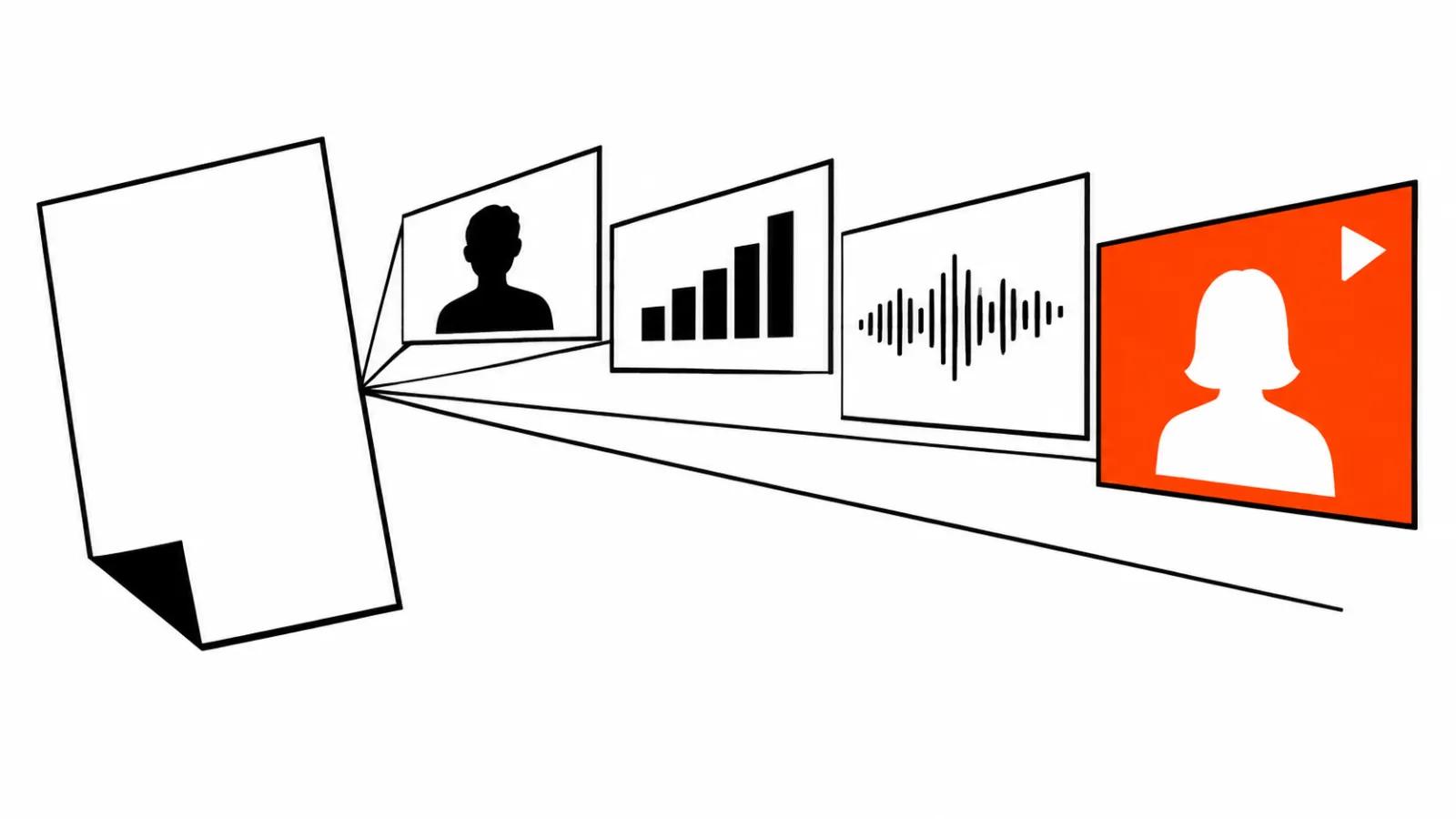
Continuity runs through a separate text encoder, Gemma 4 12B, retuned for complex prompts. It keeps several characters, camera moves, lighting and actions together, and detail does not drain away toward the end of a long sequence. The model docs say it plainly: a well-structured, detailed prompt improves the result noticeably, and the full guide to multi-shot prompting sits in the How to prompt LTX-2 section.
The work before a generation comes down to three lists. How many shots the scene has. What changes between them: action, angle, shot size, where the character stands. What has to stay identical: appearance, wardrobe, location, time of day, light, colour temperature. That third list is short, and it is the one holding the cuts together. If shot one mentions low evening sun and shot two says nothing about light, the model is free to relight the room.
One packaging detail matters at setup. The ComfyUI bundle ships in parts: a video VAE, an audio VAE with a vocoder, the text encoder, upscalers and a distilled LoRA. Loading the whole set for a scene test is optional. There is also a prompt enhancer that expands a short prompt into a longer cinematic description at a small extra cost in compute.
The frame count and size rule
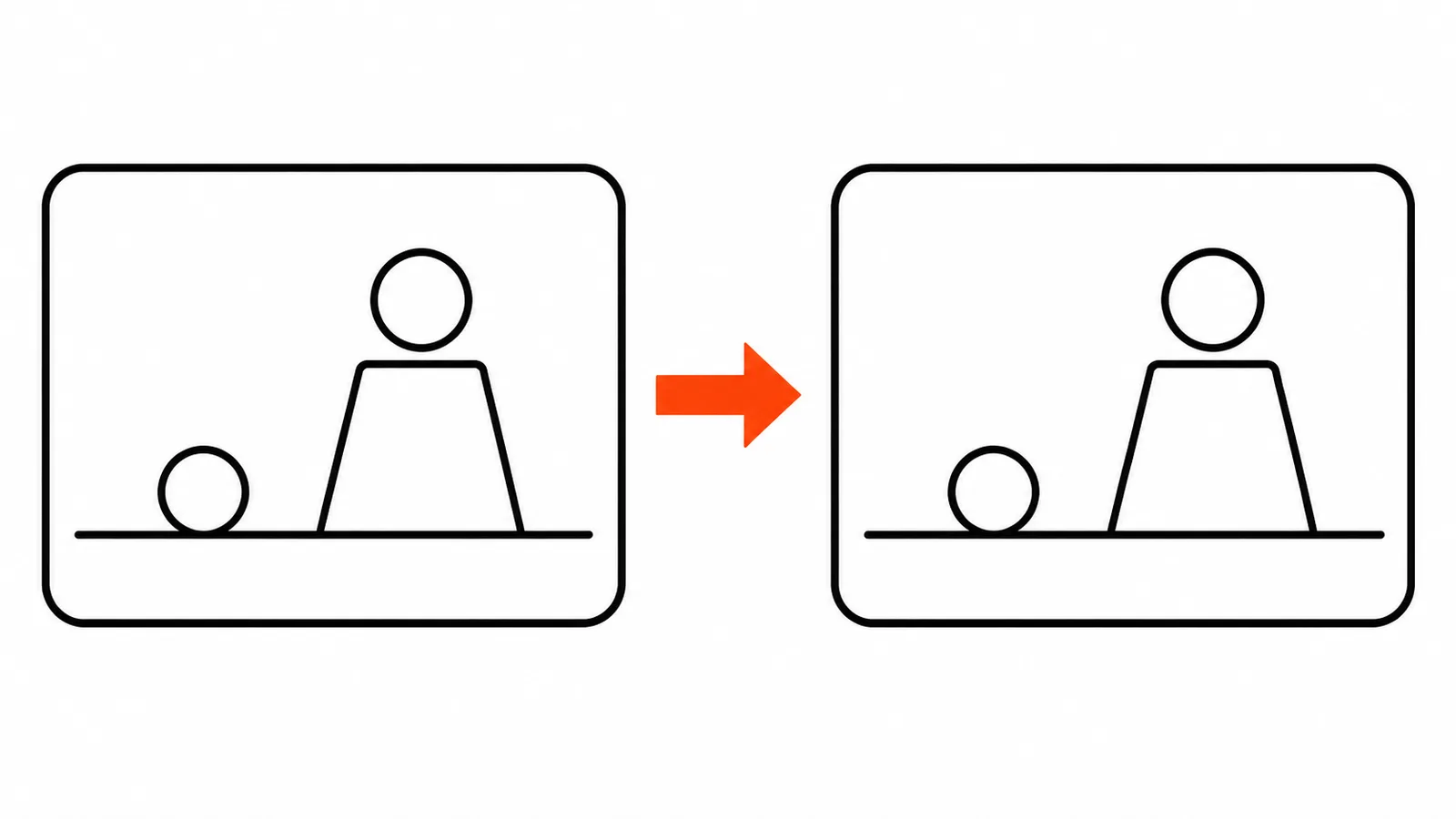
Read the format constraints before the first run, because an error here sends the whole prompt back. Frame count follows num_frames % 8 == 1, which gives 1, 9, 17, 25 and onward in steps of eight. Width and height have to divide by 32. The docs use 121 frames at 1920 by 1088 as their example.
Doing the arithmetic up front is cheap. When duration is set in seconds, the frame count gets matched to the rule before launch, and the round trip through an error message never happens.
Clip length and the duration predictor
Length gets set in one of two ways. The first is a fixed duration parameter: seconds are chosen in advance and the model lays them out as frames. The second is an optional duration predictor node that reads the prompt and works out the frame count on its own.
Which one to use depends on who owns the timing. When the length comes from an edit sheet or a client brief, the fixed value wins. When the scene is described in words and the beats are approximate, the predictor removes the guesswork: a short line does not stretch to ten seconds, and a character walking out of frame does not snap off mid gesture.
Resolution and upscaling: base, then 1920 by 1088, then 4K
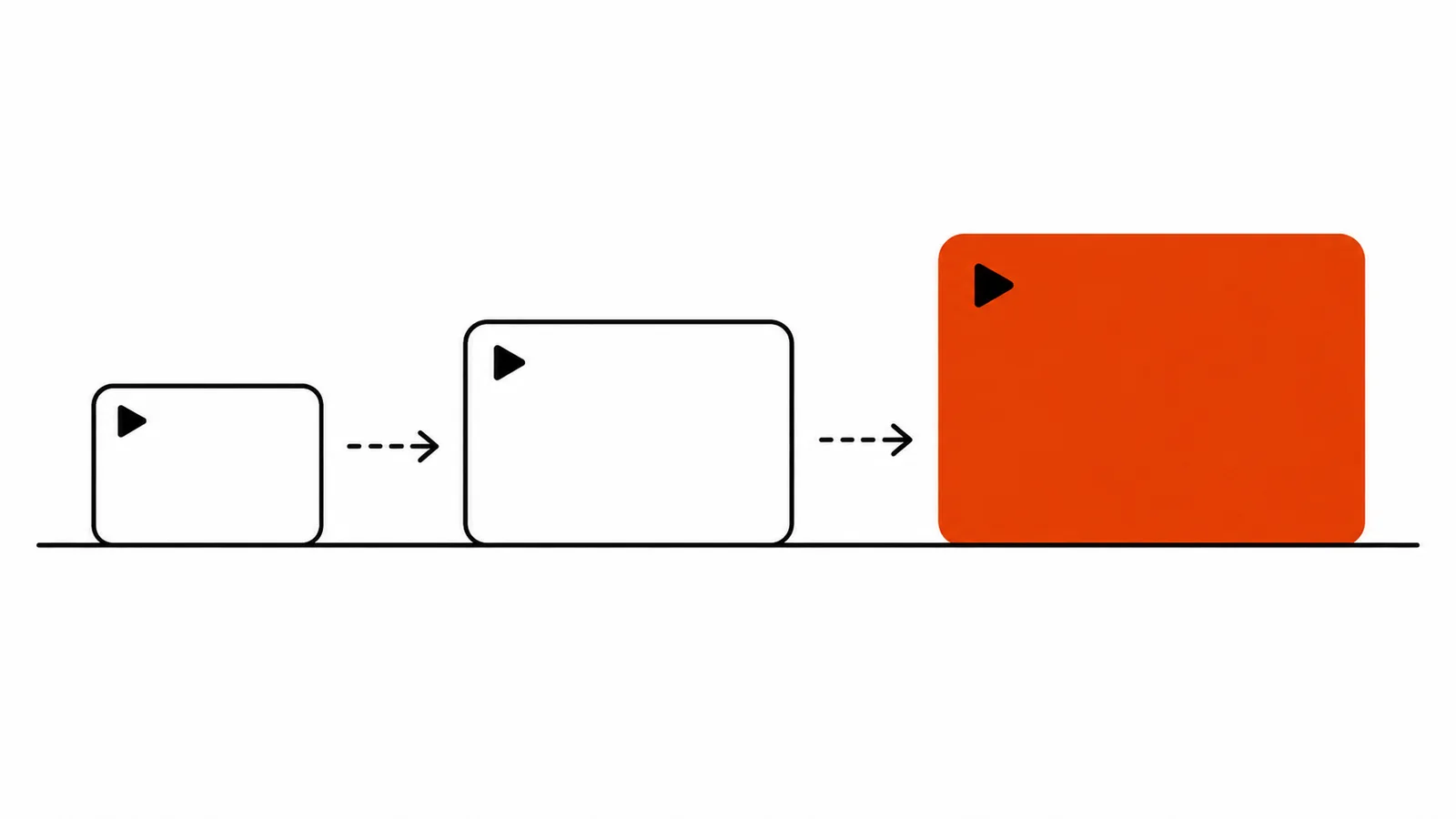
Base resolution goes up through spatial upscaling. In the docs, one spatial pass lands at 1920 by 1088. For 4K the same page lists two passes at 3840 by 2176. The first run of a multi-shot scene is worth doing at base resolution, with 4K reserved for the final render once the cuts hold.
There is a neighbouring method worth knowing about. The walkthrough on keyframes second by second builds a timeline out of intermediate stills, where each beat gets a picture. Multi-shot generation solves the adjacent problem with text instead, so no still per beat is needed. The difference sits in where the control comes from, and that changes the order of the fixes.
A three-shot prompt for a product ad
The example below is a product spot. One character, one location, with shot size, action and camera move as the variables.
Scene: bright kitchen, morning, soft side light from the window. The same woman, the same clothes, one mug on the table. Shot 1: medium shot, she sets the mug down, camera pushes in slowly. Shot 2: close up on the mug, steam above the drink, camera arcs to the right. Shot 3: medium shot, she picks the mug up and walks into the depth of the frame, camera static. Character, wardrobe, kitchen, light and colour identical across all three shots. Hard cuts between shots. No subtitles, no music.
The model takes prompts in other languages as well. Shot breakdowns get written before the run, since fixes cost more afterwards.
Checking continuity at the cuts
The check follows the same breakdown the prompt used. Four things are worth a look.
Character identity: face, hair, wardrobe and hands across the transition. Light and colour: one temperature and one shadow direction in every shot. Style: grain, contrast and lens character show up precisely at the cut. Small details toward the end: fabric pattern, the shape of an object, the lettering on packaging.
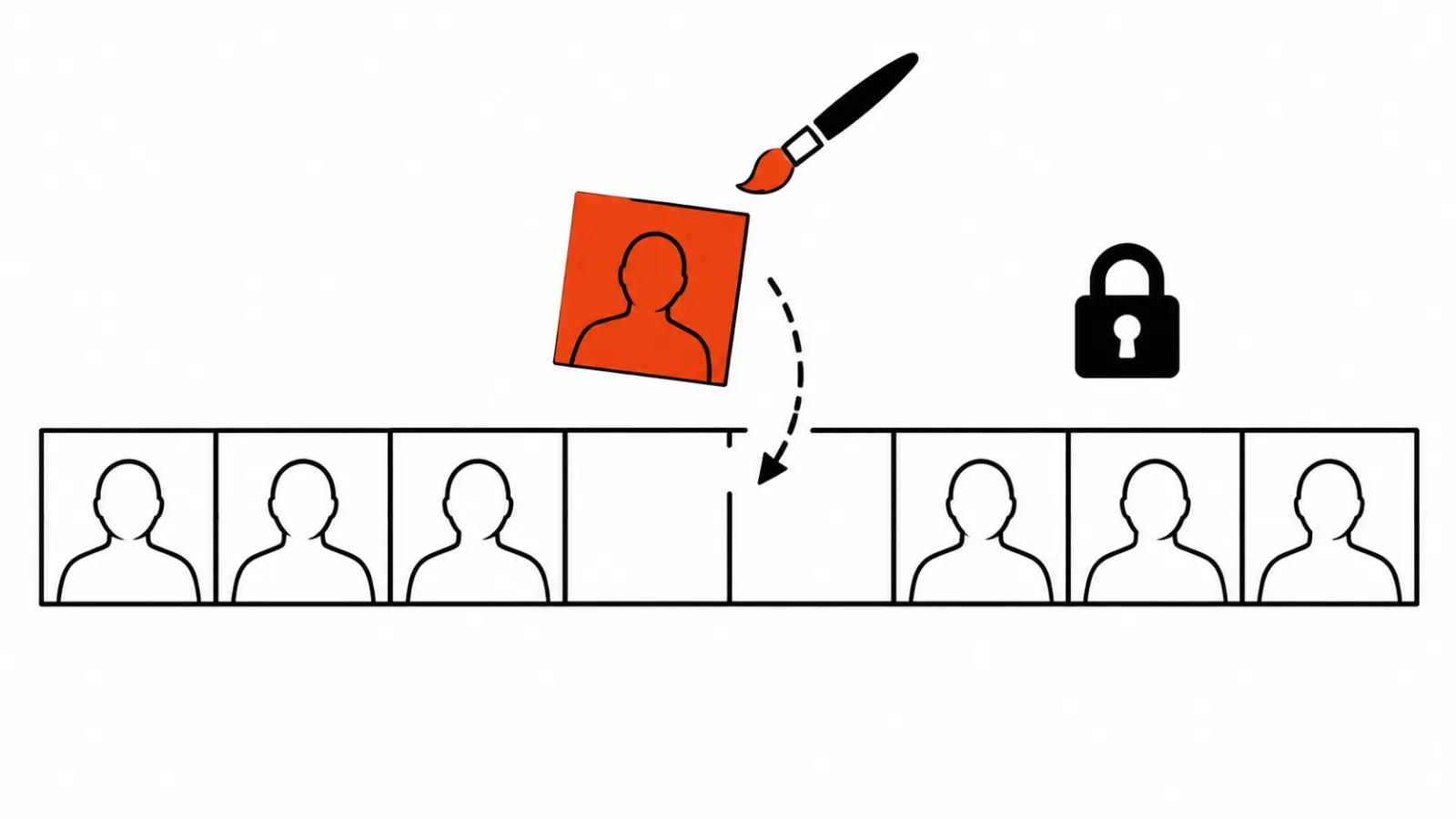
If the character drifts in shot two, the fix goes into the wording and the pass runs again whole. How well the other shots hold is a question for a test: a connected scene is one task, so one rewritten shot can pull its neighbours along with it.
What this changes for a client
A test pass earns its keep by showing where the scene holds and where it drifts. The rest is assembly. Where a scene feeds a volume pipeline, commissioning AI video production prices at up to $2.40 per 1000 views. Where the frame and the expression have to be exact, handcrafted videos start from $190. Long pieces built from short shots follow a different logic, covered in long AI videos assembled clip by clip.