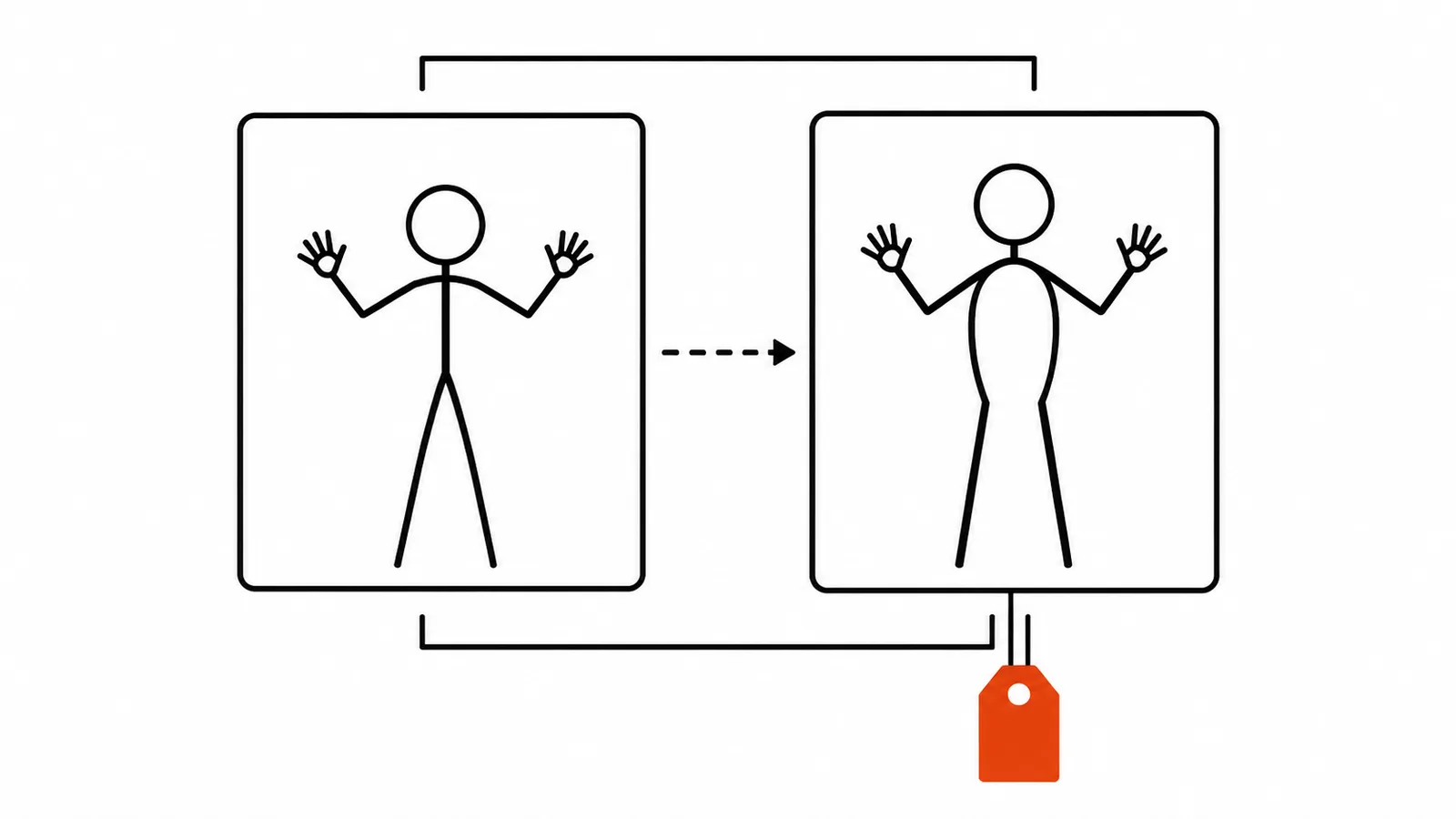
What Morph actually does to footage you already have
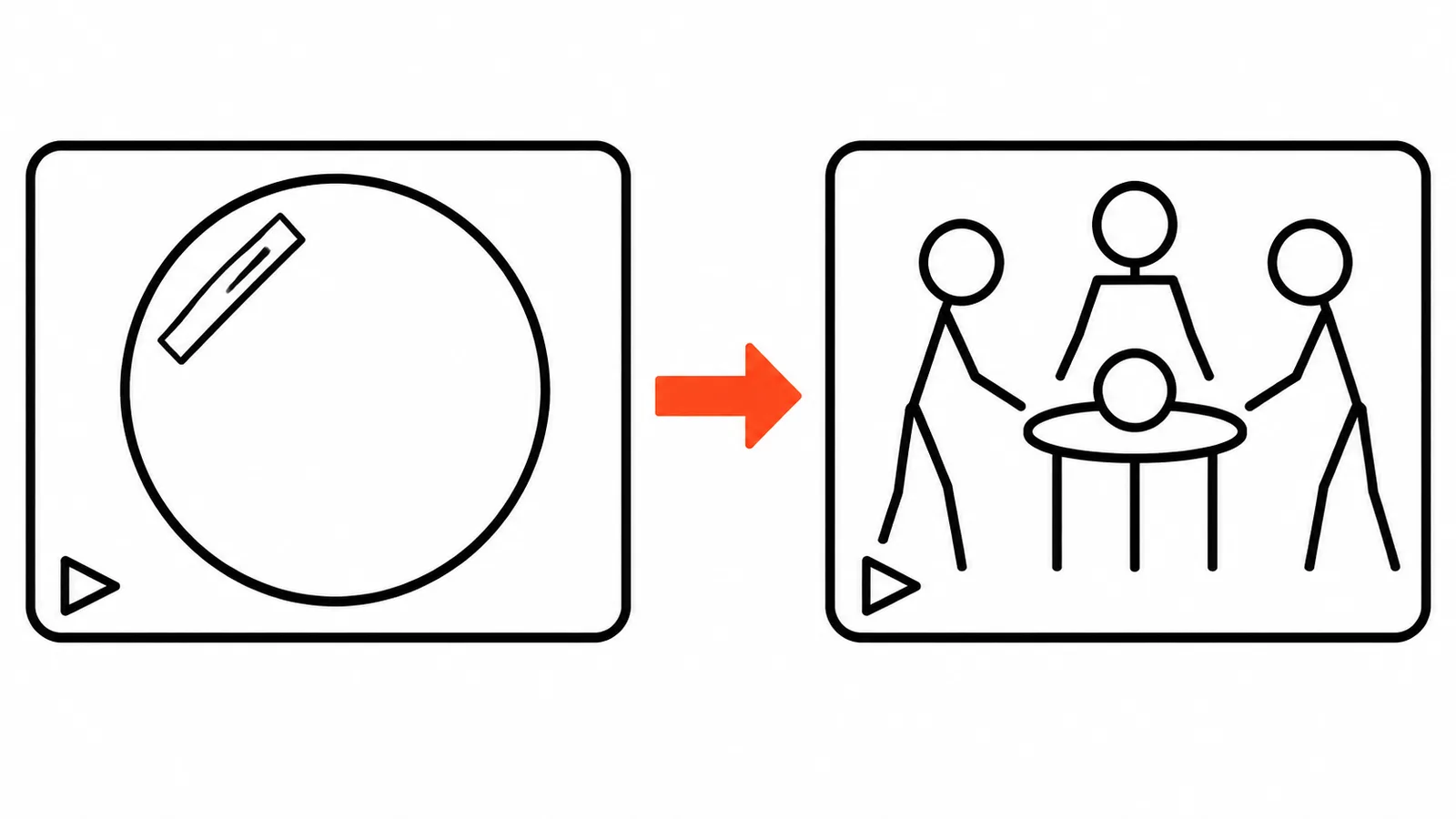
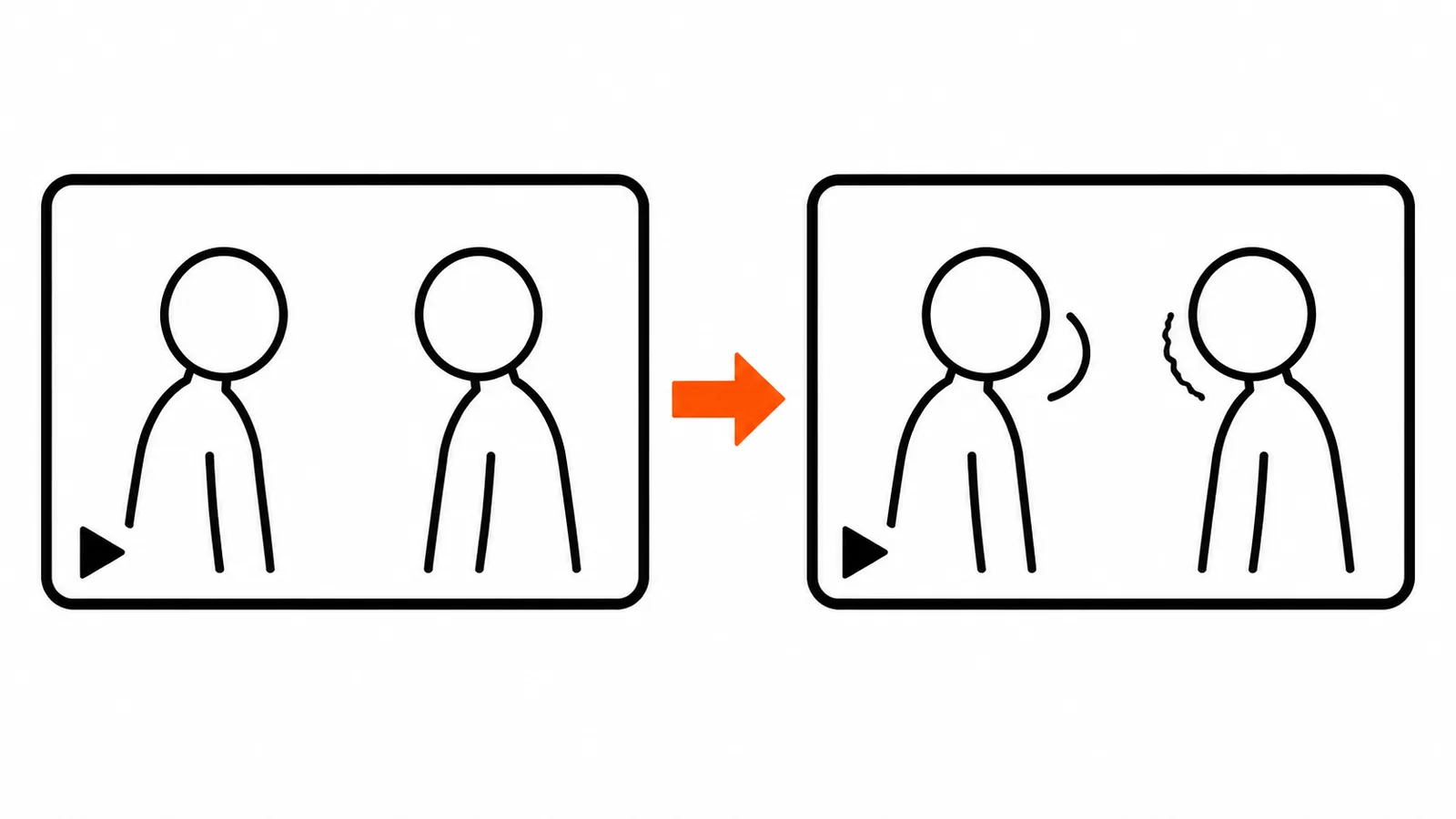
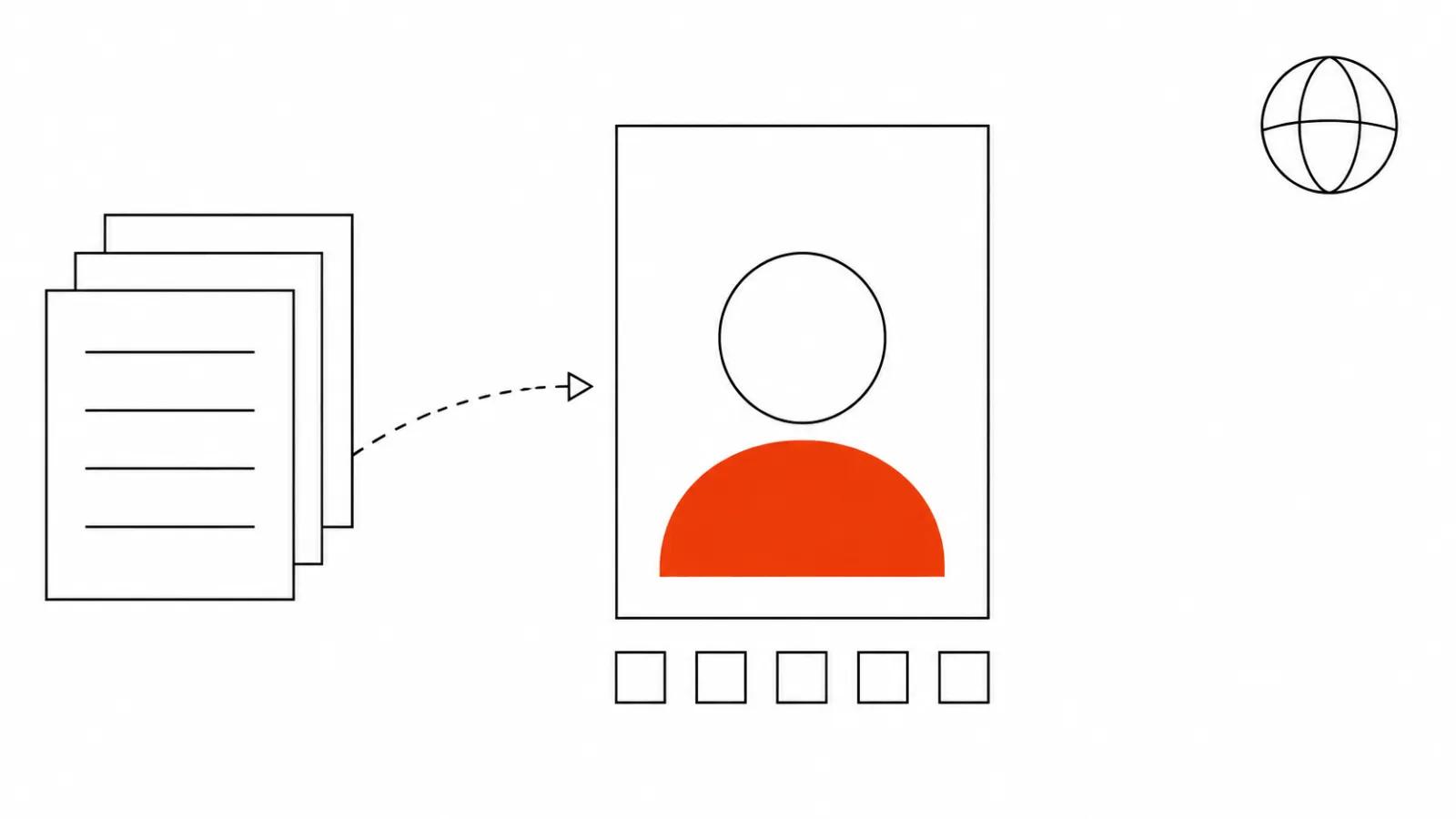
The input is a finished sign language clip plus a photo. The model re-renders the video and keeps the signing sequence intact. The rest is detail, and the detail decides whether an editor can use the result.
Talksign says movements, timing and facial expressions are preserved, along with frame count and frame dimensions. Those last two matter more than they sound. Matching frame count and aspect ratio means the file replaces the old one in the timeline with no rebuild of titles, music or cut points. For an archive of a few hundred lessons, that is where the saving sits.
Output comes at 480p or 720p HD. The new presenter can be a preset or your own photo, and the background is adjustable. Under the hood sits Echo, the company's model for photorealistic sign language video. An updated Echo is in development.
The practical shift: to swap the presenter in finished footage you no longer book a studio day. Lighting, backdrop, wardrobe, retakes and edit all stay as they were, and one element of the frame changes. That lands hardest in AI avatar video for accessible content, where a sign language clip often outlives the person who recorded it.
Avatar realism against sign fidelity
Talksign reports an identity similarity score of 0.80, which measures how closely the generated person matches the uploaded photo across a video. The company also cites published scores of 0.79 for HeyGen, 0.77 for KlingAvatar 2.0 and 0.71 for OmniHuman-1.5. It then adds the caveat itself: the test sets differ, a direct comparison is not valid, and no independent verification exists. Read the numbers as vendor-reported measurements, without a winner.
In sign language the message lives in hands, face and torso at the same time. Face similarity guarantees nothing about meaning. A clip can look convincing and still lose a phrase inside a fast passage. Talksign acknowledges the gap: fine finger detail during fast or overlapping signing is still hard to hold, and improving it is a priority for upcoming models.
Quality checks at the company are run with fluent Deaf signers. For acceptance work that matters more than the metric. Someone who reads the signing has to watch the clip and point at the moment a sign breaks. A similarity score cannot cover that.
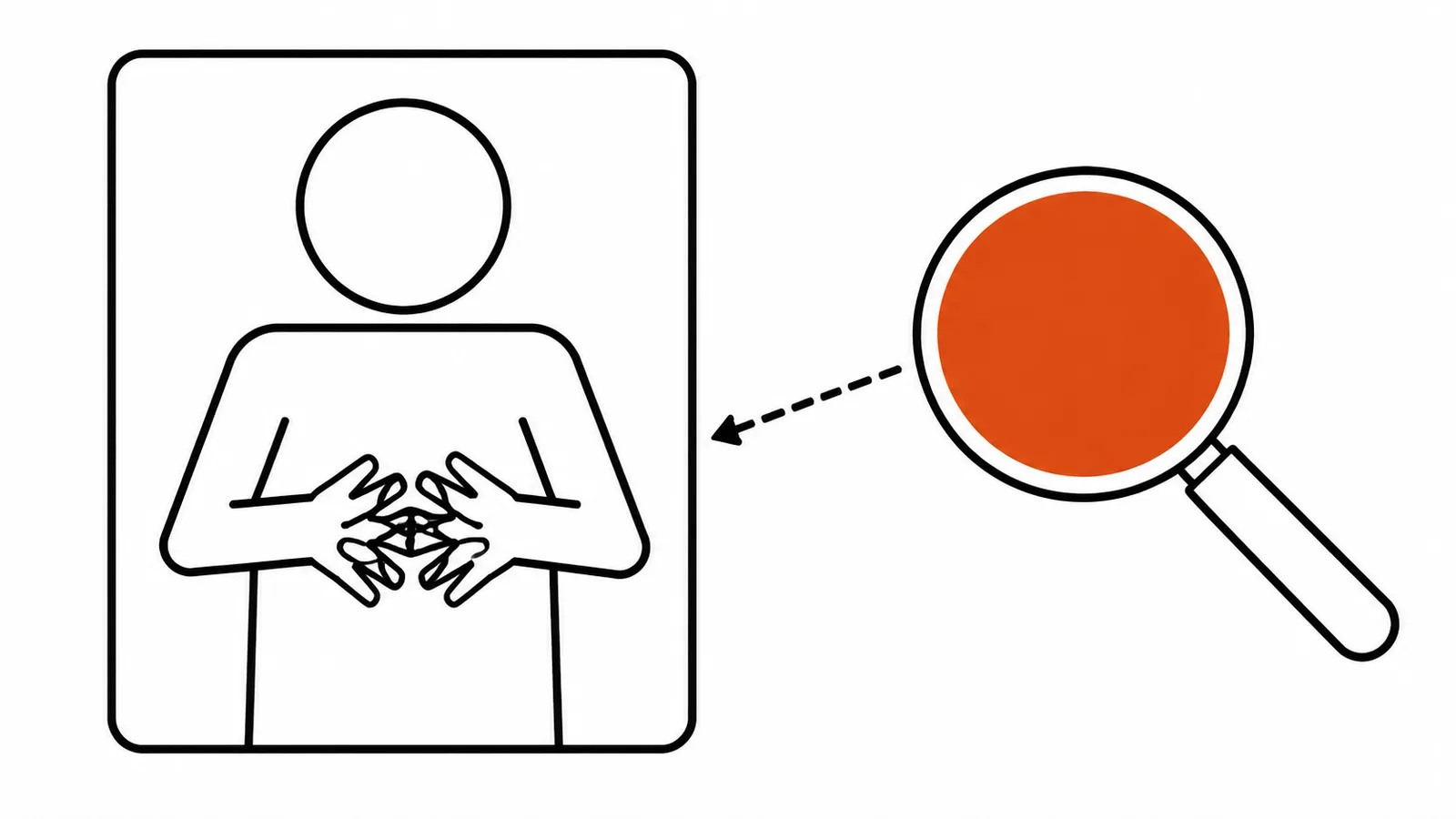
Two consents and a label, built into the product
Consent is required from the original signer and from the person in the photo. Generated videos are labelled as machine-generated. Uploaded photos and videos are stored privately, used to fulfil the request, and kept out of model training.
For a client, that means part of the legal work has moved into the interface. Signatures on consent forms still belong on paper. When a teacher has left and withdrawn permission for their likeness, a presenter swap resolves the dispute only with both consents in hand, and the machine-generated label remains on the video. Name that label in the platform contract before the first upload.
Where an AI avatar earns its keep in accessible video
Talksign lists a few situations. A school holds hundreds of recorded lessons with a teacher who has since left or pulled permission. A large organisation wants a uniform look across accessible content when different interpreters and Deaf employees recorded at different times, under different light, in different clothes and against different backdrops. A Deaf creator does not want to appear on camera and puts a character on screen instead.
Access runs through an early-access programme, and the company is recruiting design partners among education platforms and organisations that produce sign language content regularly. That tells you where the product currently lives: pilots with teams that have an archive and a quality bar for translation.
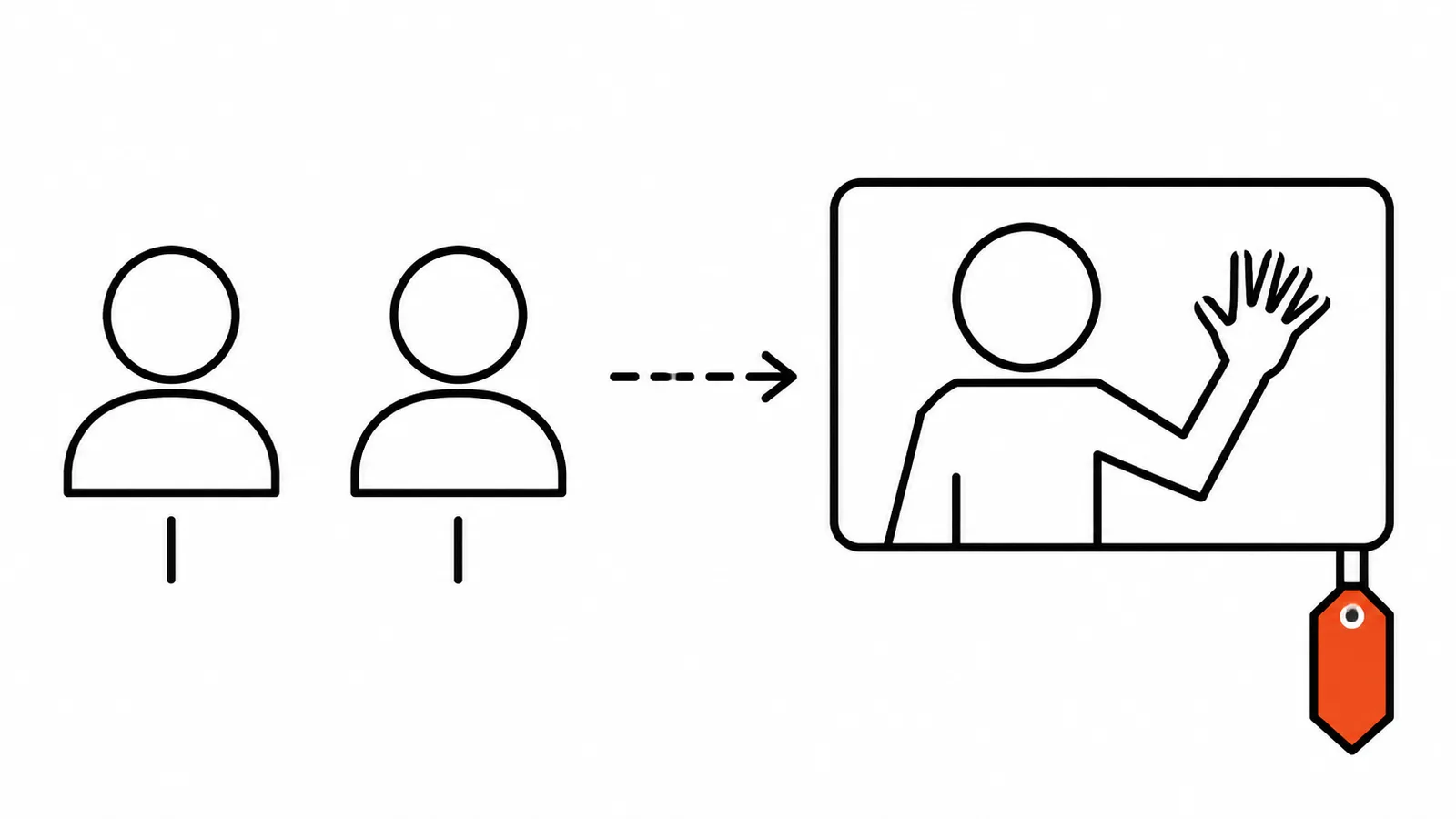
How this differs from audio-driven avatars and likeness swaps
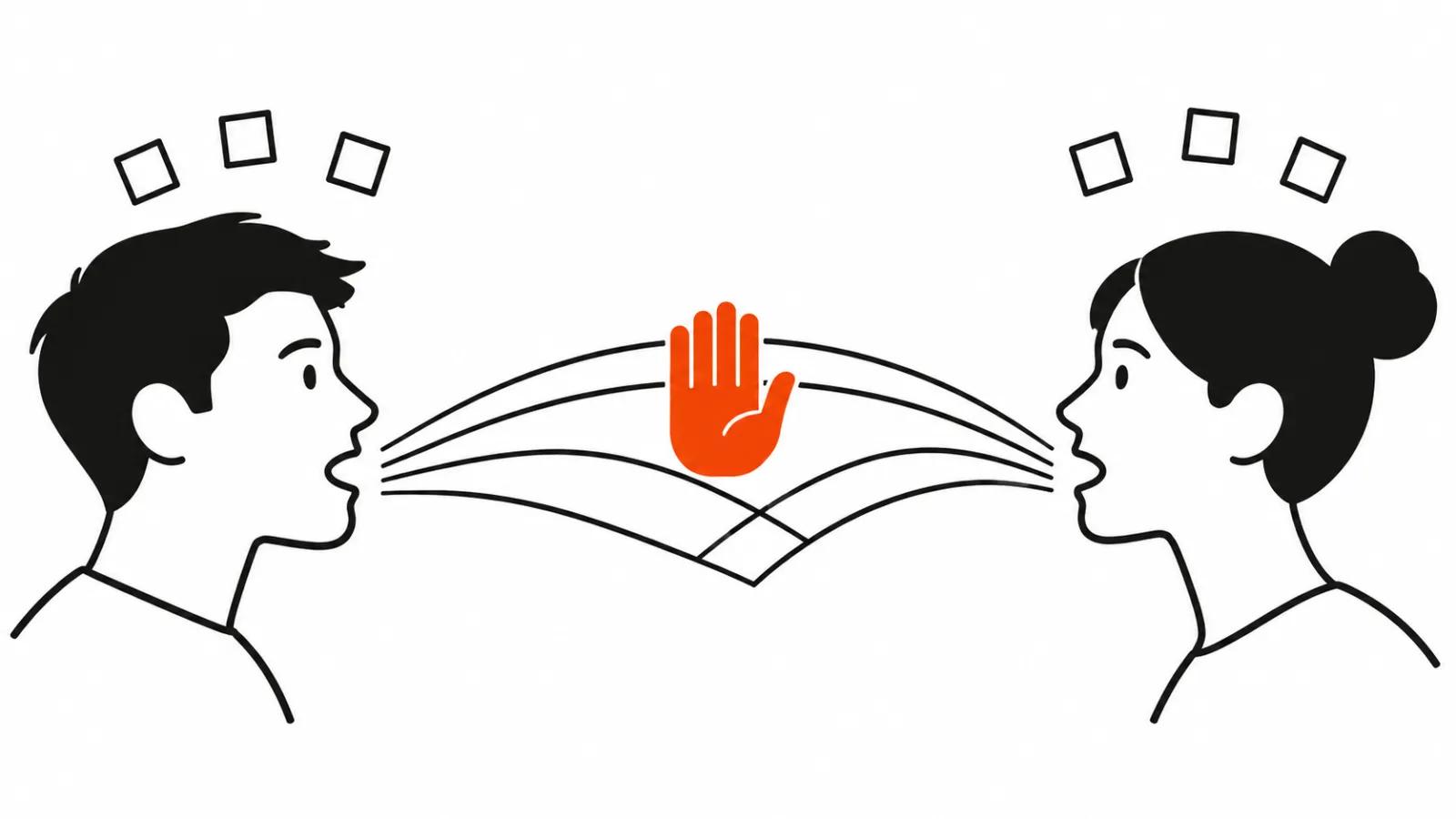
An avatar that builds audio-driven gestures generates the clip from a script or a voice track: there is no source video, only audio and a model. A face swap works on a face inside a frame that already exists. Morph takes the whole sign language clip and redraws the presenter while keeping the shape of the signs.
The failure modes differ too. With a generated avatar you ask whether the motion reads as a sign at all. With a face swap you watch for the face drifting between frames. Here you look at fingers on a fast passage and at signs where the hands overlap and a shape goes missing.
If a job like this comes in, four checks decide acceptance. Frame count and dimensions must match the source, or the edit gets rebuilt. Check whether 720p HD is enough for the channel it lands on. Watch fast, overlapping signing with a fluent signer. Confirm both consents and the machine-generated label in the credits.
The line to remember: Morph sells a new presentation of an existing message, and a broken sign costs more than a broken likeness, because it changes what was said, not only how it looked. Budget the review with a Deaf signer into the schedule from the start.