Why a ten dollar subscription does not answer the price question
The PixelDojo page captured on November 18, 2026 describes Veo 3.1 as Google's video generator: a text prompt or an image turns into a short cinematic clip with generated audio, including dialogue, effects and ambience. The techbuzzireland write-up appeared on November 25, 2026, by Jim O Brien, and every number below comes from it.
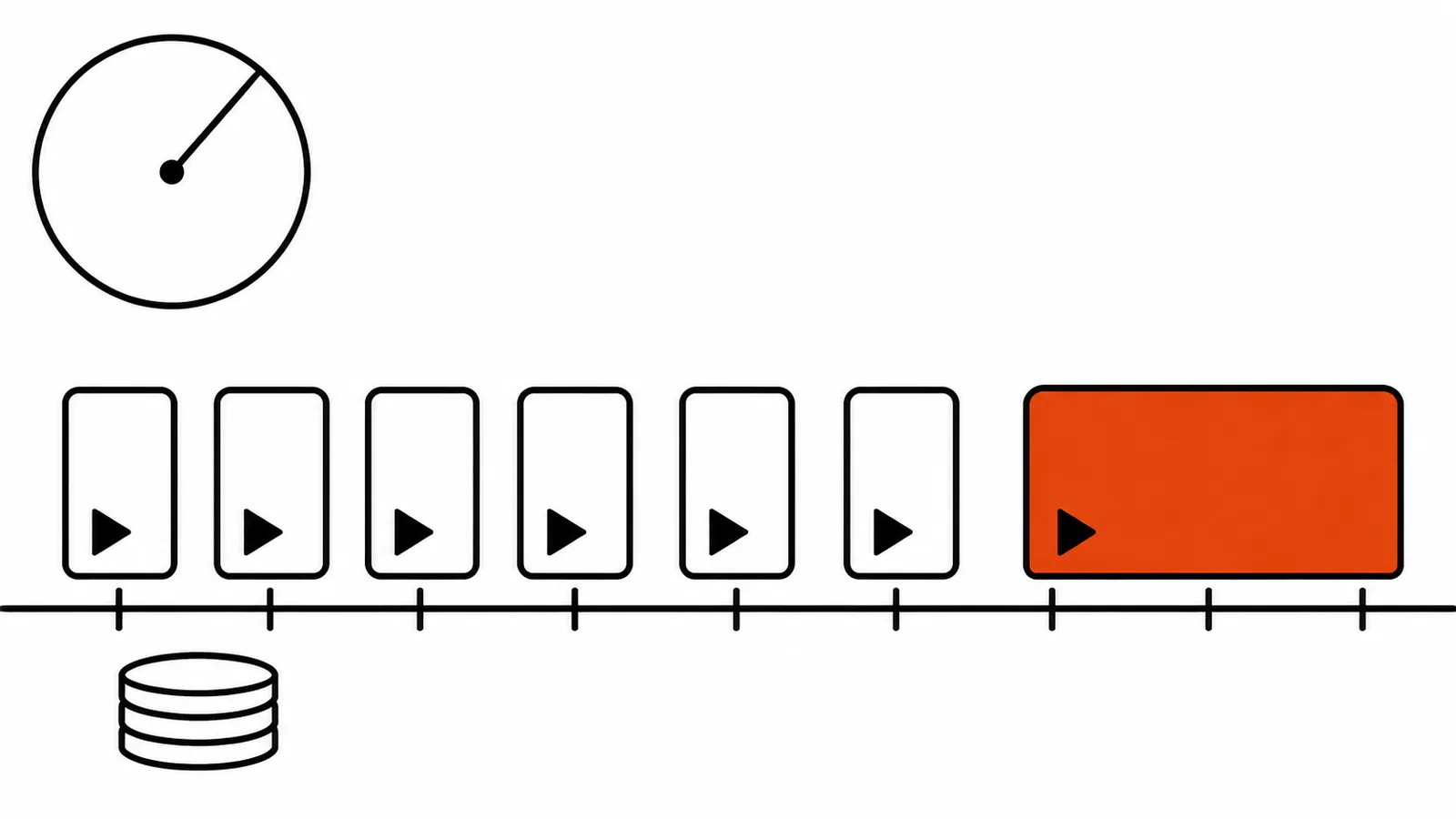
The dollar figures in that table are calculated on the Pro plan, where a credit costs 5 cents, because 500 credits go for 25 dollars a month. On Lite a credit costs more: 160 credits for 10 dollars, which is 6.25 cents. Pro Max is the cheapest per unit, with 1,100 credits for 50 dollars, about 4.55 cents. The same 96 credit clip costs different amounts on the three plans, because the unit price moves while the work stays the same.
That gives one rule for reading pages like this. The monthly fee sets the size of the plan and the credit balance. The price of a clip comes from the rate per second multiplied by its length.
Three Veo 3.1 tiers and what each one changes
The descriptions on the page belong to the vendor. Standard is called the top quality tier, meant for faces, dialogue and hero shots. Fast costs less than half of Standard per second and, in the page's wording, handles motion and action well. Lite gives the lowest price per clip and still generates audio.
The parameters are shared. A clip runs from 4 to 8 seconds, up to 1080p, in 16:9 or 9:16. Audio is generated in every tier. Every tier accepts a start image and an optional final frame, and Standard adds up to three reference images.
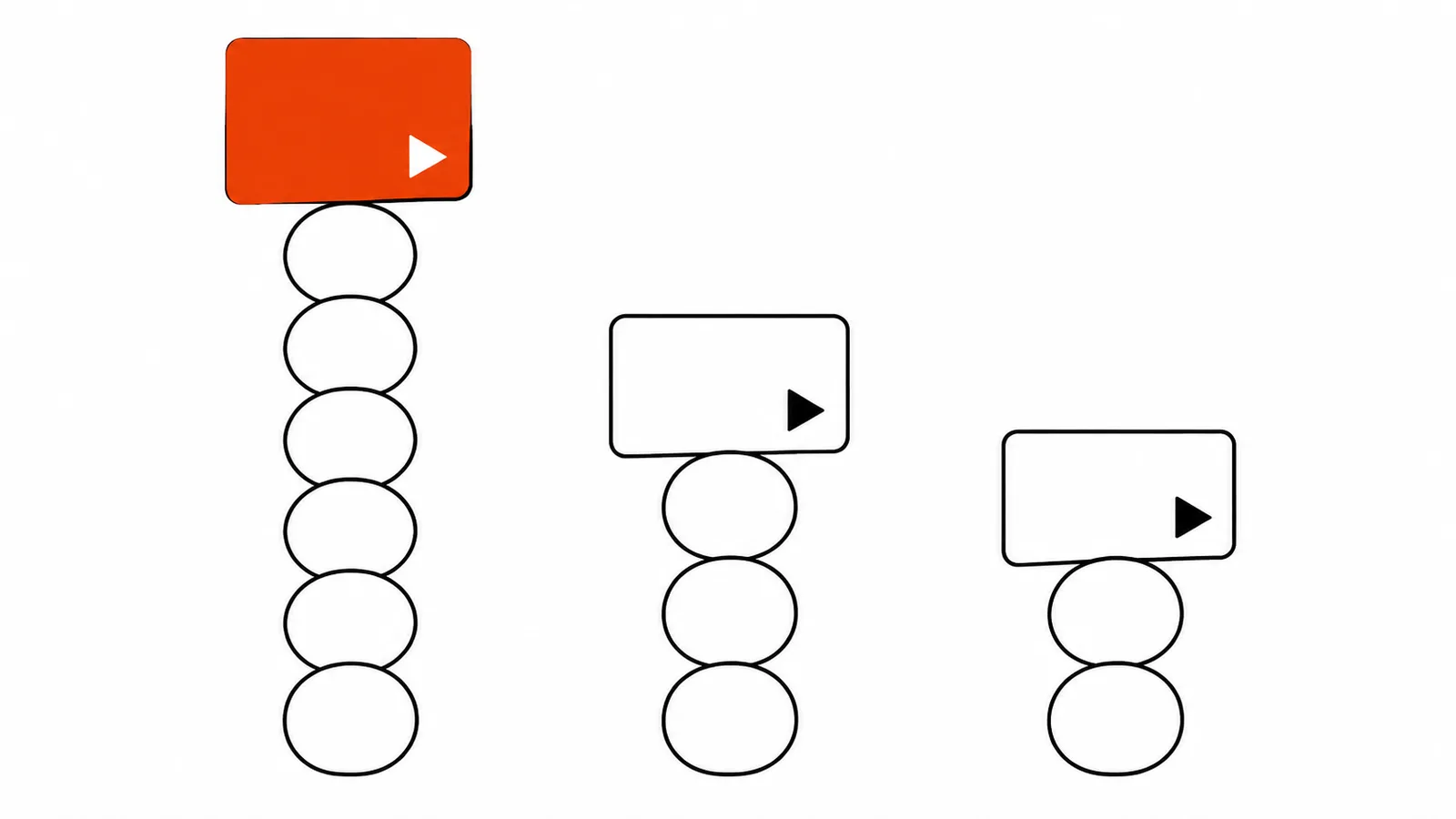
The practical difference shows up in two places. First, the rate: a second of Standard is billed at 12 credits against 4.5 for Fast. Second, the kind of shot each tier is claimed for: faces and dialogue go to Standard, motion and action to Fast. A clip with neither faces nor fast movement gains nothing from paying for Standard.
Reading the credit table: rate per second, price per clip
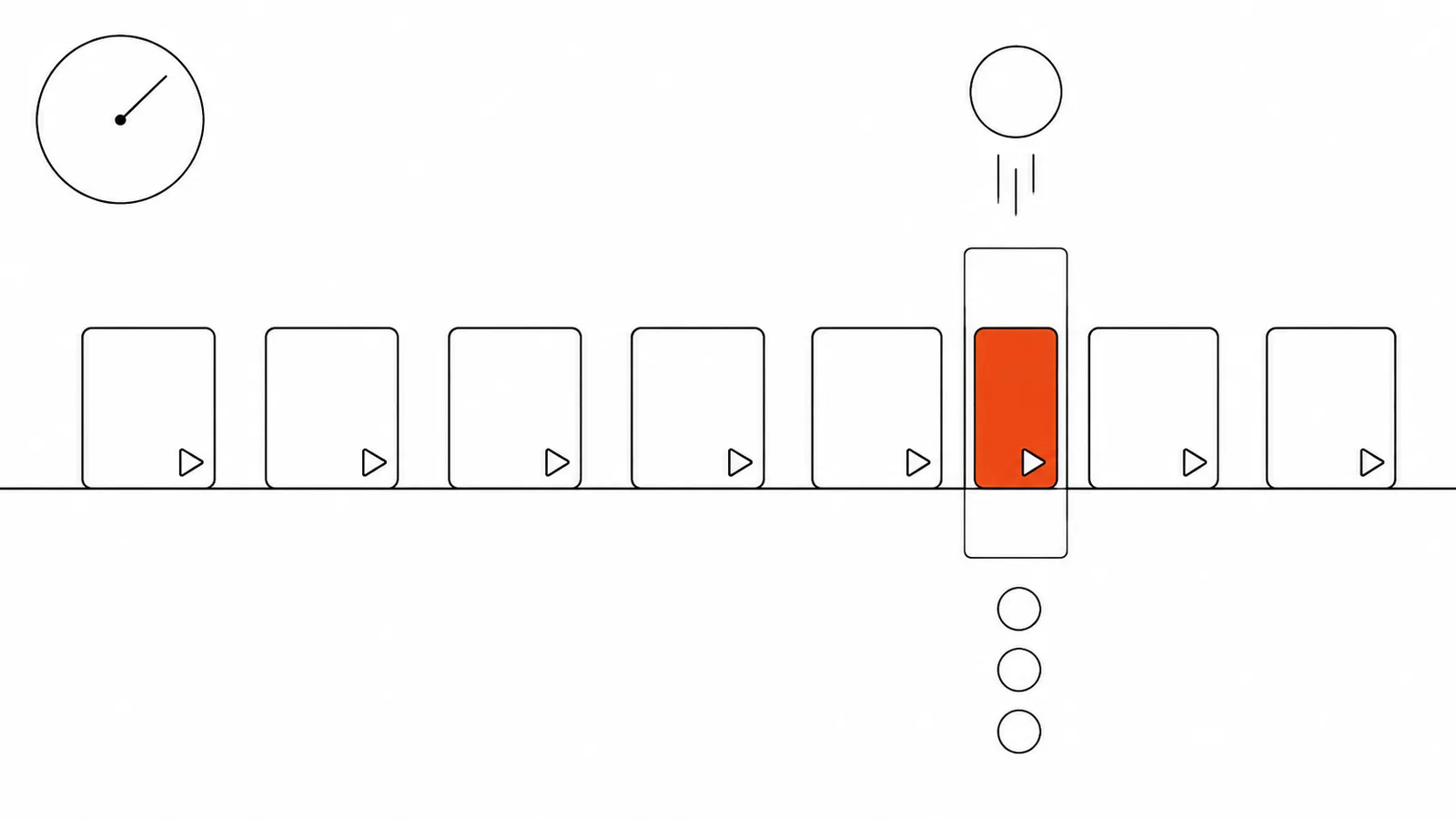
Credits are charged per second, and the rate depends on audio. With audio on, Standard takes 12 credits per second and Fast takes 4.5. With audio off the rates drop to 8 and 3. Lite costs 2 credits per second at 1080p and 1.5 at 720p. For Lite the resolution changes the rate, while Standard is listed at the same price for 720p and 1080p.
The finished price of a clip with audio looks like this. Standard: 48 credits for 4 seconds, 72 for 6, 96 for 8. On Pro an eight second clip comes to 4.80 dollars. Fast: 18, 27 and 36 credits, with the eight second clip at 1.80 dollars on Pro. Lite at 720p: 6, 9 and 12 credits, with the eight second clip at 0.60 dollars. Lite at 1080p: 4 and 6 seconds are not offered, and the 8 second clip is 16 credits, or 0.80 dollars on Pro.
Turning audio off lowers the rate, so the same clip at 8 credits per second comes to 64 credits instead of 96. That is arithmetic on the stated rates, and the story's table carries no separate line for it.
How these rates sit next to other models is covered in the roundup of per-second pricing and in the per-second price of another model. The mechanics of per-second billing on heavy clips are explained in why 4K video costs more.
How many clips one plan carries
The story runs the arithmetic on three plans. Lite is 160 credits, and one eight second Standard clip at 96 credits eats most of that balance in a single run. The same plan carries four eight second Fast clips at 36 credits each, or ten Lite clips at 16.
On Pro, 500 credits cover five eight second Standard clips, thirteen Fast clips or thirty one Lite clips at 1080p.
Those numbers show where the budget decision actually happens. A plan is bought against a number of clips, and the number of clips depends on the tier, so the tier gets chosen before the payment. If a plan is sized for Standard and half the clips end up in Fast, the unused credits roll over while the subscription stays active.
The reverse order is worse. A Lite plan sized for a series of eight second Standard clips hits the limit on the first clip, and ten of them will not fit in one month.
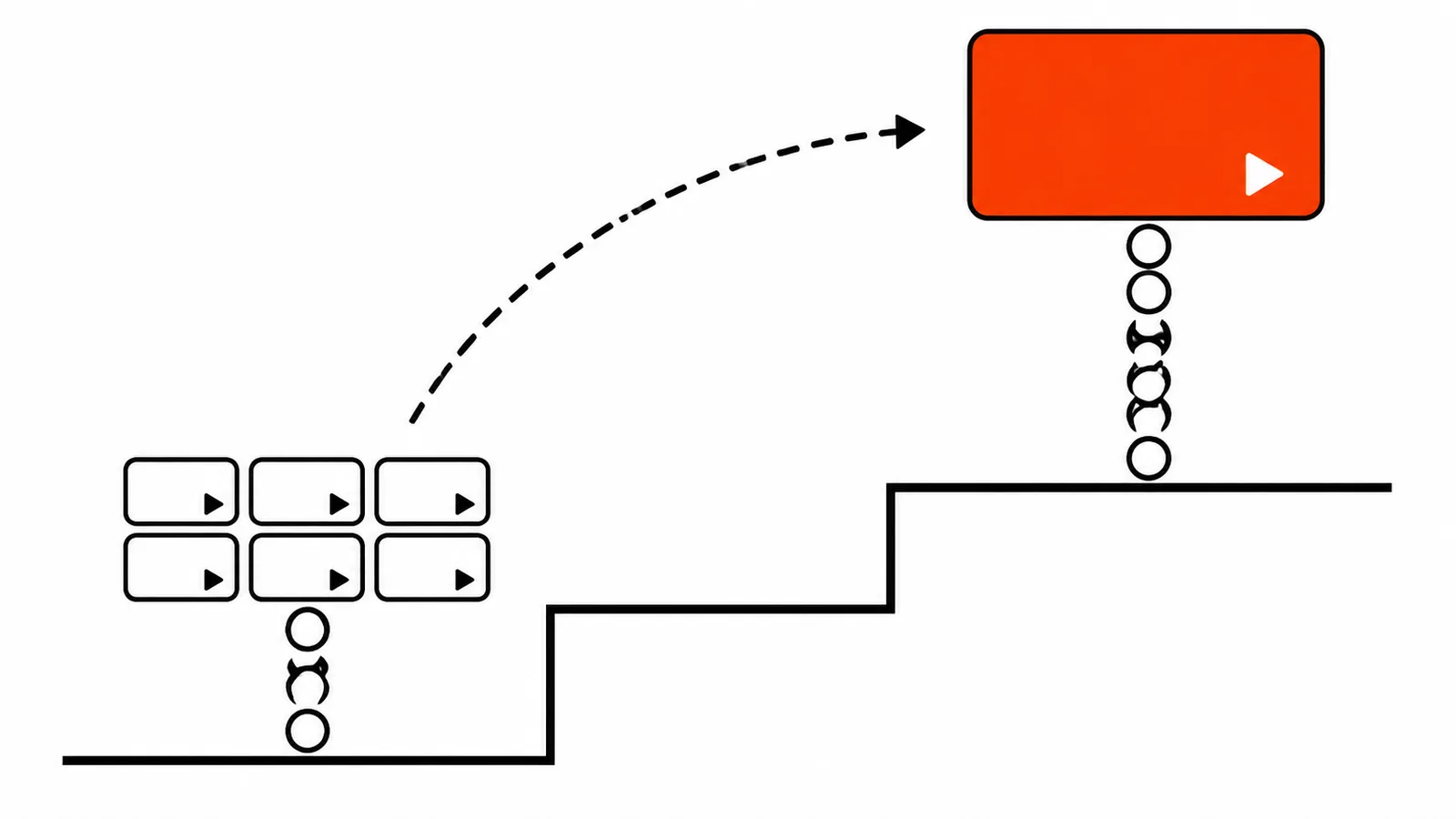
Why Lite at 1080p exists only at eight seconds
In the table, Lite at 1080p has a single length, eight seconds, with no four or six second option. At 720p all three lengths are available at 6, 9 and 12 credits.
The rate still adds up. 16 credits for eight seconds is the same 2 credits per second the table lists for 1080p, so the limit sits in length. The price per second holds.
For a shoot that means one thing. Eight seconds is the minimum order in that combination of tier and resolution. A four second insert shot gets generated as an eight second clip and trimmed in the edit, or built at 720p instead.
What to check before you hit generate
The page says the tool shows the exact price for your settings before generation. The list of things that move that price is short: tier, clip length, resolution, audio and reference images. Walking that list in order before a batch run is the cheapest part of the job.
Tier. It is easy to stay in Standard on a scene that is all motion and product.
Length. Eight seconds against four is double the credit rate, and a scene written for four seconds will sag inside an eight second clip.
Resolution. On Lite, 720p and 1080p are priced differently, and the difference is right there in the table.
Audio. The clip prices in the table assume audio, which matters for a clip with no speech.
One note on the free account. Three photo or video effects a day with a small watermark is not free Veo 3.1: the FAQ section puts the model on credits, with a minimum of 6 credits for a four second Lite clip at 720p.
Where a clip price sits inside a video budget
The table answers one line of a production budget, generation. A real budget has more: retries, review and editing.
Retries. Billing runs per second, so every redo is a new line. A clip that fails on a face or on speech has been paid for and thrown away.
Review. Someone watches every clip, and on a series that is hours of work.
Editing. The cut, the sound and the titles live outside generation.
For scale it helps to keep a finished job in view: AI video production starts from $190 for a handcrafted clip. That is a different unit of account and cannot be added to a clip price, but it shows the volume at which generation starts to win. An AI video ad built for a launch is priced by script and edit, so a clip price covers one line of it and the rest comes from elsewhere. When the frame needs real people, AI UGC video is priced as its own format, with the handheld look as the point.
Marking the clip when it goes into an ad
PixelDojo's terms, version 6, have been in force since November 4, 2026. They hand you the rights the company holds in the output, promise nothing about uniqueness or freedom from third party claims, and place responsibility for use on you. The same section says that where a platform or the law requires synthetic media to be labelled, labelling is your job.
For an ad that means the marking question gets settled in the contract with the vendor. Generator settings will not settle it.
Three things belong in that contract. Who is responsible for the label on each platform the clip runs on. Which rights transfer with the output and on what terms. What happens if a platform blocks the clip over a missing label. Requirements differ by jurisdiction, and the EU AI Act rules for video are covered separately in EU AI Act marking for AI video.