An animated video is movement built without a camera
An animated video is a piece of footage put together from drawn or modelled elements, with motion set by an animator, a designer or a model. There may be no camera at all: the background gets painted, the character gets assembled from parts, a virtual move stands in for the lens. The practical difference for a client is simple. Live action is limited by location, light and who is standing in the frame. Animation is limited by the script and the hours of an artist.
The second thing worth knowing up front: the format follows what the viewer has to do. Understand, buy or stay. The same product reads as two different products in an explainer and in a vertical ad, and that is expected.
Popular animated videos: explainer, 2D, motion graphics
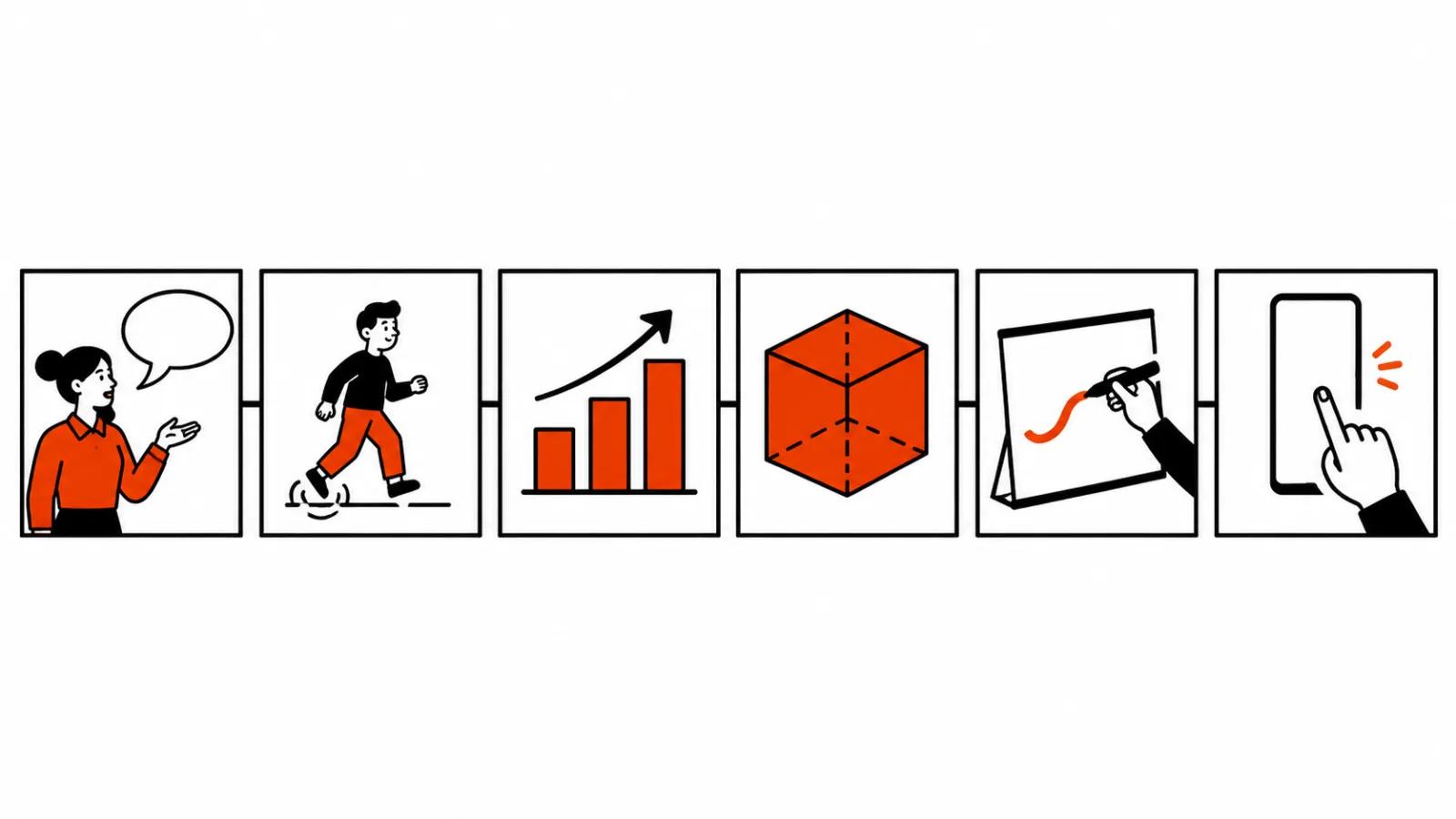
The most common request is the explainer. Sixty to a hundred and twenty seconds, plain language about a product or a process, a voice over carrying the argument. One idea per fifteen or twenty seconds, a clear next step at the end. Companies order it when the job is to show how a service, a device or a billing scheme works.
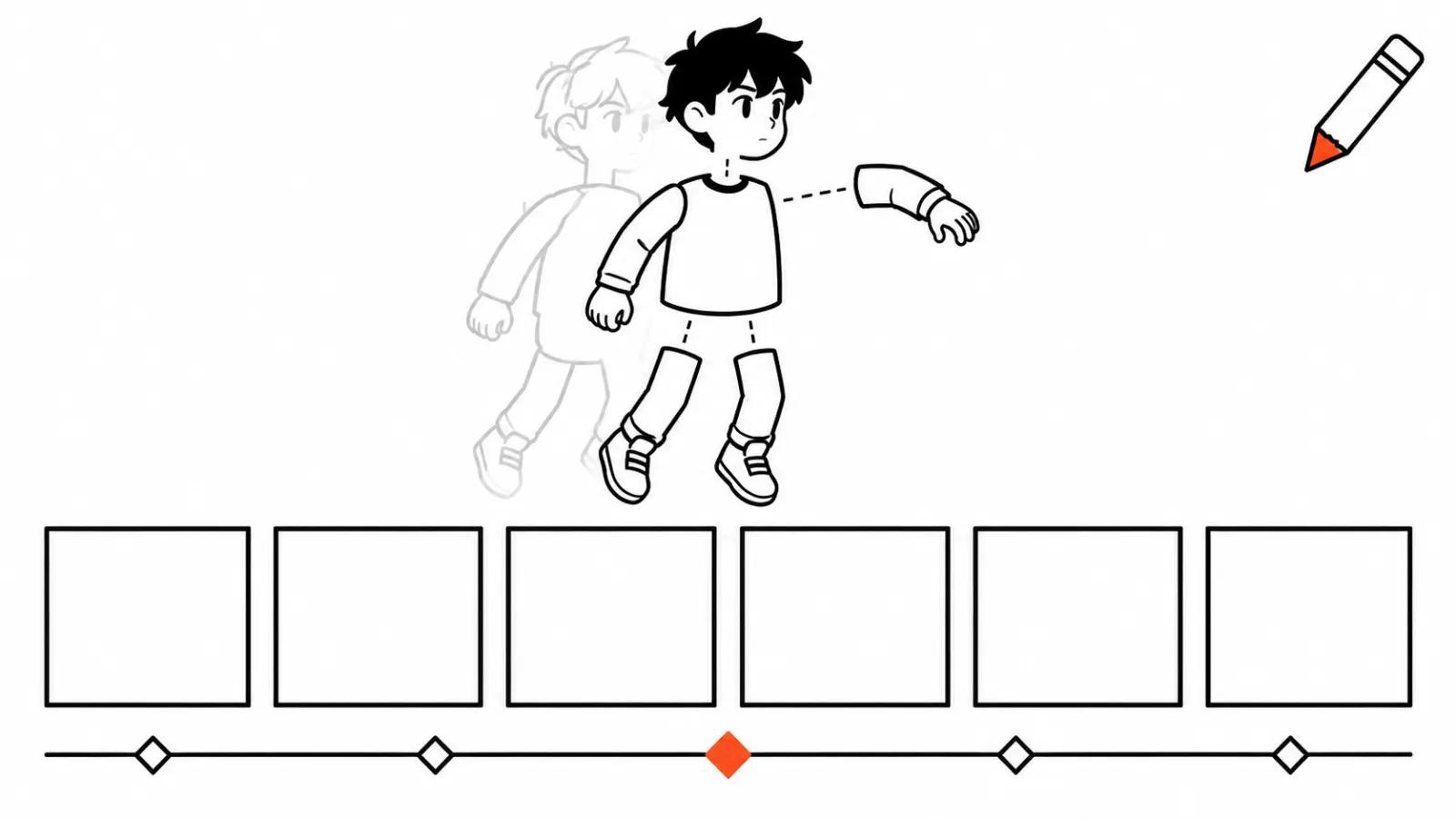
2D character animation runs on a hero and a small story. The viewer remembers the character and follows the decision, so a story holds attention longer than a list of features. The time goes into drawing: poses, expressions, the transitions between scenes. Hand drawn animated series stay manual work, with a person owning every frame.
Motion graphics and infographic pieces work with numbers, diagrams and interfaces. Reports, pricing tables, comparisons, screen captures of the product. The format wins wherever the point is dynamics or structure, and it barely needs a hero.
Three more formats: 3D, whiteboard, vertical
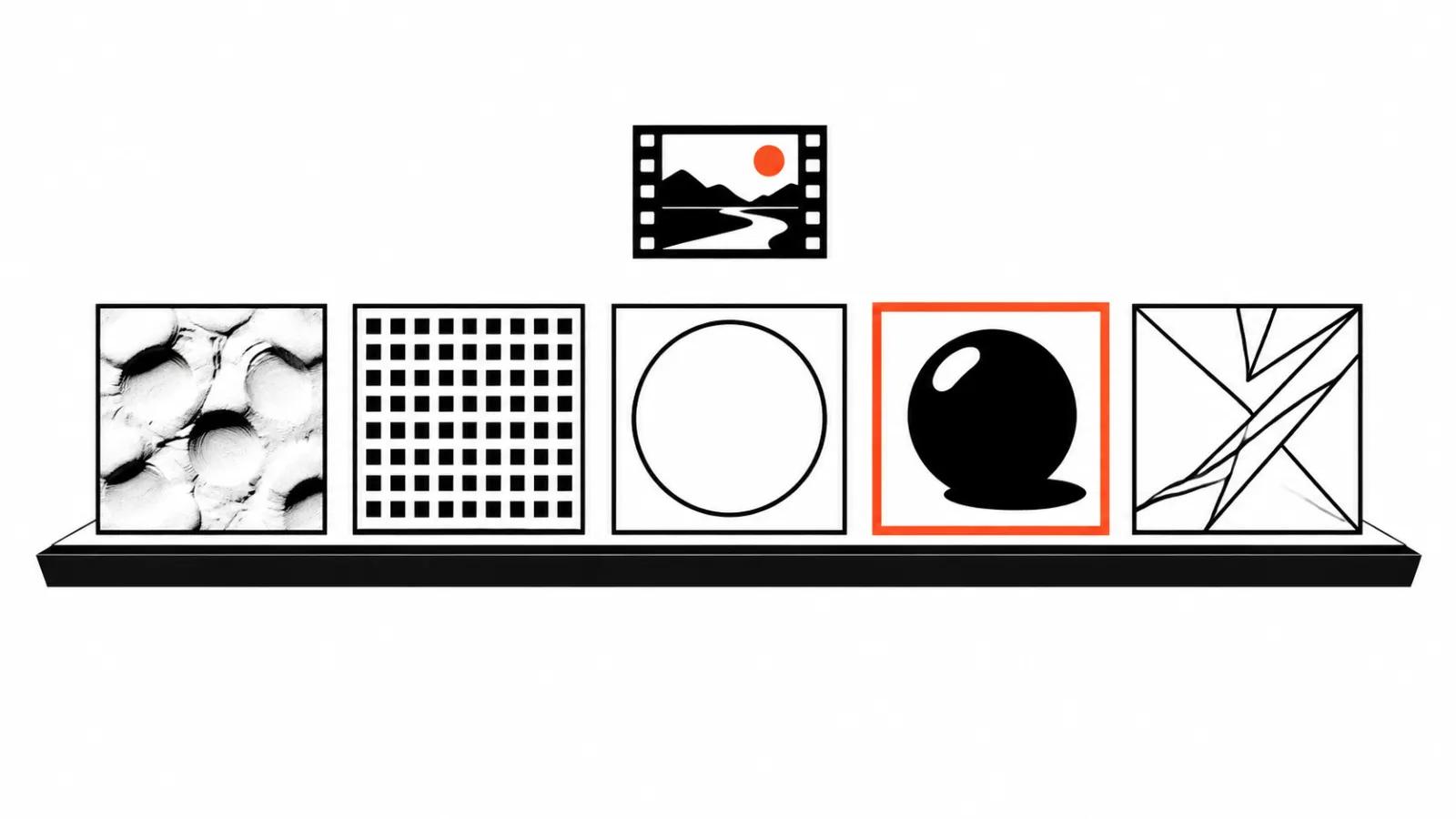
3D animation shows a product from several angles and takes apart hard mechanics. The shell, a cutaway, parts in motion, light on the surface. It costs more to produce and explains the thing a camera cannot film, such as what happens inside a device.
Whiteboard looks like an explanation recorded on a clean surface: a hand draws a diagram while a voice talks through it. It fits training and any process where the sequence of steps is the point.
Vertical animated ads live in feeds at 9:16 and are decided in the first two seconds. Close up, a short line, a quick cut. They ship as a series of versions, because a single creative burns out fast. Where animation beats live action, and when it does not, is covered in our piece on animated advertising.
Making an animated video: the order, and where AI fits
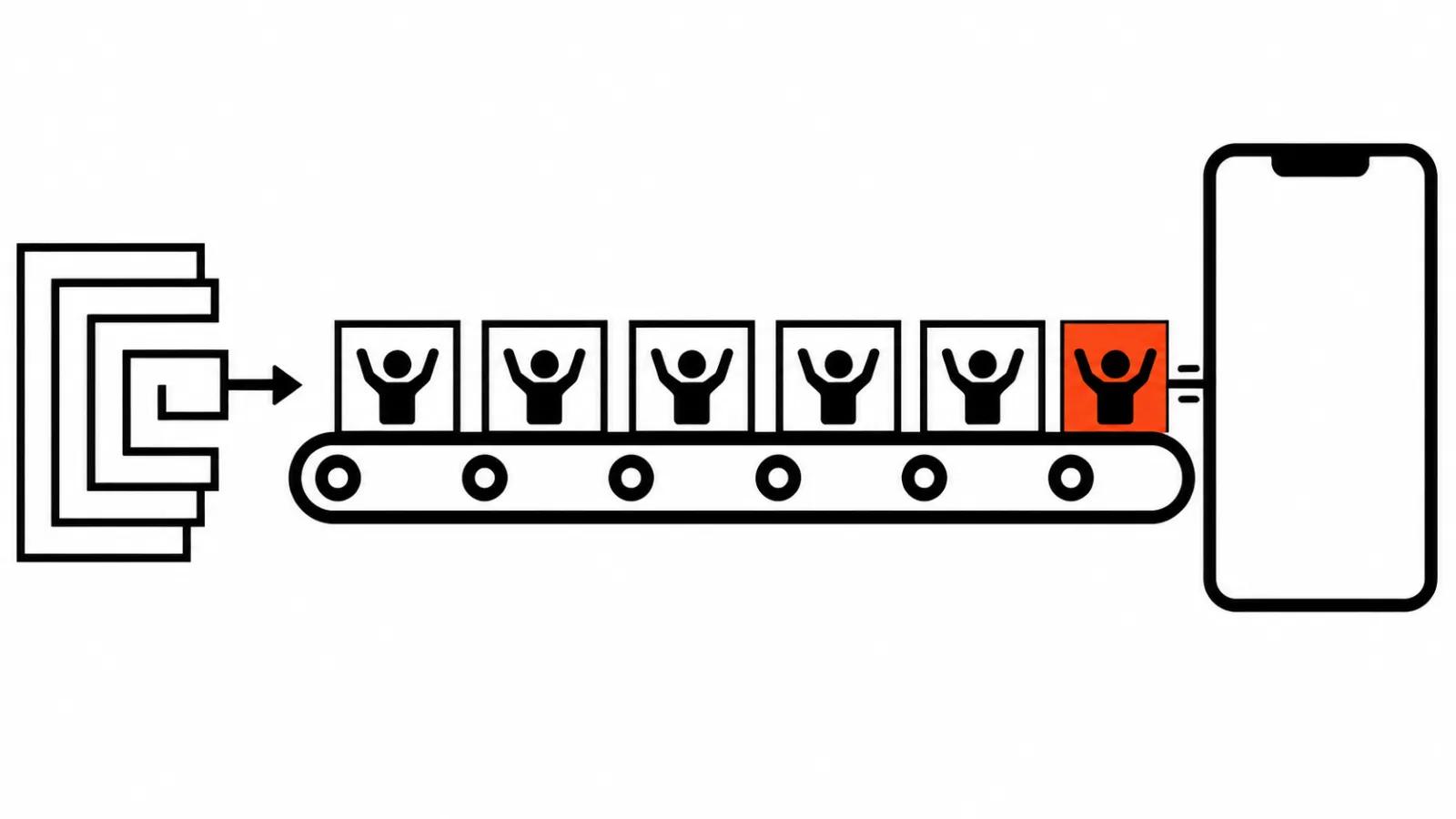
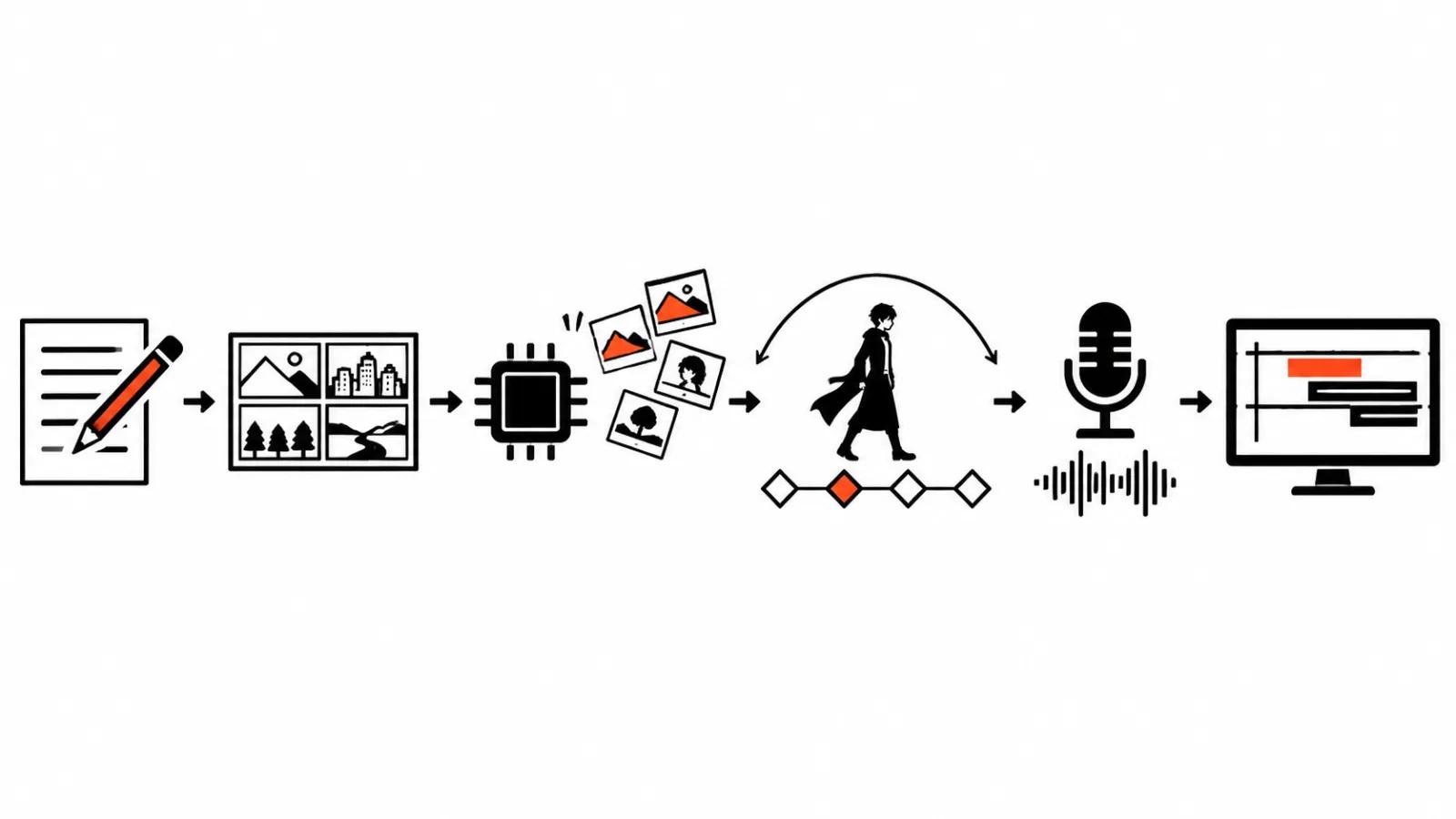
The order does not change with the format. Script and storyboard are made by hand, because without them animation turns into a set of pretty scenes with nothing behind them. Then AI generates backgrounds and character variations, next comes animation on key poses, then voice, edit and review.
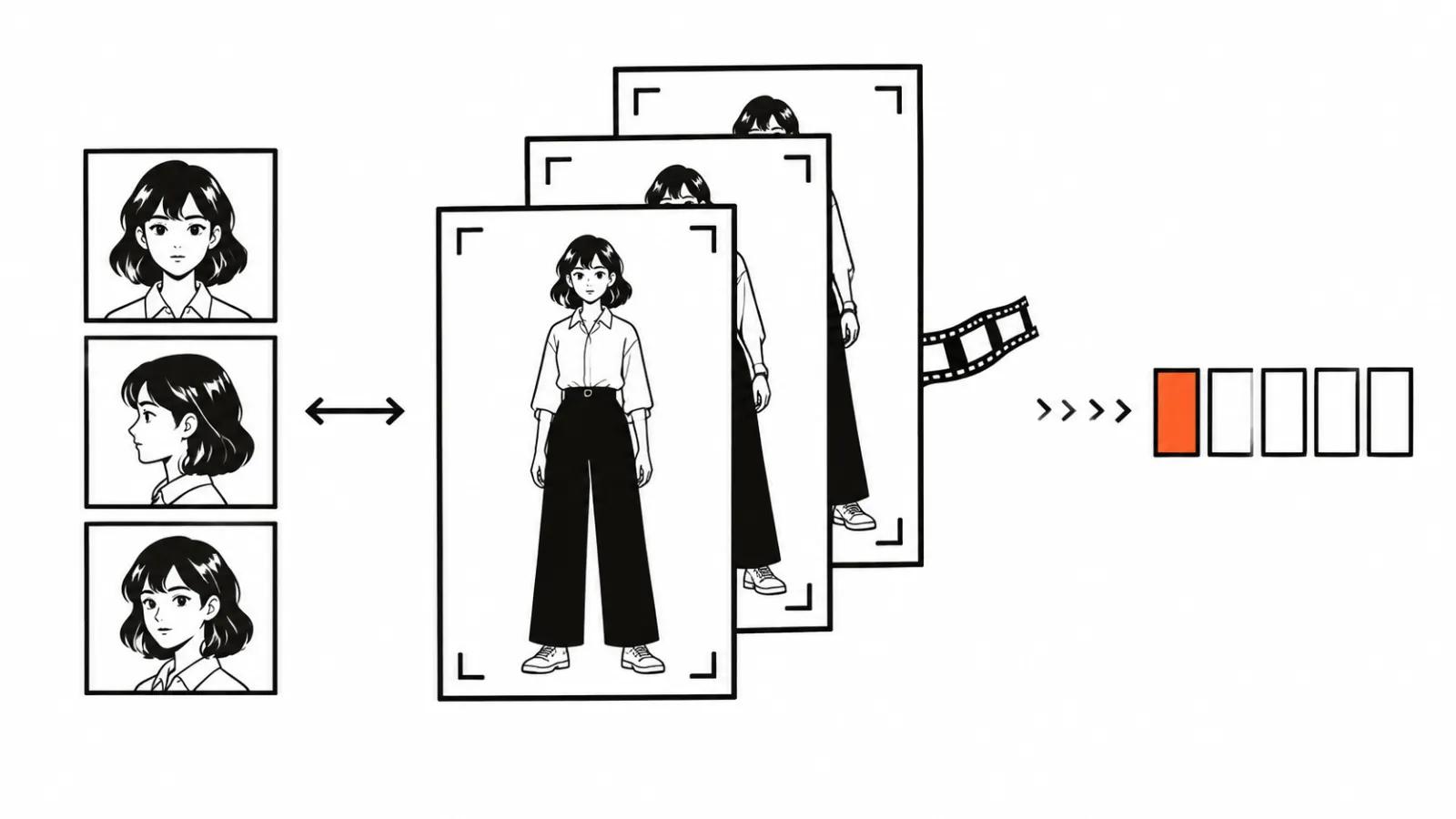
We keep the character on a reference sheet: a set of frames with the face, the clothes, the proportions and a couple of signature gestures. Without that sheet a model drifts between shots and the viewer sees the swap. On motion graphics and infographics AI saves less, though it speeds up backgrounds and layout options a lot.
If the graphics for a niche are unclear, our breakdown of animation styles for AI video is the place to start. We build an animated video from the task: product explanation, ad shot or a feed series, and the format is chosen at the start, before the script. Our handcrafted videos, from $190, come with a full storyboard, and every frame passes through a person.
What shipped in the last two weeks
Magnific Move, reported by ki-videogenerator.de on 28 October 2026, builds motion graphics from a text description and exports up to 180 seconds at 1080p or 4K. For motion work that shortens the road from idea to a rough cut: describe the scene in words, get an animated fragment, fix it by hand.
The second project sits closer to whiteboard. whiteboard-teacher-video-motion, an open repository on GitHub, created on 8 November 2026 and covered by Fervor Creative AI, produces self writing explainer videos on the Frametell engine under AGPL-3.0. Tools like this remove the tedium of drawing the diagram. The explanation itself still comes from a person.
Where the format breaks
The most common failure is beautiful animation with no script. The graphics persuade on a first watch and collapse on a second one: the viewer cannot say what the video was about. The next one is a format that does not match the placement, a 120 second explainer pushed into a feed that gives you two seconds, or a vertical cut dropped onto a homepage.
On AI I will be blunt. Short shots it holds well. A long character sequence it still handles worse, especially on turns and shot changes, and there an animator earns the money.
My conclusion
The format is the answer to what the viewer should do after watching. Understand the principle, take an explainer. Remember a character, take 2D. See a number, take motion graphics. Take a device apart, take 3D. Learn in steps, take whiteboard. Stop a thumb in the feed, take vertical.
The test I run before production: retell the video in one sentence. If it does not work, the script is not ready, and no amount of animation will fix that.