What landed in the X editor
The update arrived on 25 November and TechCrunch covered it, citing an X announcement that Wednesday. Most of the toolkit concerns short vertical video, which the company ties to competition with YouTube and Instagram plus the growth of the format.
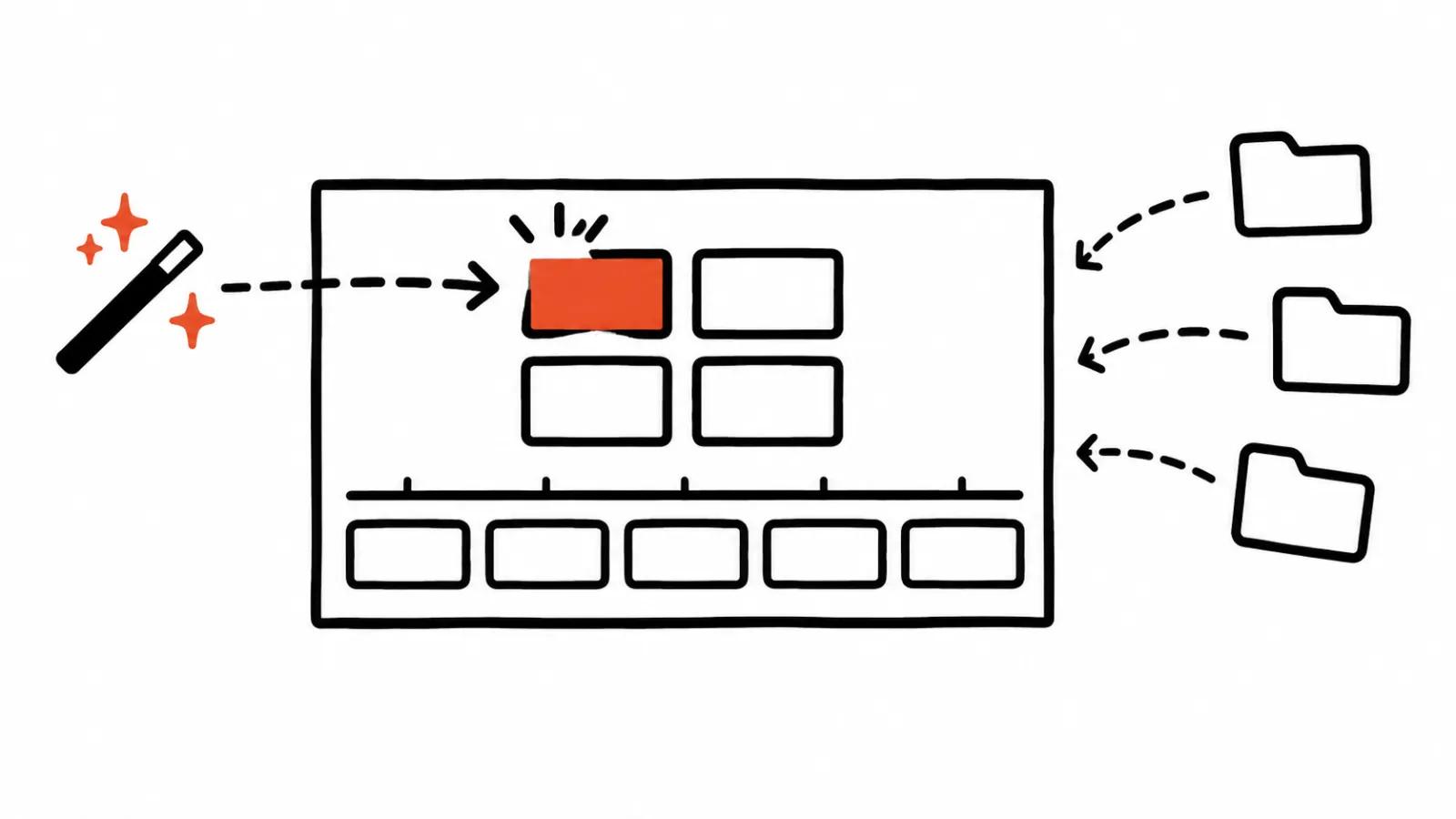
The media editor now lives inside the app. The list covers segmented recording, a green screen, converting landscape video to vertical, automatic captions, trimming, text overlays, custom cover images and photo touch-ups before posting. Third-party apps are no longer needed for a basic pass.
One item stands apart: up to 20 photos and videos in a single post with sideways swiping. That post shape suits event roundups, behind-the-scenes material and product launches, where the old choice was a photo carousel or a separate clip.
Then come clips and replies. A clip works like this: cut a segment out of a long video, add your own commentary, publish it inside X. The clip keeps a link to the original and credits its author, and view payouts go to the clip creator and the original creator. A video reply leaves the source post on screen behind the new video, the way Stitch works on TikTok.
The third part is money. An invite-only pilot pays for original vertical videos under three minutes with no watermarks, and group chats open for creators with small audiences: up to 800 followers, up to 1,000 members per chat. Availability of the new features depends on region, which the company called out separately.
Vertical video for brands: leave room at the edges
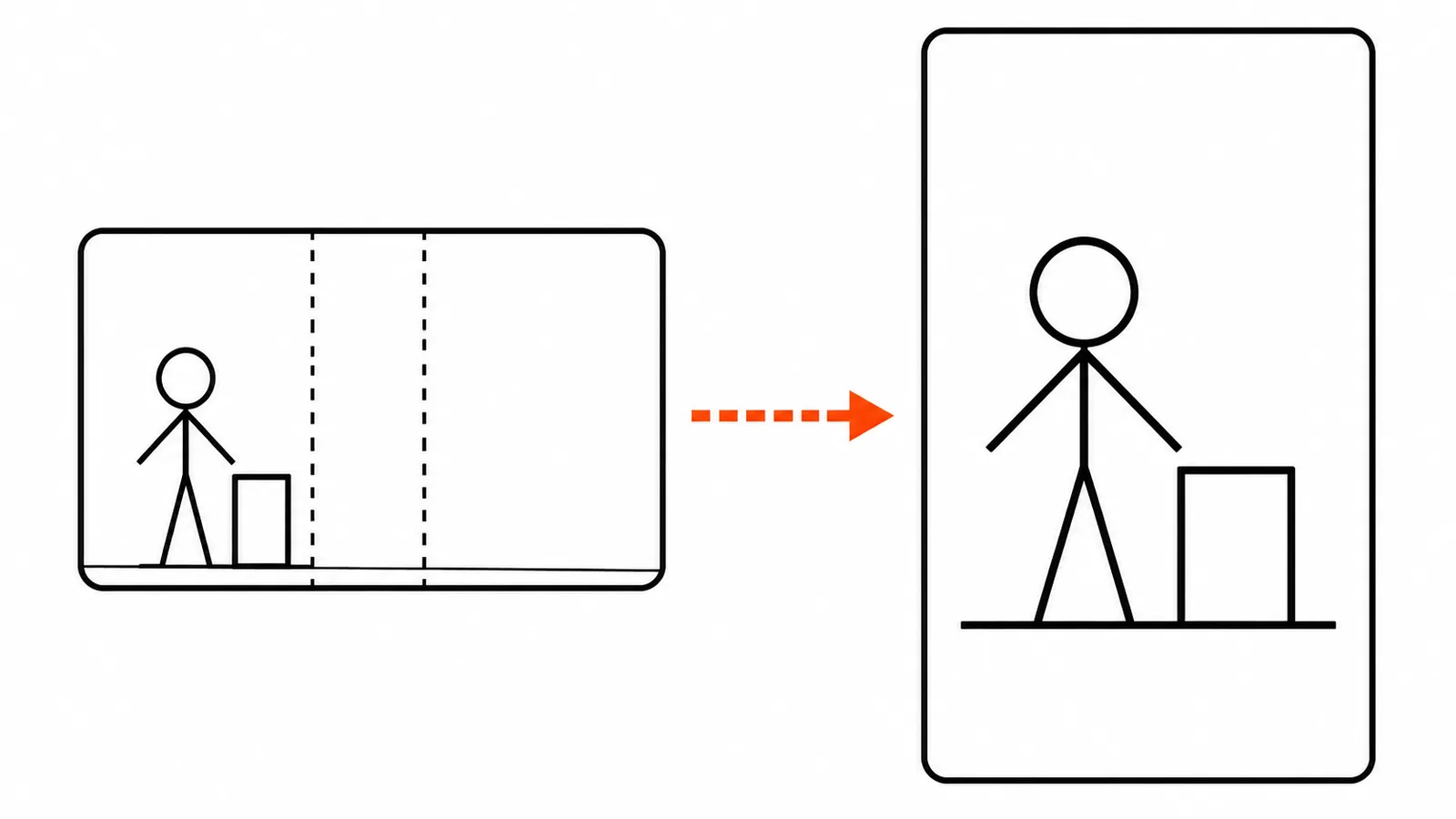
The most practical item is landscape-to-vertical conversion inside the app. Some clips will skip a manual 9:16 rebuild, because the platform offers a crop itself, and for a draft that is enough.
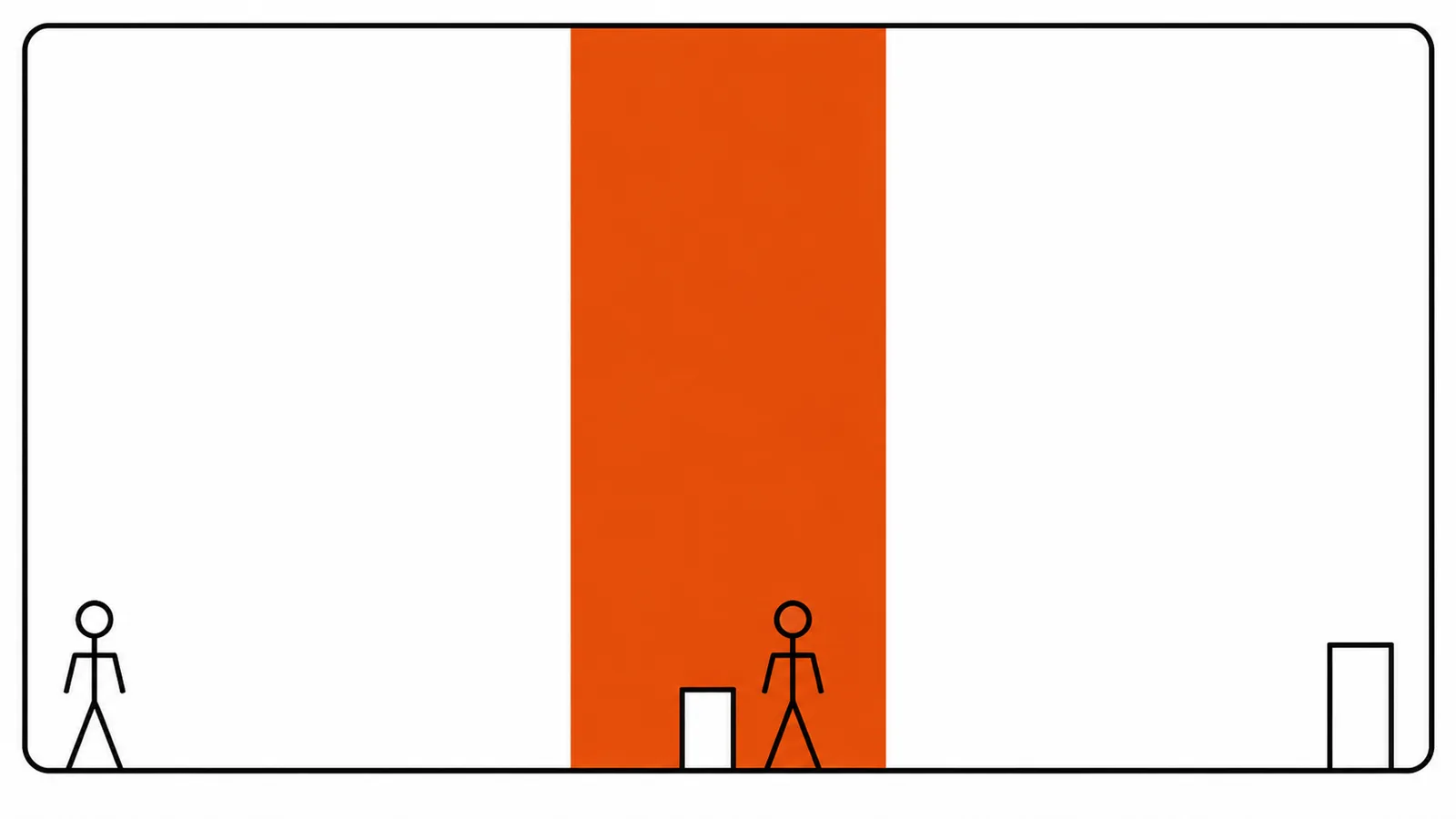
Then the trouble starts. An automatic crop picks a band out of the 16:9 frame by its own rules and has no idea what matters. Put a person at the left edge and a product in the right third, and the center band keeps empty space. A usable crop needs slack at the edges of the source: subject near the middle, headroom above and room below.
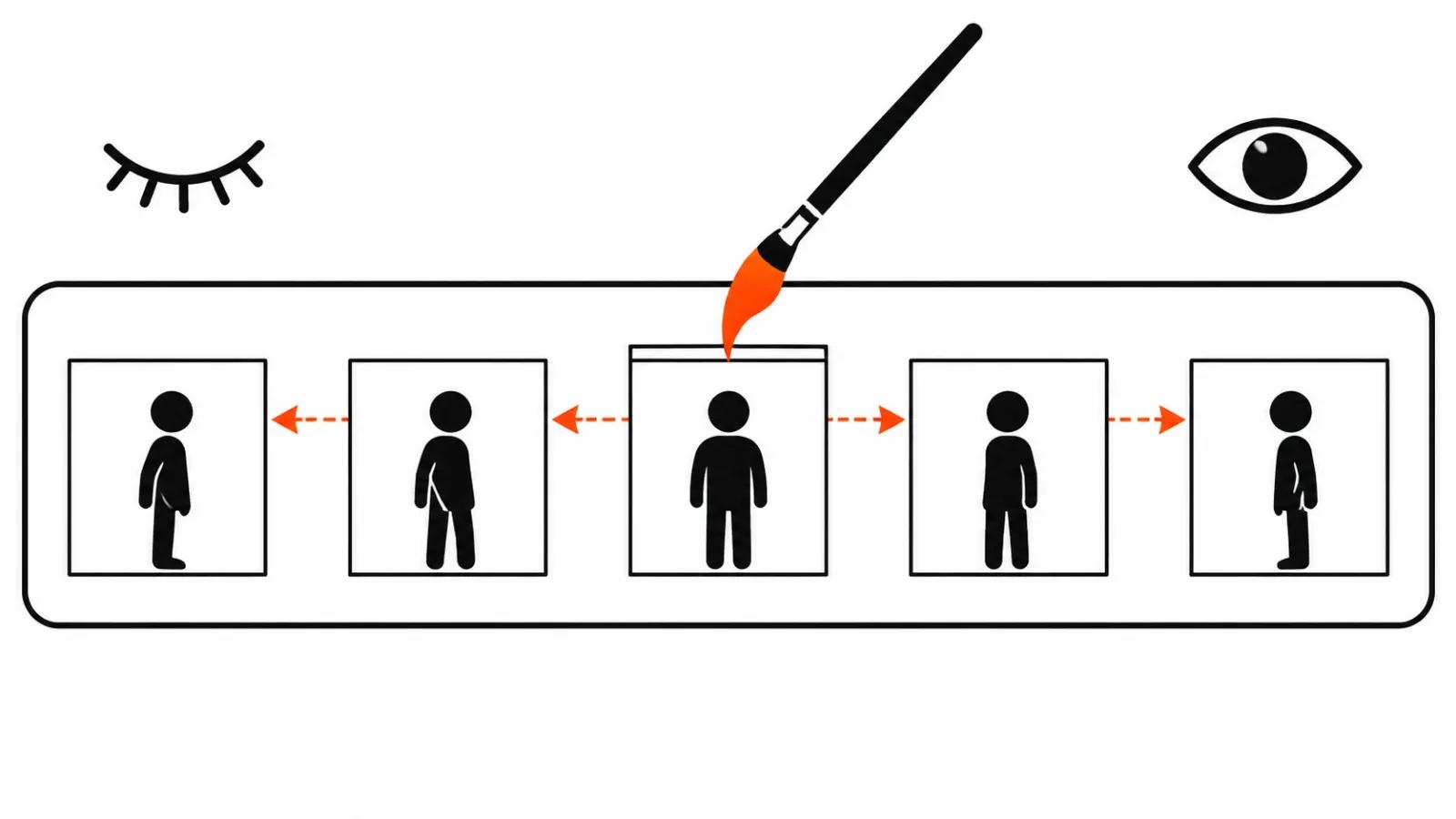
While a person cuts the video, they own that decision. They see where to trim and can nudge the frame a few percent. When the platform offers the crop, the responsibility moves back to the shoot. A camera operator who knows the clip will end up in vertical video ads frames differently: looser at the edges, with room at the top.
The second layer is UGC shooting. Segmented recording and in-app captions lower the bar: an employee with a phone can take a draft to publishable alone. The draft and the finished clip still differ in two places, the neatness of cuts between segments and the caption check. Both stay human work, and automation only offers a version.
Clips and payouts: other people's long footage as reach
The mechanic is simple: a long video, a cut segment, your commentary, a post. The link back to the original and the author's name stay in place, and views earn for both sides. Functionally it is cutting video into shorts, except the platform now counts the money and splits it between two people.
Two consequences for a brand. First, someone else's long footage becomes a reach channel, and that footage was already shot by someone else. Second, the question lands on rights, and editing has nothing to do with it. Platform terms explain how revenue splits between the clip creator and the original creator. They do not replace a contract with whoever shot the source.
So if a video is commissioned from a vendor, write down who may cut the material and what happens to the revenue. Otherwise the strongest fragment travels into other people's clips, and the argument gets settled by platform rules that change more often than contracts do.
What the models do here, and what plain tools do
Read the announcement literally. X did not ship a generative model. This is an editor and a set of labels, and the models inside handle automatic captions and suggestions. There is no data on caption quality: nothing on languages, accuracy, or behaviour on noisy audio and industry terms.
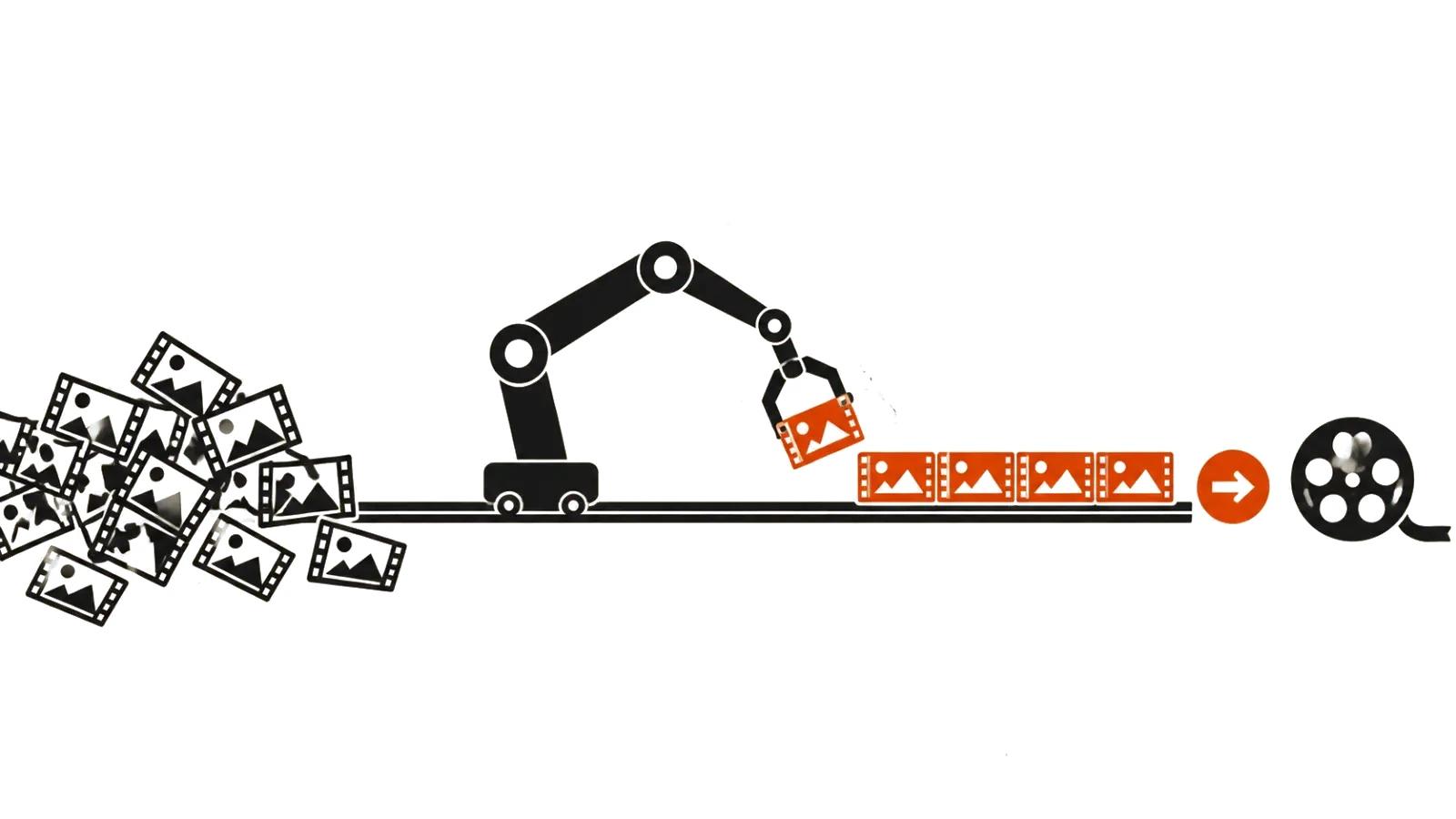
That limits AI video editing in this release to a narrow slice. Assembly, trimming, overlays and cover images use ordinary tools that simply moved inside X. Captions and suggestions are the only places a model runs, and they need checking on your own footage, as before.
One more detail changes how you plan a roundup. Twenty files swipe sideways, and the first frame gets more attention than the other nineteen. A strong shot in ninth place does half the work. The rest carry retention, and variety of angles matters more there than the quality of any single image.
Three checks before a brand posts
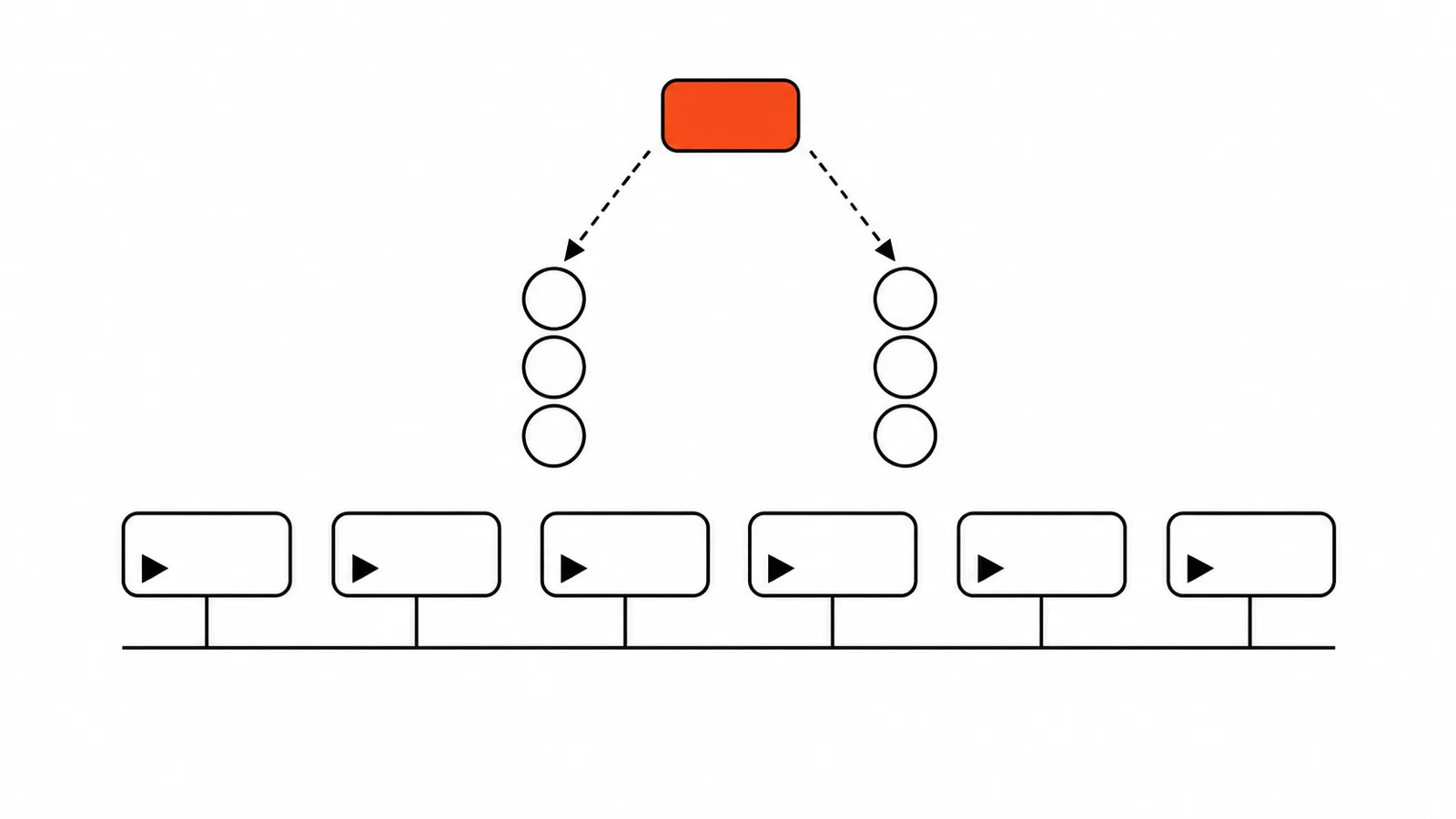
Three checks cover nearly every risk in this update.
The frame. Decide before the shoot whether the material goes vertical. If it does, shoot loose at the edges or shoot vertical, so a crop does not make the call for the operator.
The rights. For clips and video replies, agree with the source creator in advance. The payout pilot for original vertical videos under three minutes mostly concerns creators. Watermarked clips do not enter the pilot, so keep clean exports separately.
The captions. Read automatic captions end to end, especially names, brands and numbers. X publishes no accuracy figures, and a caption error goes into the feed with no second attempt.
Worth keeping in mind, too, is the arithmetic of the format. There is a separate piece on where 9:16 came from and how it shapes ad scripts. It explains why vertical rewards close shots and punishes wide masters.
The editor does not make a video good. It removes app juggling and leaves the decisions with a person: what ended up in frame, who owns the material, and whether the caption is right. For a team publishing daily, that saves time on assembly. For a budget, it means the money goes into shooting and rights, and one more editor subscription leaves the cost line. If volume is the real constraint and the tool is not, short-form video at scale is the other way to solve it.