What Editing Room actually is
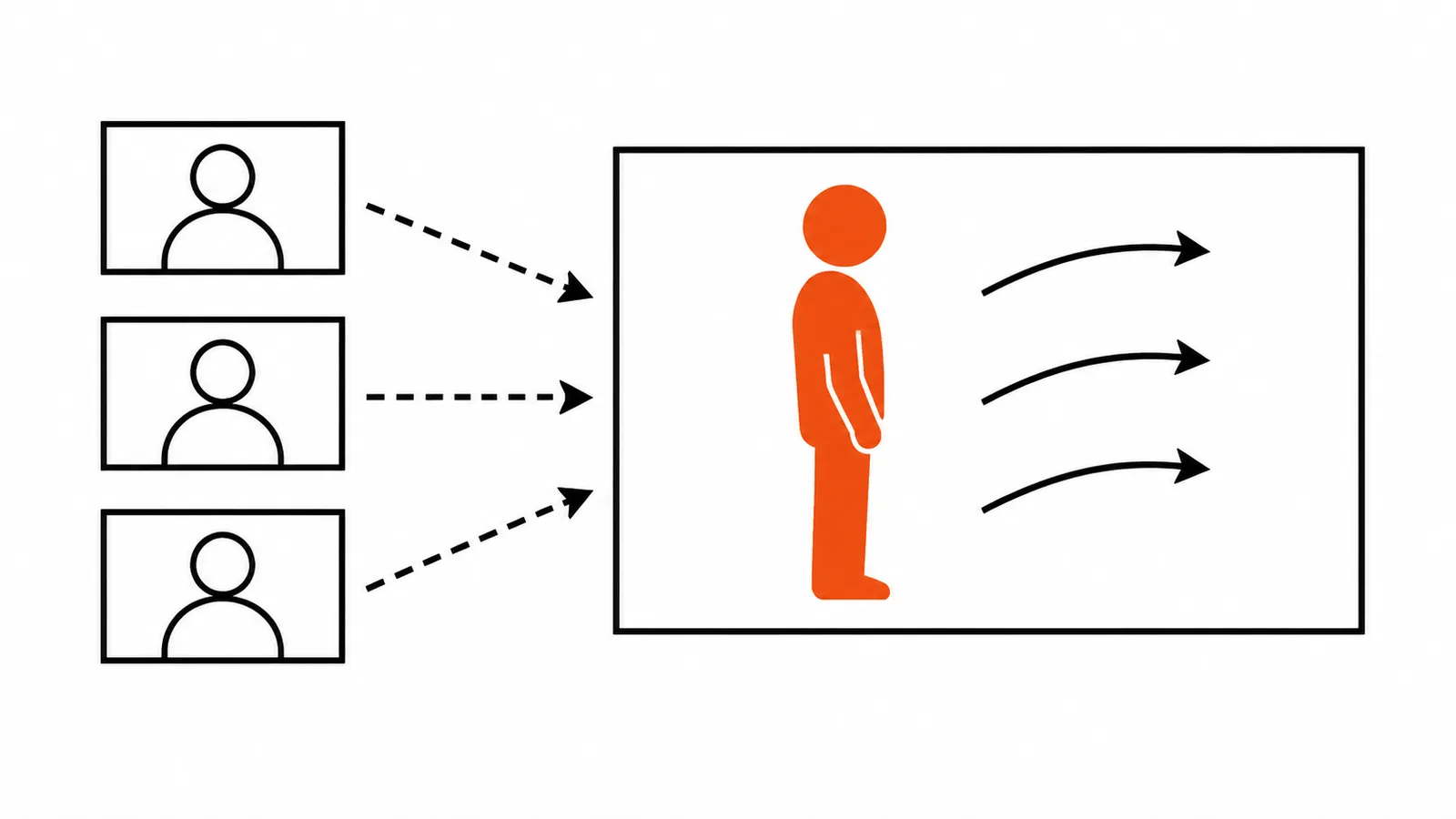
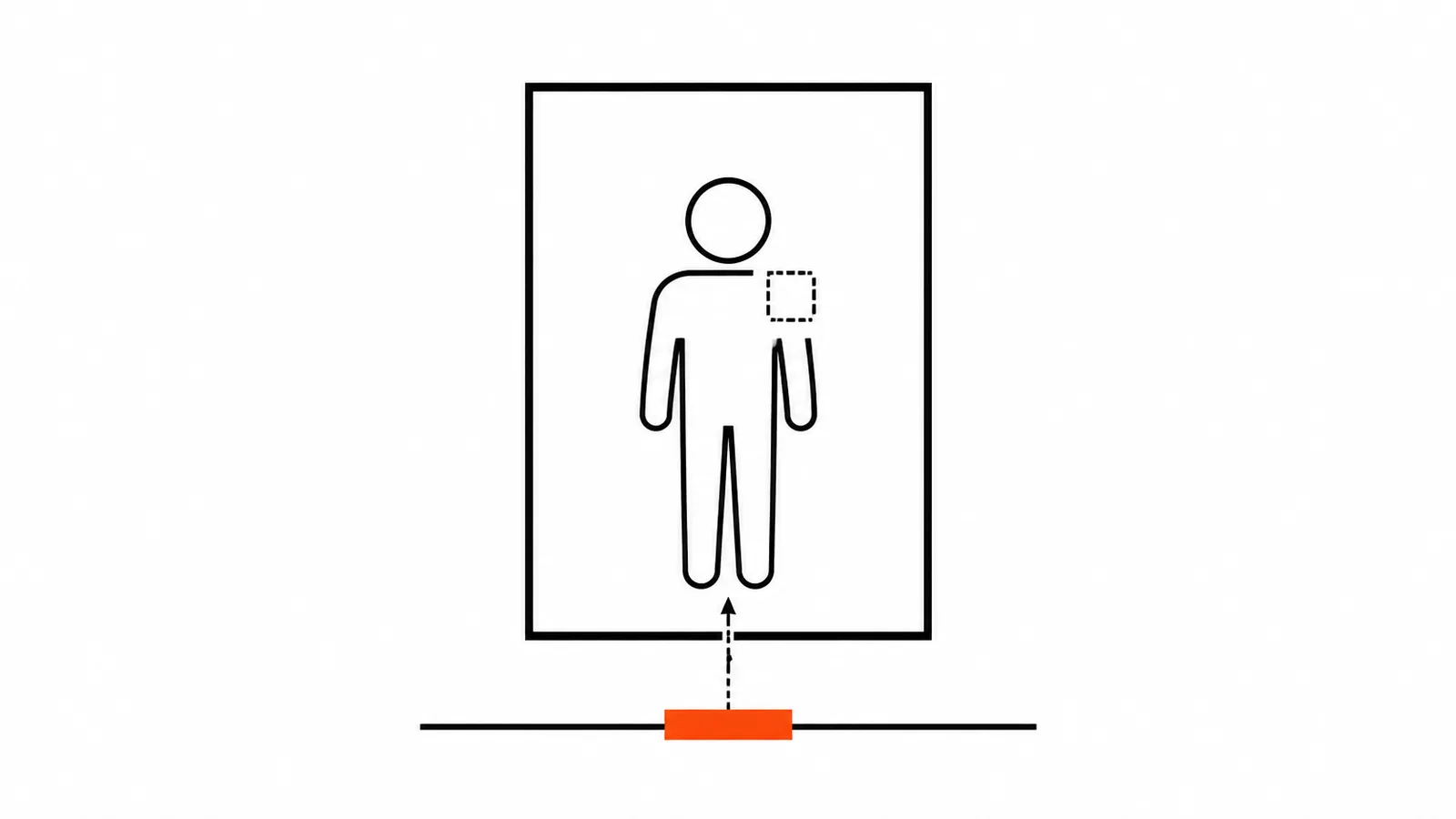
The November 20, 2026 entry in the Higgsfield changelog introduces Editing Room (higgsfield.ai/changelog). The vendor's own description is short: a video-to-video editor for your own footage. You upload a clip, pick any moment, and change the person, the angle, the location, the camera move or the lighting in one place.
The operative word is moment. An edit applies to the selected stretch, and the rest of the clip stays as it was. The practical consequence is that "fix this bit" stops meaning a new shot with a new frame search: an edit inside an AI commercial lands on top of the existing cut, keeping its timing, its music and its titles.
The second property matters as much as the first: edits stack. A new angle can then be relit without uploading the source again. For client rounds that saves a cycle, because the version lives in one file until both sides are happy.
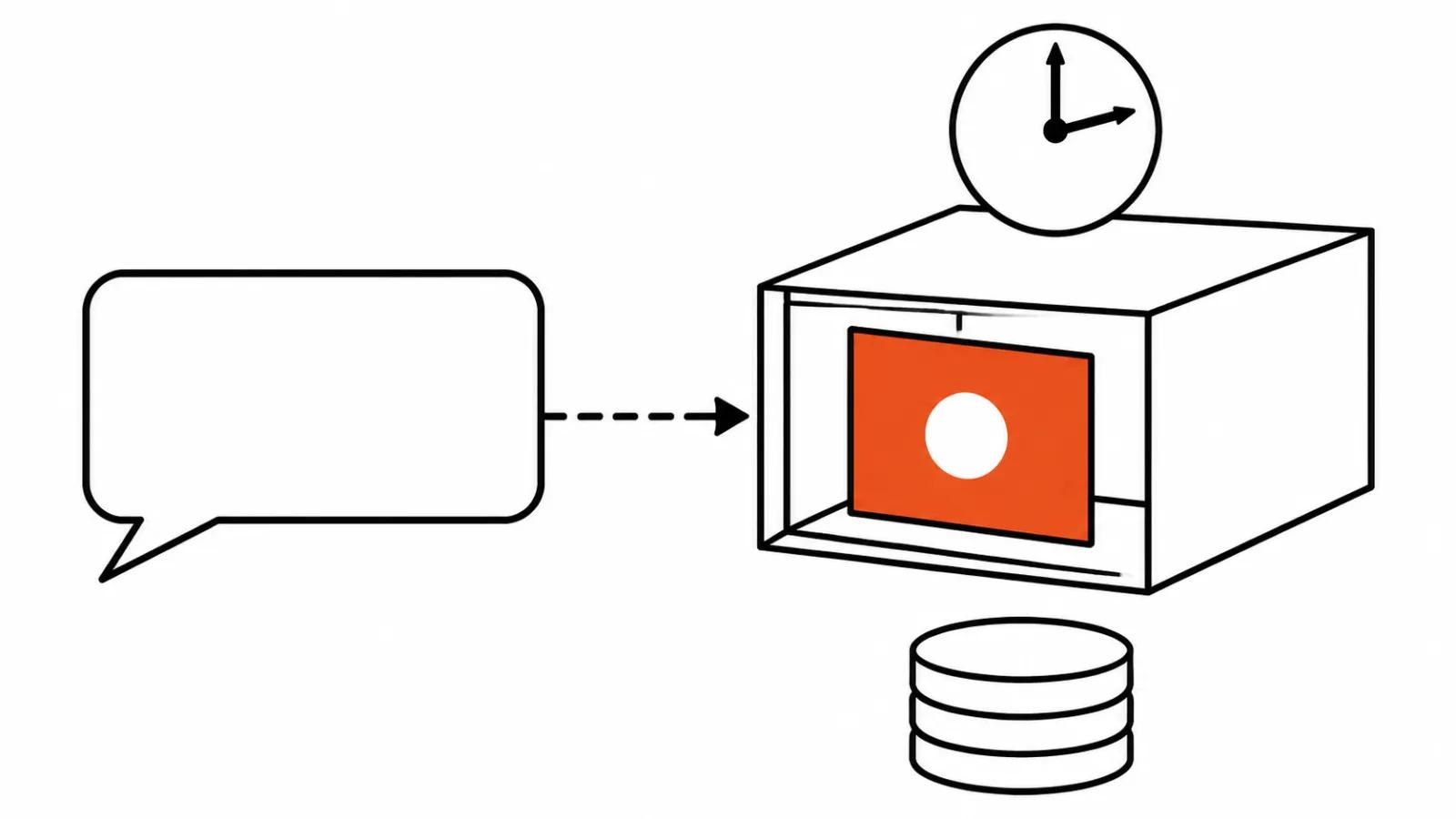
What the announcement does not include: pricing, duration limits and source-file requirements. The vendor names none of these numbers, so a budget and technical spec for Editing Room cannot be built from the announcement. They need to be settled before anyone promises a deadline.
The six tools
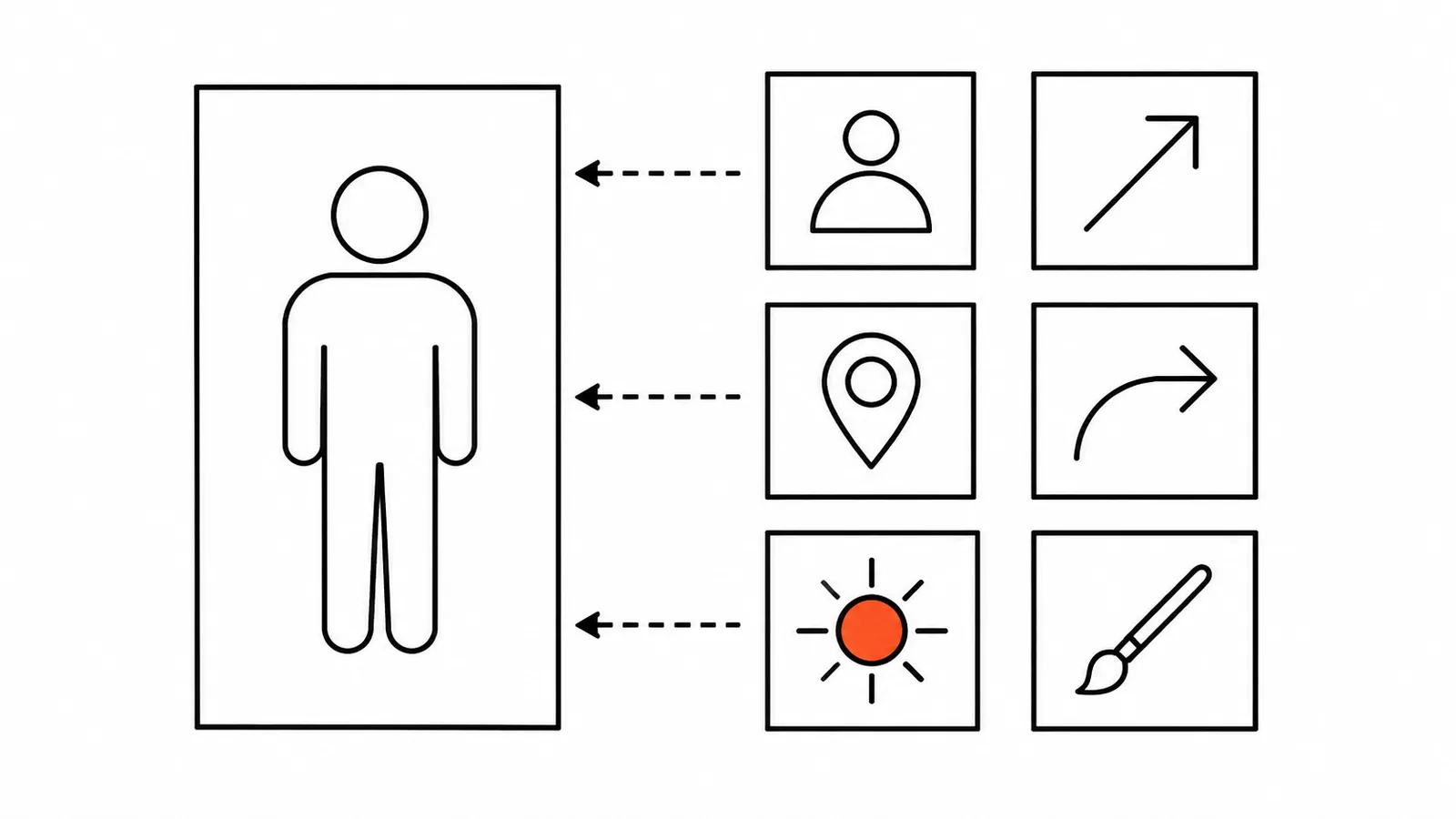
The set is closed at six.
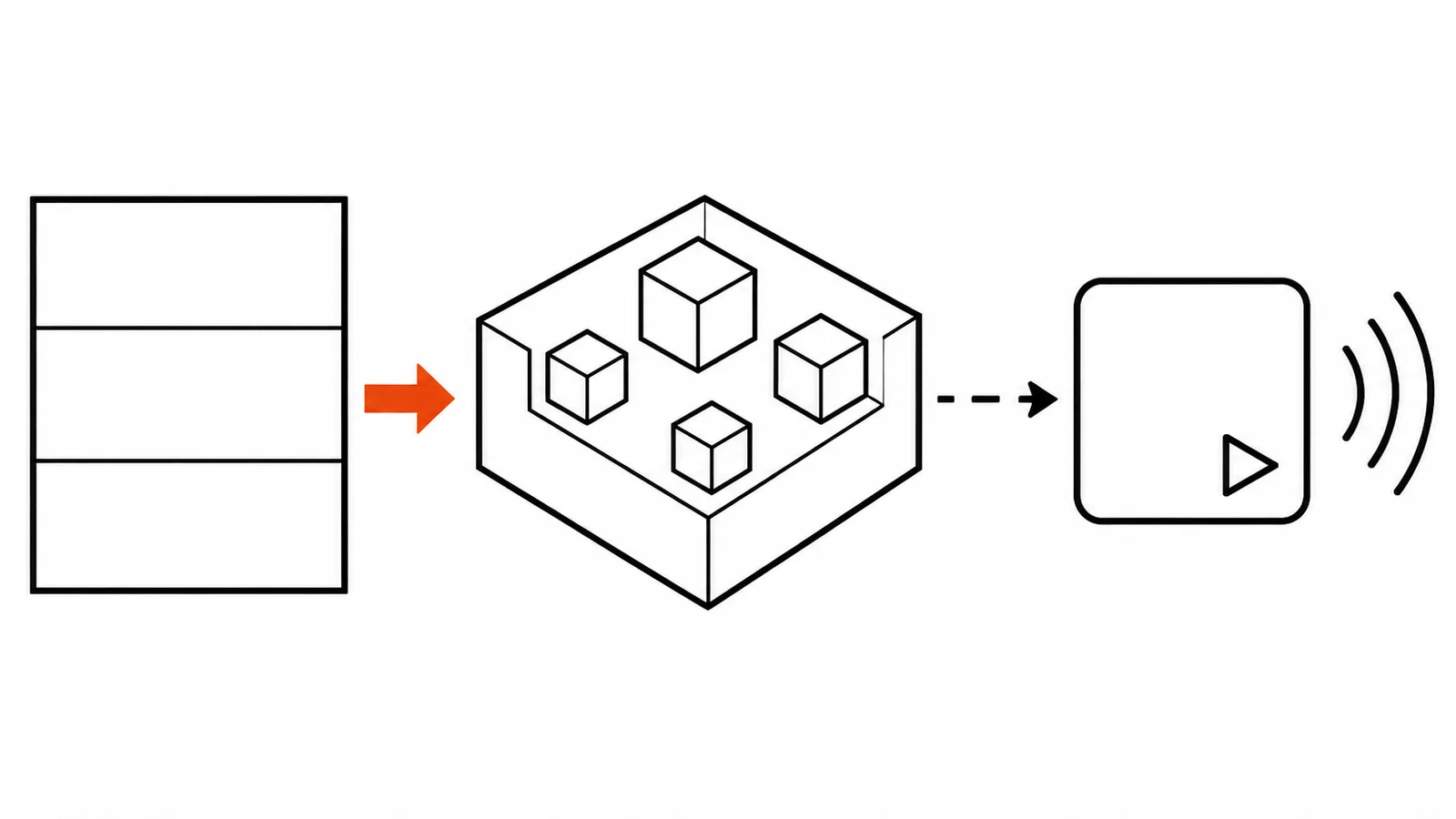
Swap person replaces the person in frame. Change angle gives the same scene a different viewpoint. Change location moves the action elsewhere. Move camera changes how the camera travels. Relight handles light. Edit with brush works on an area: you paint over it and describe the change in words.
The logic is straightforward: each tool answers one kind of note. "Wrong person" goes to Swap person, "flat framing" goes to Change angle and Move camera, "wrong set" goes to Change location, "too dark" goes to Relight. The brush covers notes that fit none of the five: pull an object off the table, change a label on the pack, adjust a detail of a garment.
For review this is convenient. A note becomes a named tool and a bounded piece of work.
How the timeline places a moment
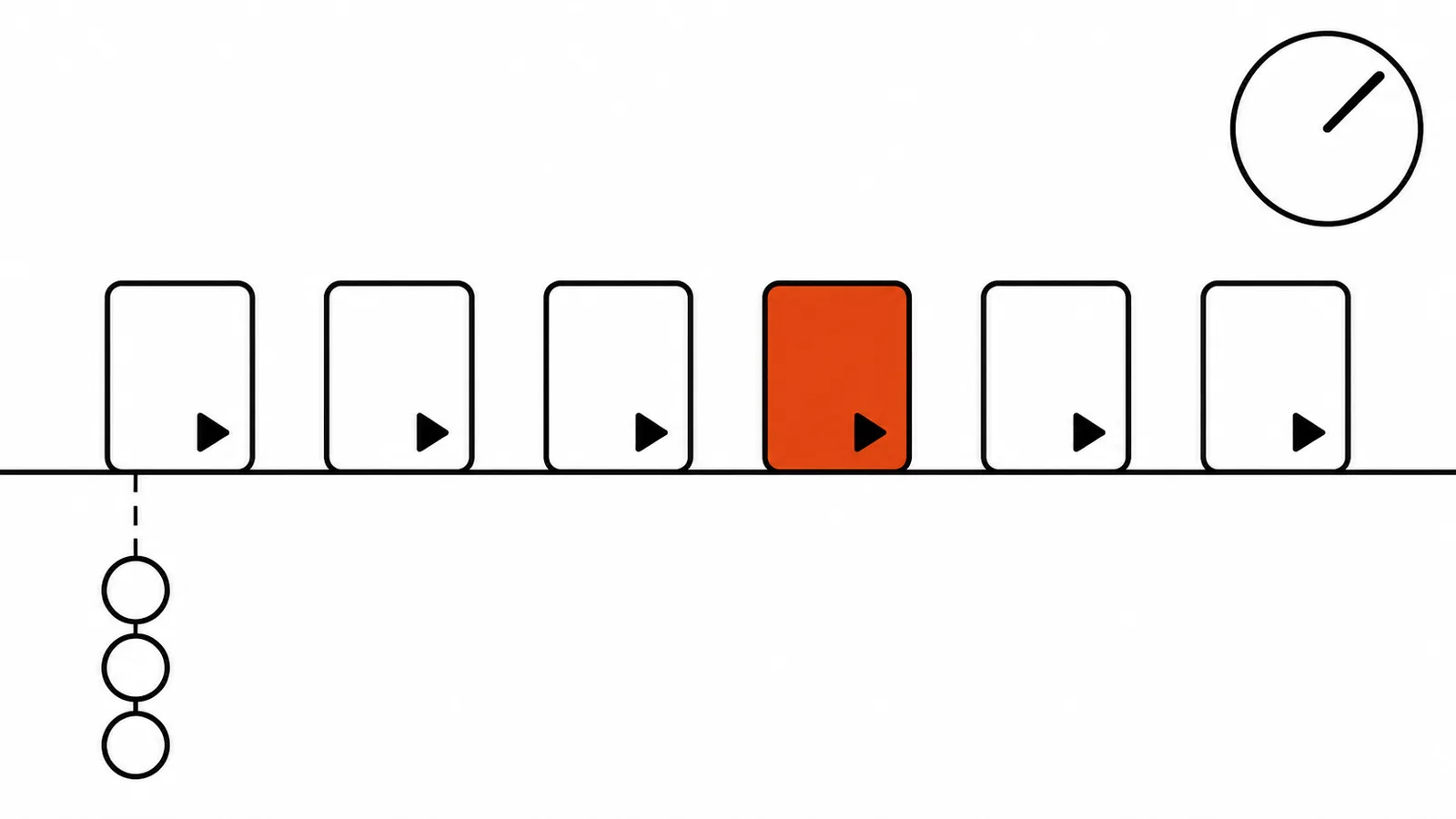
A moment is marked on the timeline. Cut here splits a shot, a marker on the lane above it sets the point of the edit, and the marker's edges are adjusted to cover the stretch you need.
The flow mirrors how notes arrive from a client: they point at a second. Discipline starts right there. A marker placed across movement produces a jolt at the seam, because the motion before the point and after it were generated separately and nothing blended them. A marker sits best where the frame has a pause, a cut, or an object leaving focus.
Splitting the whole shot for one detail is not required. Cut here earns its keep when an edit has boundaries of its own that do not match the boundaries of the shot.
Relight: presets and your own sources
Light is set three ways: presets, custom light sources, or a text description.
A custom source takes direction, colour, brightness and diffusion. Diffusion is the underrated setting: a hard source throws a sharp shadow that gives the edit away, while a soft one sits closer to the original plate. A text description is fine for quick passes, something like "cool evening light from the window on the left".
The order of edits matters. Angle or location first, light second: a new angle changes the geometry of shadows, and light set before it has to be redone.
How to review the result
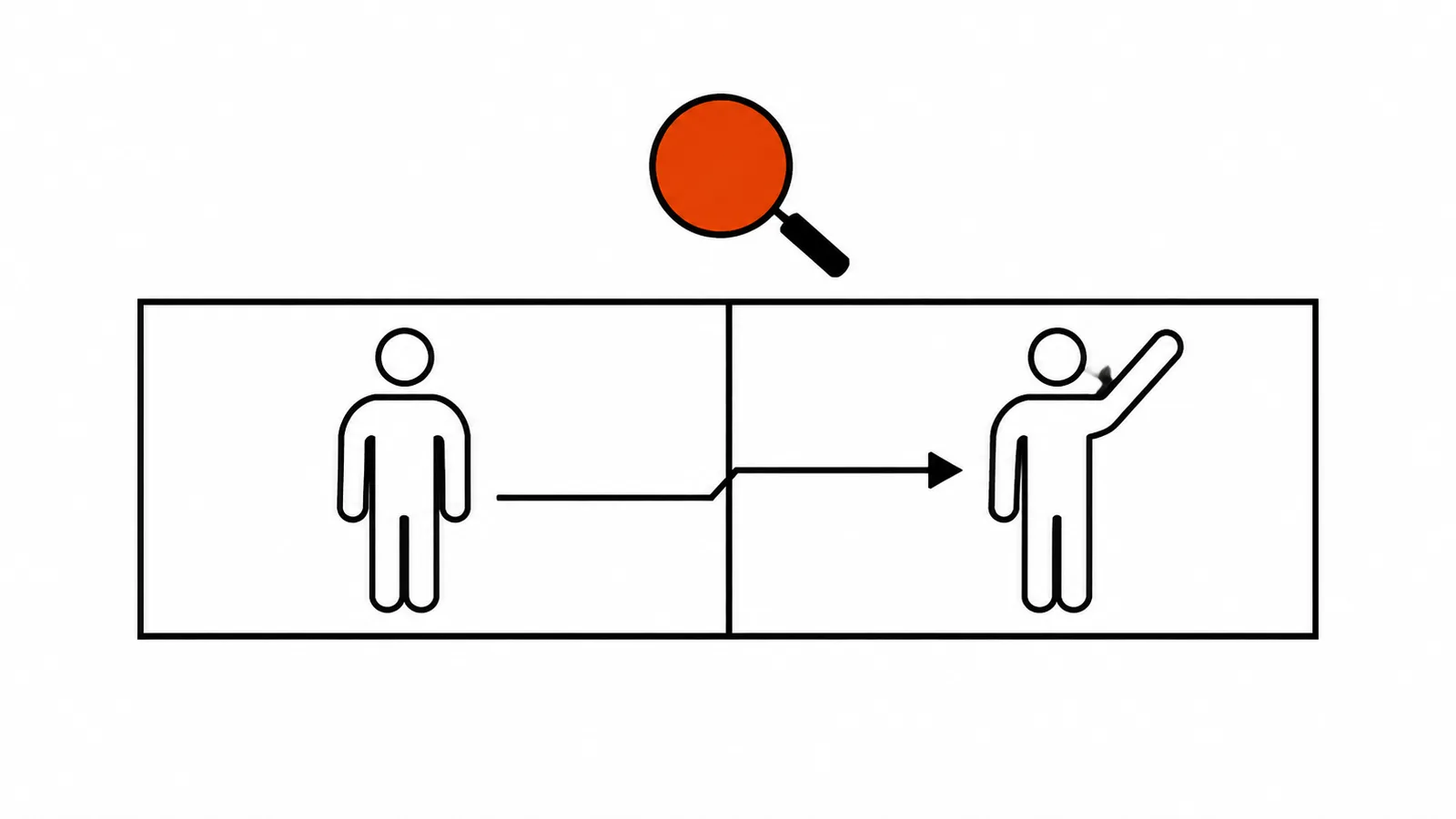
Several edits can run at once. Each one is compared with the original in Split or Compare view, and the finished video is exported.
Those two views solve the main problem of moment editing. The eye adapts to a new version within a couple of passes and stops registering the difference. A side-by-side against the original restores the reference point.
Review happens on two levels. First, the moment itself: did it do what was asked. Second, and more important, the seams between moments. A single frame rarely gives a defect away, while a seam does, because two independent generations meet there. Motion jolt, a light jump and a change in sharpness all show up at that boundary, and the marker edges are worth stepping through frame by frame.
The third level is easy to skip: sound. The announcement does not mention audio work, so lip sync after a moment edit gets checked on its own.
Where AI video editing stops
The method answers local notes and leaves structural ones alone. A scene that does not work as a whole will not be rescued by a moment edit: what improves is a moment inside a scene somebody already built. AI video production remains a separate job with its own logic, and editing does not replace it. For a broader look at what generative tools can and cannot do with finished material, there is a piece on AI video edits for brands.
The second limit sits in the cost of iteration. Every edit is a separate generation on top of finished material. Running several at once shortens the wait and does not change the rule: more edits, more seams.
The third limit is the source. An edit builds on what the footage already holds, and weak footage stays weak under any tool.
Why this changes the conversation about revisions
Fixing a finished AI clip used to end in a fork: regenerate the shot and rebuild the cut, or ship with the defect in frame. For one class of notes the fork disappears, and that moves the line between a draft and a final.
A comparison with neighbouring tools is useful. Editing video by scene in HeyGen Platform works differently: it operates on the structure of a video, its scenes and its avatars. Editing Room works on moments inside a single scene. The other Higgsfield product, cloud GPU rental from chat, solves hardware access and has nothing to do with the cut. Hybrid workflows, where part of the frame is filmed and part is generated, follow a similar logic: the material already exists and needs finishing.
Three things get tested before a run: how the seams behave on movement, how stable light stays between moments, and what happens to sound. Everything else in Editing Room does what the announcement says it does.