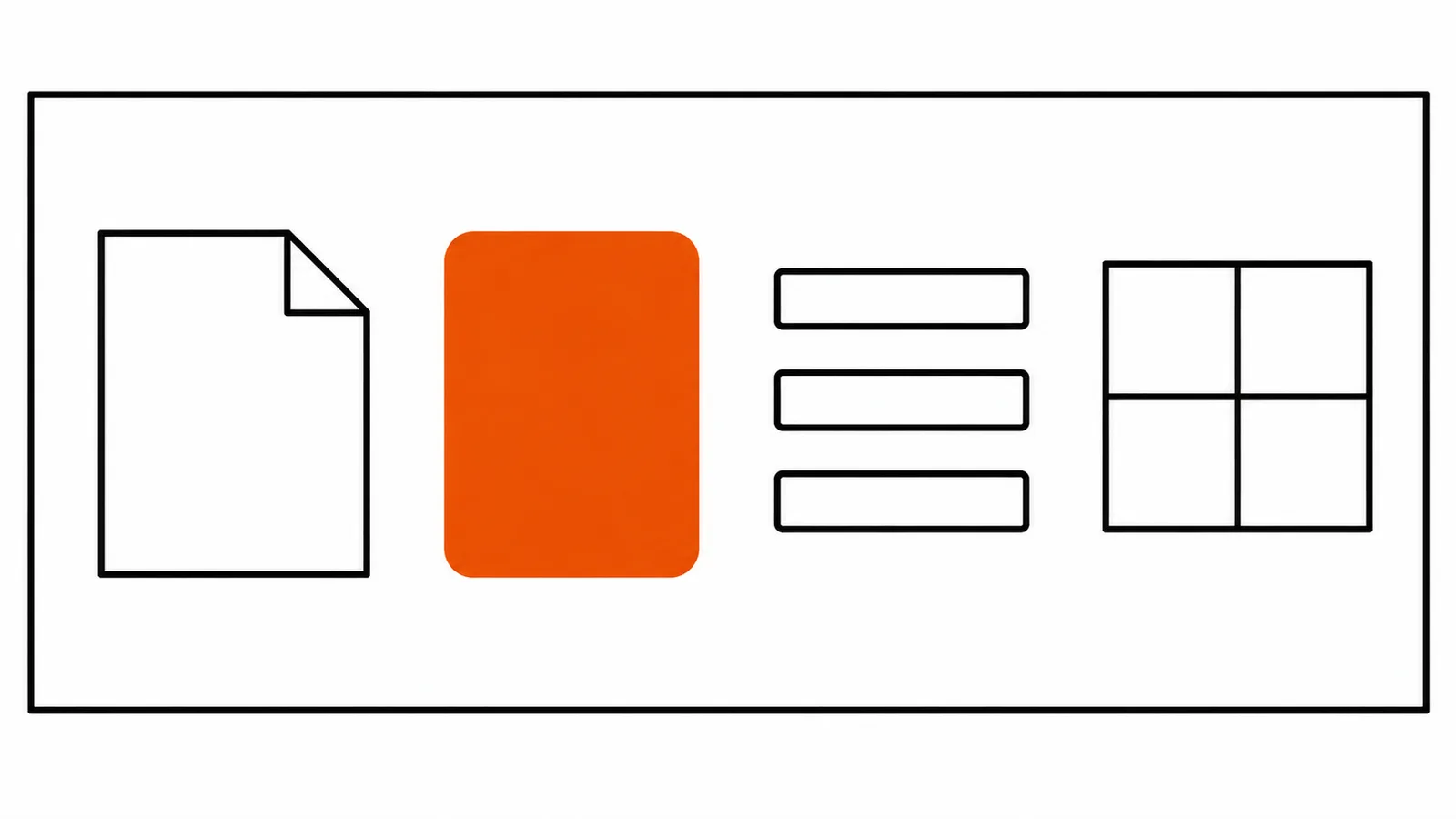
What Hero keeps in one project
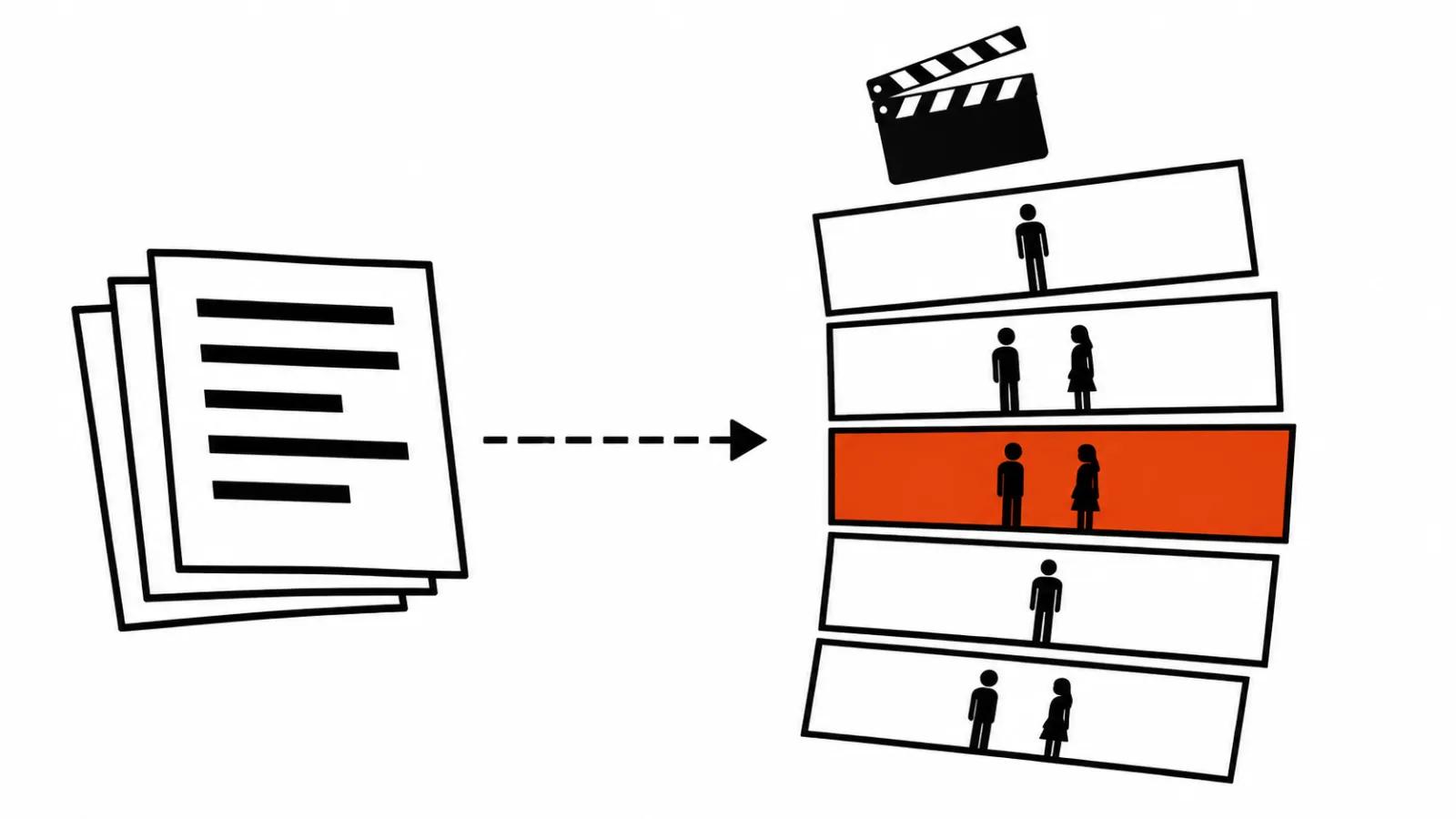
The positioning is simple. Hero is a single synced hub that carries a project from the client brief to the treatment, the script and the storyboard. One project holds the treatment, the script, the storyboard, the schedule and the call sheets.
The usual order looks different. The brief lives in email, the treatment in a slide deck, the script in a document, the storyboard in a drawing app, the schedule in a spreadsheet. Every handoff between them is a manual version check, and something gets lost at each one: a line from the previous script version, a frame dropped from the storyboard that stayed in the schedule.
Lemonlight has produced more than 50,000 branded videos, a company figure. That explains the bet on process: brand production burns a lot of hours on approvals and on moving versions between people.
An ad storyboard stops living on its own
In the workflow example both outlets cite, rewriting a scene updates the shot list and the schedule along with it. That is the real win, and it has nothing to do with generating images.
The reason is that a scene in the script and a scene in the storyboard are the same entity. While they sit in separate files, an edit in one leaves the other on the old version. The gap surfaces late: on set when props are already ordered, or in the edit when a shot in the storyboard turns out to be missing from the schedule.
One more detail from the description: the Hero agent can edit content on its own, whether the project is shot traditionally or generated with AI. The hub stays agnostic about production method. For a hybrid project, where some scenes are filmed and others are generated, that matters: the storyboard remains one document even when half the frames come out of a model.
Then there is the connection layer. Hero runs as an MCP server, so an assistant such as Claude can edit copy, make images and call sheets, and reply inside project comments. The practical side is clear: notes arrive from the chat where people already discuss them, and nobody has to retype them into a file. The side that stays unaddressed is approval. Nothing in the coverage says who signs off when both an agent and a person can edit the same scene. Worth settling before the project starts.
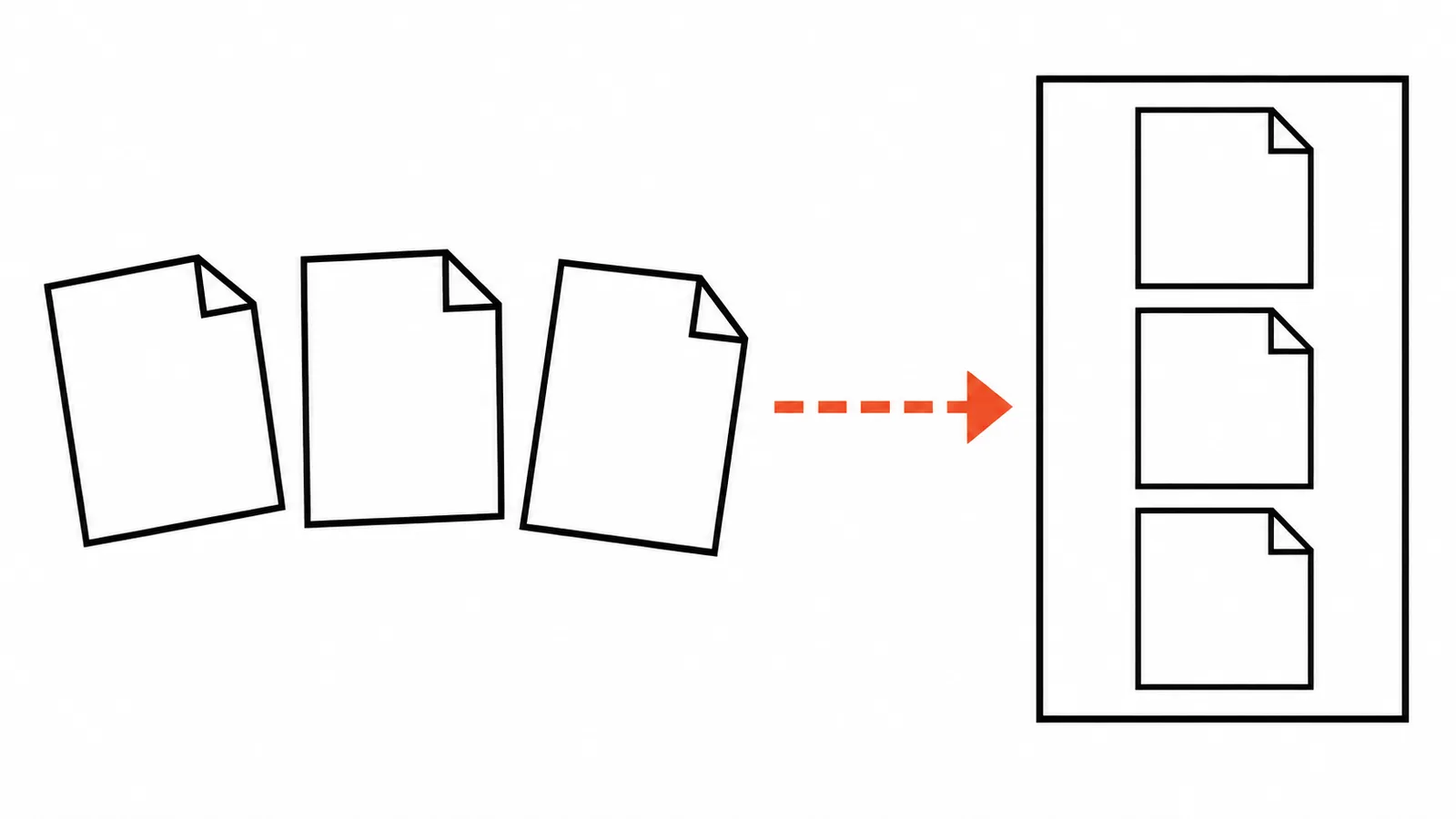
How to write the script for that kind of project
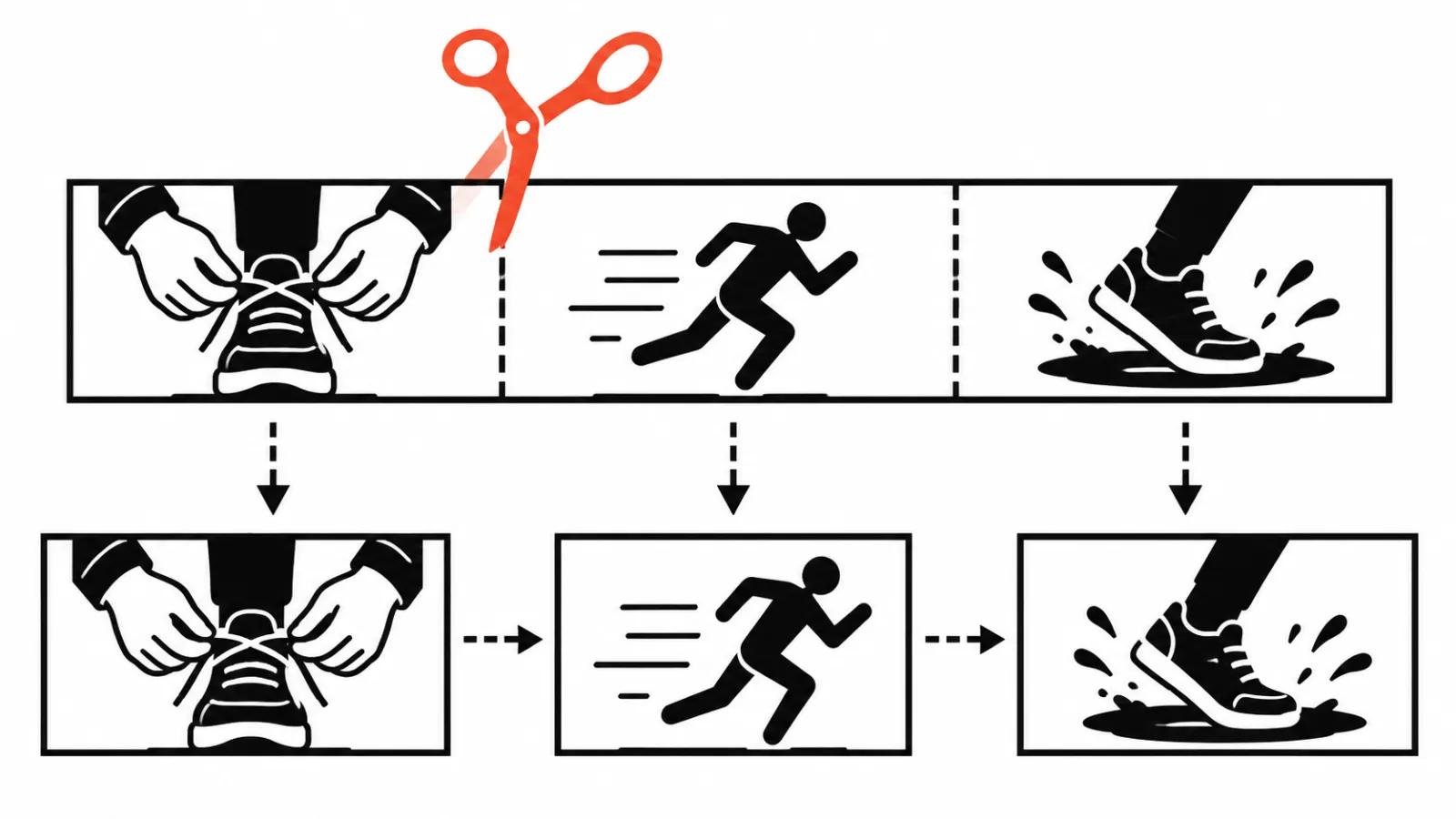
If a scene drags the shot list and the schedule behind it, write the script in scenes. One scene, one location, one action, one set of people. Then an edit stays local: rewrite the scene, the linked shots update, the neighbours are untouched.
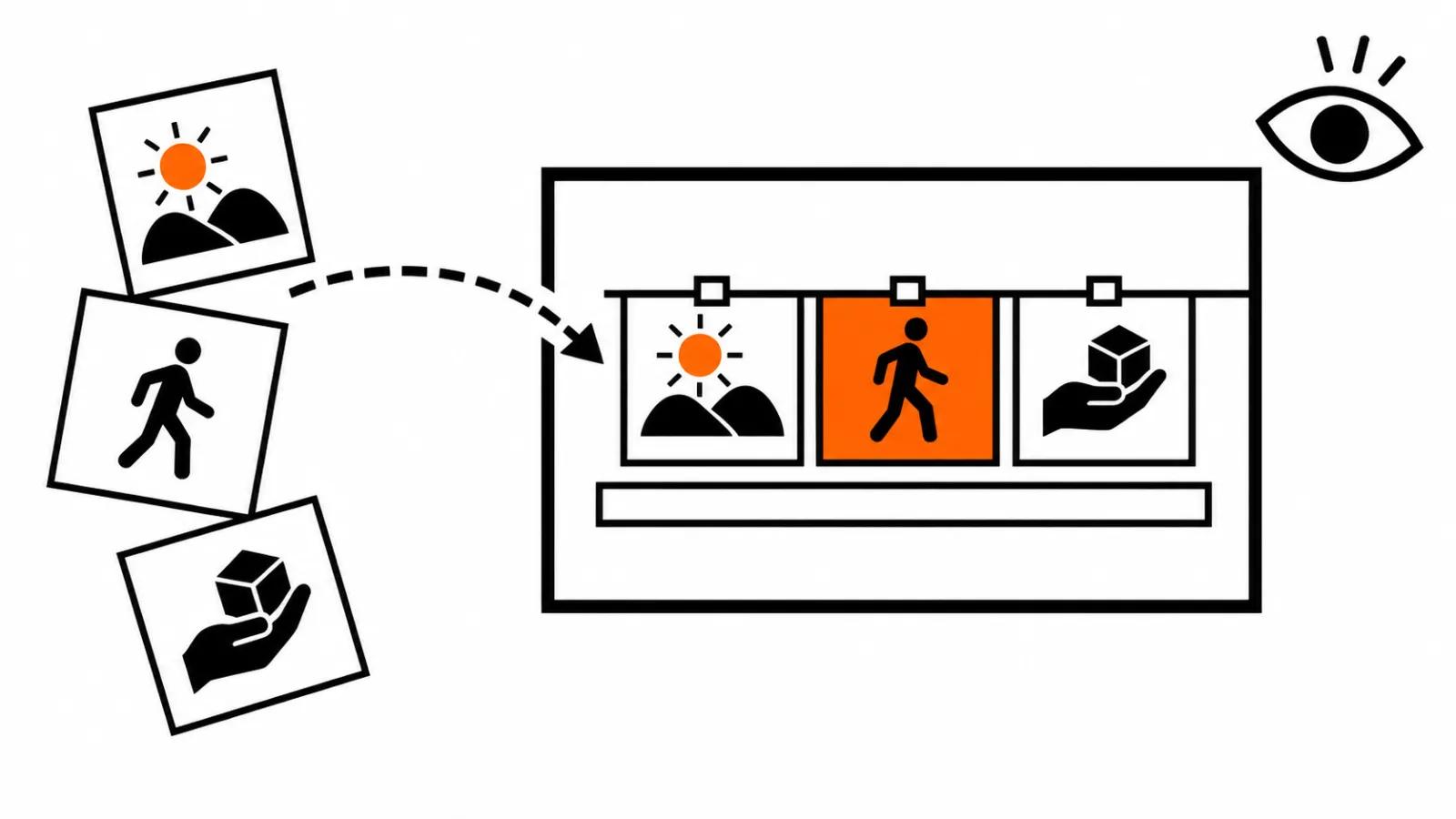
Second, something that follows from the company's claims. Lemonlight says a photo reference carries into every frame. If that holds, load the reference at the start of the project, together with the brief. Arriving at the storyboard stage is already late. A late reference means the early shots get rebuilt around a look that was approved halfway through.
Third, brief quality. The hub starts from the client brief and expands it into a treatment and a script. The more specific the brief is about product, audience, promise and production limits, the less rewriting the treatment needs. The guide on writing a promo video script covers the general logic, and a hub does not change it.
Where the vendor promise needs a test
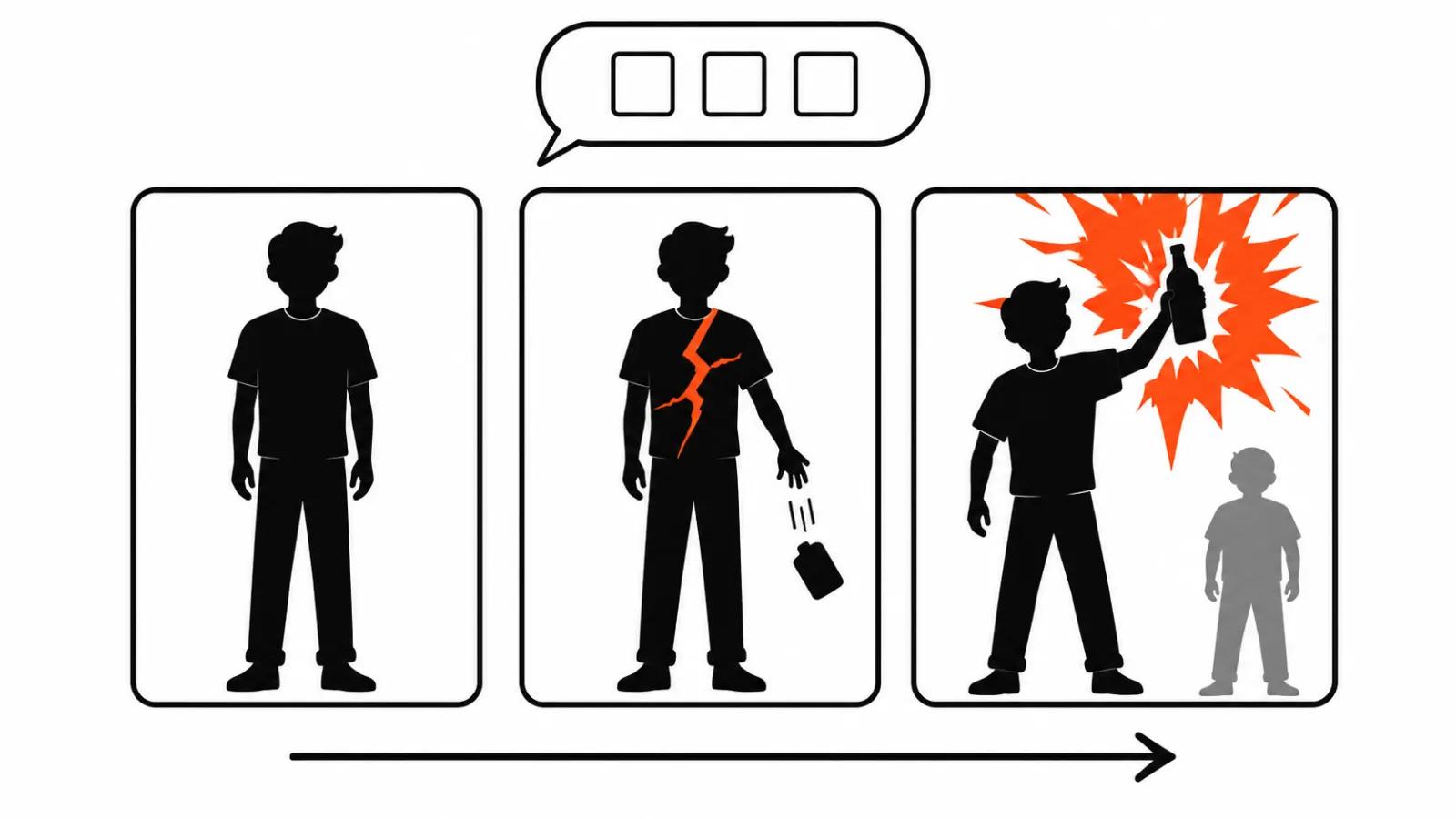
The strongest claim in the materials reads like this: references hold across shots, a photo reference carries into every frame, so the actor from shot one has the same face in shot twenty and logos do not drift. There is no independent check behind that, and both statements belong to Lemonlight.
Face consistency at shot twenty is the most expensive problem in AI video, and any promise of that kind deserves a test on your own product. The test is cheap: one person, one angle, different lighting, a close-up at the first and the last shot. Drift usually returns over distance, and a reference supplied once does not always hold.
Second point. The agent edits content in a filmed project and in a generated one. For a shoot that is convenience. For generation it is also the way to keep one set of copy across the script and the prompts, if the prompts are written from the storyboard. The HeyGen piece on editing video by scene works from the same logic.
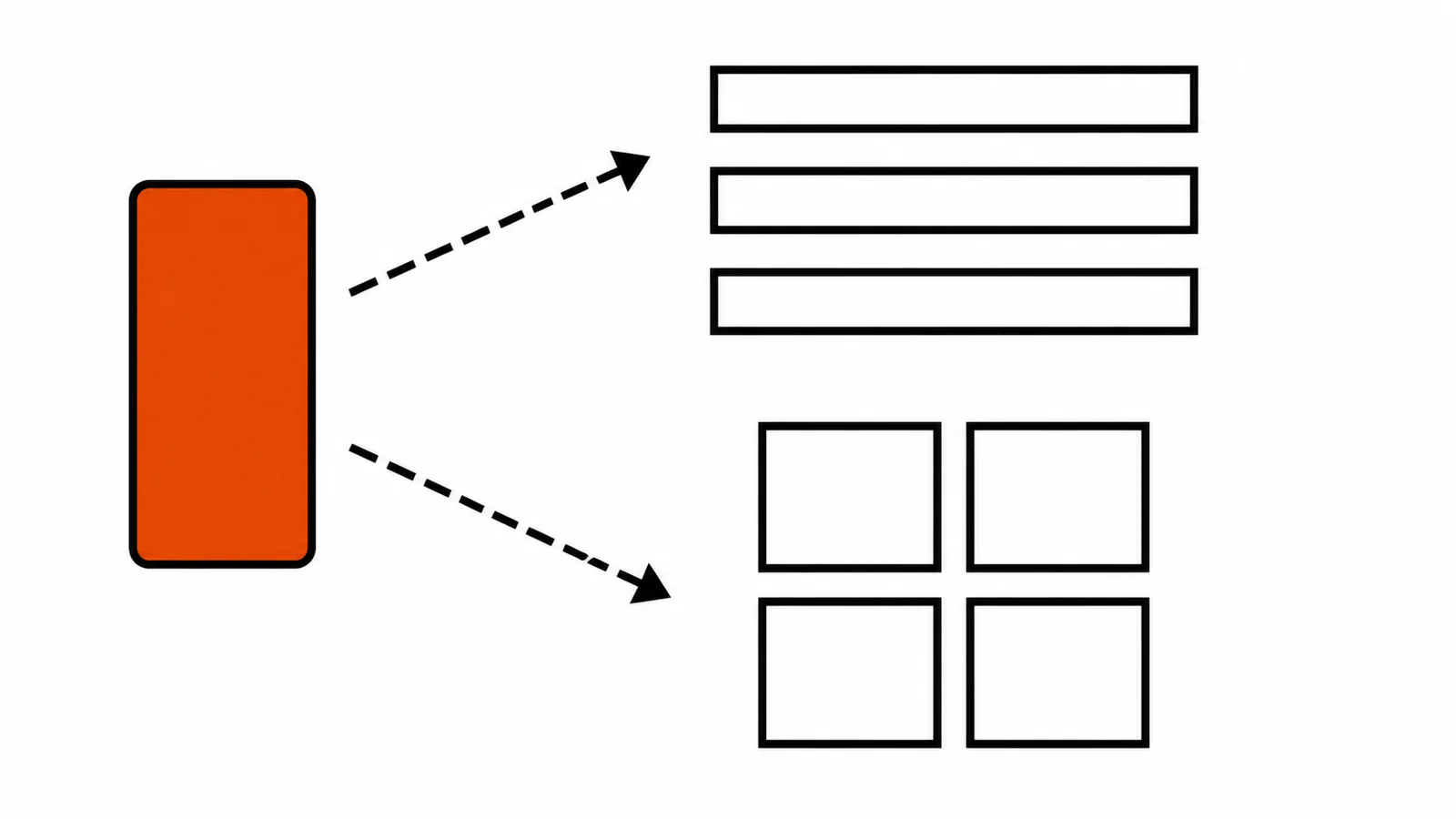
Who this fits
A multi-scene ad with a client and a round of approvals is the case where a hub saves time. The service maps onto it: a commercial take on the ad with storyboard and schedule attached is built as a project. A folder of files does not solve that job.
A single vertical shot at ten seconds does not need a hub. A storyboard and a prompt cover it. High-volume short clips work differently, in batches, where cost per second and turnaround matter more. Handcrafted videos start from $190, and high-volume vertical output runs up to $2.40 per 1000 views. Those are different tools for different jobs.
The storyboard inside Meta's creator assistant solves a similar problem from inside a chat, and comparing the two approaches is useful. A project built around one generation per whole scene is a different conversation, and that one is covered in the piece on shooting a scene in one pass.
What Hero actually changes sounds dull and costs real money: the script version, the storyboard version and the schedule version stop being three separate versions. For now that is a vendor claim, and you will have to test it on a live project. The direction is right, though. The bottleneck in advertising moved out of the shoot and into approvals long ago.