What Maxon actually sells
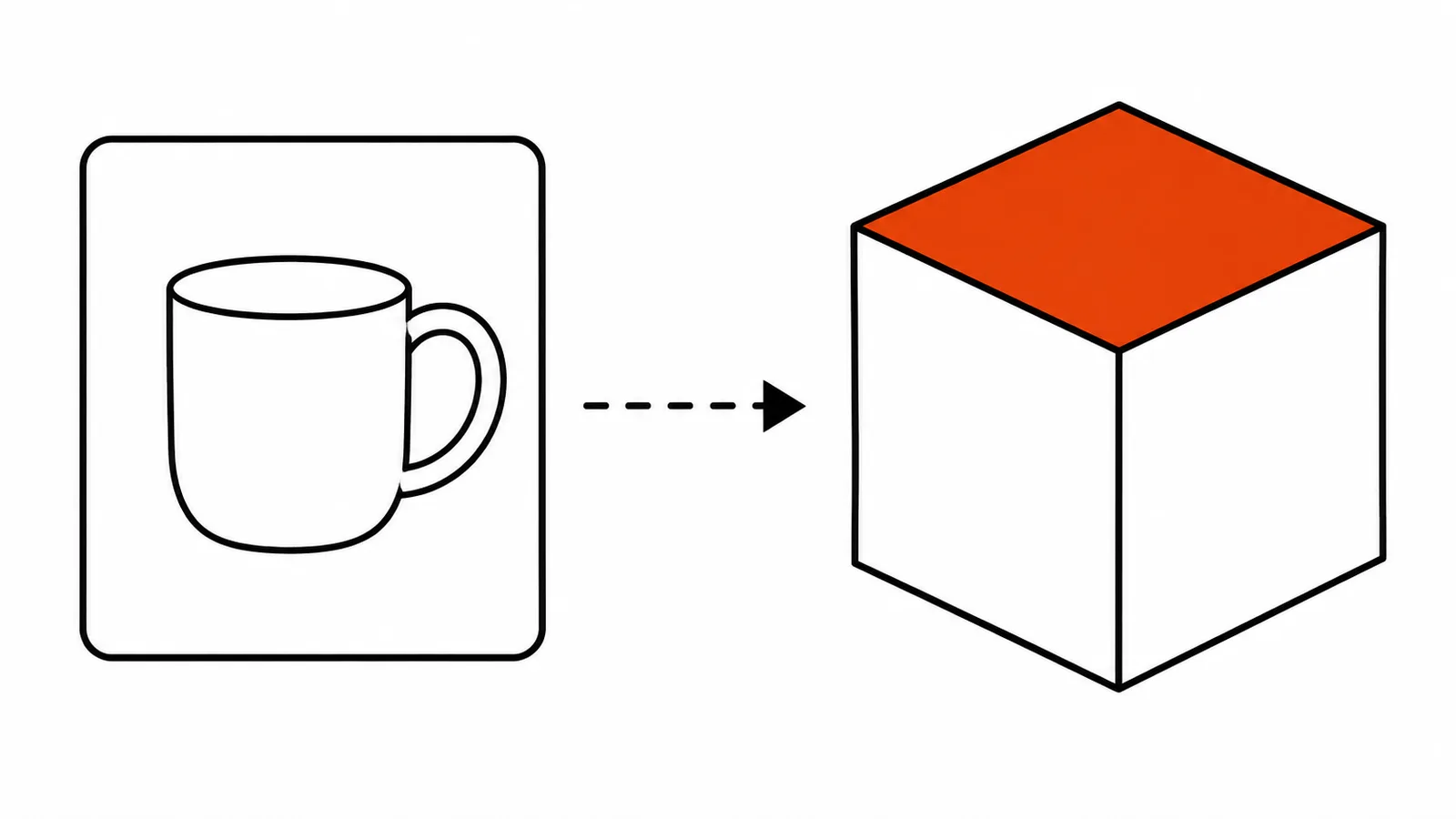
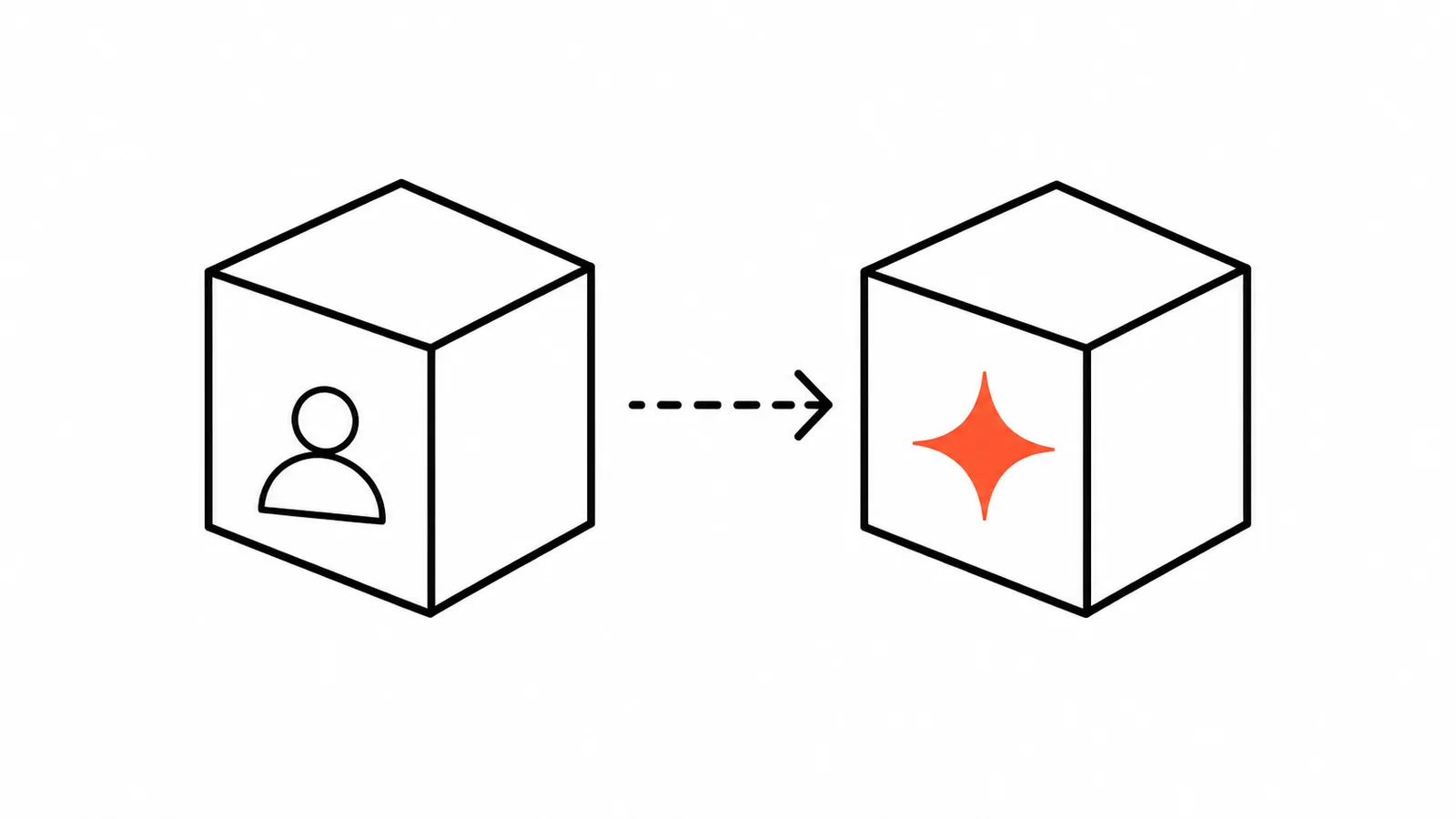
The Agentic License is a separate monthly subscription, arriving in November 2026. It is not part of Maxon One or Maxon Plus, and there is no trial or educational version. What you pay for is a headless copy of Cinema 4D or Autograph that an agent drives over MCP. Headless means no interface: the application runs as a background process and takes commands with no windows and no buttons.
That copy can live on your own machine or run remotely. The main license stays free meanwhile, so a person keeps working in their own session. The count is strict: one license buys one headless copy of one application at a time. Two agents running in parallel need two licenses.
You will not find a second installer. Headless apps ship inside the normal Cinema 4D and Autograph installers, and the set of supported tasks differs between the two applications.
How this differs from the MCP server that already exists
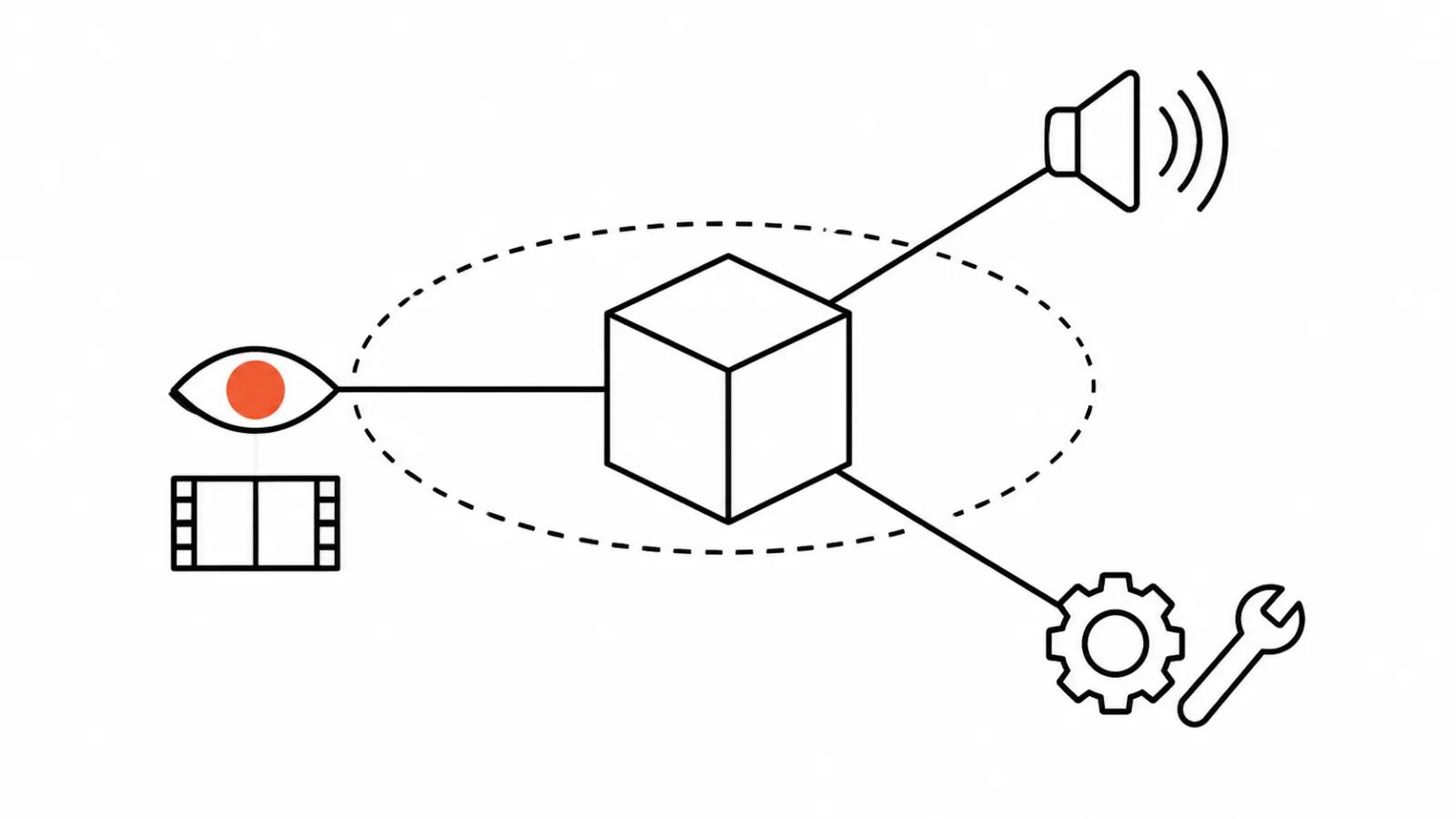
MCP (Model Context Protocol) is an open standard that lets an AI assistant connect to an application and use its tools. Maxon already ships an MCP server in both Cinema 4D and Autograph: the assistant works inside the session you have open, and you watch every change land on screen. The editing side of the same idea came up in the piece on MCP in Premiere and After Effects.
The difference is where the agent lives. With the built-in MCP server, a person and an assistant share one application on one computer. The Agentic License moves the agent onto a separate headless copy, and the working scene is left untouched. For client work that is the whole point: while the agent renders packaging variants, the artist keeps building the shot in the same scene.
The list of tested clients is short. Maxon has checked Claude Code from Anthropic in the desktop app, plus ChatGPT and Codex from OpenAI in the desktop apps and in the CLI. Other MCP clients can connect, but they are not on the tested list, and that is the first place where surprises show up in practice. A related case, where an assistant was hooked up to rented hardware over the same protocol, came up in the story on MCP access to a Higgsfield GPU.
What the agent is allowed to do
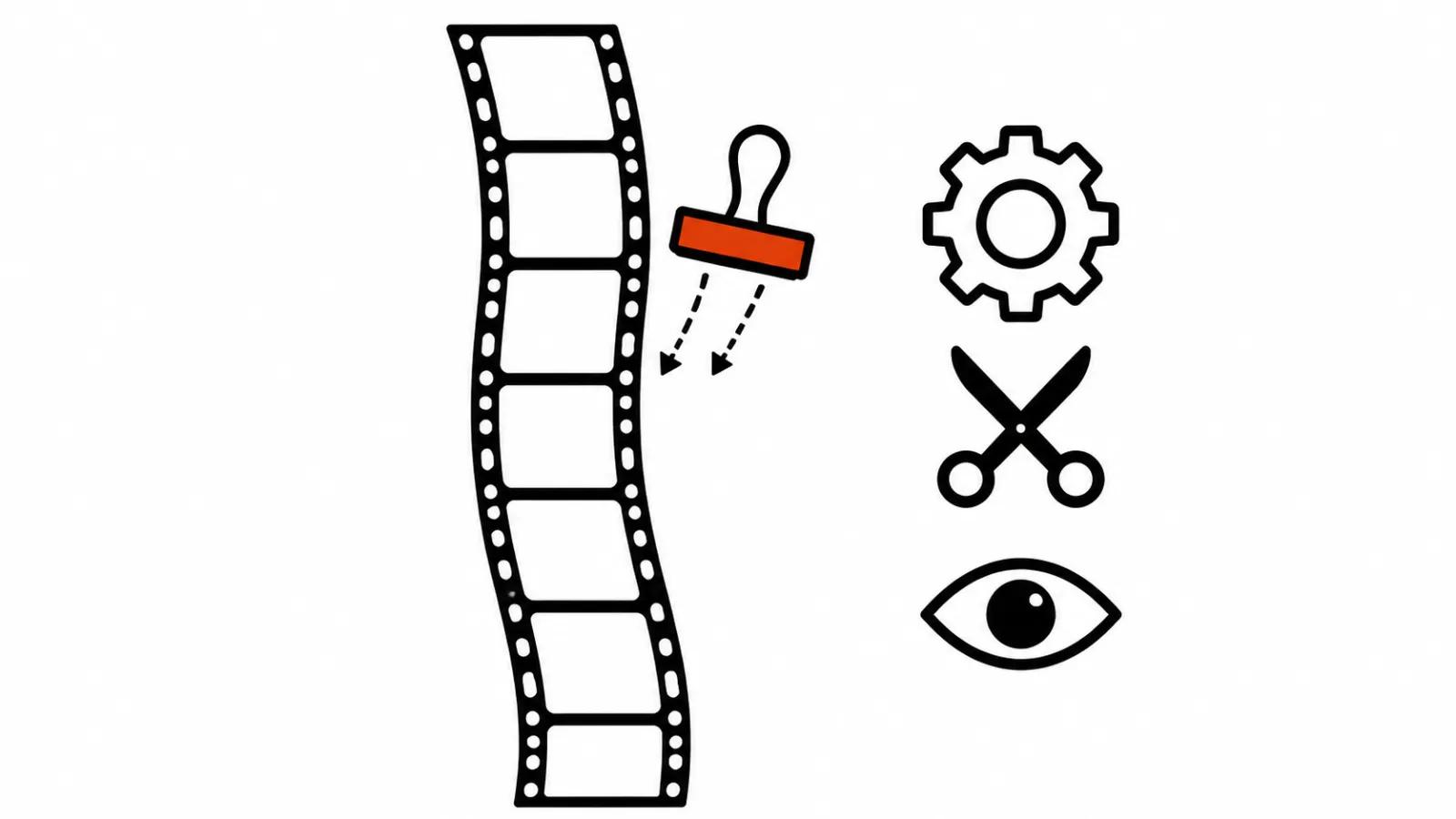
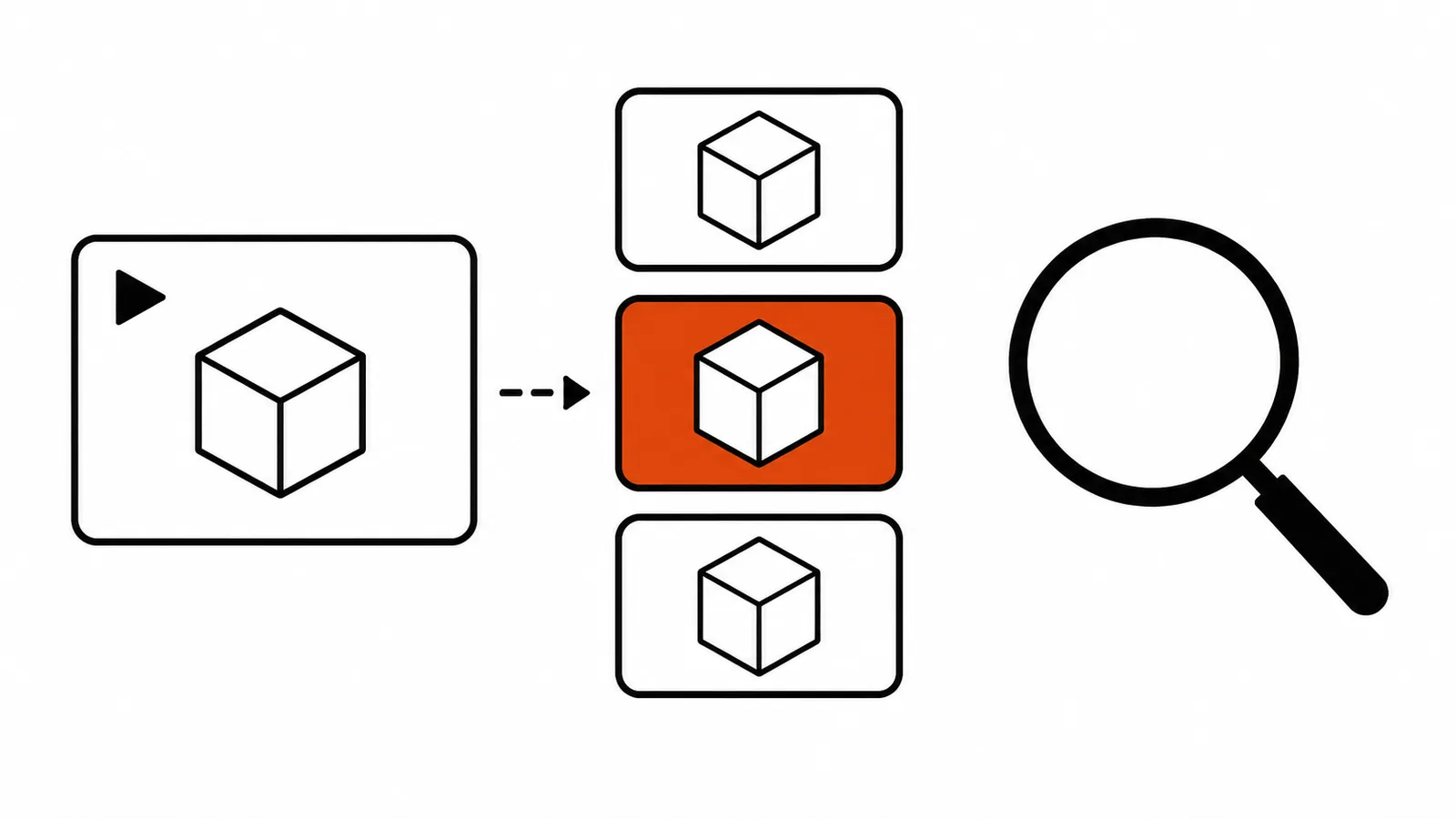
The task list in the announcement is short, and it is the most useful part of it. Controlled variants: an approved scene gets new colors, materials, on-screen text or product options, and the output is a set of previews checked against the approved reference. Then come template-driven requests, repeated scene preparation and technical checks.
That is junior assistant work: recolor one object into five options, place the camera in the same three positions, confirm that materials are wired correctly. This is where hours disappear, and it is exactly what Maxon is willing to hand over. For a studio that takes 3D animation work, the saving lands on the repetitive prep, while a person still signs off on the result.
Maxon names the audience directly: studios and small teams, technical artists and pipeline developers building task handoffs, and creators who want professional tools behind their agent. A studio that already has a pipeline covered in scripts has less to gain, because those repetitive jobs are already automated there. Paying for a second desk only makes sense when the desk is the bottleneck.
What stays with a person
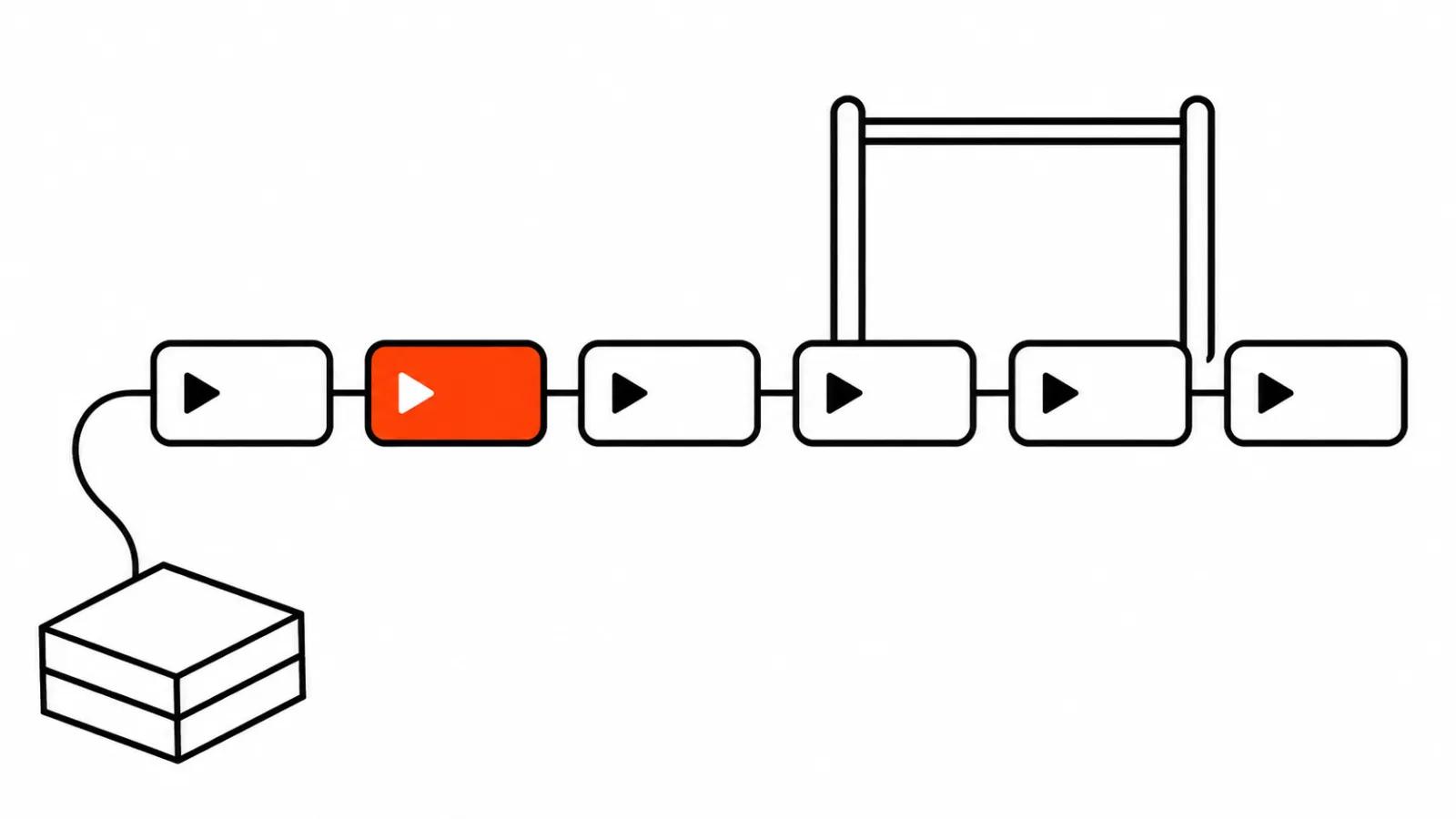
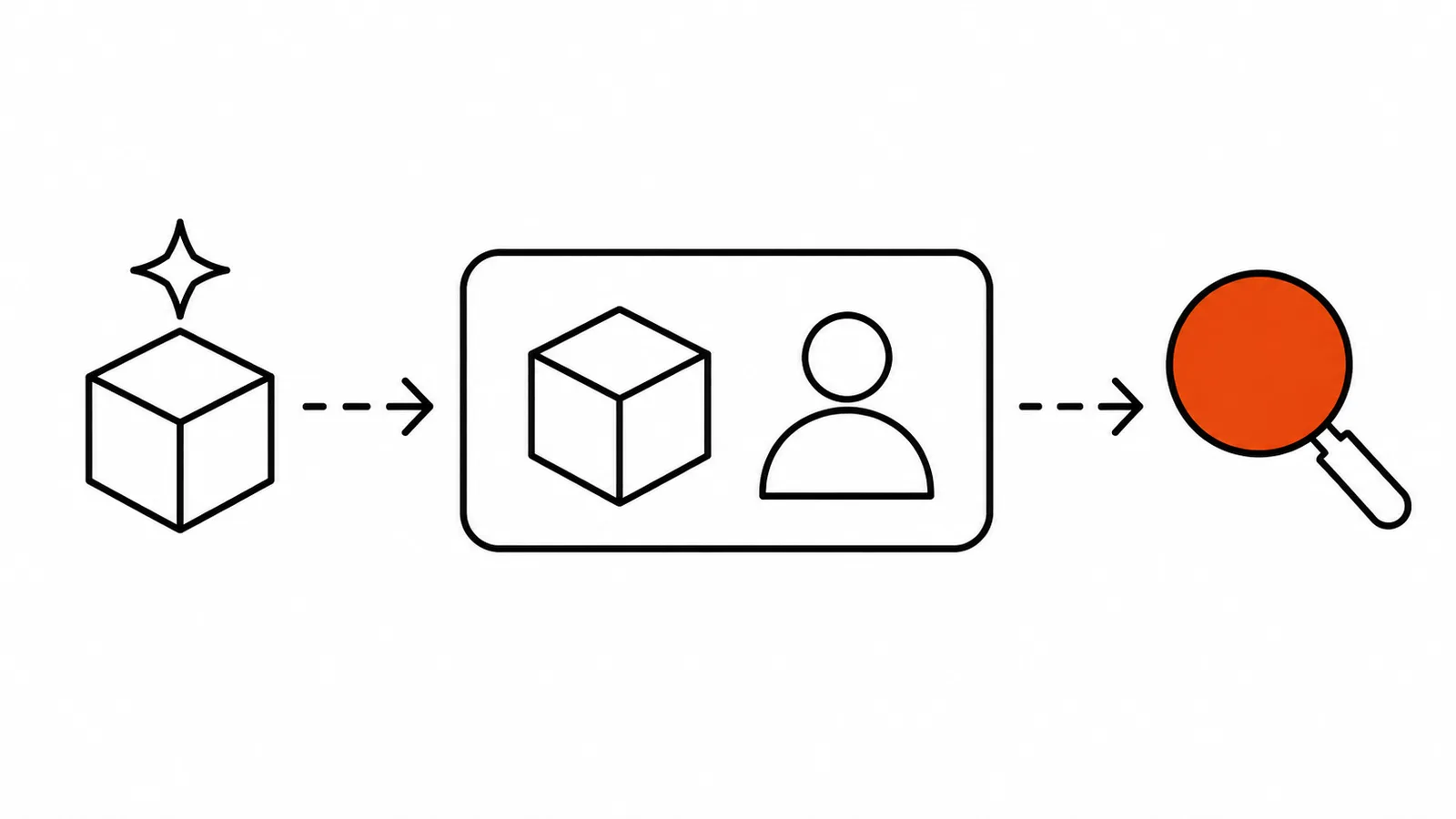
The workflow is spelled out. A prompt goes into a supported AI tool, the agent drives the headless app over MCP, the finished project is opened in the main copy, checked, and the agent is told what to fix. Maxon states plainly that nothing is final until a person reviews it, and that agent output may need rework.
The second license is required as well. You can buy the Agentic License on its own, without Cinema 4D or Maxon One, but opening and refining the agent's project yourself needs a regular Cinema 4D license, Maxon One included. There is no saving on the artist's seat here.
The logic matches any commissioned scene. The agent can produce a batch of packaging variants in different colors, and the decision about which one goes in frame stays with whoever owns the spot.
Three things to check before buying
First, price. Maxon does not publish the monthly figure on the product page, so a budget cannot be built in advance. There is no announced number to compare against other subscriptions either.
Second, data. A connected AI tool can read the entire project and send it to its provider, and many providers, especially on free plans, train on that data by default. The Maxon license forbids using Maxon assets such as Inspiration Projects to train AI, so Maxon advises checking that your provider does not train on your data. Client projects often carry contract terms, and that check is worth doing before the first job, not after.
Third, the token bill. The Maxon subscription and the provider bill are two separate lines, and the second one depends on how many variants the agent generated that day. Studios budget it in that order: estimated prompt spend first, subscription second.
The practical call is straightforward. If someone on the team recolors the same product every day and places cameras from a template, the subscription earns its keep on that routine alone. If 3D comes up once a month for a single spot, the license sits idle most of the time, and commissioned handcrafted AI videos from $190 cover the need without a seat license.
There is also the hybrid route. Most AI video production leans on generation for the bulk of the shots and reserves 3D for frames where a product has to turn along exact geometry. The Agentic License aims at precisely that narrow slice, and it will not hand you a finished commercial.