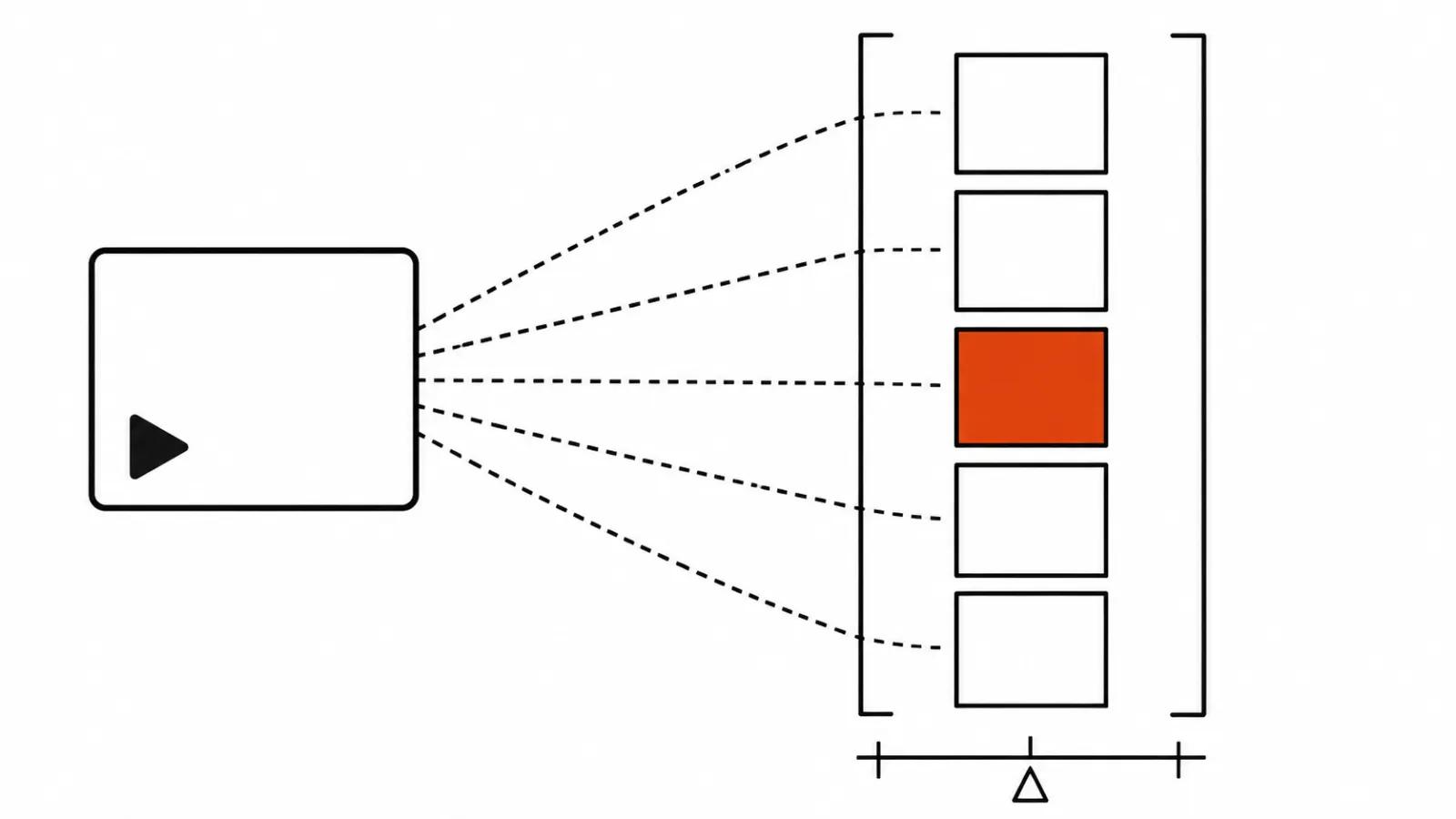
What OpenDesign published on 17 November
OpenDesign released OpenMotion under Apache-2.0, tag v0.1.0, on 17 November. Everything below comes from the nexu-io/openmotion repository and the OpenDesign post.
The repository sits at roughly 10.7 thousand stars. A counterfeit copy has already appeared, so install it from the official repository only. Mirrors and random download pages are a bad idea.
The README lists 22 local agents, among them Claude Code, Codex, OpenCode, Hermes, Gemini CLI and Cursor Agent. There is a ChatGPT plugin, an MCP server and a library that calls image, video, music and voice providers. Seedance 2.5, Suno and Eleven v4 are named in the README.
A motion video from a reference, built by an agent
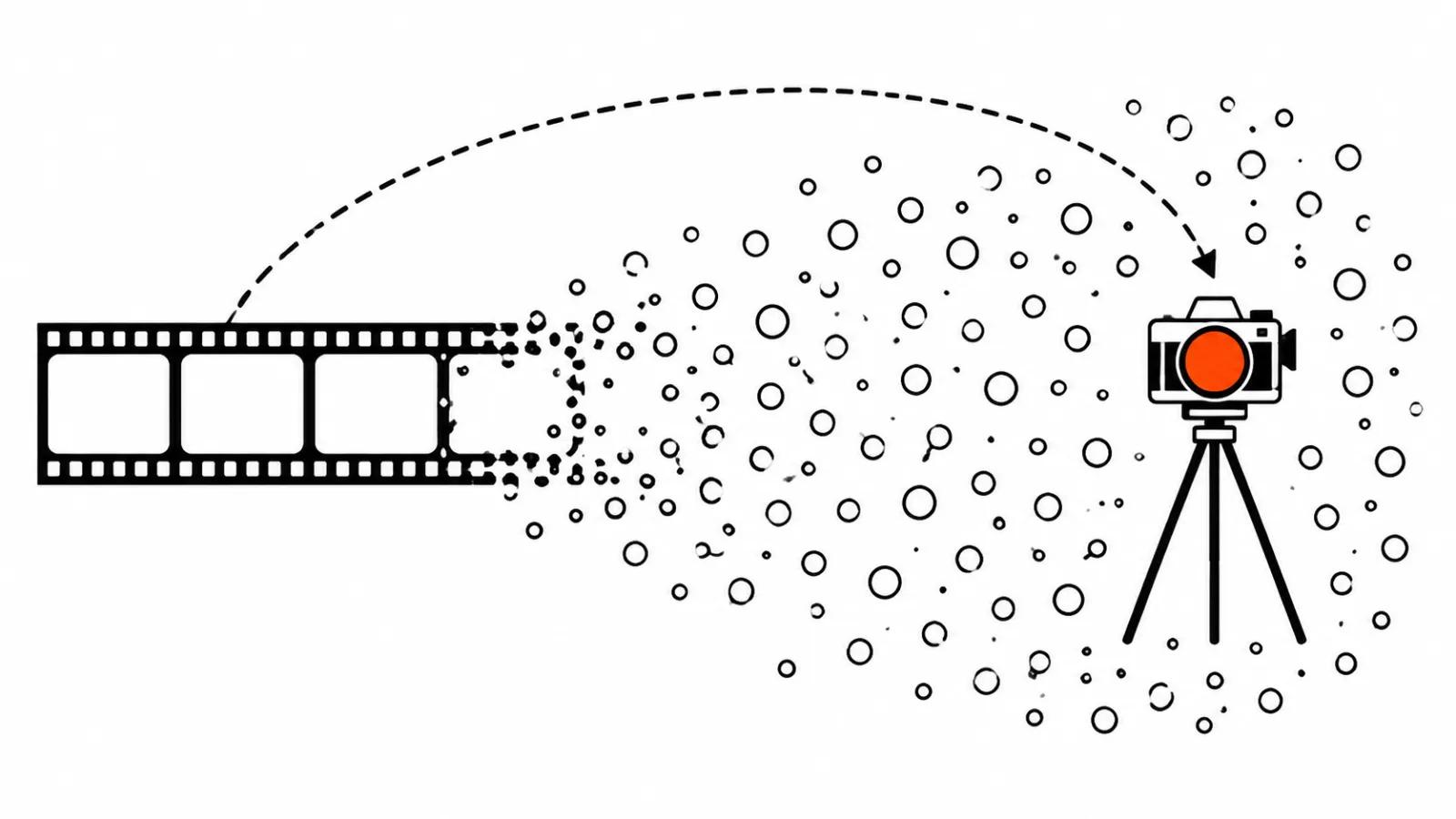
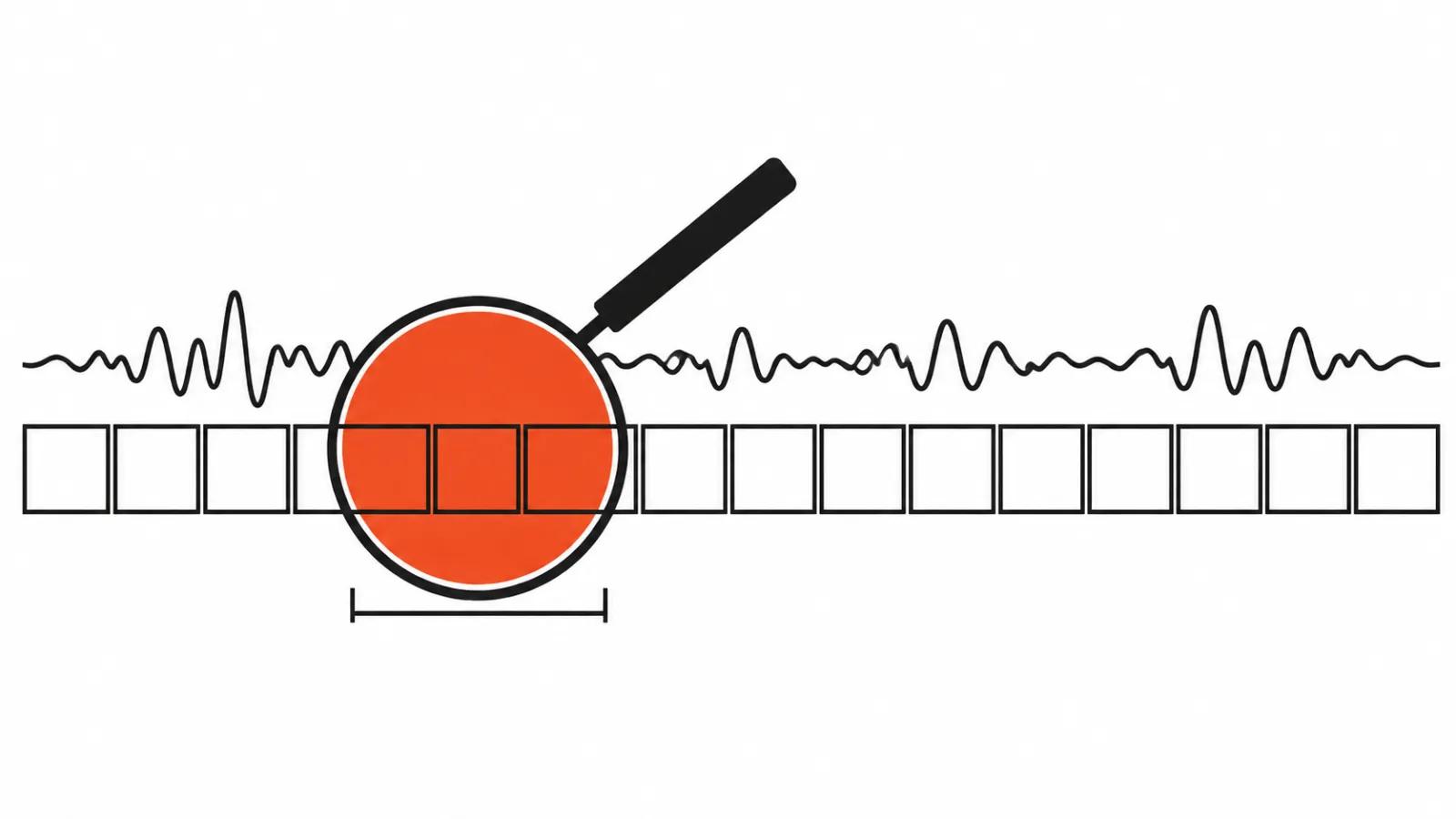
The flow is short. Hand your agent a reference clip or a link to a social post. The agent splits it into shots, rebuilds the shots and transitions as editable HTML, generates whatever material is missing, and drops in your product and your copy.
The word that matters is HTML. What you get is not a video file you can never touch again. It is a project made of code: shots, layers, timing, styles. Export covers MP4, HTML, CSS and JavaScript, and the assets stay with you. For a client that means the edit can be redone next month without calling the same contractor and rebuilding from nothing.
A reference usually lives in someone's head and in a folder of screenshots, while the brief says "something like this". OpenMotion turns the reference into a structure you can argue with: this shot, this length, this transition.
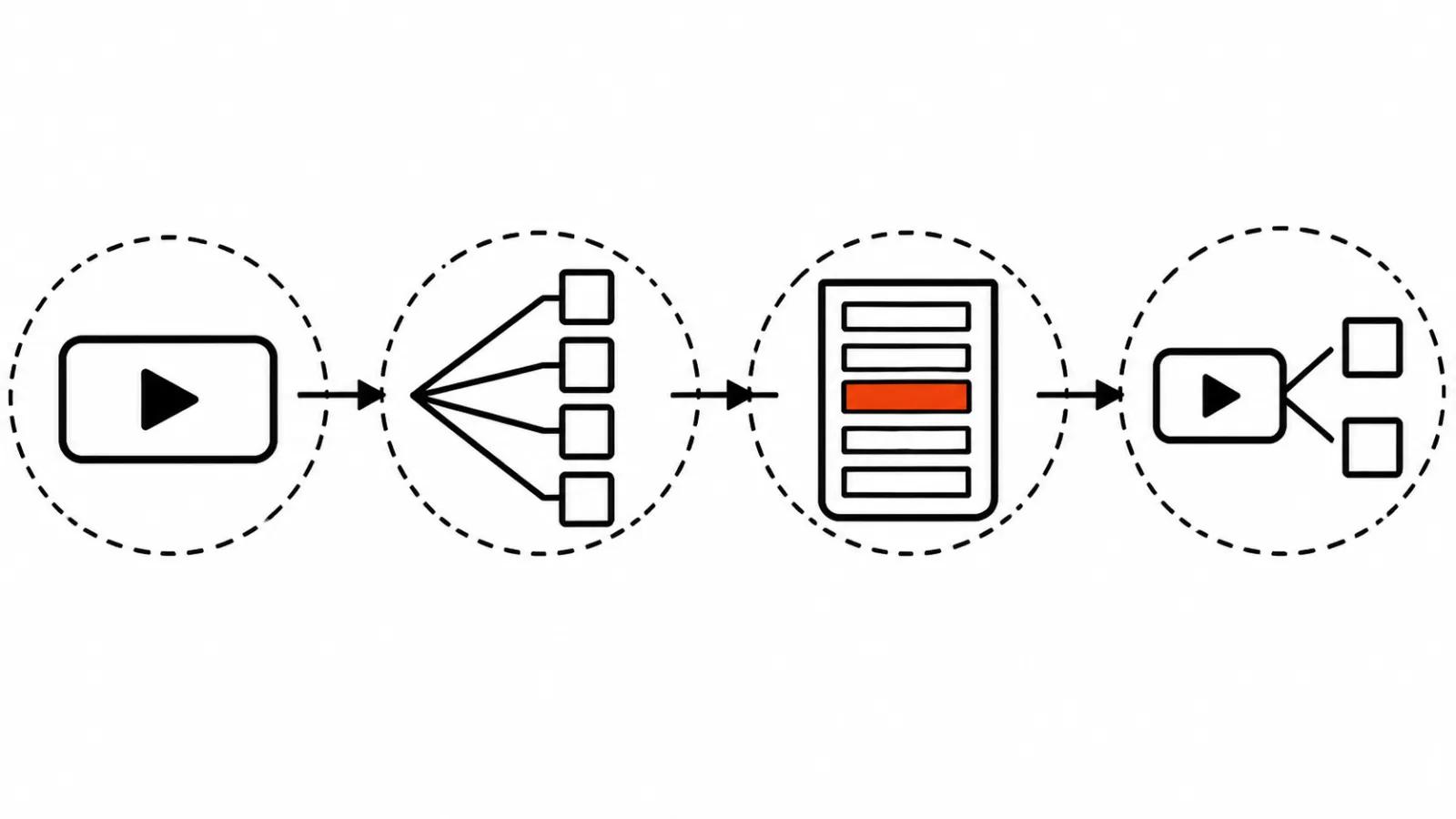
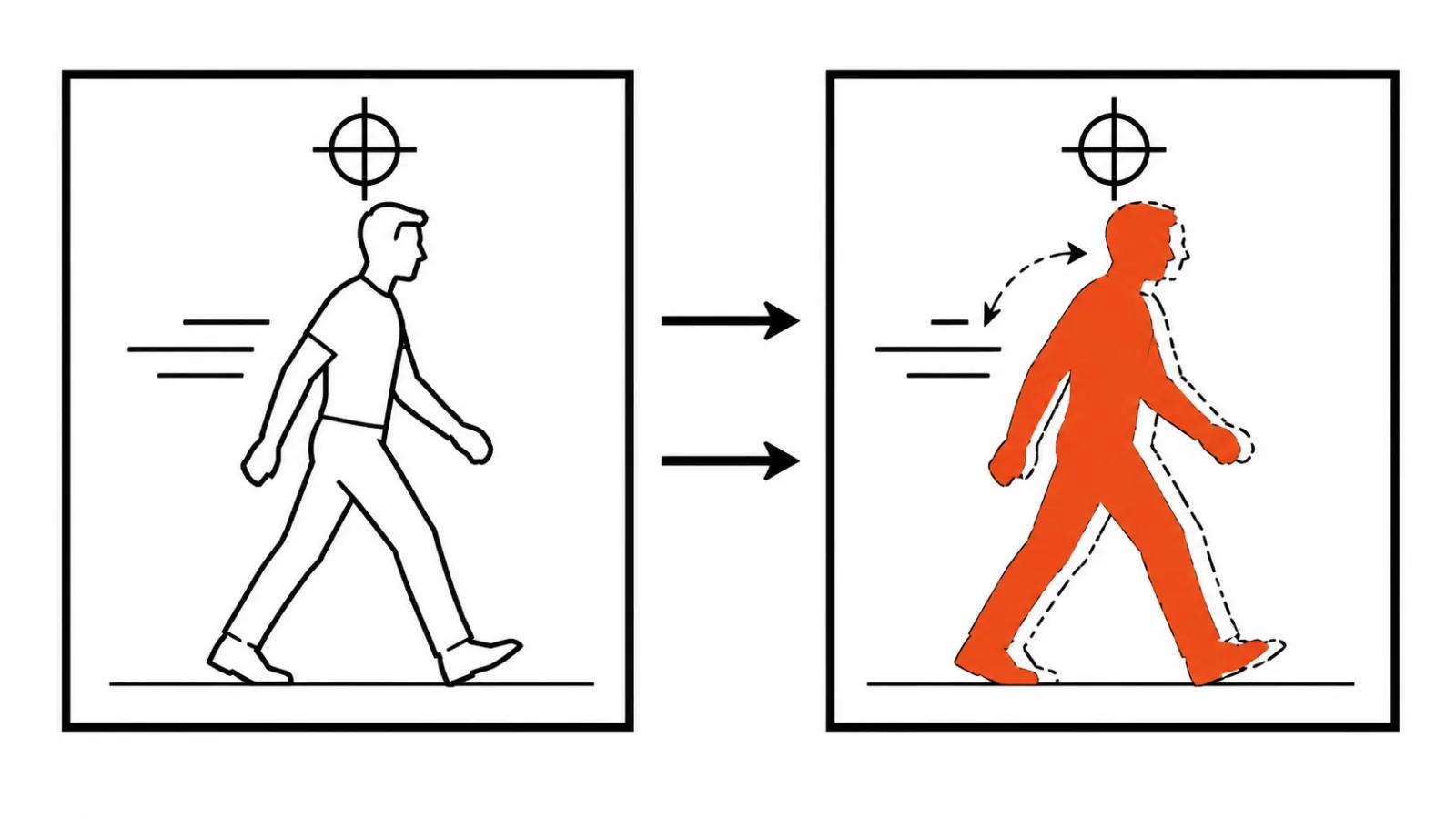
Rebuilding animation from a reference on the Studio timeline
The second piece is Studio. A timeline where you drag clips, layers and timing around. The detail worth noticing: agent edits and manual edits live in the same project.
Here is the pain it addresses. An agent produces a result, a human fixes it in an editor, then asks the agent for one more change, and the agent returns a fresh version on top. Two branches now exist, and someone has to merge them by hand. When both sides sit in one file and one timeline, the extra pass no longer erases the manual work.
How smoothly that holds on a long project is not visible from a release. The Studio timeline is the part you have to try on your own shots.
MOTION.md: DESIGN.md, but for movement
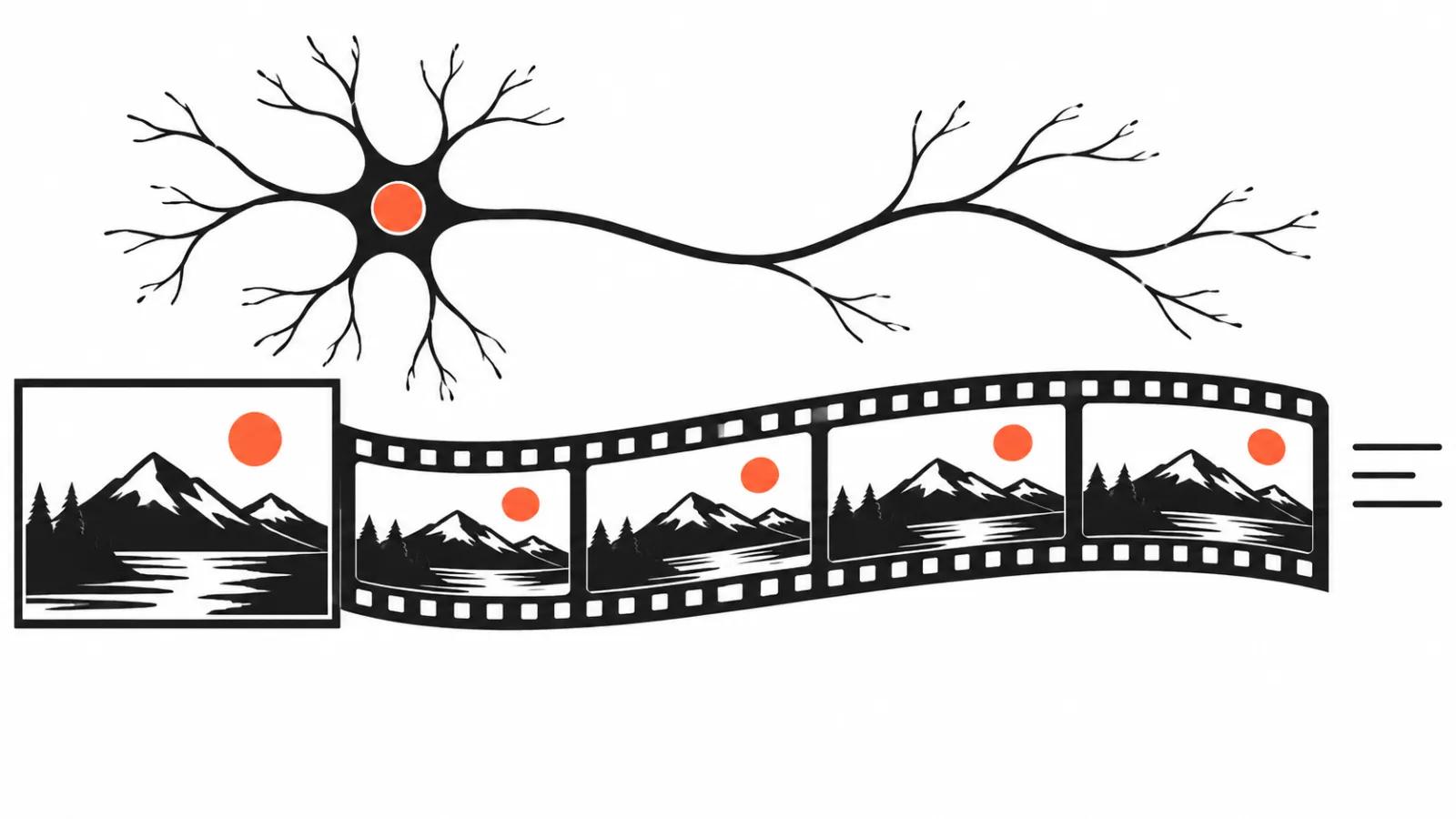
MOTION.md is a Markdown file describing movement: shot order, timing, camera moves, when text appears, how cuts land, where the sound hits. The authors call it "DESIGN.md, but for movement".
By their count, more than 300 such descriptions exist, taken from presentation films made by over 100 companies. A Brand Kit is pulled from a website address: colours, fonts, assets.
The point is that movement becomes text. "Camera pushes in slowly, text slides from the right at three seconds, cut on the beat" is an instruction an agent can read and repeat. The same file doubles as a brief for a human when the project goes to manual assembly.
What costs money, and what the claims mean
The project itself is free and open. It runs inside your agent with your keys, and there is no subscription to OpenMotion.
What costs money is provider calls: images, video, music, voice. Seedance 2.5, Suno and Eleven v4 are the names in the README, and those requests bill at the providers' rates. Spending depends on how much material the agent has to invent to fit your product and copy. The closer the reference is to footage you already own, the smaller the bill.
There is also an import for an existing HyperFrames project from a ZIP. If you already assemble films with code, you can start from your own folder.
Worth being careful with the promises. A rebuild accuracy of "over 95%", a build time of 14 days and 470 thousand lines of code are the authors' claims, and ReelStack did not verify them.
Ninety-five percent of what is unclear from the release. Most likely it measures shot order and timing on their test set. What matters in practice is camera movement and text landing on your material, and that only shows up in your own run.
Rights: someone else's clip as study material
This is the most practical part of the release. Rebuilding someone else's clip is fine as study: take the structure apart, feel the rhythm, practise the transitions. Publishing the result is allowed only with your own brand, your own footage and your own music.
The line runs through footage and sound. A movement pattern, timing and shot order are technique. A specific frame, a track and a logo belong to someone. If the agent lifted identical shots out of the reference and carried them into the final cut, that is no longer study.
The rest of the project helps here: a Brand Kit from your site address, your product, your copy. The reference then sets the movement while the content stays yours.
Who needs this, and where it falls short
It helps people making motion graphics, explainer videos and presentations. A reference often matters more than your own imagination there: a client brings a competitor's film and asks for that rhythm. Cutting it into shots saves the dullest day of the job.
It does not help where the frame needs a real person and an actual shoot. No model here renders the whole clip: the project is assembled from code and generated filler, and that shows on a close-up of a face. A shoot is not replaced by this.
For volume work the value sits elsewhere: when references pile up and each one has to be mapped fast. AI video ads get produced as series, and a parsed reference saves time on every version.
For a different open approach, where the film is coded without parsing a reference, read the video coding piece: that one is about cheaper rebuilds, this one is about reading someone else's movement.
Bottom line
OpenMotion is interesting for the format. The 95 percent and the 470 thousand lines are not the story. A reference stops being a picture in a deck and becomes a code project that lives on a timeline and outlasts one film.
If I pick it up, the order is one reference, one run, then three checks. Did the shot order match. Did the camera timing hold. Did any foreign frames land in the project. The first two tell you whether the tool works, the third tells you whether the output can be published.
One more thing. A popular repository with a fake copy floating around is normal. Install from the official source, check the stars and the tag date, skip the mirror. Your own test decides the rest.
For this kind of work there are services: AI video production. Related reading: reference images in prompts.